
Vase Generator
Ready to download — one closed solid.
Vase mode tips
Switch on spiral vase
Bambu Studio / PrusaSlicer: Spiral vase. Cura: Spiralize outer contour. Keep 3–5 bottom layers.
Bambu Lab Wiki ↗Wider line, stiffer wall
A 0.6–0.8 mm line width from a 0.4 mm nozzle gives a far stronger single wall.
Prusa KB — perimeters ↗
Presets
Control points (radius)
Changing a point switches the profile to Custom.
Runs in your browser — your files are never uploaded.
- Nothing uploaded
- Made for spiral vase mode
- Twist · ribs · polygons
- STL + 3MF
From profile to printable vase in seconds
Real defaults and limits of the vase generator.
- 4control points shape the profile, from the foot to the lip
- ±360°of twist, plus up to 48 ribs and 12-sided polygon sections
- 1 wallin spiral vase mode — a 160 mm vase often prints in 2–3 hours
How to make a vase for spiral vase mode
Design, export, then let the slicer spiral it.
Pick a profile
Classic, cylinder, tapered, bottle, bowl or hourglass — then drag the four control points to change the belly, waist and lip.
Add texture
Twist the vase, add rounded ribs, horizontal ripples or a polygon cross-section. Watch the overhang readout while you go.
Export and spiralise
Download the solid STL or 3MF and switch on Spiral vase (Bambu Studio, PrusaSlicer) or Spiralize outer contour (Cura).
How the profile, twist and ribs build a vase
Every vase here is one closed surface defined by a handful of numbers.
Four control points
Radii at the foot, lower third, upper third and lip. A smooth curve runs through all four.
Twist turns the texture
Ribs and polygon corners rotate with height — 90° gives a gentle spiral, 360° a full turn.
Ribs and ripples
Ribs run up the wall; ripples run around it. Depth is peak to valley in millimetres.
One wall, one floor
In vase mode the slicer prints a solid floor, then one continuous spiralling line for the wall.
Spiral vase mode settings that work
Starting points for a 0.4 mm nozzle. Your slicer sets the rest when vase mode is on.
| Setting | Start with | Why |
|---|---|---|
| Vase mode switch | Bambu / Prusa: Spiral vase · Cura: Spiralize outer contour | One perimeter, no infill, no top layers; Z rises continuously, so there is no seam. |
| Bottom layers | 3–5 | The floor is printed normally before the spiral starts; more layers make it watertight. |
| Line width | 0.6–0.8 mm | A wider single line makes a much stiffer wall from a 0.4 mm nozzle. |
| Layer height | 0.2–0.3 mm | Thicker layers print faster; ribs and twists still look smooth. |
| Overhang | ≤ 45–50° from vertical | A single wall has nothing to lean on; the tool shows the steepest lean of your design. |
| Several vases on one plate | Print sequence: by object | Bambu Lab notes that vase mode needs objects printed one after another. |
Watertight? A vase-mode wall is one line thick and can weep water through tiny gaps. Use a wider line, slightly higher flow or a glass insert for fresh flowers — or switch the generator to Walled mode for a thicker wall.
Sources (checked 2026-11-24):Bambu Lab Wiki — Spiral vase modePrusa Knowledge Base — Layers and perimeters (spiral vase)All3DP — Cura vase mode
What spiral vase prints look like
Twisted, ribbed and polygon vases printed by other makers.
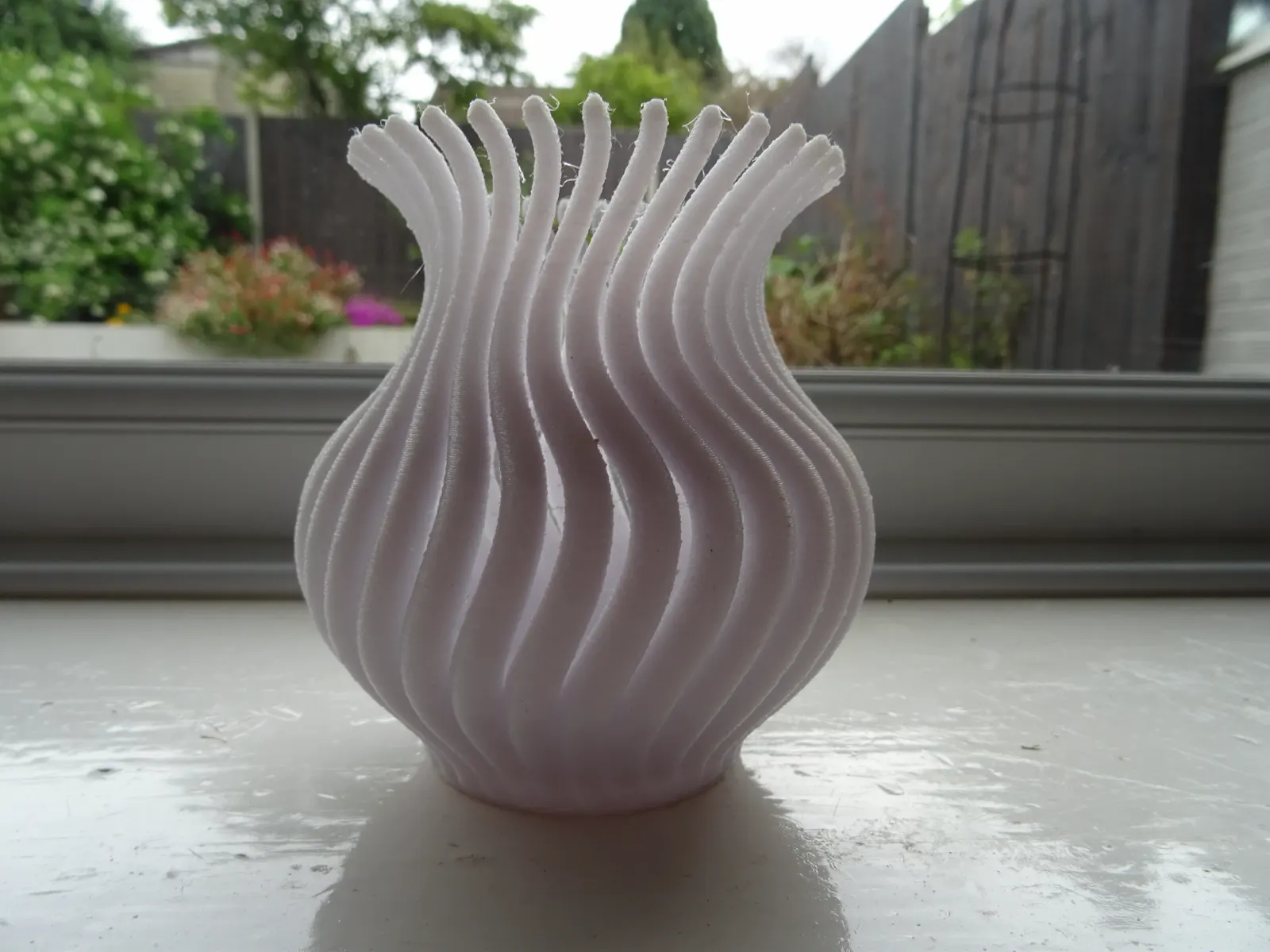 Reference example
Wavy ribbed vasevia commons.wikimedia.org · D Eaketts, CC BY-SA 4.0 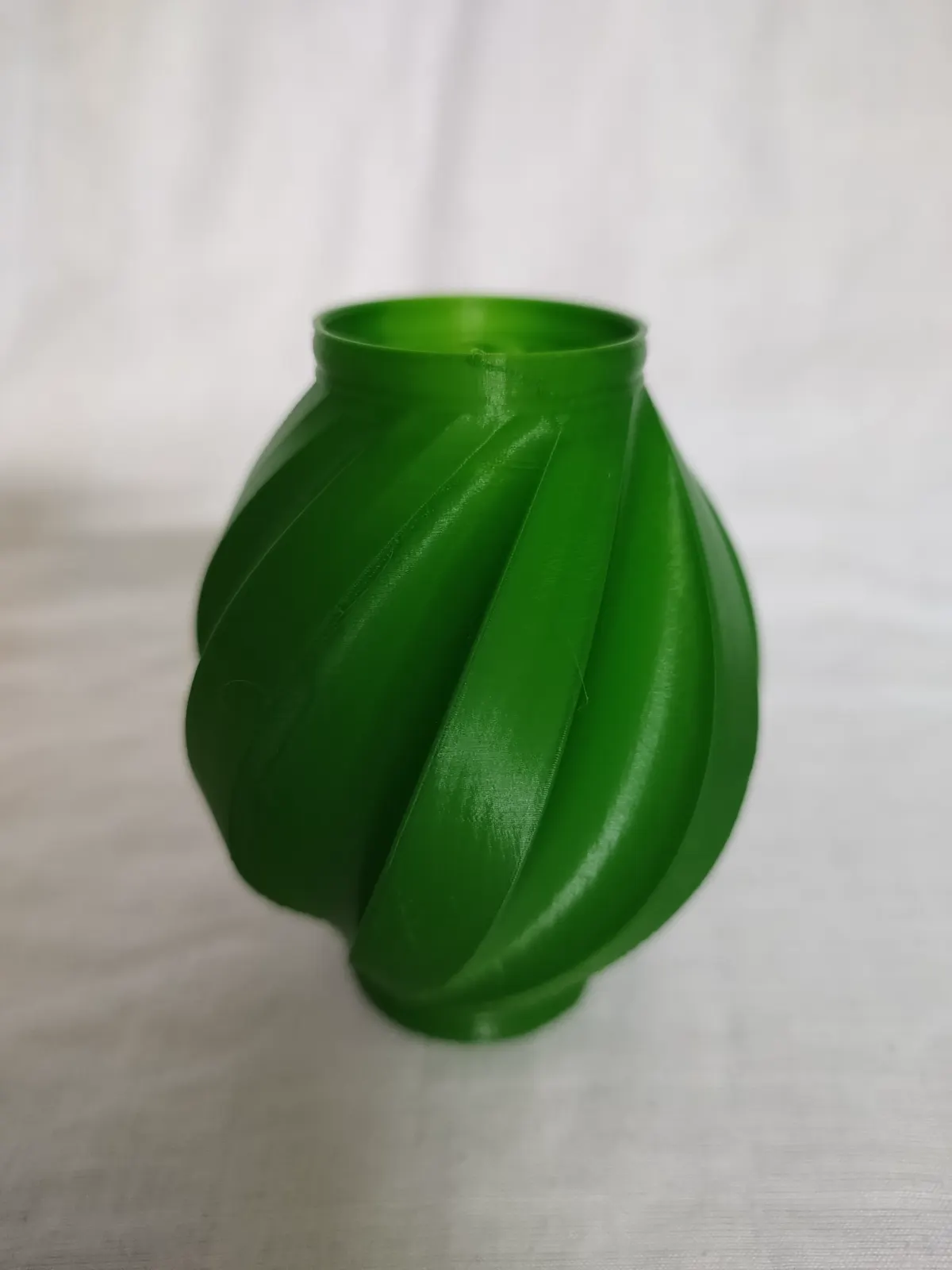 Reference example
Twisted spiral vasevia commons.wikimedia.org · Sumanbargavr, CC BY-SA 4.0 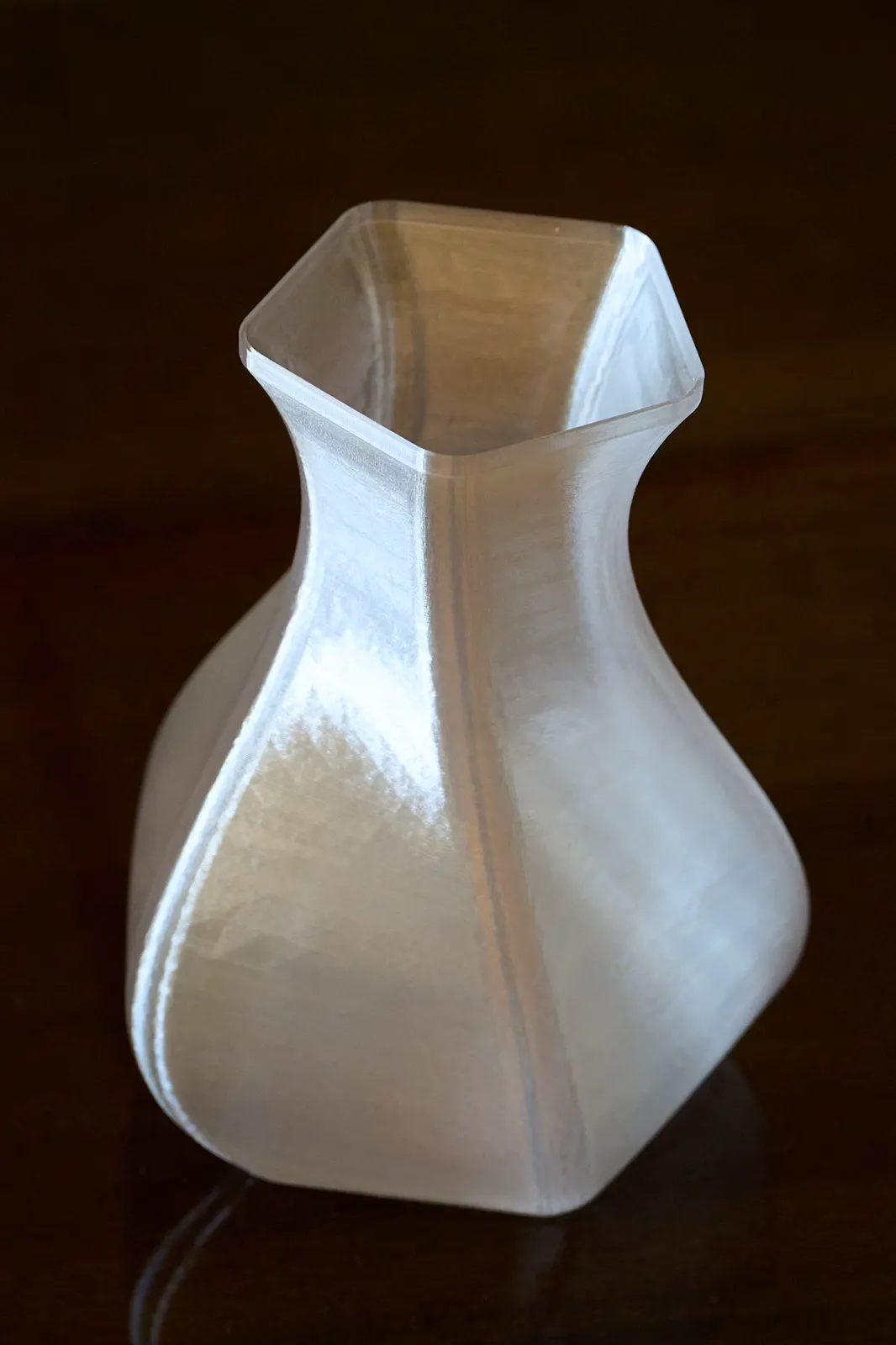 Reference example
Twisted polygon, vase modevia printables.com · Werdinand, CC BY-SA 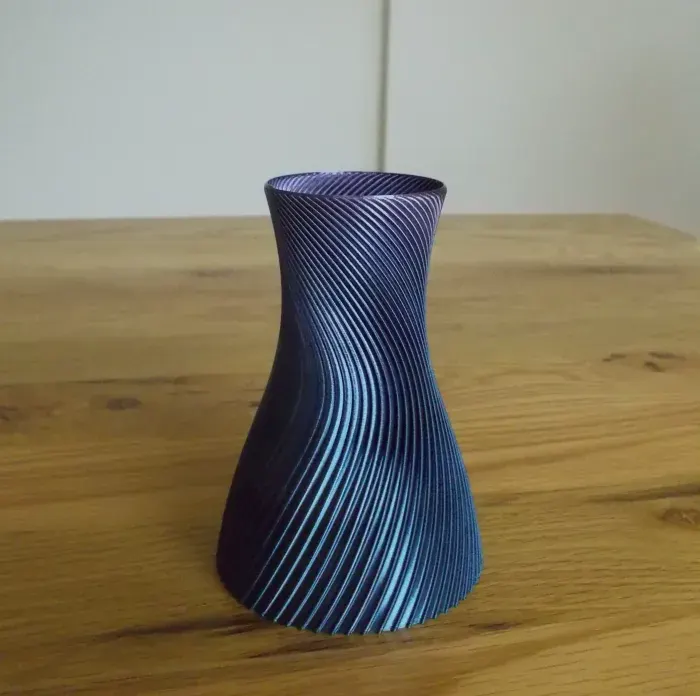 Reference example
Fine-ribbed silk vasevia creality.com
Reference examples by other makers, shown to illustrate printed vases. They were not made with this tool; licences and authors are listed with each photo.
Vases made with this generator
Real outputs of the tool above, rendered in the preview.
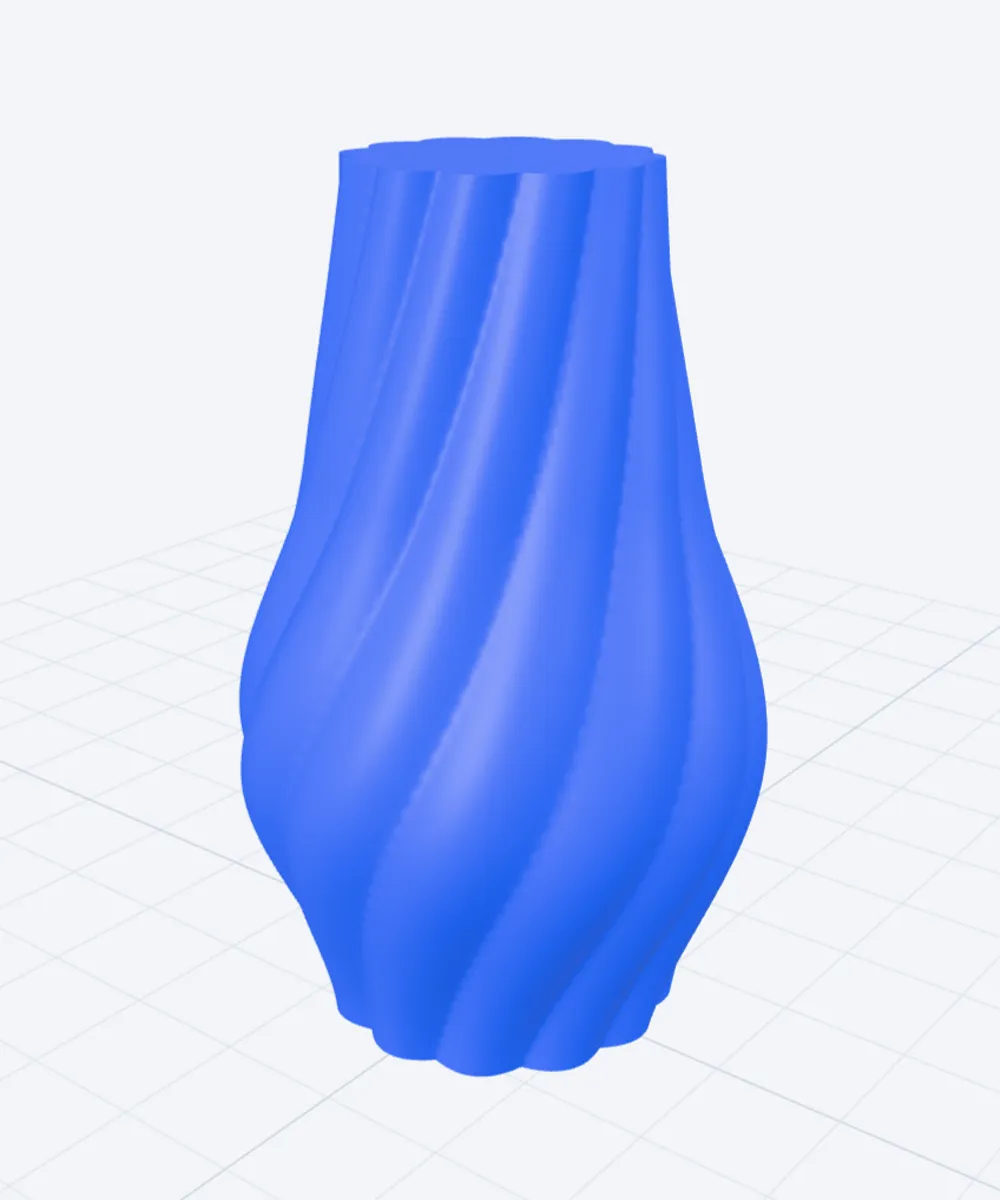
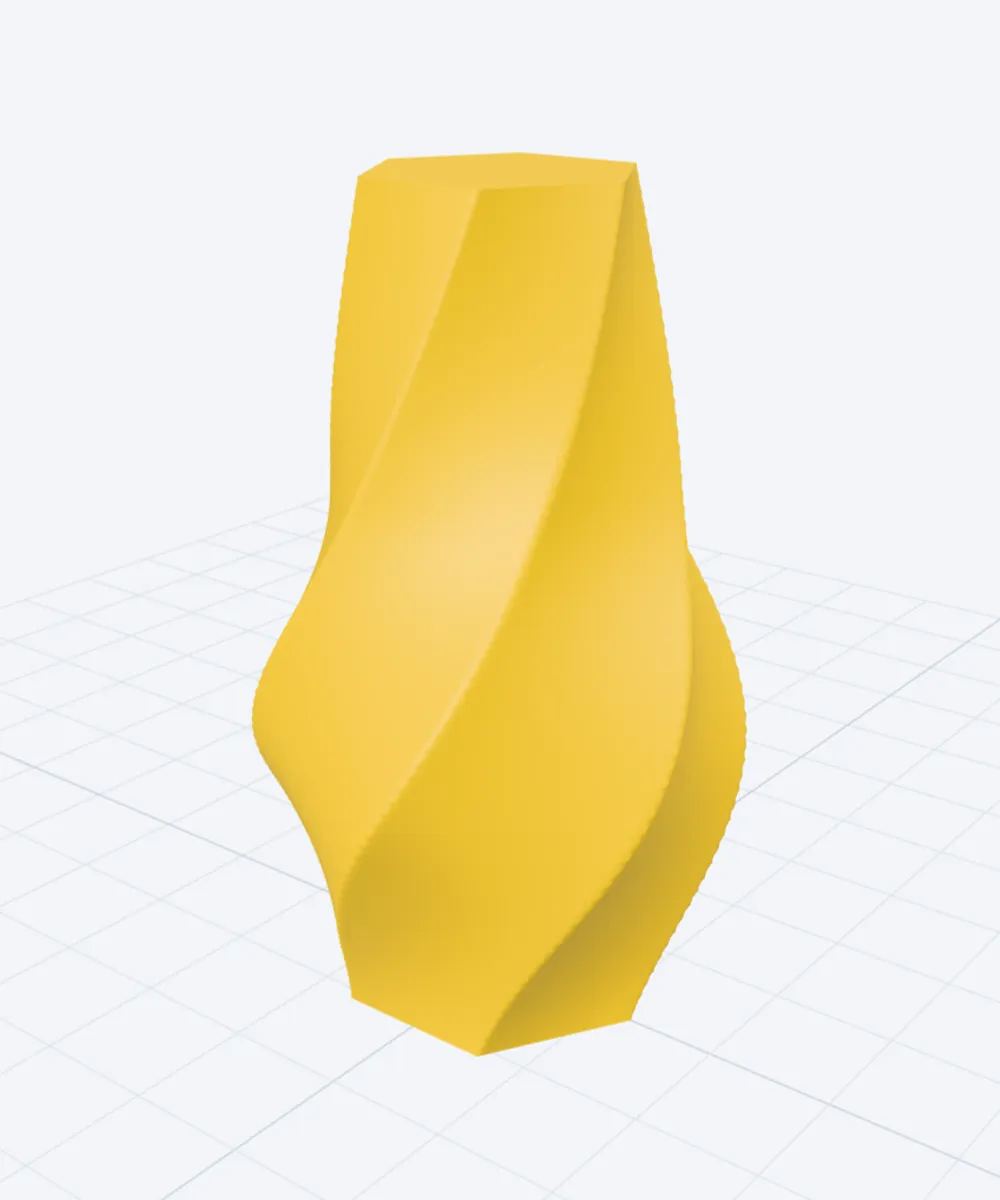
Classic twisted rib
160 mm classic profile, 12 ribs and a 90° twist — the default.
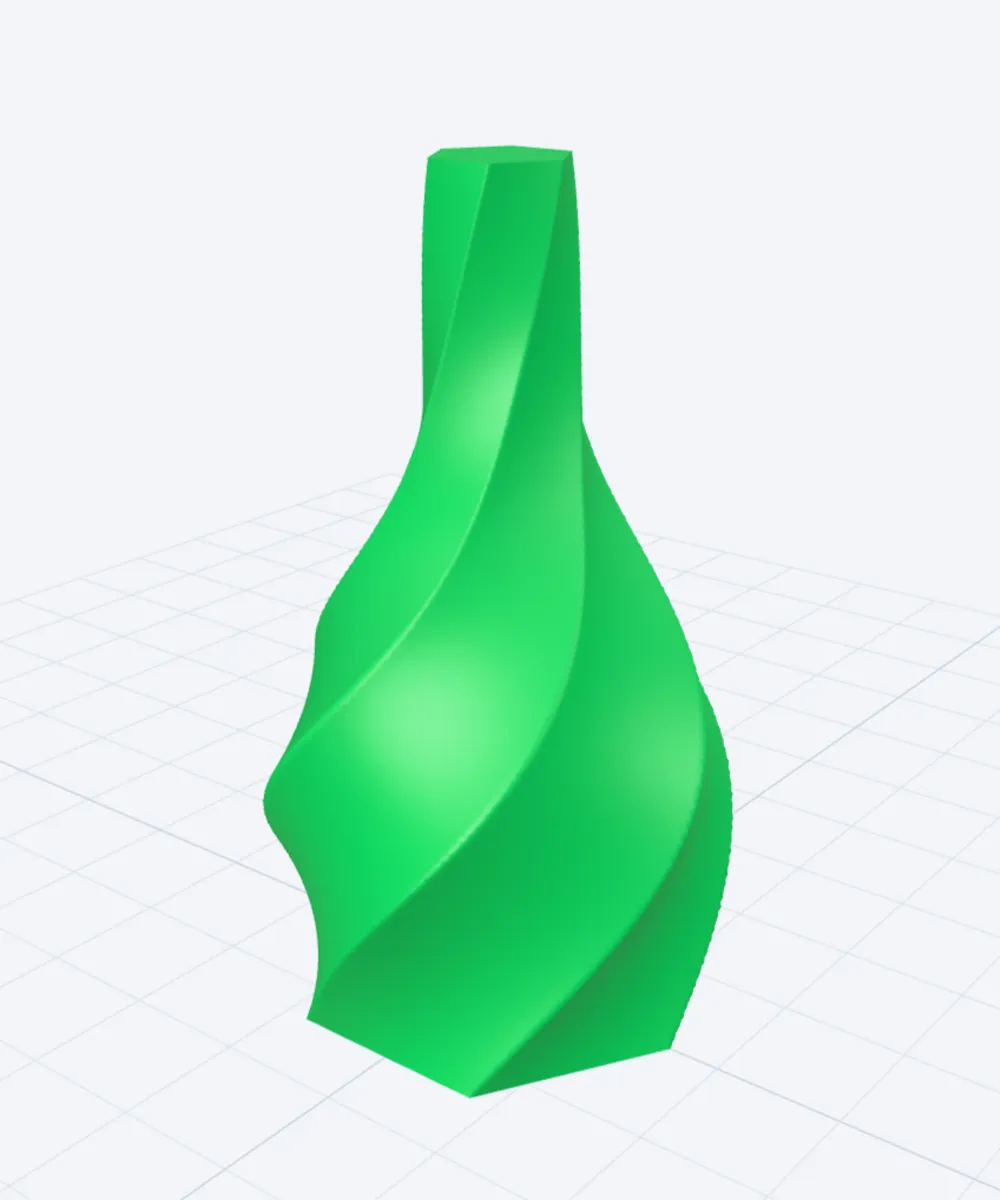
Hexagon bottle
Six-sided bottle with a 180° twist and a narrow neck.
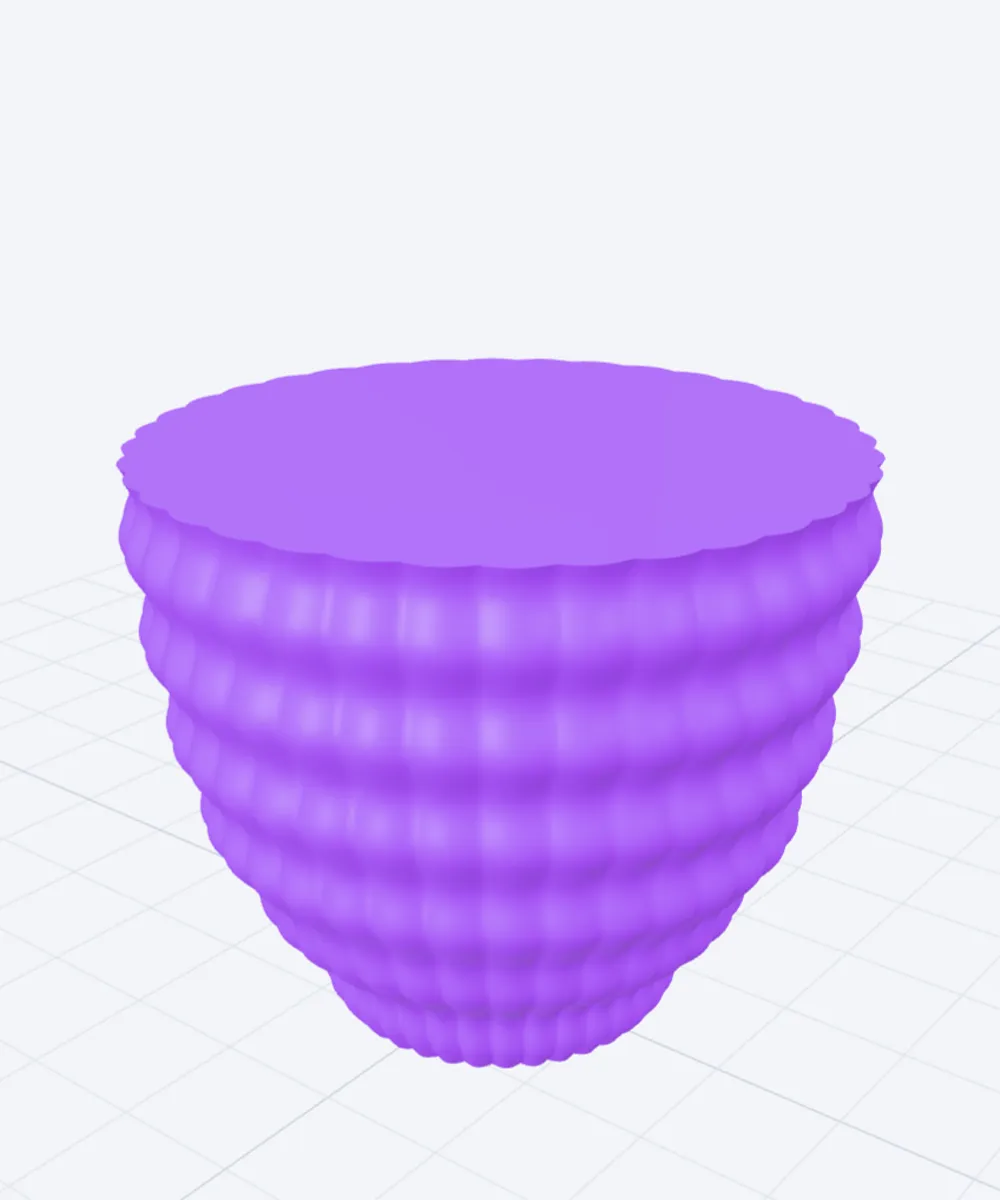
Rippled bowl
Wide bowl profile with 6 horizontal ripples and fine ribs.
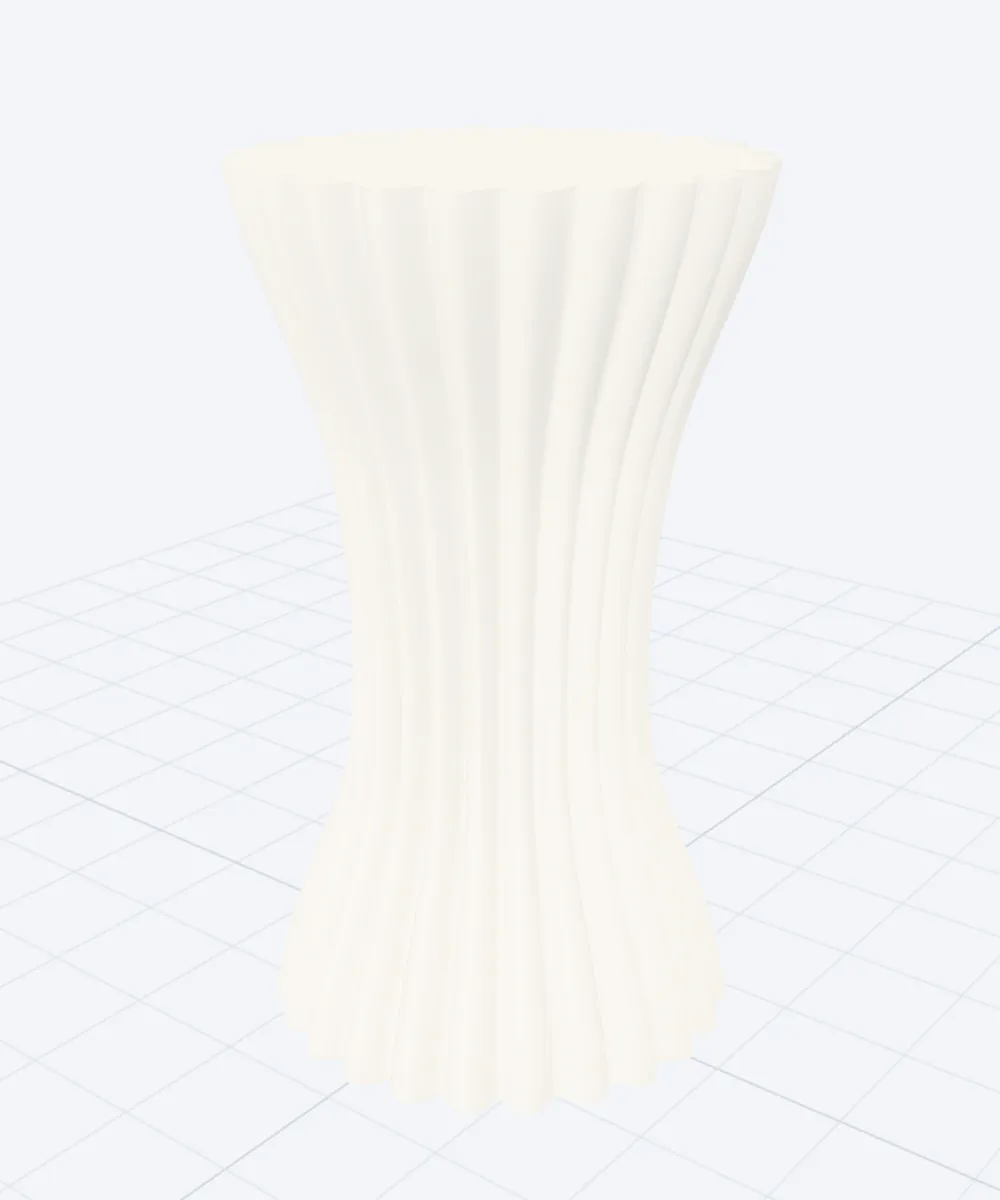
Hourglass flutes
Hourglass profile, 24 deep flutes and no twist.
Why use this vase generator
Parametric vase design without CAD, made for how vase mode really prints.
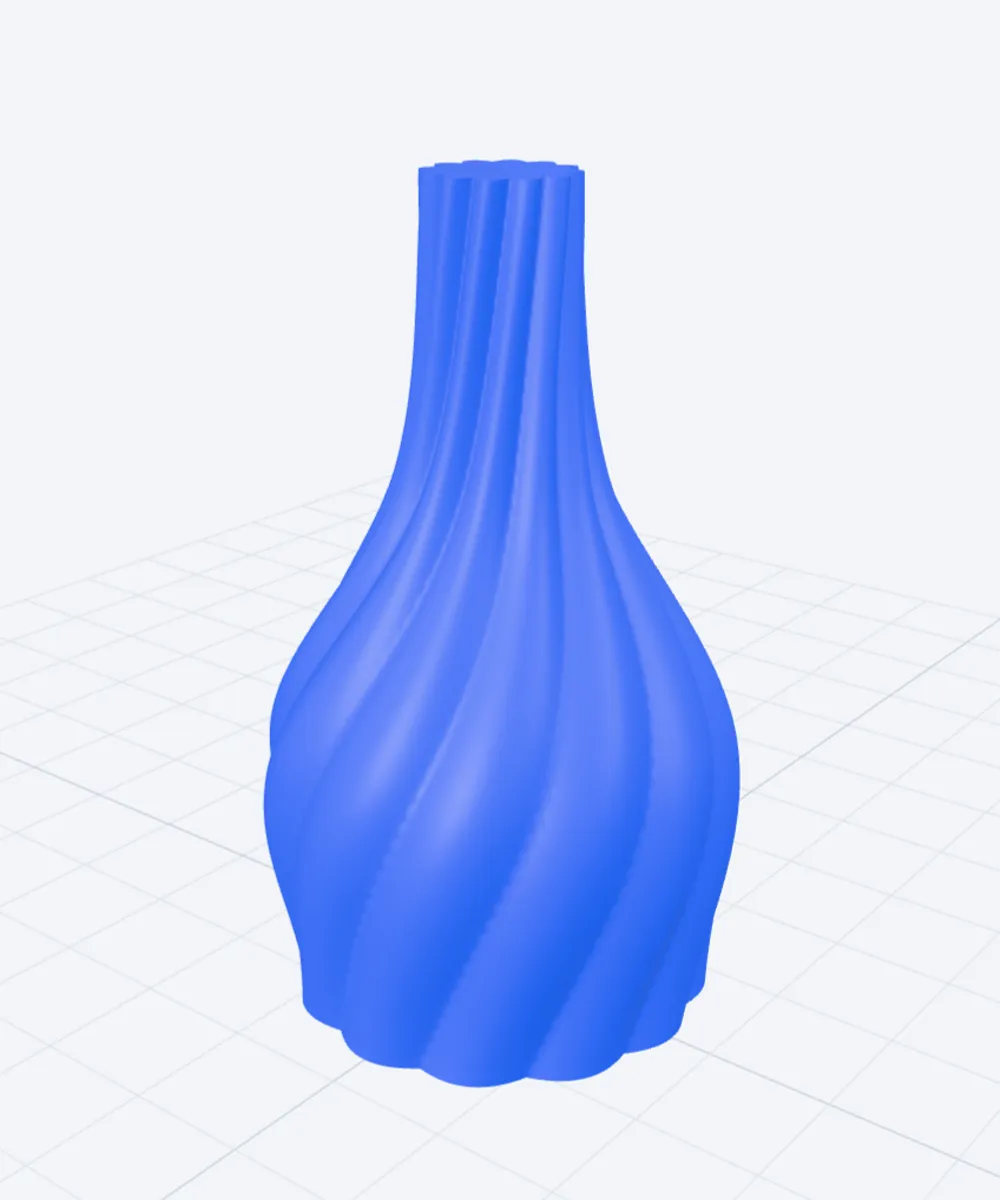
Profiles you can bend
Six profile presets as starting points, and four control-point sliders with a live side curve so you can see the belly and neck you are drawing.
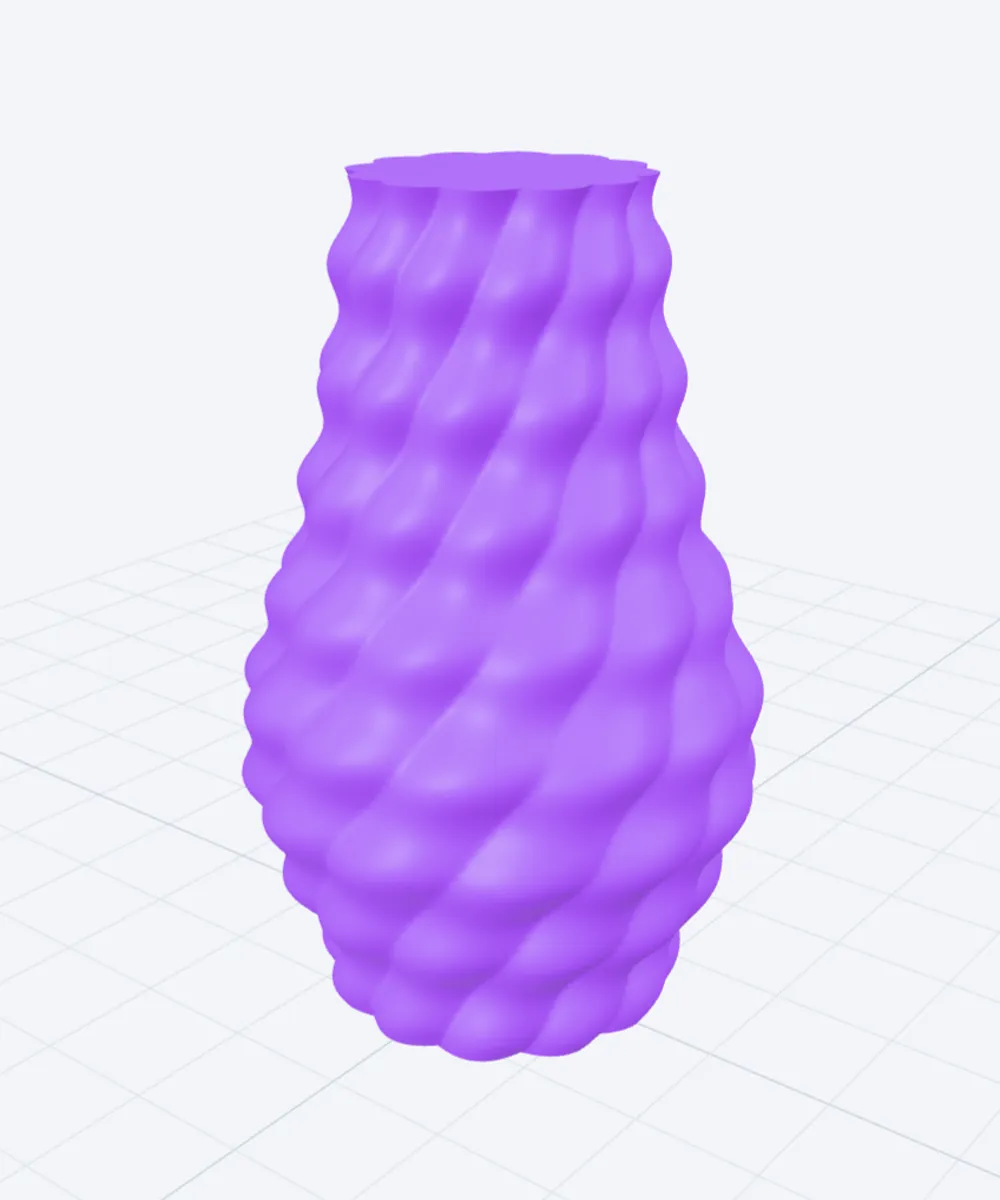
Twist, ribs and ripples
Rounded ribs up to 48 around, ripples up to 20 high, and a twist of up to a full turn either way. Combine them for textures that catch the light.
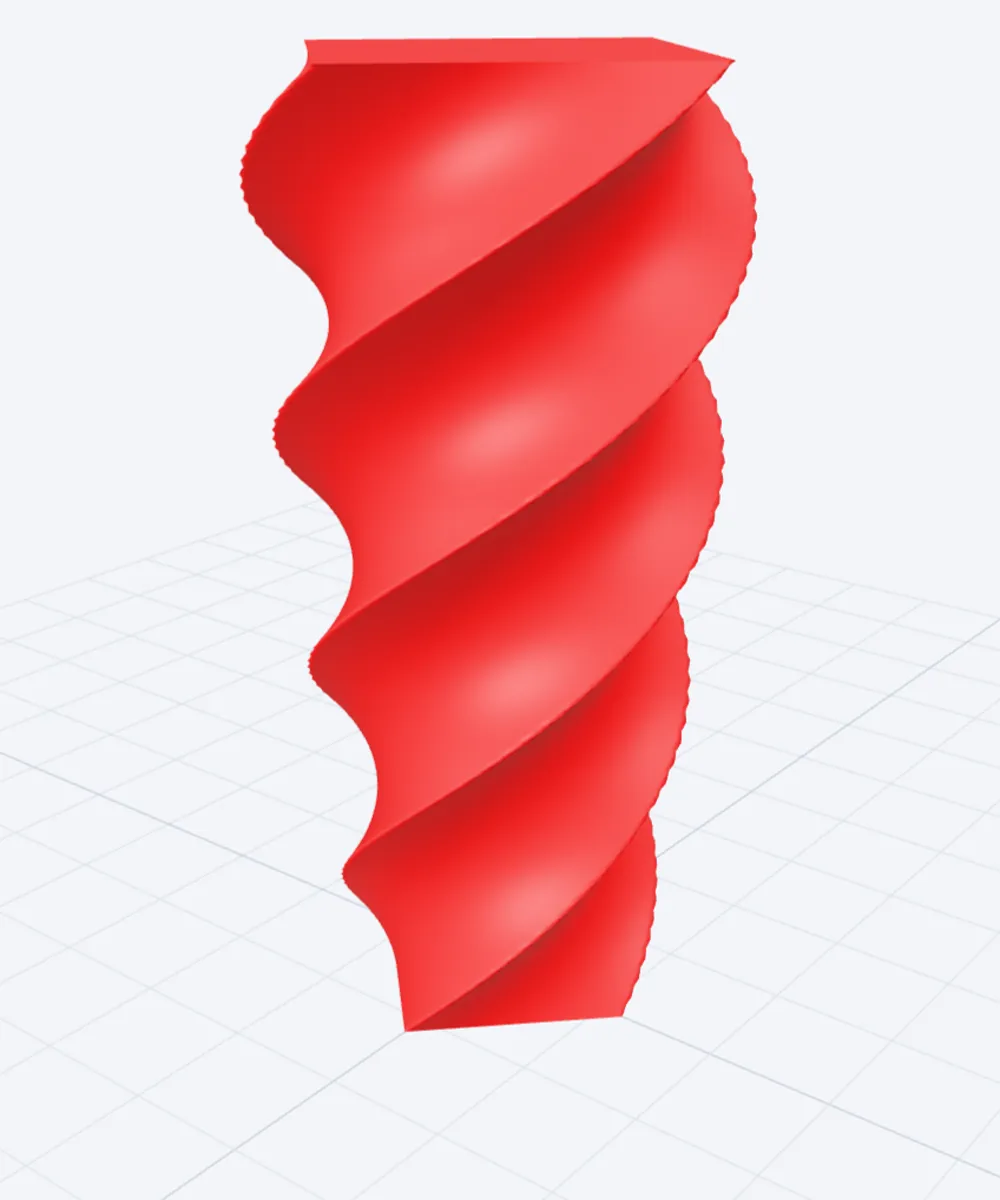
Polygon cross-sections
Three to twelve sides turn any profile into a faceted vase; with twist the corners spiral up the wall like folded paper.
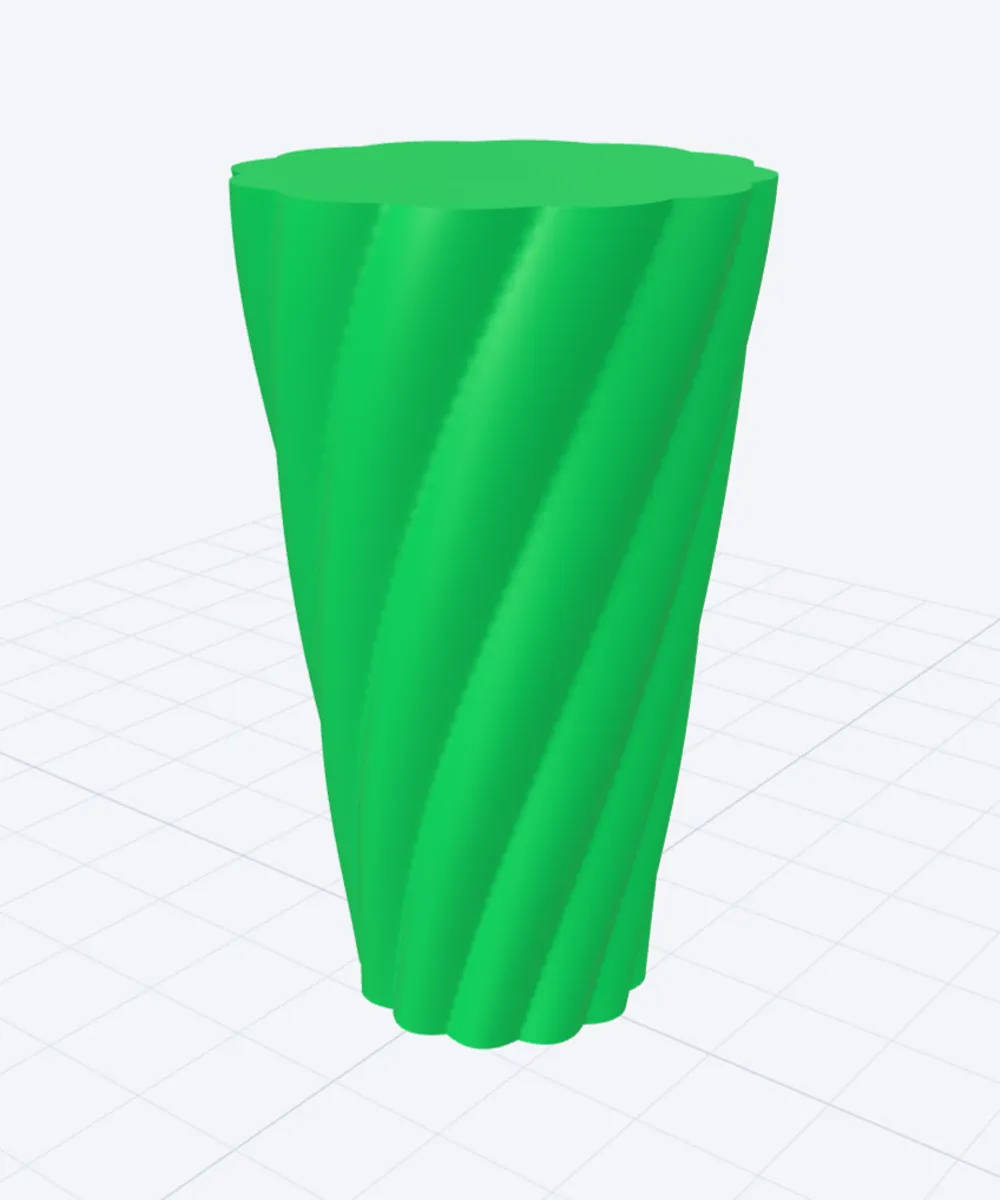
Overhang check
The generator measures how far your wall leans outward. Under about 50° a single vase-mode wall prints without sagging.
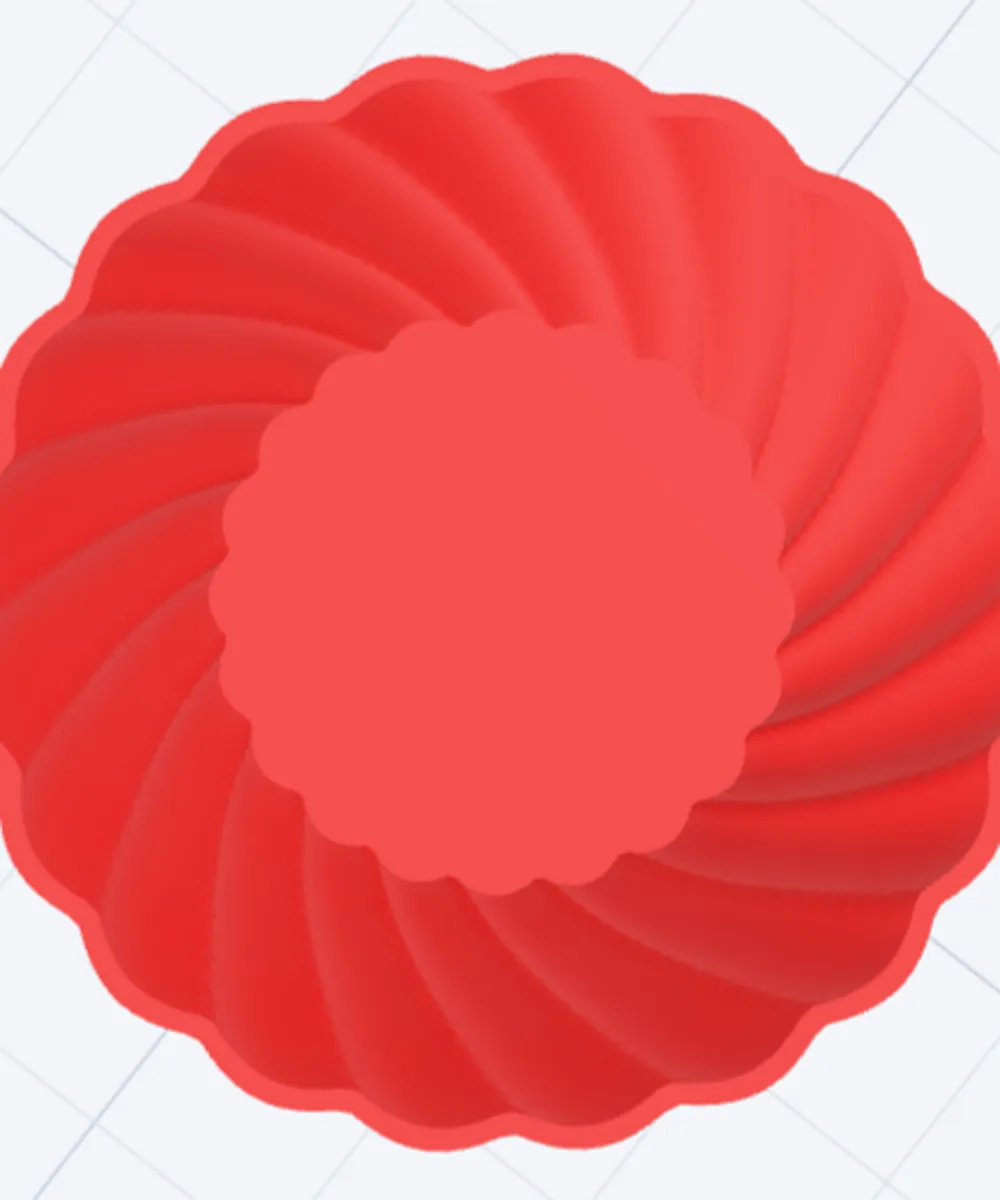
Vase mode or walled
Spiral mode writes a closed solid for the slicer to hollow. Walled mode writes a real wall and floor, with an open top, for normal printing.
Private by design
Your vase is computed in the browser. No upload, no account needed for the download.
Vase generator FAQ
More ways to work with your 3D files
View, convert, or make a model from scratch.
Coaster Generator
Design custom 3D printed coasters with text or patterns.
Gridfinity Generator
Generate Gridfinity bins and baseplates in any size.
Lithophane Generator
Turn a photo into a printable lithophane.
STL viewer
Open STL, 3MF, OBJ or GLB and measure size, area and volume.
Text to STL
Type text, pick a font, download 3D letters.
Want a sculpted vase instead?
Describe any vase or planter in words and Kairo3D’s AI text to 3D model generator builds it.