
DAE to STL Converter
Drop DAE files to convert to STL
.dae (Collada) — up to 10 files at 200 MB each. Unzip .kmz first.
STL has no units — most slicers read it as millimetres. Add a file to see its size.
Runs in your browser — your files are never uploaded.
- Nothing uploaded
- No sign-in
- Collada units read for you
- All parts merged into one STL
DAE to STL at a glance
Measured on our own CC0 Collada sample, a seven-part desk organizer.
SketchUp model
inches
Drawn at full size. A garden cabin is about 180 inches wide.
exportCollada file
<unit meter="0.0254">
The DAE says how long one unit is: one inch is 0.0254 m.
unit appliedReader
metres
The unit is applied on load and Z-up models are stood upright.
m → mm presetSTL for the slicer
mm (×1000)
STL has no unit field; slicers assume millimetres.
That is why our cabin sample comes out 4,572 mm wide: the size is correct, it is just a real building. For architecture, use “Fit longest side to 100 mm” or your own print scale, such as 1:100.
636 → 636
Triangles in the desk organizer before and after the DAE to STL conversion. Nothing is decimated; every face of the seven parts reaches the STL.
150 × 80 × 101 mm
Size of the exported STL with the default m → mm preset. The Collada file says it is in millimetres; the converter keeps that real-world size.
0.0254 m
One inch, as SketchUp writes it into a Collada <unit> tag. The reader turns it into metres, then the m → mm preset multiplies by 1,000 for the slicer.
How to convert DAE to STL
Three steps. No account, no SketchUp plugin, no install.
Open your DAE file
Drag the .dae file onto the converter or pick it from disk. The Collada XML is read in the tab, its unit tag and up-axis are applied, and the model appears in a 3D preview with its triangle count.
Check the size, then the scale
The default m → mm preset gives the real-world size in millimetres. For a desk object that is exactly what you want. For a building or a room, choose “Fit longest side to 100 mm” or set your own print scale.
Download the STL
Keep STL selected and click “Convert & download”. You get one binary STL, Z-up, that opens in any slicer. Drop up to ten DAE files to convert a batch in one go.
What carries over from DAE to STL
Collada is a full scene format: parts, materials, textures, cameras and a stated unit. STL is a bare list of triangles. A DAE to STL conversion keeps the shape and drops the rest.
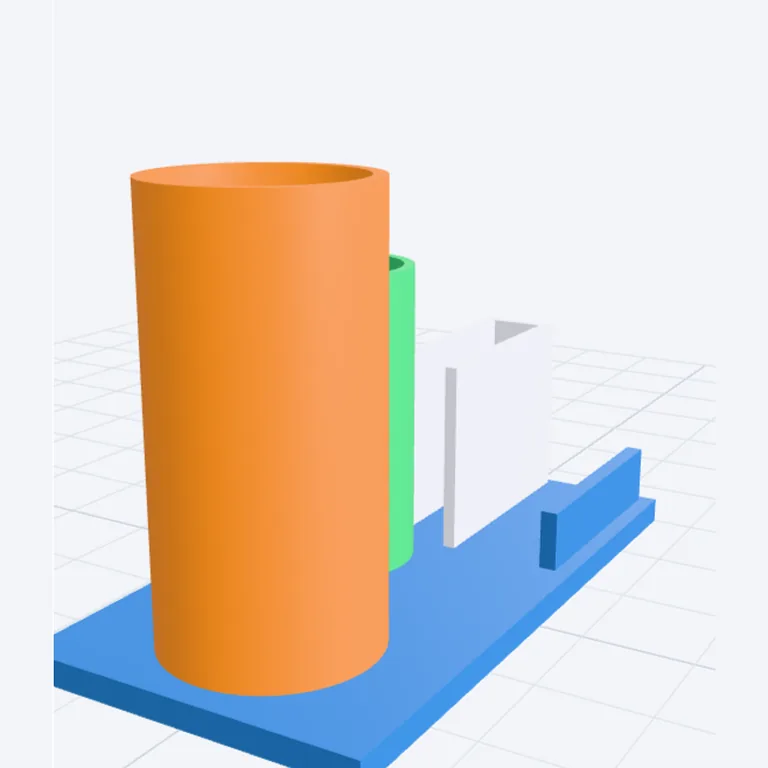
DAE: Collada scene with parts and materials
STL: one triangle mesh for slicing
| What carries over from DAE to STL | DAE | STL |
|---|---|---|
| Triangle geometry | Yes | Yes |
| Real-world size | Yes | In mm |
| Unit stored in the file | <unit> | No |
| Separate parts | Yes | Merged |
| Part names and hierarchy | Yes | No |
| Colours and materials | Yes | No |
| Textures | Linked | No |
| Up axis | Y or Z | Z-up |
| Animations, cameras, lights | Yes | No |
| Opens in every slicer | No | Yes |
Want the millimetres written into the file itself? Pick 3MF. Want part names kept? Pick OBJ. Want materials for a web preview? Pick GLB.
What SketchUp and Collada models become once printed
Architecture, scenery and small parts are the usual reasons to convert DAE to STL. These reference photos show the kind of prints that start as Collada files.
 Reference example
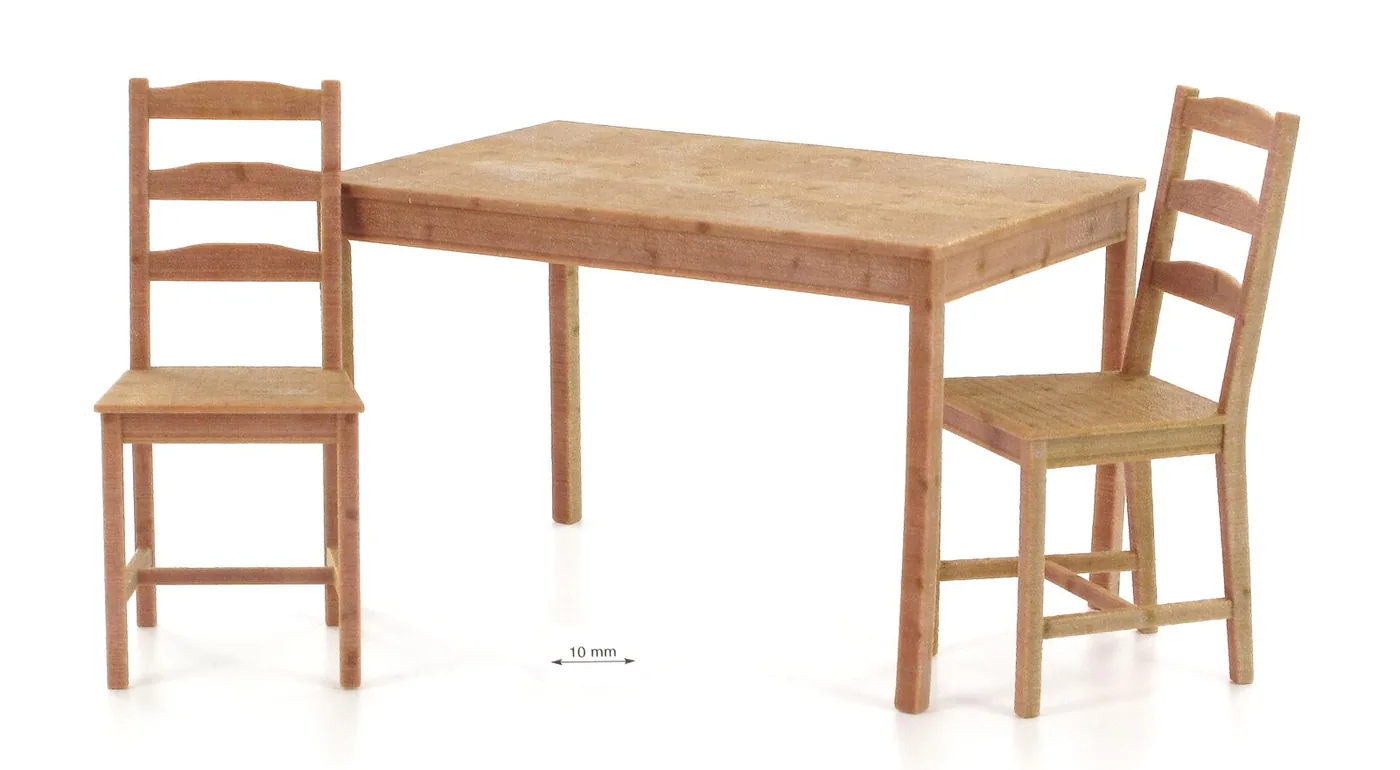
Miniature rooms and furnitureInterior models drawn in SketchUp print well at dollhouse scale. Scale them down first, and give thin chair legs and table tops real thickness. 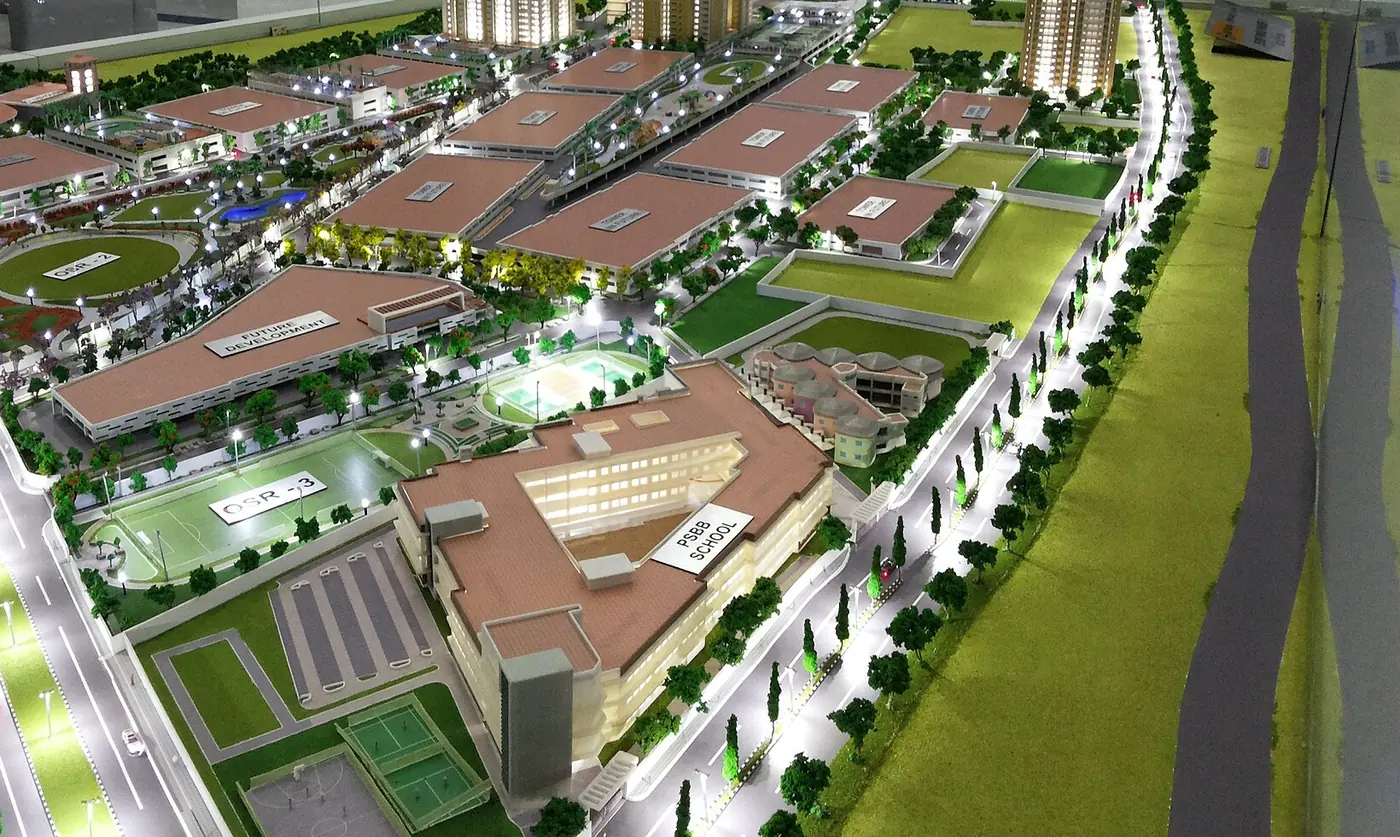 Reference example
Site plans and city blocksWhole sites and city blocks exported from SketchUp print as presentation models. Fit the longest side to your build plate, or split a large scene into tiles. 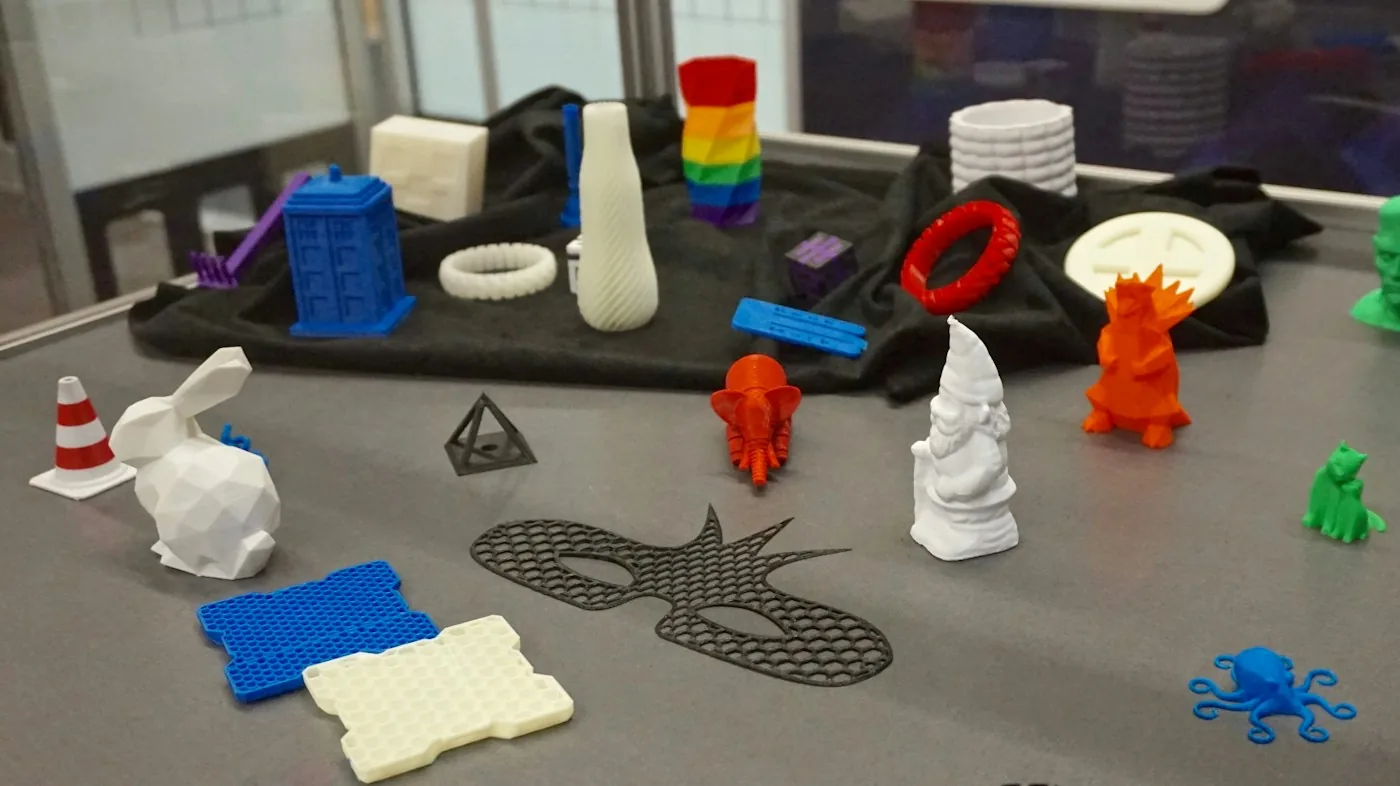 Reference example
Small parts in many coloursSTL carries no colour, so multicolour prints come from changing filament per part. Convert to OBJ instead if you want each part as its own object.
Photo credits: table and chairs by Creative Tools (CC BY 2.0); masterplan model by iKix 3D Prints (CC BY-SA 4.0), via Wikimedia Commons. Other photos: Pexels, Printables (CC0), Unsplash.
No Collada model? Generate a printable one
Reference models from AI 3D generators, shown live. Kairo3D turns a photo into a mesh you can export as STL.
Why convert DAE to STL here
A Collada importer and an STL exporter in one page, with the unit maths done for you.
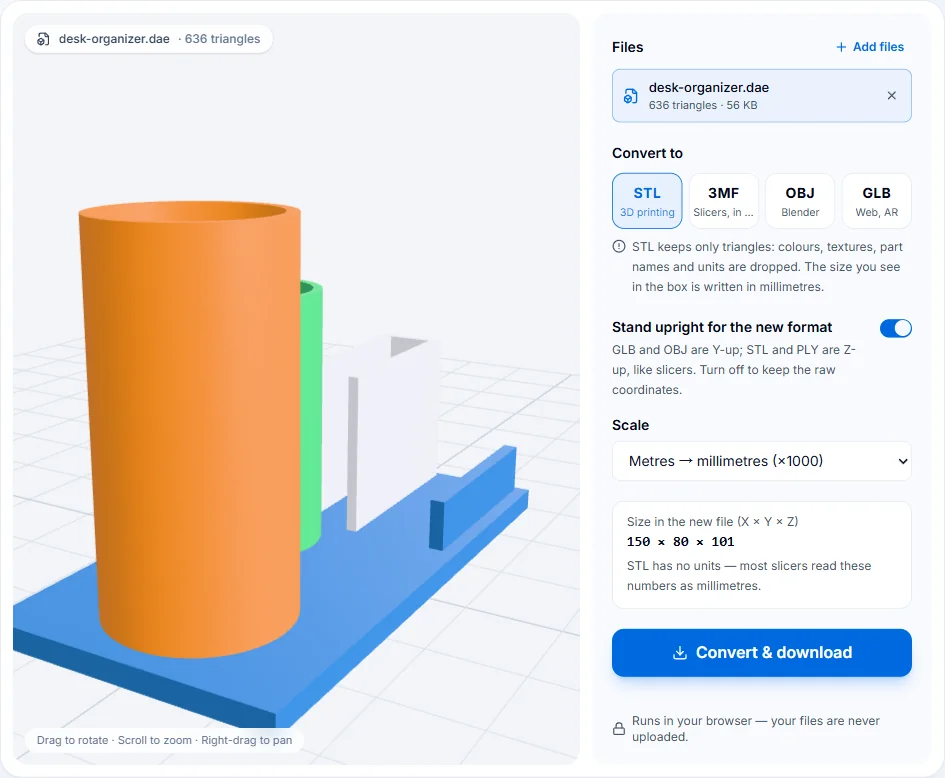
Size you can trust before you print
The size box shows the exported bounding box in millimetres — 150 × 80 × 101 mm for our organizer sample — and warns if a print would come out under 5 mm. You see a scale mistake before the slicer does.
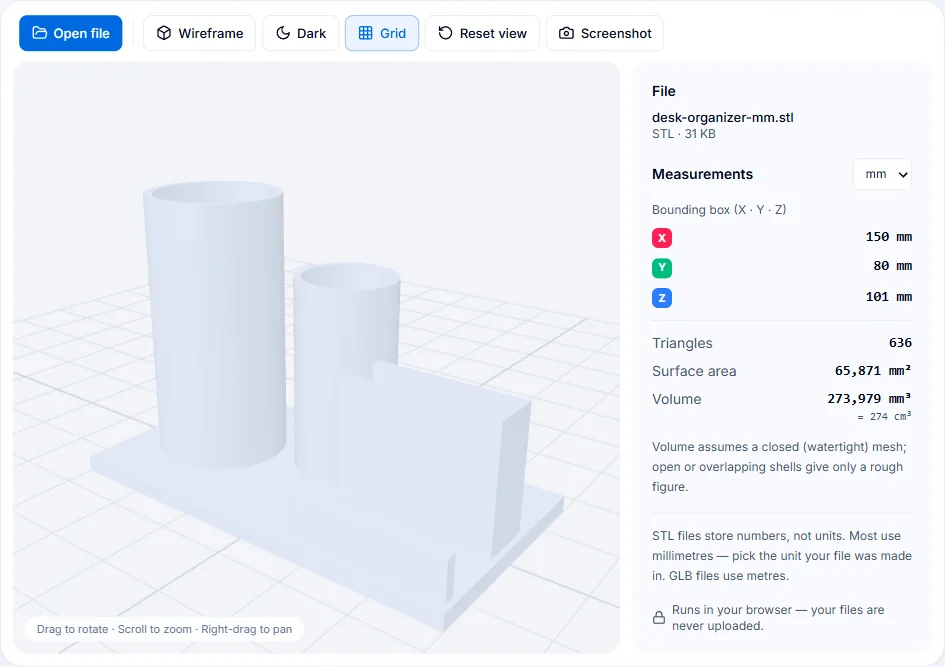
A clean STL, checked in 3D
The result is a binary STL with every triangle of the DAE file. Reopen it in our STL viewer to orbit around it, read the dimensions and confirm nothing is missing before you slice.
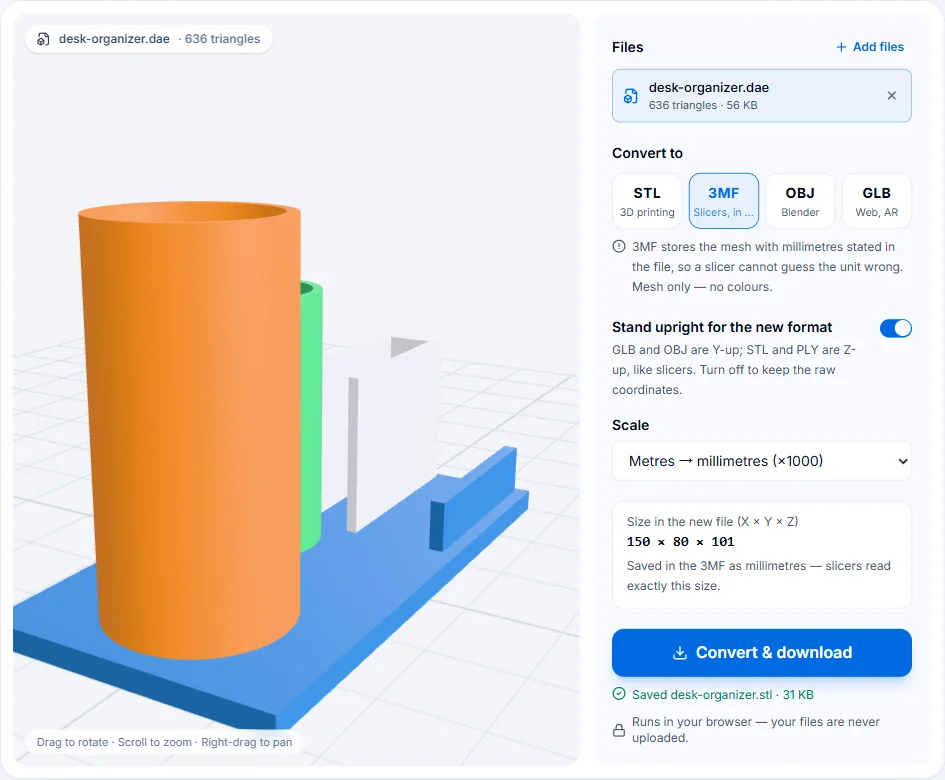
STL, 3MF, OBJ or GLB
The same Collada file can go to 3MF with millimetres stated in the file, OBJ with part names, or GLB with materials. Switch the target and convert again; the DAE is already loaded.
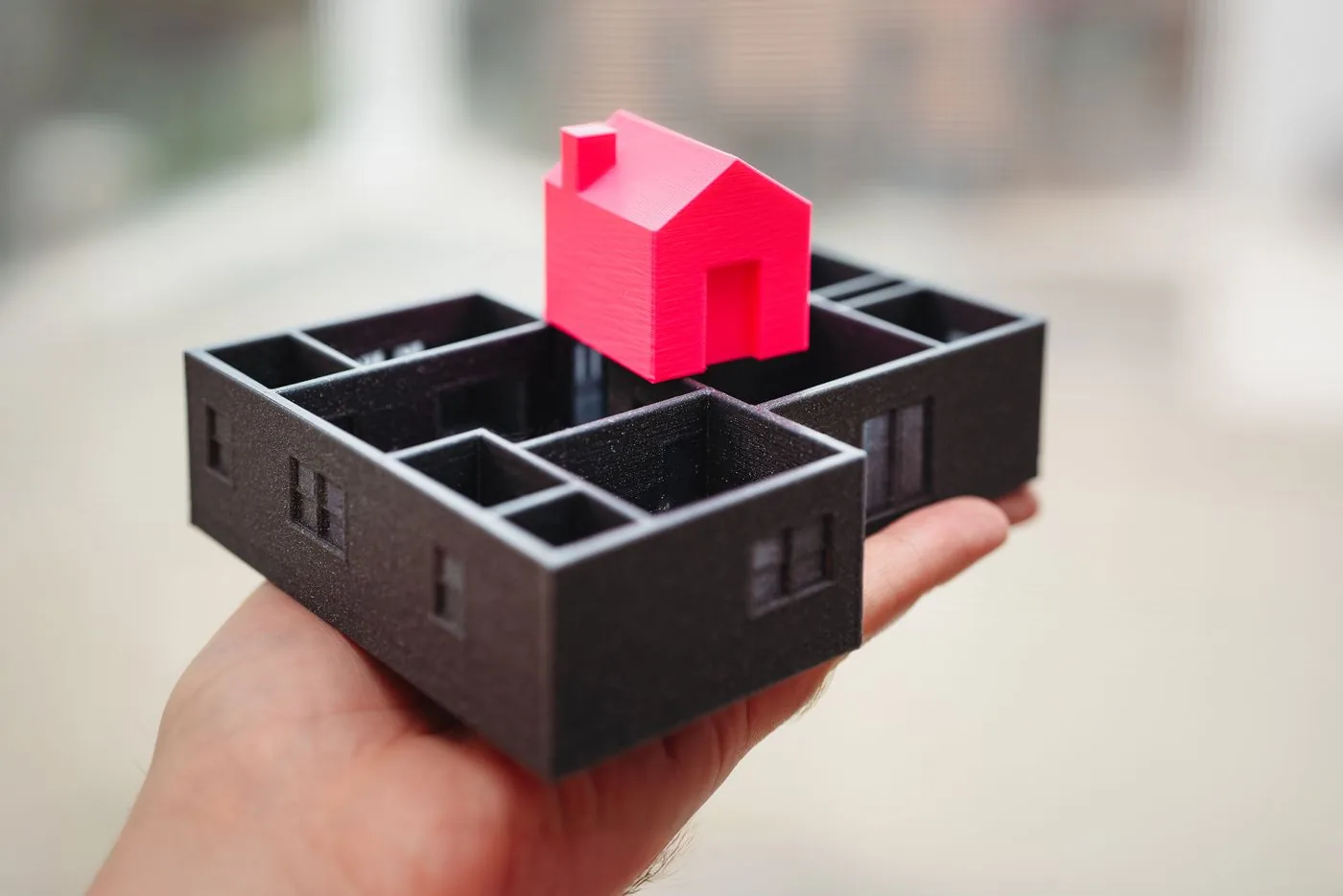
SketchUp architecture, scaled down
SketchUp models are drawn at full size, so a cabin is metres wide. Use “Fit longest side to 100 mm”, or convert at real size and scale it 1:100 in your slicer, to get a model that fits the bed.
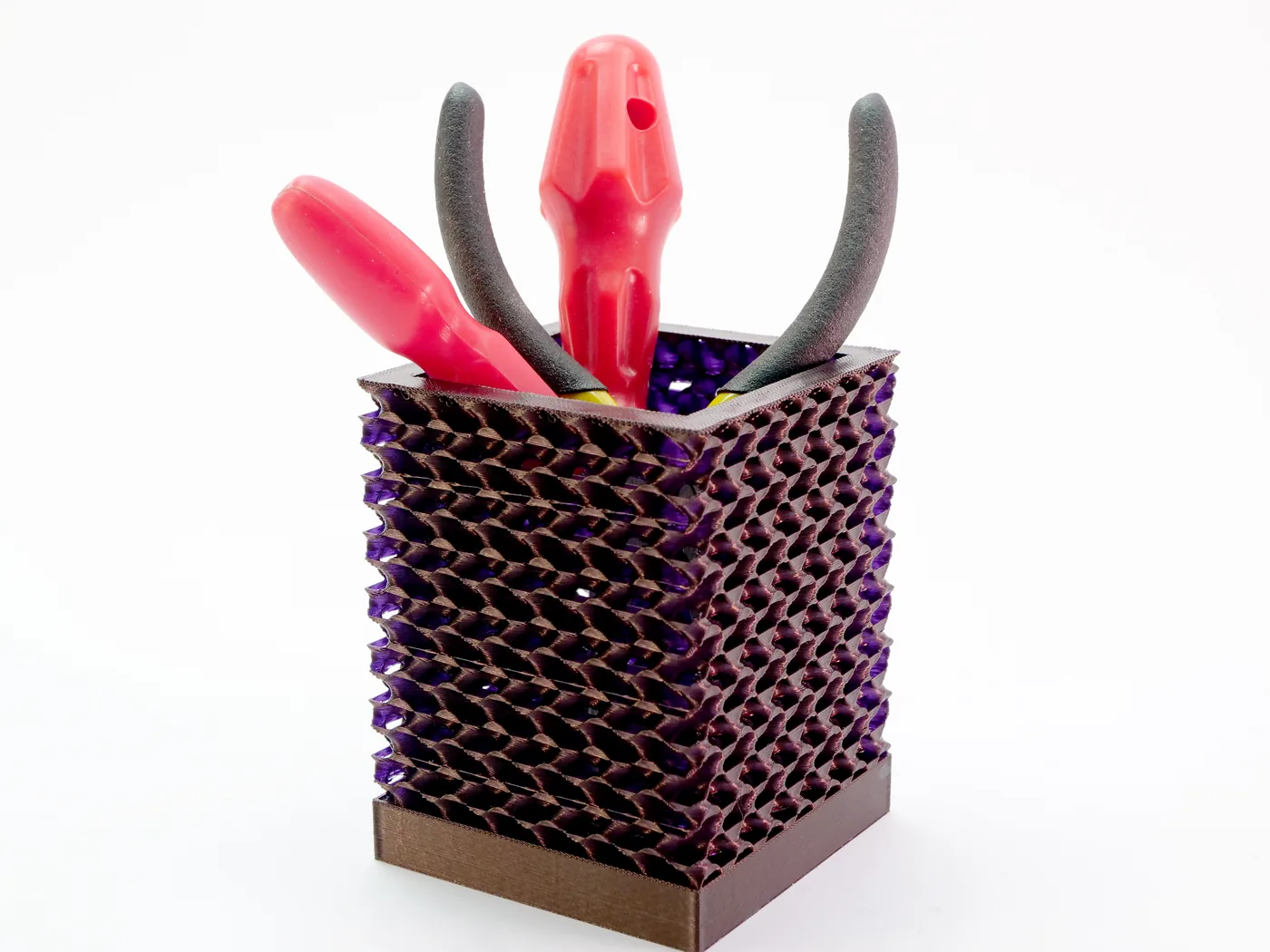
Desk objects at true size
Organizers, brackets and holders modelled in millimetres keep their real dimensions through the DAE to STL step, so a pen cup prints at the size you drew it. All parts are merged into one file.
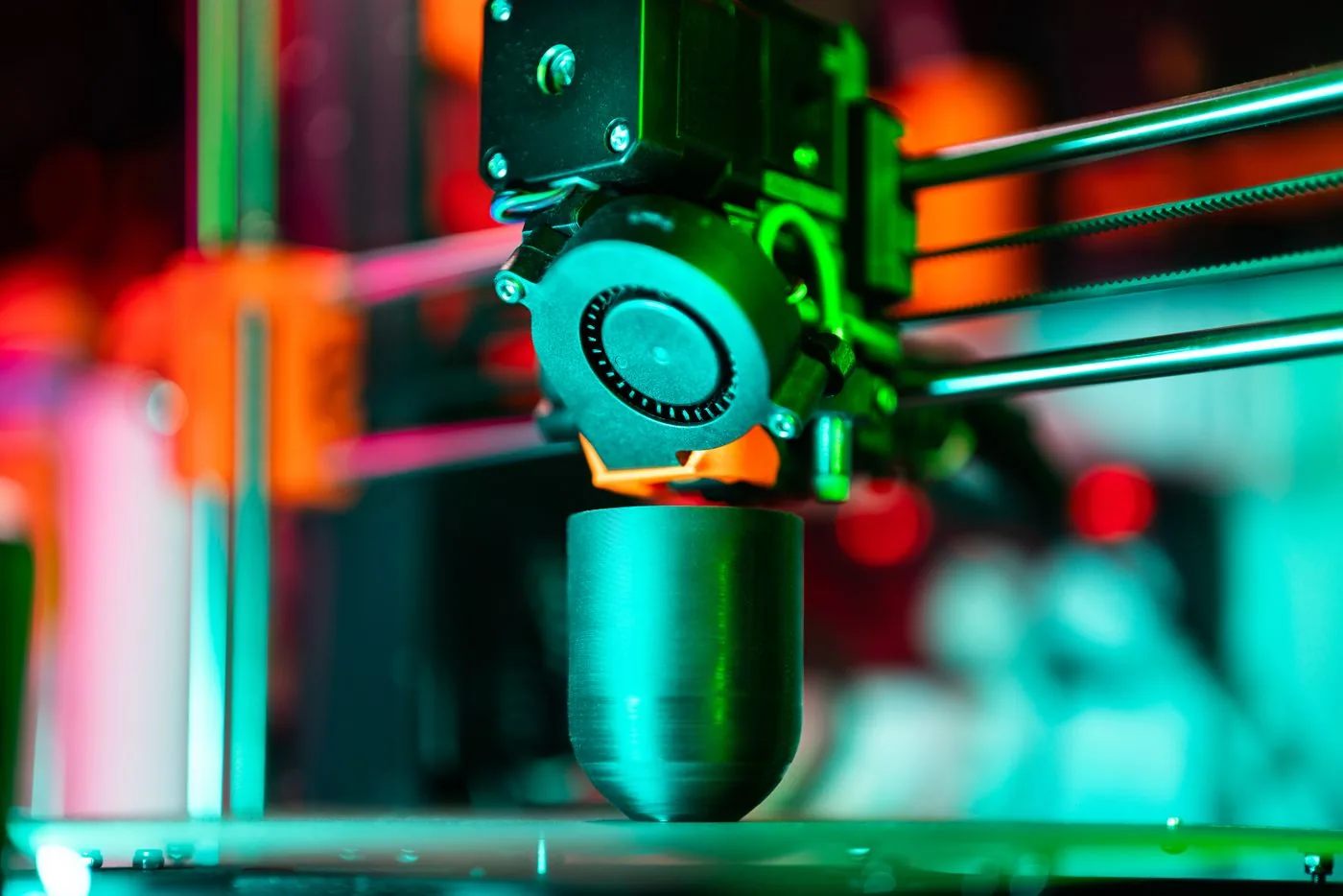
Ready for the nozzle, honestly
The geometry is converted as it is, not repaired. SketchUp faces with no thickness or flipped normals stay that way, so check the STL with our repair tool if your slicer complains about thin walls.
DAE to STL — frequently asked questions
Units, SketchUp exports, textures and what a Collada to STL conversion cannot fix.
More ways to work with your 3D files
View, convert, or make a model from scratch.
Only have a photo of the thing you want to print?
Kairo3D turns a single photo into a 3D model you can download as STL and send straight to your slicer.