Meshy vs Tripo: A Side-by-Side Comparison
Meshy vs Tripo at a glance
Every Meshy vs Tripo fact links to its source. Plans change, so check before you buy.
Its own models, Meshy 7 and 7.1, with rigging, animation and plugins in one web app.
High-detail H3.1 meshes and clean P2.0 quad meshes, plus smart segmentation and auto-rigging.
| What you get | Meshy | Tripo | Source |
|---|---|---|---|
| Current models | Meshy 7 (Aug 2026) and Meshy 7.1 (Sep 2026) | Tripo H3.1 (High Detail, up to 2M polygons) and P2.0 Smart Mesh (preview) | meshy.ai/blogdocs.meshy.aitripo3d.ai/features |
| Inputs | Image or text; multi-view images on paid plans | Image or text; multi-view images on Pro and up | meshy.ai/pricingtripo3d.ai/pricing |
| Export formats | GLB, FBX, OBJ, STL, USDZ, BLEND | GLB, FBX, OBJ, STL, USD, 3MF | meshy.ai/pricingtripo3d.ai/tutorials |
| Free plan | 100 credits a month; 10 downloads, Meshy 6 Lite models only | 200 credits a month; 15 exports, H2.5 models only | meshy.ai/pricingtripo3d.ai/pricing |
| Free-plan licence | CC BY 4.0: commercial use with attribution | Public models, non-commercial use | meshy.ai/pricingtripo3d.ai/pricing |
| Entry paid plan | Pro: $20 a month, 1,000 credits | Pro: $20 a month billed yearly, 3,000 credits | meshy.ai/pricingtripo3d.ai/pricing |
| Rigging and animation | Yes, on every plan; 20 animations free, 500+ on paid plans | Auto-rigging and animation; rigging costs 20 credits | meshy.ai/pricingtripo3d.ai/pricing |
| 3D printing tools | STL export; Auto Split cuts draft Meshy 6 models into printable parts | STL and 3MF export; smart segmentation splits models to fit the print bed | meshy.ai/blogtripo3d.ai |
| On Kairo3D | Not available | Tripo H3.1 via fal.ai, from an image or a text prompt | Try it above |
Prices and limits as listed on meshy.ai and tripo3d.ai on 13 Oct 2026.
Kairo3D is independent and not affiliated with Meshy or Tripo. Tripo H3.1 runs on Kairo3D via fal.ai. Meshy and Tripo are trademarks of their owners.
Meshy or Tripo: who each one fits
Meshy may suit you if…
You want one app for the whole job
Generation, texturing, rigging, animation presets and Blender or Unity plugins sit in one product.
Your free-plan models are for commercial use
Meshy's free outputs use CC BY 4.0, which allows commercial use with attribution.
You need USDZ or Blender files
Meshy lists USDZ for Apple AR and native .blend files among its downloads.
Tripo may suit you if…
You print detailed models
The H3.1 model targets dense meshes of up to 2 million polygons and exports STL or 3MF.
You need clean, low-poly topology
P2.0 Smart Mesh makes quad meshes from 500 to 25K polygons; it is still labelled a preview.
You work across many 3D tools
Paid plans add a DCC bridge for Blender, Maya, 3ds Max, Unity, Unreal, Godot and more.
A third option: several engines in one place
Still torn on Meshy vs Tripo? Kairo3D runs Tripo H3.1 via fal.ai next to 5 other engines. Meshy isn't offered.
| Engine | Made by | Input | Licence | ||
|---|---|---|---|---|---|
| TRELLISMicrosoft | Microsoft | InputImage | Credits per model8 | Typical time~30 s | LicenceMIT |
| TRELLIS 2Microsoft | Microsoft | InputImage | Credits per model120 | Typical time~1 min | LicenceMIT |
| Tripo H3.1Tripo AI | Tripo AI | InputImageText | Credits per model120 image · 80 text | Typical time~1 min | LicenceCommercial API (Tripo AI terms) |
| Hunyuan 3D 3.1 ProTencent | Tencent | InputImageText | Credits per model150 | Typical time~2 min | LicenceTencent Hunyuan 3D licence (check territory terms) |
| Rodin Gen-2.5 FastHyper3D (Deemos) | Hyper3D (Deemos) | InputImageText | Credits per model40 | Typical time~30 s | LicenceCommercial API (Hyper3D terms) |
| Pixal3DTencentARC | TencentARC | InputImage | Credits per model120 | Typical time~90 s | LicenceMIT |
Credits are charged per generation and refunded automatically if a run fails. Times are typical, not guaranteed.
Examples of AI-generated 3D models
Open any model to rotate and zoom it, and judge how much detail your project needs.
How to run your own Meshy vs Tripo test
A fair Meshy vs Tripo test uses one picture on both; results depend on the input more than the brand.

Pick one test image
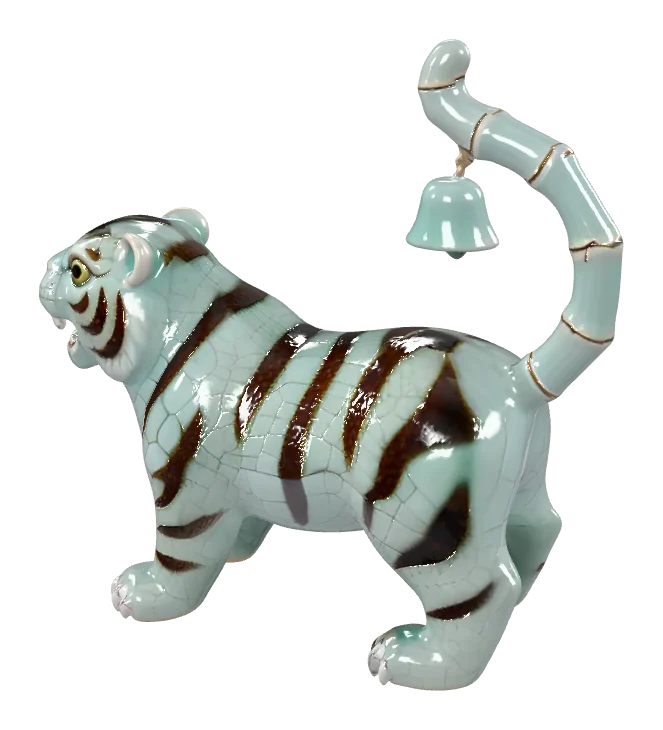
A clear, single-object photo or render on a plain background, as a JPG, PNG or WebP.
Run it through both
Generate with Meshy on meshy.ai, and with Tripo H3.1 here or on tripo3d.ai.
Compare what matters to you
Rotate both models and check the back, thin parts and textures, then the licence and export format.
Free and Pro plans in numbers
Meshy vs Tripo plans as listed on 13 Oct 2026. Credits buy different things on each.
- 100 / 200Free credits a month: Meshy / Tripo
- $20 / $20Pro plan a month: Meshy / Tripo (billed yearly)
- 6 / 6Export formats listed: Meshy / Tripo
Tripo vs Meshy by project
Meshy vs Tripo for common jobs, based on what each lists. Pick by the features your project needs.
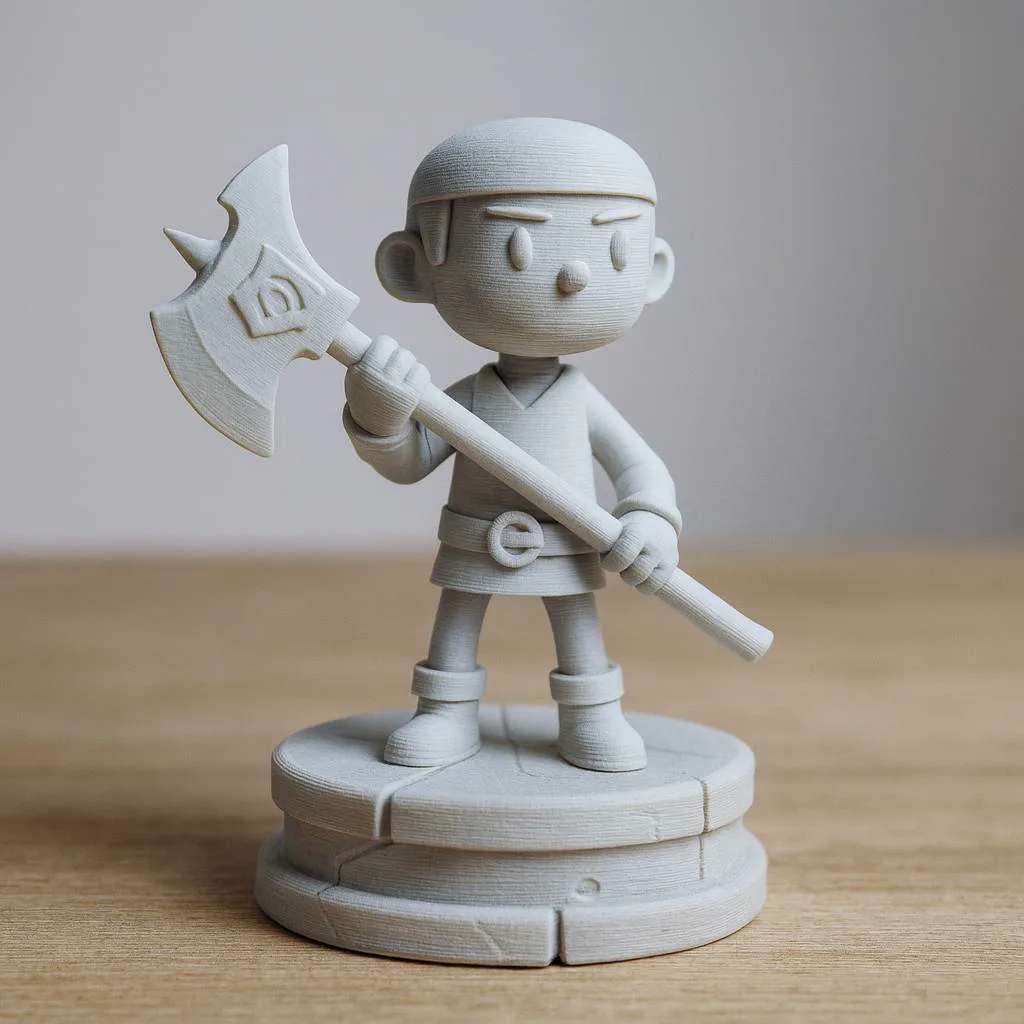
3D printing
Both export STL. Tripo also lists 3MF; Meshy's Auto Split cuts draft models into printable parts.
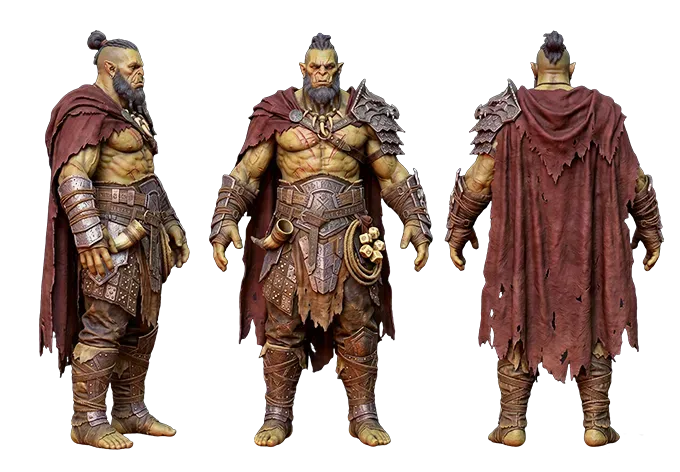
Game characters
Both auto-rig characters. Meshy includes animation presets; Tripo's paid plans add a bridge to game engines.
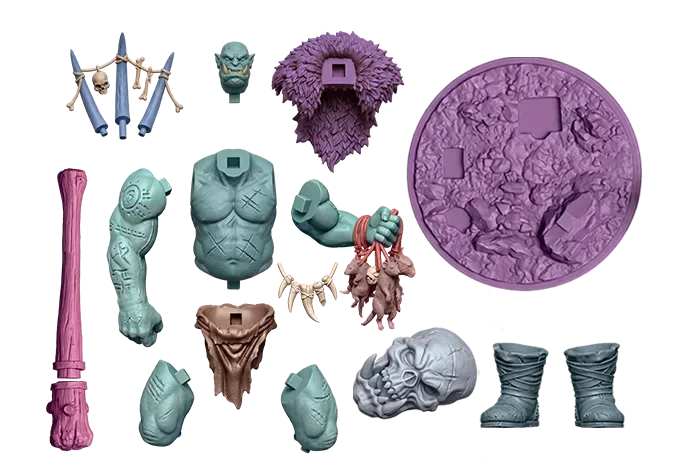
Multi-part miniatures
Tripo's smart segmentation splits models into print-bed-sized parts; Meshy's Auto Split does this for draft Meshy 6 models.
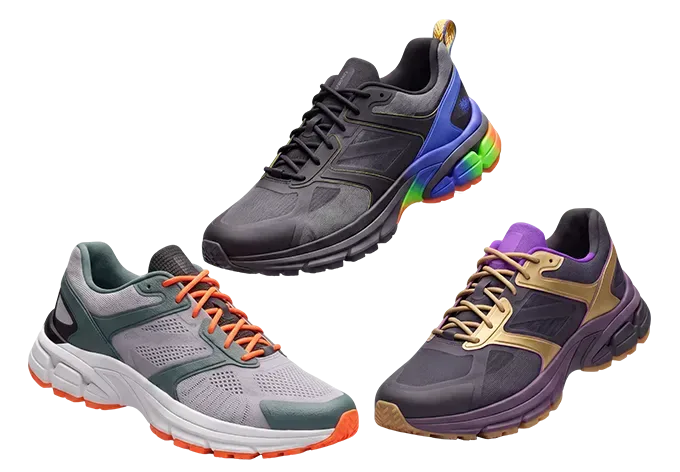
Product mock-ups
Both accept a product photo. Multi-view input, several angles of one object, is a paid feature on both.
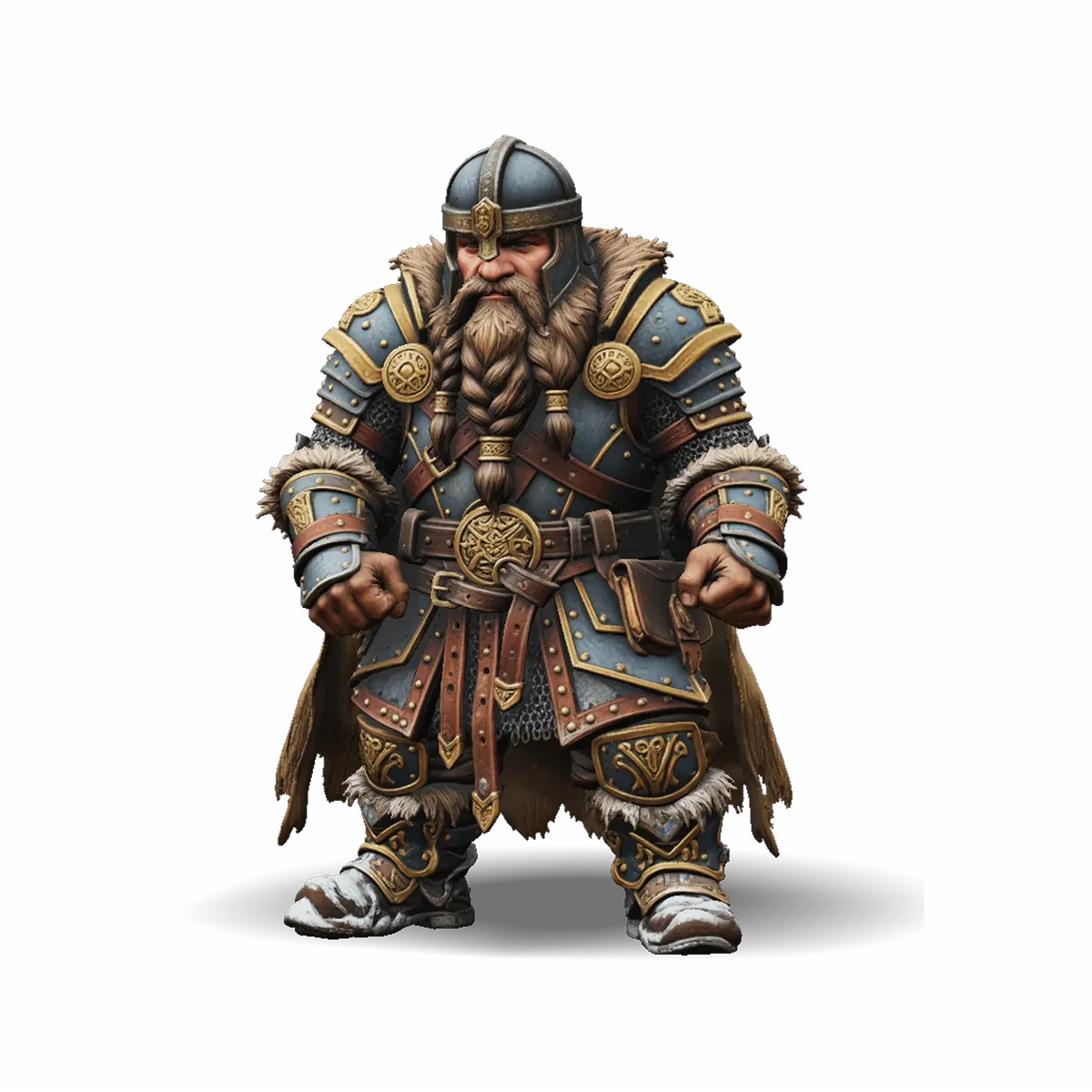
Detailed hero assets
Tripo's H3.1 targets meshes of up to 2 million polygons; Meshy 7.1 adds more geometry detail than Meshy 7.
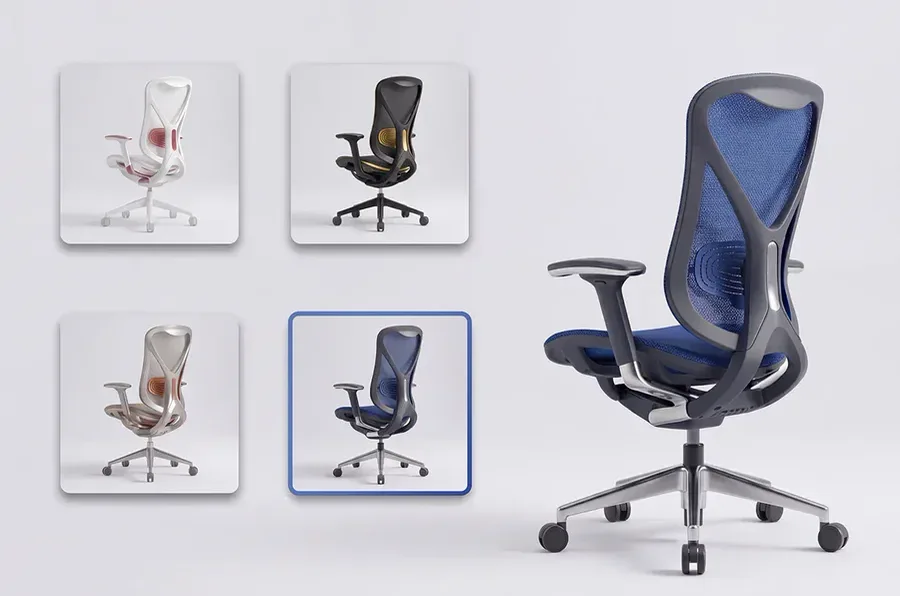
Web and AR
Both export GLB for the web. Meshy also lists USDZ for Apple AR; Tripo lists USD.
Meshy vs Tripo: what to check before you choose
The details that differ most between the two, on free and paid plans.
Free-plan licence
Meshy's free outputs are CC BY 4.0; Tripo's free models are public and for non-commercial use.
Download limits
Meshy Free: 10 downloads a month, Meshy 6 Lite only. Tripo Free: 15 exports, H2.5 only.
Export formats
Meshy lists GLB, FBX, OBJ, STL, USDZ and BLEND; Tripo lists GLB, FBX, OBJ, STL, USD and 3MF.
Rigging
Both offer auto-rigging. Meshy's free plan includes 20 animations, its paid plans 500+.
Multi-view input
Several views of one object is a paid feature on both: Meshy's paid plans, Tripo Pro and up.
API and plugins
Meshy's API starts on Pro, with Blender and Unity plugins. Tripo's paid plans add a DCC bridge.
Meshy vs Tripo FAQ
Short answers to common Meshy vs Tripo questions, with the same sources and dates as the table.
More comparisons and engines
Done with Meshy vs Tripo? Compare other engines or go straight to a model page.
Meshy alternative
Kairo3D next to Meshy: engines, free tools, licences and export formats.
TRELLIS 2 vs Hunyuan 3D
Two image-to-3D models compared on maker, licence, inputs and speed.
Hunyuan 3D
Tencent's Hunyuan 3D 3.1 for text and image to 3D.
Pricing
Credit plans for every engine on Kairo3D, with each cost shown before you generate.
Or skip the choice: run several engines here
No need to settle Meshy vs Tripo first: Tripo H3.1 runs here via fal.ai next to other engines, each in about a minute.