Kairo3D
NewPixal3D is live
Free tool · Runs in your browser

FBX File Viewer

Open an FBX file without installing Autodesk FBX Review, Blender or Maya. This FBX file viewer shows the model in 3D in seconds, reads its unit (usually centimetres) and gives you size, triangle count and a screenshot. Your file stays on your computer.

Drop an FBX file to view it

Binary or ASCII .fbx, FBX 7.x (2011) and newer, up to 200 MB

Runs in your browser — your files are never uploaded.
  • Nothing uploaded
  • No sign-in
  • Reads the FBX unit
  • Wireframe + PNG screenshot

FBX viewer at a glance

What you can check without leaving the browser.

FBX

Everything the file can hold

Viewer

What you see on screen

  • Meshes and hierarchy703 tris
    Shown, posed as in the file
  • Material coloursPhong / Lambert
    Shown
  • Embedded texturespacked images
    Shown
  • UnitUnitScaleFactor
    Sizes shown in cm
  • Skeletonskinned meshes
    Bind pose
  • Linked texture filesoutside the .fbx
    Neutral grey
  • Animation and lightstakes · cameras
    Hidden
ShownShown simplifiedNot shown
  • 0 installsWorks in Chrome, Edge, Firefox and Safari on Windows, macOS, Linux and ChromeOS — no Autodesk account or plug-in.
  • cm awareThe FBX unit scale is read from the file, so sizes are shown in the unit the model was built in.
  • 200 MBLarge scenes and high-poly characters open locally; nothing is uploaded, so size limits are your device’s, not a server’s.

How to open an FBX file online

Three steps, no download.

  1. Open the .fbx

    Drag the file onto the viewer or click Open file. Binary and ASCII FBX both work.

  2. Look around

    Drag to orbit, scroll to zoom, right-drag to pan. Switch on wireframe to judge topology, or the dark background for light-coloured models.

  3. Read the numbers, save a picture

    The side panel shows width, depth and height in the FBX unit, triangles, area and volume. Click Screenshot to save a PNG of the current view.

What you will see

What is inside an FBX vs what this viewer shows

FBX can carry a whole production scene. A quick viewer focuses on the model itself — here is exactly what appears and what does not.

Textured view

Wireframe view

What is inside an FBX vs what this viewer showsIn the FBXIn this viewer
Meshes and their hierarchyYesYes
Material coloursYesYes
Embedded texturesYesYes
Linked texture filesYesNeutral grey
SkeletonYesBind pose
Animation playbackYesNo
Lights and camerasYesHidden

Need the animations? Open the FBX in Blender (free) or Autodesk FBX Review. Need the model elsewhere? Convert it to GLB, OBJ or STL with the tools below.

Reading the numbers

What the size and triangle count tell you

The two numbers in the side panel answer the questions people open an FBX viewer for: how big is it, and how heavy is it?

In the file67.1raw numbersHeight as stored, no unit attached
unit = cm
Viewer67.1 cmcentimetresUnit read from UnitScaleFactor = 1
as STL
As STL67.1 mmread as mmWhat a slicer makes of it at 1 : 1

Units come from the file

  • An FBX stores raw numbers plus a UnitScaleFactor — 1 means centimetres.
  • The viewer reads it, so the zombie shows as 67.1 cm tall, not an unlabelled 67.1.
  • Sending it to a slicer as STL at 1 : 1 would make it a 67.1 mm figure.
Triangle counts on a log scale: the Kenney zombie sample has 703, a typical mobile game character about 8 thousand, a PC or console hero about 80 thousand and a raw sculpt about 2 million.
  • Kenney zombiethis sample703
  • Mobile game charactertypical~8 k
  • PC / console herotypical~80 k
  • Raw digital sculpttypical~2 M
1001 k10 k100 k1 M

Where 703 triangles sits

  • Turn on Wireframe to see the edges; the triangle count is in the side panel.
  • Under ten thousand is a light game asset. Hundreds of thousands is a hero model or a scan.
  • Millions usually means an unreduced sculpt — slow in engines, fine for printing.
What you check

Textured, clay or wireframe: three ways to read a model

Artists flip between these views to judge a character before it goes into an engine, a render or a printer.

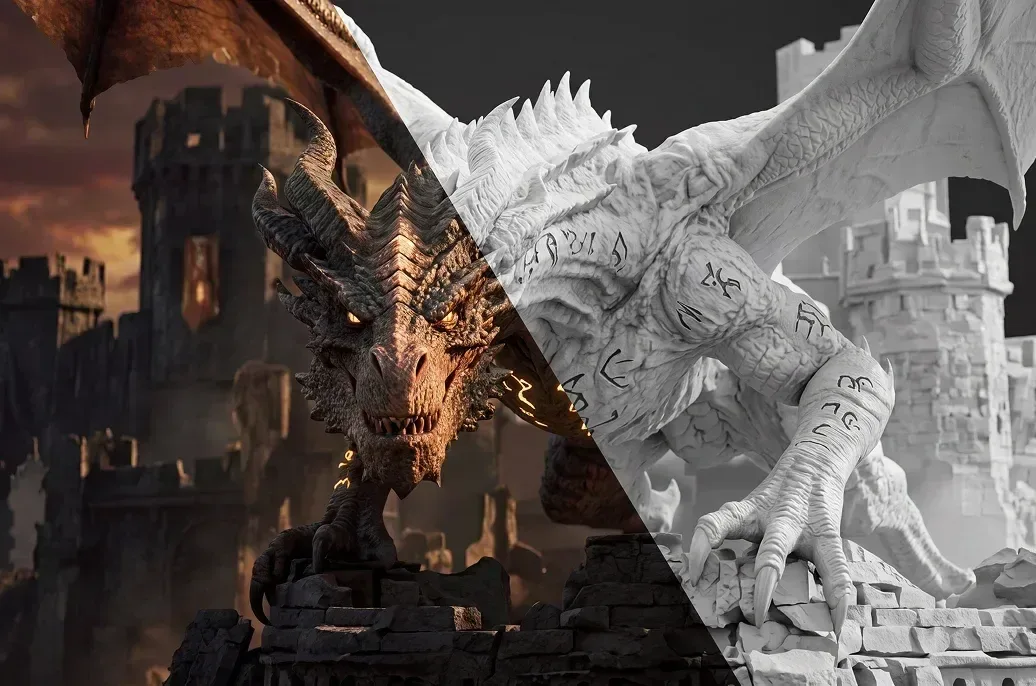
  • A dragon on a castle shown half as a textured render and half as a grey clay sculptReference example
    Textured vs clayHiding the textures shows the real shape. In this viewer, a linked texture that is missing shows as the same neutral grey.
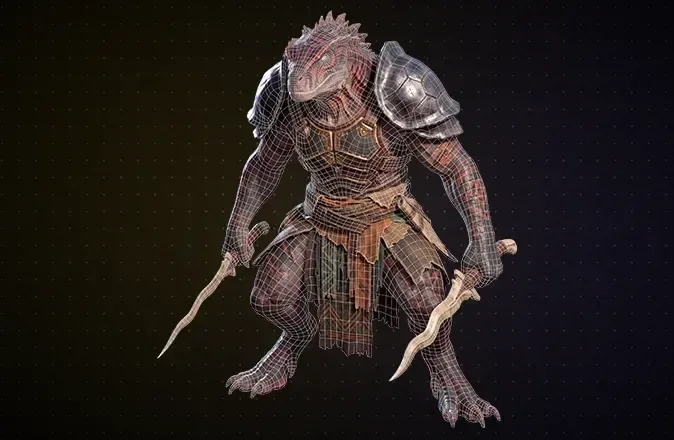
  • Lizard warrior with twin blades, textured, with visible mesh linesReference example
    Topology at a glanceEdge flow tells you whether a model will deform well when rigged — Wireframe mode gives the same view of your FBX.

Reference renders of game characters, not screenshots of this viewer.

The kind of models FBX files carry

Characters, creatures and props from the reference library — the assets you typically get as FBX from a store or a team-mate.

A quick FBX viewer for real work

Enough to check a file, not a full DCC suite.

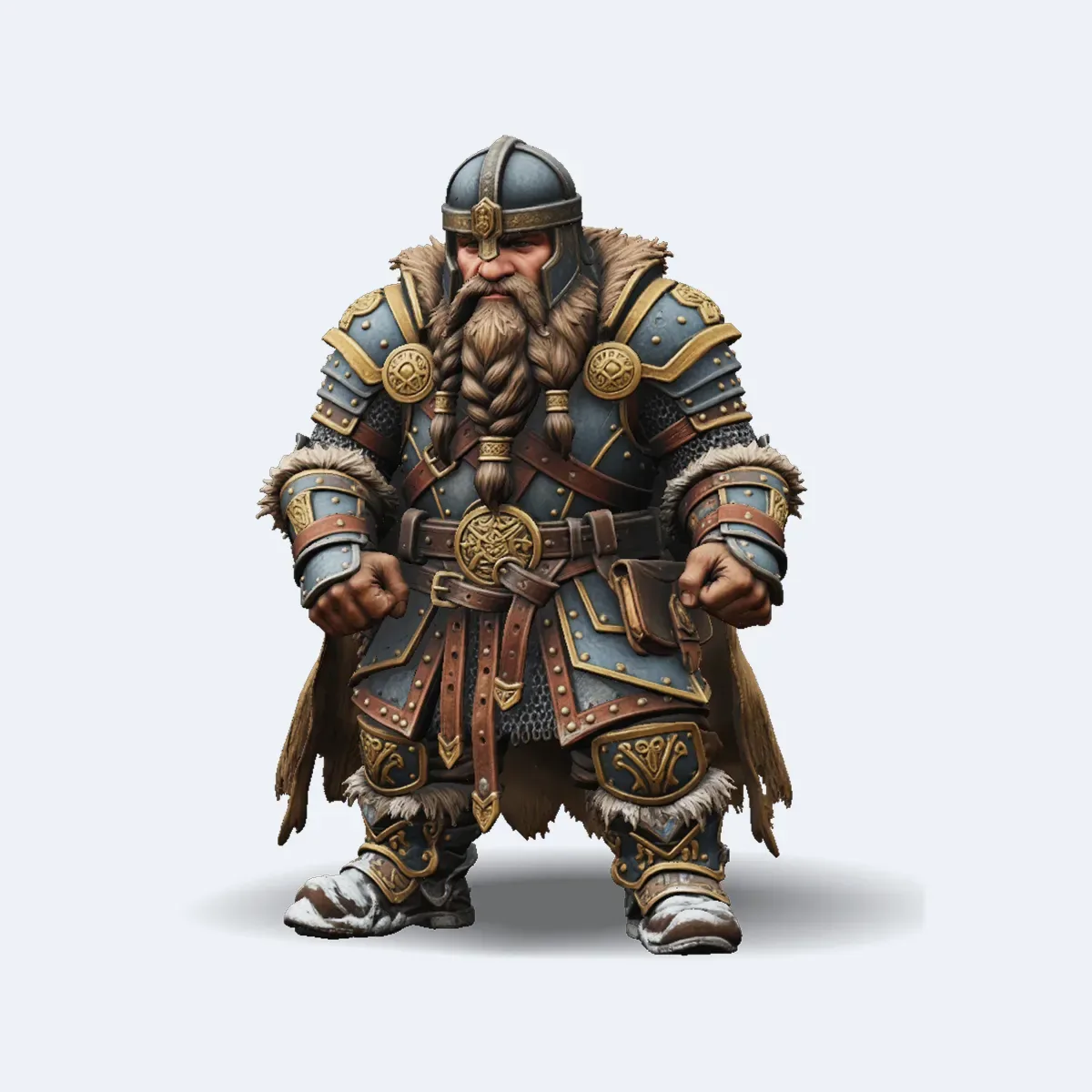
  • Bearded dwarf warrior in ornate armour

    Opens real-world FBX

    Built on the three.js FBX reader: binary and ASCII FBX 7.x from Blender, Maya, 3ds Max, Cinema 4D, Mixamo, Unity and Unreal exports.

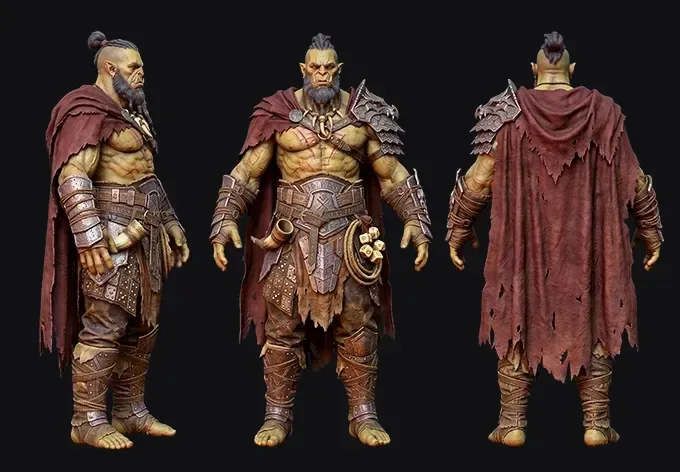
  • Orc warrior shown from the side, front and back

    True size in cm

    The UnitScaleFactor stored in the FBX is used to pick the display unit, so a 180 cm character reads 180 cm, not an unlabeled 180.

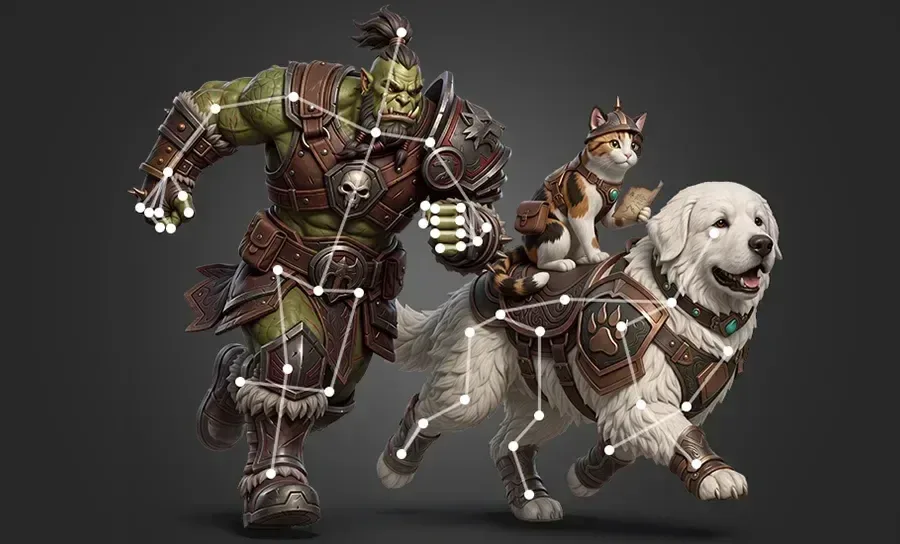
  • An orc warrior and a dog with their rig skeleton joints drawn over them

    Rigged characters show posed

    Skinned meshes are displayed through their skeleton in the bind pose, the way the artist set them up.

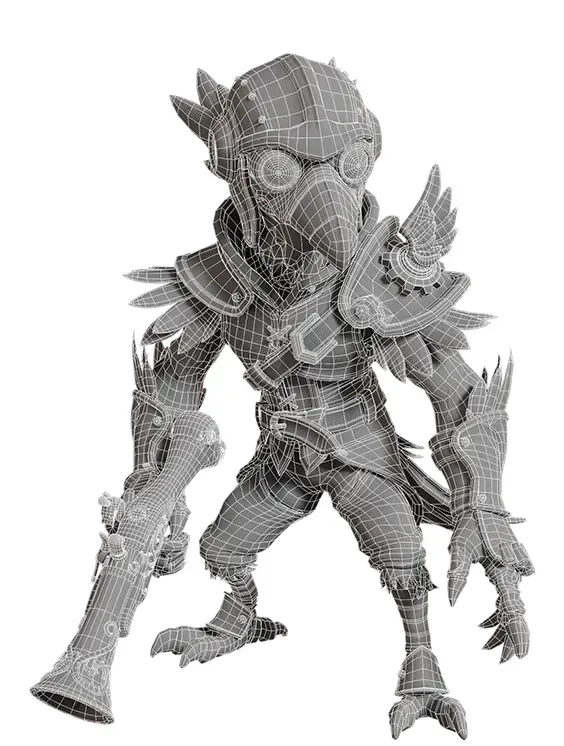
  • Wireframe mesh render of a beaked armoured creature holding a horn

    Topology check

    Wireframe mode and the triangle count tell you at a glance whether a model is game-ready low-poly or a heavy sculpt.

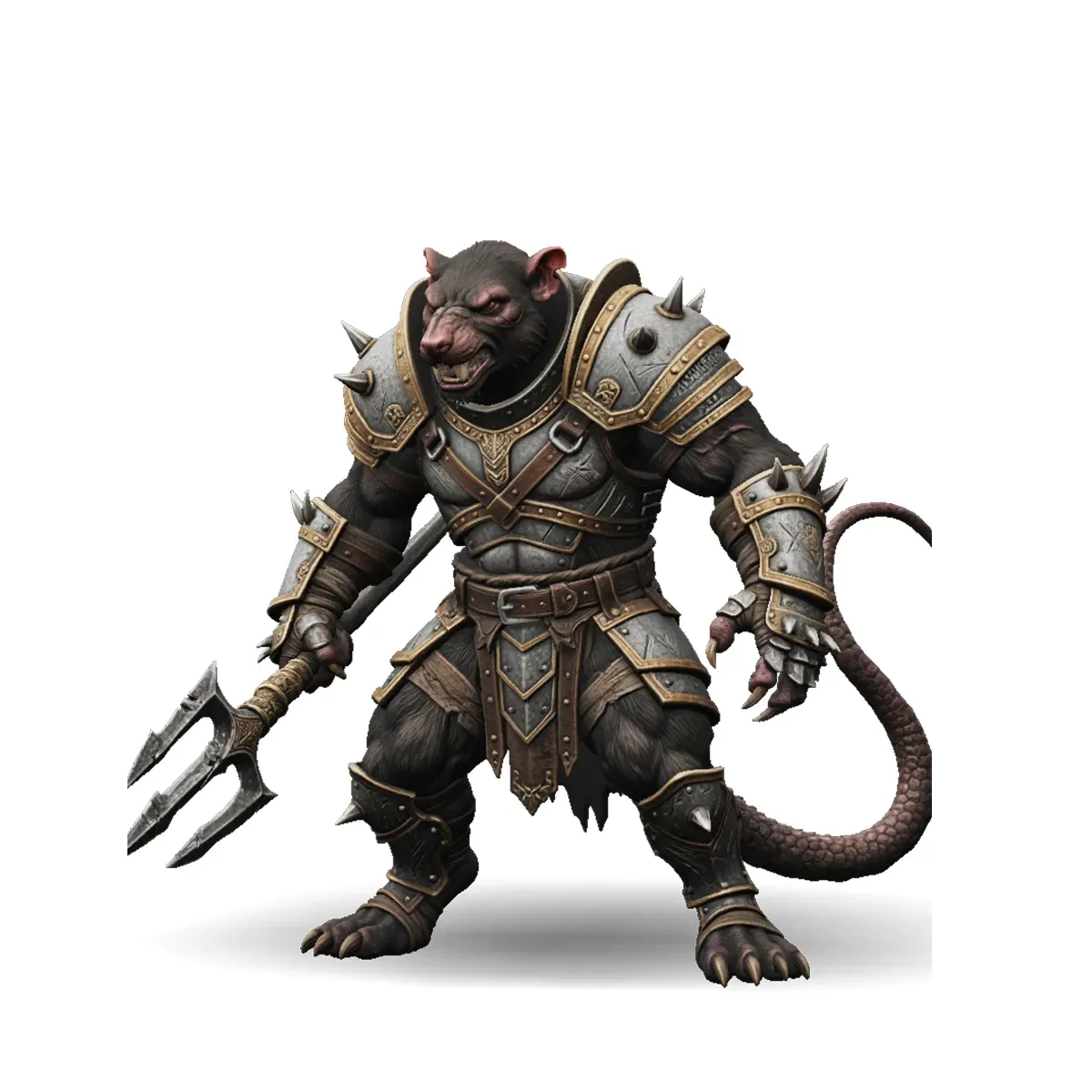
  • Armoured rat warrior character holding a trident

    Screenshot for tickets and chats

    Save the current view as a PNG to drop into a bug report, a client message or a marketplace listing.

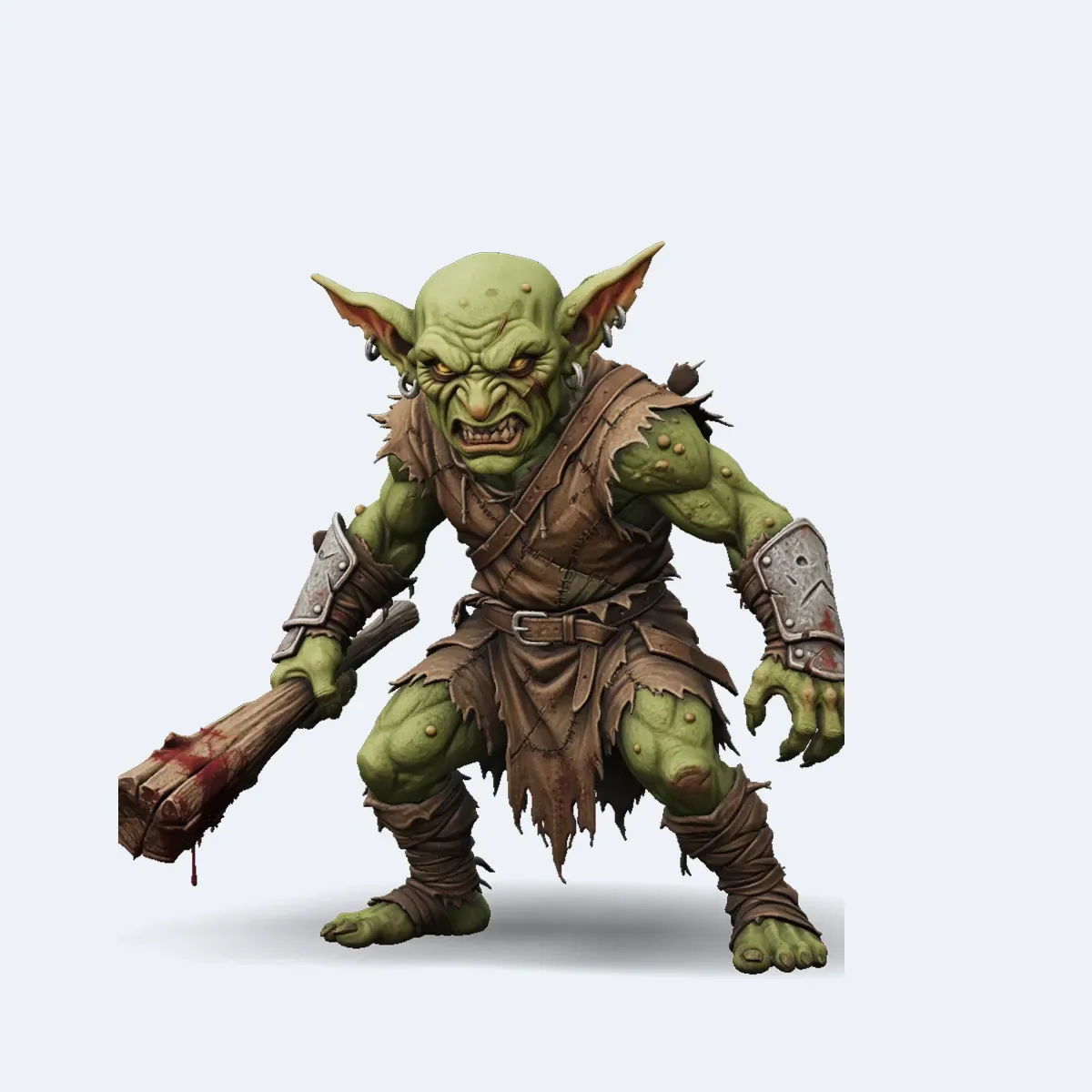
  • Green goblin game character holding a club

    Private by default

    The FBX is opened inside your browser tab. Unreleased characters and NDA work are never uploaded.

FBX viewer FAQ

Opening FBX files without the usual software.

Turn a picture into a 3D model

Upload a photo and get a textured 3D model you can view, download as GLB or print as STL.

Try Image to 3D