
OBJ to GLB Converter
Drop your OBJ files here
OBJ up to 200 MB each, up to 10 at once. No need to add the .mtl or textures — they aren't read.
STL has no units — most slicers read it as millimetres. Add a file to see its size.
Runs in your browser — your files are never uploaded.
- Nothing uploaded
- No sign-in
- Object and material names kept
- One self-contained .glb
OBJ to GLB at a glance
What goes in, what comes out, and where the work happens.
- 1 fileMesh, normals and UVs packed into a single binary .glb instead of loose .obj, .mtl and image files.
- 0 texturesThe .mtl and its image maps are skipped; each material arrives as a plain slot with its OBJ name.
- 200 MBPer OBJ, with up to 10 files per batch, converted inside this tab.
How to convert OBJ to GLB
Three steps, and the OBJ never leaves your computer.
Drop the .obj
Drag one or more OBJ files onto the converter. Leave the .mtl and image files where they are; only the geometry is read.
Choose GLB, keep 1 : 1
Select GLB as the output. OBJ and GLB both put Y up, so nothing is rotated; the size panel shows the dimensions the GLB will report in metres.
Download the GLB
Click Convert & download, then load the .glb in three.js, Babylon.js, <model-viewer> or Godot and reapply textures there if the model needs them.
What survives the OBJ to GLB conversion
The mesh moves over intact. The look defined in the .mtl stays behind, so the GLB starts with plain materials.
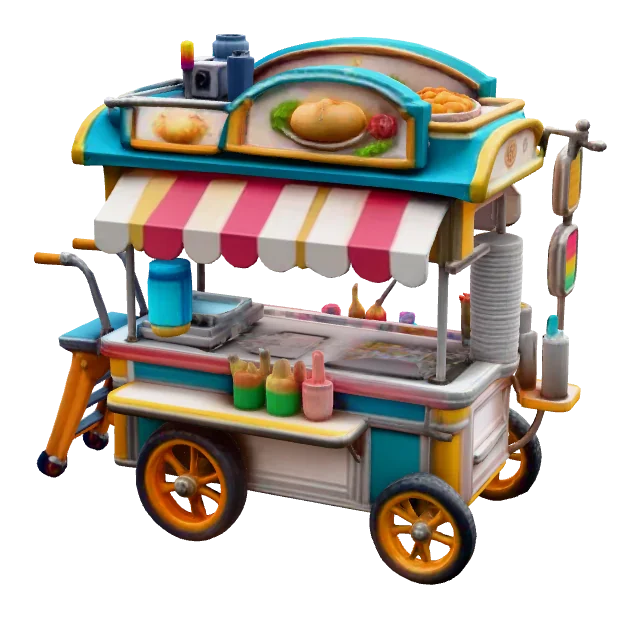
OBJ + .mtl + texture images
Same mesh, plain materials
| What survives the OBJ to GLB conversion | OBJ | GLB |
|---|---|---|
| Polygons | Tris, quads, n-gons | Triangles |
| Normals and UVs | Yes | Yes |
| Object and material names | Yes | Yes |
| Vertex colours | If present | Yes |
| Textures and .mtl colours | Via .mtl | No |
| Files to keep together | 3 or more | 1 |
Textures don't carry over because the converter never opens the .mtl. For a fully textured GLB, import the OBJ with its .mtl into Blender and export glTF Binary (.glb) instead.
Web-ready models to spin
Third-party example models in GLB, the format this page writes. Drag any card to orbit it.
Why convert OBJ to GLB here
Small details that save you a trip through Blender.
One file to ship
A GLB holds the mesh and its buffers in one binary file, so there is no .mtl or texture folder to lose when you upload or share it.
Names carried over
Each o or g block becomes its own node, and every usemtl name becomes a GLB material, ready to re-texture by name.
UVs and normals kept
Texture coordinates and normals from the OBJ are written as standard glTF attributes, so a texture you reapply lines up.
Vertex colours too
When an OBJ stores a colour on each vertex (v x y z r g b), the GLB keeps it as a colour attribute and shows it.
Stays on your device
OBJ to GLB runs in this browser tab with three.js. Nothing is uploaded and nothing is stored on a server.
Batch of ten
Drop up to 10 OBJ files, each up to 200 MB, and convert them in one pass; every GLB is named after its source.
OBJ to GLB FAQ
Materials, size, scale and privacy.
More ways to work with your 3D files
View, convert, or make a model from scratch.
GLB to OBJ converter
Export GLB geometry, normals and UVs as OBJ (no textures).
OBJ viewer
Preview an OBJ file online, spin it and measure it, no install.
GLB viewer
Open GLB and glTF files with their textures, then measure them.
OBJ to STL converter
Make a slicer-ready STL from any OBJ, upright and to scale.
Need a textured GLB from scratch?
Generate a textured 3D model from a single photo, then download it as GLB.