
3DS to STL Converter
Drop .3ds files to convert to STL
.3ds (binary 3D Studio) — up to 10 files at 200 MB each. .max scenes are not supported
STL has no units — most slicers read it as millimetres. Add a file to see its size.
Runs in your browser — your files are never uploaded.
- Nothing uploaded
- No sign-in
- All objects merged into one STL
- Scale presets for unit-less files
3DS to STL at a glance
Measured on our own sample, a chess rook saved as a classic .3ds file.
0x4D4D MAIN3DSWhole file0x0002 versionFormat version0x3D3D EDIT3DSThe 3D editor data0x0100 master scaleApplied to the mesh0xAFFF materialOne per material0xA020 diffuse colourShown in preview, not in STL0xA200 texture mapFile name of a separate image0x4000 named objectKept; the name is dropped in STL0x4100 triangle meshThe geometry0x4110 vertices≤ 65,535 per object0x4120 facesTriangles kept0x4130 material groupWhich faces use which material0x4150 smoothing groupsNormals recomputed instead0xB000 keyframesAnimation, not read
16-bit limits
- 65,535 vertices per object
- 65,535 faces per object
- 10-character object names
Counts are stored in 16 bits, so exporters split big models into many objects. The STL merges them back into one mesh.
- Written to the STL
- Used, but not stored in STL
- Dropped
- Container chunk
1,608 triangles
Every triangle of the rook sample came through the 3DS to STL conversion: 1,608 in the .3ds file, 1,608 in the STL.
8 objects → 1 STL
Body, six merlons and a felt pad are separate objects in the .3ds file. The STL merges them into one mesh in place.
65,535
The most vertices one 3DS object can hold — the format counts them in 16 bits. Big models are split across many objects.
How to convert 3DS to STL
Three steps. No account, no 3ds Max licence, no install.
Open your .3ds file
Drag the .3ds file onto the converter or pick it from a folder. The model appears in 3D with its triangle count, and you can orbit and zoom to check it is the right file.
Check the size
A .3ds file has no reliable unit, so the numbers are used as they are. If the size box shows a tiny or huge model, choose “Fit longest side to 100”, in → mm or cm → mm.
Download the STL
Keep STL selected and click “Convert & download”. All objects are merged into one binary STL that opens in Cura, PrusaSlicer, Bambu Studio or OrcaSlicer.
What carries over from 3DS to STL
A .3ds file is a small scene: named objects, materials, texture file names, smoothing groups and keyframes. STL keeps only the triangles. Here is what survives a 3DS to STL conversion.
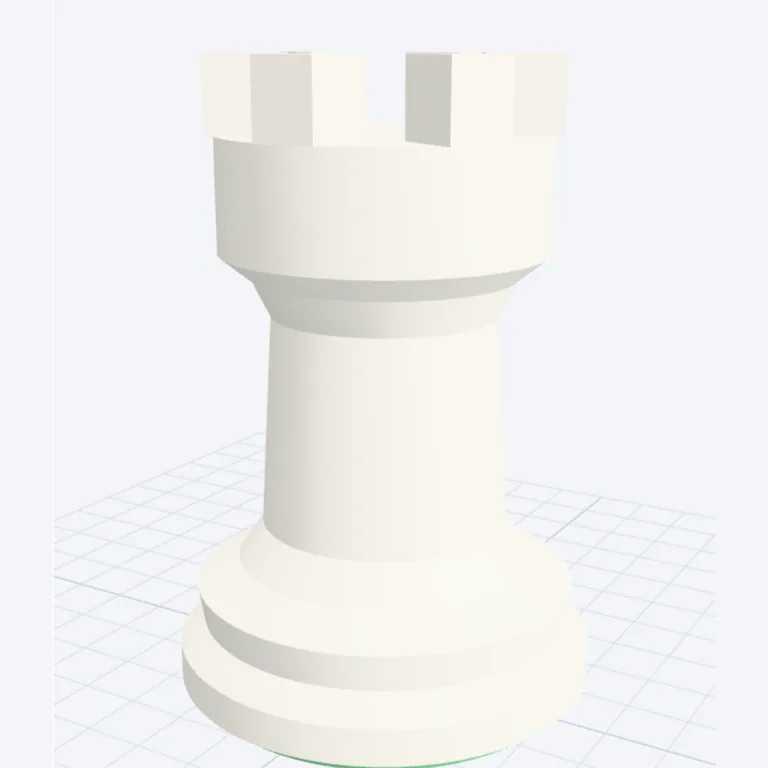
3DS: objects, materials, keyframes
STL: one triangle mesh for slicing
| What carries over from 3DS to STL | 3DS | STL |
|---|---|---|
| Triangles and shape | Yes | Yes |
| Separate objects | Yes | Merged |
| Object names (10 characters) | Yes | No |
| Material colours | Yes | No |
| Texture maps | File names only | No |
| Smoothing groups | Yes | Normals recomputed |
| Real-world units | Unreliable | Read as mm |
| Up axis | Z-up | Z-up |
| Keyframe animation, cameras, lights | Yes | No |
| Opens in every slicer | No | Yes |
Want to keep object names or colours? Pick OBJ (named parts) or GLB (colours) as the target instead of STL.
What old .3ds models become on a printer
Lamps, miniatures and spaceships were common in 3DS model collections. These reference prints show what such models look like once they are STL files on a build plate.
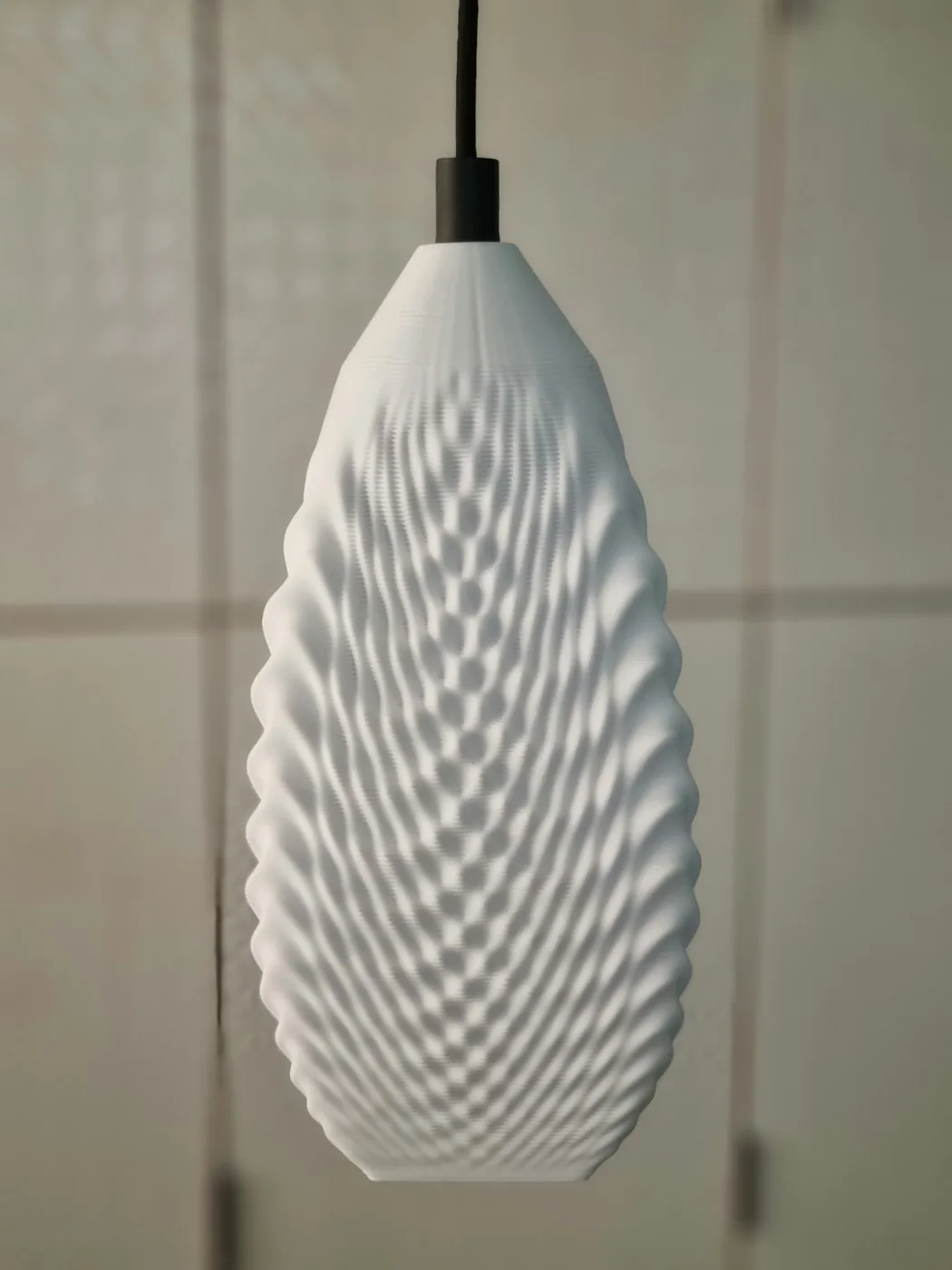 Reference example
Lanterns and lamp shadesSimple, closed shapes like our lantern sample convert cleanly and print without supports when the walls are thick enough. 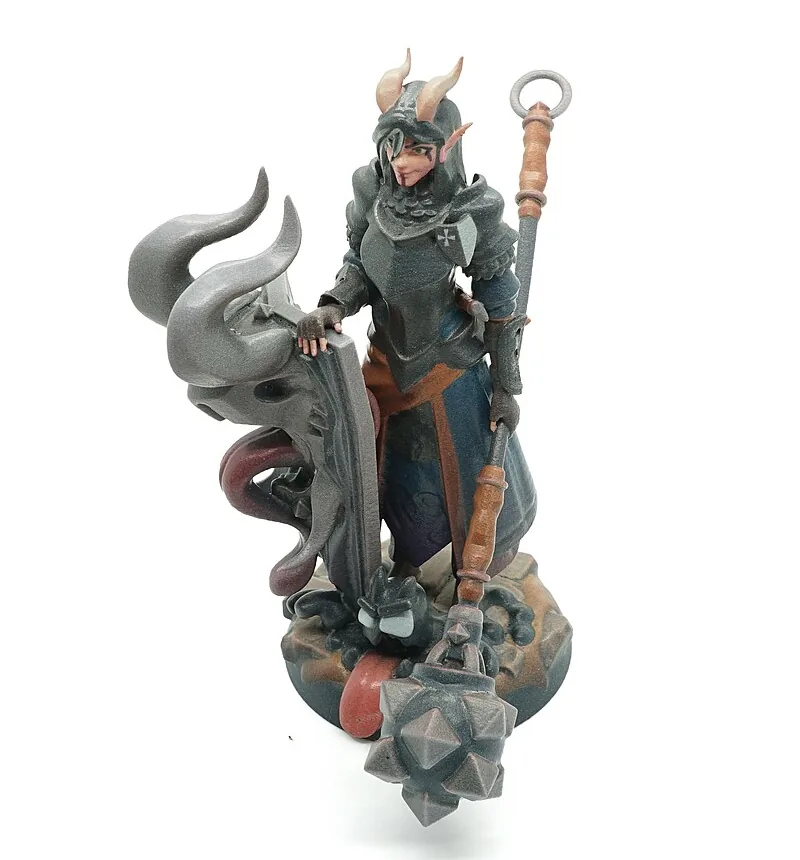 Reference example
Painted tabletop miniaturesCharacter models from old libraries still make good tabletop figures once printed and painted. Scale them up first — many were modelled tiny. 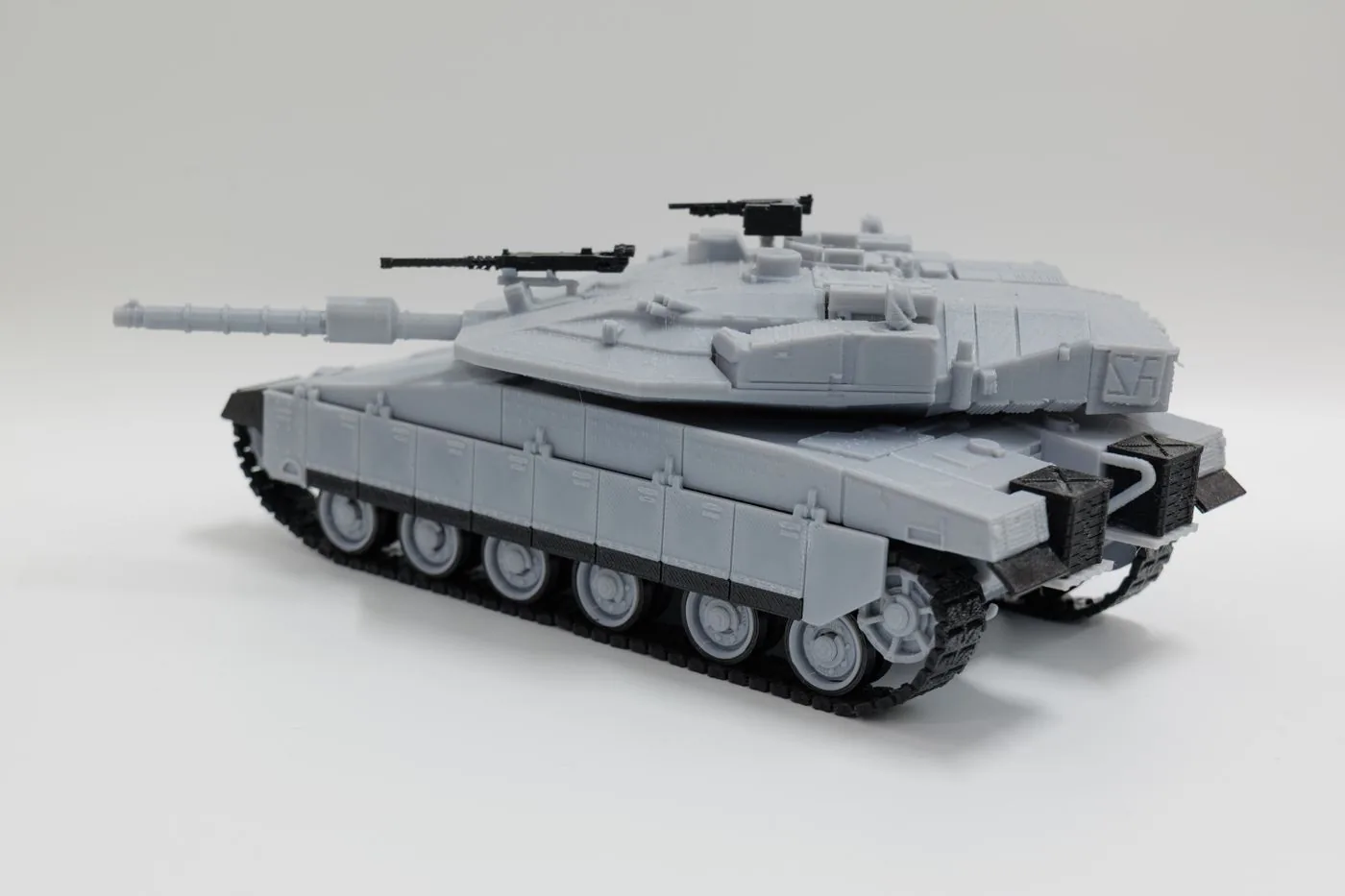 Reference example
Spaceships and vehiclesHard-surface game models are often made of many overlapping parts. Merge, repair, then print as one solid model.
Photo credits: warrior miniature by ScottHShapeways (CC BY-SA 4.0), via Wikimedia Commons. Other photos: Unsplash, Pexels.
No 3DS file? Generate a printable model
Reference models from AI 3D generators, shown live. Kairo3D turns a photo into a mesh you can export as STL.
Why convert 3DS to STL here
Old .3ds models still turn up in archives and asset packs. This gets them onto a print bed without reinstalling old software.
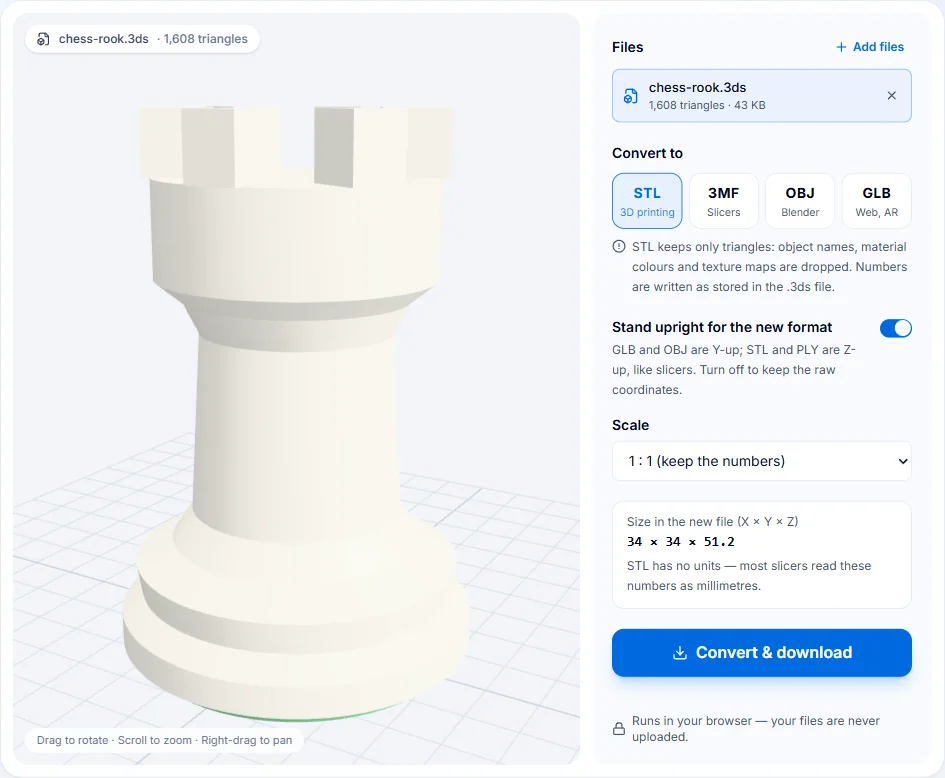
Size check before you download
The size box shows the bounding box of the STL you are about to write — 34 × 34 × 51.2 mm for the rook sample — and warns when a print would come out under 5 mm.
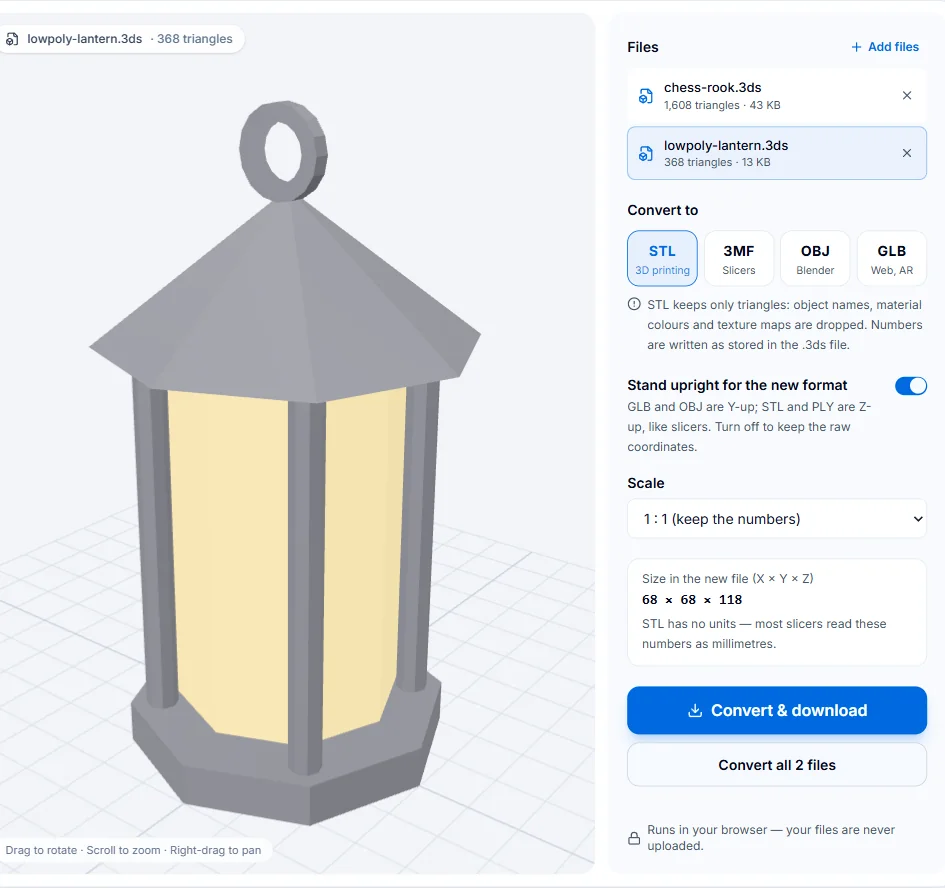
Batch convert a folder of models
Drop up to 10 .3ds files at once, for example a set of game props or a chess set. Each gets its own triangle count, and all convert in one go.
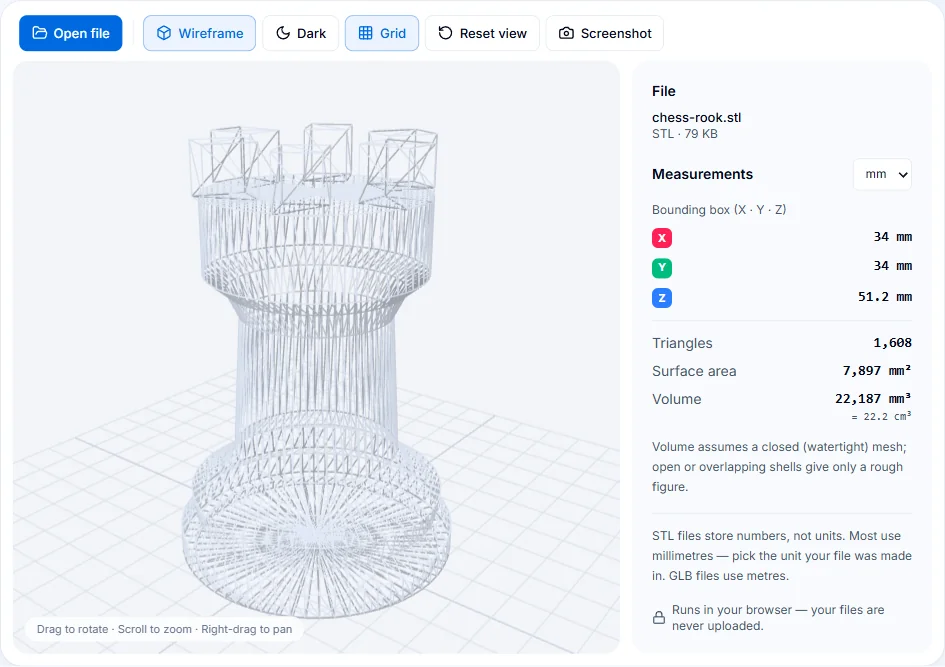
Same triangles, nothing lost
The mesh is not decimated or resampled. Open the STL in our viewer in wireframe and you see the same faces that were in the 3DS model.
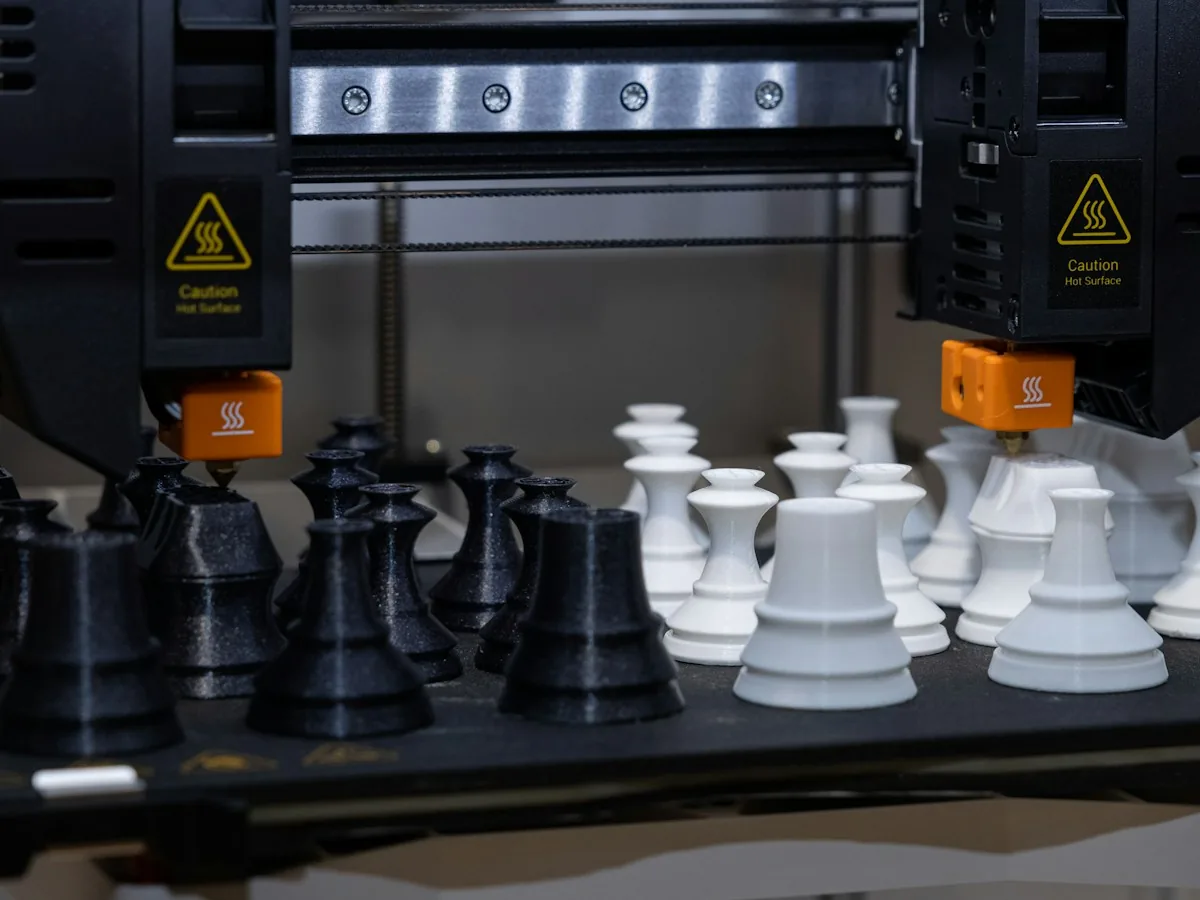
Board-game pieces and props
Chess sets, tokens and miniatures were a staple of 3DS libraries. Merged into one STL with the parts in place, they print as a single piece.
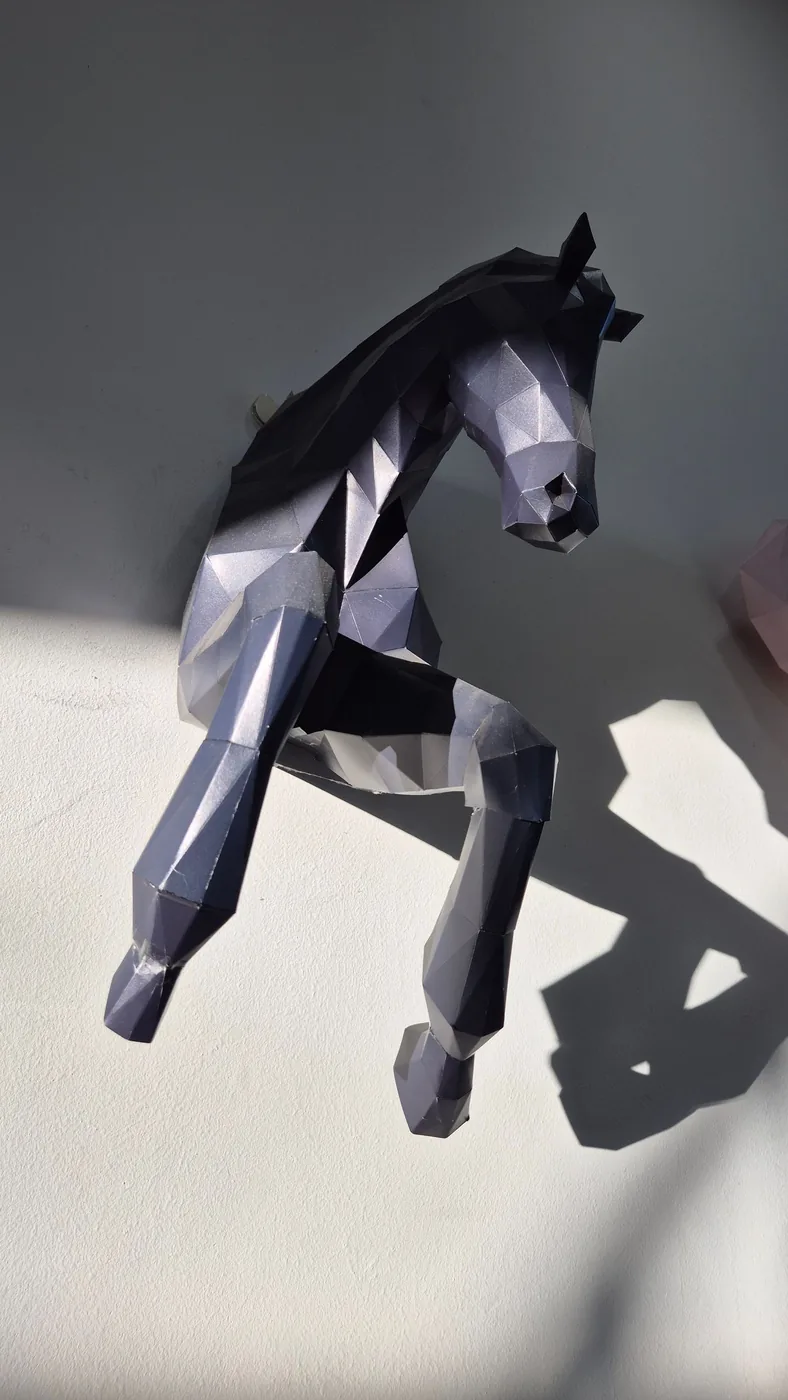
Low-poly models print well
The 16-bit limits kept 3DS models light. Flat facets that looked dated on screen read as a clean faceted style on a printed sculpture.
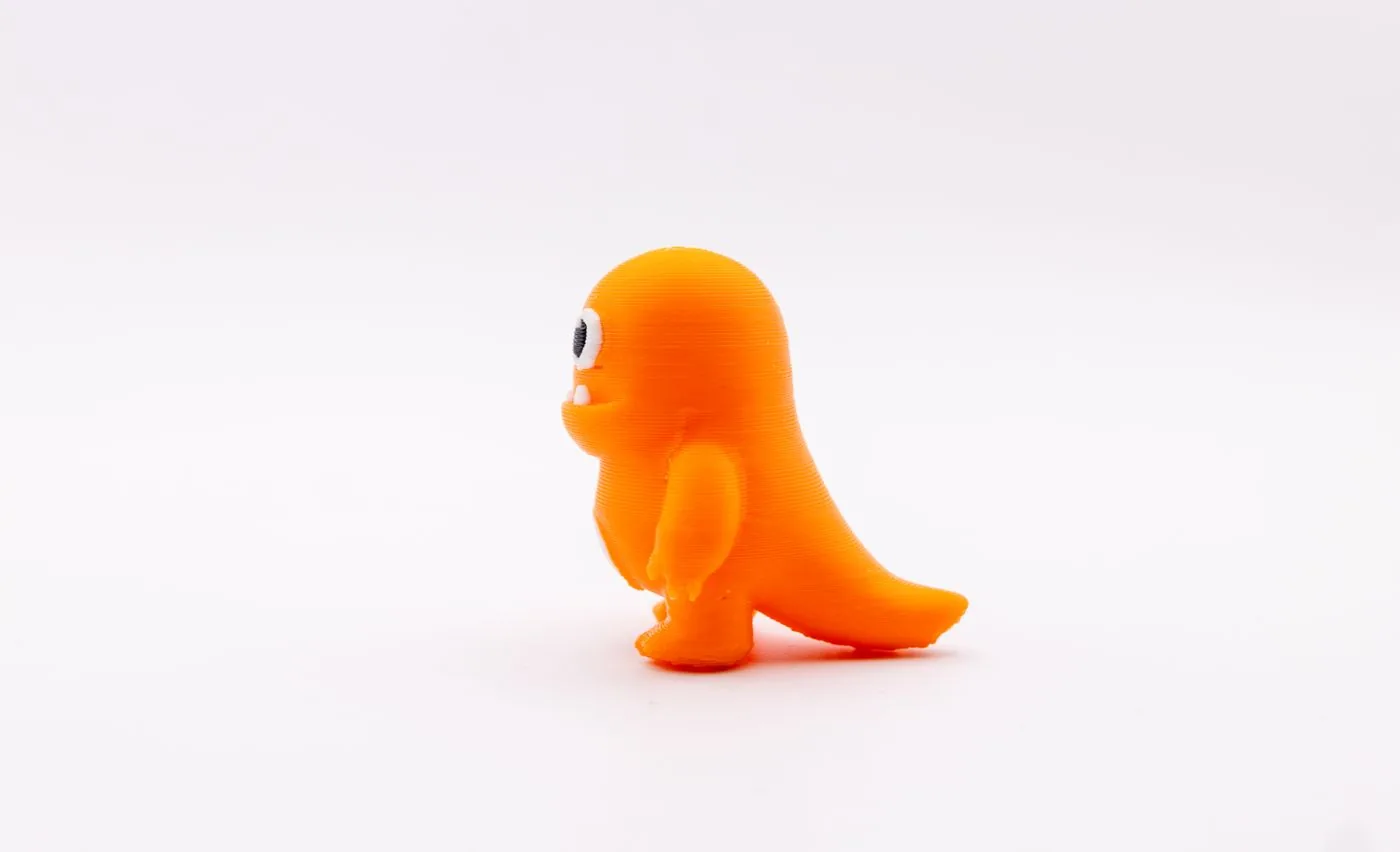
Retro scenes into real objects
Turn a prop from an old game mod or a 1990s visualisation into a printed figure. If the mesh has holes, run it through STL Repair afterwards.
3DS to STL — frequently asked questions
Units, 3ds Max, textures and what a 3DS to STL conversion cannot do.
More ways to work with your 3D files
View, convert, or make a model from scratch.
Only have a photo of the object?
Kairo3D turns a single picture into a 3D model you can download as STL and print — no old model library required.