
Nameplate Generator STL
Engraved or wedge plates: print one colour, paint-fill the letters, or load the plate and text STLs as two parts on a multi-material printer.
Ready to print. Binary STL in millimetres.
Print tips for nameplates
Layer height
0.2 mm layers print a desk nameplate fast and clean. Use 0.12–0.16 mm when the second line is under 6 mm tall.
Colour change at a layer
Raised text starts exactly at the plate thickness, so one colour change at that height gives two-colour text on a single nozzle.
Prusa Knowledge Base: Color change ↗Minimum stroke width
Keep raised strokes at 1 mm or wider and engraved channels at 0.5–0.8 mm with a 0.4 mm nozzle; raised letters read best from 5–6 mm tall.
Mandarin3D text guide ↗Lay it flat
Print plates face up. Text that stands upright adds a filament swap on every layer on AMS-style printers; flat plates need only one.
Bambu Lab wiki: filament change ↗
Start from
Built in your browser. Your text never leaves this page.
- Built in your browser, nothing uploaded
- No sign-in
- Separate text STL for two colours
- Raised or engraved text
What the nameplate generator gives you
Counted from the tool itself, not from marketing.
- 5plate shapes: rounded, square, oval, wedge, keychain
- 6bundled fonts (OFL / Apache 2.0), incl. Chinese
- 3STL downloads: full part, plate only, text only
Make a name plate STL in three steps
The recording is this nameplate generator in use: type a name, pick a font, switch presets, download.
Type the name
Enter one line for the name and an optional second line for a job title or room. Pick a font and the letter heights.
Shape the plate
Choose a rounded desk plate, a wedge that stands on its own, an oval, a square door sign or a keychain tag with a ring hole.
Download and print
Save the STL, or the plate and text as separate files for two colours. Slice face up; the panel shows the colour-change height.
Two ways to put a name on a plate
The generator models the plate and the letters together. This is what the two text styles look like in cross-section.
Raised text
Letters stand on top of the plate. Swap filament at the plate height and a single-nozzle printer gives you two colours.
Engraved text
Letters are cut into the plate, and the islands inside O, A and B stay in place. Fill them with paint for contrast.
The tool gives you the height
The panel under the preview shows the layer height where the colour should change, so you can set it in your slicer.
What printed nameplates look like
Desk plates, door signs and keychains printed by other makers — the kinds of parts this generator makes.
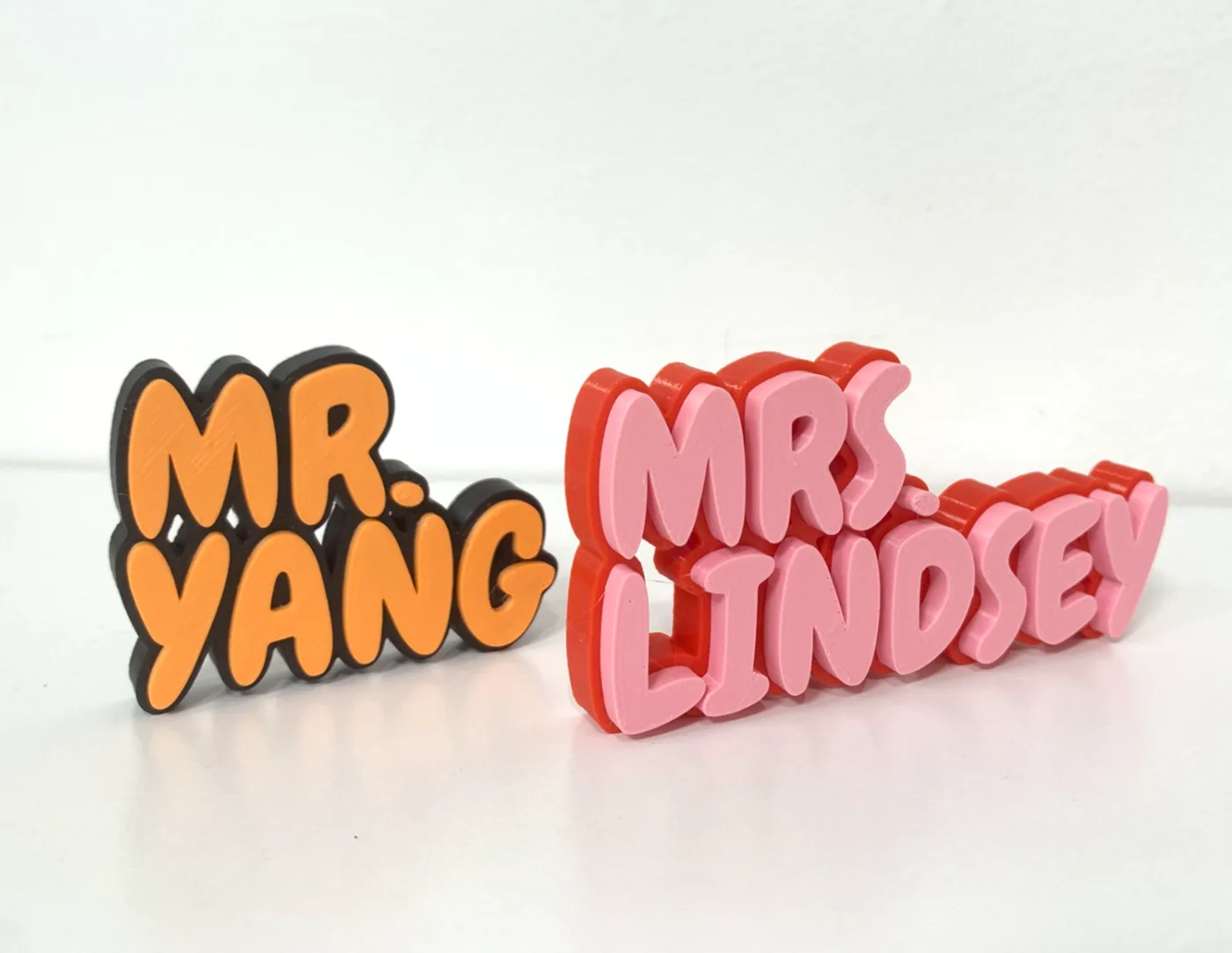 Reference example
Two-colour standing namesvia makerworld.com 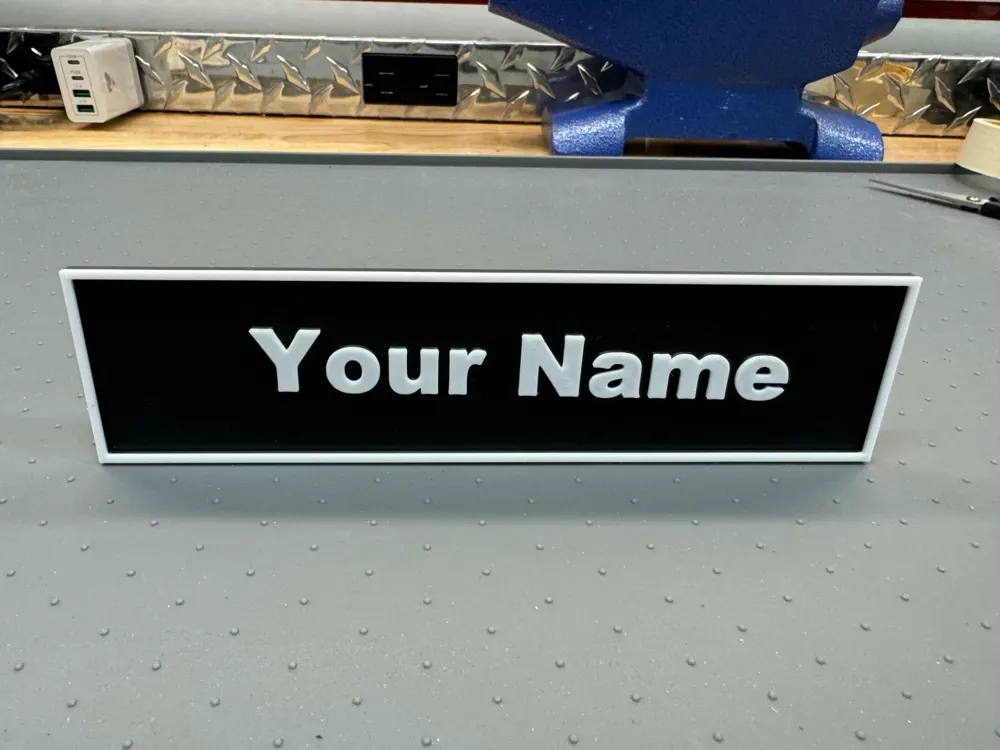 Reference example
Desk plate with raised textvia makerworld.com 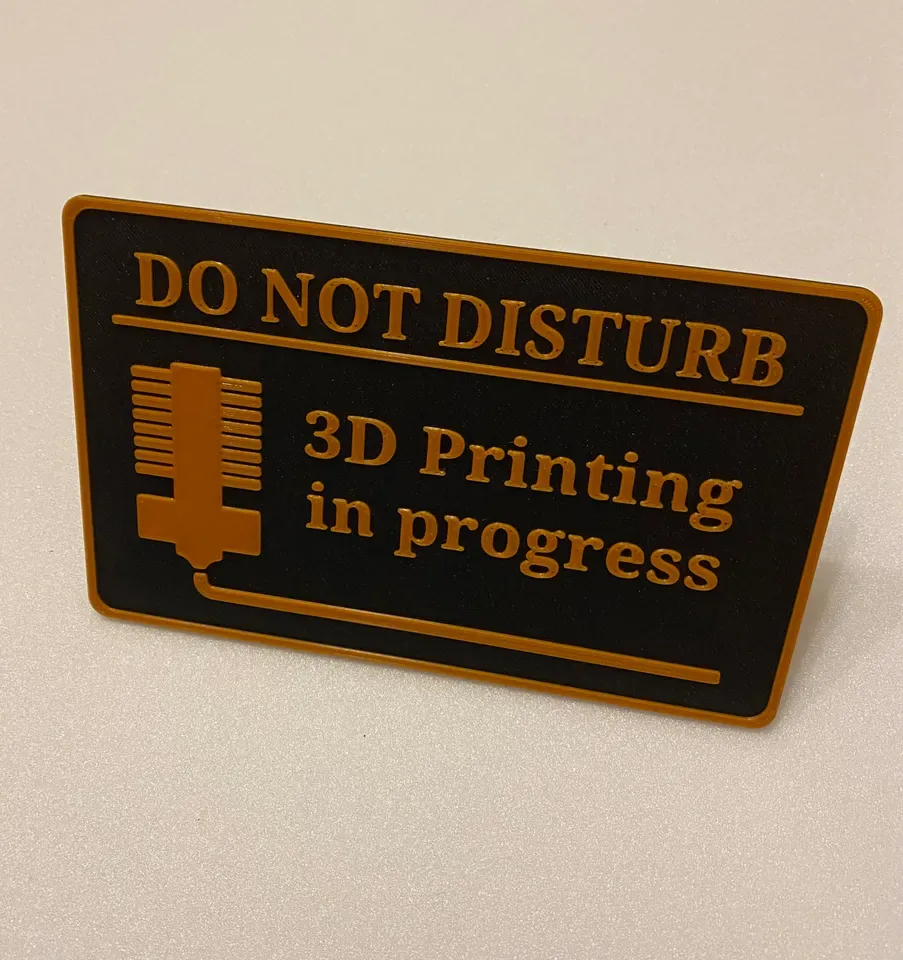 Reference example
Two-colour door plaquevia printables.com 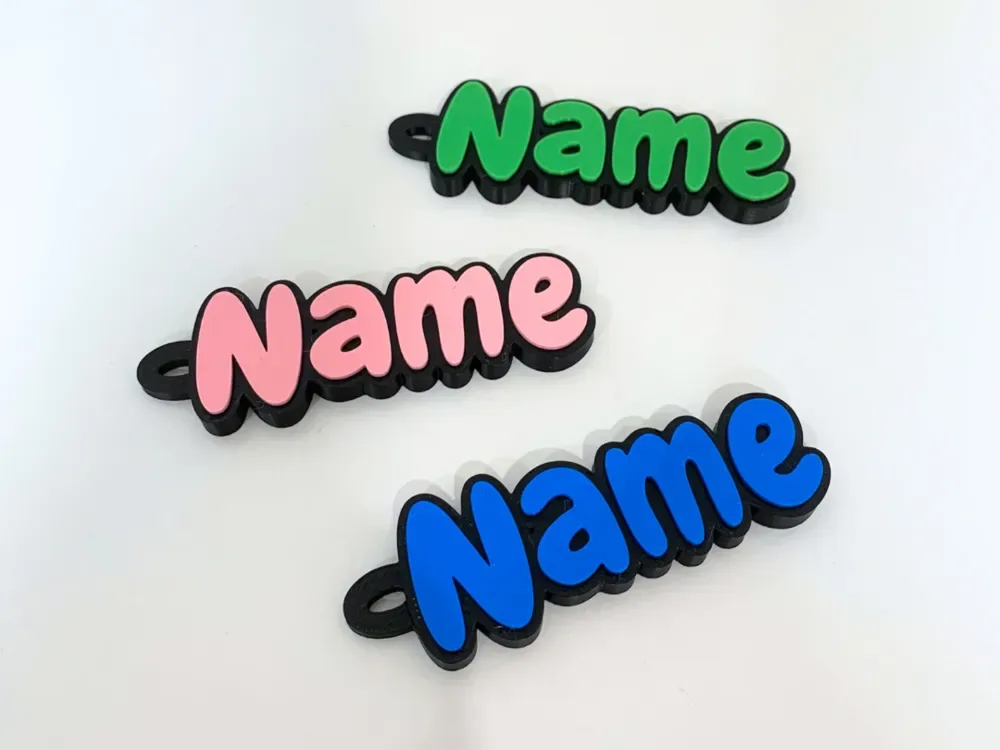 Reference example
Outlined name keyringsvia makerworld.com 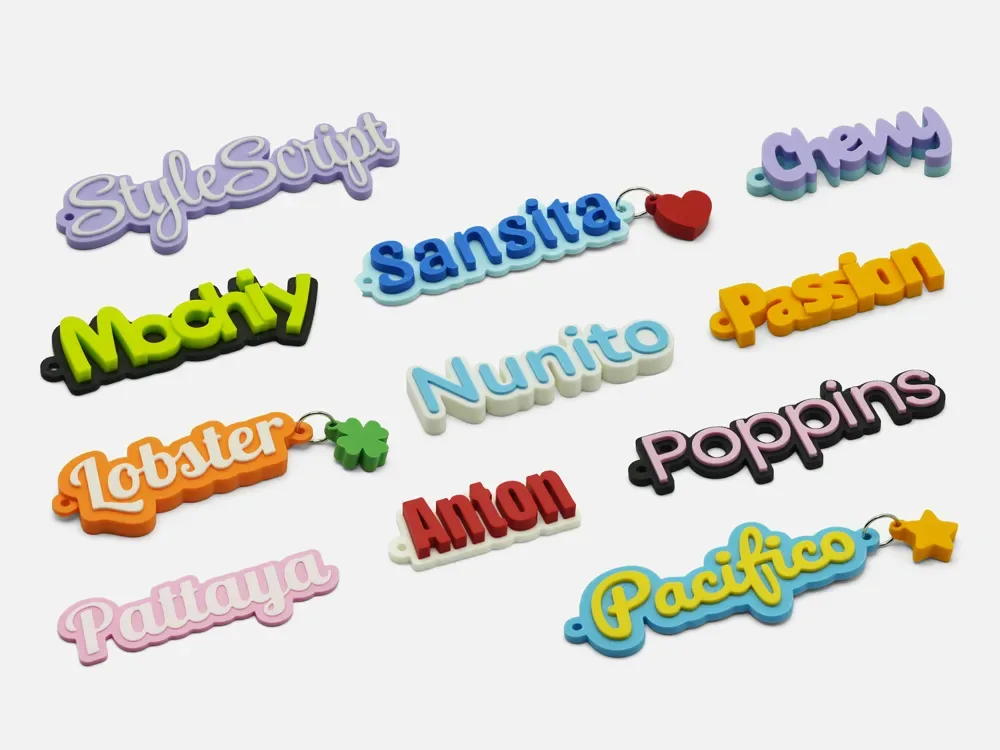 Reference example
Keychains in different fontsvia makerworld.com 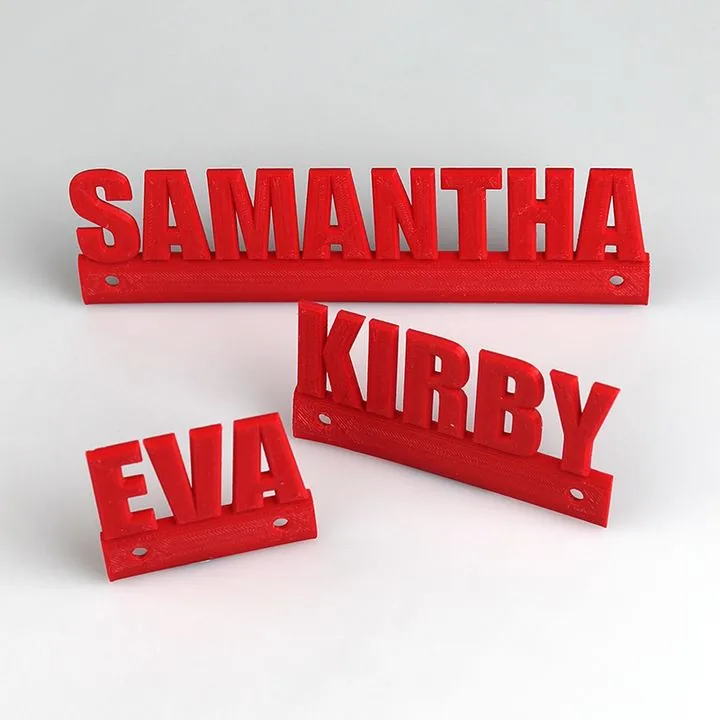 Reference example
Names on standing feetvia myminifactory.com
Reference examples by other makers and sites, shown to illustrate the printed result. They were not made with this tool.
Made with this nameplate generator
Screenshots of the live preview: the four presets plus a few custom names and fonts.
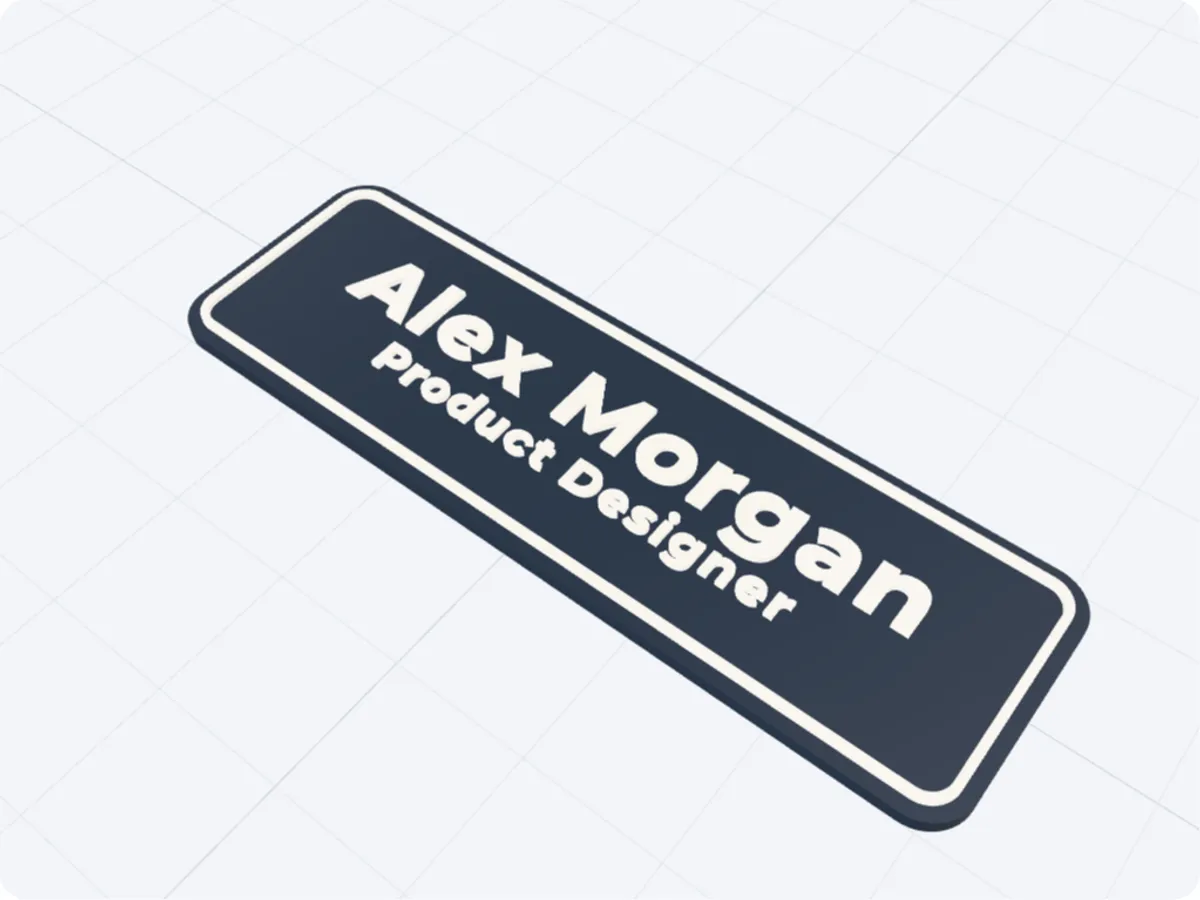
Desk nameplate · raised text
A rounded desk plate with raised white text on a dark base.

Wedge desk stand
The face leans back at 70° and stands without a separate holder.
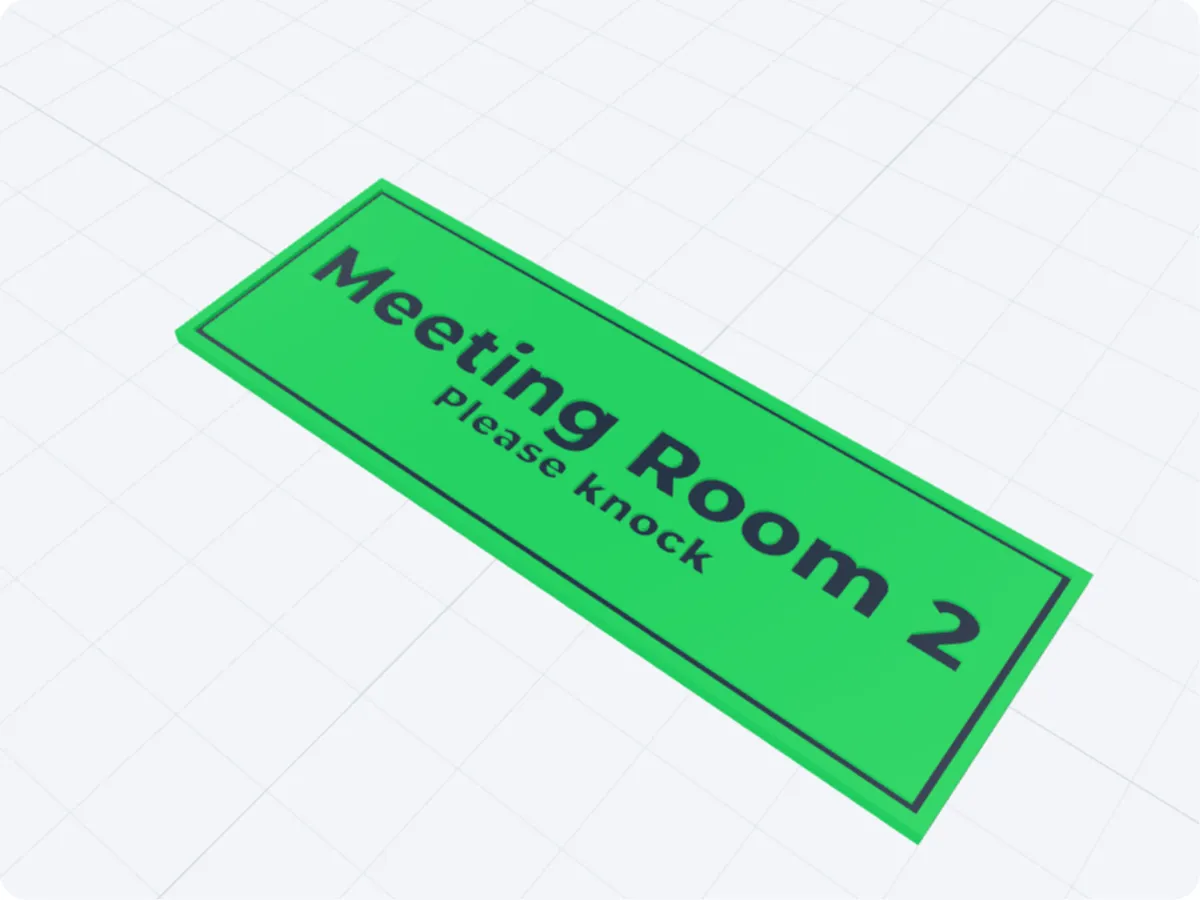
Door sign · engraved
Text cut into the plate, with a border around the edge.
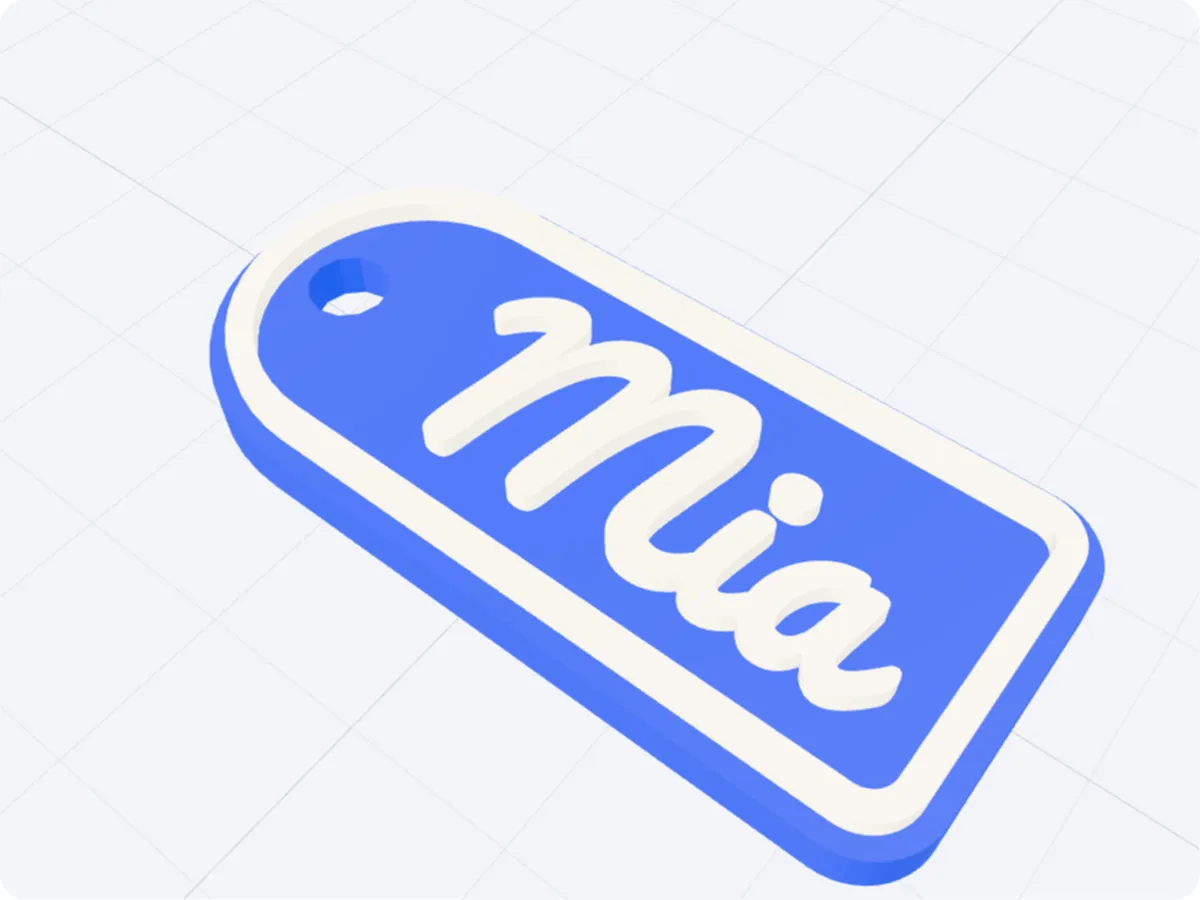
Keychain tag
A script name on a capsule tag with a key ring hole.
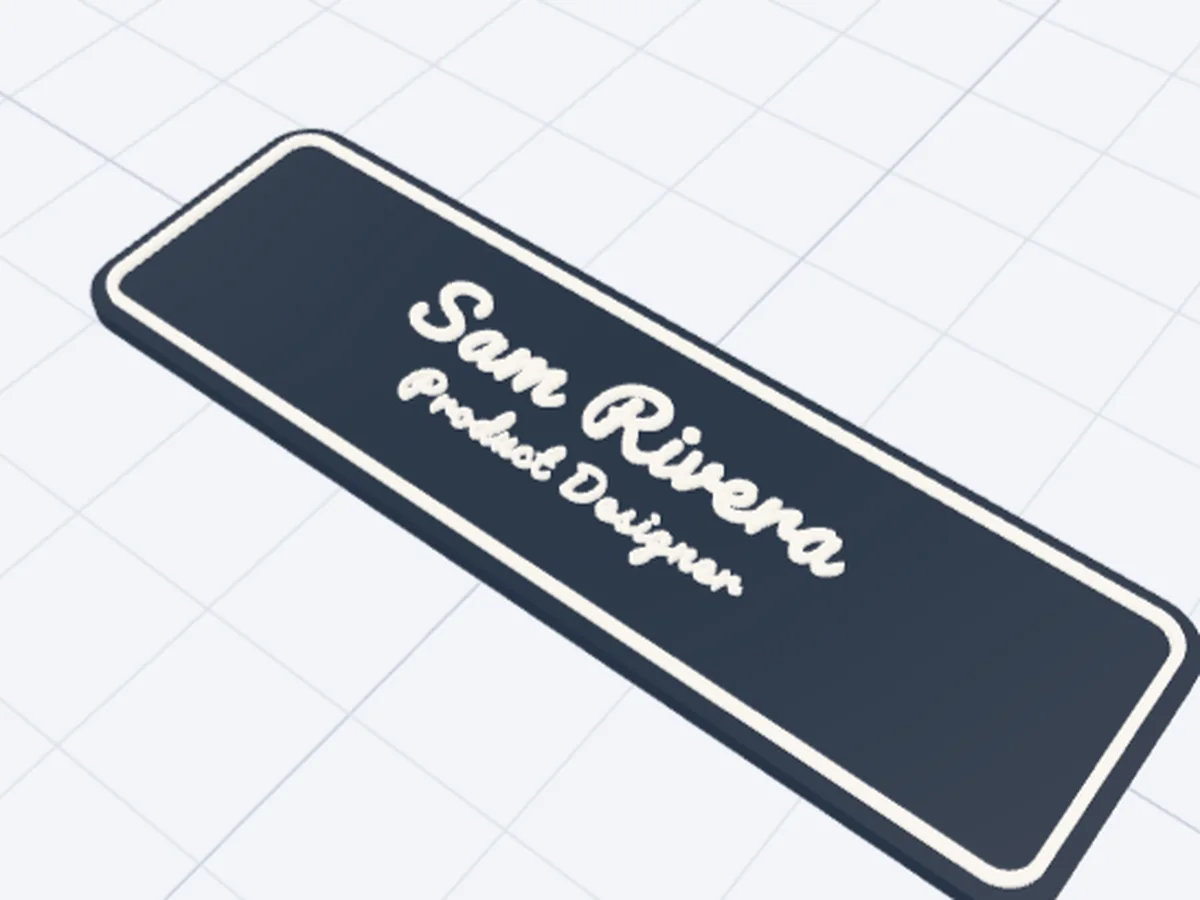
Desk plate · script
A rounded desk plate with a script name and a smaller second line.
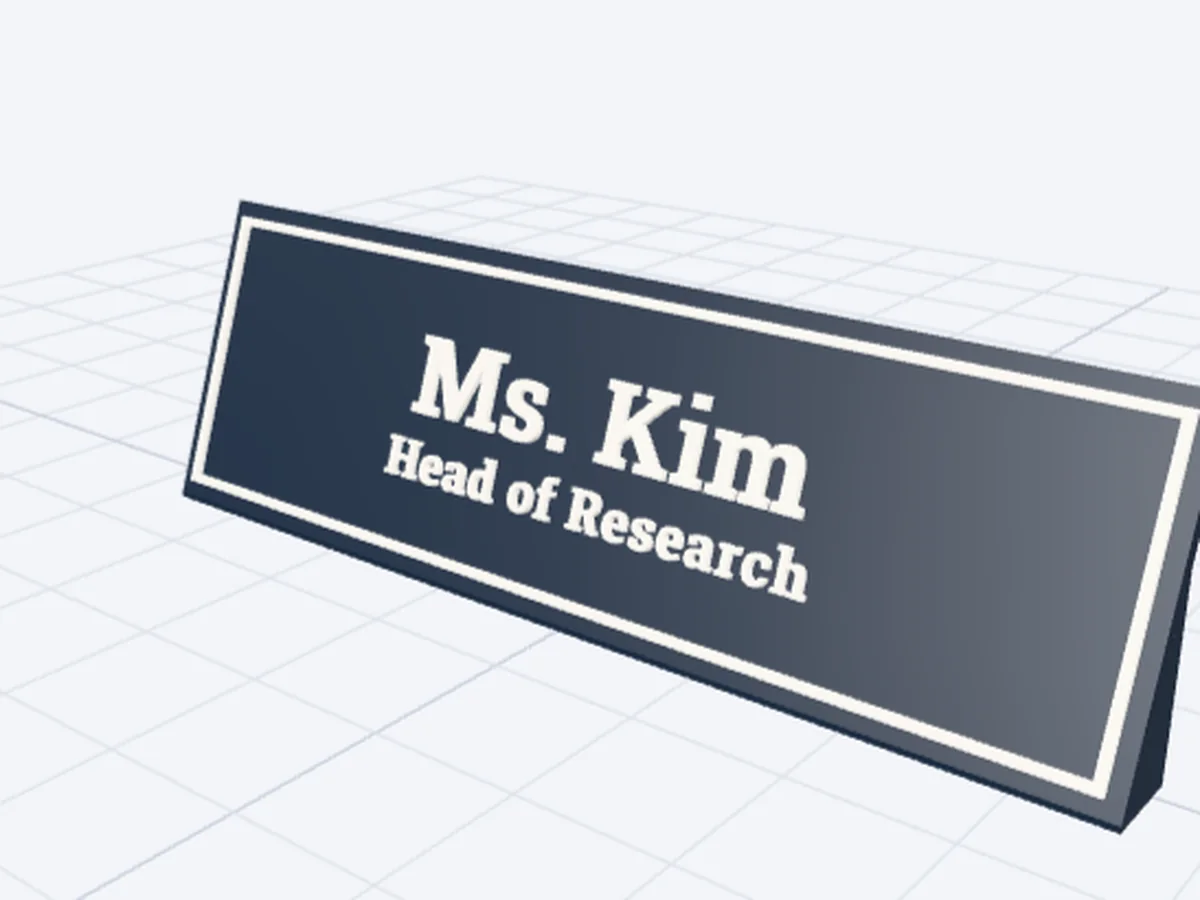
Wedge stand · slab serif
The wedge preset with a slab-serif name and title.
Built for real name plates, not just text on a box
The plate, the border and the text are modelled together, so the STL prints without fixing.
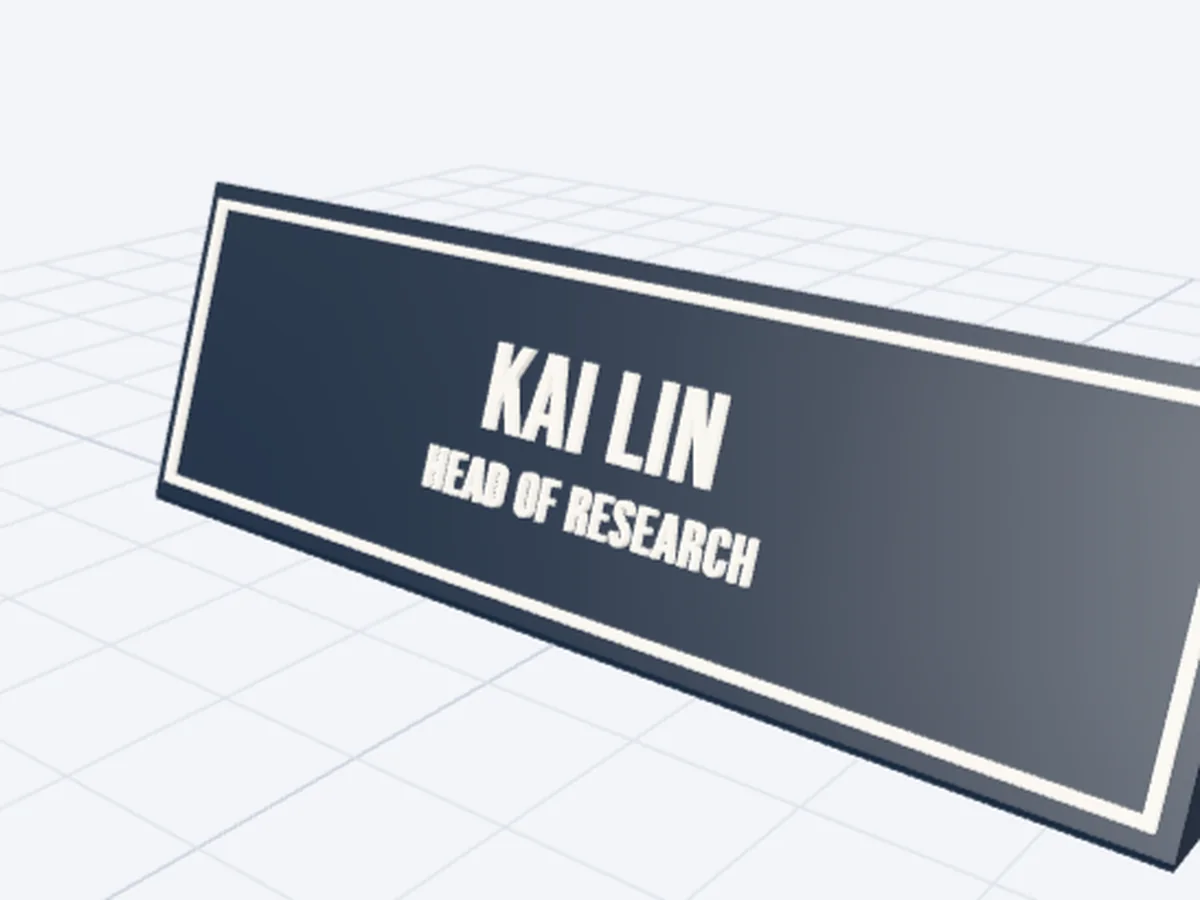
Desk wedge that stands up
The wedge shape leans the face back (55–85°) and adds a solid support behind it — no separate stand to glue.
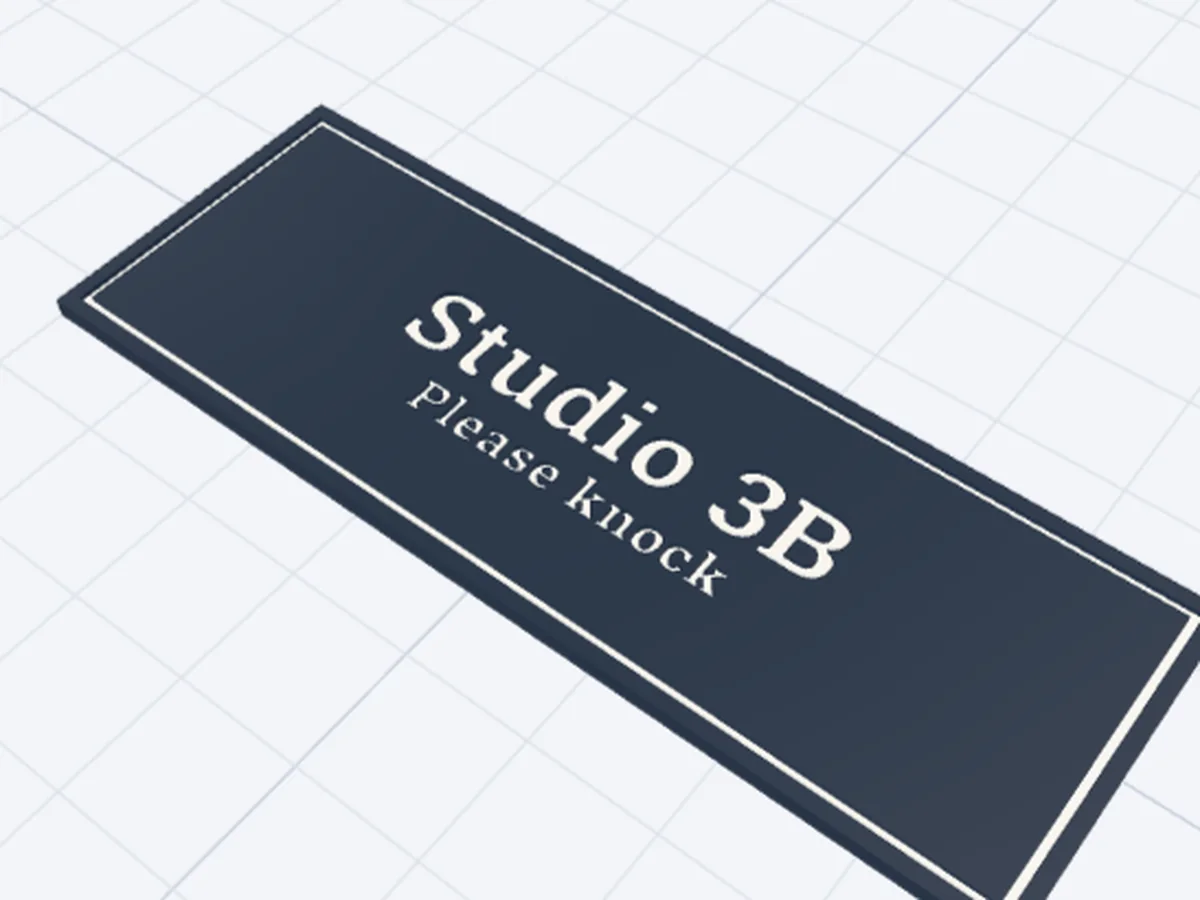
Raised or engraved text
Raise letters above the plate, or cut them in. Engraving keeps the islands inside letters like O, A and B.
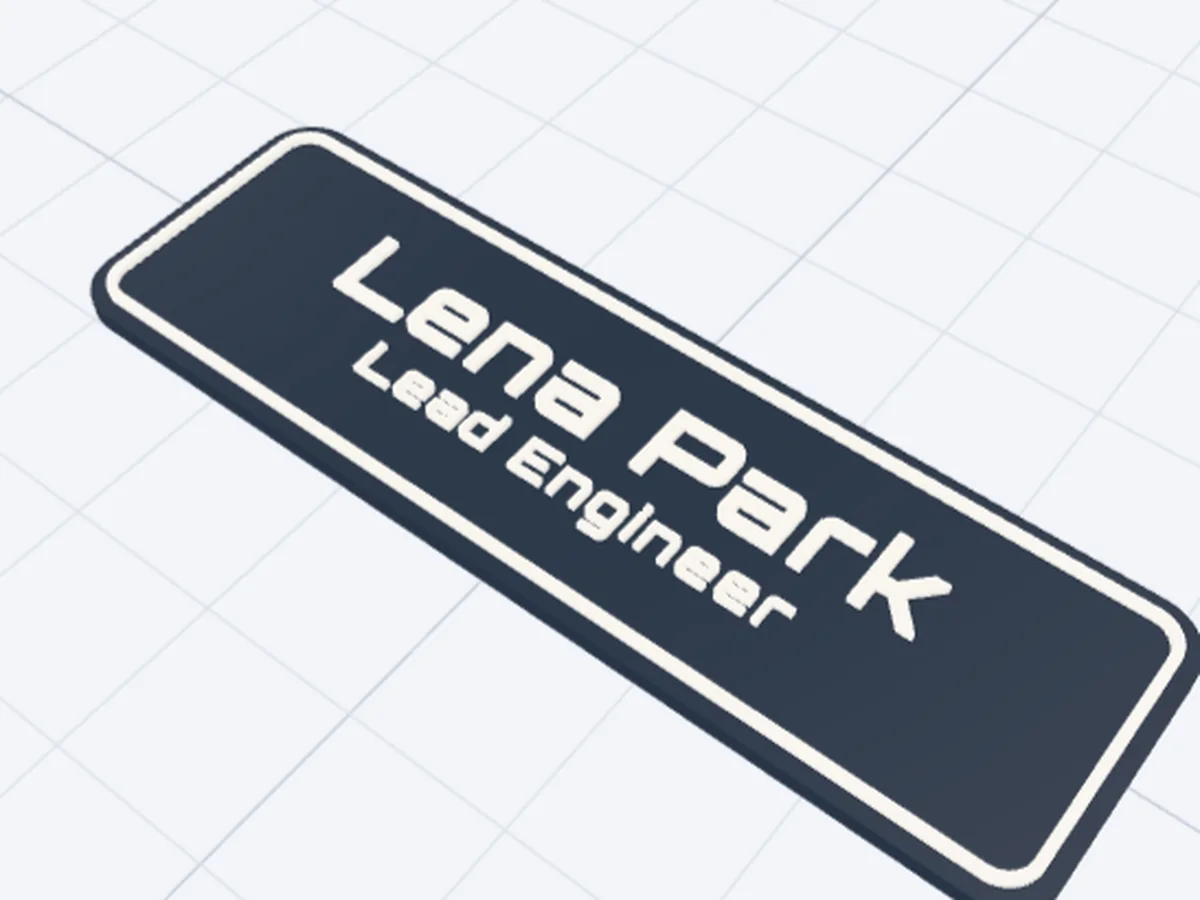
Two-colour ready
Download the text as its own STL and load it with the plate as one object for multi-colour printers, or swap filament at the height shown.
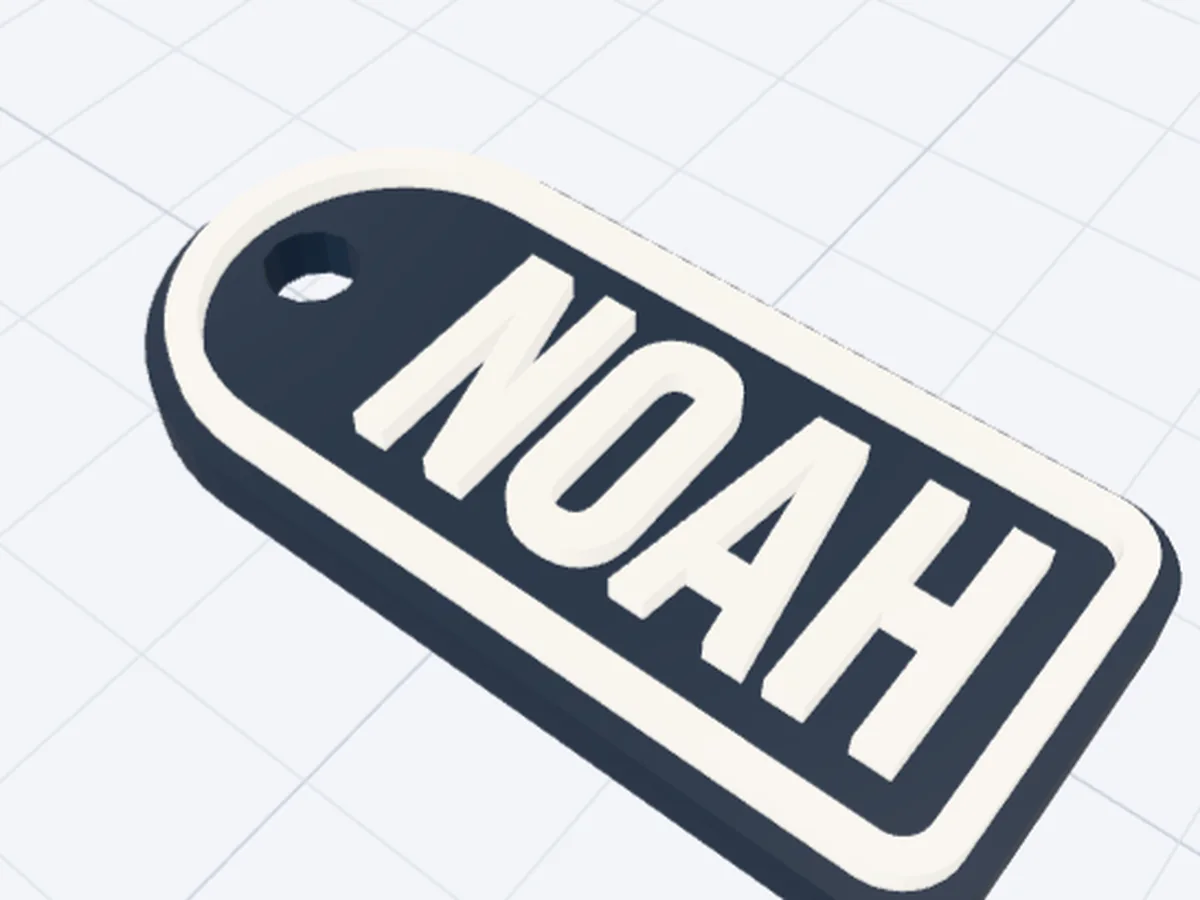
Keychain tags
A capsule tag with a ring hole that stays clear of the border and text; "Fit width to text" sizes it to the name.
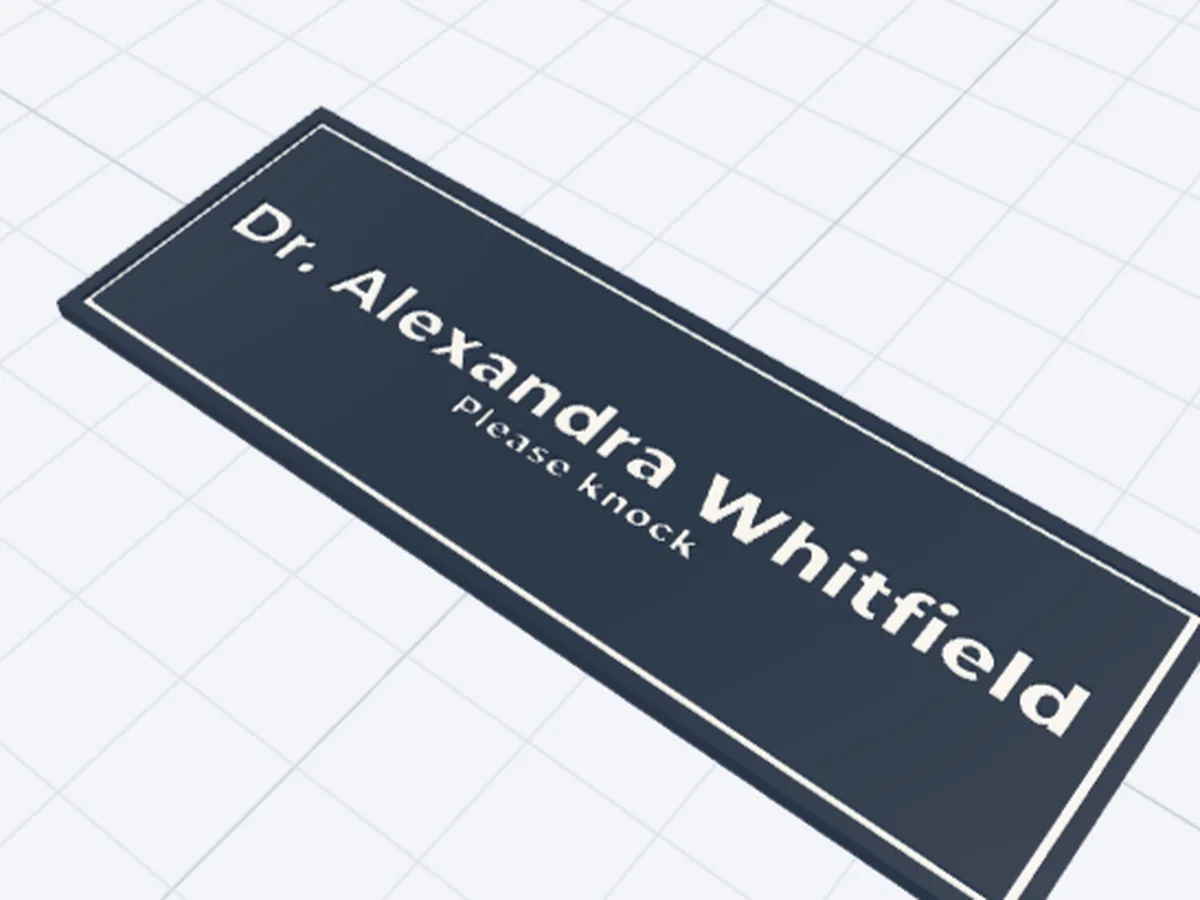
Text that fits
Long names shrink to fit inside the border and the tool tells you when it happens, so nothing runs off the edge.
Private and free
The STL is built in your browser with three.js. No upload, no account, no watermark on the file.
Nameplate generator STL — questions
Sizes, colours and printing.
More ways to work with your 3D files
View, convert, or make a model from scratch.
Need a 3D model that is not just text?
Turn a photo into a printable 3D model with Kairo3D image to STL.