STL to OBJ Converter for Blender and Beyond
Drop your STL files here
Binary or ASCII STL, up to 200 MB each, several at once.
STL has no units — most slicers read it as millimetres. Add a file to see its size.
Runs in your browser — your files are never uploaded.
- Nothing uploaded
- No sign-in
- Y-up for Blender
- STL to PLY too
What the STL to OBJ converter does
Plain facts about every STL to OBJ conversion.
- 0 uploadsEach STL to OBJ conversion runs on your device; the file is never sent anywhere.
- Y-upThe OBJ comes out Y-up, the way Blender, Maya and Unity import it.
- 200 MBPer STL, with up to 10 files in a batch.
How to convert STL to OBJ
STL to OBJ in three steps, then straight into Blender.
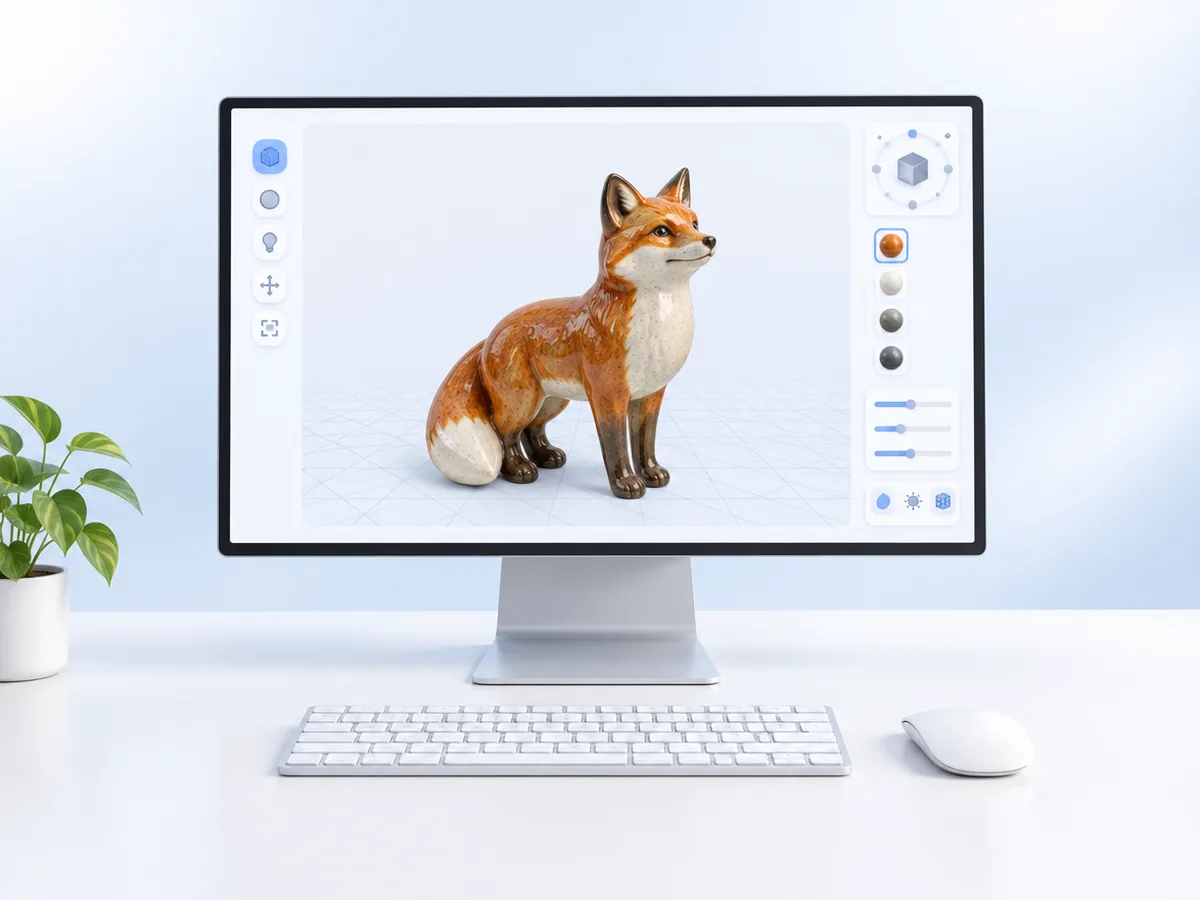
Drop the STL
Drag a binary or ASCII .stl onto the converter. Several files work at once.
Convert to OBJ
OBJ is already selected. Click Convert & download; the mesh is turned Y-up on the way out.
Import into Blender
In Blender choose File › Import › Wavefront (.obj) and pick the file. It arrives standing upright.
STL vs OBJ: what carries over
STL to OBJ copies the shape exactly. Colour and UVs can't come across, because the STL never had them.
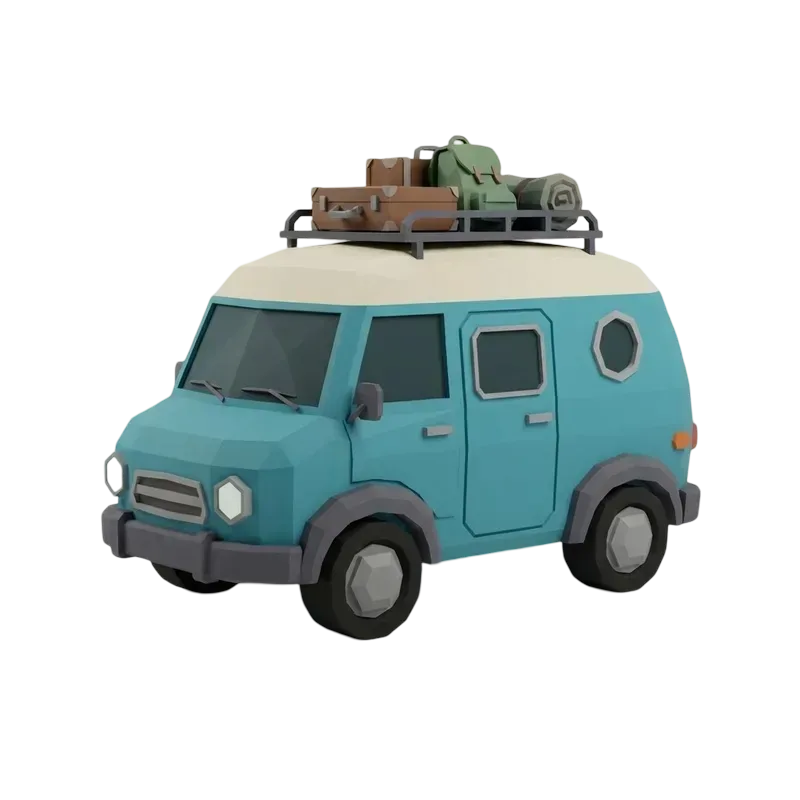
Triangles from a print file
An editable mesh for Blender
| STL vs OBJ: what carries over | STL | OBJ |
|---|---|---|
| Geometry | Yes | Yes |
| Normals | Per face | Yes |
| UV coordinates | No | No |
| Colour, .mtl | No | No |
| Up axis | Z | Y |
Models worth taking into Blender
Placeholder examples of printable models. Drag any card to orbit it.
Why use this STL to OBJ converter
Built for taking print files from STL to OBJ and on into 3D software.
Right way up in Blender
STL is Z-up and most 3D apps expect Y-up. The mesh is rotated so nothing imports on its side.
Keeps your numbers
Scale stays 1 : 1 by default, so a 50 mm part is 50 units in Blender.
Batch STL to OBJ
Convert up to 10 STL files in one click, each saved under its own name.
STL to PLY or GLB
Need PLY for MeshLab or GLB for the web? Pick it as the output instead.
Private
Files stay on your device; the conversion runs inside this browser tab.
No decimation
Every triangle is kept. The converter never reduces or remeshes your model.
STL to OBJ FAQ
Colour, orientation, units, Blender, other apps and privacy.
More ways to work with your 3D files
View, convert, or make a model from scratch.
Want a model with real textures?
Generate a textured 3D model from a photo with AI, then convert it to OBJ here.