
STL File Editor Online — Scale, Rotate, Merge and Cut
Drop STL files to edit
One or several STL, OBJ, 3MF, PLY or GLB files, up to 200 MB each. They land side by side on a virtual print bed.
- Nothing uploaded
- No sign-in
- Exact mm sizing
- Rotate & lay flat
- Merge files
- Z-plane cut
What this STL file editor does in numbers
Plain facts, no marketing figures.
- 0 uploadsEvery edit runs in this browser tab; the STL never leaves your device.
- 8 partsLoad up to eight files at once, arrange them and merge them into one STL.
- 20 undo stepsScale, rotate, mirror, move and cut can all be taken back.
How to edit STL files in three steps
The short answer to “how to edit STL files” without installing Blender or Meshmixer.
Open one or more files
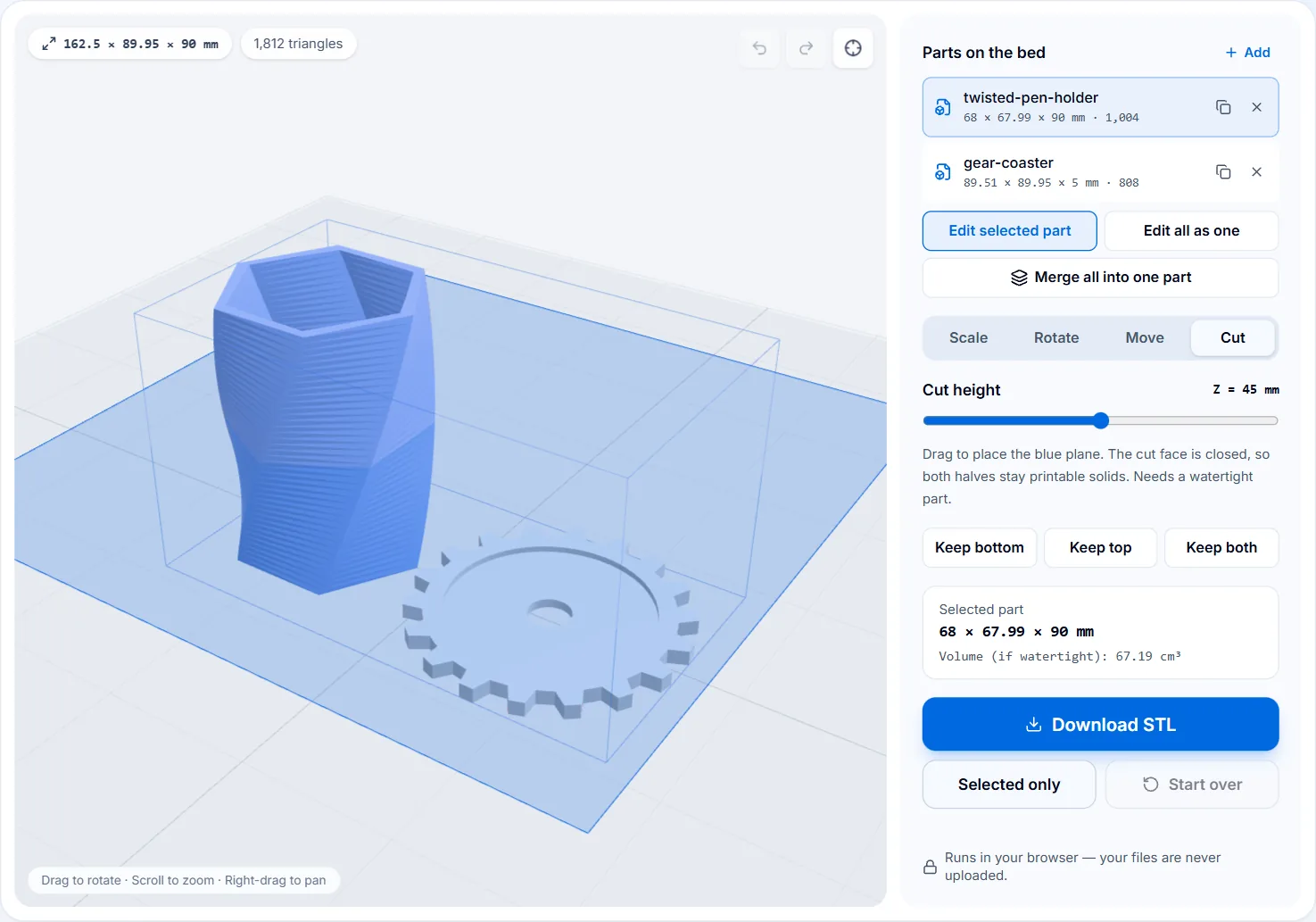
Drop your STL onto the editor (OBJ, 3MF, PLY and GLB work too). Each file becomes a part on the bed, with its size in millimetres shown on the list.
Make the change
Type an exact width, convert inches to mm, turn the part 90°, lay it flat, mirror it or cut it at a Z height. Pick “Edit all as one” to change several parts together.
Download one STL
Download writes a binary STL in millimetres with every visible part in it — ready for PrusaSlicer, Bambu Studio, Cura or OrcaSlicer.
Scale, rotate, lay flat and cut an STL in 18 seconds
A real screen recording of this STL file editor on the two sample parts, at normal speed.
- 1Scale to 130 %0:00Type the percentage and press Apply. The size readout updates to 88.4 × 88.39 × 117 mm.
- 2Tip it over, then lay it flat0:04A quarter turn on X puts it on its side; Lay flat finds the largest flat face and stands it back up.
- 3Cut at a Z height0:09Drag the blue plane and choose Keep both. The cut faces are closed, so both halves stay solid.
- 4Merge into one STL0:15All parts become one body, ready for Download STL.
When a browser STL file editor is enough — and when it is not
Most “modify STL online” jobs are transforms: size, orientation, position, a cut. Those are exactly what this editor does. Reshaping the surface itself still needs a desktop mesh tool.
Shaded, as the slicer sees it
The triangles you are editing
| When a browser STL file editor is enough — and when it is not | This editor | Blender / Meshmixer |
|---|---|---|
| Scale to exact mm, fix inch / cm units | Yes | Yes |
| Rotate, lay flat, mirror, center | Yes | Yes |
| Merge several STL files into one | Yes | Yes |
| Flat cut at a Z height (capped) | Yes | Yes |
| Angled cuts, booleans, adding text | No | Yes |
| Sculpting or moving single vertices | No | Yes |
| Install and learning time | None | Hours |
STL stores only triangles — no features or history — so no editor can “un-fillet” an edge the way CAD can. For dimension changes inside a part, go back to the source CAD file if you have it.
Wrong side down? One click puts it on the bed
Screenshots from this editor. Models from other tools often arrive lying on their side or upside down.
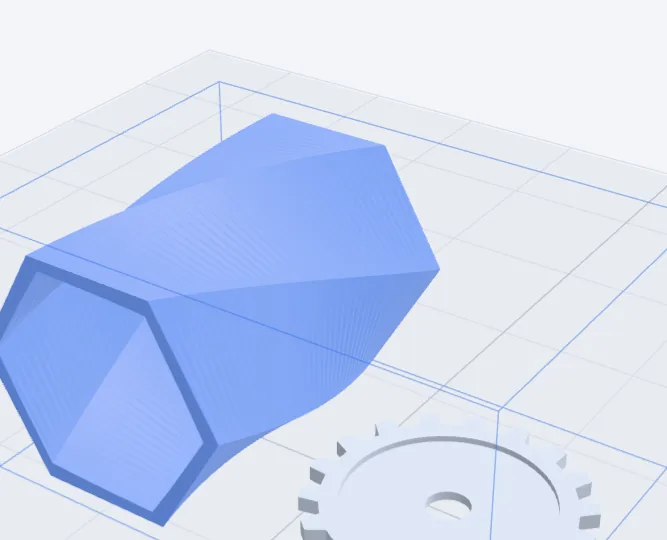 Before
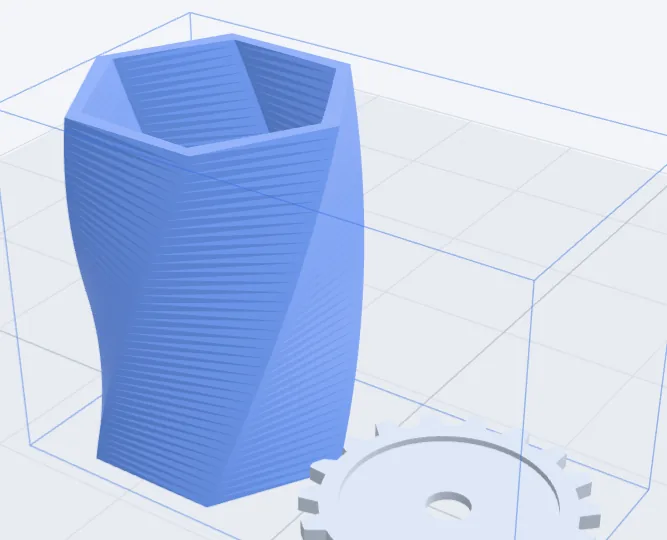 After
An STL file editor built for the minute before slicing
Each tool solves a specific print-prep problem.
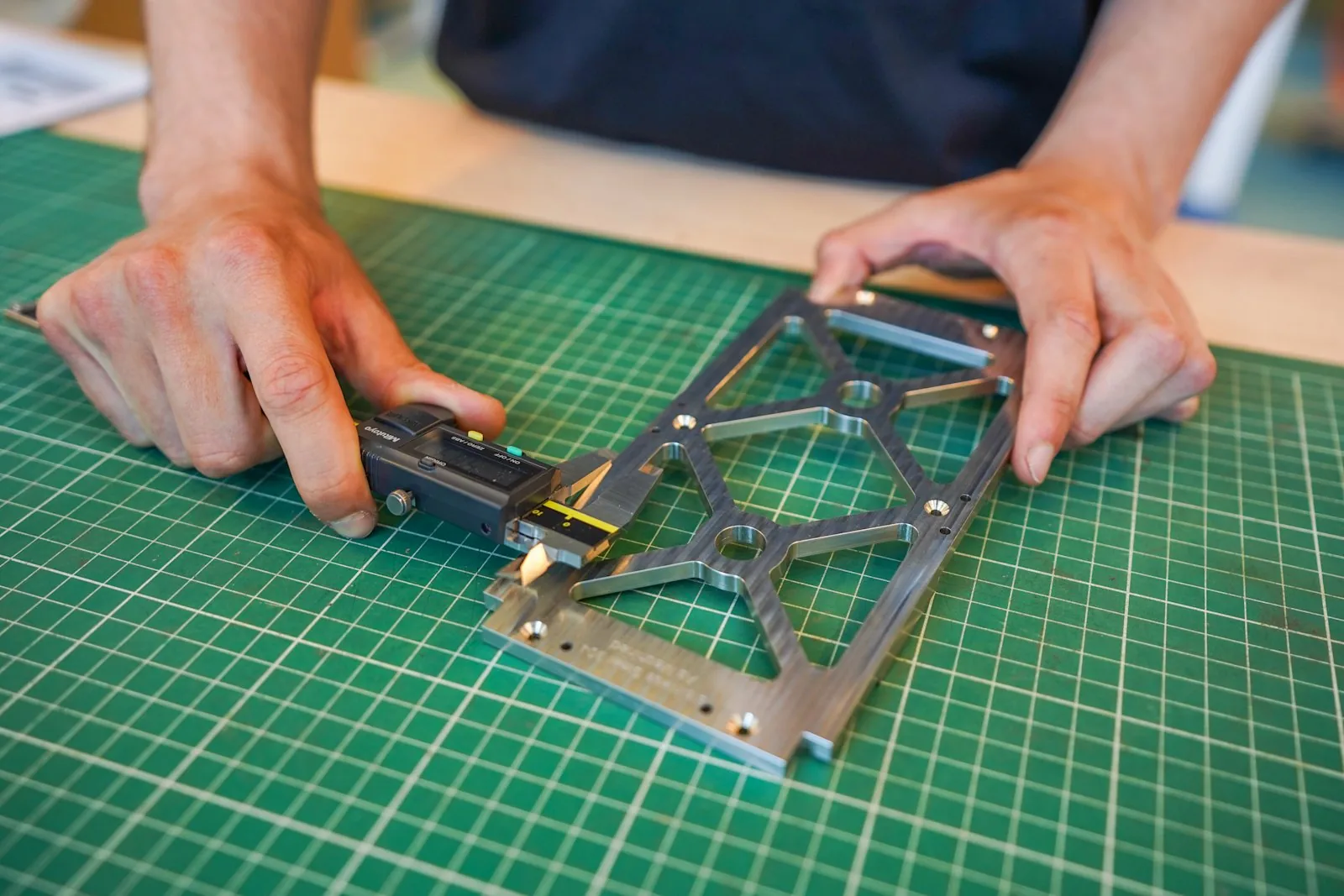
Reference example Exact size in millimetres
Type the width, depth or height you need and the part scales to it, with proportions locked or one axis only. The bed grid is 10 mm per square so you can see the size at a glance.
Unit fixes in one click
A model drawn in inches arrives 25.4 times too small; one from a game engine may be in metres. Convert inches, centimetres or metres to millimetres without a calculator.
Lay flat and quarter turns
Lay flat finds the largest flat face on the outside of the part and puts it on the bed. Quarter turns and any-angle rotation on X, Y or Z handle the rest, and the part always drops back to Z = 0.
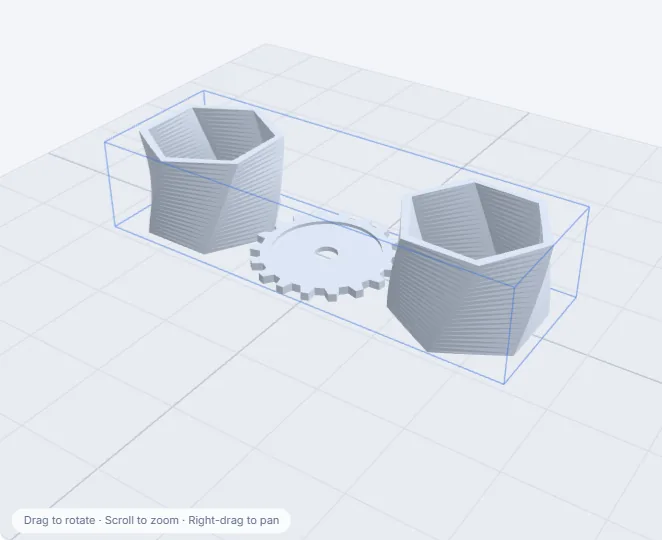
Merge parts into one STL
Load a base and a lid, a set of game pieces or a model and its support stand. Arrange them, then merge them into a single STL body — or download all parts in one file as a plate.
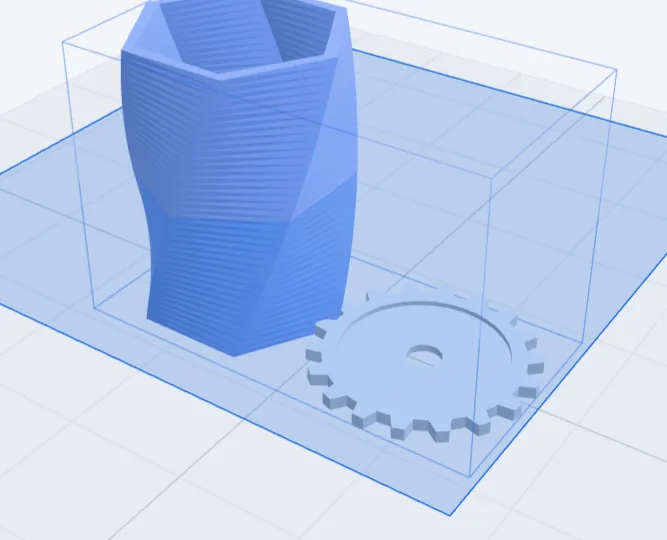
Capped Z-plane cut
Split a tall model that does not fit your printer, or flatten a wobbly bottom. The cut uses the manifold-3d geometry kernel, which closes the cut face so both halves stay solid.
Private and undoable
Nothing is uploaded: the STL is read, edited and written inside this tab. Up to 20 steps of undo and redo, plus a “start over” button that returns the original files.
When you need to scale, cut or merge an STL
Reference prints that started as STL edits: parts cut to fit the printer, then glued, and plates of copies.
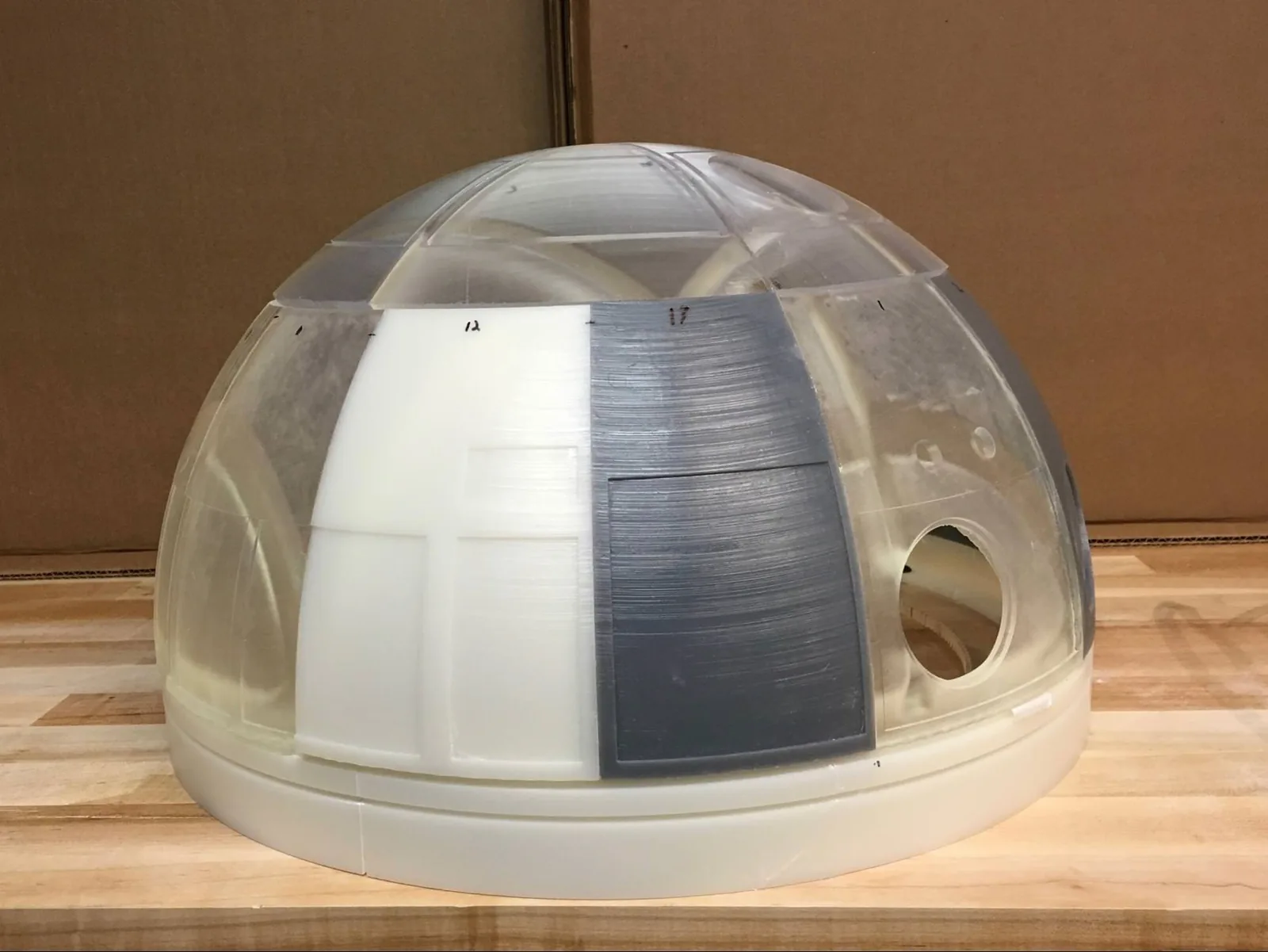
Reference example Too big for the bed: print it in segments
A dome larger than the build volume was cut into pieces, printed separately and bonded.
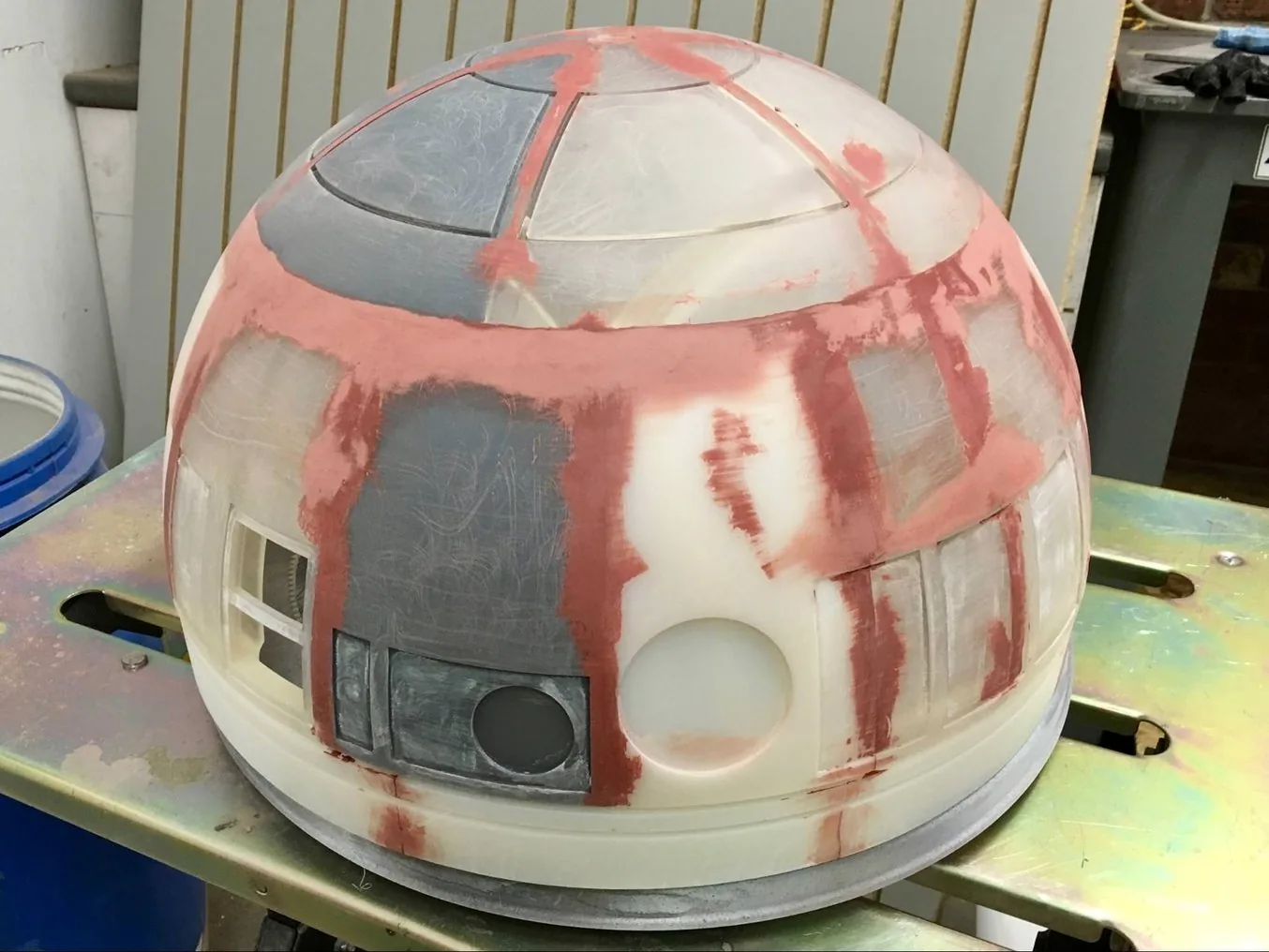
Reference example Seams filled after gluing
Flat cuts leave clean faces that glue well; filler hides the joint before painting.
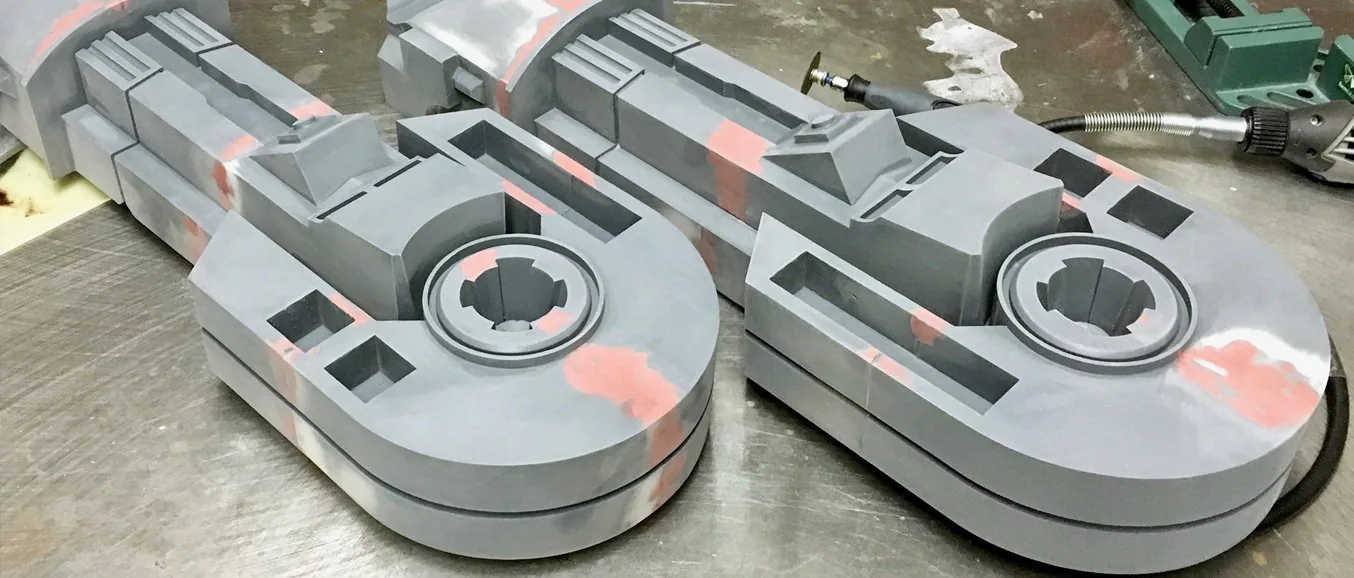
Reference example Split parts, primed as one
Long parts split at a Z height and joined again, ready for primer and paint.
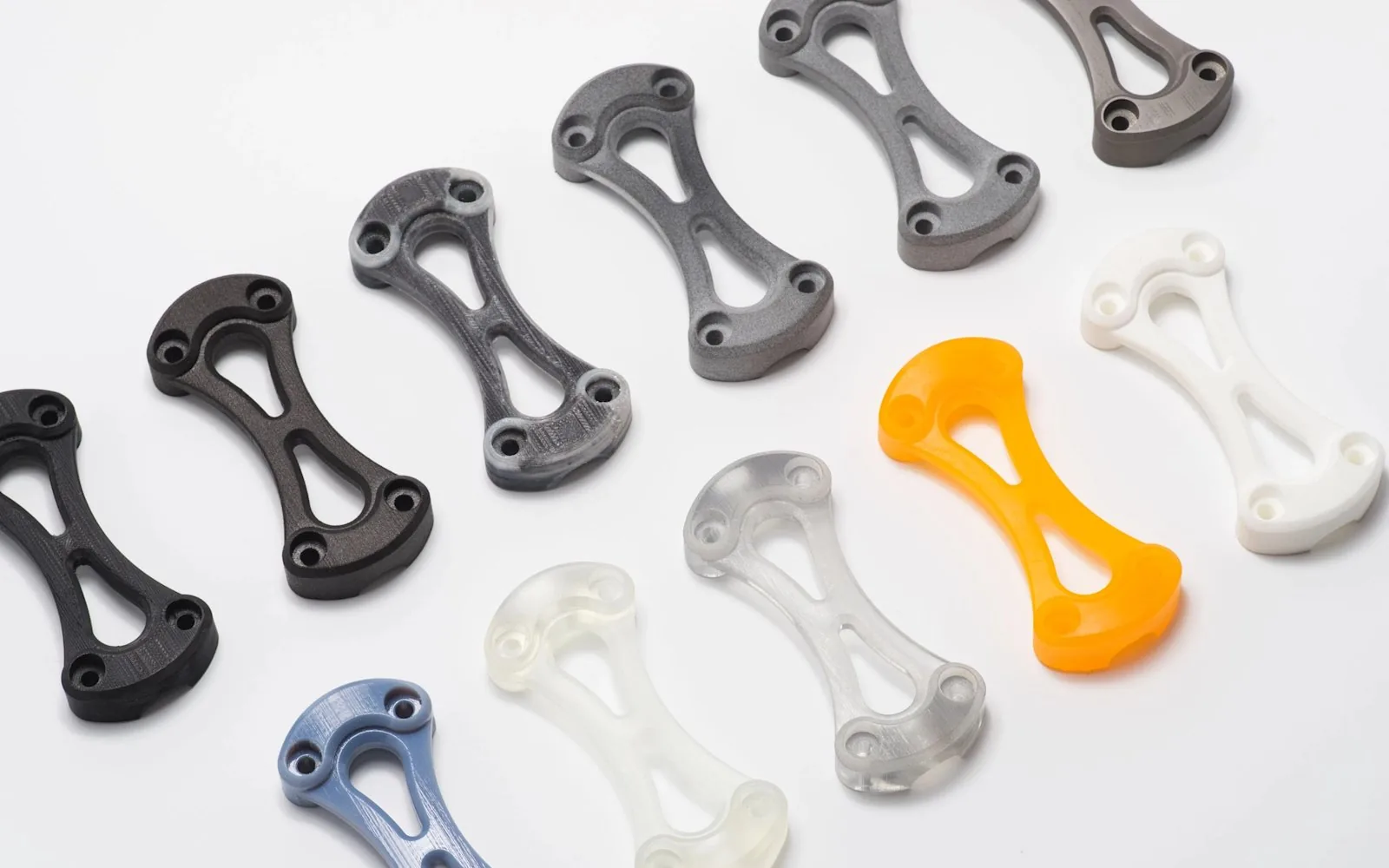
Reference example One part, many copies
Duplicate a part and download the whole plate as one STL to print several at once.
STL file editor FAQ
Questions people ask before they edit STL files.
More ways to work with your 3D files
View, convert, or make a model from scratch.
No STL to edit yet?
Turn a photo into a printable 3D model with Kairo3D, then come back here to scale and orient it for your printer.