Pixal3D Online: Pixel-Aligned 3D
3D models made with Pixal3D
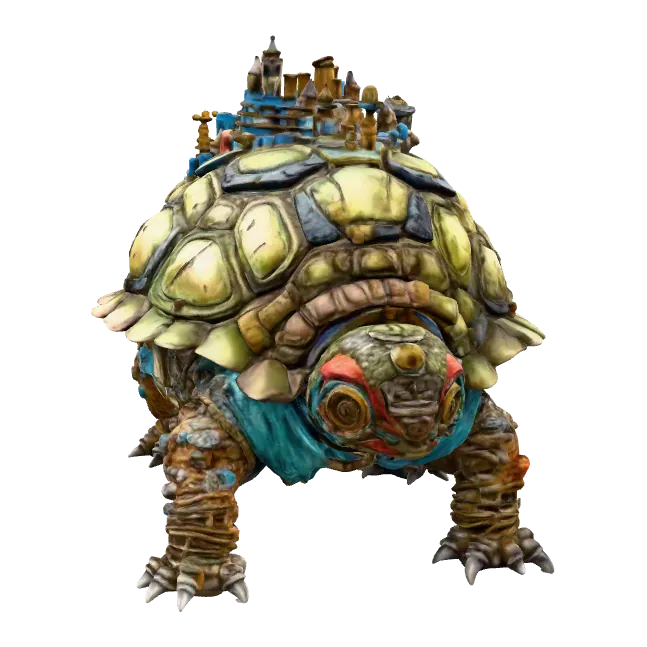
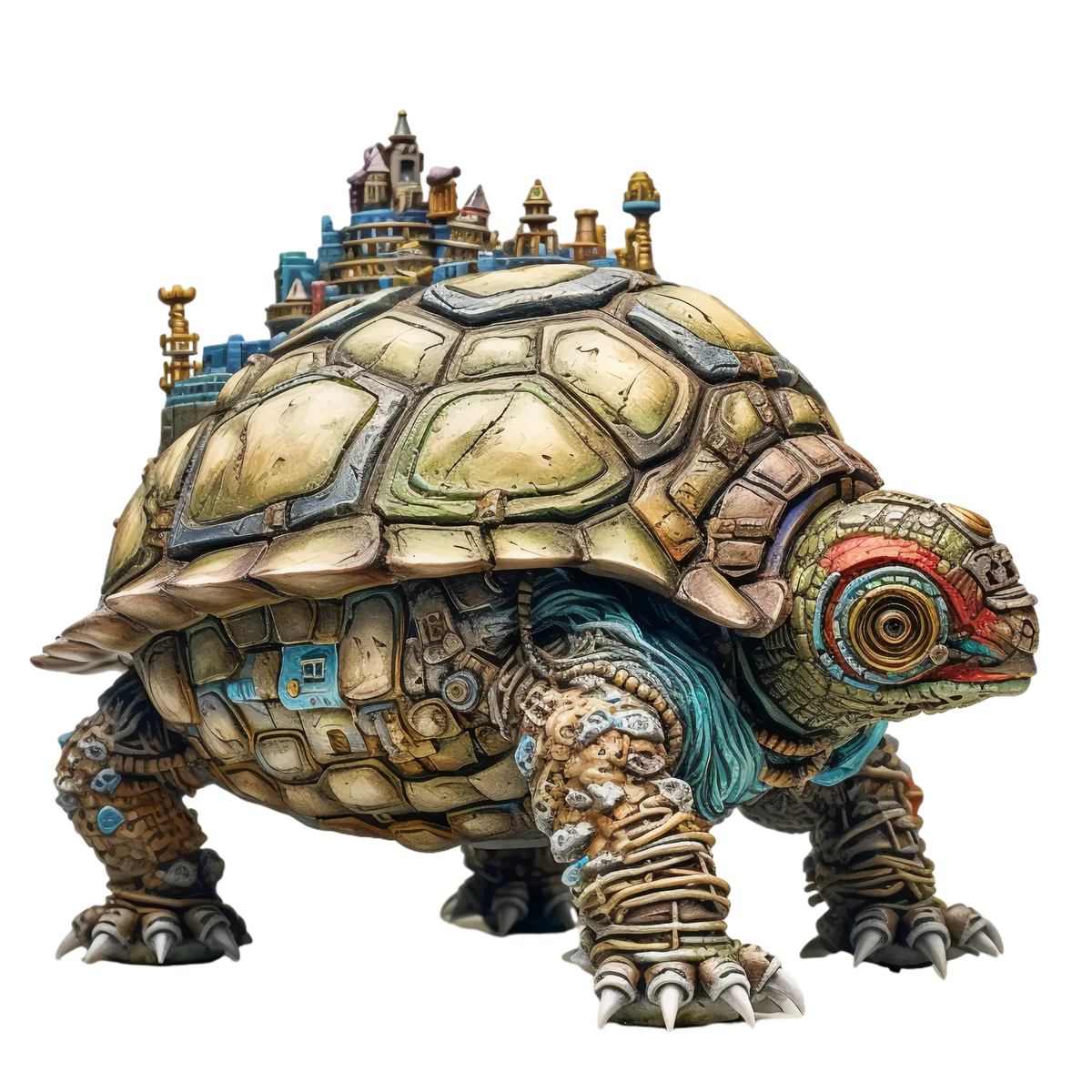
Official example outputs of Pixal3D. Hover or tap a card to spin it in 3D.
Pixal3D at a glance
A research model from Tencent ARC Lab, now usable without a research setup.
- 1photo in: single-image 3D generation
- MITopen-source licence for the code
- ~90 stypical generation time here
Pixal3D, explained
What pixel-aligned generation means, who built the model, and its trade-offs.
What is Pixal3D?
Pixal3D generates a high-fidelity 3D asset from a single image. Many image-to-3D models feed image features in loosely through attention and build the object in a standard pose. This one instead back-projects pixel features into a 3D feature volume, creating a direct pixel-to-3D link — so the generated shape stays consistent with the view in your photo.
Who made it, and when
It was developed at Tencent ARC Lab with academic collaborators and published as “Pixal3D: Pixel-Aligned 3D Generation from Images” at SIGGRAPH 2026. The code is public on GitHub under the MIT licence. Kairo3D runs it through fal.ai's hosted endpoint.
What it's good at
Photos where faithfulness to the picture matters: product shots, collectibles, gadgets and objects with distinctive outlines or surface detail. Because the geometry is aligned to the input pixels, what you see in the photo is what you get on the visible side of the model.
Limits to know
It's a new research model, so expect rough edges on unusual inputs. The model is generated in the camera's view rather than an upright standard pose, so you may need to rotate it in your 3D tool. Hidden sides are inferred from one image, and a run typically takes about 90 seconds.
Official sources
Kairo3D is an independent service that runs Pixal3D through fal.ai. Not affiliated with TencentARC or Tencent.
How to use Pixal3D online
From one photo to a downloadable 3D model in four steps — all in your browser.
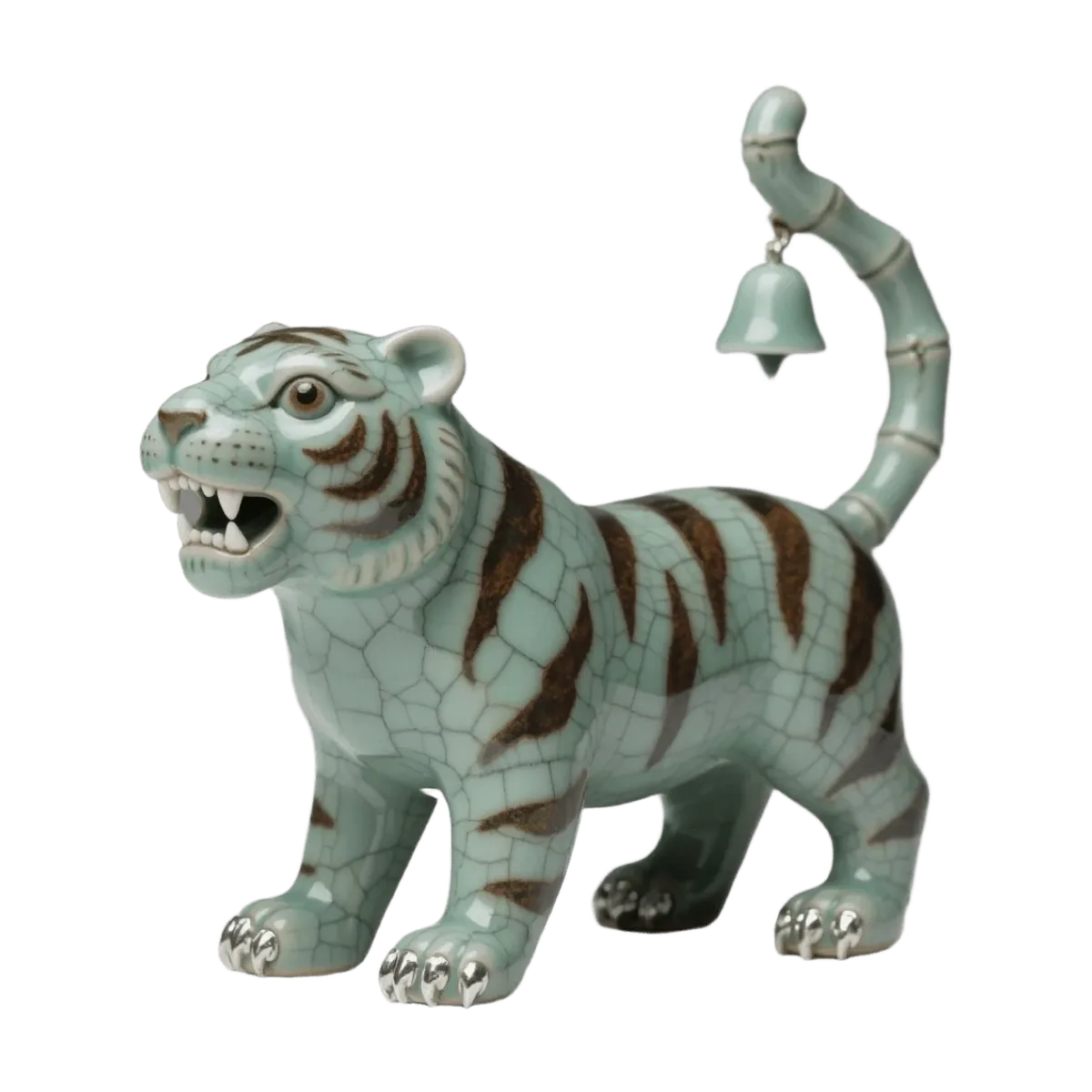
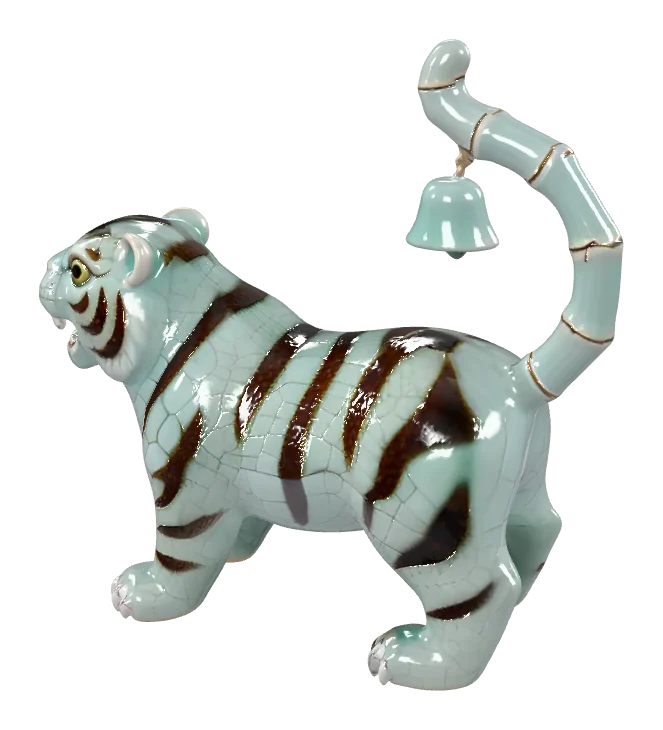
Upload a photo
Drop in a JPG, PNG or WebP up to 10 MB. One clear object on a plain background gives the model the best start.
Generate with Pixal3D
It's already selected. Press Generate — it typically takes about 90 seconds, and you can keep browsing while it runs.
Preview it in 3D
The finished model opens in the 3D viewer. Rotate it, check the texture and the back side, and run it again or try another engine if needed.
Download GLB, STL or OBJ
Save the textured GLB, or convert it to STL, OBJ or PLY in your browser. Every model stays in My creations until you delete it.
Why run Pixal3D on Kairo3D
The same model without the setup — plus the things a self-hosted install doesn't give you.
No GPU, no install
Running the research code yourself means cloning the repo, installing CUDA dependencies and having a capable NVIDIA GPU. Here it runs on fal.ai's servers — open the page and upload a photo.
Pay per model, in credits
Each generation costs 120 credits from one balance that works with every engine. No separate plan per model.
Preview in 3D first
Spin, zoom and inspect the textured result in the built-in 3D viewer as soon as it finishes, then decide whether to keep it.
Export GLB, STL or OBJ
Download the textured GLB, or convert it in your browser to STL, OBJ or PLY for slicers, 3D printing and other 3D tools.
Switch engines anytime
Not happy with a result? Run the same photo through TRELLIS, TRELLIS 2, Tripo H3.1, Hunyuan 3D 3.1 Pro, and Rodin Gen-2.5 Fast — same account, same credits.
Failed runs are refunded
If a generation fails, the credits go back to your balance automatically. Your files stay private in My creations.
Pixal3D vs the other engines
Every engine on Kairo3D draws from the same credits. Pick one per generation — here's what each takes and costs.
| Engine | Made by | Input | Licence | ||
|---|---|---|---|---|---|
| TRELLISMicrosoft | Microsoft | InputImage | Credits per model8 | Typical time~30 s | LicenceMIT |
| TRELLIS 2Microsoft | Microsoft | InputImage | Credits per model120 | Typical time~1 min | LicenceMIT |
| Tripo H3.1Tripo AI | Tripo AI | InputImageText | Credits per model120 image · 80 text | Typical time~1 min | LicenceCommercial API (Tripo AI terms) |
| Hunyuan 3D 3.1 ProTencent | Tencent | InputImageText | Credits per model150 | Typical time~2 min | LicenceTencent Hunyuan 3D licence (check territory terms) |
| Rodin Gen-2.5 FastHyper3D (Deemos) | Hyper3D (Deemos) | InputImageText | Credits per model40 | Typical time~30 s | LicenceCommercial API (Hyper3D terms) |
| Pixal3DThis pageTencentARC | TencentARC | InputImage | Credits per model120 | Typical time~90 s | LicenceMIT |
Credits are charged per generation and refunded automatically if a run fails. Times are typical, not guaranteed.
Pixal3D FAQ
Straight answers about running it online.
More engines and tools
Compare models, or jump straight to the job you need done.
Try Pixal3D on your own photo
Upload one image, get a pixel-aligned 3D model in about 90 seconds, and export GLB, STL or OBJ. Nothing to install, failed runs refunded.