
IGES Viewer Online
Drop an IGES / IGS file to view it
.iges, .igs (also .step, .stp, .stl, .obj, .glb) — up to 200 MB
- Nothing uploaded
- No sign-in
- Size, area and volume readout
- Wireframe & PNG snapshot
The IGES viewer at a glance
What happens when you open our propeller sample.
- SStartFree-text description · 1 line
- GGlobalUnits (MM), tolerance, author · 4 lines
- DDirectory EntryTwo 80-column lines per entity · 536 lines
- PParameter DataThe numbers of each entity · 8,176 lines
- TTerminateLine counts of each section · 1 line
Main entities in propeller-3-blade.igs
- 144 Trimmed surface26
- 128 B-spline surface15
- 126 B-spline curve100
- 142 Curve on surface30
26 surfaces
Trimmed surfaces (IGES entity 144) in the 690 KB propeller file, tessellated into 45,640 triangles for display.
< 2 s
From drop to 3D view on a laptop once the 7.6 MB OpenCascade reader is cached.
151 × 175 × 38
Bounding box in millimetres read by the viewer, with a surface area of 18,736 mm².
How to open an IGES file online
No sign-up. Works in Chrome, Edge, Firefox and Safari.
Drop the .igs or .iges file
Drag it onto the viewer or click to choose it. The first CAD file loads the OpenCascade reader, which is then cached for the next one.
Look around and measure
Drag to orbit, scroll to zoom, right-drag to pan. Turn on the wireframe to see how the surfaces are patched together, and switch units between mm, cm, m and inches.
Save a view or convert
Take a PNG snapshot for an email or a quote. Need the model in another format? Send it to our IGES to STL converter for printing, or to STEP to OBJ for rendering.
IGES surfaces versus the mesh on screen
An IGES file holds exact curves and surfaces. To draw them, the viewer tessellates each surface into triangles. The left view shows the shaded model, the right view the triangles behind it.
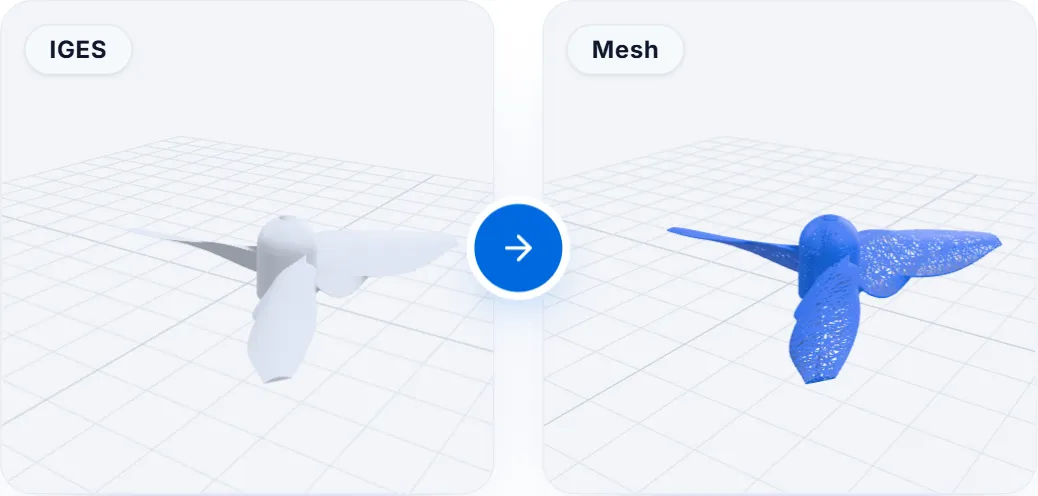
Shaded IGES surfaces
Display mesh (wireframe)
| IGES surfaces versus the mesh on screen | IGES file | In the viewer |
|---|---|---|
| Exact NURBS surfaces | Yes | Tessellated |
| Size in millimetres | Yes | Yes |
| Surface area | No | Yes |
| Wireframe of the patches | No | Yes |
| Layers, levels, colours | Yes | No |
| 2D drawing entities (notes, dimensions) | Yes | No |
| Edit the geometry | No | No |
The viewer is for looking and measuring. To change the part, open the IGES file in CAD software such as FreeCAD.
Four ways to look at an IGES file
Screenshots of our two IGES samples in this viewer. Toggle the options to read the surfaces the way you need.
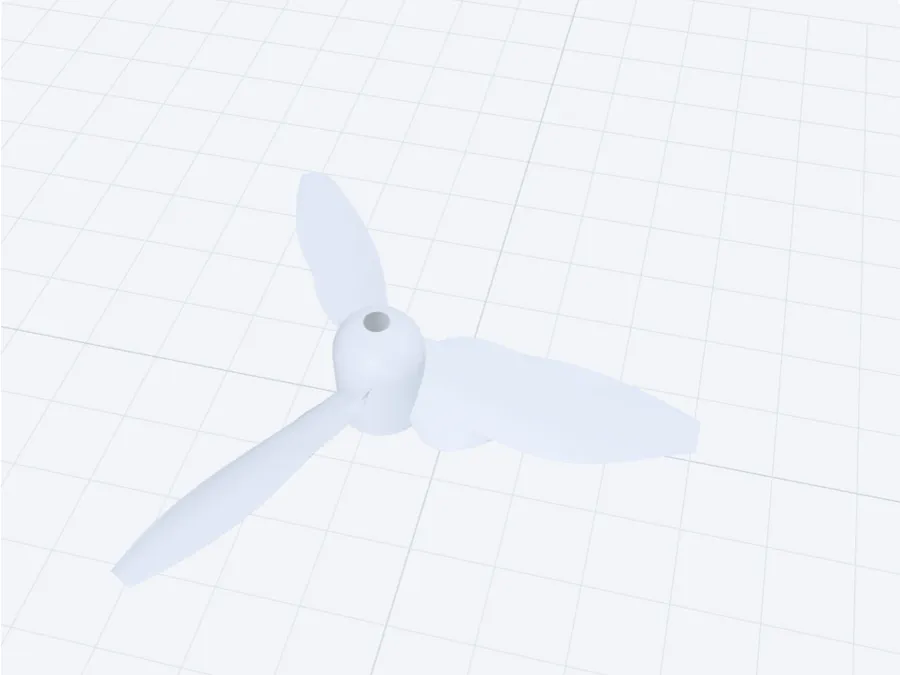 Real output
Shaded surfacesThe default view: the propeller with smooth shading and the floor grid for scale. 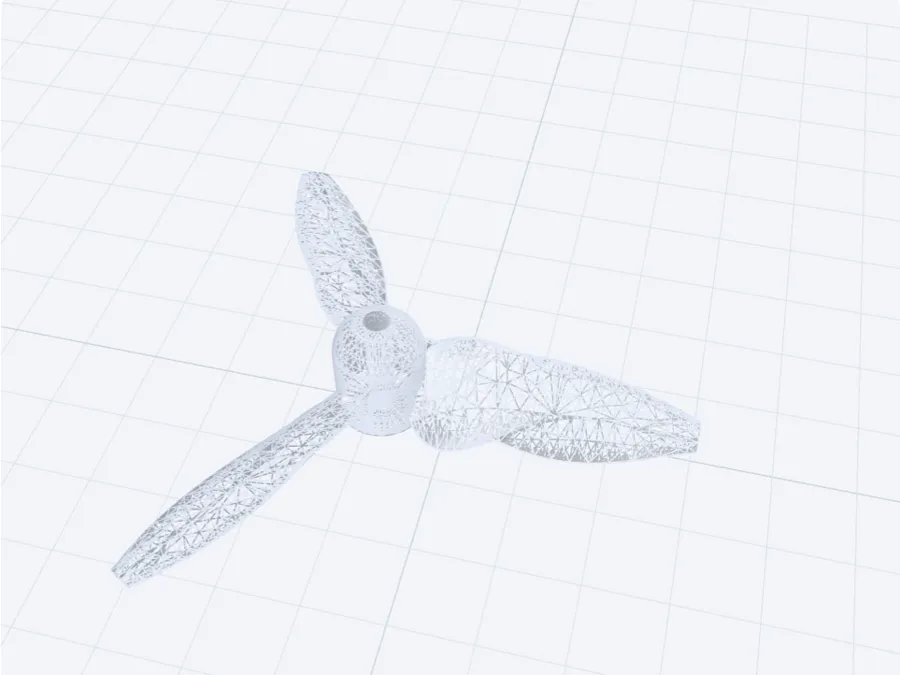 Real output
WireframeEvery triangle of the display mesh. Dense areas follow curved blade surfaces, flat areas need few triangles. 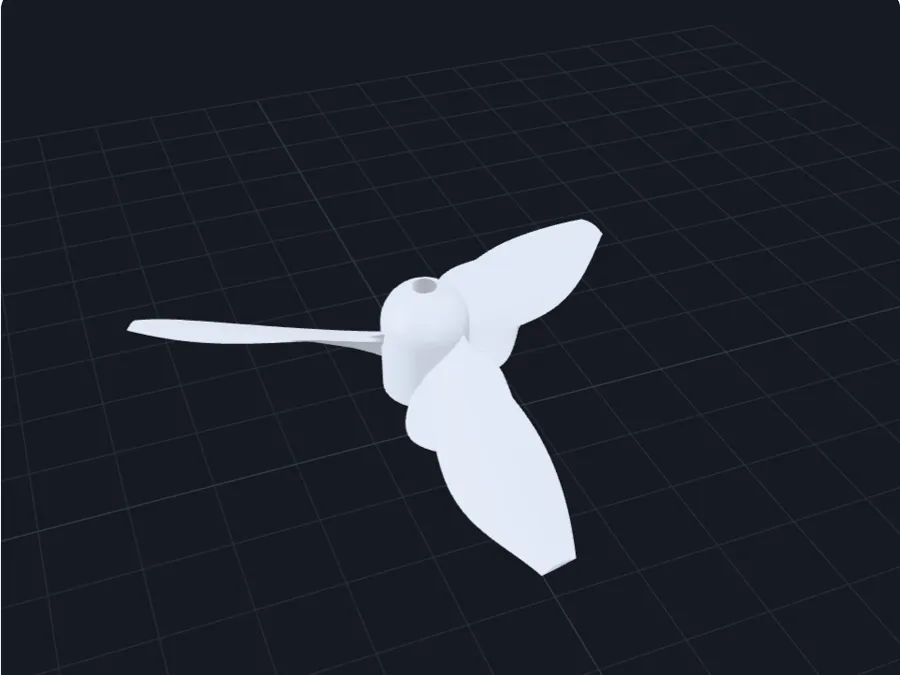 Real output
Dark backgroundBetter contrast for light parts and for snapshots you paste into slides. 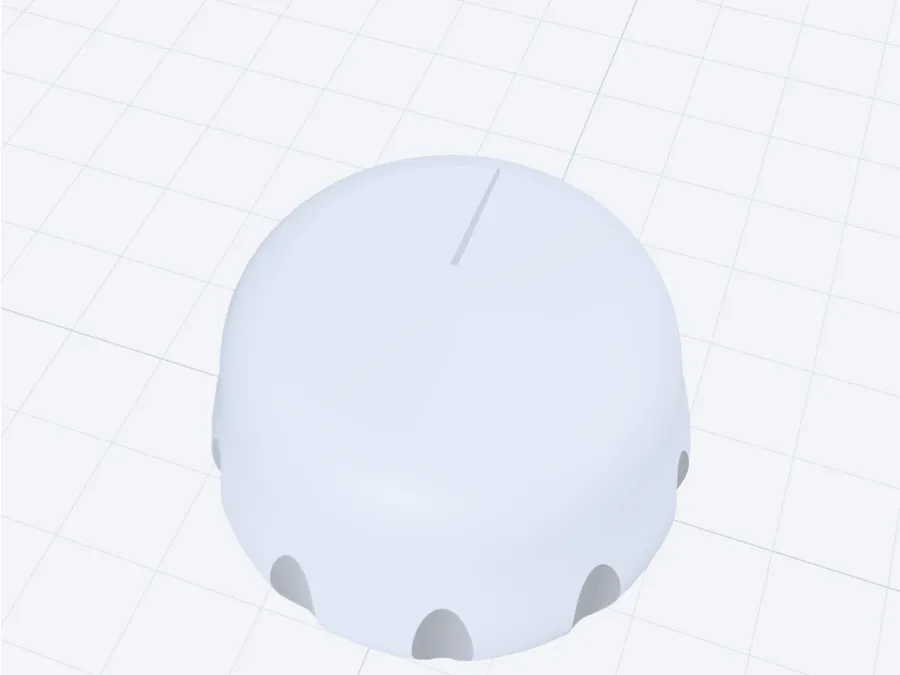 Real output
A revolved partOur second sample, a fluted knob built from surfaces of revolution, cut by ten grip flutes and a D-shaft bore.
What this IGES viewer can and cannot show
IGES is an old and very broad standard. Here is what we tested and what is out of scope.
It can
- Open 3D IGES geometry: trimmed surfaces, B-spline surfaces, planes, surfaces of revolution and solids
- Show size, surface area, triangle count and an estimated volume
- Toggle wireframe, dark background and grid; save a PNG snapshot
- Open .igs and .iges up to 200 MB, plus STEP and mesh formats
- Hand the file to IGES to STL or STEP to OBJ for conversion
It cannot
- Show 2D drawing entities such as notes, dimensions or title blocks
- Show IGES layers, levels or entity colours
- Edit, heal or re-export the surfaces as IGES
- Measure point to point; it shows overall size, not individual distances
- Give an exact volume for open surface models — the figure is an estimate
| Entity | Meaning | Propeller | Knob |
|---|---|---|---|
| 144 | Trimmed (parametric) surface | 26 | 25 |
| 128 | Rational B-spline surface | 15 | — |
| 120 | Surface of revolution | 4 | 17 |
| 108 | Plane | 7 | 8 |
| 126 | Rational B-spline curve | 100 | 41 |
| 110 / 100 | Line / circular arc | 19 / 17 | 67 / 54 |
Counted from the Directory Entry section of public/samples/iges/propeller-3-blade.igs and fluted-control-knob.iges (2026-11-24).
Looking for 3D models rather than CAD files?
Reference models made with AI 3D generators, shown live. Kairo3D creates printable models from a photo or a prompt.
Why open IGES files here
A quick look without installing a CAD package.
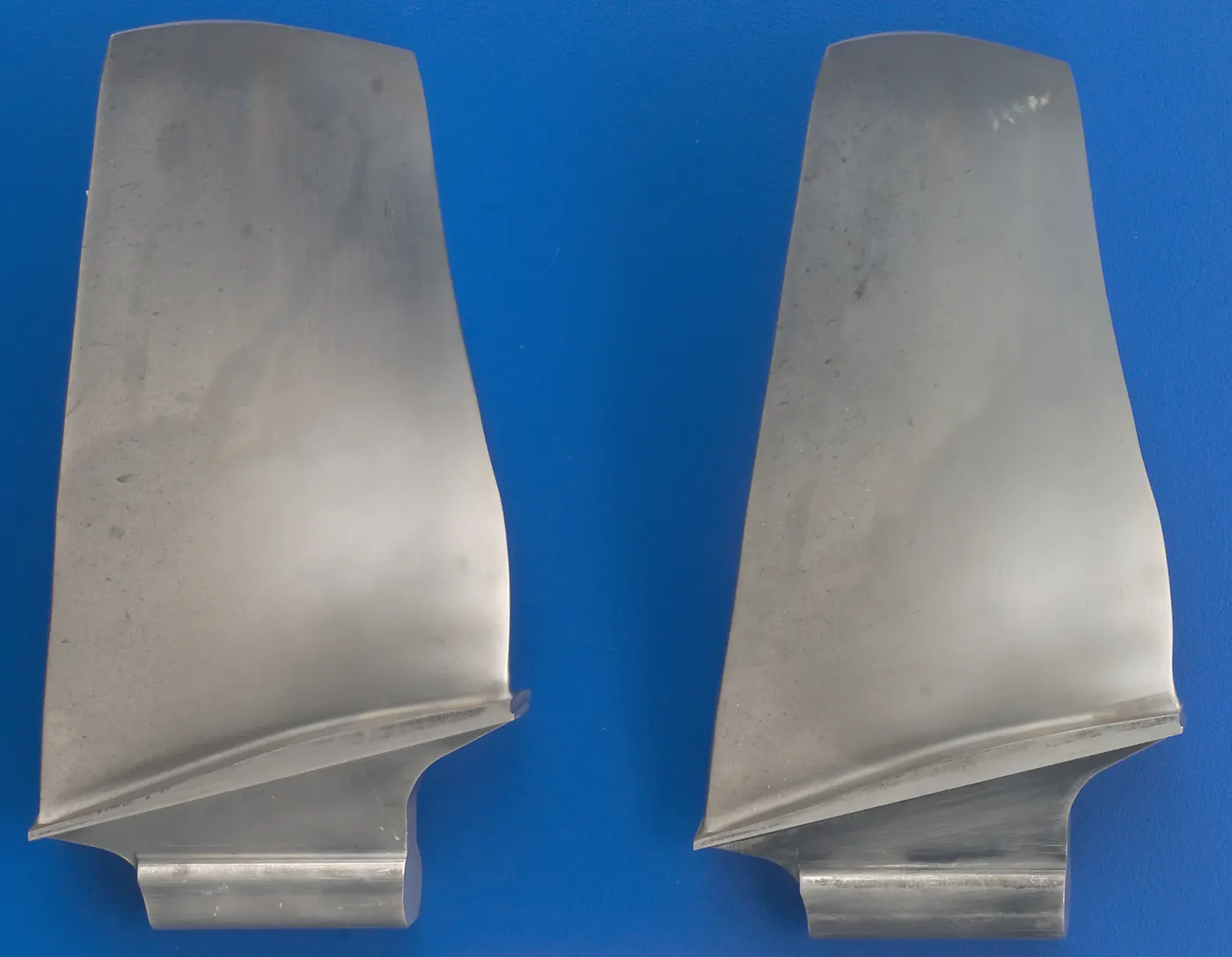
Real CAD kernel inside
IGES is read by OpenCascade, the open-source kernel behind FreeCAD, running as WebAssembly. Trimmed NURBS surfaces, planes and surfaces of revolution all display.
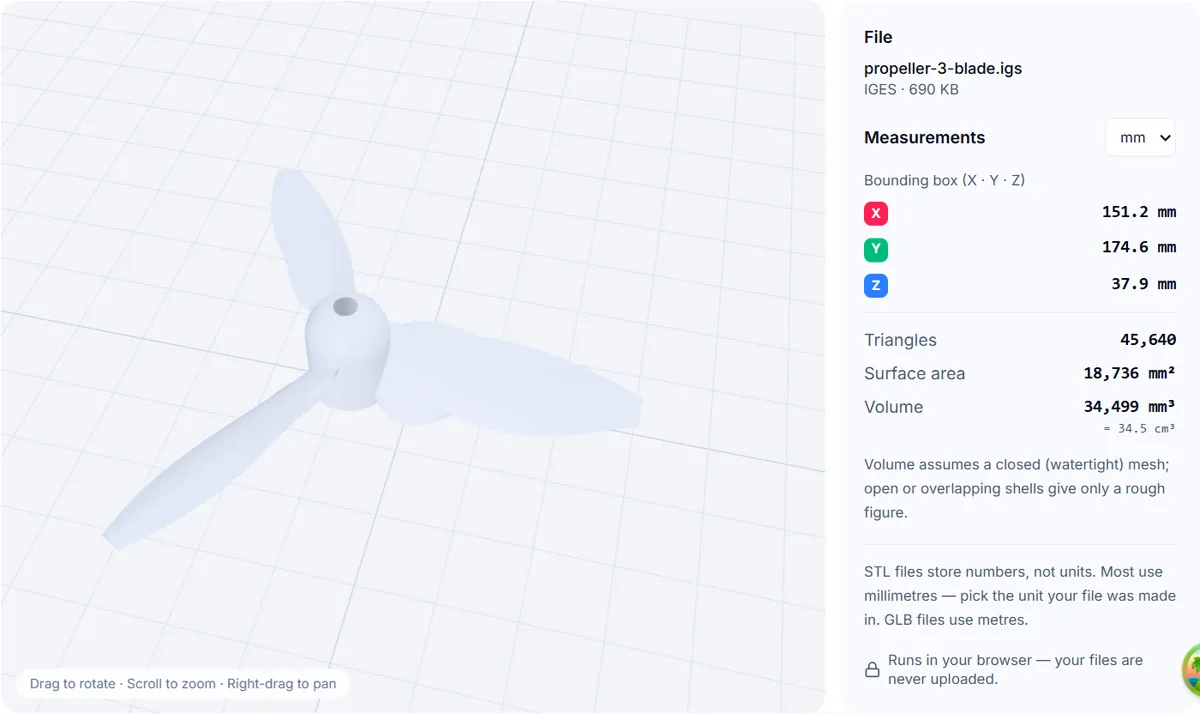
Measurements at a glance
Bounding box, triangle count, surface area and an estimated volume appear as soon as the file opens, in mm, cm, m or inches.

Wireframe to read the surfaces
Switch on the wireframe to see where one surface patch ends and the next begins — useful for spotting gaps before you machine or print a part.
IGS and IGES, plus more
Both extensions open the same way, and the same viewer also reads STEP, STL, OBJ, 3MF, GLB and FBX, so one bookmark covers most CAD and mesh files.
Snapshot for quotes and emails
Save the current view as a PNG to paste into a quote, a ticket or a chat with a supplier who has no CAD viewer.

Files stay on your device
Supplier drawings and tooling data are often confidential. The IGES file is opened in this tab only; Kairo3D does not upload or keep it.
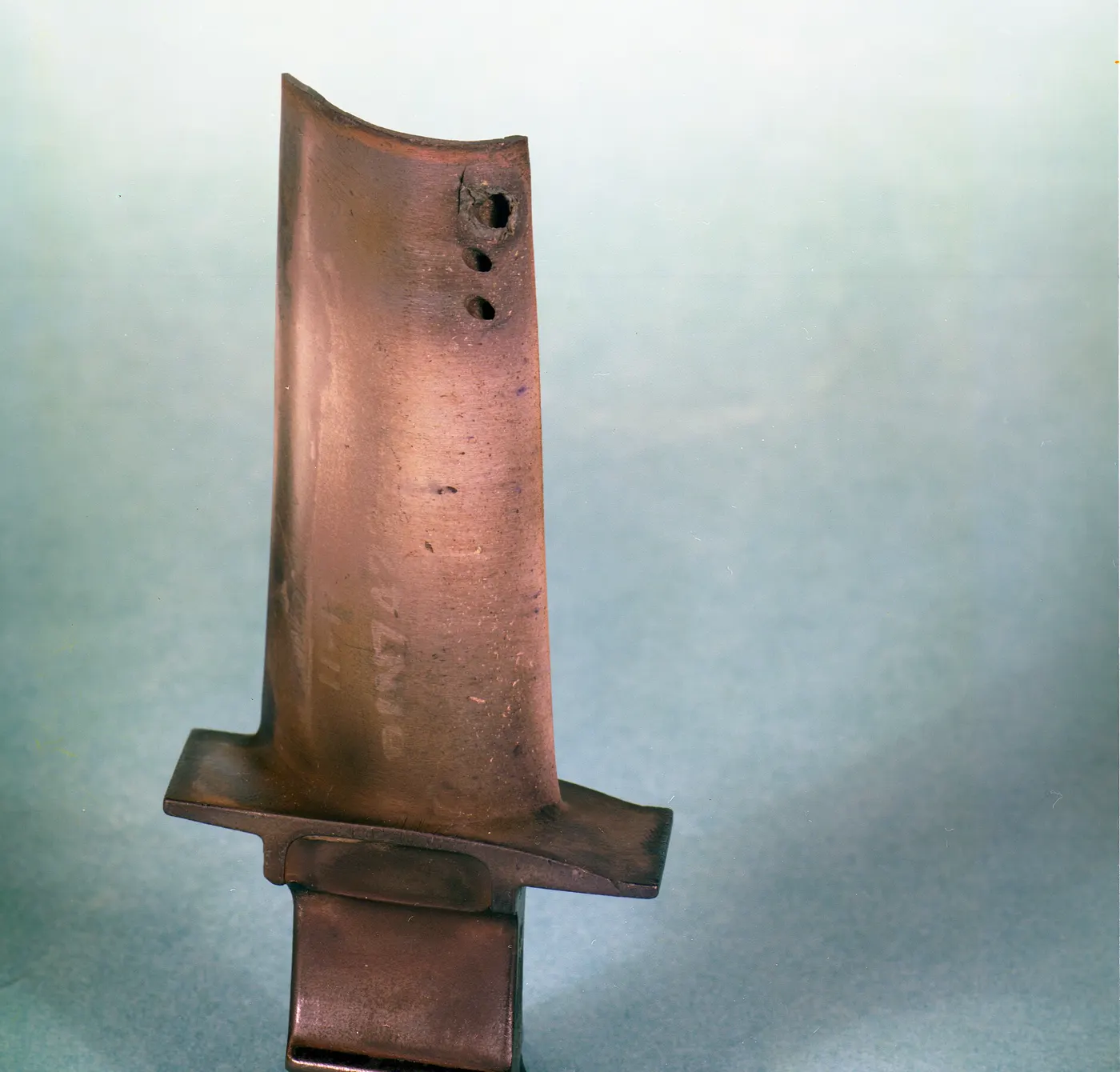
Photo credits: NASA and U.S. Air Force (public domain).
IGES viewer — frequently asked questions
Opening IGS files, what IGES is, and what the viewer shows.
More ways to work with your 3D files
View, convert, or make a model from scratch.
IGES to STL
Convert IGES / IGS surfaces to a printable STL mesh.
STEP to OBJ
Convert STEP / STP CAD parts to OBJ meshes in your browser.
STEP to GLB
Turn STEP CAD files into lightweight GLB for web and AR.
STEP Viewer
Open and measure STEP / STP files online.
Online 3D Viewer
Open STL, OBJ, GLB, 3MF, STEP, FBX and more in one viewer.
What Is a STEP File?
STEP vs STL, and how to open one.
Need a 3D model instead of an IGES file?
Kairo3D generates a 3D model from a single photo, ready to view, render or print.