
Low Poly 3D Models and Characters with AI
What low poly 3D models look like
Characters, buildings and props in the same faceted style. Under each picture is a prompt written the way we would ask for a similar model.
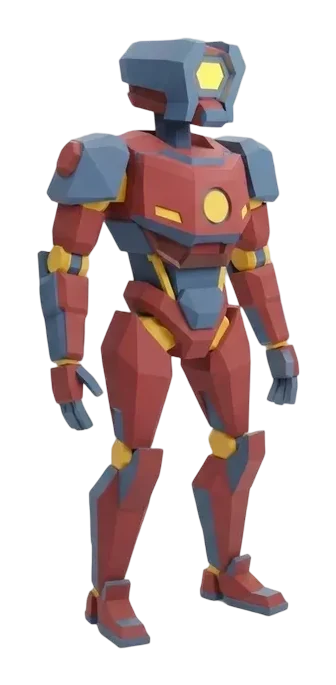 Reference example
Robot companionPrompt idealow poly robot companion standing, angular armour plates, red and grey, one glowing eye, flat shaded 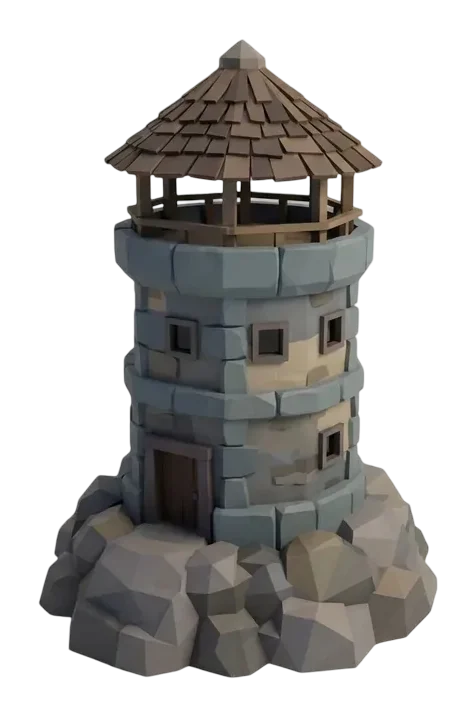 Reference example
Stone watchtowerPrompt idealow poly stone watchtower on a rock, wooden roof, chunky faceted stones, game environment asset 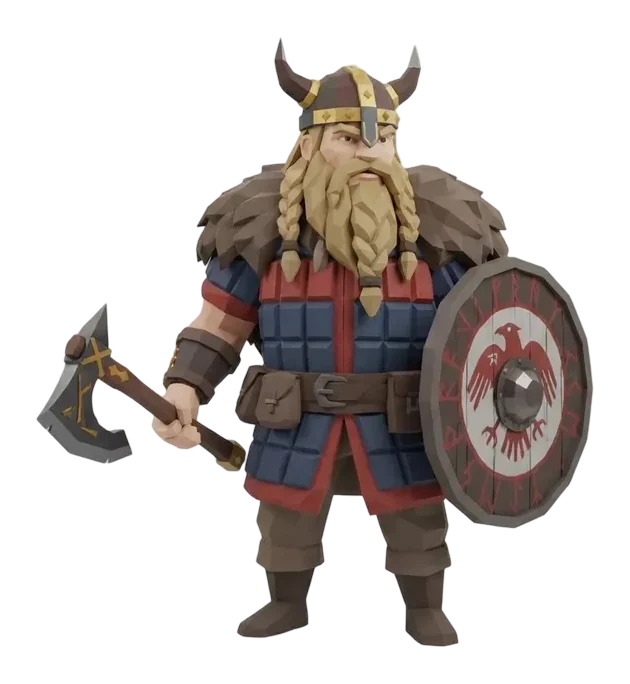 Reference example
Viking warrior characterPrompt idealow poly viking warrior character, horned helmet, braided beard, axe and round shield, flat colours 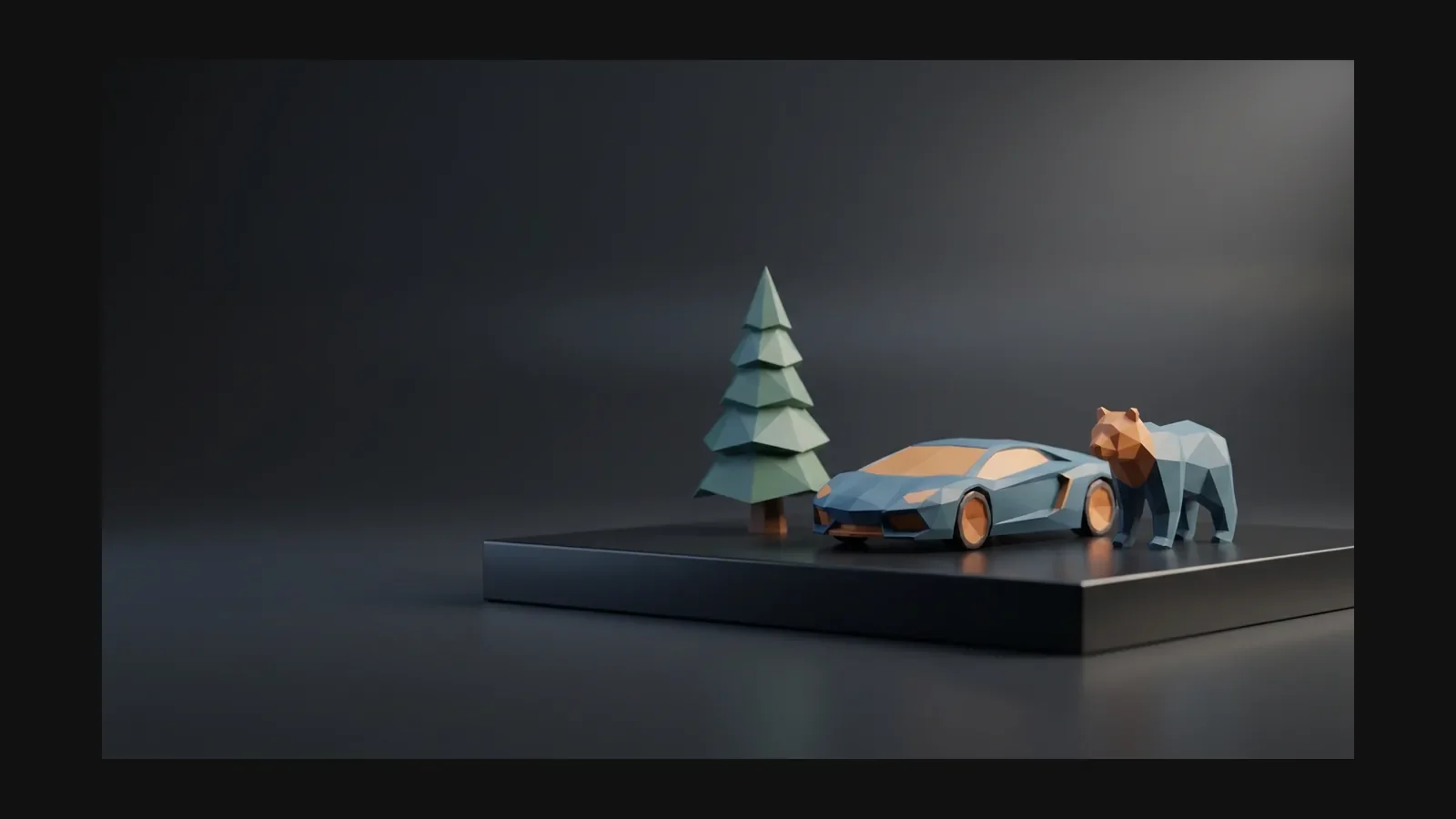 Reference example
Tree, car and fox dioramaPrompt idealow poly diorama on a square plinth, pine tree, small sports car and a fox, faceted, soft studio light 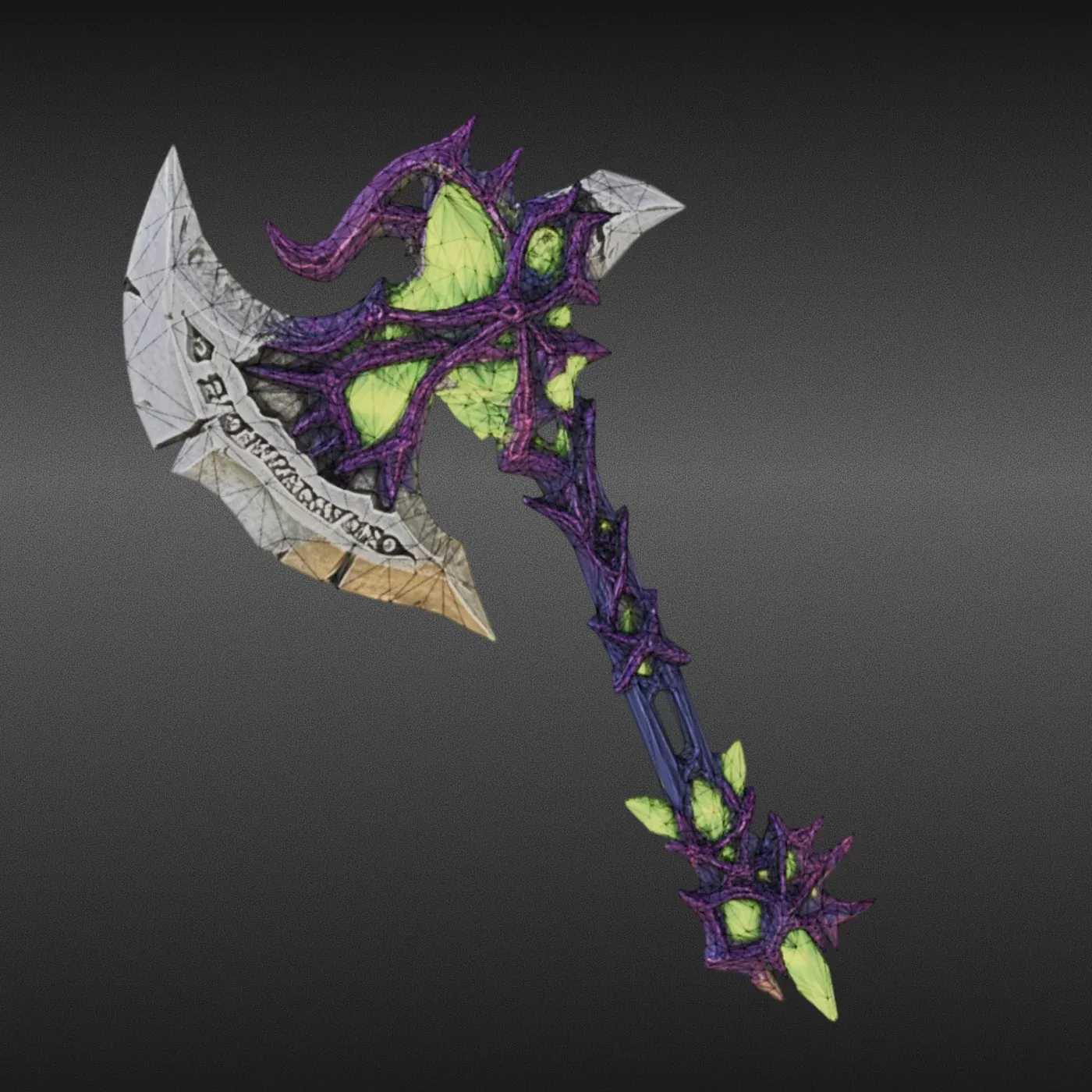 Reference example
Game-ready fantasy axePrompt ideastylised fantasy battle axe, low poly game asset, purple haft with green crystals, clean triangles 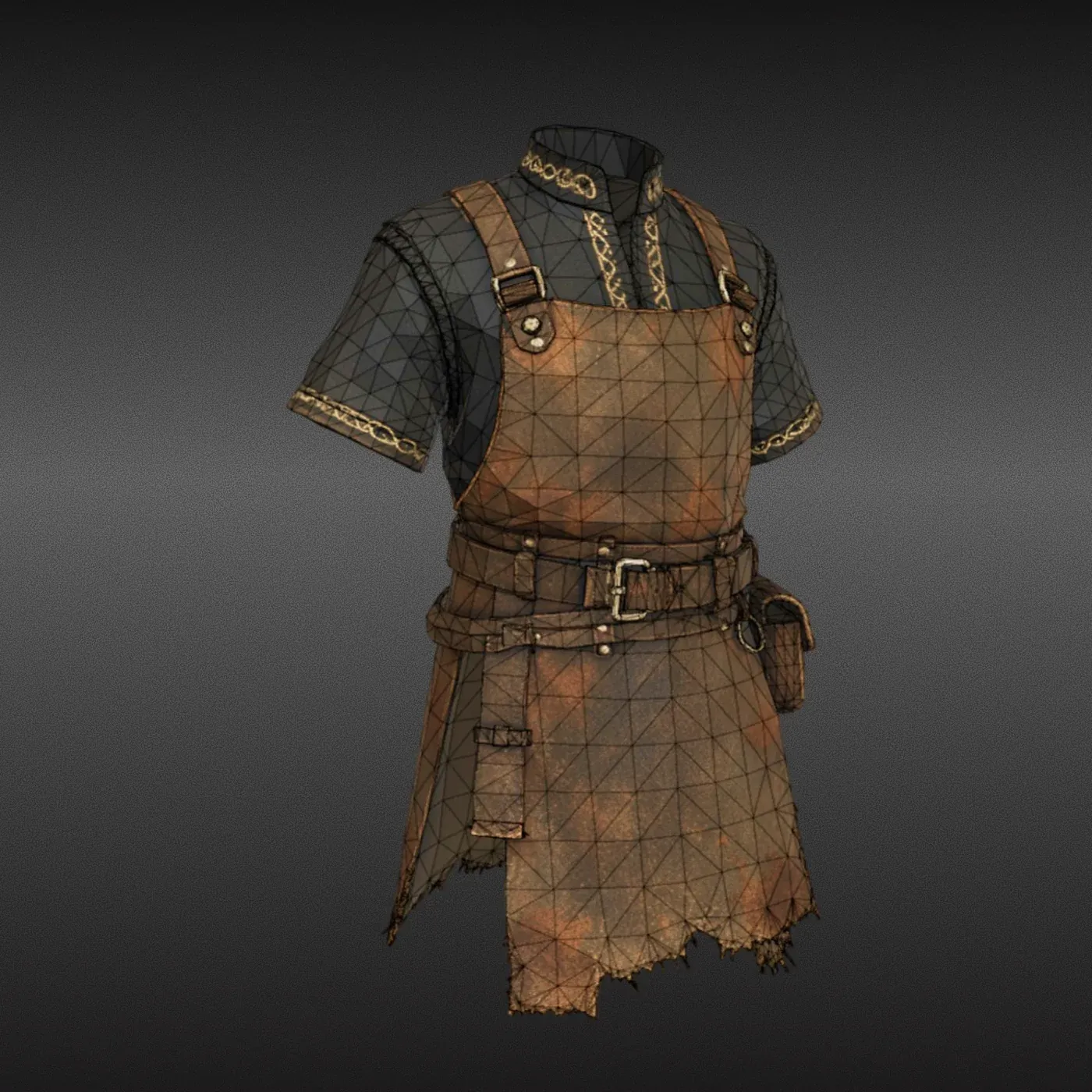 Reference example
Blacksmith apron outfitPrompt idealow poly blacksmith leather apron over a dark tunic, game clothing asset, worn texture, simple folds
Reference examples from other AI 3D services (3D AI Studio, Tripo, Hyper3D Rodin), shown to illustrate the style. They were not made with Kairo3D, and the prompt ideas are ours, not the original prompts.
How to recognise a low poly model
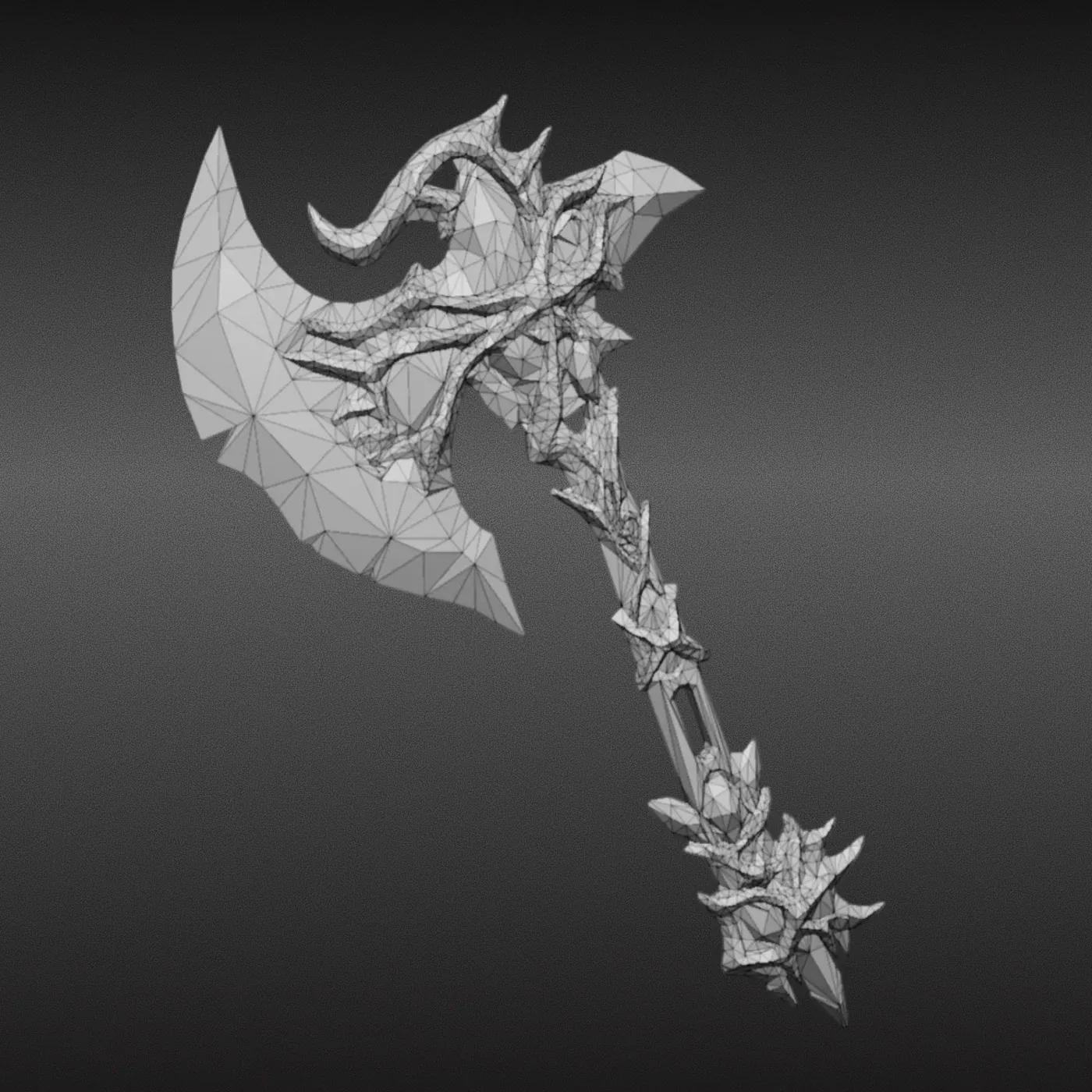
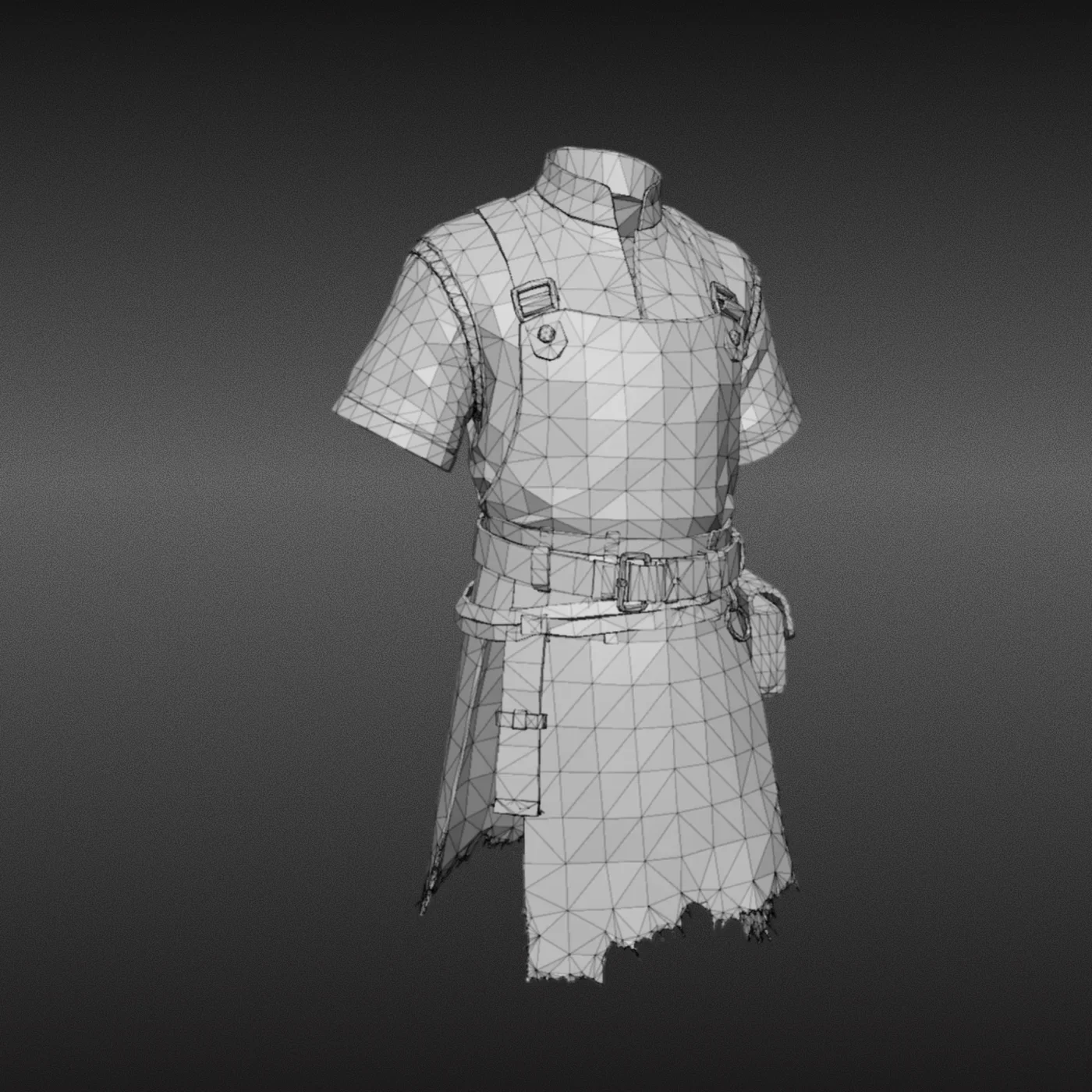
Low poly is not just "few polygons". It is a look: you can see the flat faces, and the artist chooses where they go.
Visible flat facets
Curved surfaces such as a cheek, a rock or a fox tail are broken into flat triangles. Each facet catches light differently, which gives the crystal-like look.
Flat or near-flat colour
Colour is usually one shade per material, or one per facet, instead of a painted photo texture. Two to six colours are typical.
A strong silhouette
With little surface detail, the outline does the talking. Big ears, a wide helmet or a tall roof make a low poly character readable from far away.
Detail is suggested, not modelled
A beard becomes three wedges, fingers become a mitten. Small details are merged into larger shapes or left to colour.
 Reference example
 Reference example
How to write a low poly prompt
Put the subject first, then the style words, then anything about pose or use. Short prompts work better than long ones for this style.
Low poly style suffix — paste it after any subject
low poly style, faceted surfaces, flat shading, simple geometric shapes, limited colour palette, clean silhouette
Works in text mode. In image mode the picture matters more than words: start from an image that already looks low poly.
Low poly prompt examples
Writing examples to copy and change. They show the wording, not results we have published.
- 1Animal
low poly deer standing, faceted body, flat shaded, brown and cream, single object
- 2Character
low poly adventurer character, backpack and scarf, simple geometric shapes, flat colours, T-pose
- 3Monster
low poly slime monster with a crown, glossy green facets, cute, game enemy asset
- 4Building
low poly windmill on a grassy hill, faceted roof and stones, flat shading, diorama
- 5Vehicle
low poly pickup truck, angular body, flat red paint, simple wheels, game prop
- 6Nature
low poly floating island with two pine trees and a waterfall, faceted rocks, pastel colours
- 7Prop
low poly treasure chest, open lid, gold coins as simple facets, flat colours
- 8For printing
low poly cat figure sitting on a round base, faceted, thick ears and tail, no thin parts
Do
- Name the style twice in different words: "low poly" and "faceted, flat shaded".
- Ask for a few colours ("4 colours", "pastel palette") to stop the AI painting photo textures.
- Ask for one object; scenes split into many loose parts.
- Add "thick parts, on a base" when the model is going to a 3D printer.
Avoid
- Words that pull towards realism: "photorealistic", "highly detailed", "8k", "pores".
- Fine details the style cannot show: lace, fur strands, small text.
- Very long prompts with ten adjectives; the style words get drowned.
- Expecting an exact face count: the prompt sets the look, not the triangle budget.
How to make a low poly 3D model
From a prompt or a low poly picture to a file you can open in Blender or a slicer.
Write or pick a prompt
Choose text mode, type the subject and paste the low poly style suffix, or click one of the prompt chips. For image mode, upload a picture that already shows flat facets.
Choose an engine
Each engine shows its credit price and typical time before you start. Text-capable engines are listed in text mode; image mode lists the image engines.
Generate and check the facets
Rotate the result in the 3D preview. If surfaces look smooth or blotchy, add "flat shaded, faceted" again and lower the number of colours.
Download and tidy up
Download GLB for game engines and the web, OBJ for editing, STL for printing. To bring the triangle count down for a game, run the file through the STL reducer.
Printing low poly models
Mostly yes. Flat faces and crisp edges are exactly what printers do well. The weak spots are thin parts and the triangle count of the downloaded file.
Face count
AI engines usually return a much denser mesh than a hand-made low poly model, even when it looks faceted. Slicers cope fine; reduce it only if your editor or game needs a small file.
Detail
Facets wider than about 2 mm stay sharp on an FDM printer at 0.2 mm layers. Tiny facets merge into a blur, so keep the style chunky for small prints.
Supports
Facets turn curves into a series of angles; any facet facing down at more than about 45° from vertical needs support. Sitting poses and a flat base avoid most of it.
Thin parts
Ears, antennae and sword blades come out thin. Aim for at least 1 to 1.2 mm on FDM (two or three 0.4 mm lines); ask for "thick parts" in the prompt.
| Setting | FDM (0.4 mm nozzle) | Resin (MSLA) |
|---|---|---|
| Layer height | 0.12–0.2 mm | 0.03–0.05 mm |
| Model height | 50 mm or more | 25 mm or more |
| Smallest part | ≥ 1–1.2 mm thick | ≥ 0.6 mm thick |
| Supports | Only under steep facets | Light supports, tilted 30–45° |
| Finish | Paint each facet group flat | Prime, then flat colours |
Rules of thumb for common printers, not guarantees. Check your printer and material profile; the slicer preview shows where supports are needed.
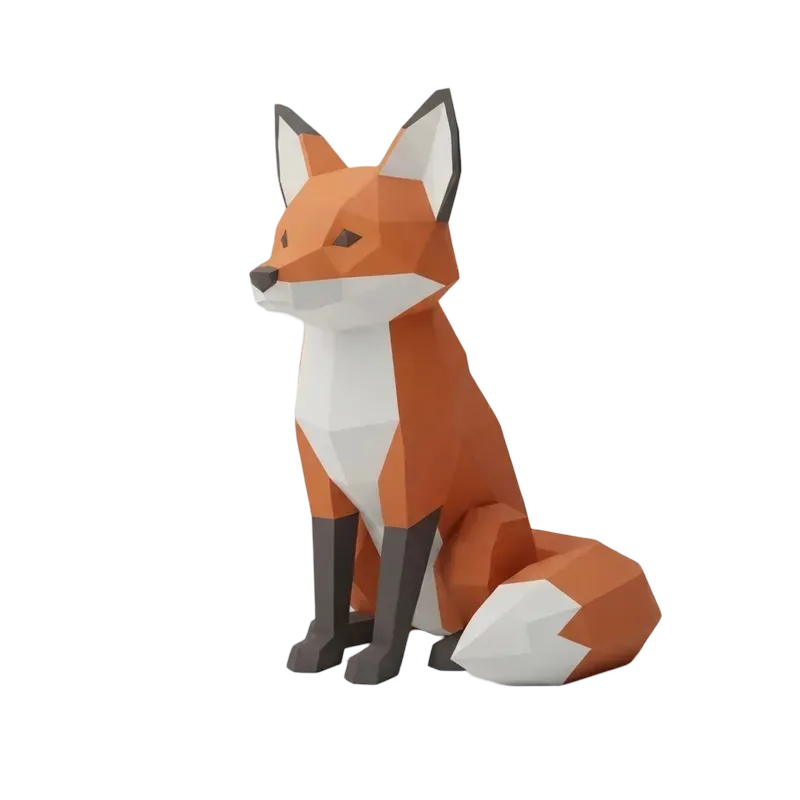
Low poly vs voxel vs chibi
Three stylised looks that people often mix up. They change different things: low poly changes the surface, voxel changes the building block, chibi changes the proportions.
| Low poly | Voxel | Chibi | Realistic | |
|---|---|---|---|---|
| Building block | Flat triangles | Equal cubes | Any surface | Dense smooth mesh |
| What changes | Surface → facets | Everything → grid | Proportions → big head | Nothing |
| Typical colours | 2–6 flat | Palette per cube | Bright, soft shading | Photo textures |
| Game performance | Very light | Light (after merging faces) | Medium | Heavy |
| 3D printing | Easy, crisp edges | Good, many small steps | Easy, compact | Depends on detail |
| Best for | Mobile games, web scenes, mascots | Block games, pixel-art fans | Gifts, desk figures, avatars | Statues, products |
General tendencies of each style, not fixed rules.
Low poly works well for
- Game props and characters for mobile, web and VR, where every triangle counts.
- Stylised dioramas, floating islands and isometric scenes.
- Mascots and logos in 3D that need to stay readable when small.
- Paper-craft-like decorations and geometric planters printed in PLA.
Pick another style for
- Portraits that must look like a real person: likeness needs detail.
- Products that need accurate curves, such as a bottle or a phone case.
- Fur, hair strands, cloth with fine folds.
- Cute big-head figures: that is chibi, not low poly.
Rotate real low poly 3D models
Live 3D reference examples, low poly ones first. Drag to orbit and zoom to see the facets.
Low poly 3D models FAQ
Questions people ask before generating a low poly model.
More styles and tools
Other 3D looks, the character and miniature generators, and tools to tidy the mesh.
Voxel 3D Models
Blocky models made of equal cubes, the look of MagicaVoxel scenes and block-building games.
Chibi 3D Figures
Cute big-head figures with a 1:2 to 1:3 head-to-body ratio, sized for desks and keychains.
AI 3D character generator
Turn character art or a prompt into a textured 3D character.
AI miniature generator
Turn a hero into a printable tabletop mini.
AI Game Asset Generator
Generate game-ready 3D props and characters from text or images.
STL Reducer
Cut STL polygon count and file size while keeping the shape.
Generate your first low poly model
Paste the low poly style suffix after your idea and run it. Failed generations refund their credits.