GLB to OBJ Converter, Free in Your Browser
Drop your GLB or glTF files here
GLB or single-file glTF, up to 200 MB each. Draco-compressed files work.
STL has no units — most slicers read it as millimetres. Add a file to see its size.
Runs in your browser — your files are never uploaded.
- Nothing uploaded
- No sign-in
- UVs and normals kept
- OBJ to GLB too
What the GLB to OBJ converter keeps
Straight answers about every GLB to OBJ conversion.
- 0 uploadsEach GLB to OBJ conversion runs in this tab; nothing goes to a server.
- 3 of 4Geometry, normals and UVs carry over. Textures and materials do not.
- 200 MBPer file, with up to 10 files per batch.
How to convert GLB to OBJ
GLB to OBJ in three steps. Keep the GLB for its textures.
Add the GLB
Drag a .glb or single-file .gltf onto the converter, or load the sample model.
Keep OBJ selected
GLB and OBJ are both Y-up, so the model keeps its orientation. Rescale it if needed.
Download and import
Click Convert & download, then in Blender use File › Import › Wavefront (.obj).
What the OBJ keeps, and what stays in the GLB
A GLB to OBJ conversion carries geometry, normals and UVs. Textures and materials stay in the GLB.
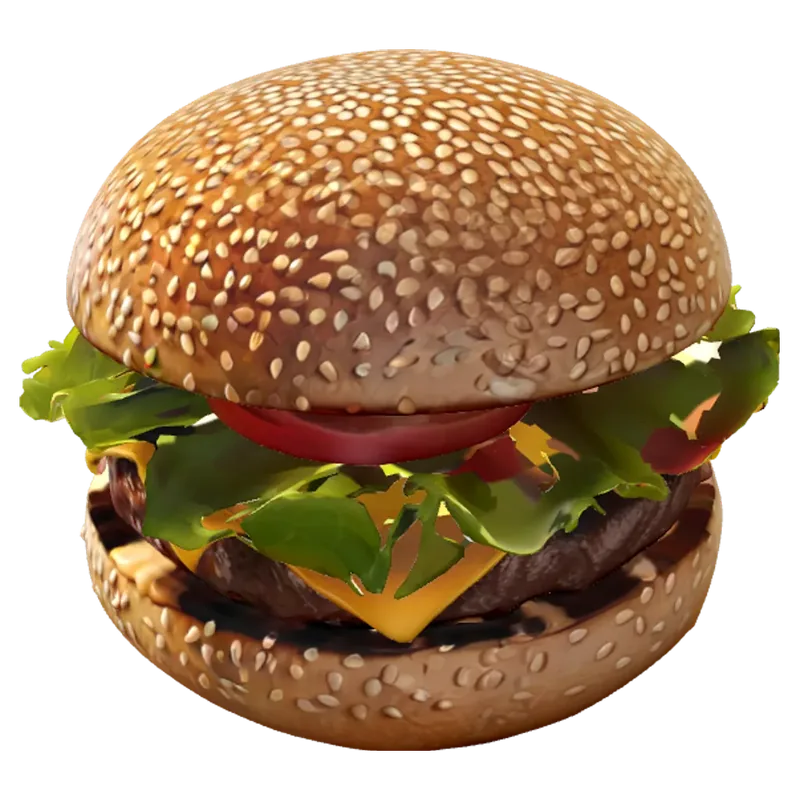
Textures and materials
Geometry, normals, UVs
| What the OBJ keeps, and what stays in the GLB | GLB | OBJ |
|---|---|---|
| Geometry | Yes | Yes |
| Normals | Yes | Yes |
| UV coordinates | Yes | Yes |
| Textures, materials | Yes | No |
| Animation, rig | If present | No |
Need the textures? Keep the original GLB, or re-apply its images to the OBJ's UVs in Blender.
Textured GLB models to explore
Placeholder examples, each a GLB file drawn live. Drag any card to orbit it.
Why use this GLB to OBJ converter
Honest output for Blender, CAD and older pipelines.
Nothing uploaded
The GLB is read and the OBJ written by JavaScript in this tab, so your model stays private.
UVs and normals kept
Smooth shading and texture coordinates survive, so you can re-apply textures in Blender.
Draco-compressed GLB
Compressed GLB files from AI generators and web exports open without extra tools.
OBJ to GLB too
Go the other way for the web: OBJ in, GLB out, with a neutral grey material.
Batch GLB to OBJ
Convert up to 10 GLB files in one click; each OBJ keeps its file name.
Live 3D preview
See the textured model, its triangle count and its size before you download.
GLB to OBJ FAQ
Textures, glTF, Draco, Blender and other apps.
More ways to work with your 3D files
View, convert, or make a model from scratch.
Need a GLB to convert?
Generate a textured 3D model from a photo with AI, then export it as OBJ here.