The Meshy Alternative with Free STL Export
Meshy alternative comparison at a glance
What decides a Meshy alternative: engines, free-plan downloads, licences, formats, refunds and pricing.
| What you get | Kairo3D | Meshy |
|---|---|---|
| Engines | 6 third-party engines via fal.ai: TRELLIS, TRELLIS 2, Tripo H3.1, Hunyuan 3D 3.1 Pro, Rodin Gen-2.5 Fast, and Pixal3D | Meshy's own models, with Meshy 7 and 7.1 released in Aug–Sep 2026 |
| Free-plan downloads | No free plan; free browser tools (GLB to STL, STL viewer); every model you generate can be downloaded | 100 credits a month; 10 downloads a month, of Meshy 6 Lite models only |
| Free-plan licence | Depends on the engine (MIT for TRELLIS 2 and Pixal3D); you own your uploads | CC BY 4.0 (commercial use with attribution) |
| Export formats | GLB, plus STL, OBJ and PLY converted in your browser (no 3MF, FBX or USDZ yet) | FBX, OBJ, USDZ, GLB, STL and BLEND |
| Failed generations | Credits refunded automatically | See Meshy's help centre |
| Pricing model | Credits per generation; the cost depends on the engine you pick | Monthly credit plans; Pro is $20 a month for 1,000 credits |
Prices and limits as listed on meshy.ai on 13 Oct 2026. Check Meshy's current pricing
Meshy is a trademark of its owner. Kairo3D is an independent tool, not affiliated with or endorsed by Meshy.
Where Meshy does better
Its own models
Meshy trains its own models, with Meshy 7 and 7.1 released in Aug–Sep 2026. We have no model of our own; we run third-party engines.
Rigging and animation
Meshy rigs and animates characters on every plan: 20 animations on Free, 500+ on paid plans. This site makes static models only.
A larger feature set
Meshy adds paid-plan remeshing and multi-view input, Blender and Unity plugins, and FBX, USDZ and BLEND files. Here: GLB, STL, OBJ, PLY.
Where this Meshy alternative fits
Pick the engine per model
Run TRELLIS 2, Hunyuan 3D, Tripo, Rodin or Pixal3D on the same photo and keep the best result.
STL export included
Every model you generate converts to STL, OBJ or PLY in your browser at no extra cost.
Credits back on failure
If a generation fails, its credits return to your balance automatically.
6 3D engines, one credit balance
Meshy runs its own models; on Kairo3D, a Meshy alternative, you pick the engine each run. Sort by credits or time.
| Engine | Made by | Input | Licence | ||
|---|---|---|---|---|---|
| TRELLISMicrosoft | Microsoft | InputImage | Credits per model8 | Typical time~30 s | LicenceMIT |
| TRELLIS 2Microsoft | Microsoft | InputImage | Credits per model120 | Typical time~1 min | LicenceMIT |
| Tripo H3.1Tripo AI | Tripo AI | InputImageText | Credits per model120 image · 80 text | Typical time~1 min | LicenceCommercial API (Tripo AI terms) |
| Hunyuan 3D 3.1 ProTencent | Tencent | InputImageText | Credits per model150 | Typical time~2 min | LicenceTencent Hunyuan 3D licence (check territory terms) |
| Rodin Gen-2.5 FastHyper3D (Deemos) | Hyper3D (Deemos) | InputImageText | Credits per model40 | Typical time~30 s | LicenceCommercial API (Hyper3D terms) |
| Pixal3DTencentARC | TencentARC | InputImage | Credits per model120 | Typical time~90 s | LicenceMIT |
Credits are charged per generation and refunded automatically if a run fails. Times are typical, not guaranteed.
Results from several engines
Official example outputs from the engines behind this Meshy alternative: TRELLIS 2, Pixal3D, Hunyuan 3D and more. Hover to spin.
How to switch from Meshy
Bring the same photo or prompt to this Meshy alternative and compare results in minutes.

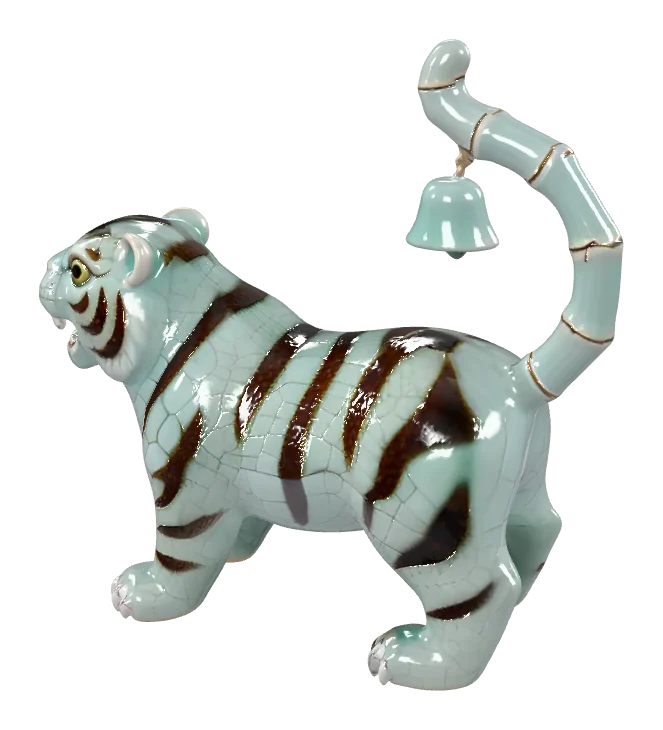
Bring your photo or prompt
Use the same picture or text you'd give Meshy: a JPG, PNG or WebP up to 10 MB, or a one-object prompt.
Pick an engine
TRELLIS 2 for photos and Tripo H3.1 for text are the defaults; try Hunyuan 3D or Rodin for a second opinion.
Download and carry on
Download the GLB, or an STL, OBJ or PLY converted in your browser, and continue in Blender, your game engine or your slicer.
What you get, in numbers
Numbers that are true today for this Meshy alternative, so you can compare like for like.
- 6 enginesImage and text to 3D engines from Microsoft, Tencent, Tripo AI and Hyper3D
- 4 formatsGLB, plus STL, OBJ and PLY converted in your browser
- Auto refundCredits come back whenever a generation fails
Projects people bring over from Meshy
The same jobs you'd use Meshy for, done with a Meshy alternative where you pick the engine.
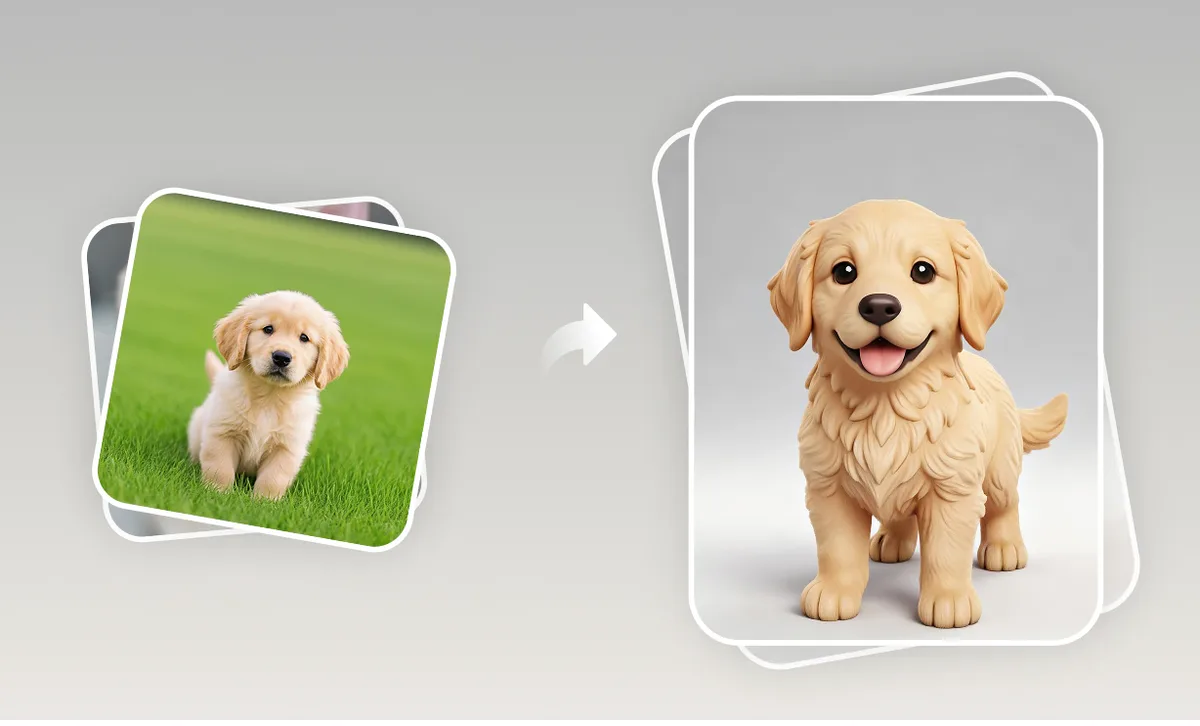
Figurines for printing
Generate a model from a pet photo and export the STL for your slicer.
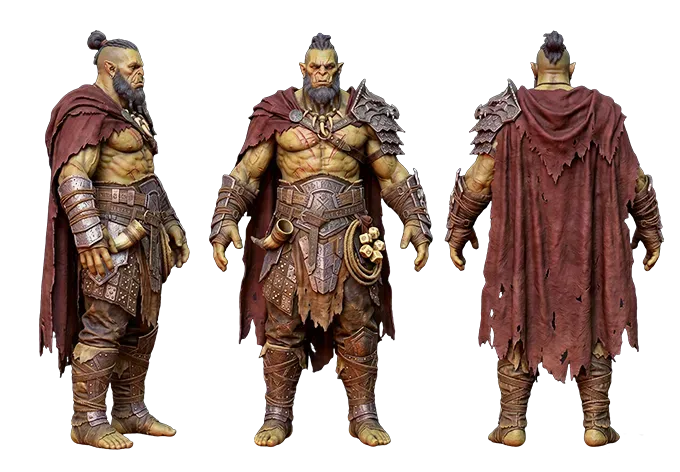
Game assets
Textured GLB props for Unity, Unreal or Godot; compare engines to match your art style.
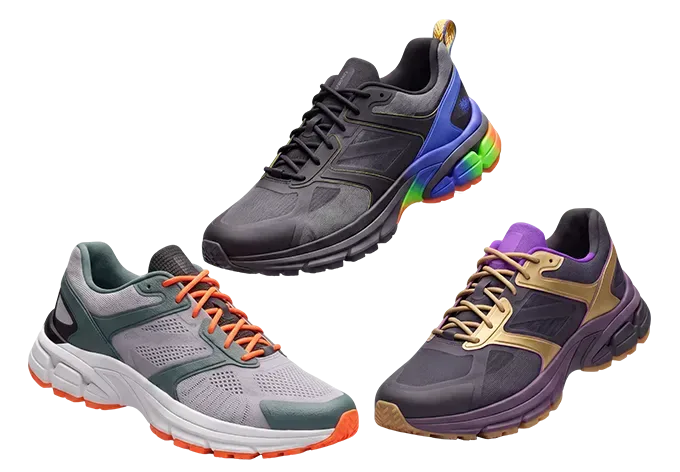
Product concepts
Quick 3D forms from product photos for design reviews and pitches.
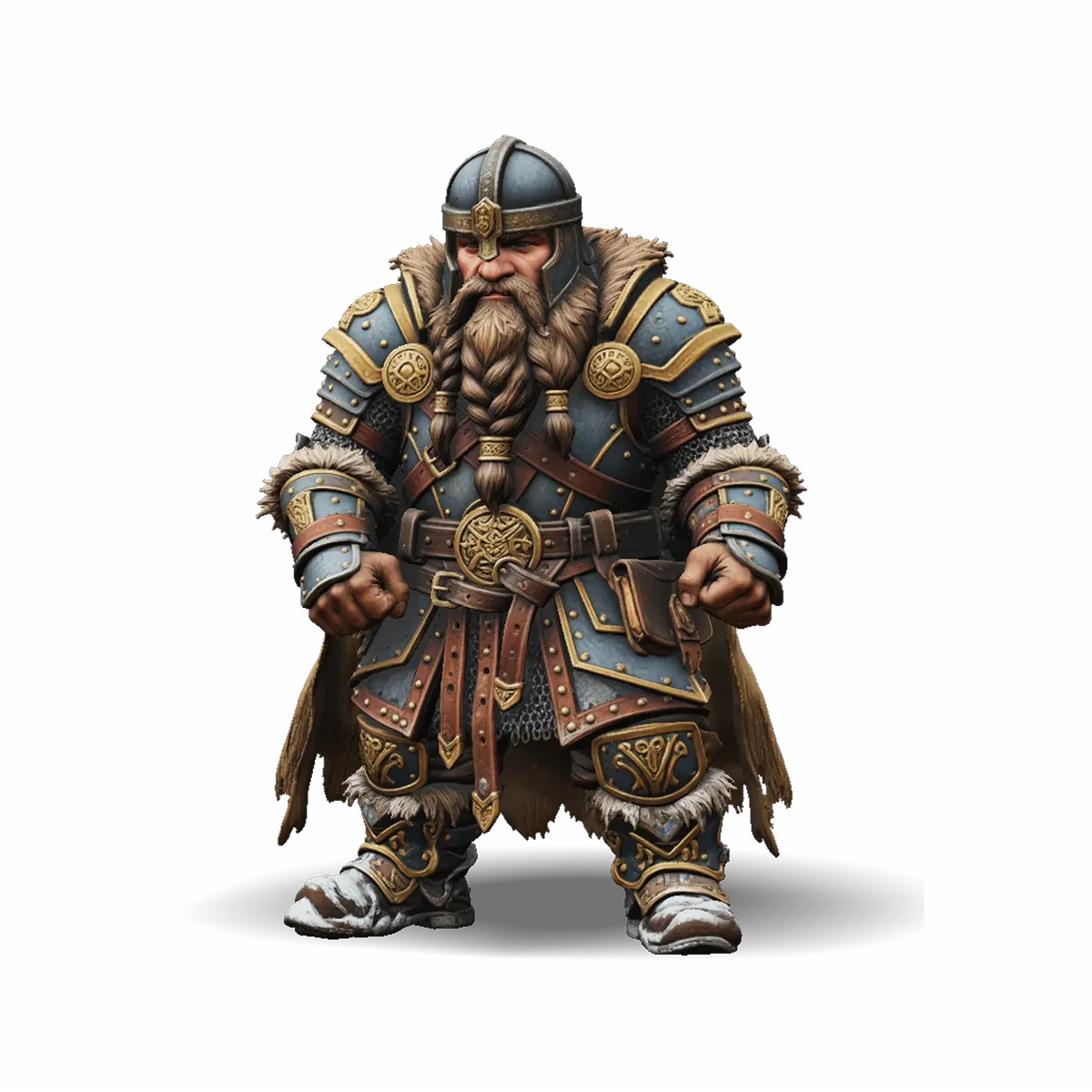
Stylised characters
Static 3D characters from drawings or prompts. If you need rigging or animation, Meshy or a full 3D suite is the better choice.
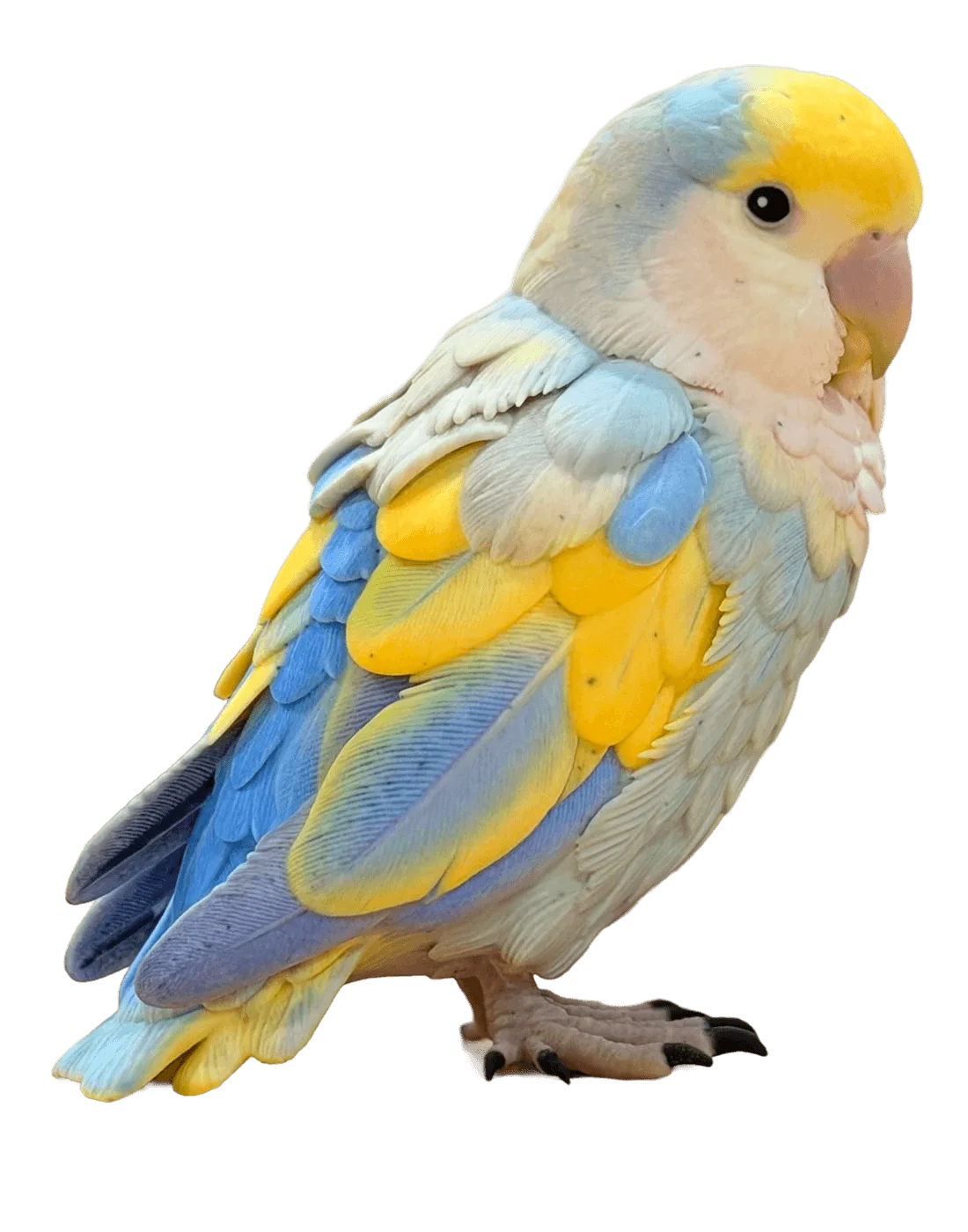
Prints from a prompt
Describe a decoration or a small figure in words, then print the STL.
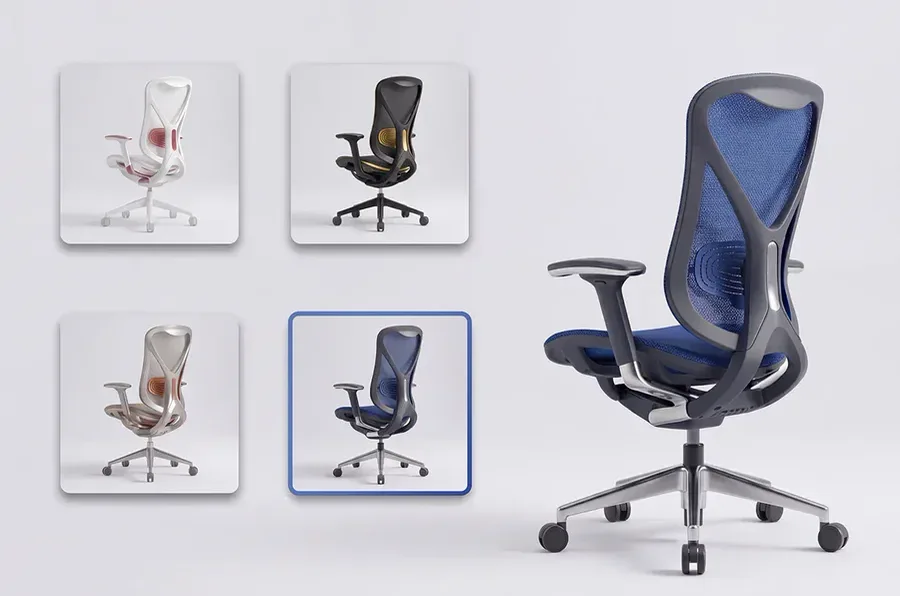
3D product previews
GLB files for rotating product views on a web page.
Why people look for a Meshy alternative
Common reasons people compare tools, and what this Meshy alternative does about each one.
More than one engine
Each engine suits different subjects; this Meshy alternative runs TRELLIS 2, Hunyuan 3D 3.1 Pro, Tripo H3.1, Rodin Gen-2.5 Fast and Pixal3D.
STL export included
Convert any result to STL, OBJ or PLY in your browser without spending extra credits.
Refunds on failed runs
Failed generations give their credits back automatically.
Licences stated openly
Each engine's licence is named, from MIT for TRELLIS 2 and Pixal3D to Tencent's terms for Hunyuan 3D.
Private by default
Uploads and models stay in your account until you delete them.
Free browser tools
The GLB to STL and OBJ to STL converters and the STL viewer work without an account, and nothing is uploaded.
Meshy alternative FAQ
Plain answers about switching to a Meshy alternative, pricing and how the two compare.
Keep exploring
Tools and comparisons for anyone weighing up a Meshy alternative.
Try this Meshy alternative today
Sign in and run your own photo through several engines in about a minute.