Millimetres to metres
- The sample owl is 79.7 mm tall, and the 3MF says so — no guessing.
- At 1 : 1 a GLB viewer reads 79.7 as metres: an owl the height of a tower.
- “Millimetres → metres (×0.001)” gives 0.0797 m, the size of the print in your hand.
Drop 3MF files to convert to GLB
.3mf from any slicer or CAD app, up to 10 files at 200 MB each
STL has no units — most slicers read it as millimetres. Add a file to see its size.
Runs in your browser — your files are never uploaded.
Where a slicer project ends and a web model begins.
Zip package from the slicer
Display file for screens
From slicer project to web-ready model in under a minute.
Use the project file you already have, or "Export plate as 3MF" in Bambu Studio / PrusaSlicer. Drop it onto the converter.
Every build item appears in the 3D preview with its colour. The panel shows the size the GLB will have in metres.
Leave GLB selected and click “Convert & download”. One .glb downloads, ready for <model-viewer>, three.js or a product page.
3MF is a print job; GLB is a display file. Geometry and colour travel, the printing instructions do not.
3MF: plate, colours, print data
GLB: mesh and colour for screens
| 3MF vs GLB: what makes it into the web file | 3MF | GLB |
|---|---|---|
| Triangle mesh of each object | Yes | Yes |
| Object placement on the plate | Yes | Yes |
| Base material colours | Yes | Yes |
| Units | Millimetres | Metres |
| Per-triangle paint (multi-colour) | Yes | Base colour only |
| Print settings and supports | Yes | No |
Painted multi-colour regions from the AMS or MMU paint tool are not split into separate materials yet — each object keeps its base colour.
3MF is exact about its unit and stands on Z, like the printer. A GLB is read in metres and stands on Y. Two settings bridge the gap.
Colourful prints from AMS and MMU printers are what usually arrives as a 3MF. A GLB lets you show them on a shop page or in AR before anyone prints.
Reference example
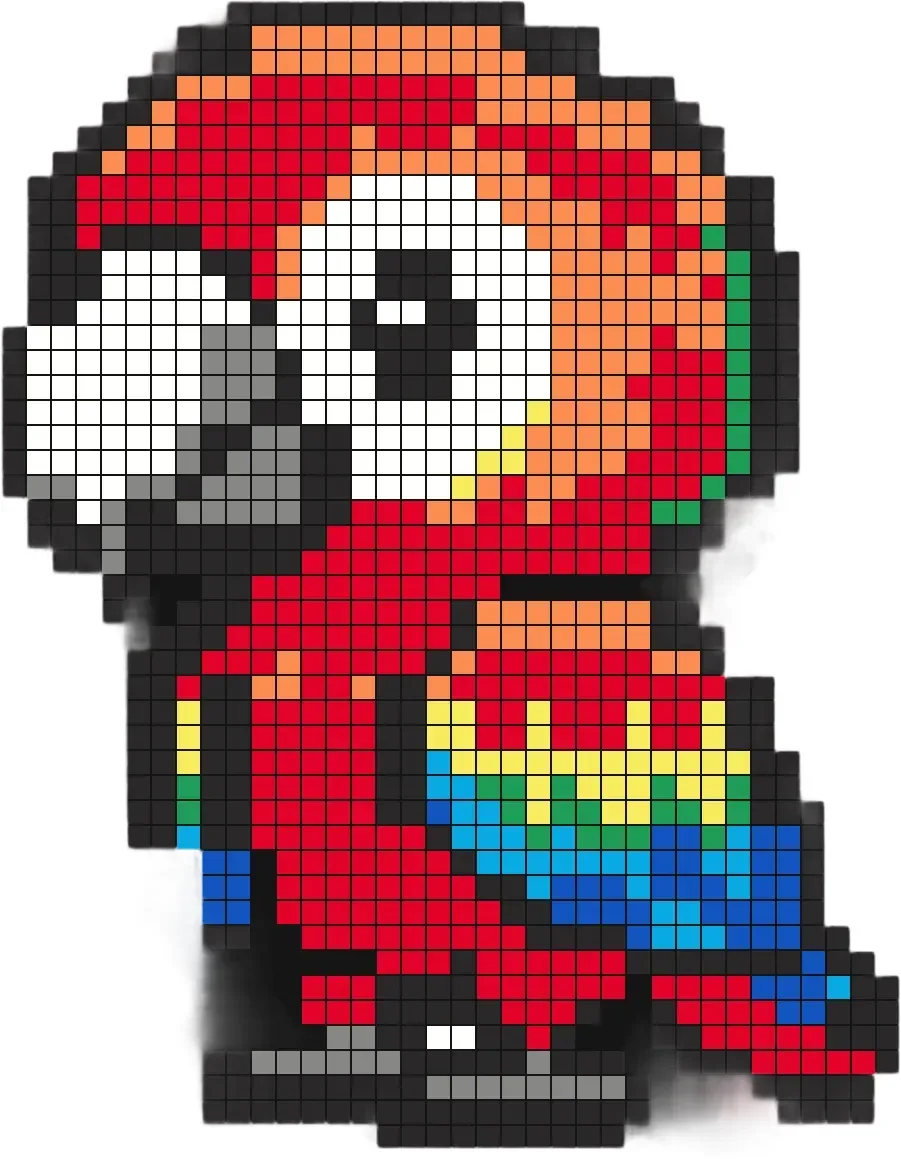
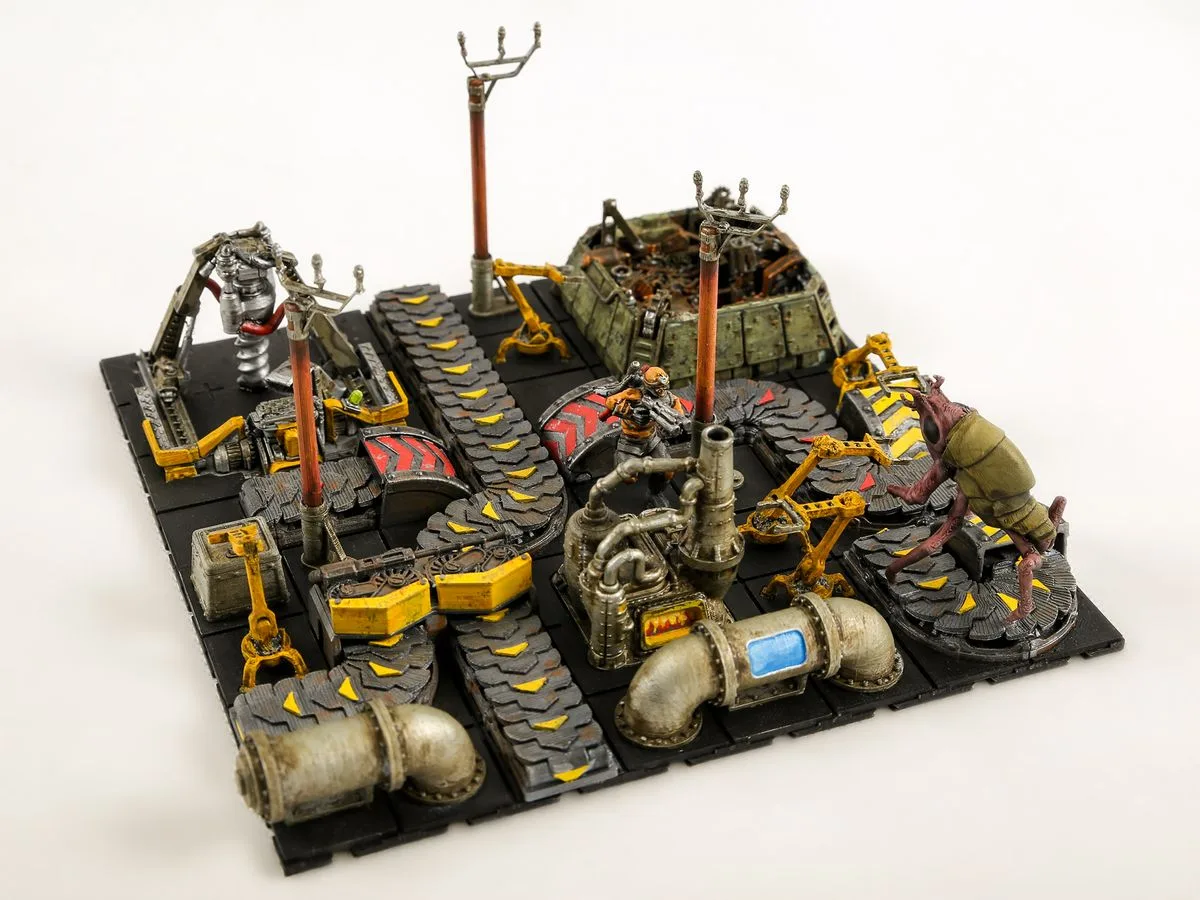
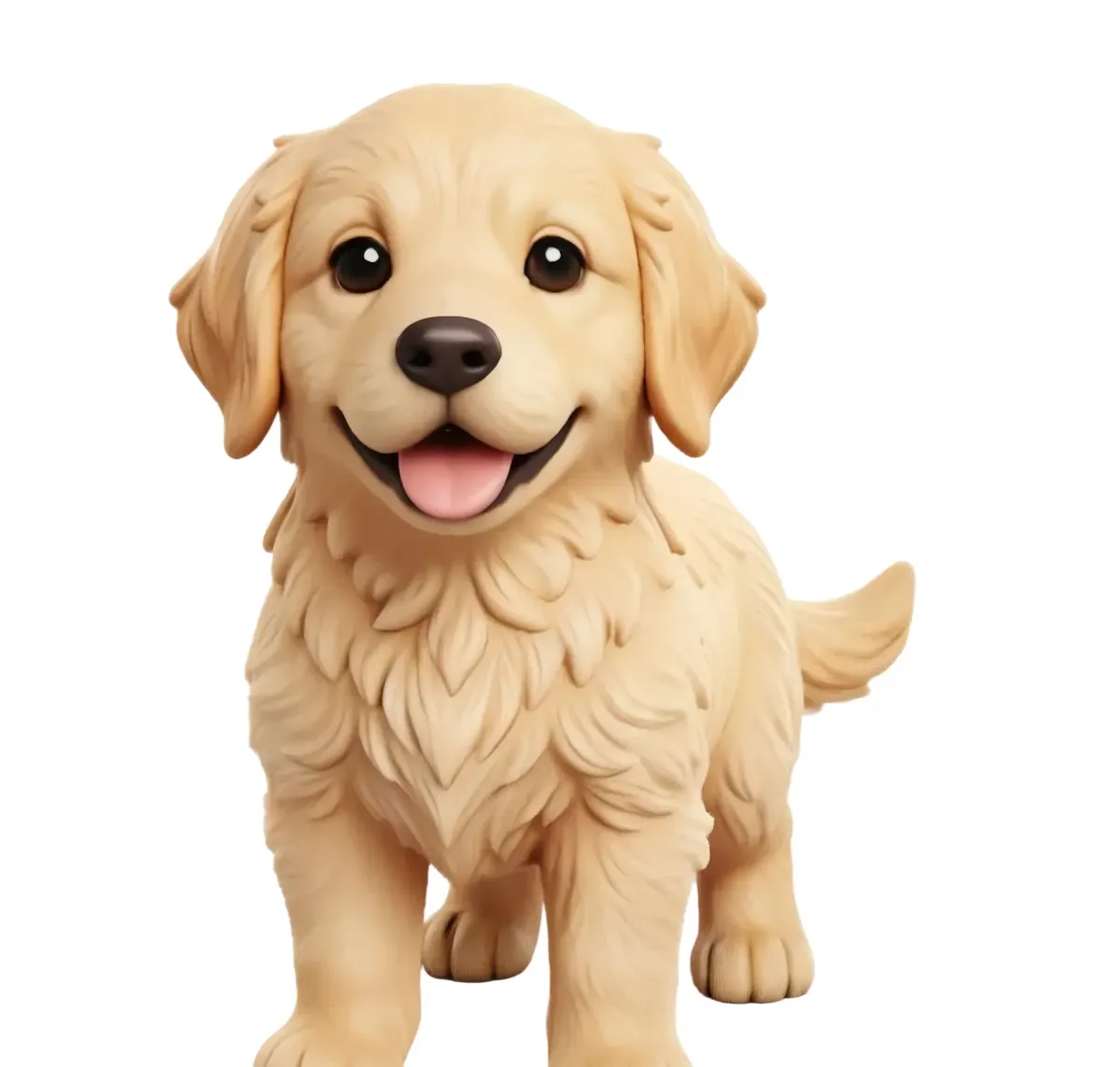
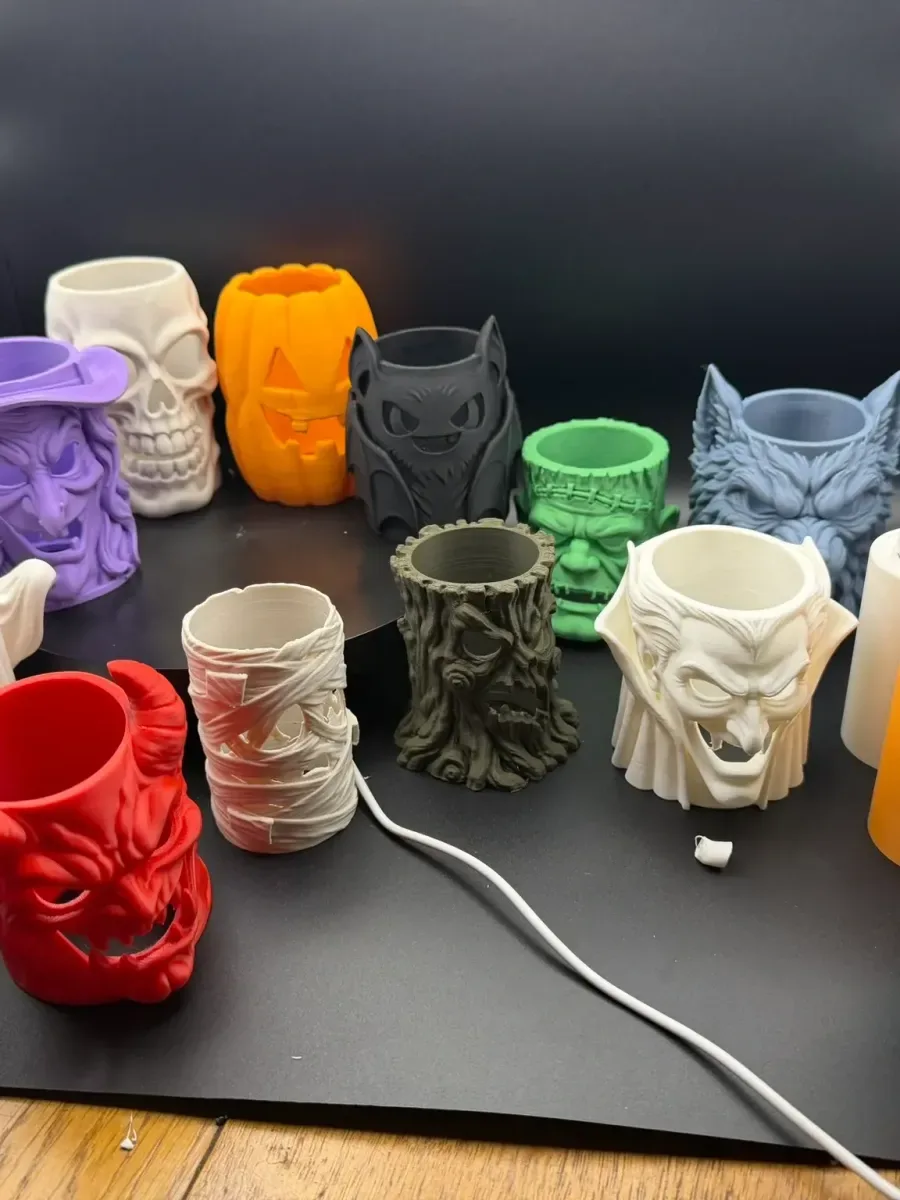
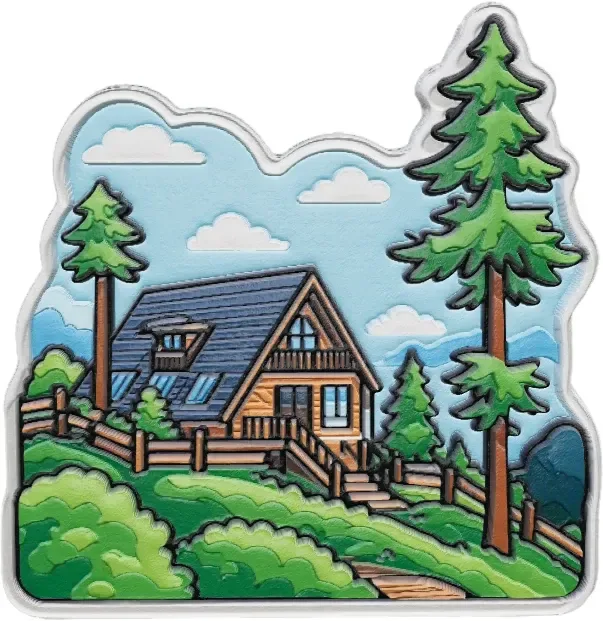
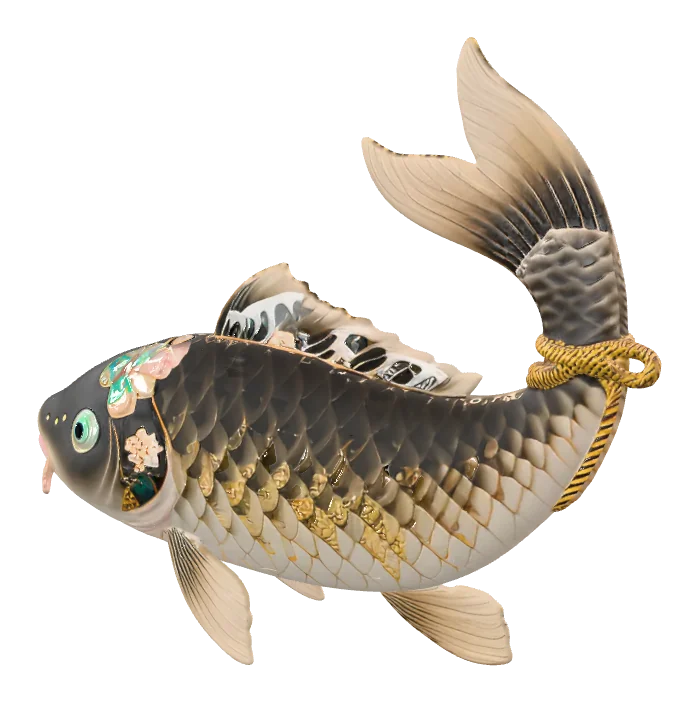
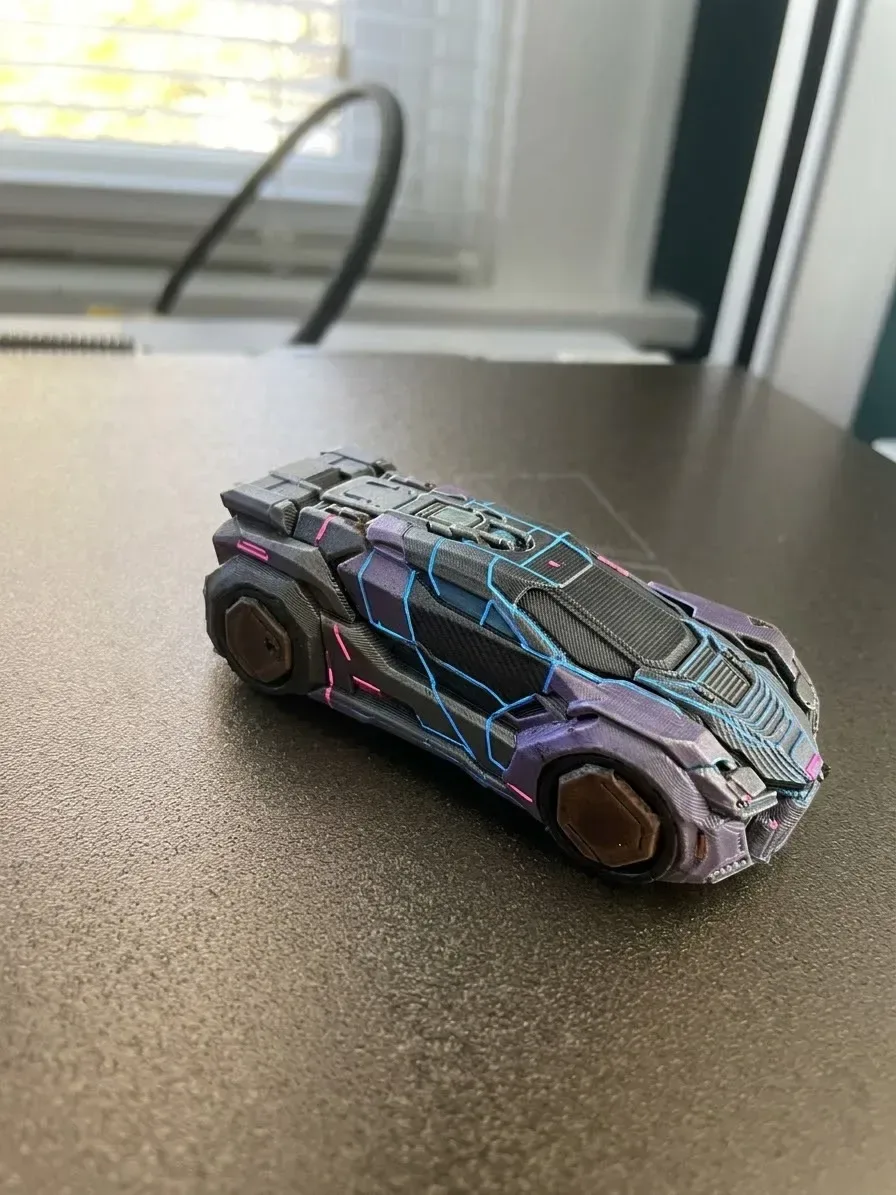
Reference exampleReference photos of multi-colour prints, not files converted on this page.
Figurines and decor pieces from the reference library — models that often live in a 3MF before they get a web preview.
Built around what is actually inside a slicer project.

A 3MF is a zip with an XML model inside. The converter unpacks it, follows components and build items, and applies every transform, so parts sit where they did on the plate.

Base materials and colour groups defined in the 3MF are copied to GLB materials, so a two-colour print keeps both colours on screen.

Because 3MF declares its unit, the converter knows the real size. The size readout shows the result in metres before you export.

Slicers stand models on +Z; glTF uses +Y. The model is turned once on export so it stands upright in any web viewer.

Got a .3mf from a model site but no Bambu Studio or PrusaSlicer? Convert it here and look at it in any browser or AR app.

The 3MF is unzipped and parsed in this tab. Nothing is sent to a server, which matters for client work and paid model files.
What people ask before turning a print project into a web model.
View, convert, or make a model from scratch.
Generate a 3D model from an image, then export STL or 3MF for printing and GLB for your shop page.