
QR Code to STL Generator
Flush inlay: both colours share the top layers. Load the 3MF (or both STLs as one object) and give each part its own filament on an AMS / MMU printer.
Ready to print. Binary STL in millimetres.
Print tips
Swap colour at the module layer
For raised codes, insert a colour change (M600) or a pause at the Z shown above the preview. The plate prints light, the modules print dark.
Prusa · Color change ↗Flush inlay needs two filaments
The inlay style puts both colours in the same layers. On an AMS or MMU, load the 3MF and assign one filament per part; purge into infill or a prime tower.
Bambu Lab wiki · filament change ↗Print the face up, slowly
Small square modules print best with a 0.4 mm nozzle at 0.12–0.2 mm layers and a slower outer wall, so corners stay sharp.
Test the Wi-Fi string
Wi-Fi codes use the WIFI:T:…;S:…;P:…;; text that phone cameras understand. Scan the flat preview to join the network before you print.
ZXing · Barcode contents ↗
Start from
- QR version
- 2
- Modules
- 25 × 25
- Module size
- 2.00 mm
Scan check
Point your phone camera at this flat preview. If it opens your link here, the printed plate encodes the same data.
Encoded in your browser. Your link or password never leaves this page.
- Encoded in your browser, nothing uploaded
- STL, split STLs or two-part 3MF
- Scan check before you print
- Error correction L / M / Q / H
A QR code to STL tool that respects the QR standard
The numbers come from the encoder, not from a picture of a code.
- 4error-correction levels, L to H
- 40QR versions, picked automatically
- 4 modquiet zone the standard asks for
- 0 uploadseverything is built on your device
How to make a 3D printed QR code
From a link to a file your slicer opens, in four steps.
1. Enter what the code should open
Paste a website link or any text, or switch to Wi-Fi and type the network name and password. The code is generated on this page as you type.
2. Size the plate
Set the code size and the quiet zone. The facts strip shows the QR version and the size of one module, so you know whether your nozzle can print it.
3. Pick raised or flush
Raised modules need one filament swap; flush inlay needs a multi-material printer. Add a border, a caption or a key-ring tab if you need them.
4. Scan, then download
Scan the flat preview with your phone. When it opens the right page, download one STL, the two colour bodies as separate STLs, or the two-part 3MF.
What makes a printed QR code scan
A phone reads light and dark modules, not depth. Contrast, module size and the quiet zone decide whether a print scans.
Finder patterns tell the phone where the code is
The three big squares in the corners are how a camera finds and straightens the code. Never cover them with a caption or a hole.
The quiet zone is part of the code
ISO/IEC 18004 asks for a light margin of 4 modules around the code. The generator keeps it on the plate; 3 works in practice, under 2 starts to fail.
Module size sets the minimum print size
One module = code size ÷ modules per side. Keep it at 1 mm or more for a 0.4 mm nozzle; longer links mean more modules, so shorten links for small tags.
Colour, not height, carries the data
A single-colour print relies on shadows and rarely scans. Print the modules in a dark filament on a light plate, either raised with a colour swap or as a flush inlay.
QR plate settings that scan reliably
Defaults that work with a 0.4 mm nozzle, and what each one changes.
| Setting | Default | What it changes |
|---|---|---|
| Error correction | M (15 %) | Higher levels survive scratches and dust but add modules. Use L for tiny tags, Q or H for outdoor signs. |
| Code size | 50 mm | Width of the module area. 25–30 mm works for short links; Wi-Fi and long URLs want 50 mm or more. |
| Quiet zone | 3 modules | Light margin around the code. The standard says 4; never go under 2. |
| Module height / inlay depth | 1.0 mm | Raised: how far the dark modules stand up. Inlay: how deep the dark colour goes into the plate. |
| Plate thickness | 2.4 mm | Stiffness of the plate. 2 mm for keychains, 3 mm for table signs. |
| Key-ring tab | off | Adds a tab and hole above the code, outside the quiet zone. |
| Caption | empty | Raised text under the code, e.g. "Scan for Wi-Fi". It sits below the quiet zone. |
Error-correction capacities and the quiet-zone rule come from ISO/IEC 18004. Checked 2026-11-24.
What this QR code to STL tool does
- Encodes links, plain text, Chinese text and Wi-Fi logins (UTF-8, byte mode).
- Builds square modules on a rounded or square plate, raised or flush.
- Exports one STL, a plate STL plus a code STL, or a two-part 3MF.
- Shows the QR version, module count and module size before you print.
What it does not do
- No logo in the middle and no dot or rounded module styles: they cost scan margin.
- No dynamic or tracked QR codes: the data is printed as-is, so check links before printing.
- No vCard, payment or app-store codes beyond what you can type as text.
- A single-colour print of the same file usually does not scan; colour contrast is needed.
What 3D printed QR codes look like
Photos of finished prints by other makers, for reference.
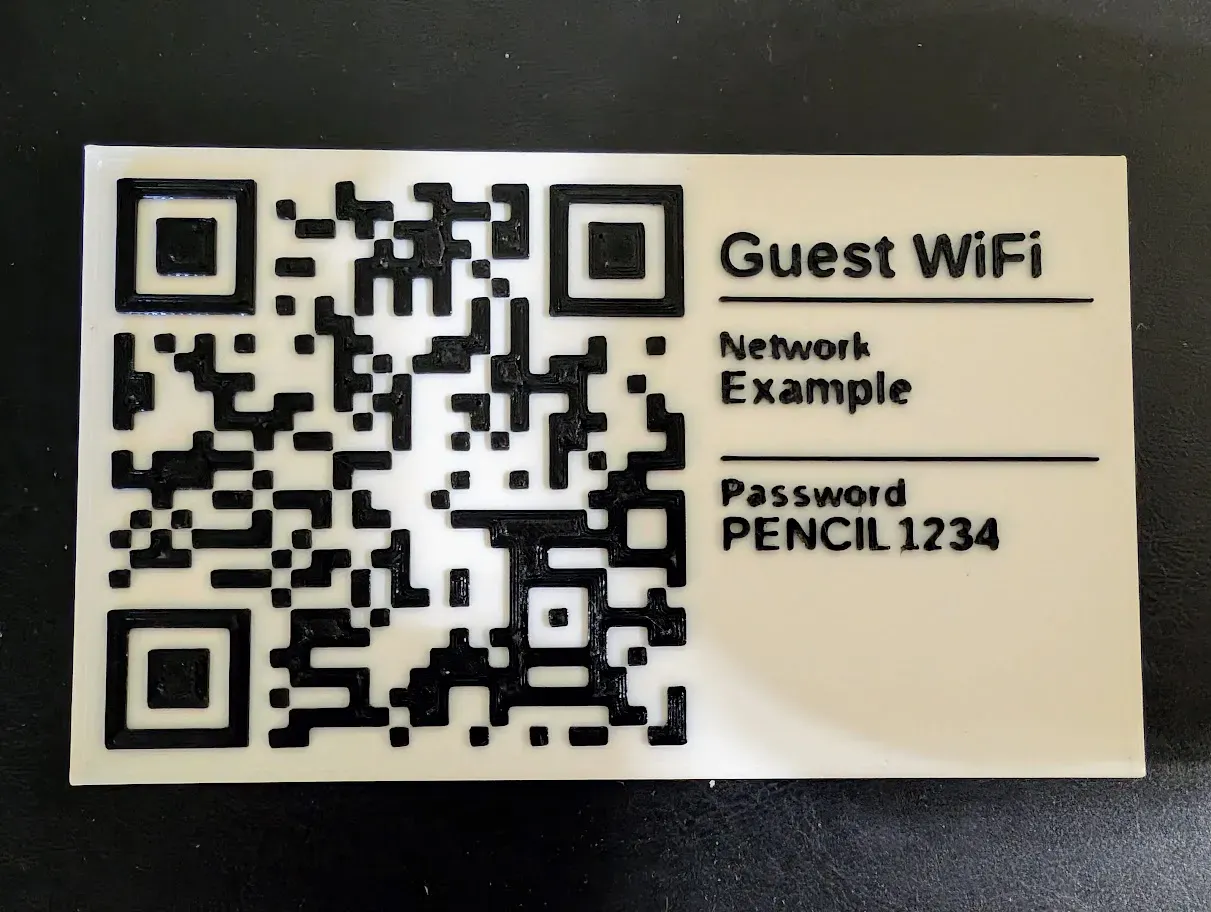 Reference example
Guest Wi-Fi placard, black QR code on a cream platevia printables.com · IvyMike (CC0) 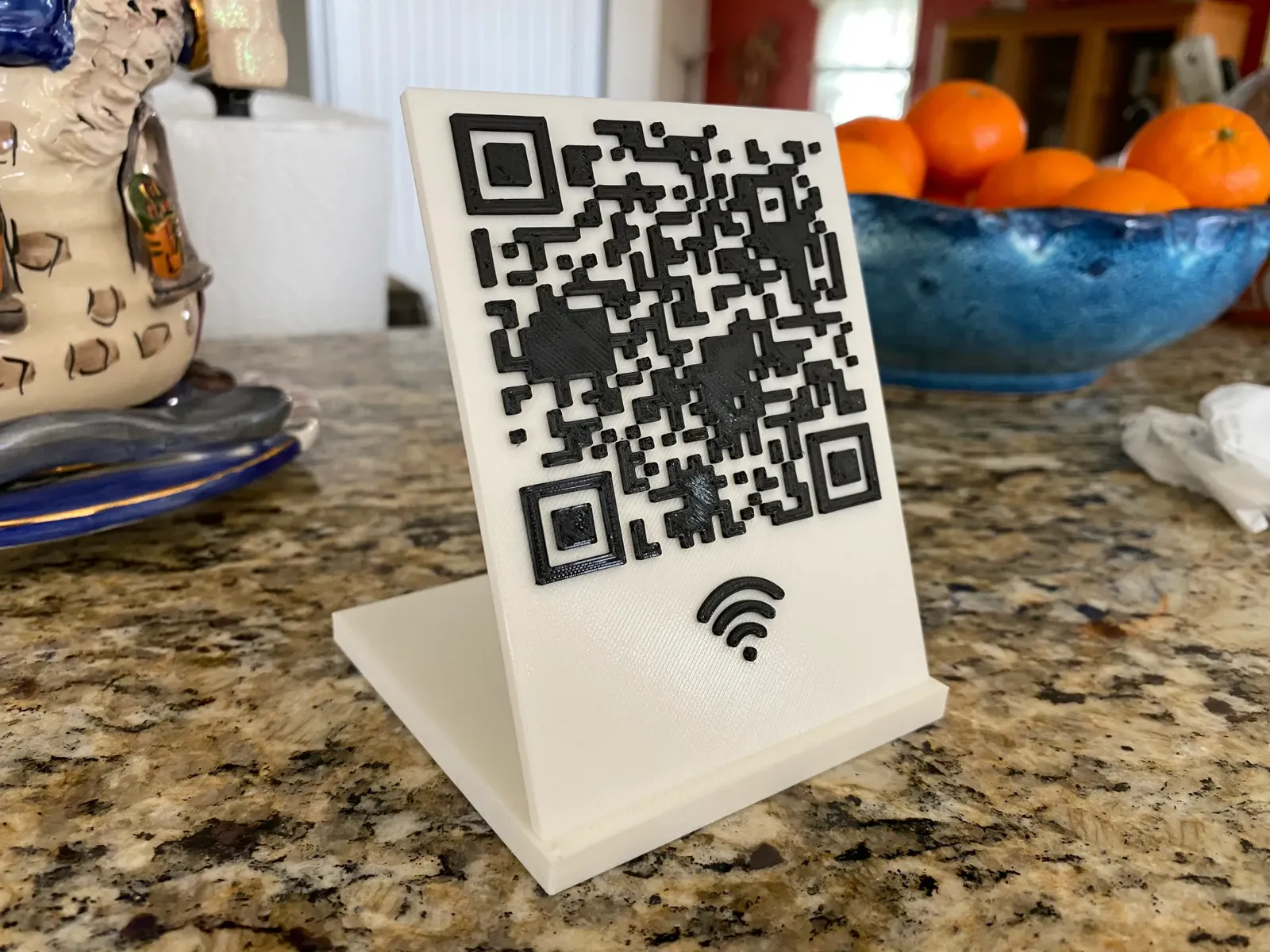 Reference example
Wi-Fi QR stand on a kitchen countervia printables.com · radiojack (CC BY-SA) 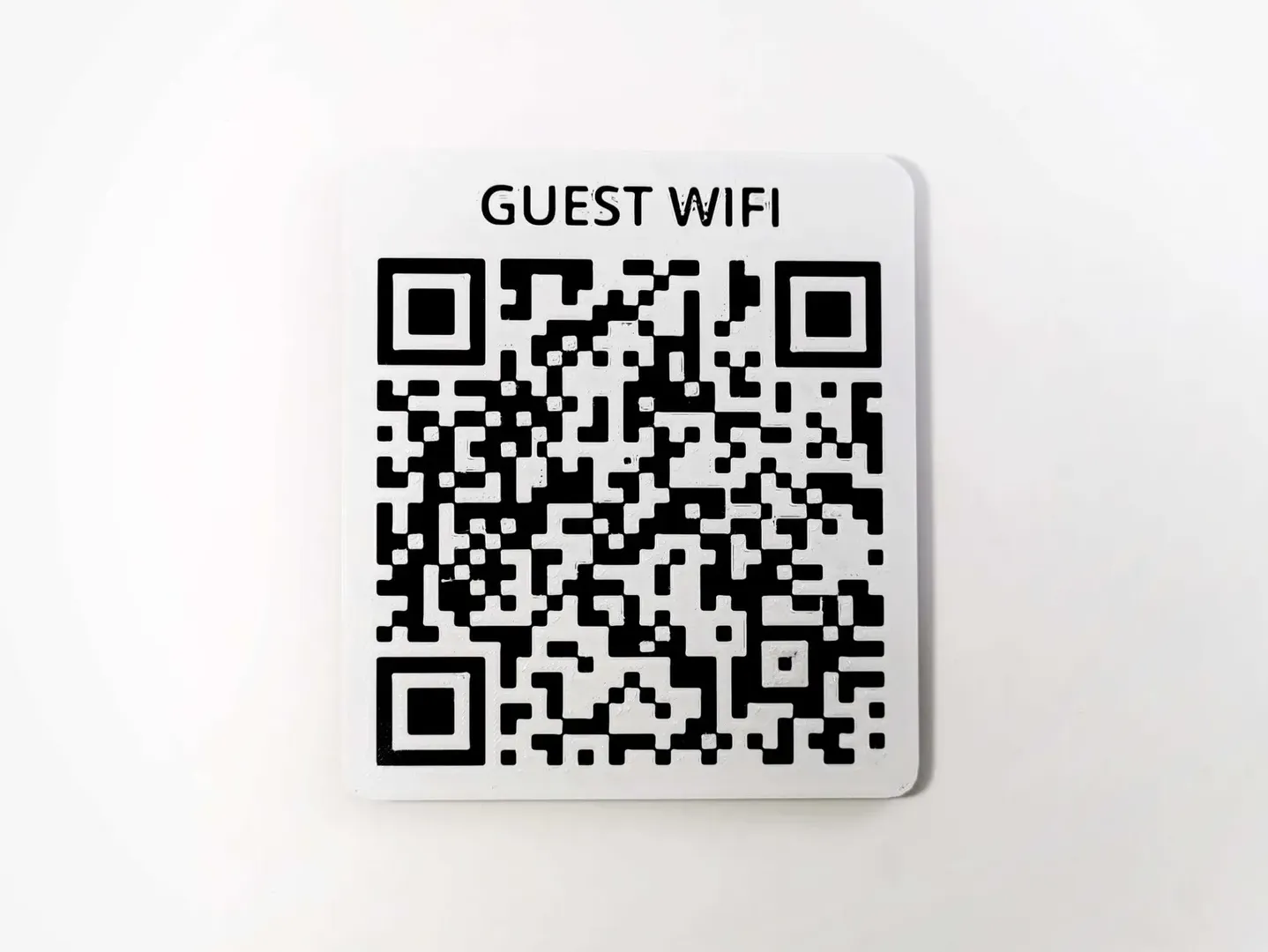 Reference example
Flat guest Wi-Fi card with a two-colour QR codevia printables.com · ncsandor (CC0)
Made with this QR code STL generator
Previews of real outputs from the generator above, in different presets.
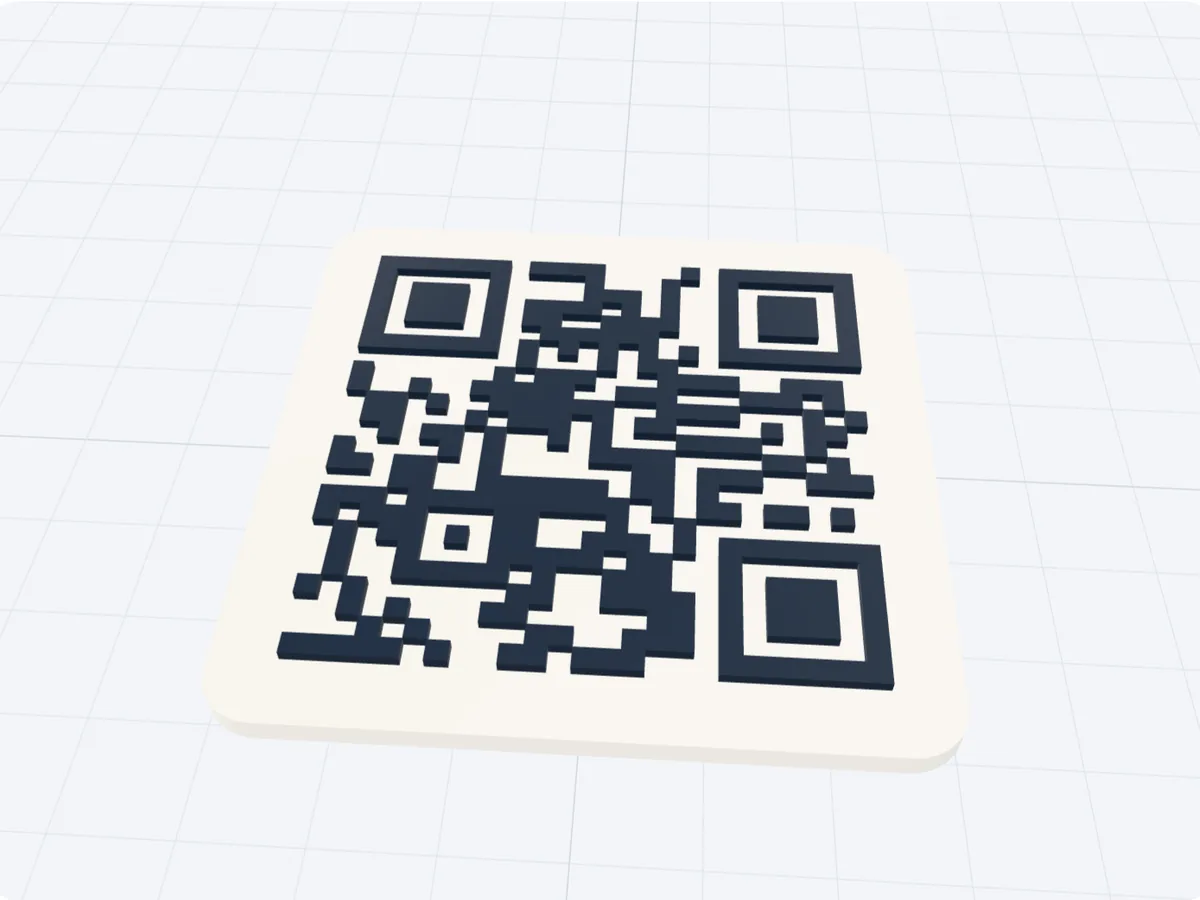
Website link plate
Raised dark modules on a cream rounded plate, the default 50 mm code.
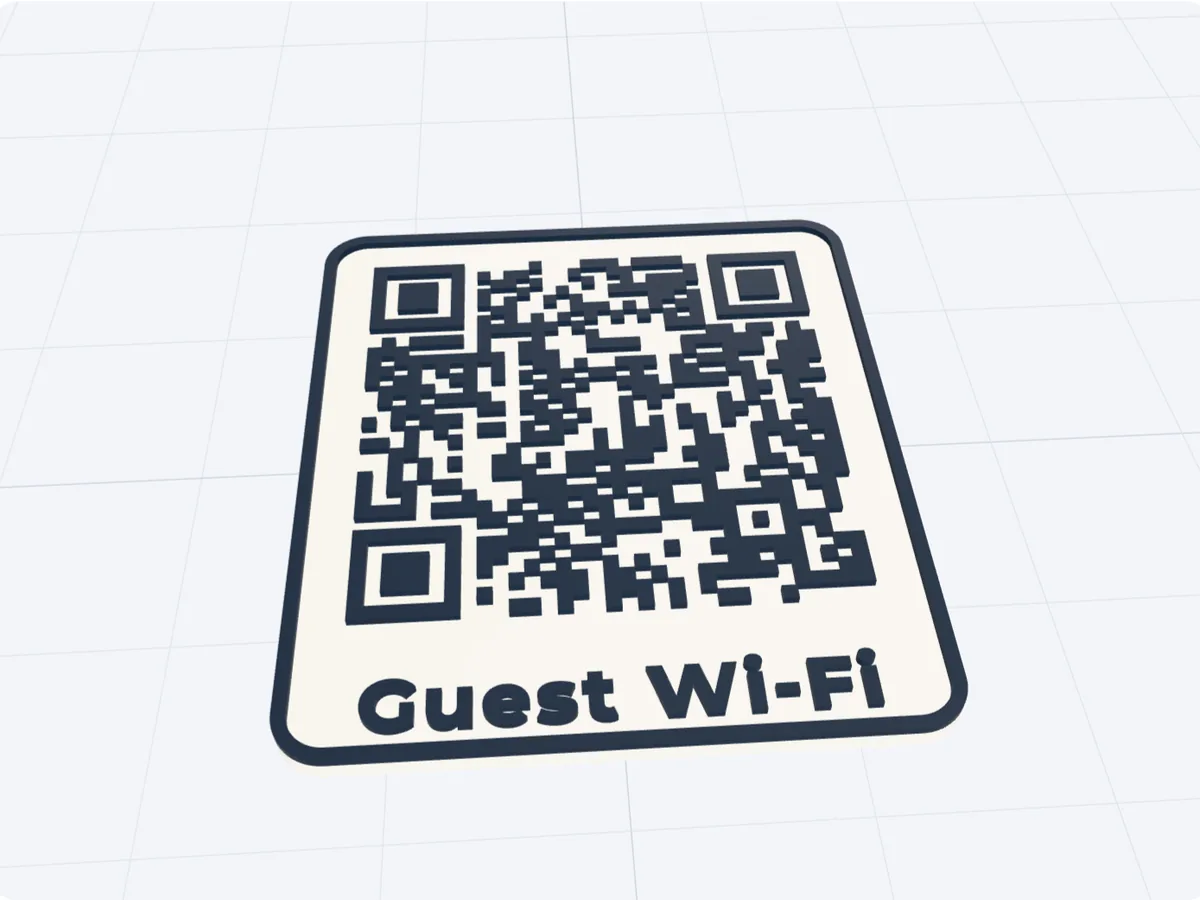
Wi-Fi guest card
Wi-Fi login code with a border and a "Guest Wi-Fi" caption, error correction Q.
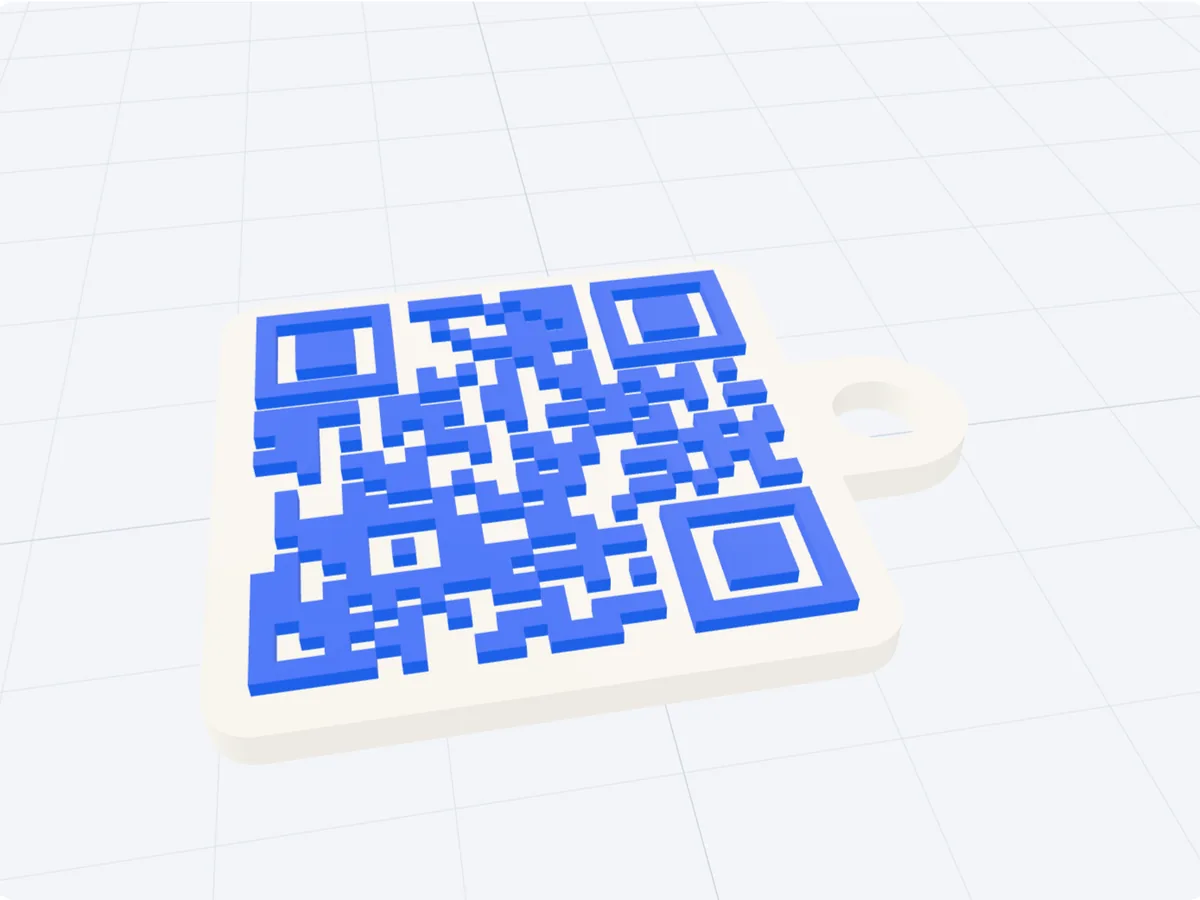
QR keychain tag
28 mm code with a 2-module quiet zone and a key-ring tab on top.
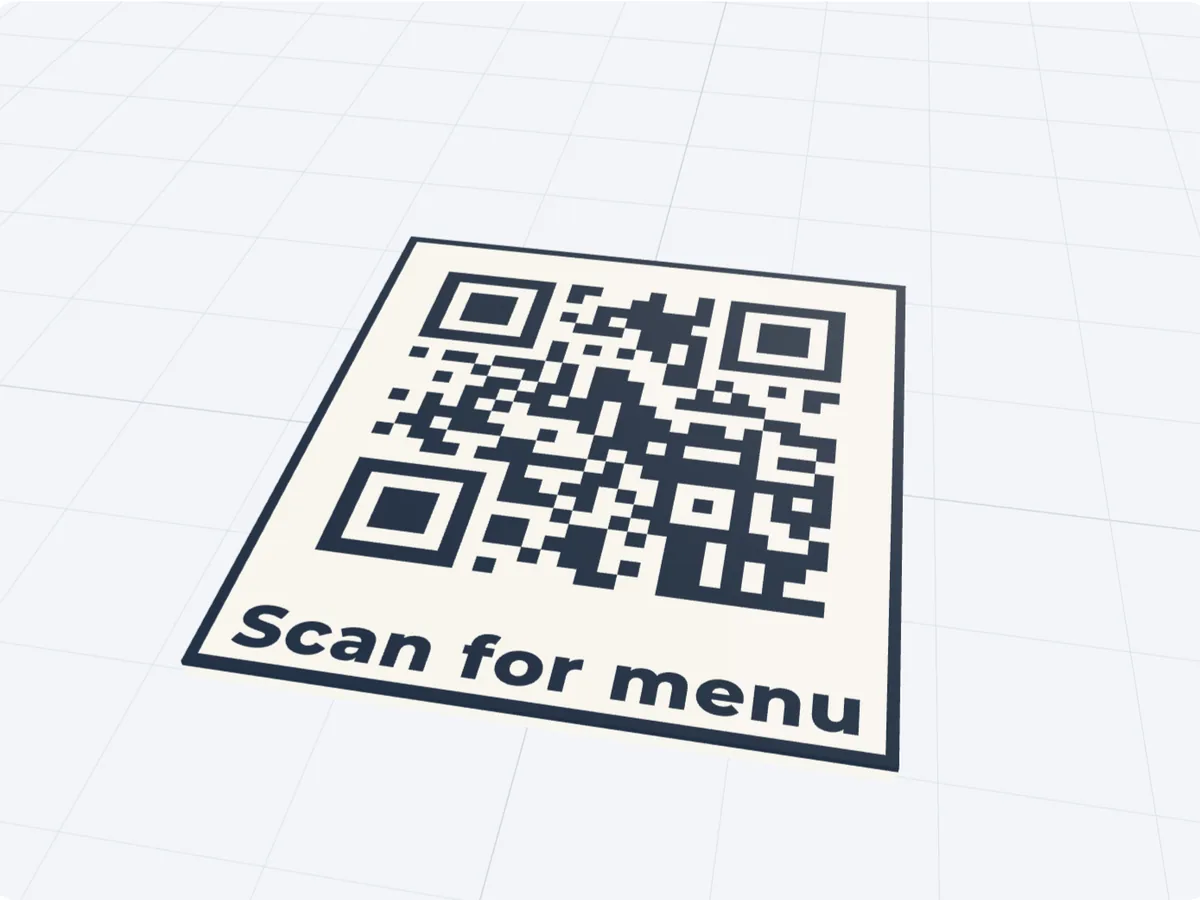
Table menu sign
Flush inlay on a square plate with "Scan for menu" underneath.
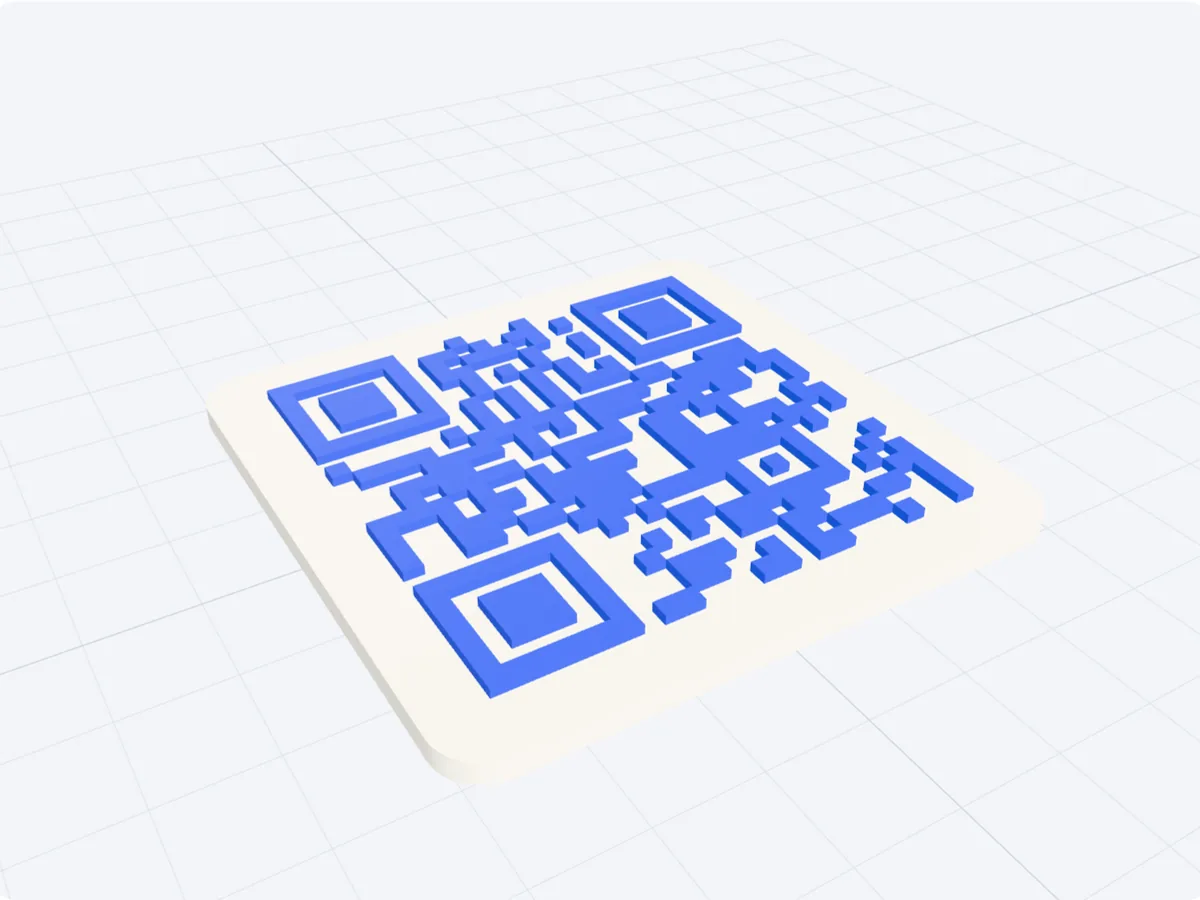
Blue on white
A blue code reads as well as black when the plate is light enough.
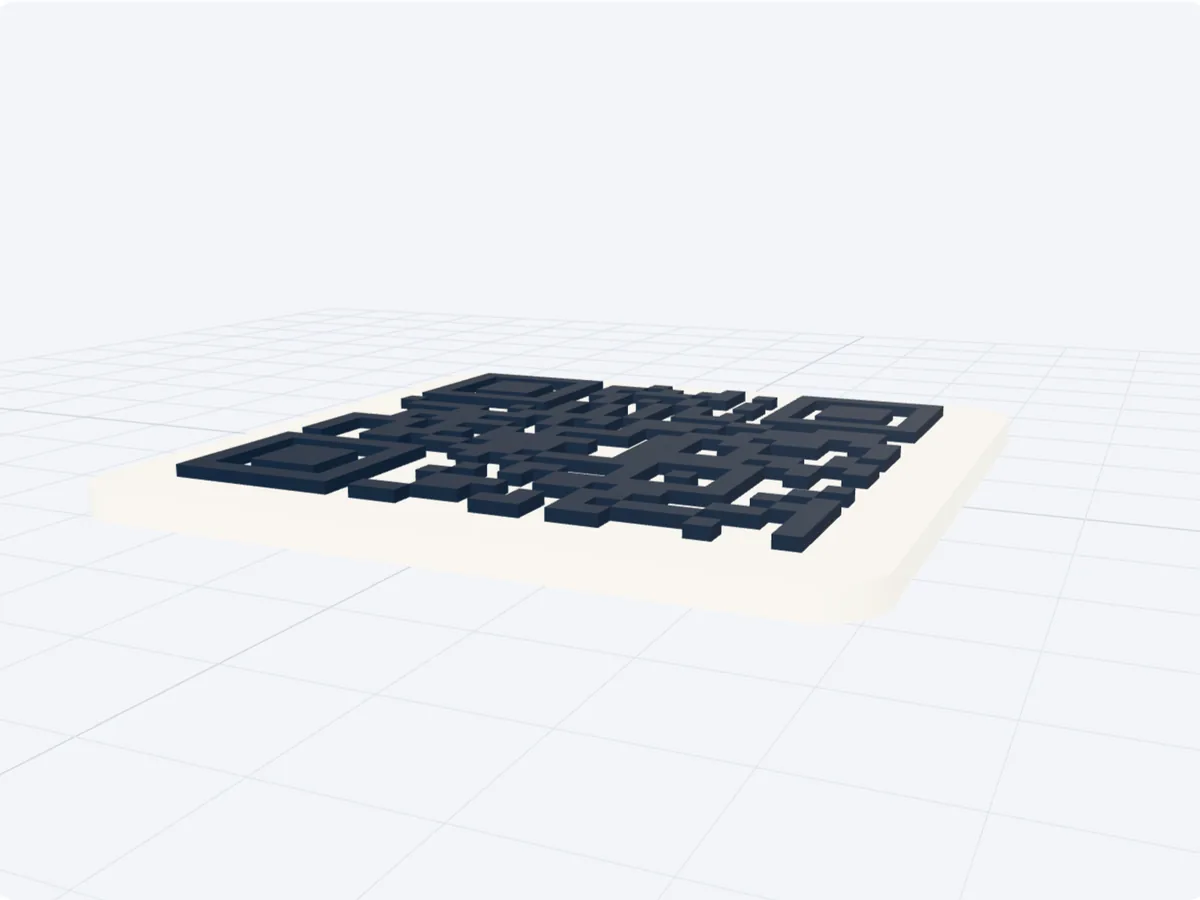
Side view of raised modules
Low angle that shows the 1 mm module height and the colour-swap layer.
Why use this QR code to STL generator
Built for printing, not for screens.
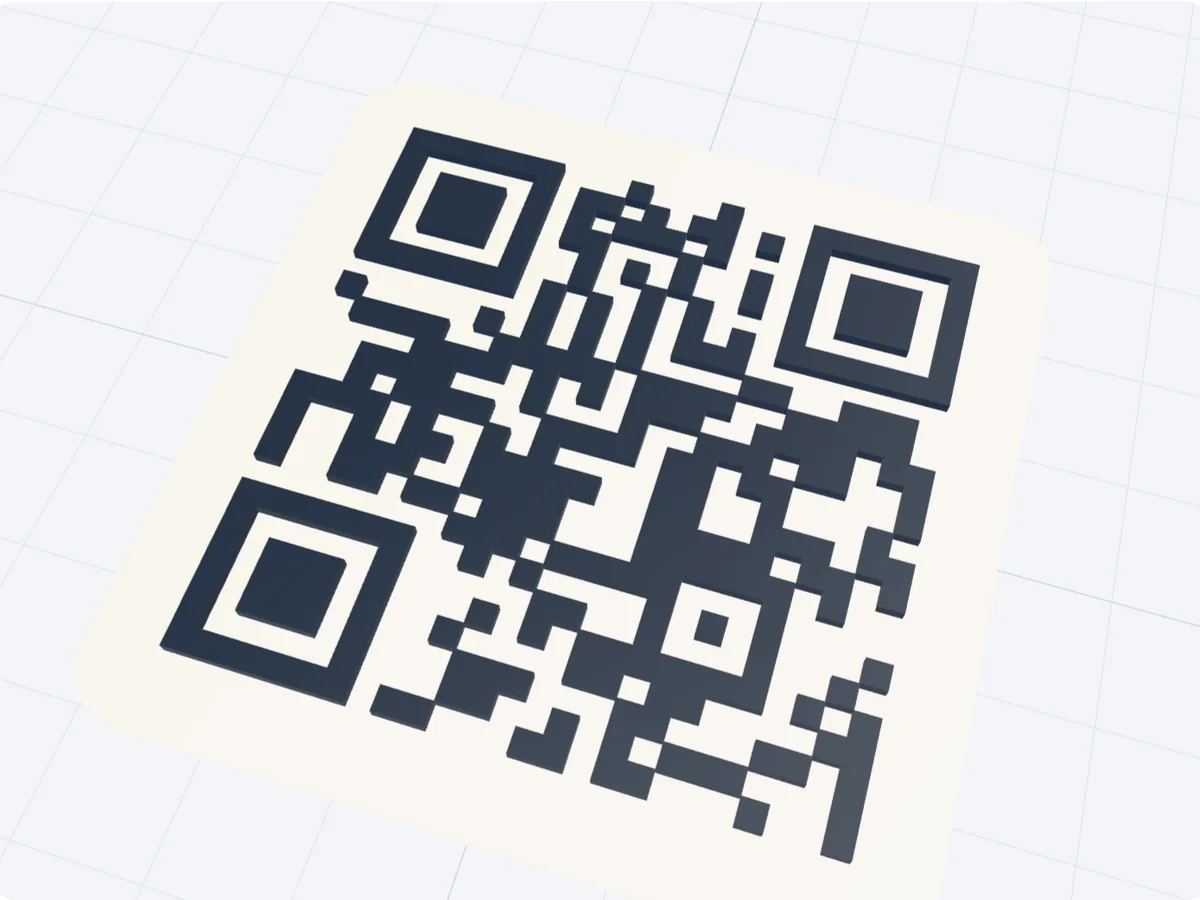
Real QR encoding
The modules come from a standard QR encoder (versions 1–40, four error-correction levels), not from tracing an image, so every module is a crisp square.
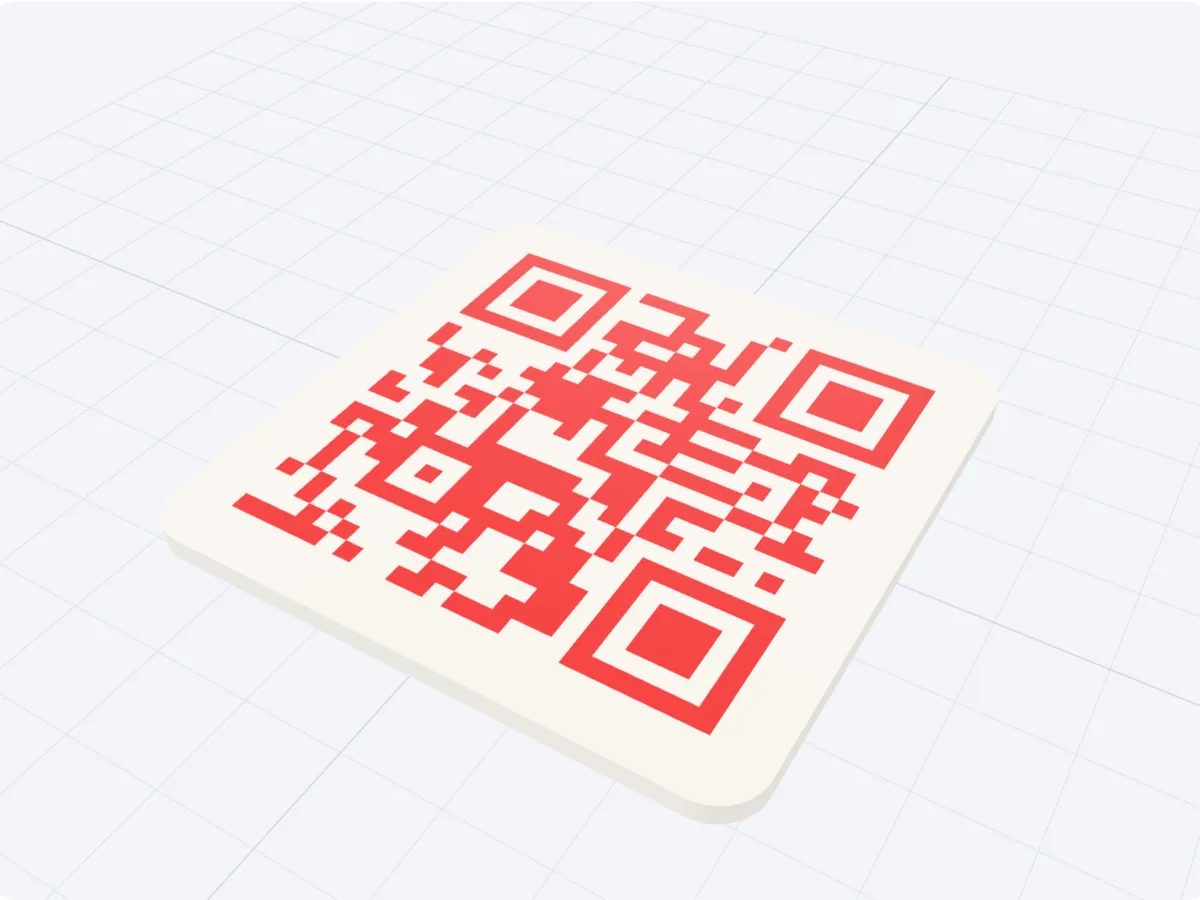
Two colours, two ways
Raised modules for a single colour swap, or a flush inlay for multi-material printers, with matching plate and code bodies.
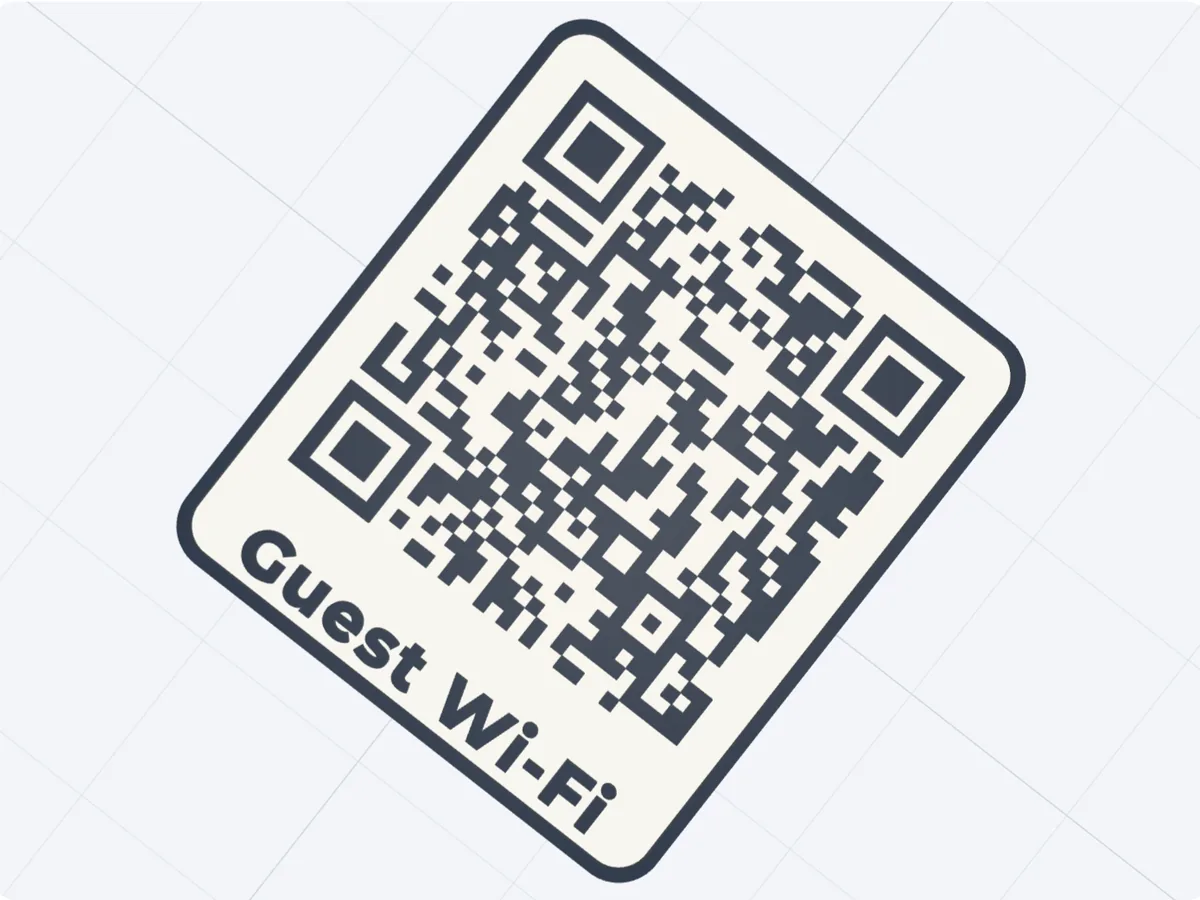
Wi-Fi codes built in
Type the network name and password; the generator writes the WIFI: string phones understand and escapes special characters.
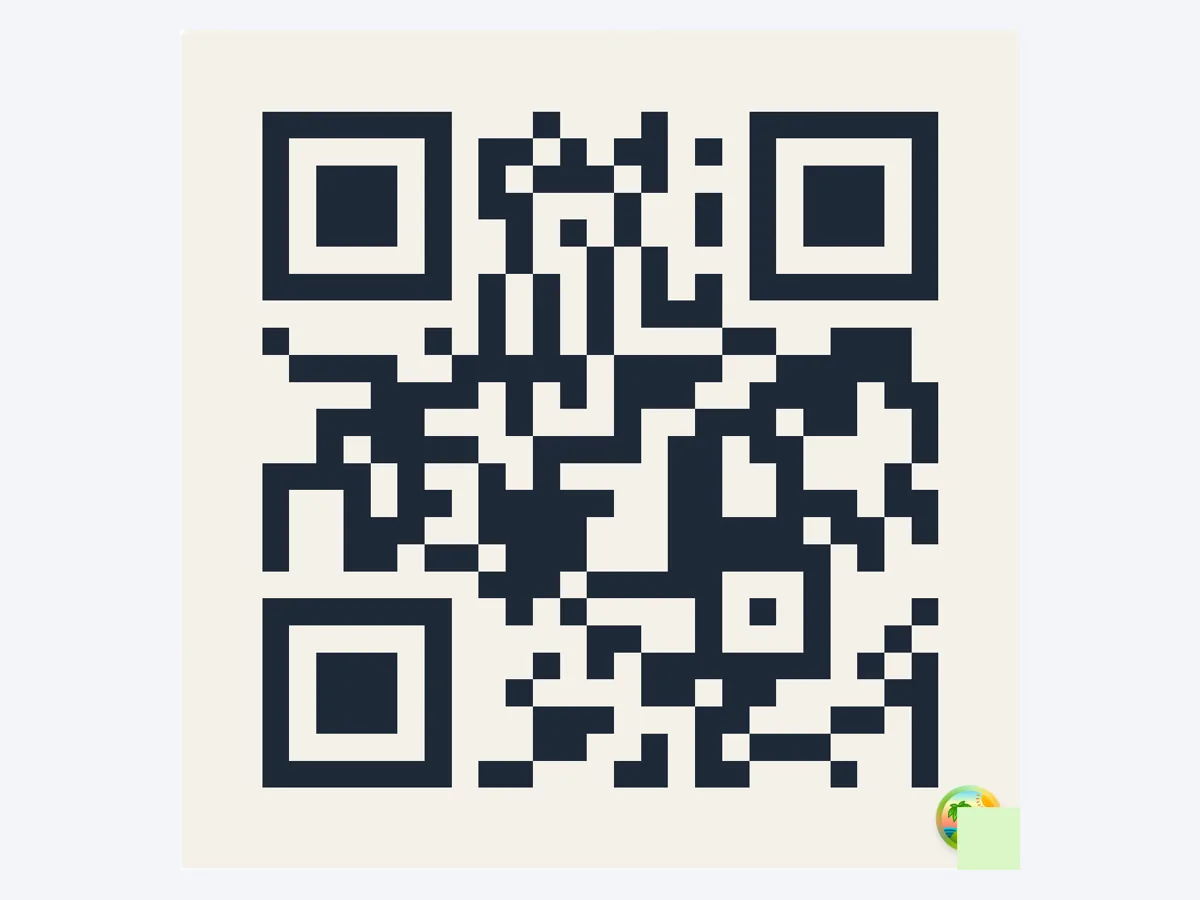
Scan check before printing
A flat preview in your chosen colours sits next to the controls. If your phone reads it, the printed code holds the same data.
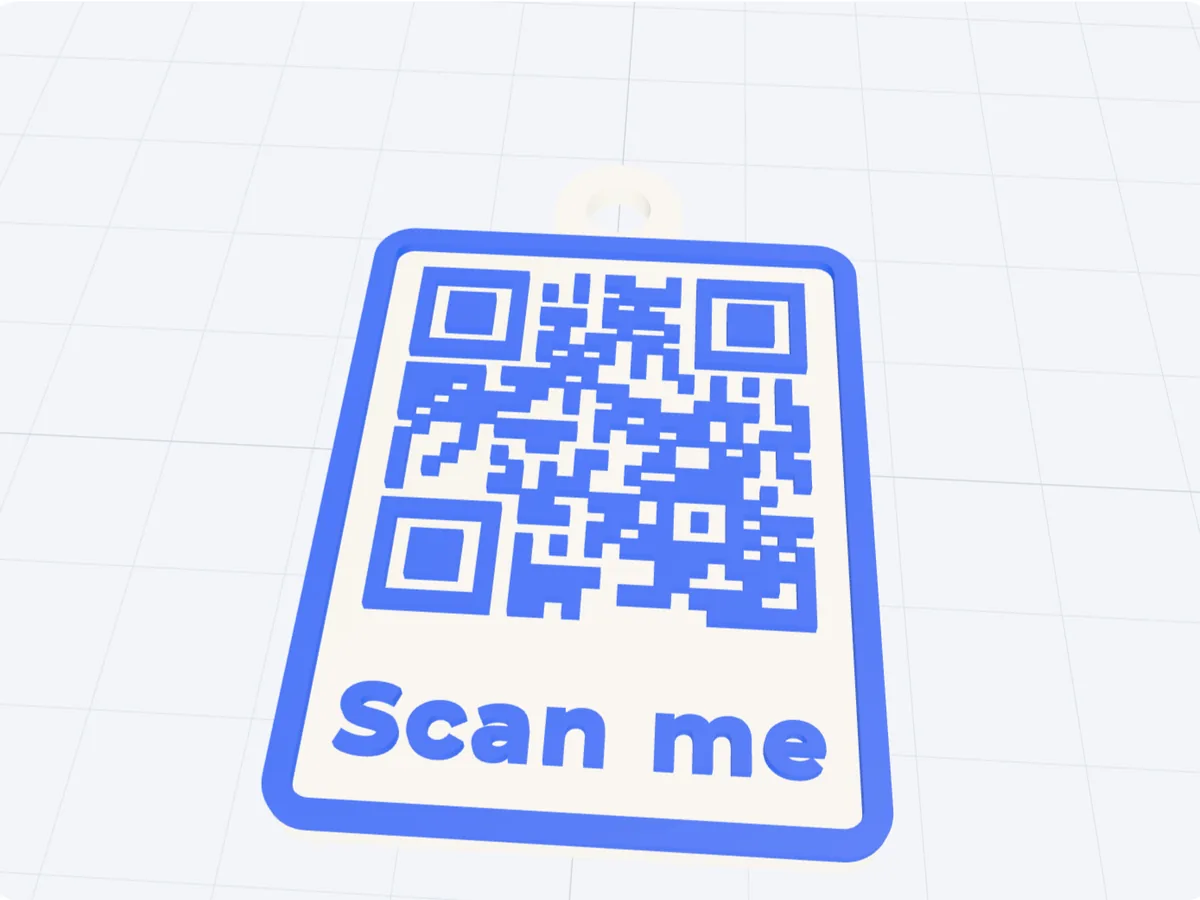
Tabs, borders and captions
Add a key-ring tab, a raised frame or a caption without touching the quiet zone the scanner needs.
Private by design
The link, text or Wi-Fi password is encoded in your browser. Nothing is uploaded and there is no account.
QR code to STL: questions
Scanning, sizes, colours and slicers.
More ways to work with your 3D files
View, convert, or make a model from scratch.
Keychain Generator
Design a custom name keychain and download the STL.
3D Sign Generator
Make raised-letter signs and plaques ready to print.
Braille STL Generator
Convert text to standard-size 3D printable Braille.
Nameplate Generator
Design a printable name plate and download STL.
Text to STL
Type text, pick a font, download 3D letters.
SVG to STL
Extrude an SVG logo or drawing into a 3D STL.
Need a 3D model, not a QR plate?
Turn a photo into a printable STL with Kairo3D’s image to STL generator.