
Keychain Generator for 3D Printing
Ready to print. Binary STL in millimetres.
Print tips
One colour change does it
Print the base in one colour, add a colour change (M600) or a pause at the Z above the preview, and finish the letters and rim in the second colour.
Prusa · Color change ↗AMS / MMU: use the 3MF
On a multi-material printer, open the 3MF and assign a filament to each part. Purging into the infill saves filament on small parts.
Bambu Lab wiki · filament change ↗Keep strokes above 1 mm
Raised letters need about two extrusion lines to print cleanly with a 0.4 mm nozzle. Script fonts need 14 mm or more.
mandarin3d · readable text ↗Make the ring strong
Print flat with 3–4 walls and at least 3 mm base. Keep 2 mm or more of wall around the ring hole; PETG survives a pocket better than PLA.
Start from
Press Enter for a second line, e.g. a first and last name.
Built in your browser. The name never leaves this page.
- Built in your browser, nothing uploaded
- Letter-outline, capsule or tag base
- Two-colour STL and 3MF
- No sign-in
A keychain generator made for printing
Sizes are chosen for a 0.4 mm nozzle and a split ring.
- 3base shapes: outline, capsule, tag
- 6fonts, including Chinese
- 2colour bodies in every download
- 0 uploadsbuilt on your device
How to make a name keychain to 3D print
Four steps from a name to a file your slicer opens.
1. Type the name
One or two lines. Pick a font: script fonts look like handwriting, Bebas and Orbitron give bold block letters, Noto Sans SC covers Chinese names.
2. Choose the base
Outline follows the letters with the margin you set; capsule and tag put the name on a regular shape that is easier to print small.
3. Place the ring hole
Put the hole on the left for a classic keychain or on top for a pendant or bag charm, and set the wall that holds the split ring.
4. Download and print
Download the STL for one colour change, or the base and letters separately (or the 3MF) for a multi-material printer.
How the outline base is built
The base is the name grown outwards by the margin, joined to a ring, with the gaps filled in.
Grow the letters by the margin
The generator measures the distance from every point to the nearest letter and keeps everything closer than the margin, so the base keeps the shape of the name.
Join the ring to the edge
The ring sits against the left edge (or the top) of that base, with a wall all round the hole. Its hole cannot overlap the letters.
Fill the counters
Holes inside letters such as o, a or e are filled, so the base is one solid piece and the letters sit on top of it.
Smooth, then extrude
The outline is smoothed and extruded to the base thickness; the letters and the optional rim are extruded on top for the second colour.
Keychain settings that survive a pocket
Defaults for PLA or PETG with a 0.4 mm nozzle.
| Setting | Default | Why |
|---|---|---|
| Letter height | 14 mm | Script fonts need 14 mm+ for 1 mm strokes; bold fonts read at 8–10 mm. |
| Base margin | 3 mm | How far the base reaches past the letters. Under 2 mm the outline gets fragile. |
| Base thickness | 3 mm | Stiff enough to carry keys. 2 mm for bag charms. |
| Letters above base | 1.6 mm | Enough to feel and to take a clean colour change. |
| Hole diameter | 4.5 mm | Fits common split rings and lanyard clips. |
| Wall around hole | 2.2 mm | The weakest spot of any keychain. Go to 3 mm for heavy key sets. |
| Rim | off | A raised border in the letter colour; 1–1.5 mm wide reads best. |
Looking for a desk nameplate or door sign? Use the nameplate generator or the sign generator instead.
What this keychain generator does
- Name keychains with a base that follows the letters, or a capsule / tag base.
- One or two lines, six fonts, Chinese names with Noto Sans SC.
- Ring hole on the left or on top, with a set wall thickness.
- STL of the whole keychain, base and letters as separate STLs, or a two-part 3MF.
What it does not do
- No pictures, logos or emoji: for an image keychain use image to STL or SVG to STL.
- No desk or door plates: that is the nameplate generator.
- No engraved letters on keychains; the letters are always raised.
- No double-sided text; flip and print a second copy if you need both sides.
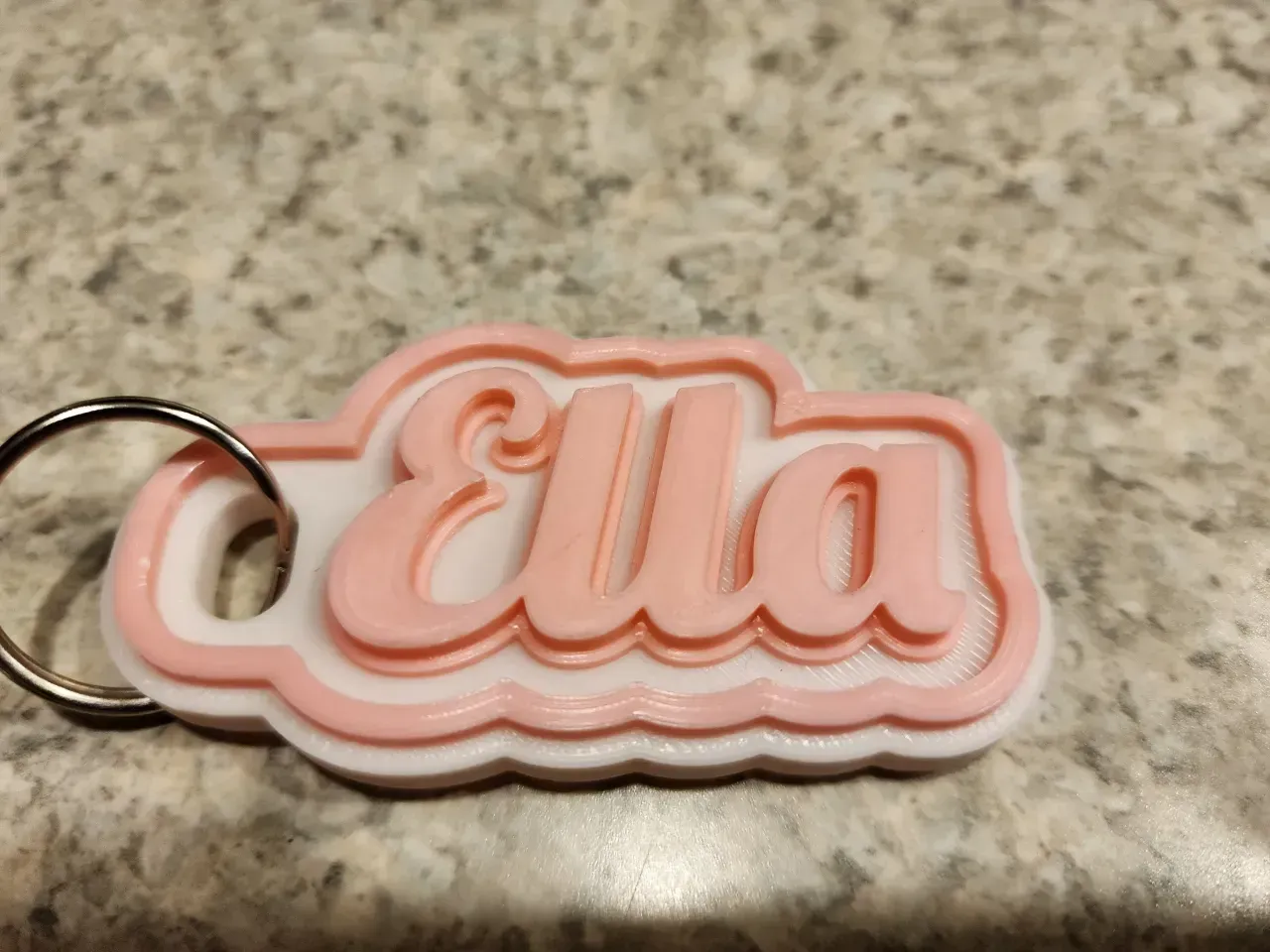
What 3D printed name keychains look like
Photos of finished keychains by other makers, for reference.
 Reference example
Two-colour script name on an outline basevia printables.com · Makkuro (CC BY-SA) 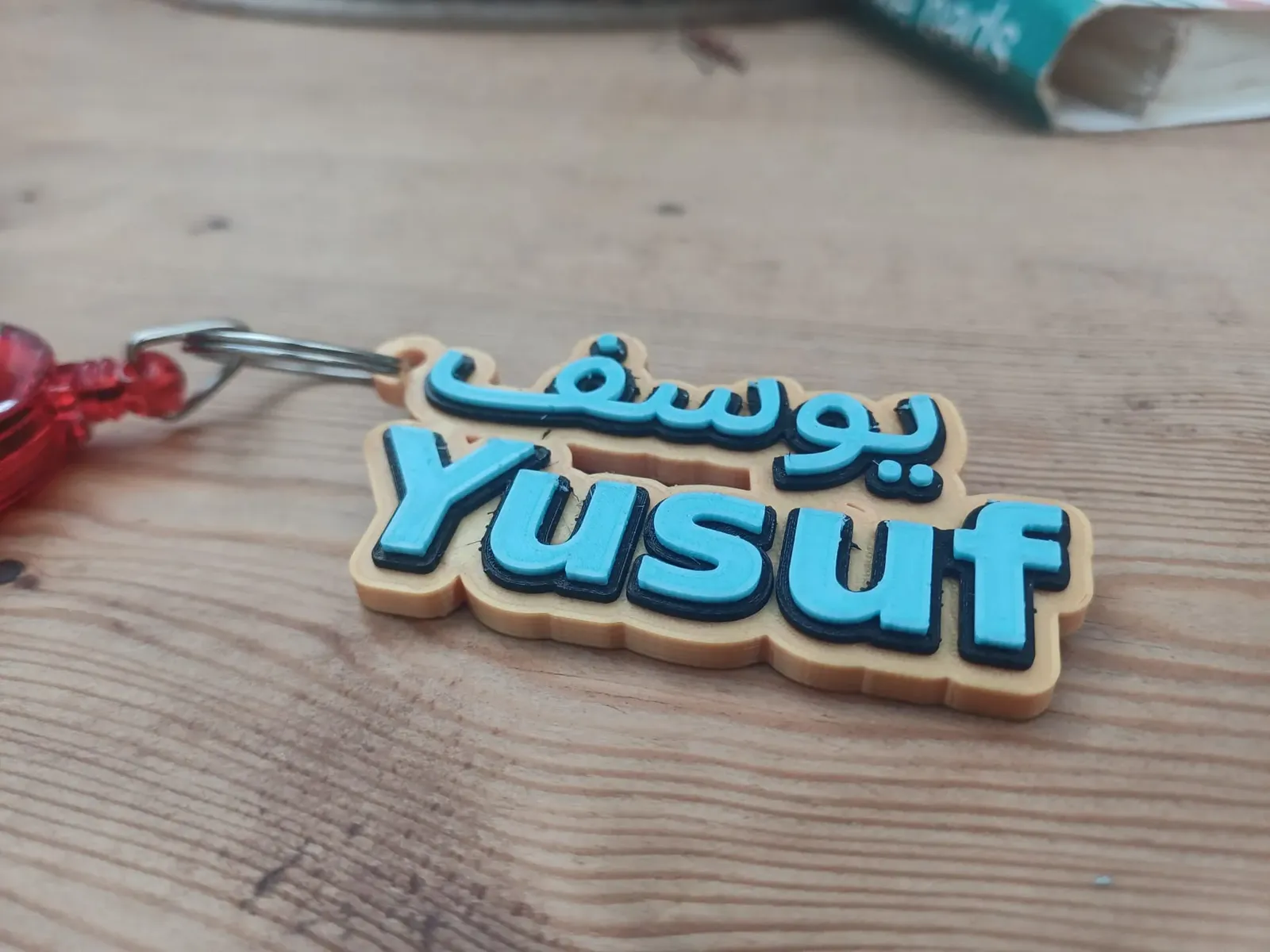 Reference example
Layered multi-colour name keychainvia printables.com · gooficat (CC0) 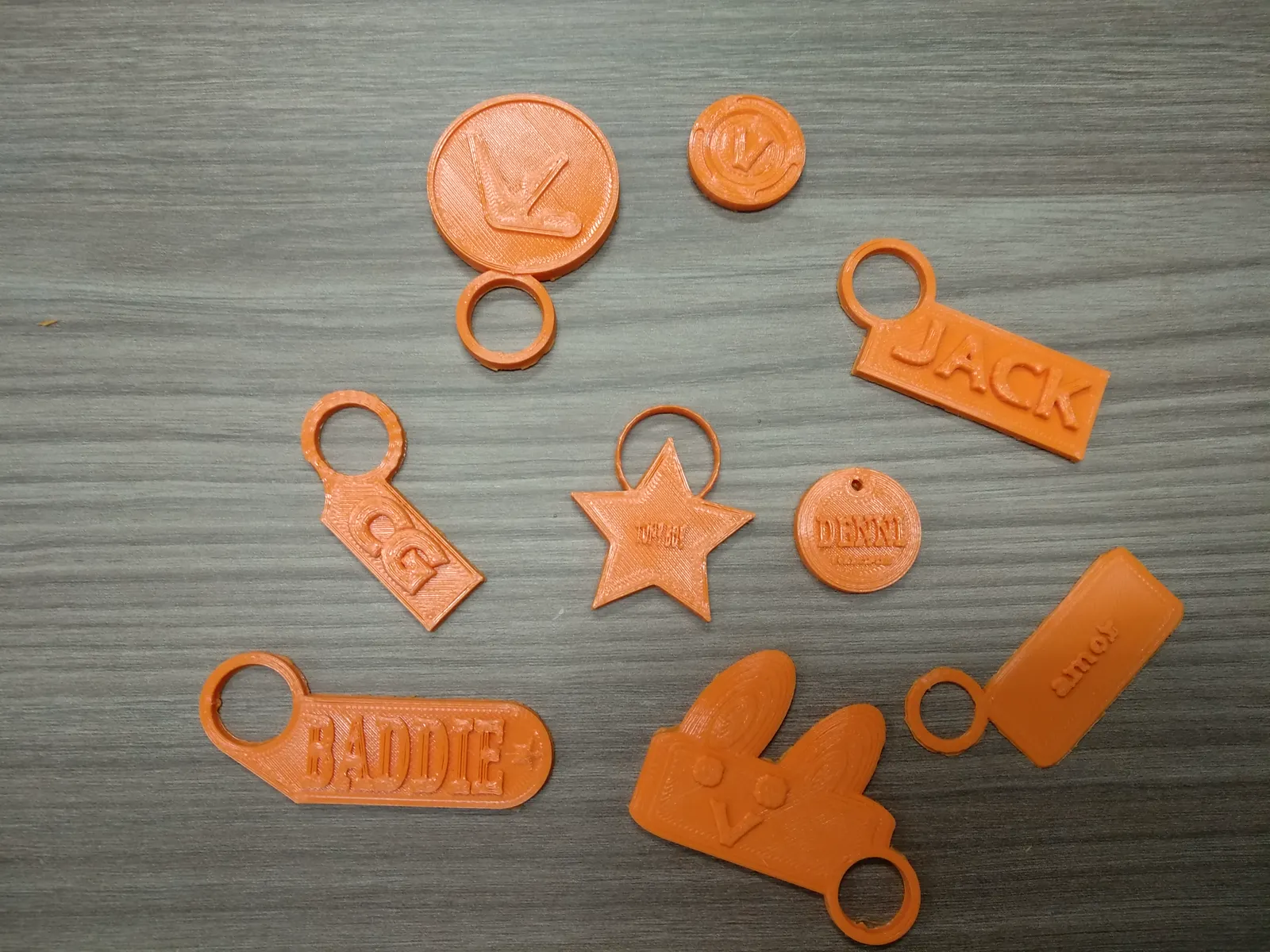 Reference example
A batch of single-colour name keychainsvia commons.wikimedia.org · Giacomo Alessandroni (CC BY-SA 4.0)
Made with this keychain generator
Previews of real outputs from the generator above.
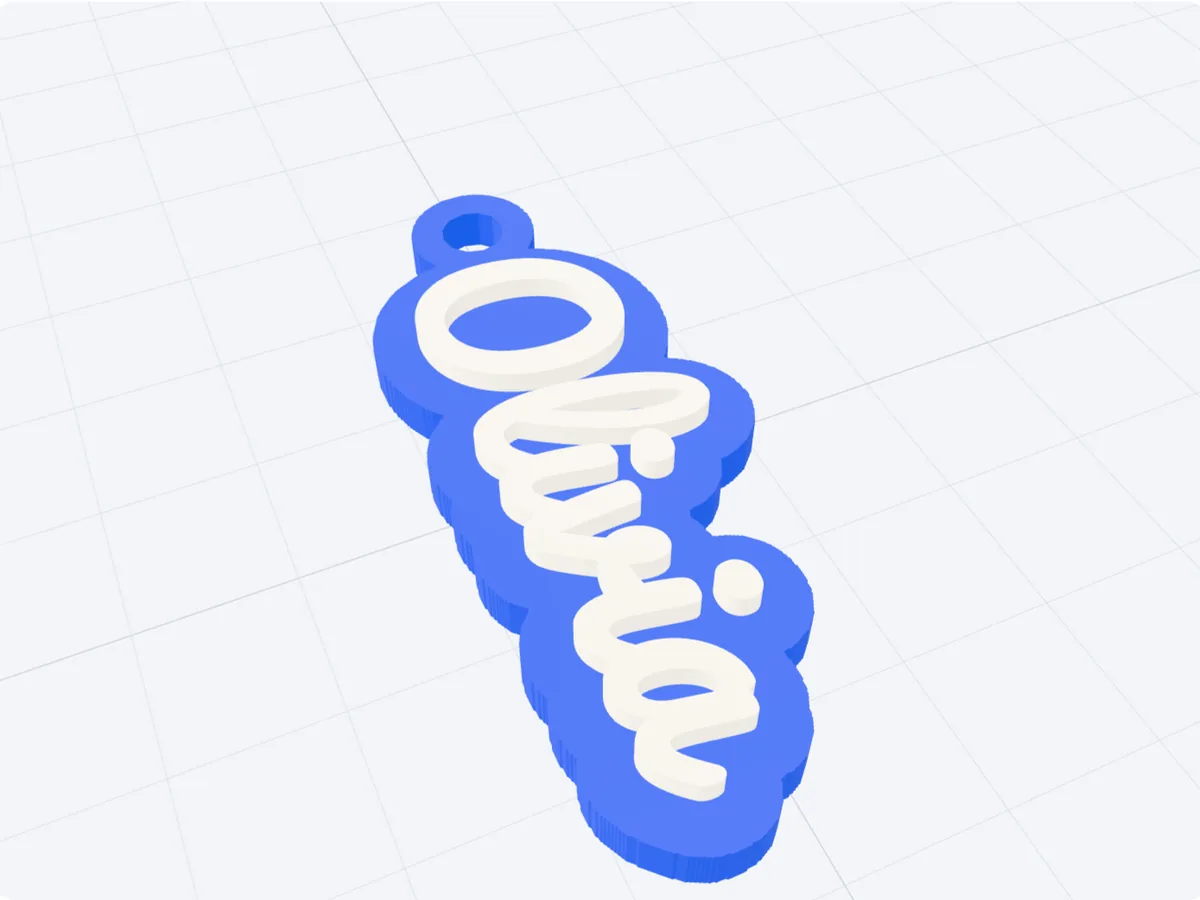
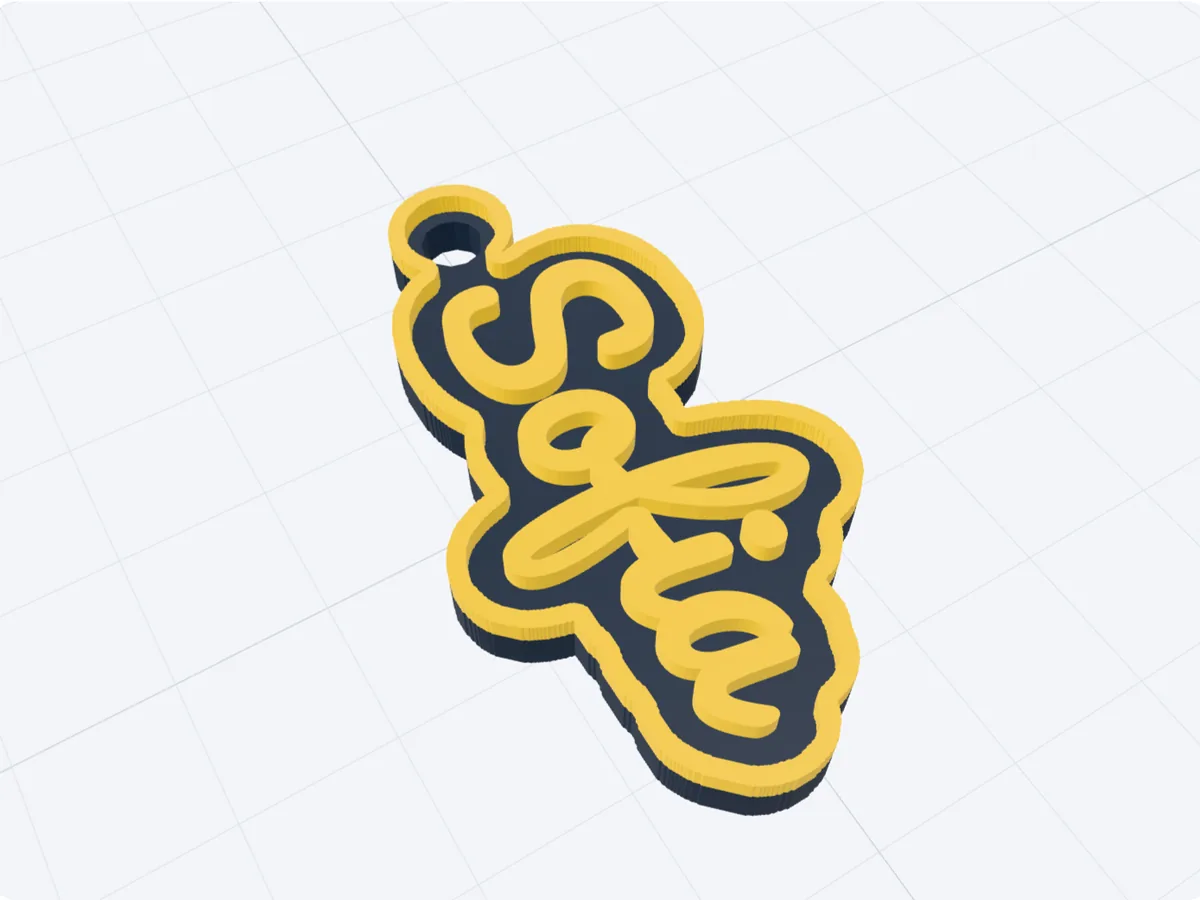
Script name, outline base
Pacifico letters on a blue base that follows the name, ring on the left.
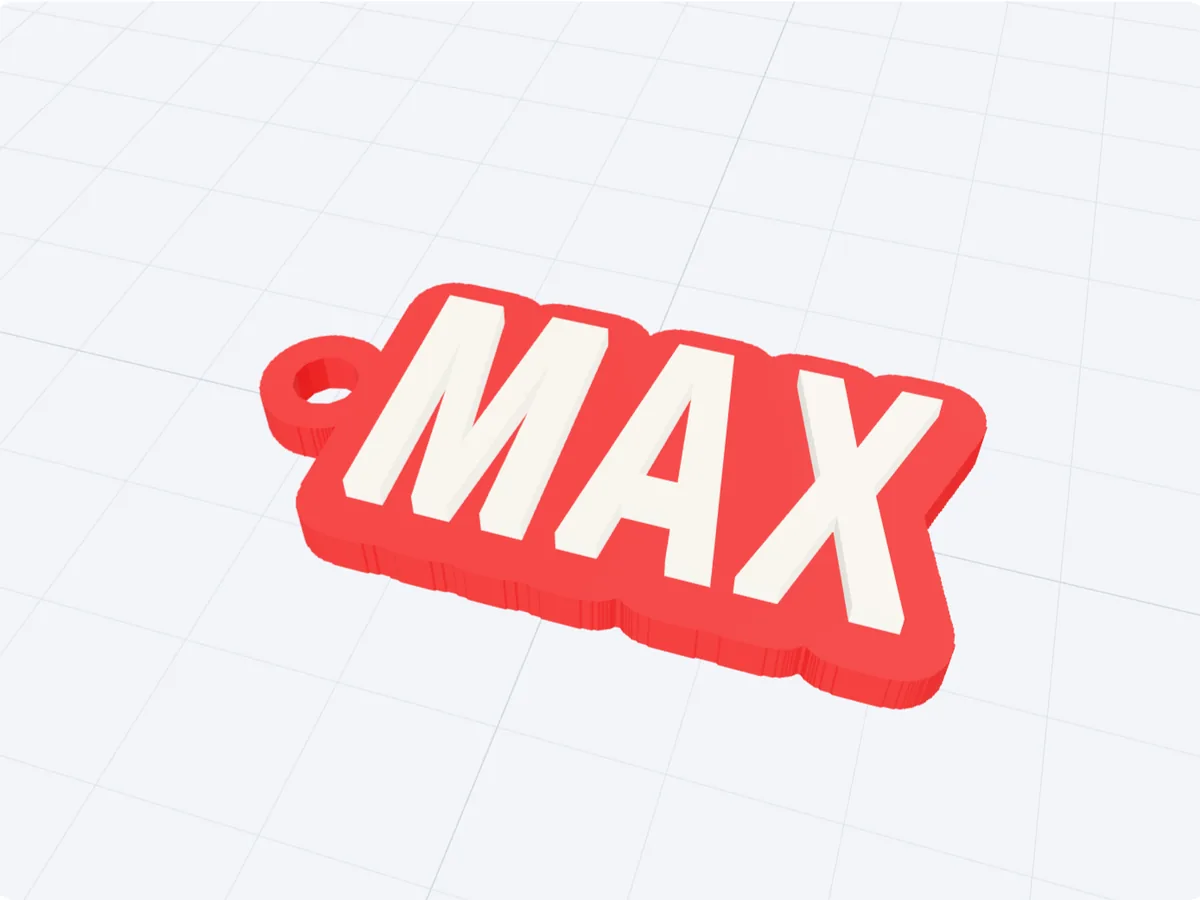
Bold block letters
Bebas Neue at 18 mm on a red outline base.
Gold letters with a rim
A raised rim in the letter colour frames the outline.
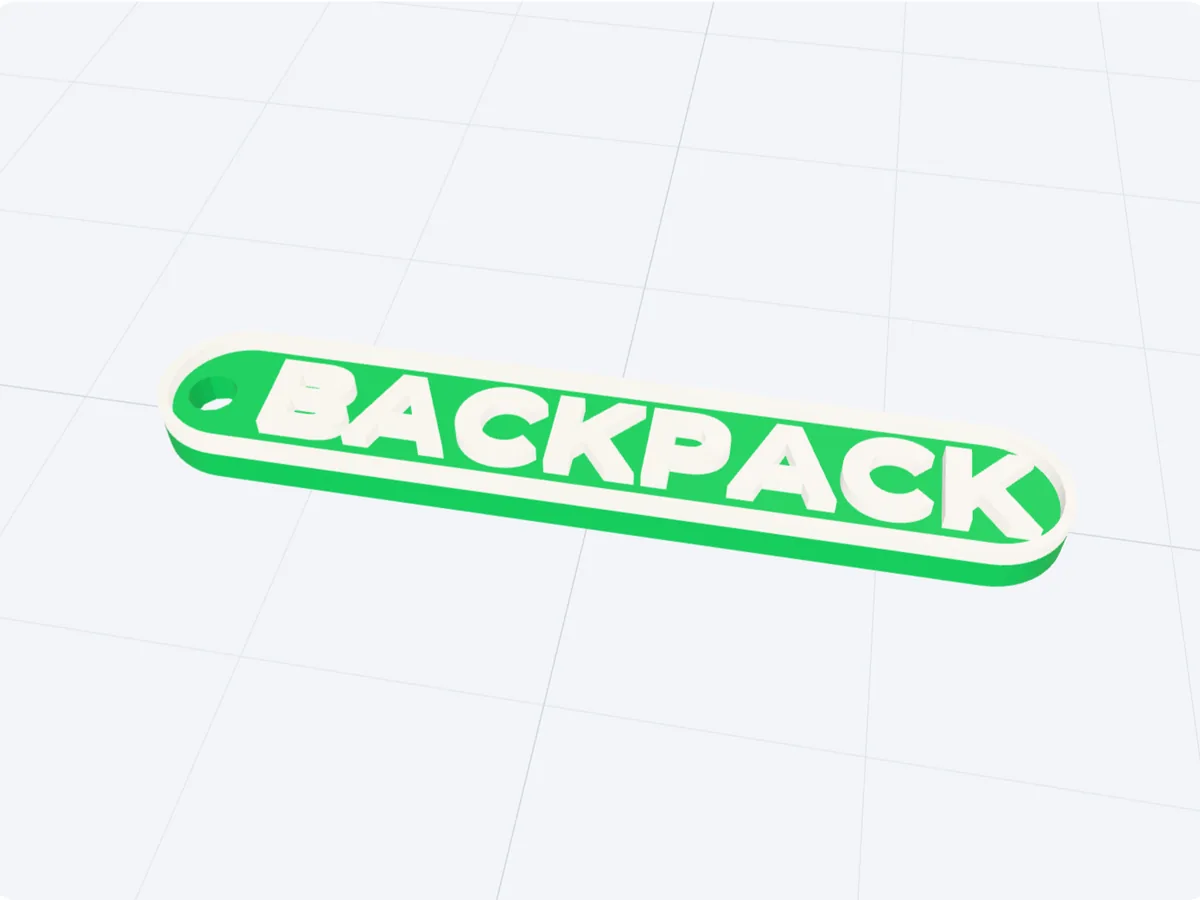
Capsule bag tag
Small capitals on a green capsule with a rim, for a backpack.
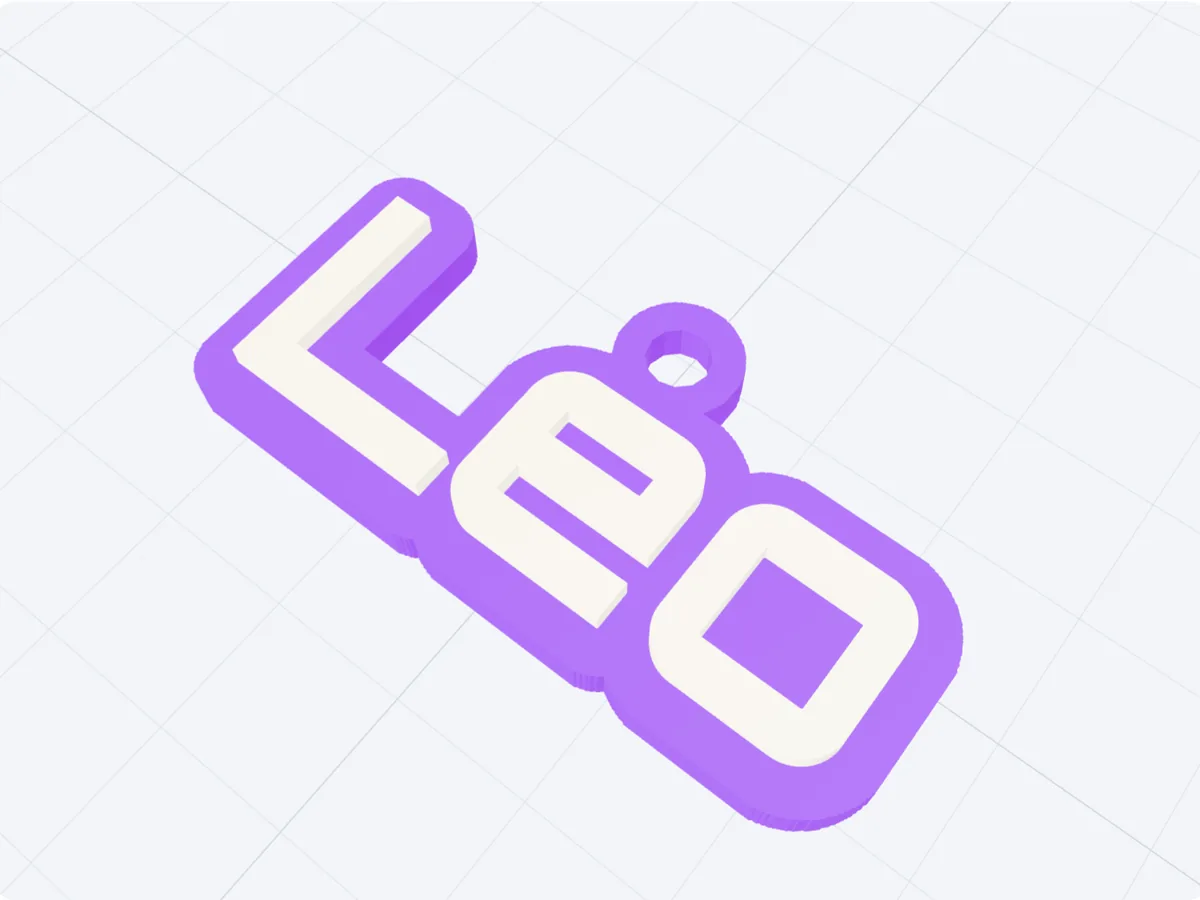
Ring on top
Orbitron letters with the ring above them, for a pendant or bag charm.
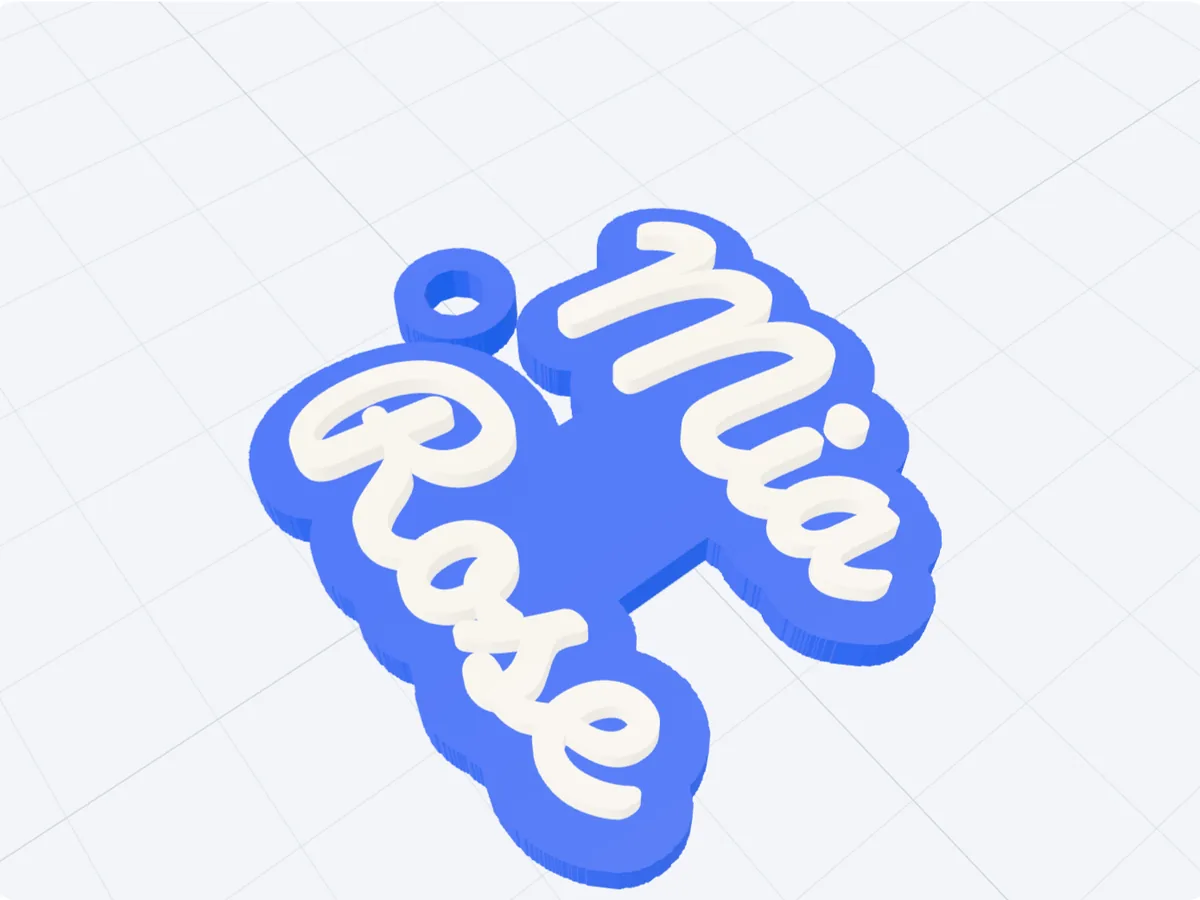
Two-line name
First and last name on two lines, sharing one outline base.
Why use this keychain generator
The parts a name keychain needs, nothing else.
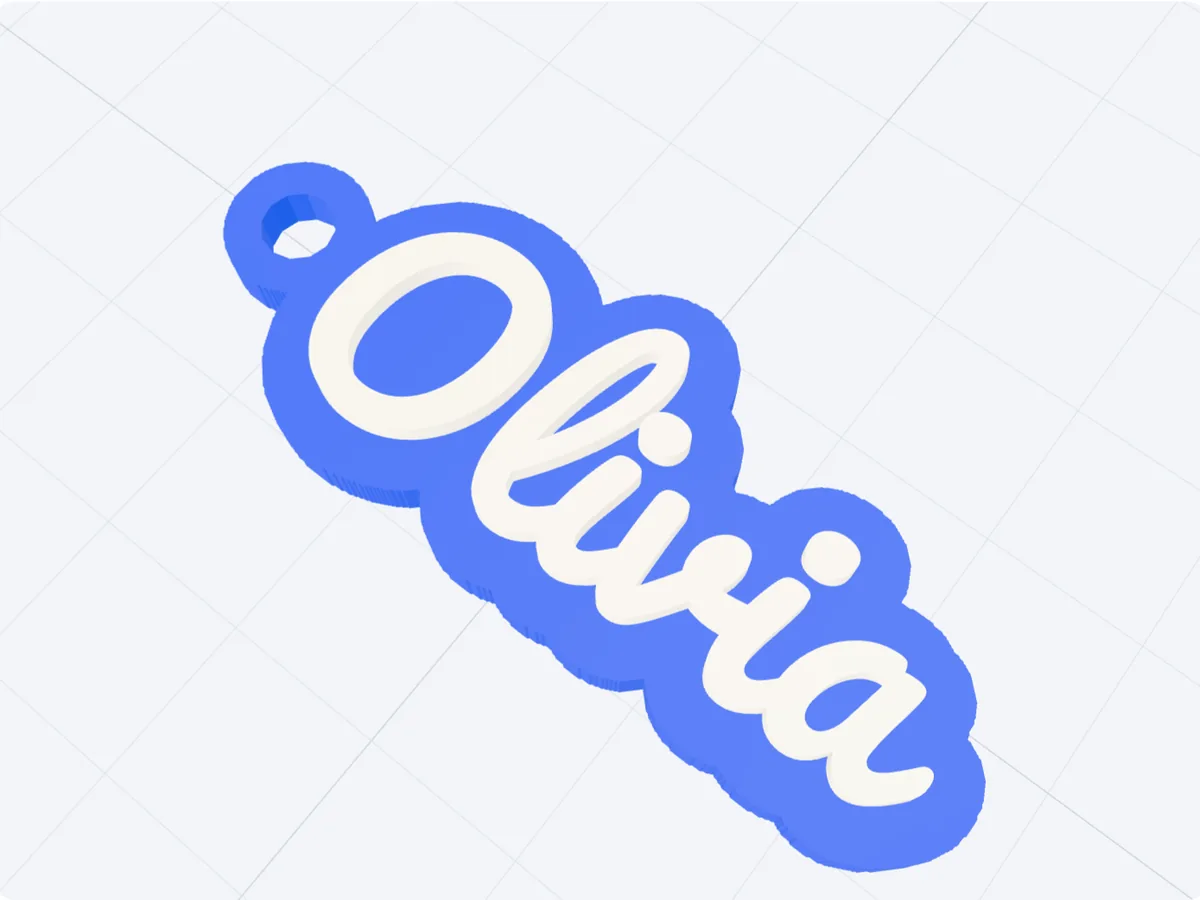
A base that follows the name
The outline base hugs each letter by the margin you pick, so short and long names both look made to measure.
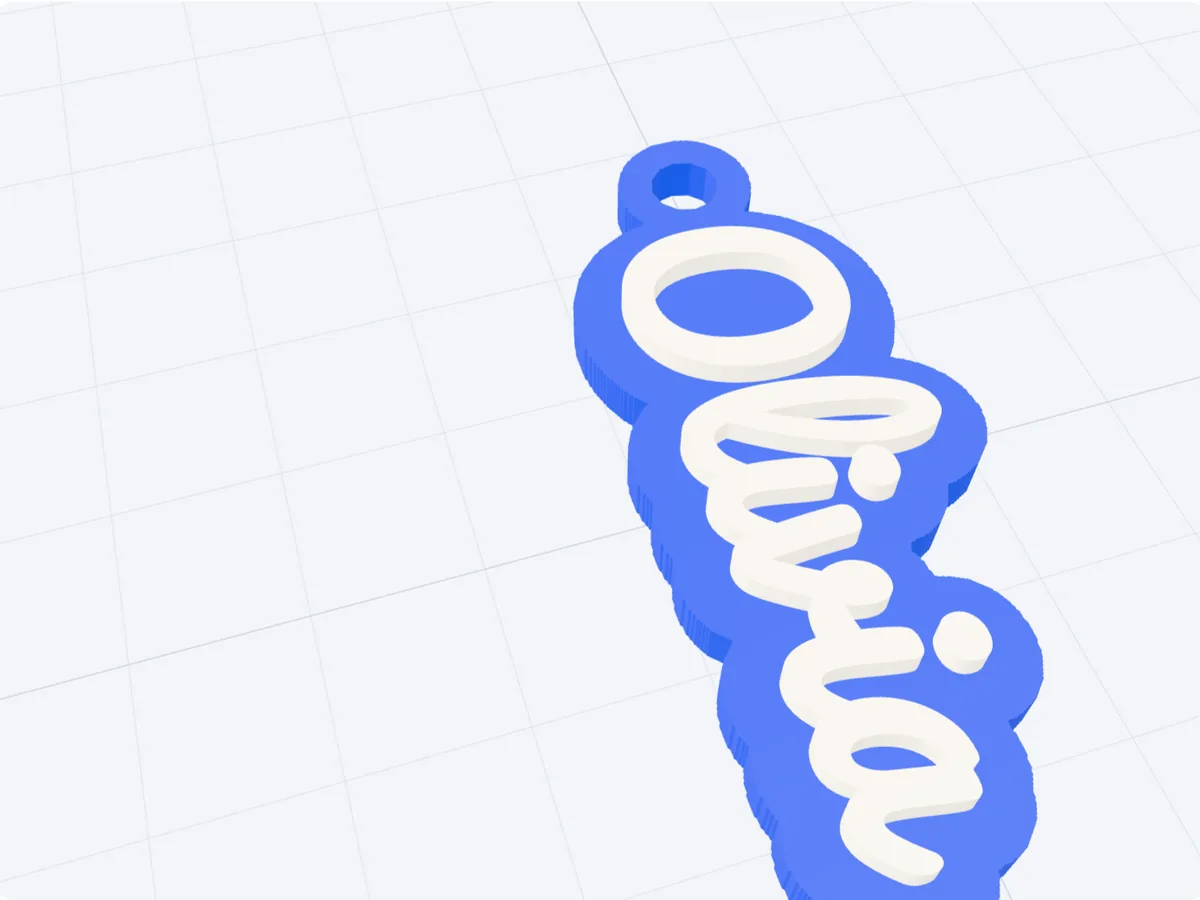
A ring that holds
The ring is part of the base with its own wall thickness, and its hole never cuts into the letters.
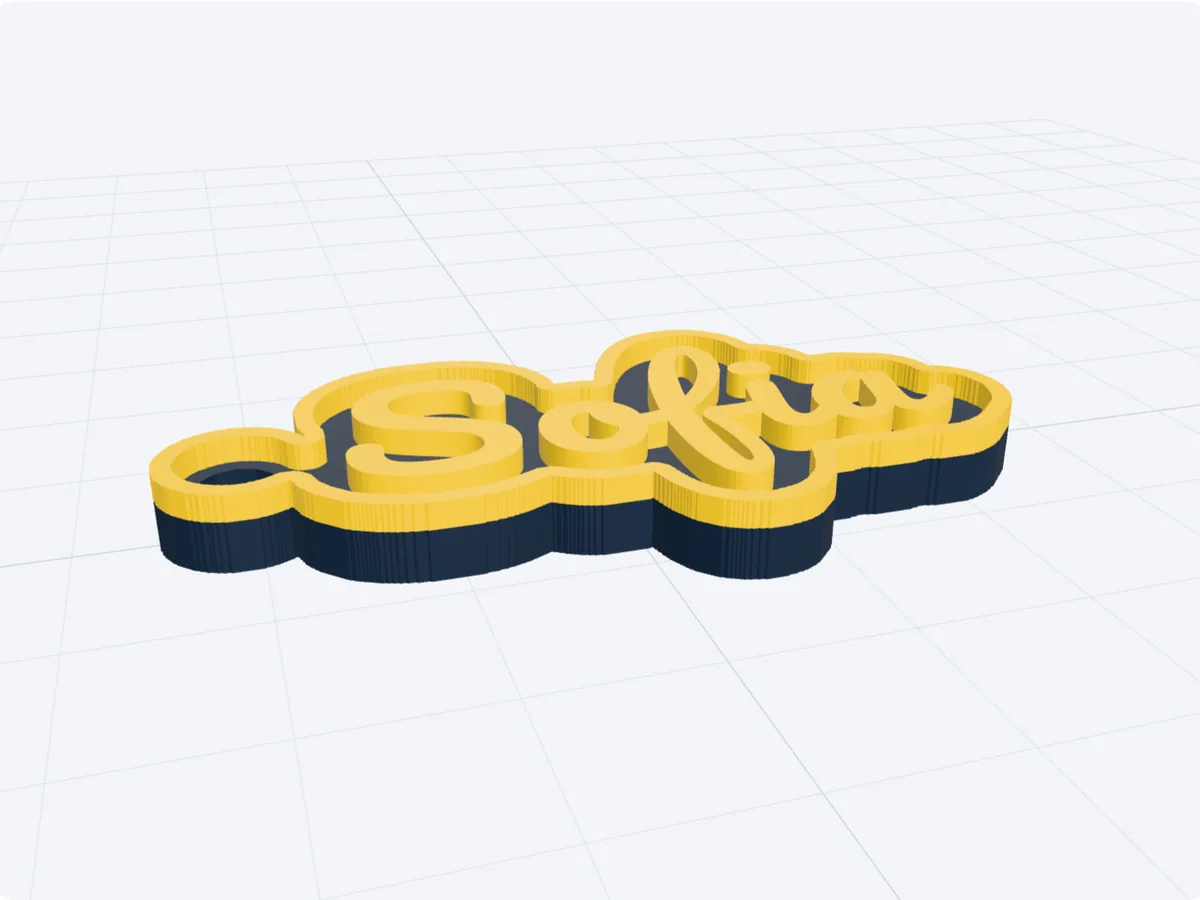
Two colours ready
Base and letters are separate bodies: one colour change for a single nozzle, or a two-part 3MF for AMS and MMU.
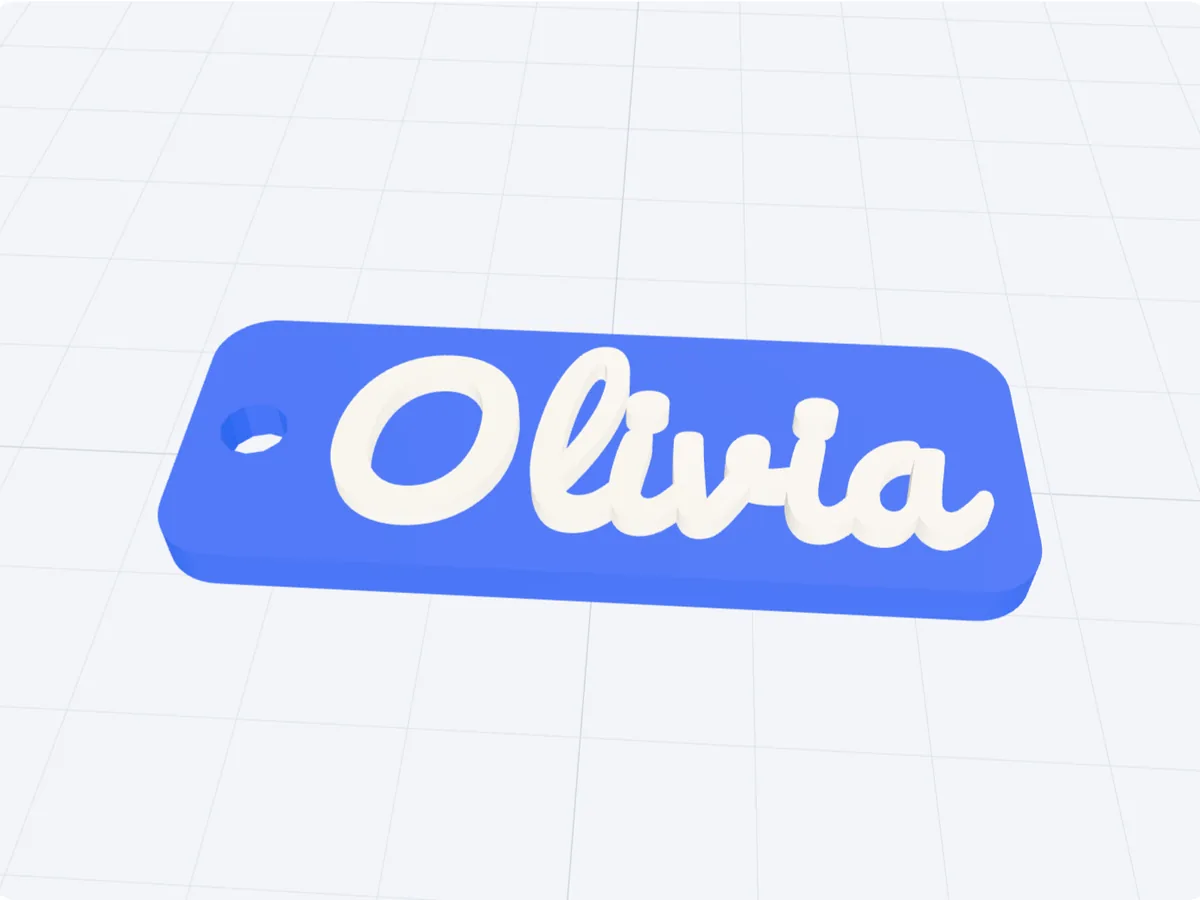
Capsule and tag shapes
When a name is very short or the letters are thin, a capsule or tag base prints sturdier and still fits a key ring.
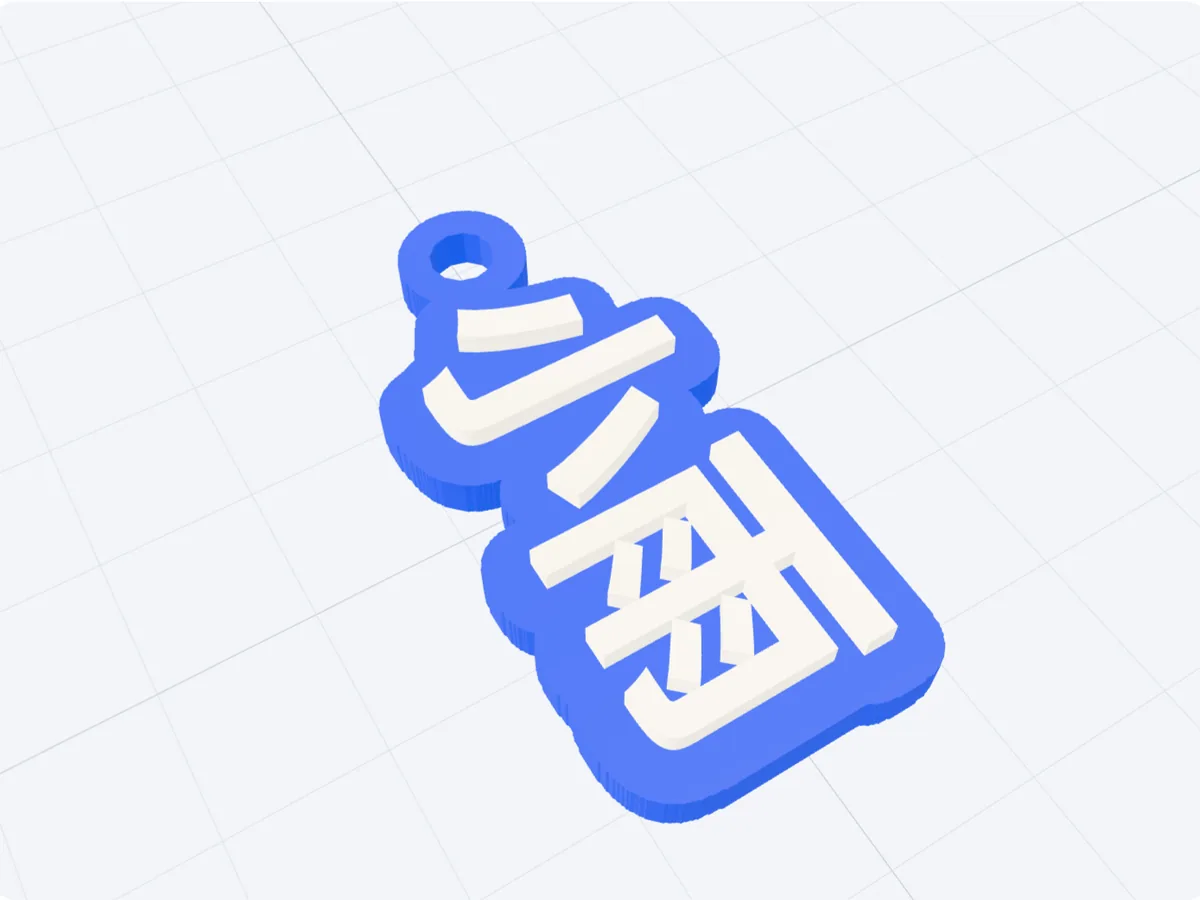
Chinese names too
Switch the font to Noto Sans SC and type a Chinese name; the outline base works the same way.
Private and free
Everything is built in your browser. No upload, no account, no watermark on the STL.
Keychain generator: questions
Names, sizes, colours and strength.
More ways to work with your 3D files
View, convert, or make a model from scratch.
Nameplate Generator
Design a printable name plate and download STL.
QR Code to STL
Turn a link or text into a 3D printable QR code plate.
3D Sign Generator
Make raised-letter signs and plaques ready to print.
Braille STL Generator
Convert text to standard-size 3D printable Braille.
Text to STL
Type text, pick a font, download 3D letters.
SVG to STL
Extrude an SVG logo or drawing into a 3D STL.
Want a 3D figure instead of a name?
Turn a photo of a pet or a person into a printable model with Kairo3D’s AI image to 3D.