
AI Game Asset Generator
The AI game asset generator in numbers
Read from our engine list, so they stay current as engines change.
- 3D engines to choose from
- 6
- engines that also take a text prompt
- 3
- credits per asset, by engine
- 8–150
- with textures; OBJ, STL, PLY too
- GLB
From idea to a prop in your game engine
The loop most solo developers settle into: generate, check, clean up, import.
Write a prompt or upload art
Text mode uses Tripo H3.1 by default. Image mode works from concept art or a reference shot, one object on a plain background.
Generate and compare engines
Assets cost 8–150 credits depending on the engine. Try the same prop on two engines when style matters.
Reduce and check the mesh
AI meshes are dense. Decimate to your triangle budget and check the texture still reads at game camera distance.
Import the GLB
Godot and Unreal Engine 5 read GLB directly; Unity needs a glTF importer package or an FBX export from Blender.
Triangle budgets for AI-generated game assets
The first thing a game developer notices about AI 3D output is the triangle count. Image and text to 3D models are built for appearance, not for a frame budget, so a single crate can arrive with hundreds of thousands of triangles. That is fine for a screenshot and wasteful in a scene with fifty crates.
Decide the budget before you generate, based on how big the object is on screen and which platform you ship on. Small set dressing for mobile can live with a few hundred to a few thousand triangles. A hero prop on PC or console can afford tens of thousands. Then decimate the AI mesh to that number in Blender, or with our free STL reducer for a quick first pass, and let the texture carry the fine detail.
The ranges in the chart are common rules of thumb, not engine limits. Your real budget depends on draw calls, LODs, shaders and how many copies are on screen.
- Pick a budget per asset class before you start
- Decimate dense AI meshes; keep silhouettes, drop flat-area detail
- Make 2–3 LODs for anything that appears often
PBR textures: what you get and what to check
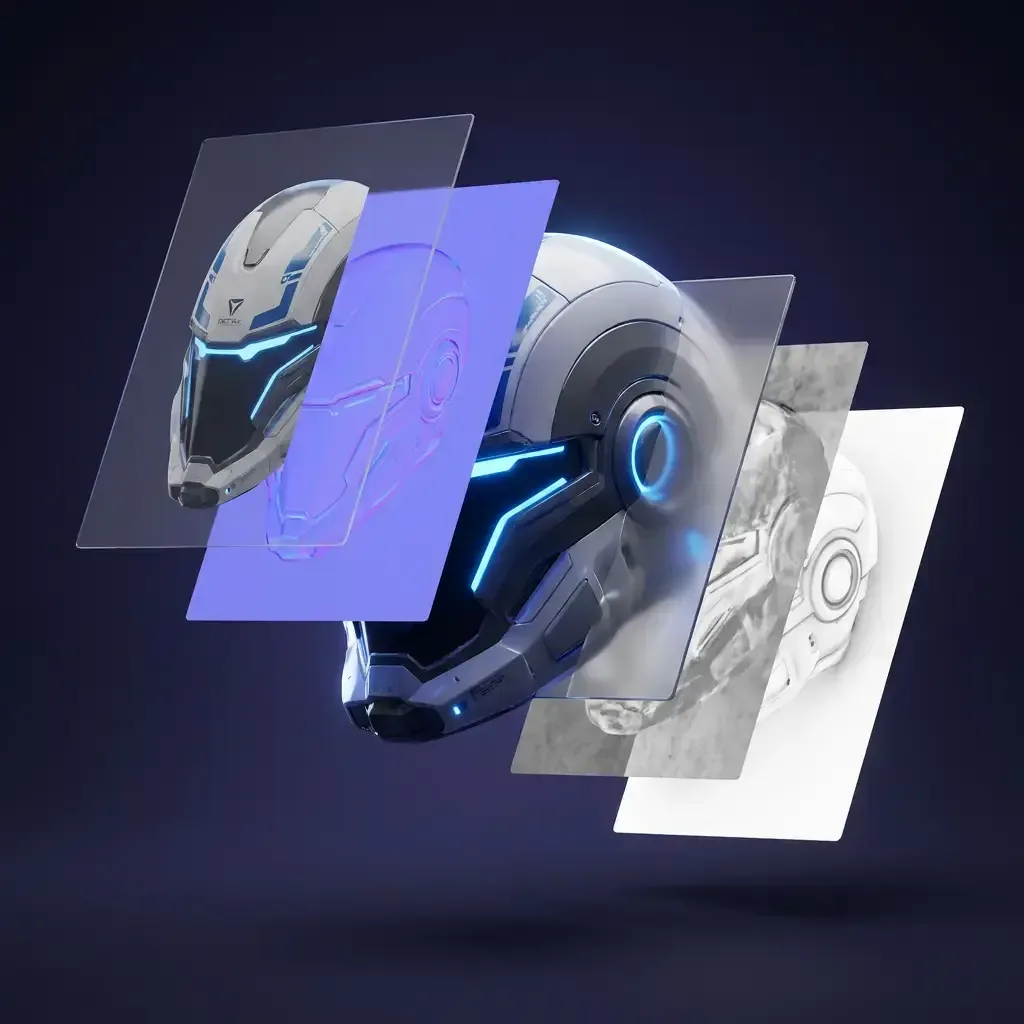
Every engine on Kairo3D returns a textured model. In a GLB the material follows the glTF metal-roughness model: a base colour map, and depending on the engine, normal, roughness and metallic information. Godot, Unreal Engine and Unity’s glTF importers map those to their standard lit materials automatically.
Check three things before you call an asset done. First, lighting baked into the colour: AI textures sometimes include highlights and shadows that look wrong under your scene lights, so flatten them in an image editor. Second, texel density: a small prop and a large wall should not have wildly different sharpness. Third, texture size: 2K maps on a pebble waste memory, so resize to what the camera will see.
- Base colour without baked shadows looks right under any light
- Match texel density across props in the same scene
- Resize maps to 512–2048 px depending on screen size
 Reference example
Raw AI mesh vs. game-ready mesh
Under the texture, an AI model is a triangulated surface without clean edge loops, and it is usually one closed piece. That works for static props: rocks, crates, barrels, statues, furniture and most set dressing. It is harder for anything that bends, because animation needs quads flowing around joints.
For static props, decimation plus a quick UV check is usually enough. For animated pieces, plan to retopologise: quad remeshing in Blender, or a dedicated retopology tool, then transfer the texture by baking. That is still much faster than modelling from scratch, and the AI mesh makes an excellent high-poly source for baking normals.
 Reference example
Export GLB or FBX into Unity, Unreal and Godot
Kairo3D gives you a GLB with textures, plus OBJ, STL and PLY converted in your browser. GLB is the right default for games: one file, materials included, a format that open engines treat as first class. Here is how it lands in the three engines indie teams use most.
If a pipeline insists on FBX, open the GLB in Blender and export FBX from there; Blender keeps the materials and lets you fix scale and axis orientation at the same time. Always set your scale on export: AI models have no real-world size.
| Engine | Use | Notes |
|---|---|---|
| Godot 4 | GLB | Native glTF import; drop the file into the project. Godot recommends glTF. |
| Unreal Engine 5 | GLB or FBX | Built-in glTF importer; FBX remains the most common route in older pipelines. |
| Unity | FBX, or GLB with a glTF package | No native glTF import; add a glTF importer package or convert to FBX in Blender. |
| Roblox Studio | FBX or OBJ | Check triangle limits per mesh part; decimate first. |
| Blender | GLB | Opens GLB with textures; use it to clean up and export FBX. |
Engine features change between versions. Check your engine’s import documentation for the version you use.
Rigging limits: what AI game assets can’t do yet
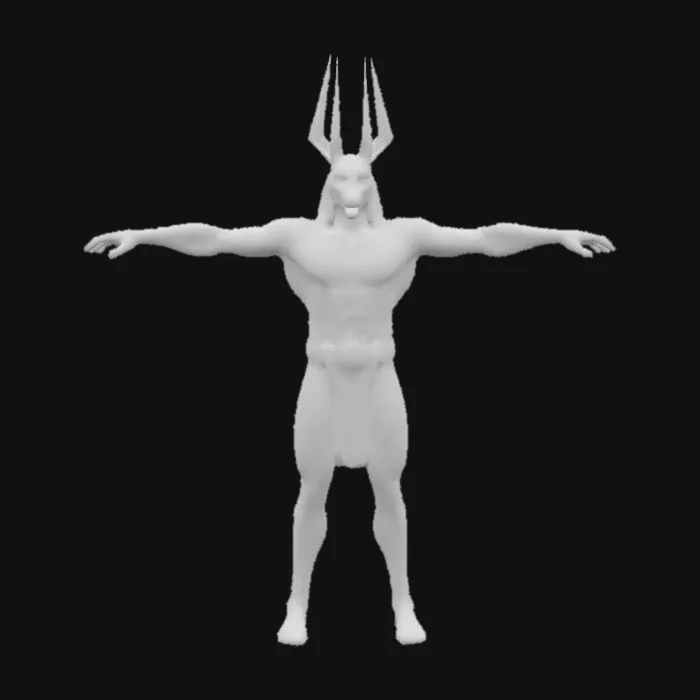
The AI game asset generator makes static meshes. It does not add a skeleton, skin weights, blend shapes or animation. You can still get a character moving: generate it in a clear A-pose or T-pose with the arms away from the body, then rig it with an auto-rigging service such as Mixamo for humanoids, or with Rigify in Blender.
Expect some repair work. Fingers are often fused, clothing may be merged with the body and the inside of the mouth is usually missing. For hero characters, a manual retopology and rig is the right investment. For crowds, background NPCs and prototypes, an auto-rig on a decimated AI mesh is often good enough. See our AI 3D character generator for character-specific tips.
- Prompt for “A-pose” or “T-pose, arms away from body”
- Humanoids rig most easily; creatures need manual rigs
- Separate weapons and accessories as their own props
 Reference example
3D game assets you can generate with AI
Props, weapons, vegetation and avatars. These are third-party reference examples that show what current AI 3D engines produce.
 Reference example
Loot chestA classic interactable. Generate the closed chest, then split the lid in Blender if it needs to open. 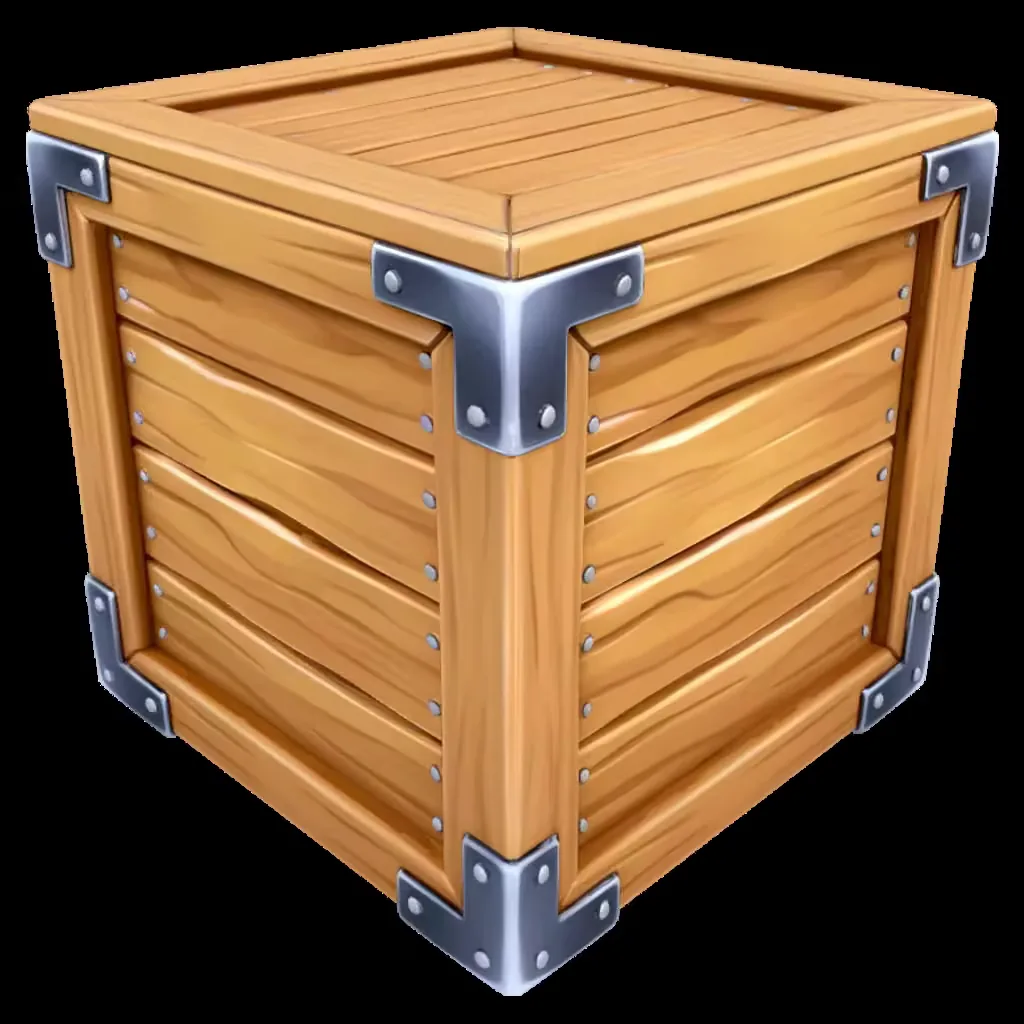 Reference example
Breakable crateSimple shapes like this decimate to a few hundred triangles without losing the look. 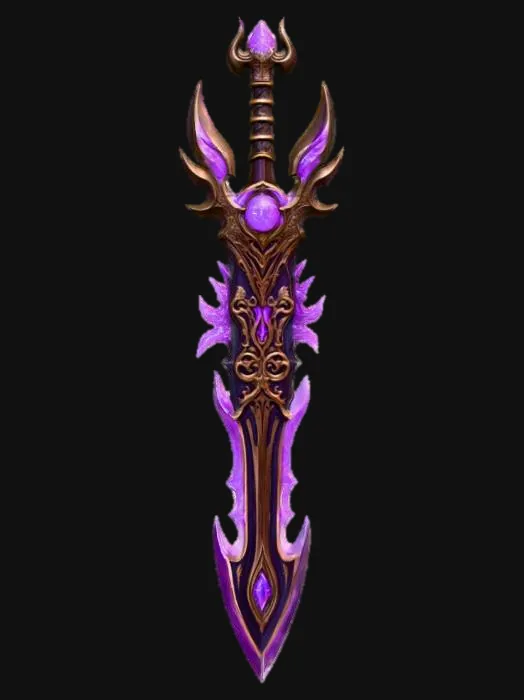 Reference example
Weapon pickupWeapons are thin: check the blade did not come out paper-thin or full of holes before importing. 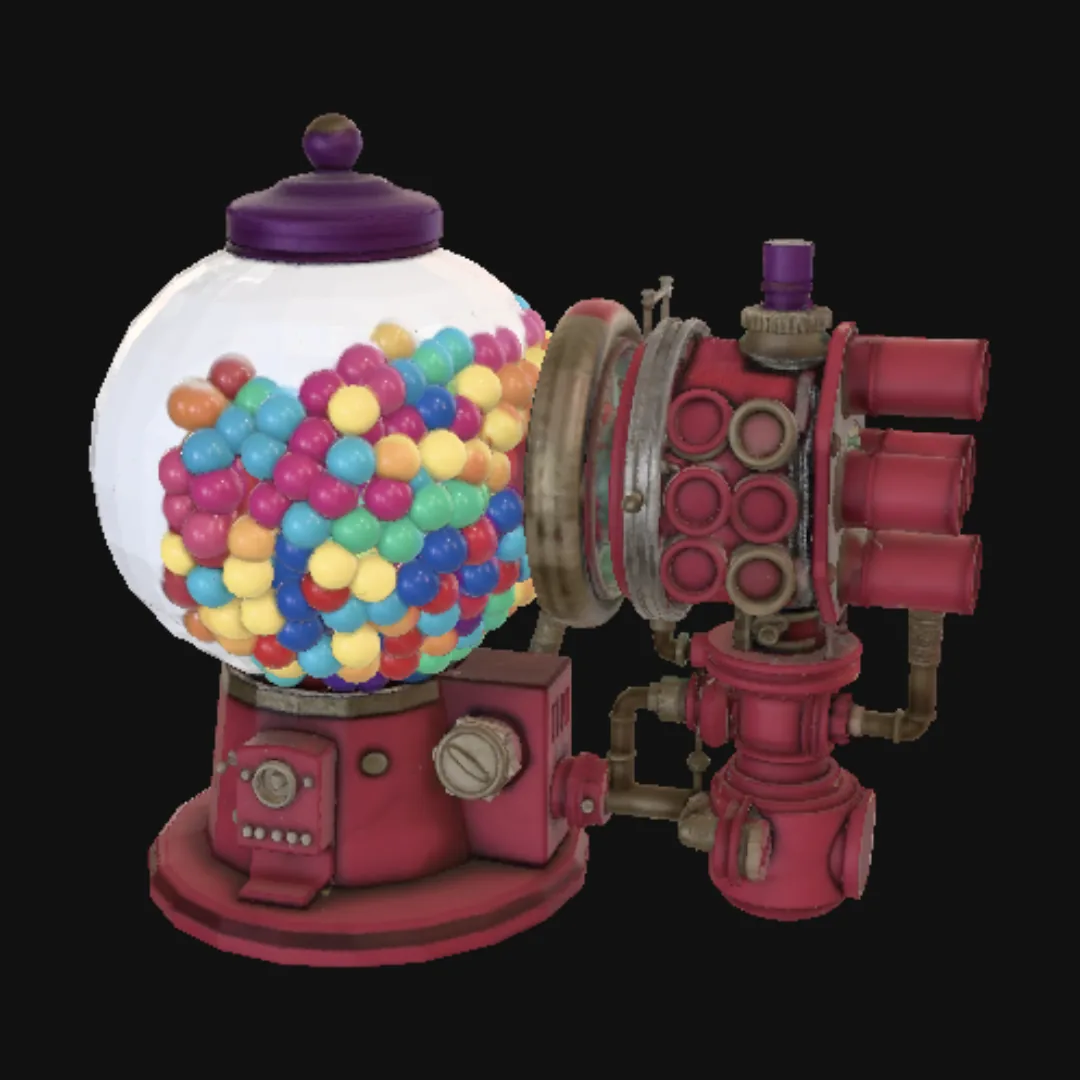 Reference example
Hero propBusy, characterful props are where AI saves the most modelling time. Budget more triangles here. 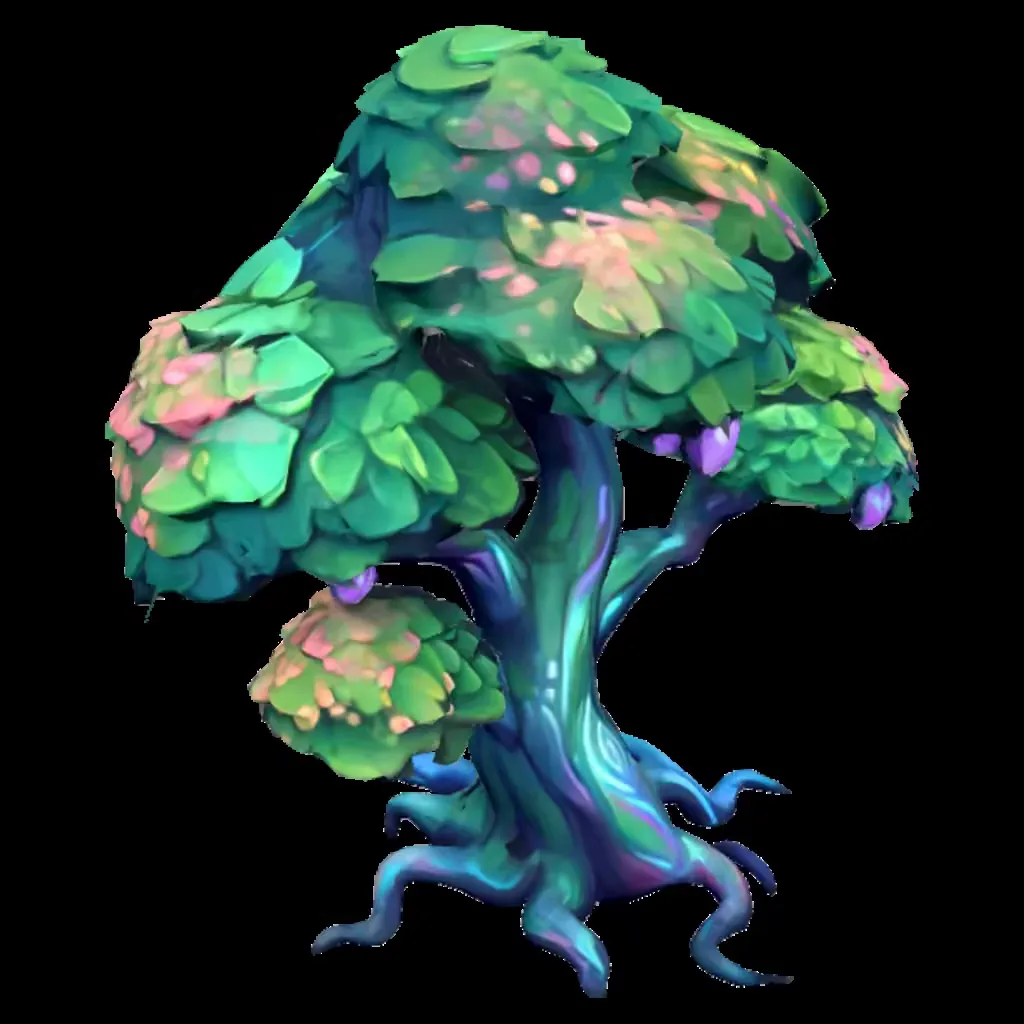 Reference example
Stylized vegetationChunky leaf clusters suit stylized games. For realistic foliage, cards and alpha textures still beat AI meshes. 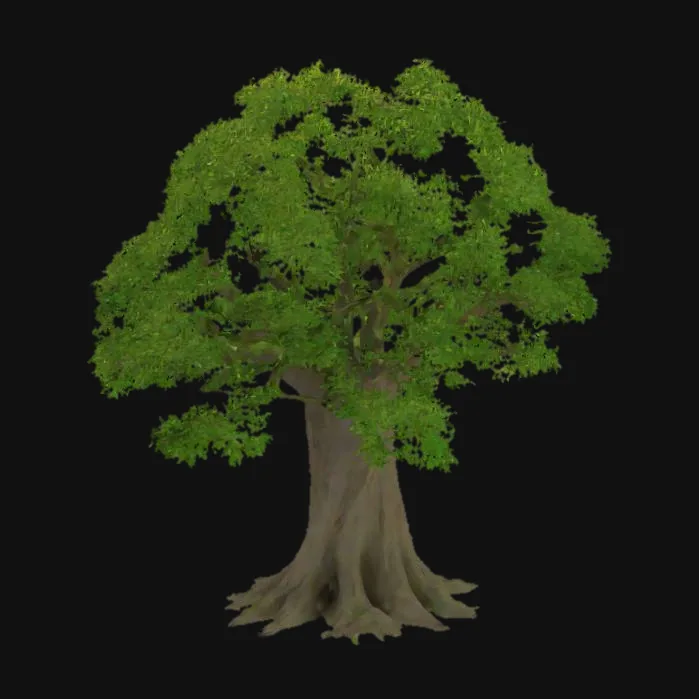 Reference example
Realistic treeGood as a distant background tree or a hero tree in a cutscene; too heavy for a forest without heavy reduction. 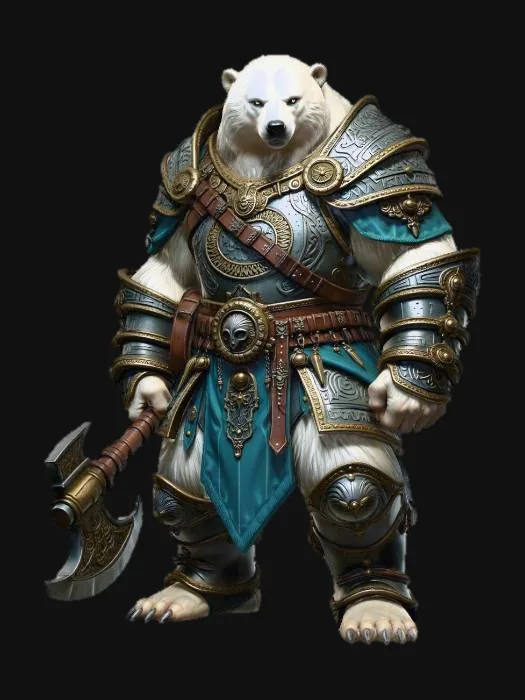 Reference example
Boss characterDetailed characters work as statues and turntables straight away; animation needs a rig first. 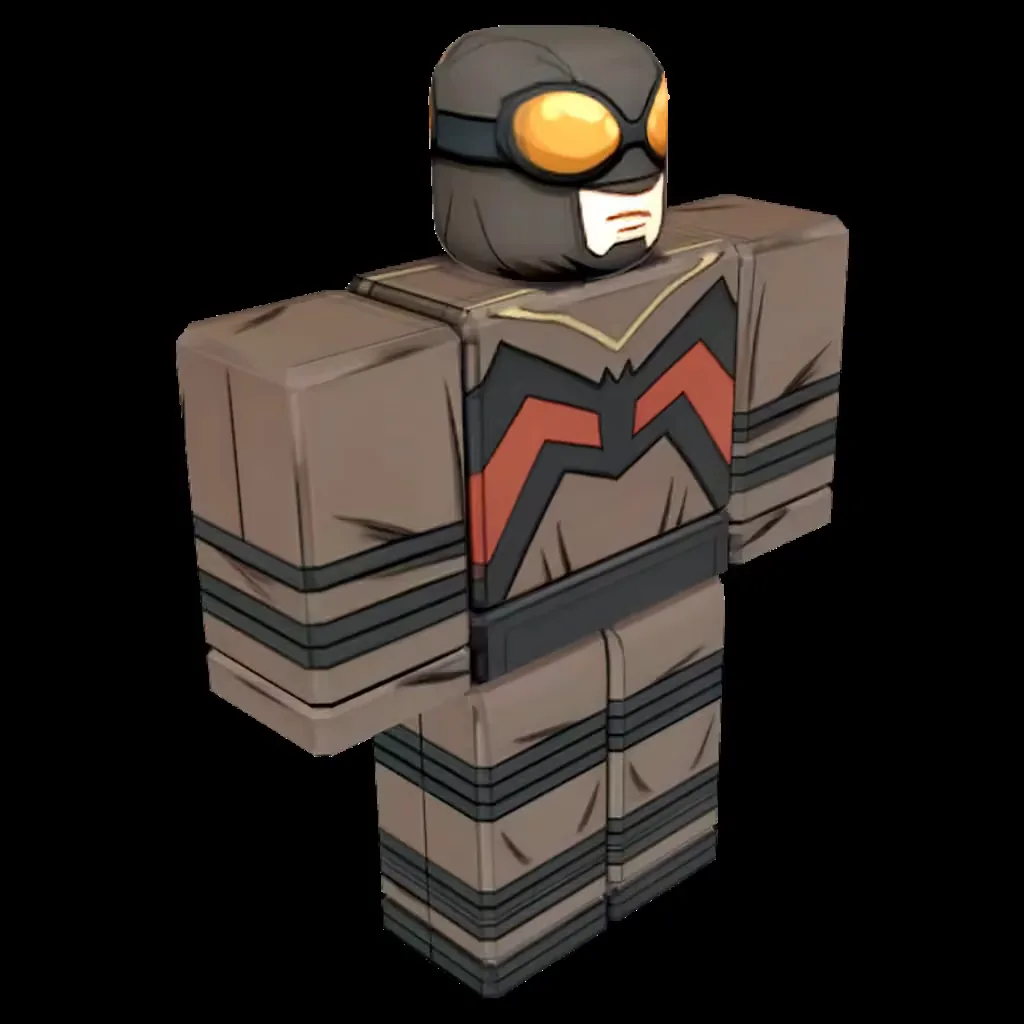 Reference example
Blocky avatarBlock-style games need few triangles. Ask for “blocky, simple shapes” and the output stays light. 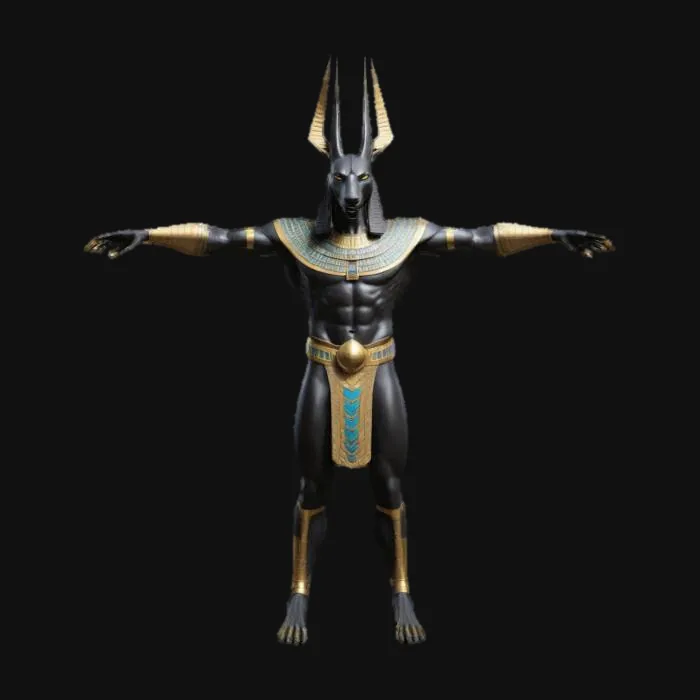 Reference example
Textured T-poseThe same character as the grey mesh above, with its colour texture. The T-pose makes auto-rigging easier.  Reference example
A consistent asset setKeep one style line in every prompt (“stylized, hand-painted, chunky”) so props from different runs match.
Reference examples from Meshy and Sloyd public galleries and product pages. Not made with Kairo3D; shown to illustrate typical results.
Which engine for which game asset
6 third-party engines. 3 take a text prompt; all of them take an image. Try two on the same prop when style matters.
| Engine | Image to 3D | Text to 3D | Typical time | Licence |
|---|---|---|---|---|
| TRELLISMicrosoft | 8 credits | — | ~30 s | MIT |
| TRELLIS 2MicrosoftDefault | 120 credits | — | ~60 s | MIT |
| Tripo H3.1Tripo AIDefault | 120 credits | 80 credits | ~60 s | Commercial API (Tripo AI terms) |
| Hunyuan 3D 3.1 ProTencent | 150 credits | 150 credits | ~2 min | Tencent Hunyuan 3D licence (check territory terms) |
| Rodin Gen-2.5 FastHyper3D (Deemos) | 40 credits | 40 credits | ~30 s | Commercial API (Hyper3D terms) |
| Pixal3DTencentARC | 120 credits | — | ~90 s | MIT |
Check each licence before shipping a commercial game. Failed runs are refunded automatically.
Game props you can open in 3D
Drag to rotate. Third-party reference models of chests, war machines, gates and creatures.
Why use an AI game asset generator
Where it helps a small team most, and where you still need an artist.
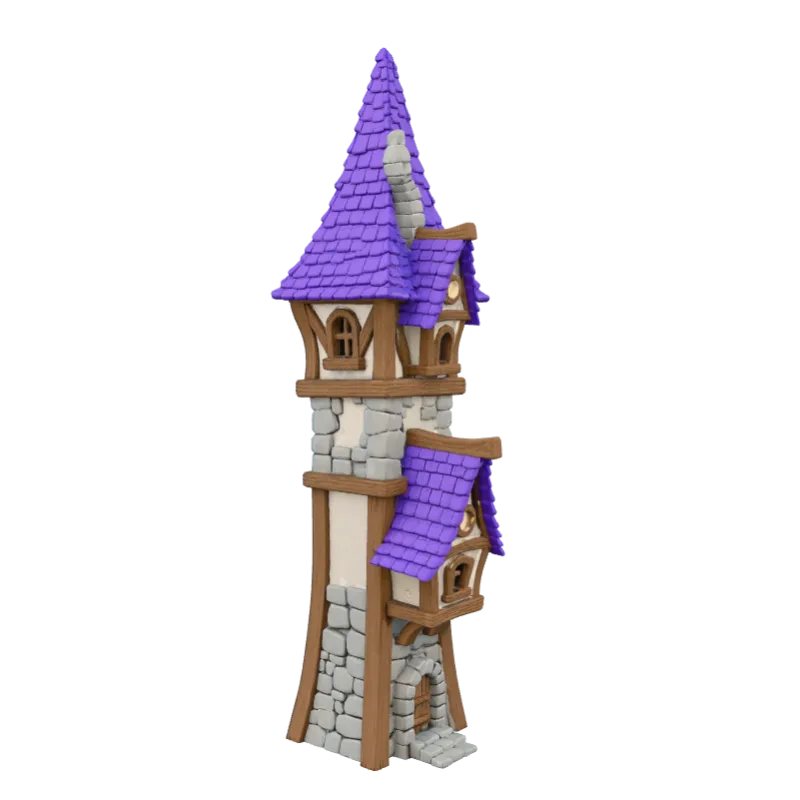
Fast blockouts
Fill a greybox level with believable props in an afternoon, then replace only what players look at.
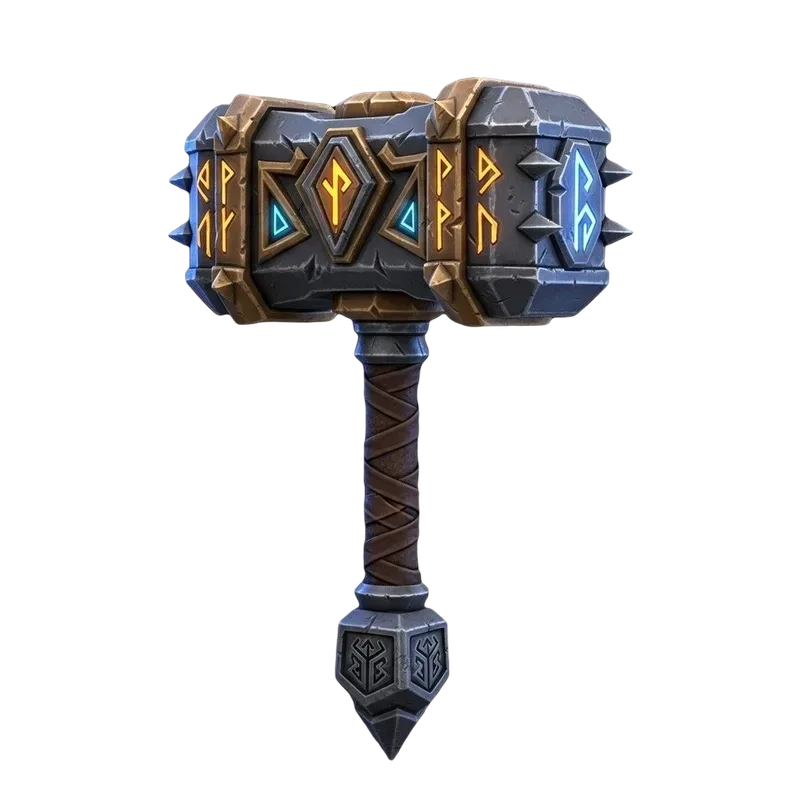
Weapons and pickups
Generate swords, hammers and potions for prototypes and game jams without a modelling backlog.
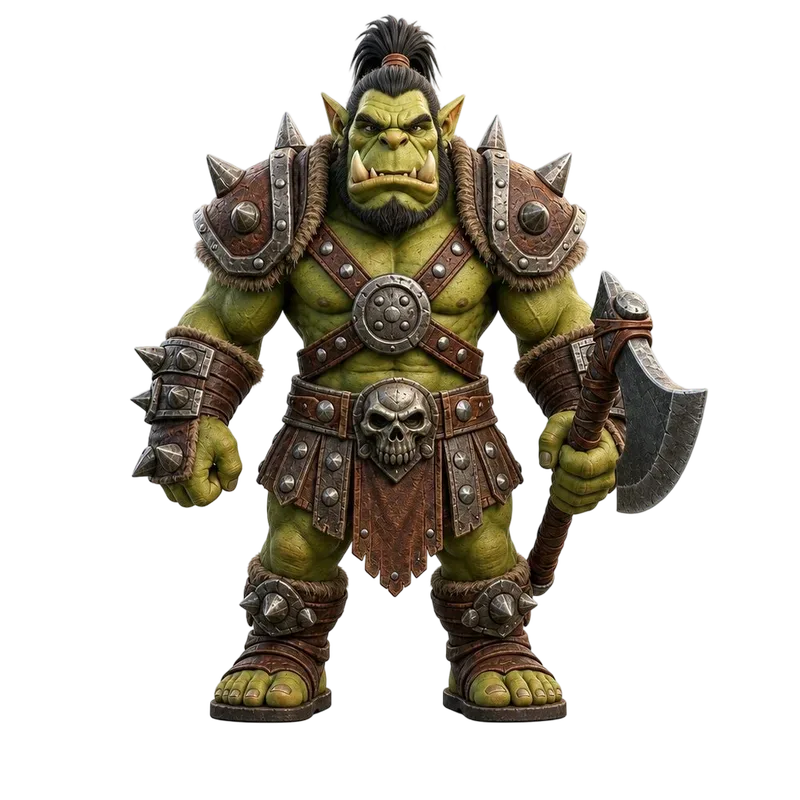
Enemies and statues
Creatures work instantly as statues, bosses on turntables or concept references for a modeller.
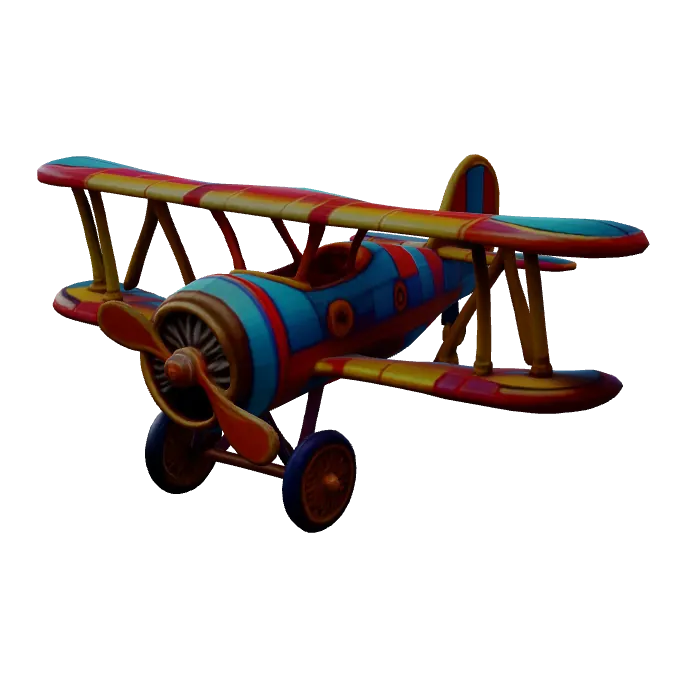
Vehicles and set pieces
Ships, carts and machines make strong landmark props for levels and menus.
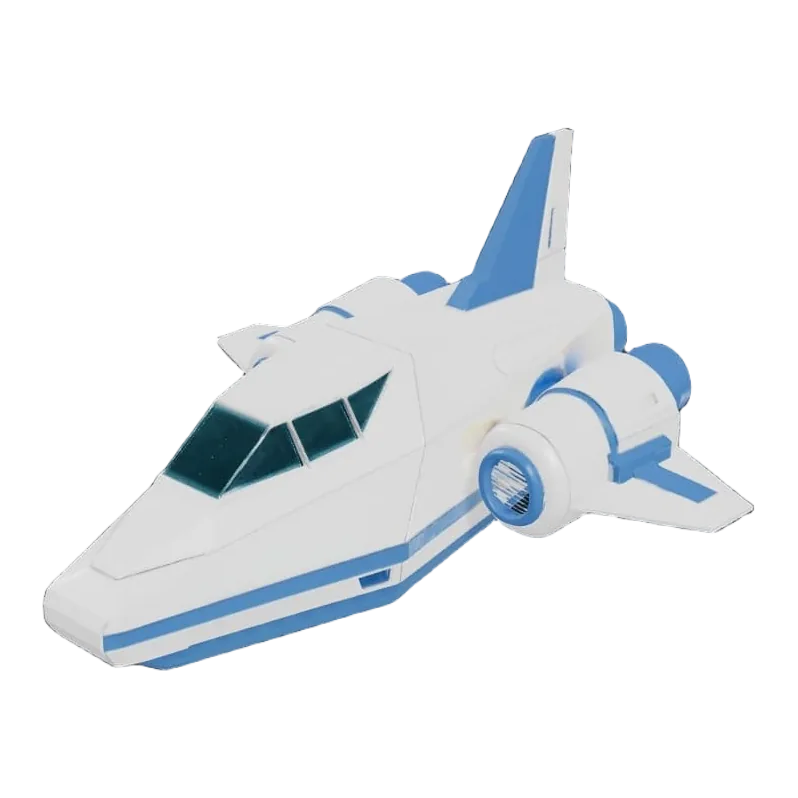
Sci-fi and fantasy kits
Use one style line across prompts to build a matching kit of crates, panels and consoles.
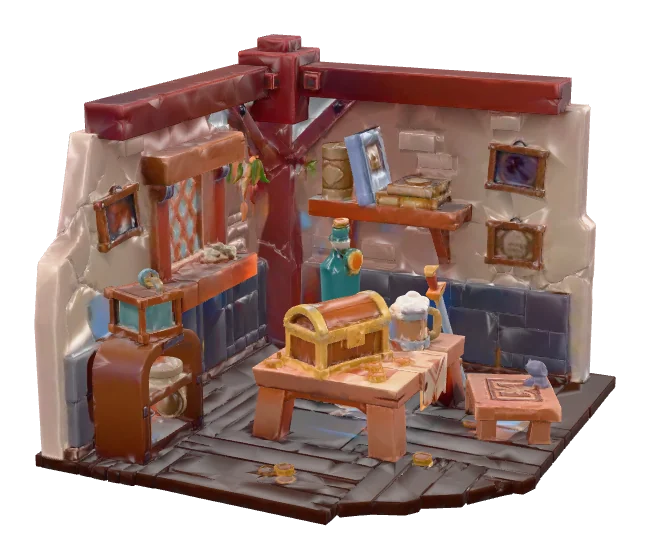
Interiors and dioramas
Room-scale pieces help with cutscenes and cozy-game scenes; split them into props for gameplay.
What AI game assets are ready for, and what they aren’t
Know this before you plan a production around generated models.
Ready to use
- Static props, set dressing, statues and background pieces
- Prototypes, game jams, pitches and vertical slices
- High-poly sources for baking normal maps
- Concept models for an artist to build on
- Textured GLB that opens in Godot, Unreal Engine 5 and Blender
Needs work or another tool
- Rigged, skinned or animated characters
- Clean quad topology and production UV layouts
- Exact triangle counts: you decimate afterwards
- Modular kits that snap to a grid without editing
- Guaranteed style match between engines without testing
AI game asset generator FAQ
What indie developers ask before using AI 3D models in a game.
Related tools
Character and style generators, converters and mesh tools.
AI 3D character generator
Turn character art or a prompt into a textured 3D character.
Low Poly 3D Models
Generate faceted low poly 3D characters and props.
Voxel 3D Models
Make blocky voxel-style 3D models from text or images.
AI 3D Toy Generator
Design printable toys and collectibles from a photo or idea.
STL Reducer
Cut STL polygon count and file size while keeping the shape.
FBX to GLB
Convert FBX to a single-file GLB for the web.
glTF Viewer
Inspect .gltf and .glb scenes, materials and animations online.
Generate your next game prop
Type a prompt or upload concept art, pick an engine and download a textured GLB.