
Style library
3D Model Styles for AI Generation
A style is the look you ask the AI for: faceted low poly, blocky voxel or cute chibi. Each style page shows reference examples, explains the visual traits that make the style read correctly, gives prompt wording you can copy, and tells you honestly how the result behaves on a 3D printer. Pick a style, copy its style words, and generate from text or a picture in the same workspace.
Choose a 3D style
Three styles so far. Each page has its own prompt examples, print notes and a style comparison.
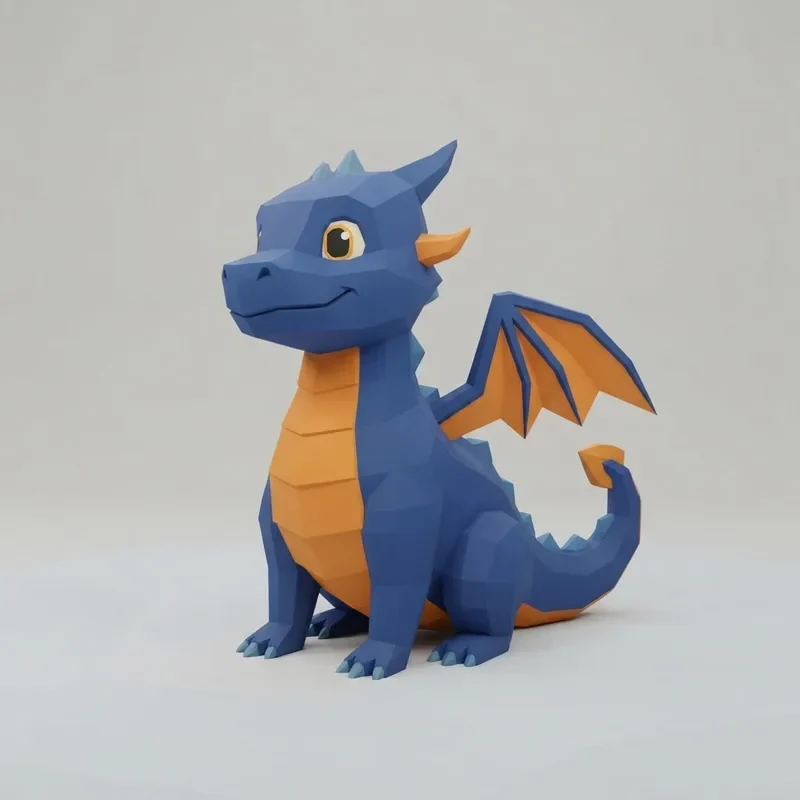 Reference example
Low Poly 3D Models
Faceted, flat-shaded characters and props built from a few hundred to a few thousand triangles.
Open style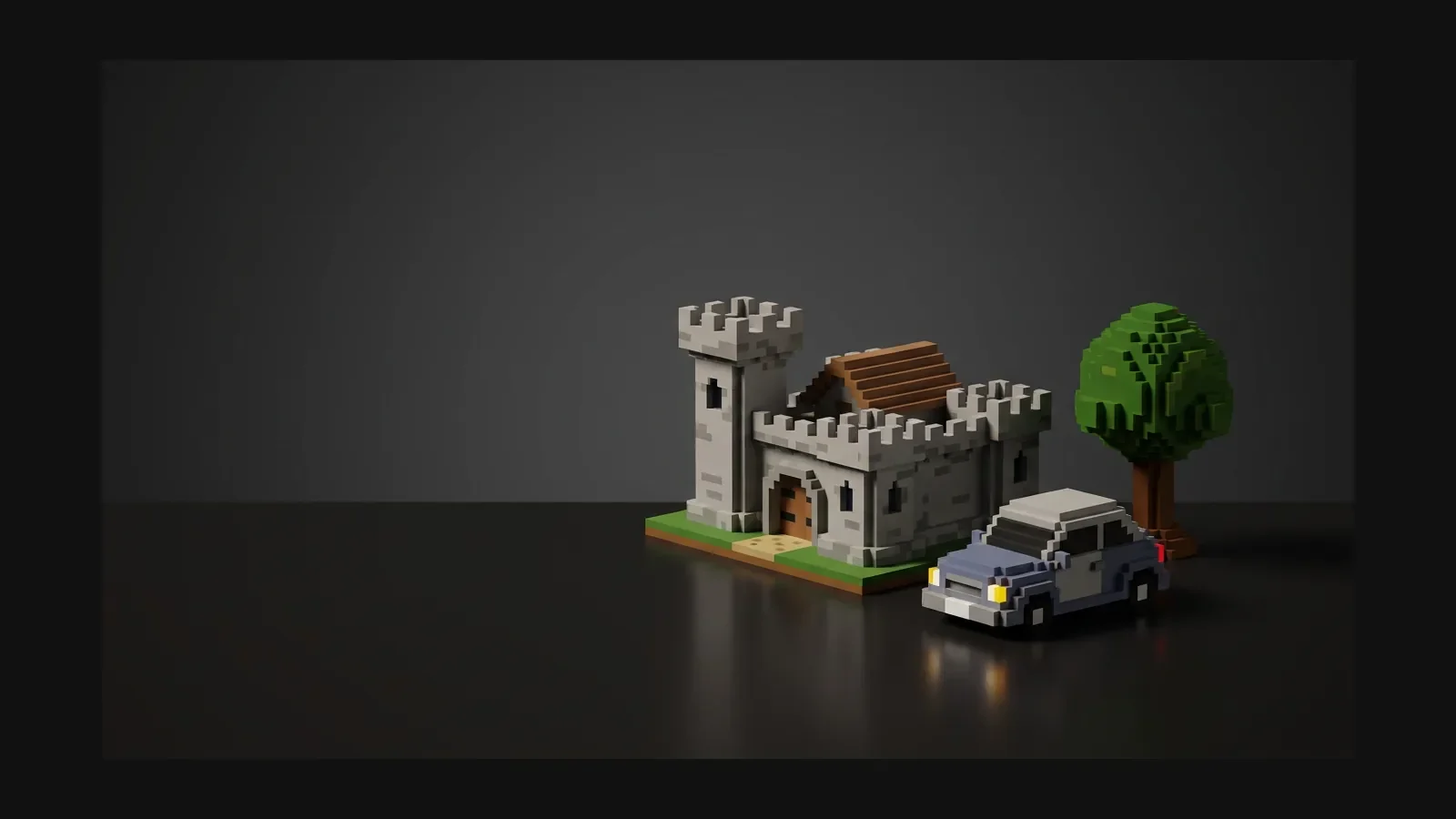 Reference example
Voxel 3D Models
Blocky models made of equal cubes, the look of MagicaVoxel scenes and block-building games.
Open style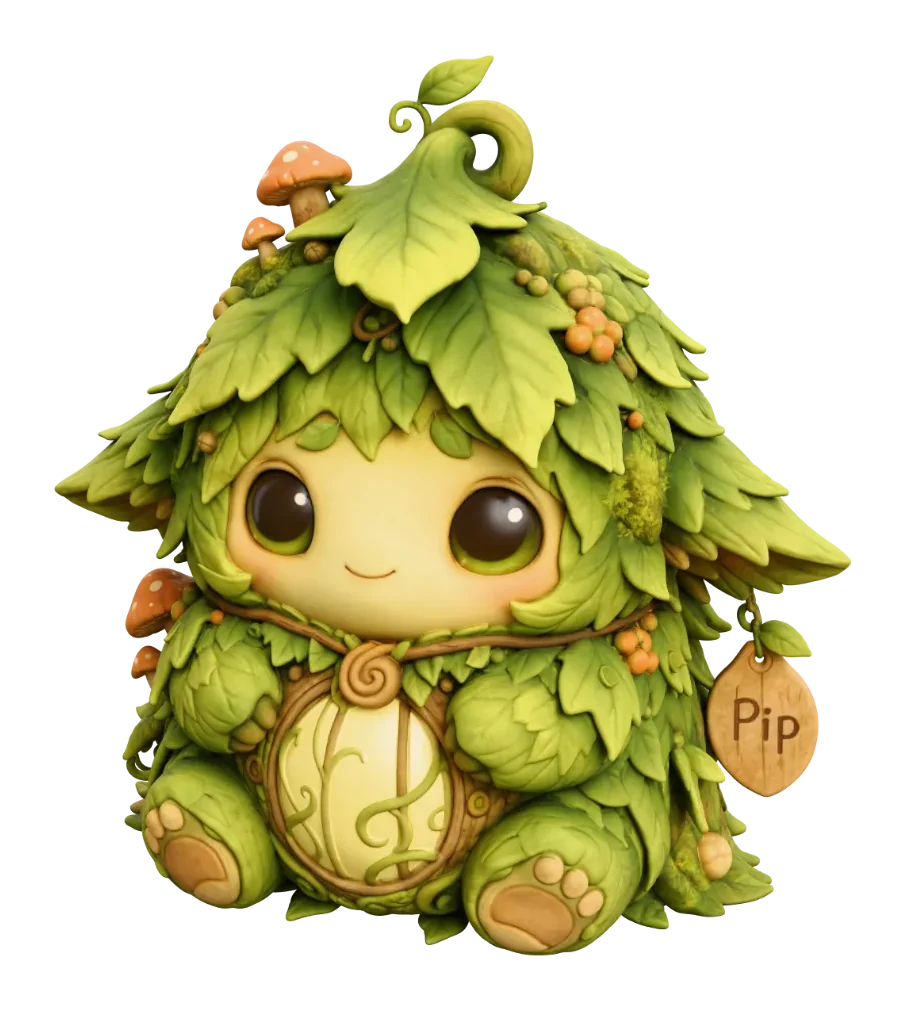 Reference example
Chibi 3D Figures
Cute big-head figures with a 1:2 to 1:3 head-to-body ratio, sized for desks and keychains.
Open style
Which style fits
One subject, four looks
The same little character drawn as a smooth model, low poly, voxel and chibi. The silhouette changes more than you might expect, and so does what prints well.
| You want… | Pick | Why |
|---|---|---|
| A game prop or character that runs fast in Unity, Godot or the browser | Low poly | Few faces, flat colour, small files. |
| A model that matches a block-building game or a MagicaVoxel scene | Voxel | Every edge sits on a cube grid, so it reads as pixel art in 3D. |
| A cute desk figure, keychain or gift of a person or pet | Chibi | Big head, short body, simple shapes that survive small prints. |
| A lifelike statue, bust or product mock-up | None of these | Use the realistic default in Image to 3D instead. |
3D model styles FAQ
Short answers before you pick a style.
Name the style in plain words after the subject, for example "a fox, low poly, flat shaded, faceted". Each style page has a ready style suffix you can paste. With a picture, start from an image already drawn in that style; the engines follow the picture more than the words.
No. A style is part of the prompt or picture, so a generation costs what the chosen engine costs. The engine list and credit prices are shown in the workspace.
Chibi figures and low poly models are usually the easiest: compact shapes, thick parts and flat faces. Voxel models print well too, but their many small steps want a fine layer height and a slow outer wall.
No. They are third-party reference examples, labelled as such, there to show what each style looks like. Your own results depend on the prompt or picture and the engine you choose.
Try a style on your own idea
Open the workspace, paste a style suffix after your subject and generate. Failed runs refund their credits.