TRELLIS 2 Online, No GPU Needed
3D models made with TRELLIS 2
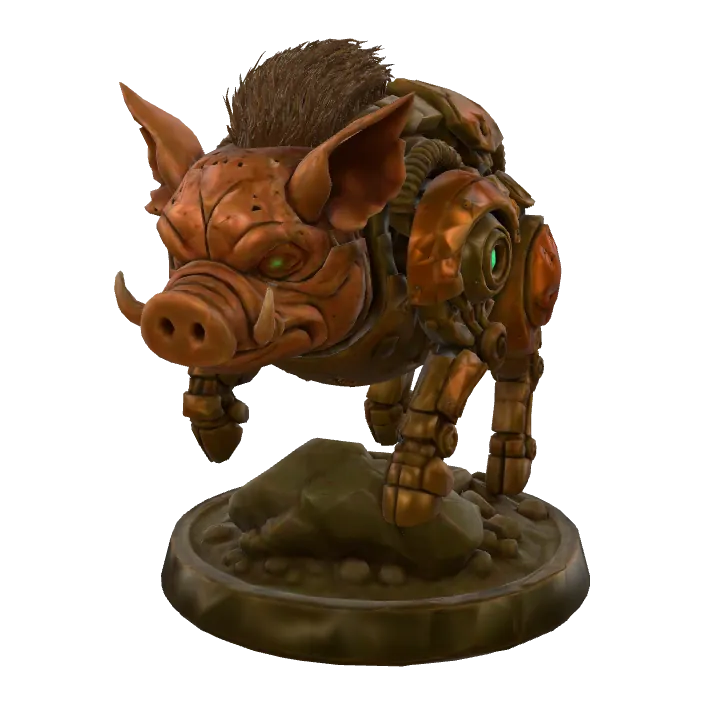
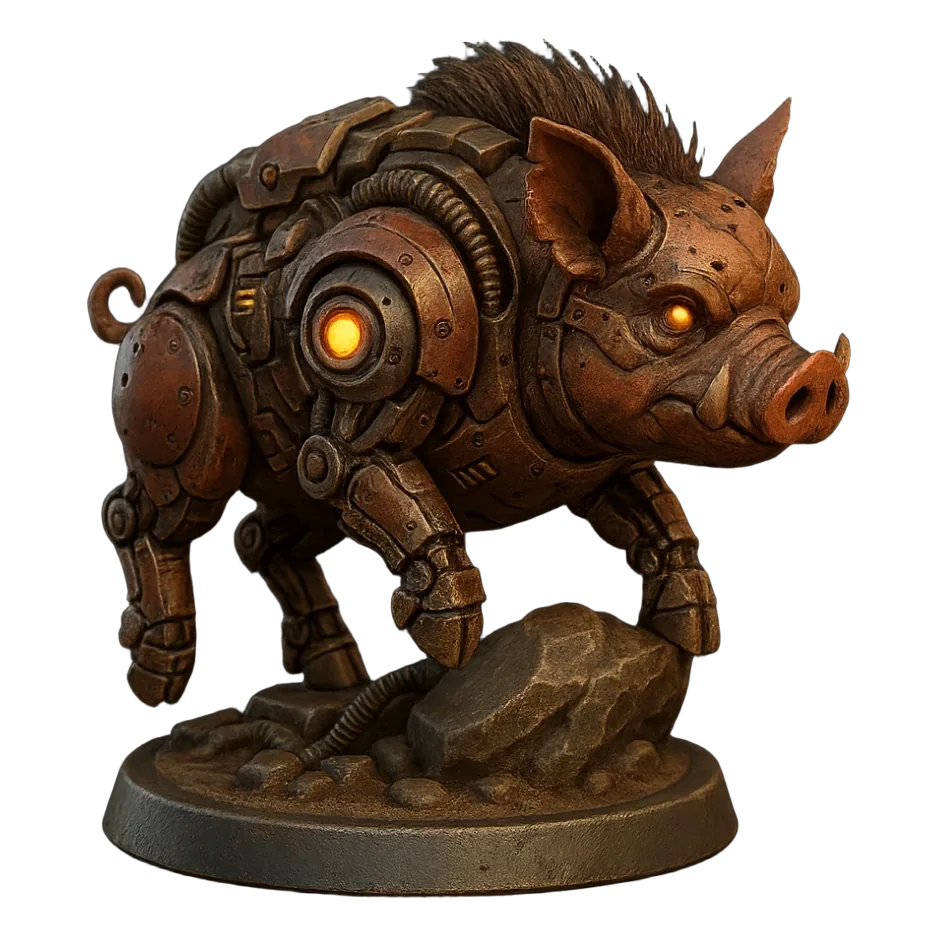
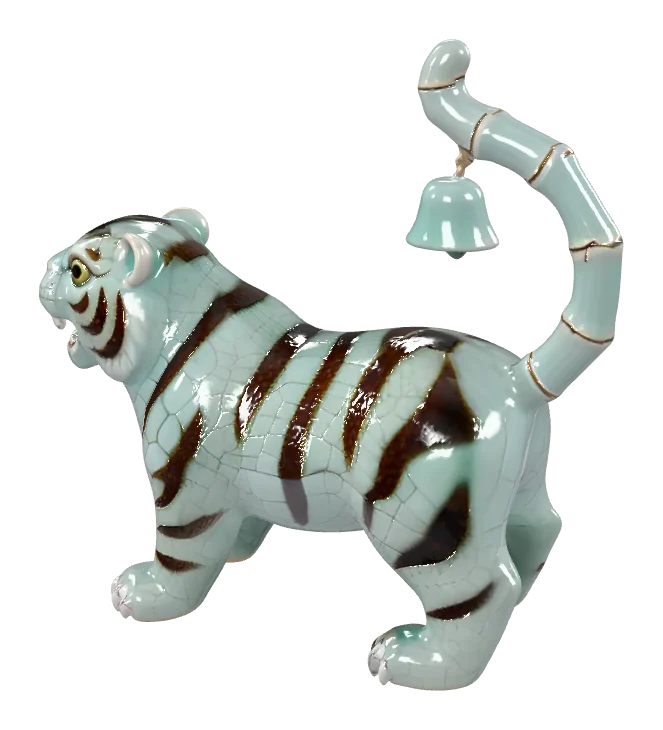
Official example outputs of TRELLIS 2. Hover or tap a card to spin it in 3D.
The model in three numbers
The facts behind Microsoft's second-generation TRELLIS model.
- 4Bparameters in the TRELLIS.2 model
- 1536³maximum voxel resolution (from 512³)
- MITlicence, with code and weights on GitHub
TRELLIS 2, explained
What Microsoft's model does, where it comes from, and where it falls short.
What is TRELLIS 2?
TRELLIS 2 (written TRELLIS.2 by its authors) is an image-to-3D generation model. Give it one picture of an object and it predicts the full 3D shape plus physically based (PBR) materials such as base colour, roughness and metallic, then outputs a textured GLB mesh. Under the hood it uses a sparse voxel structure Microsoft calls O-Voxel and generates at resolutions from 512³ up to 1536³.
Who made it, and when
It comes from Microsoft Research, the team behind the original TRELLIS model of December 2024. It was released in December 2025 as a 4-billion-parameter model, with code and weights on GitHub under the MIT licence. On Kairo3D it runs through fal.ai's hosted endpoint, so you don't touch any of that setup.
What it's good at
Single objects that are clearly photographed or rendered: products, shoes, furniture, toys, figurines and game props. Its strength is clean geometry with ready-to-use PBR materials, so the GLB looks right in Blender, game engines and web viewers without re-texturing. That's why it is the default image engine on Kairo3D.
Limits to know
It works from one image, so the sides the camera can't see are inferred, not measured — check the back before you print. Glass, mirrors and very thin parts such as wires or hair are hard for it. Meshes can be dense, so simplify them for real-time use. And running it yourself needs an NVIDIA GPU with at least 24 GB of VRAM.
Official sources
Kairo3D is an independent service that runs TRELLIS 2 through fal.ai. Not affiliated with Microsoft.
How to use TRELLIS 2 online
From one photo to a downloadable 3D model in four steps — all in your browser.

Upload a photo
Drop in a JPG, PNG or WebP up to 10 MB. One clear object on a plain background gives the model the best start.
Generate with TRELLIS 2
It's already selected. Press Generate — it typically takes about a minute, and you can keep browsing while it runs.
Preview it in 3D
The finished model opens in the 3D viewer. Rotate it, check the texture and the back side, and run it again or try another engine if needed.
Download GLB, STL or OBJ
Save the textured GLB, or convert it to STL, OBJ or PLY in your browser. Every model stays in My creations until you delete it.
Why run TRELLIS 2 on Kairo3D
The same model without the setup — plus the things a self-hosted install doesn't give you.
No GPU, no install
Self-hosting the model needs an NVIDIA GPU with at least 24 GB of VRAM plus a CUDA and Python setup. Here it runs on fal.ai's servers — open the page and upload a photo.
Pay per model, in credits
Each generation costs 120 credits from one balance that works with every engine. No separate plan per model.
Preview in 3D first
Spin, zoom and inspect the textured result in the built-in 3D viewer as soon as it finishes, then decide whether to keep it.
Export GLB, STL or OBJ
Download the textured GLB, or convert it in your browser to STL, OBJ or PLY for slicers, 3D printing and other 3D tools.
Switch engines anytime
Not happy with a result? Run the same photo through TRELLIS, Tripo H3.1, Hunyuan 3D 3.1 Pro, Rodin Gen-2.5 Fast, and Pixal3D — same account, same credits.
Failed runs are refunded
If a generation fails, the credits go back to your balance automatically. Your files stay private in My creations.
TRELLIS 2 vs the other engines
Every engine on Kairo3D draws from the same credits. Pick one per generation — here's what each takes and costs.
| Engine | Made by | Input | Licence | ||
|---|---|---|---|---|---|
| TRELLISMicrosoft | Microsoft | InputImage | Credits per model8 | Typical time~30 s | LicenceMIT |
| TRELLIS 2This pageMicrosoft | Microsoft | InputImage | Credits per model120 | Typical time~1 min | LicenceMIT |
| Tripo H3.1Tripo AI | Tripo AI | InputImageText | Credits per model120 image · 80 text | Typical time~1 min | LicenceCommercial API (Tripo AI terms) |
| Hunyuan 3D 3.1 ProTencent | Tencent | InputImageText | Credits per model150 | Typical time~2 min | LicenceTencent Hunyuan 3D licence (check territory terms) |
| Rodin Gen-2.5 FastHyper3D (Deemos) | Hyper3D (Deemos) | InputImageText | Credits per model40 | Typical time~30 s | LicenceCommercial API (Hyper3D terms) |
| Pixal3DTencentARC | TencentARC | InputImage | Credits per model120 | Typical time~90 s | LicenceMIT |
Credits are charged per generation and refunded automatically if a run fails. Times are typical, not guaranteed.
TRELLIS 2 FAQ
Straight answers about running it online.
More engines and tools
Compare models, or jump straight to the job you need done.
Try TRELLIS 2 on your own photo
Upload one image, let the model build it in about a minute, and download a GLB, STL or OBJ. No GPU, nothing to install.