
Tripo vs Rodin: Run Both on the Same Image
Tripo vs Rodin: which one fits your job?
VAST's high-detail model. One image, several views or a text prompt in; a dense, textured mesh out.
Deemos's Gen-2.5 family. The Fast tier is built for quick prototypes and returns light meshes.
The short version
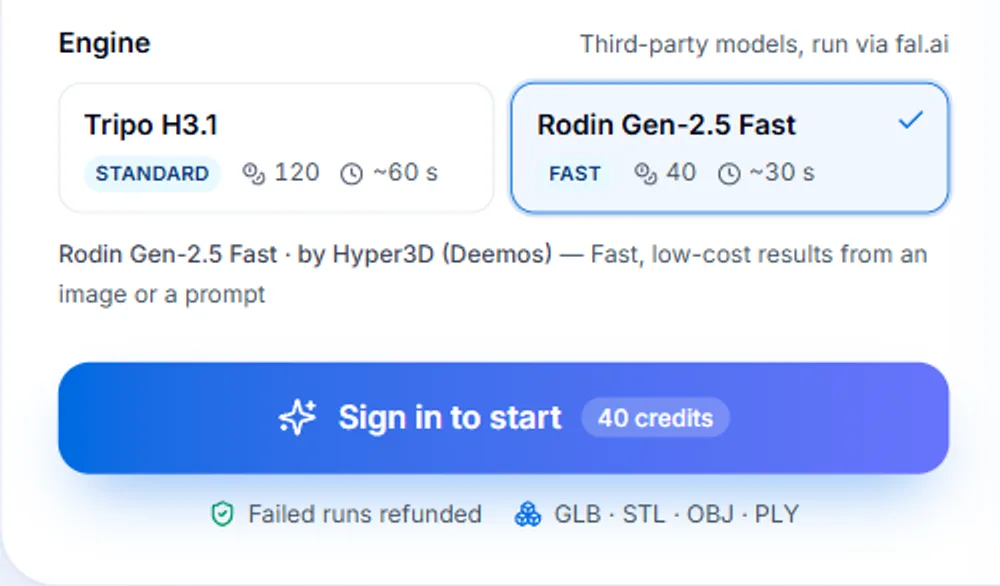
Pick Rodin Gen-2.5 Fast when you want a quick, light draft. It is the cheaper and faster of the two here, and the Fast endpoint keeps meshes at or under 20K faces, which suits web viewers, AR previews and blocking out a scene.
Pick Tripo H3.1 when the model itself is the deliverable. It lets the model decide on a denser mesh and returns PBR textures, so it is the safer first try for a figurine you plan to print or a product you want to show up close.
Neither wins on every photo, and this page doesn't pretend otherwise. The honest test is your own image on both engines, which costs 160 credits for one photo here.
Tripo H3.1 vs Rodin Gen-2.5: the published facts
What each maker and fal.ai document today, with a link on every row. The last row shows the settings Kairo3D actually uses.
| Feature | Tripo H3.1 | Rodin Gen-2.5 | Source |
|---|---|---|---|
| Made by | VAST, the company behind Tripo Studio and the Tripo API | Deemos, which runs Hyper3D and the Rodin models | github.com/VAST-AI-Researchlinkedin.com/company/hyper3d |
| Model and tiers | H3.1, which Tripo calls its High Detail model | Gen-2.5, in tiers from Extreme-Low to Extreme-High; a separate Fast endpoint covers the lowest tiers | tripo3d.ai/featuresdocs.hyper3d.ai |
| Inputs | One image, several views or a text prompt; JPG, PNG, WEBP and more | Up to 5 images or a text prompt; an image run can also take a guiding prompt | tripo3d.ai/featuresdocs.hyper3d.ai |
| Mesh | Up to 2 million polygons on Tripo's own site; through the API, an optional quad mesh and target face limit | Triangle (Raw) or Quad. The Fast endpoint stops at 20K faces; Extreme-High adds a mesh of up to 10M faces | tripo3d.ai/featuresfal.ai · Tripo H3.1docs.hyper3d.aifal.ai · Rodin 2.5 Fast |
| Materials | Textures and PBR on by default; standard or detailed texture quality | PBR, Shaded (baked light), Hybrid, All or None; optional 4K HighPack and an HD texture pass | fal.ai · Tripo H3.1docs.hyper3d.ai |
| Exports on the maker's site | FBX, OBJ and GLB on the H3.1 page, plus STL for printing | GLB, USDZ, FBX, OBJ and STL | tripo3d.ai/featuresdocs.hyper3d.ai |
| Extra controls | Auto-size to real-world metres; orientation aligned to the input image | T-pose or A-pose for characters; a bounding box to control proportions | fal.ai · Tripo H3.1docs.hyper3d.ai |
| On Kairo3D | Image or text; standard geometry and texture quality with PBR; textured GLB | Image or text on the Fast endpoint (Extreme-Low tier, automatic mesh) with PBR material; textured GLB | Try it above |
Checked on 2026-11 against tripo3d.ai, docs.hyper3d.ai, fal.ai and GitHub. Both makers update their models often, so follow the links for the current state.
What a Tripo or Rodin run costs here
Credits and typical times come from the same engine list the generator reads, so they match what you see before you press Generate.
Tripo H3.1
- Made by
- Tripo AI (VAST)
- Image to 3D
- 120 credits
- Text to 3D
- 80 credits
- Typical time
- ~1 min
- You get
- Textured GLB with PBR materials; convert it to STL, OBJ or PLY in your browser
- Settings we use
- Standard geometry and texture quality, triangle mesh; the model picks the face count
Rodin Gen-2.5 Fast
- Made by
- Hyper3D (Deemos)
- Image to 3D
- 40 credits
- Text to 3D
- 40 credits
- Typical time
- ~30 s
- You get
- Textured GLB with PBR materials; the same STL, OBJ and PLY conversions
- Settings we use
- Gen-2.5 Fast endpoint, Extreme-Low tier, automatic mesh (fal documents up to 20K faces)
How to run a fair Tripo vs Rodin test
A side-by-side result only means something when both engines get exactly the same input. This is the routine we suggest.
Pick one clean photo
Use a single object on a plain background, evenly lit and filling at least half the frame. A busy background makes both engines guess, and then you end up comparing guesses rather than engines.
Run Tripo H3.1 first
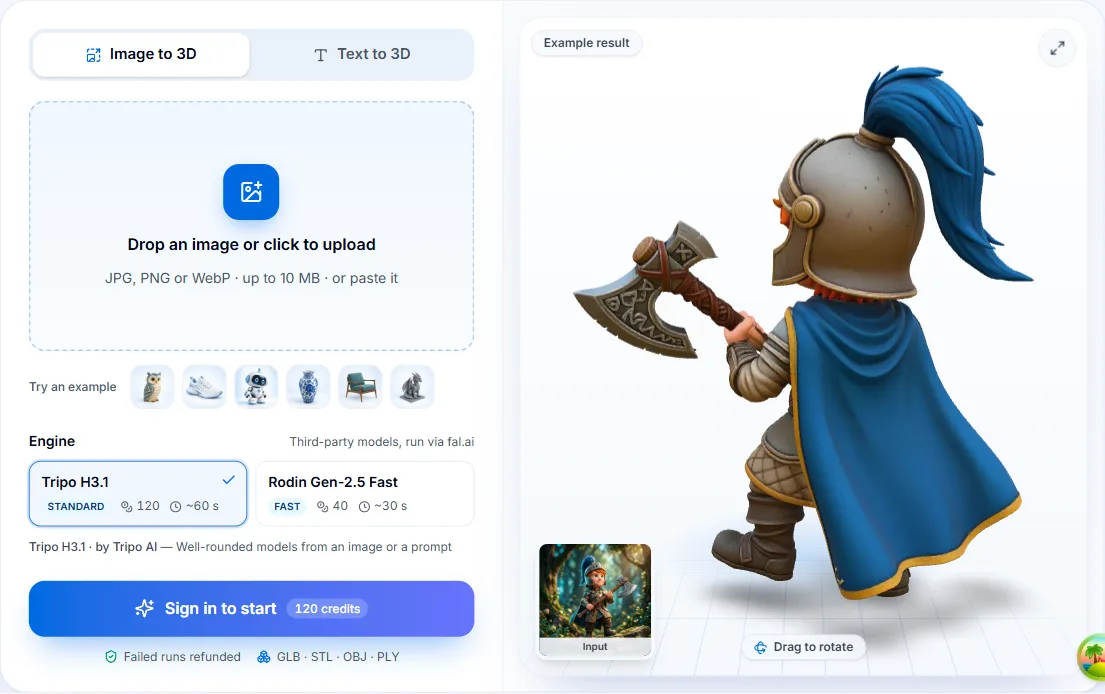
Upload the photo in the generator above. Tripo H3.1 is already selected when this page opens; leave the prompt empty so the image does all the work. A run typically takes about a minute.
Switch to Rodin, same file
Pick Rodin Gen-2.5 Fast in the engine list and generate again with the very same photo; expect about 30 seconds. Both results are saved to My creations, so you can come back to them.
Compare four things
Check the silhouette from the front, the back the camera never saw, thin parts such as straps or fingers, and texture seams. Then open each GLB in the free STL viewer to read its triangle count.
Keep the one that fits
If the model is headed for a web page or a game prototype, the lighter Rodin mesh may be exactly right. If it is headed for a printer or a close-up render, the denser mesh is usually worth the extra credits.
Four kinds of input worth testing
Engines rarely struggle with the same things. Try one subject from each group before you settle. The pictures are third-party example models that show the kind of subject; they were not made on Kairo3D.
 Example
A character with a face
Faces, hands and folds of clothing show quickly whether an engine keeps proportions. Look at the hands and the back first.
 Example
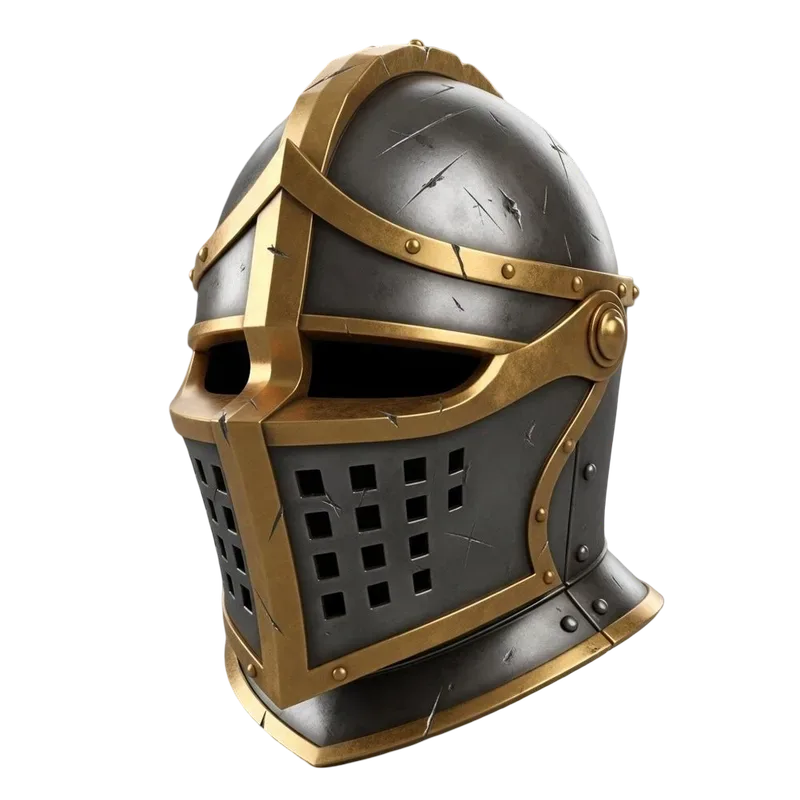
A hard-surface prop
Helmets, tools and gadgets need flat planes and crisp edges. Watch for wobbly surfaces and corners that come out rounded.
 Example
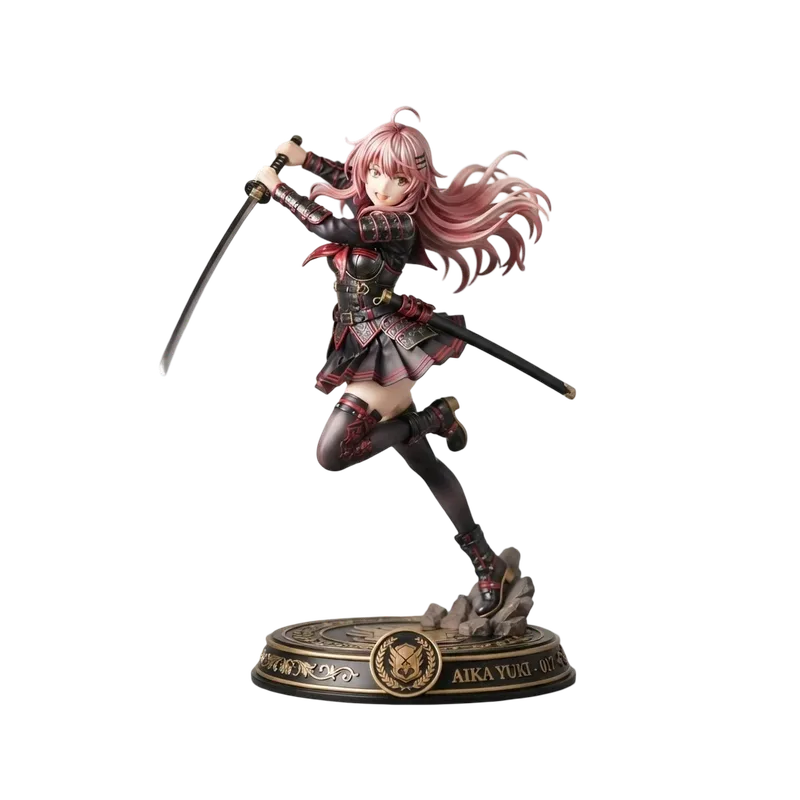
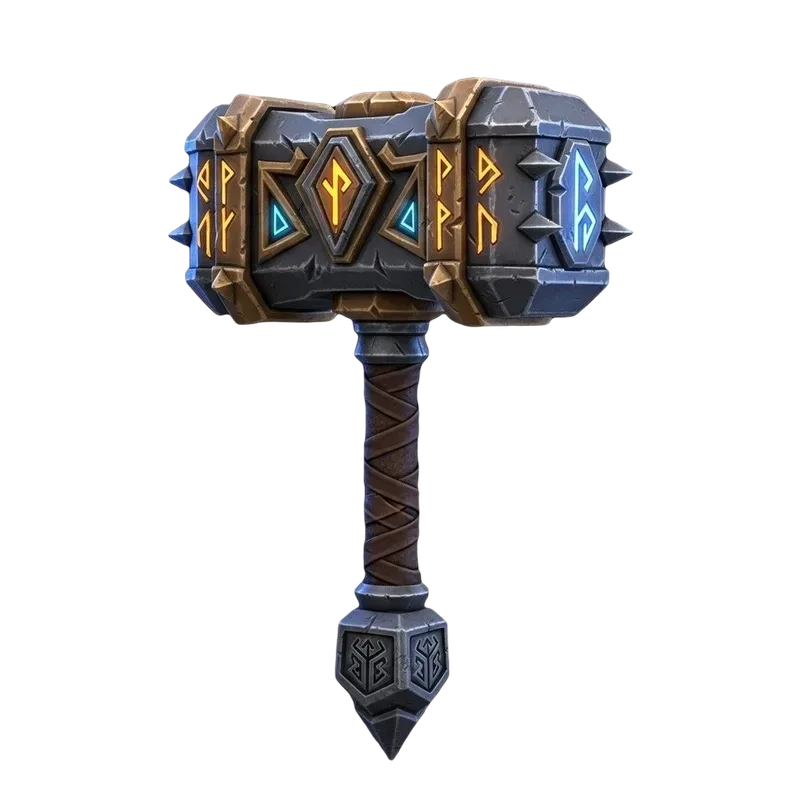
A small figurine
Hair strands, a sword blade or a thin base are the first things a light mesh simplifies. This is where face count shows.
 Example
A text prompt
Both engines also take words. Write one plain sentence with the object, material, colour and style, and give both engines the same sentence.
Which fits which job
Rodin Gen-2.5 Fast fits
Quick drafts and variations
It is the lower-cost run here, so you can try several photos or prompts before committing to a detailed model.
Web, AR and real-time previews
A mesh of 20K faces or fewer loads fast in a browser or headset and drops into a game engine without decimating first.
Blocking out a scene
When you need ten props roughly in place rather than one hero asset, speed and a light mesh matter more than fine detail.
Tripo H3.1 fits
Figurines and 3D printing
A denser mesh can hold small relief and thin parts that a 20K-face mesh has to smooth over. Convert the GLB to STL here, then check it in your slicer.
Product shots and close-ups
PBR textures and more geometry hold up better when the camera comes close or the light moves.
The model you'll keep
When the 3D model is the end product rather than a draft, start with Tripo H3.1 and use Rodin for quick alternatives.
What each maker offers only on its own platform
Kairo3D runs one configuration of each engine through fal.ai. The features below exist on the makers' own sites and APIs, not here, and the Rodin results you get on this page say nothing about Rodin's higher tiers.
On Tripo's own site
Tripo Studio wraps H3.1 in a full workspace with paid production tools.
- Multi-view to 3D, plus quad meshes and a target face limit through the API
- Detailed geometry, 4K to 8K textures and texture editing
- Smart segmentation and part-based retopology
- Free plan: public models, non-commercial use. Paid plans: private models and commercial use
On Hyper3D's own site and API
Rodin Gen-2.5 goes well beyond the Fast tier used here.
- Medium, High and Extreme-High tiers; Extreme-High adds a mesh of up to 10M faces
- Quad mesh, T-pose or A-pose and bounding-box control
- USDZ, FBX, OBJ and STL exports and 4K HighPack textures
- Rigging and BANG to Parts APIs, plus add-ons for Unity, Godot, Maya and Omniverse
Tripo vs Rodin: questions people ask
Straight answers about the two engines and how they run here.
More engine comparisons
The two engines on their own pages, and the next pairings people ask about.
Tripo 3D
Tripo H3.1 on its own page: inputs, settings and credits.
Rodin AI
Hyper3D Rodin Gen-2.5 Fast: what it suits and what it costs here.
Tripo vs Hunyuan 3D
Tripo H3.1 against Tencent's Hunyuan 3D 3.1 Pro, licence terms included.
Meshy vs Tripo
Plans, models and export formats side by side, with sources.
One photo, two engines, one credit balance
Upload an image, generate with Tripo H3.1, switch to Rodin Gen-2.5 Fast and keep the model that fits.
Facts checked on 2026-11. Kairo3D is independent and not affiliated with VAST/Tripo, Deemos/Hyper3D or Tencent. Tripo, Rodin, Hyper3D and Hunyuan are trademarks of their owners. Tripo H3.1 and Rodin Gen-2.5 Fast run on Kairo3D through fal.ai.