
glTF to GLB Converter
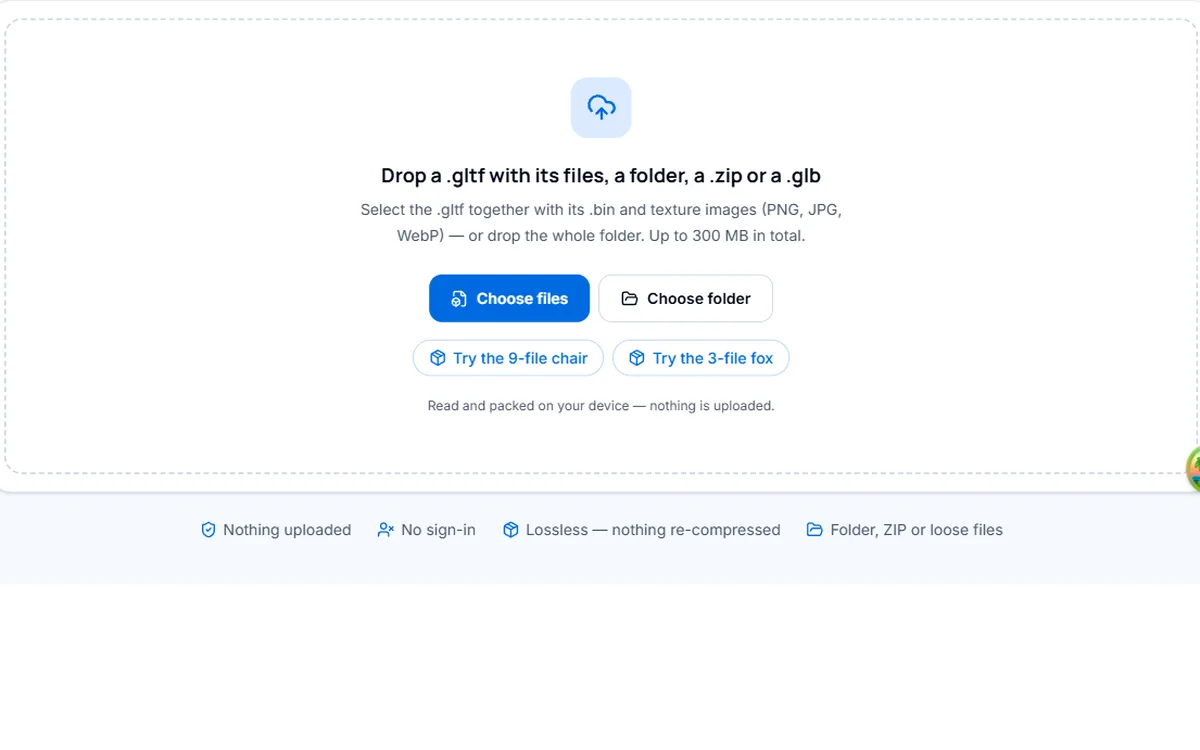
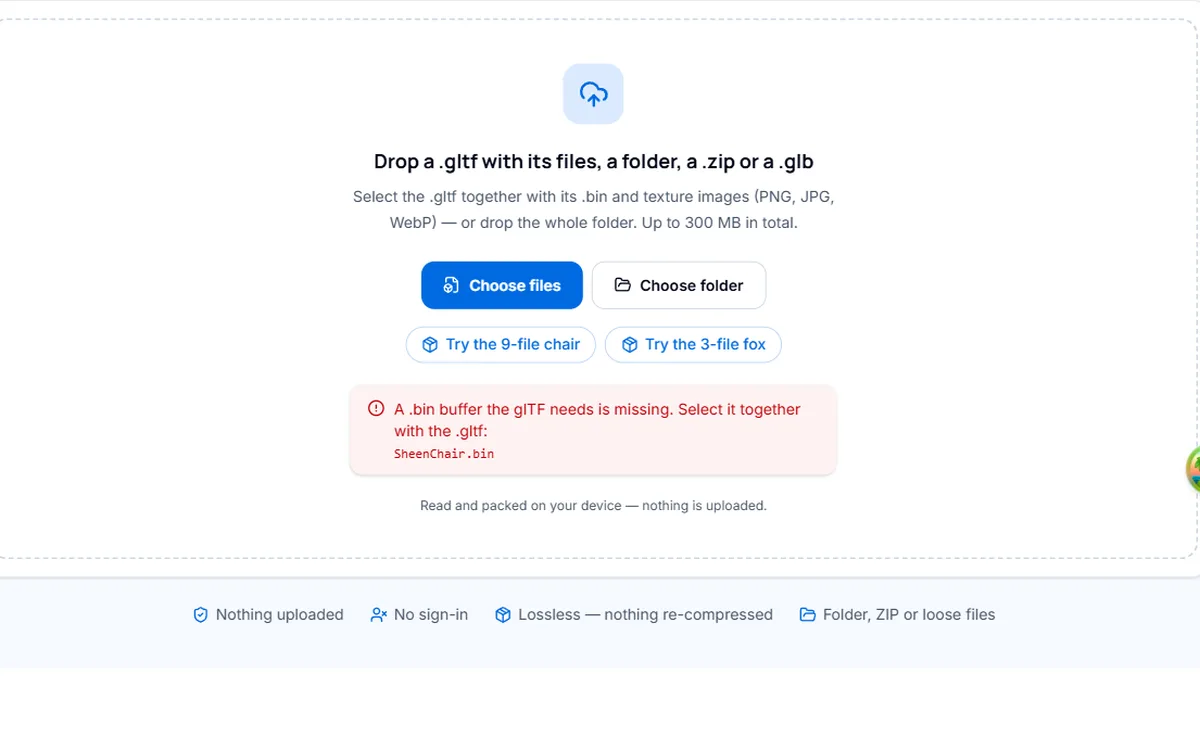
Drop a .gltf with its files, a folder, a .zip or a .glb
Select the .gltf together with its .bin and texture images (PNG, JPG, WebP) — or drop the whole folder. Up to 300 MB in total.
Read and packed on your device — nothing is uploaded.
- Nothing uploaded
- No sign-in
- Lossless — nothing re-compressed
- Folder, ZIP or loose files
glTF to GLB at a glance
Measured on the two Khronos sample models built into the page.
9 files → 1 GLB
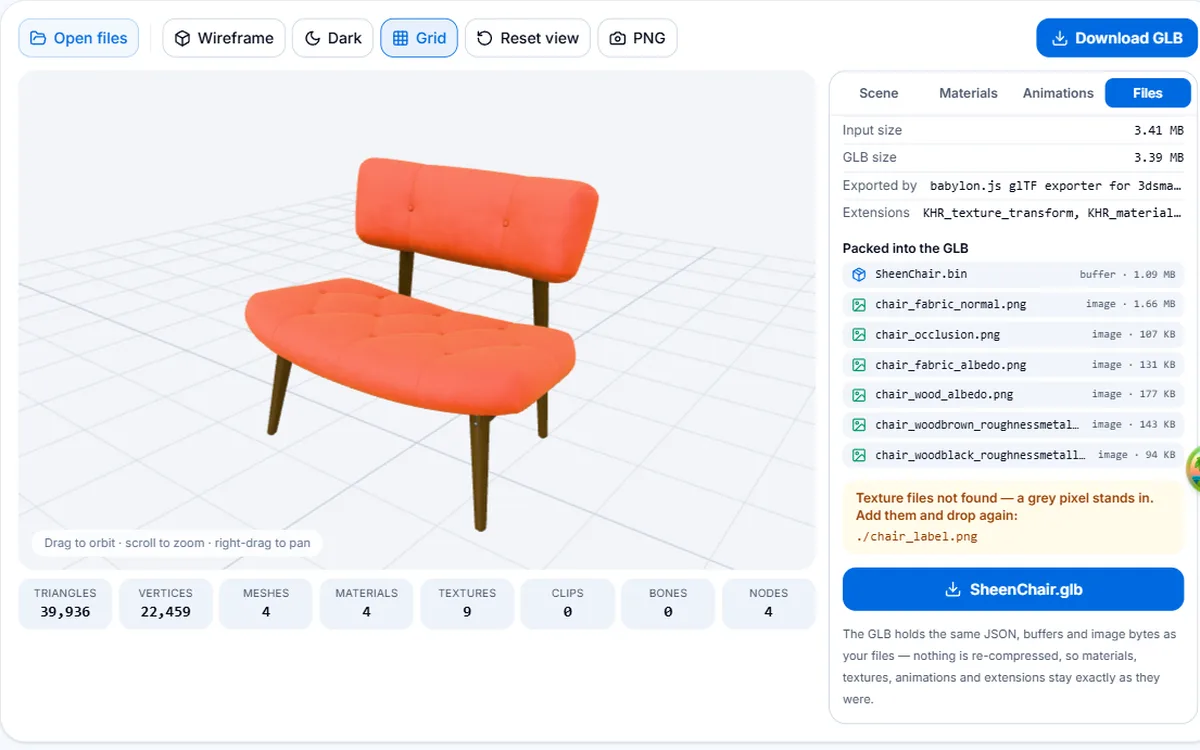
The Sheen Chair: one .gltf, one .bin and seven PNG textures become a single 3.93 MB GLB that passes the Khronos glTF Validator with 0 errors.
162,852 bytes
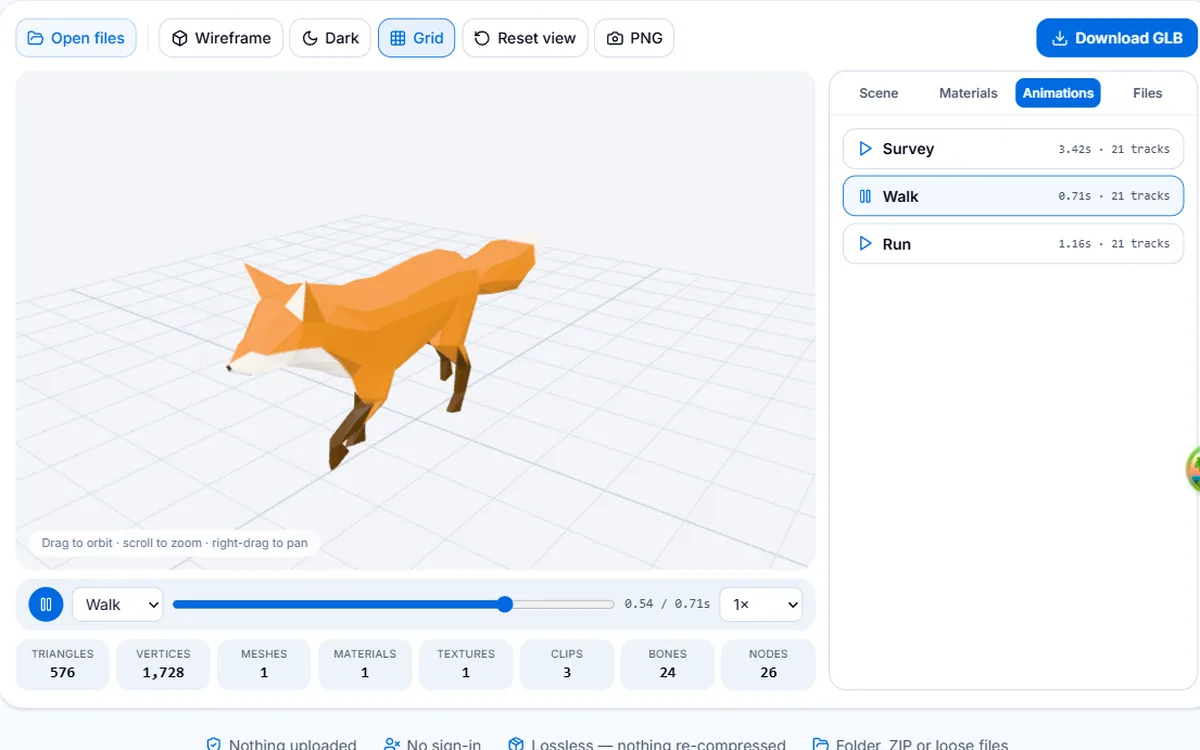
Our GLB of the Fox sample is the exact size of the official Fox.glb published by Khronos — the packing adds nothing and drops nothing.
3 extensions kept
KHR_materials_sheen, KHR_materials_variants and KHR_texture_transform stay in the chair’s GLB, because the JSON is copied, not rebuilt by an exporter.
How to convert glTF to GLB
Three steps, no install, no account.
Add the .gltf with all its files
Select the .gltf, its .bin and the textures at once, choose the export folder, or drop a ZIP. Sub-folders such as textures/ are matched by their relative path, then by file name.
Check the report and the preview
The Files tab shows every buffer and image that went in, any texture that was missing and any file that was not used. The model appears in 3D with its materials and animations, so you can see it is complete.
Download the GLB
Click “Download GLB”. The file opens in Blender, three.js, Babylon.js, model-viewer, Unity (glTFast), Unreal, PowerPoint and Windows 3D Viewer, and uploads anywhere that asks for a single .glb.
What carries over from glTF to GLB
GLB is glTF in a binary container, so a correct conversion keeps the whole model. Only the packaging changes.
.gltf + .bin + textures
One .glb
| What carries over from glTF to GLB | .gltf folder | .glb |
|---|---|---|
| Meshes, normals, UVs, vertex colours | Yes | Yes |
| PBR materials and texture images | Yes | Same bytes |
| Skins, morph targets, animations | Yes | Yes |
| Extensions and extras | Yes | Yes |
| External file references | Many | None |
| Base64 data: URIs | Possible | Decoded (smaller) |
| Editable as text | Yes | No |
Textures are stored as they are (PNG stays PNG, JPEG stays JPEG). To make the GLB smaller, compress or resize the textures before packing.
What the converter writes, byte by byte
A GLB is three parts, defined by the glTF 2.0 specification.
- Header (magic, version, length)12 B
- JSON chunk≈ 21 KB
- Geometry buffer (.bin)1.09 MB
- 7 PNG textures2.82 MB
Packed Sheen Chair (4,125,664 bytes). Textures are almost three quarters of the file — the place to save space.
Header and chunks
A GLB starts with a 12-byte header (the ASCII magic “glTF”, version 2 and the total length), followed by a JSON chunk padded with spaces and a binary chunk padded with zeros, each a multiple of four bytes long. Every reader — three.js, Blender, Unity — expects exactly this layout.
How the references are rewritten
In the .gltf, each buffer has a “uri” such as SheenChair.bin and each image a “uri” such as chair_label.png. The converter lays all buffers end to end in the binary chunk (8-byte aligned), shifts every bufferView offset accordingly, then appends each image as a new bufferView and replaces its uri with that bufferView and a mimeType.
Why we do not re-export
Many online converters load the model into an engine and export it again. That can drop extensions the exporter does not know, re-encode textures, merge materials or bake animations. Copying the data keeps the file as the artist made it — the reason the packed chair still switches between its velvet variants.
| Sample | Input files | Input size | GLB size |
|---|---|---|---|
| Fox (Khronos) | 3: .gltf, .bin, 1 PNG | 187 KB | 159 KB (162,852 B) |
| Sheen Chair (Khronos) | 9: .gltf, .bin, 7 PNG | 3.95 MB | 3.93 MB |
Typical multi-file glTF exports
Product and furniture models usually ship as a .gltf with a texture folder — exactly what this converter packs.
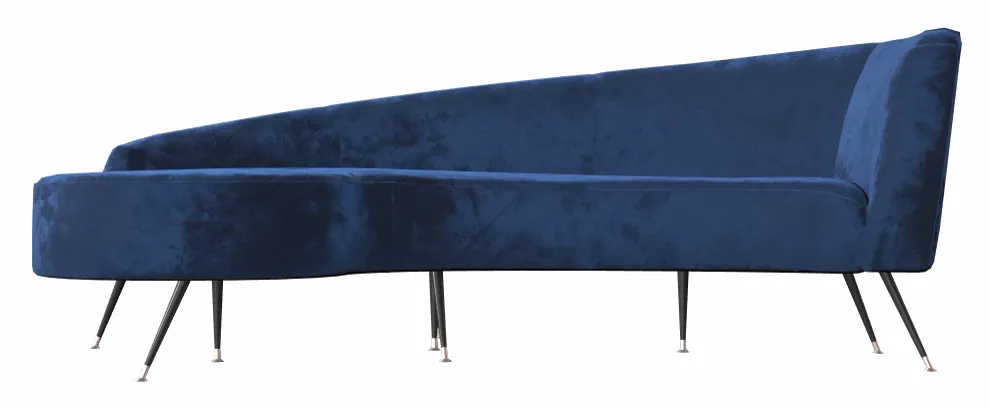 Reference example
Velvet sofaFabric with sheen and a normal map: one material, several textures that must travel with the .gltf. 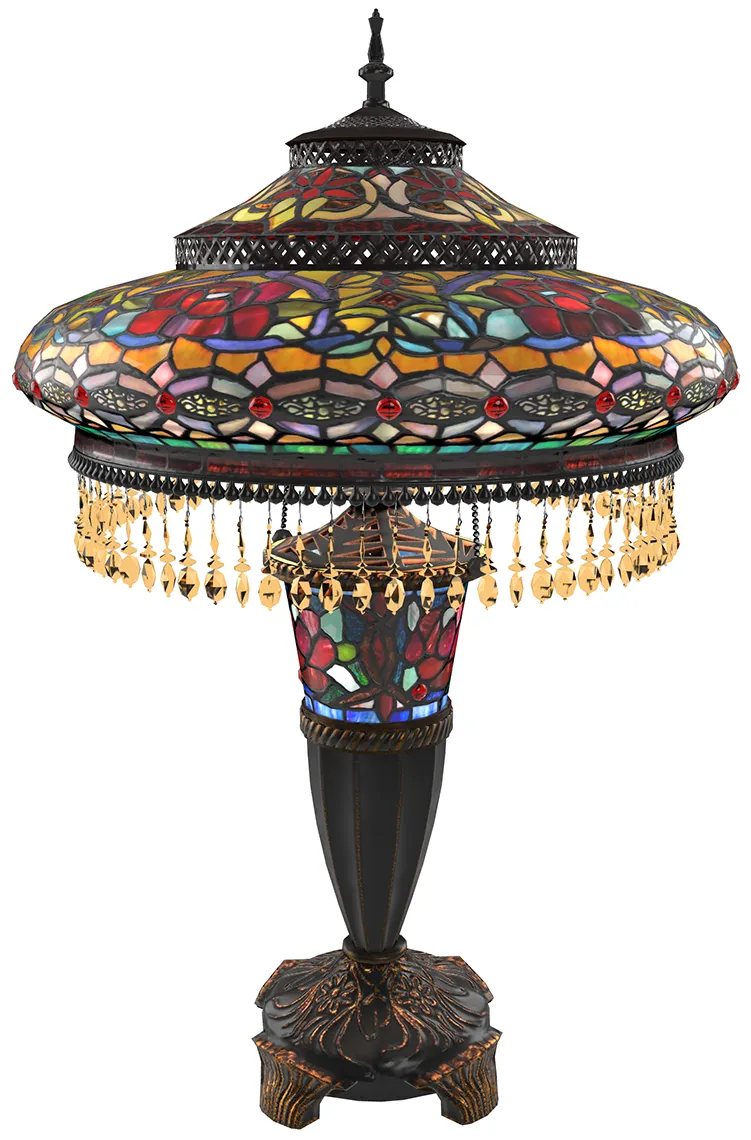 Reference example
Stained-glass lampTransmission, emissive and many small parts — a scene where a single missing texture is obvious. 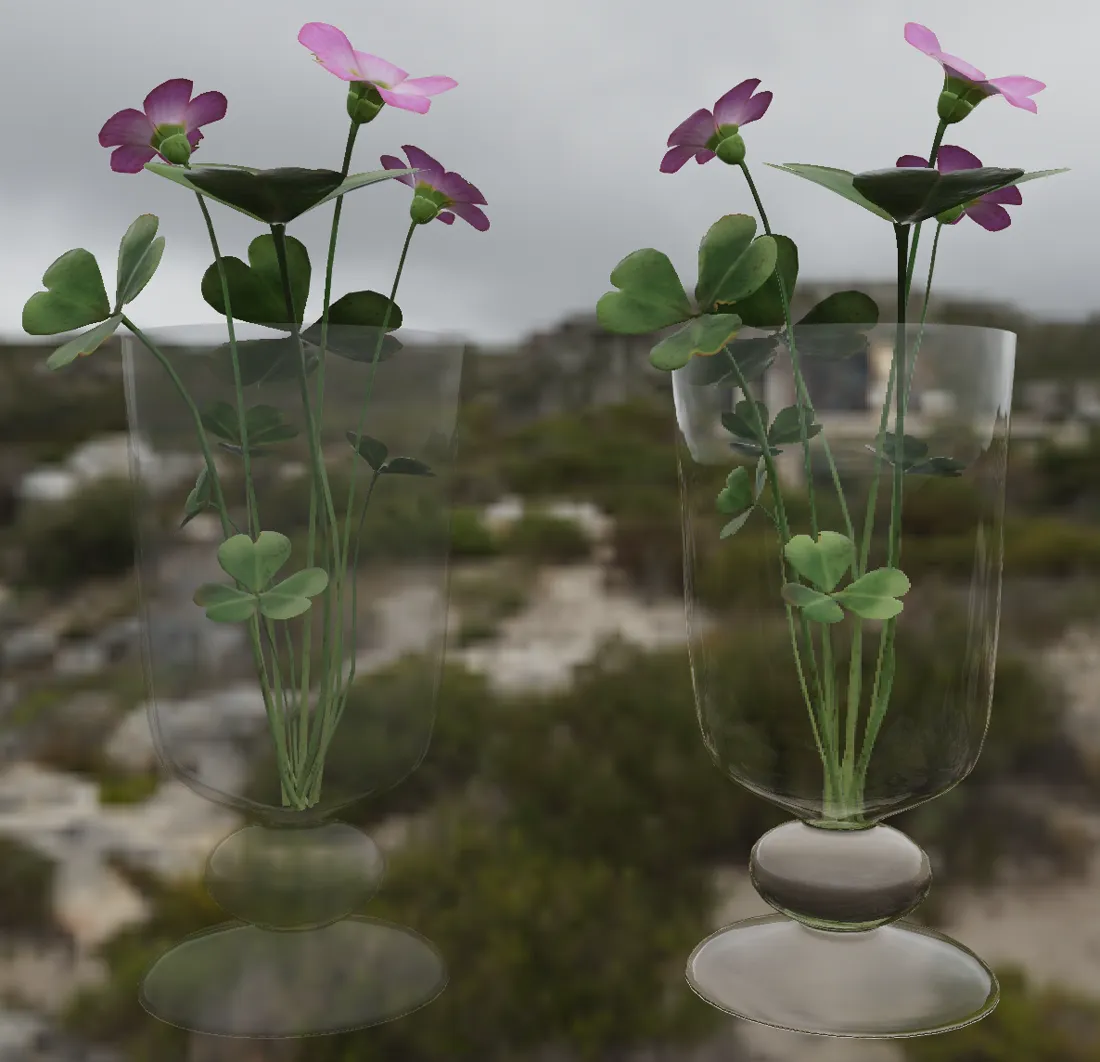 Reference example
Glass vase with flowersVolume and transmission extensions on the glass, alpha-masked leaves — all kept when packed.
Renders from the Khronos glTF Sample Assets (CC BY 4.0 / CC0). Not made with Kairo3D.
GLB models made with Kairo3D
Our AI generators already deliver a single GLB — no packing needed.
A glTF to GLB packer that keeps everything
Built for handing over one clean file to an engine, a viewer or a client.
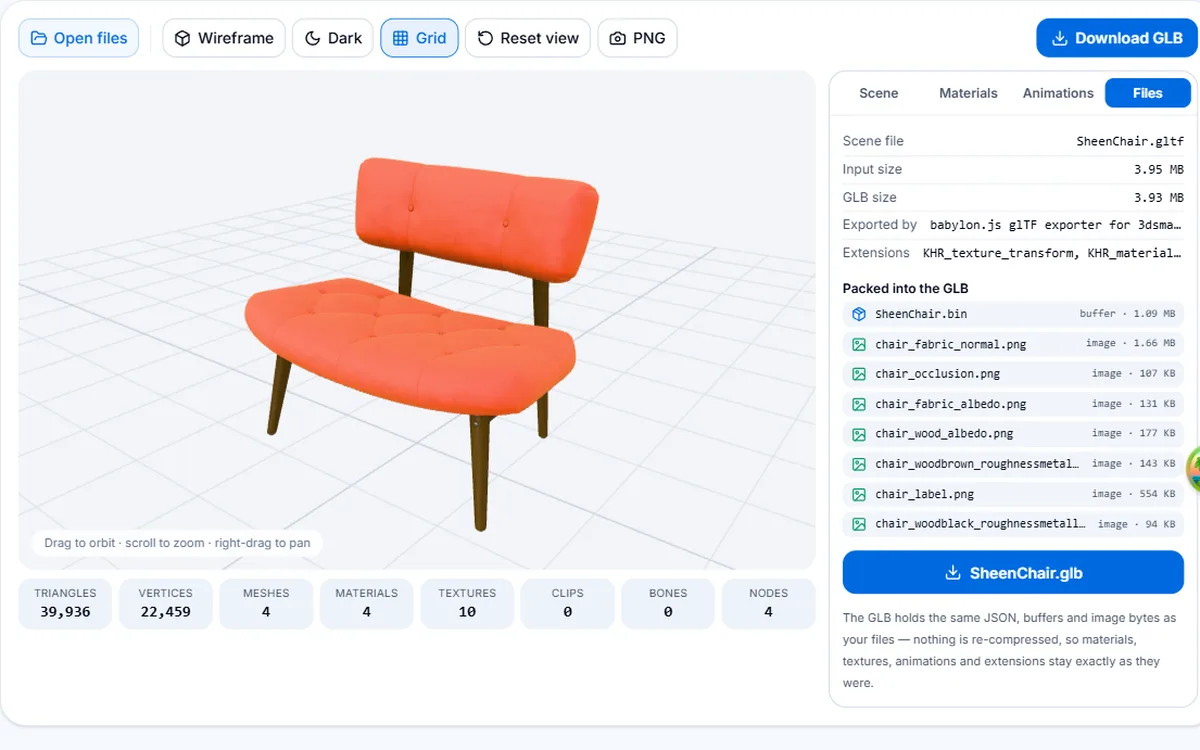
Byte-for-byte packing
Buffers and images are copied into the GLB binary chunk unchanged and the JSON is rewritten only where it points at files. No geometry is rebuilt, no texture is re-encoded.
Folders and ZIP files
Drop a whole folder (sub-folders included) or a ZIP from Sketchfab, a marketplace or a colleague. Files are matched by the relative path the glTF uses, then by name.
Missing-texture report
If a texture is missing, the GLB is still written with a grey placeholder and the report names the file, so you know what to add. A missing .bin stops the conversion with its file name.
Preview with materials and animation
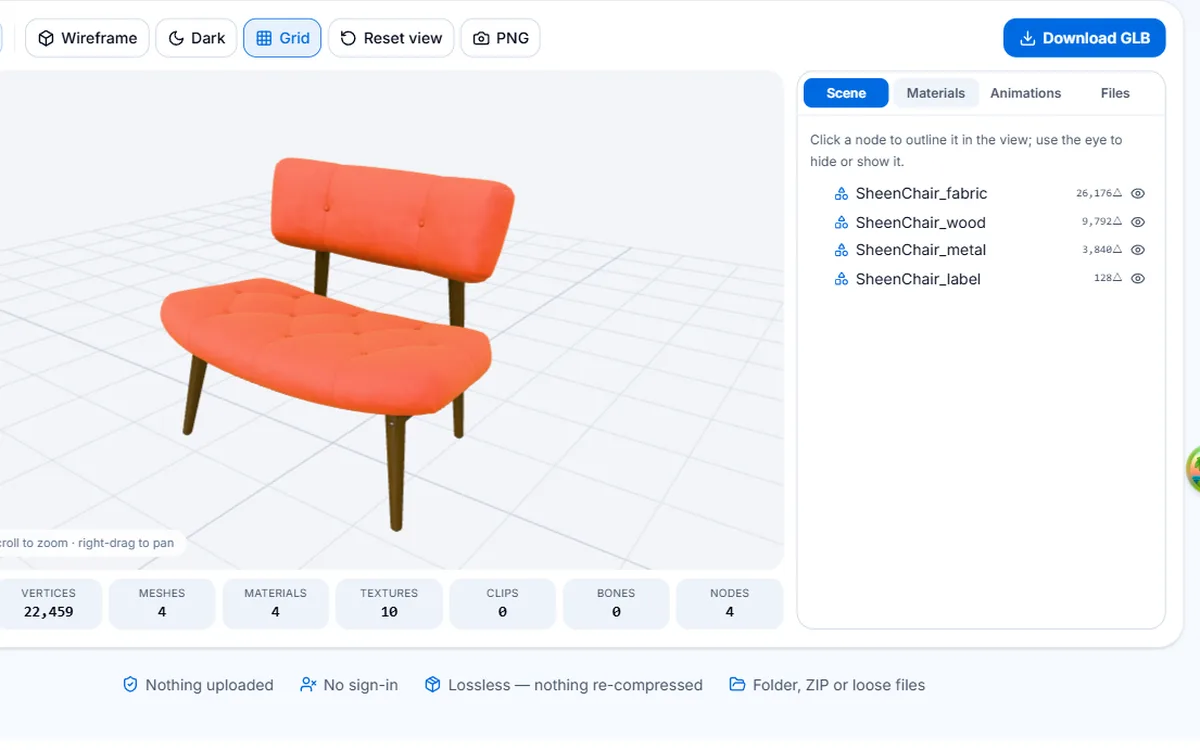
The packed GLB is opened right away: orbit it, switch material variants, play its animation clips and look through the scene tree before downloading.
Draco, meshopt and data URIs
Compressed buffers stay compressed, base64 data: URIs are decoded into binary (about 25 % smaller), and meshopt fallback buffers keep their layout.
Private by design
The packer runs in your tab with no server step, so client models and unreleased assets never leave your computer — useful when a studio policy forbids online converters.
glTF to GLB FAQ
Packing, file sizes and what to do when something is missing.
More ways to work with your 3D files
View, convert, or make a model from scratch.
glTF Viewer
Inspect .gltf and .glb scenes, materials and animations online.
GLB to USDZ
Make iPhone-ready USDZ AR files from GLB models.
USDZ to GLB
Convert Apple AR Quick Look USDZ files to GLB.
GLB viewer
Open GLB and glTF files with their textures, then measure them.
Online 3D Viewer
Open STL, OBJ, GLB, 3MF, STEP, FBX and more in one viewer.
GLB to STL converter
Turn a GLB or glTF into a slicer-ready STL, with nothing uploaded.
Need a GLB from a picture instead?
Kairo3D turns a photo or a drawing into a textured 3D model and delivers it as a single GLB.