
Free STEP File Viewer
Drop a STEP or STP file to view it
.step, .stp, .iges — or STL, OBJ, 3MF, GLB — up to 200 MB
- Nothing uploaded
- No sign-in
- Assemblies with colours
- Size, area and volume
The STEP viewer at a glance
What you see when you open a CAD file here.
pillow-block-assembly.step
- Pillow block assembly7 parts
- Base plate
- Housing
- Shaft
- Bolt× 2
- Nut× 2
7 parts
Our pillow-block sample opens as base plate, housing, shaft, two bolts and two nuts, each a separate solid in its assembled position.
4 readings
Bounding-box size, triangle count, surface area and volume, switchable between mm, cm, m and inches.
0 uploads
The CAD file is read by a WebAssembly build of OpenCascade inside this tab, loaded only when you open one.
How to open a STEP file online
Three steps, on Windows, macOS, Linux or a Chromebook.
Drop the .step or .stp file
Drag it onto the viewer or click to pick it. The first STEP file downloads the 7.6 MB reader once; later files open faster.
Look around the part
Drag to orbit, scroll to zoom, right-drag to pan. Switch on the wireframe to see how the surfaces were meshed, or a dark background for light-coloured parts.
Read the numbers, save a picture
The side panel lists size, area and volume in millimetres. Click Screenshot to save a PNG for an email, a quote or a forum post.
What a browser STEP viewer shows — and what it leaves out
For checking a part someone sent you, a viewer is enough. For changing it, you still need CAD.
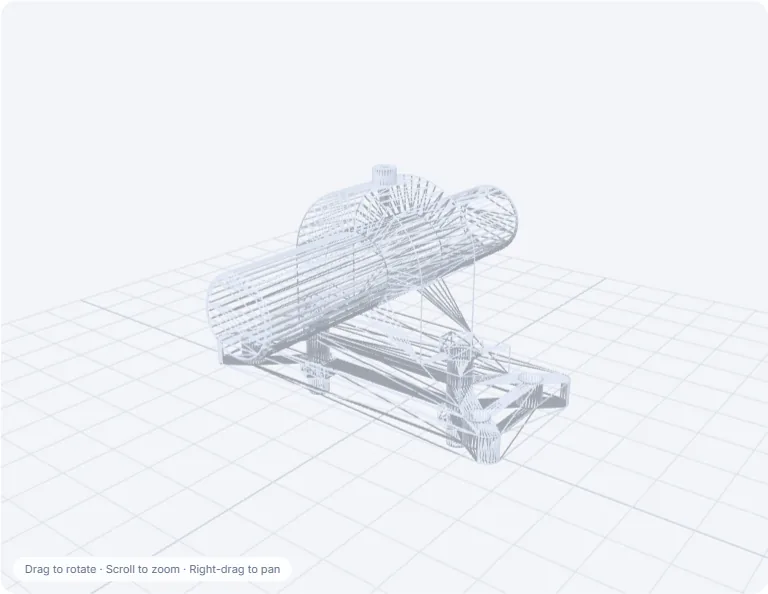
Shaded view (STEP colours if the file has them)
Wireframe: the mesh used for display
| What a browser STEP viewer shows — and what it leaves out | This viewer | Desktop CAD |
|---|---|---|
| Open .step / .stp / .iges | Yes | Yes |
| Orbit, zoom, pan | Yes | Yes |
| Part colours | Yes | Yes |
| Size, area, volume | Yes | Yes |
| No install, no account | Yes | No |
| Assembly tree, per-part hiding | No | Yes |
| PMI, tolerances, editing | No | Yes |
Area and volume are computed from the display mesh, so curved parts read a fraction of a percent below the exact CAD value.
Assemblies people open a STEP viewer for
Multi-part machines, kits and mechanisms: reference pictures of the kind of CAD you can check here before printing or quoting.
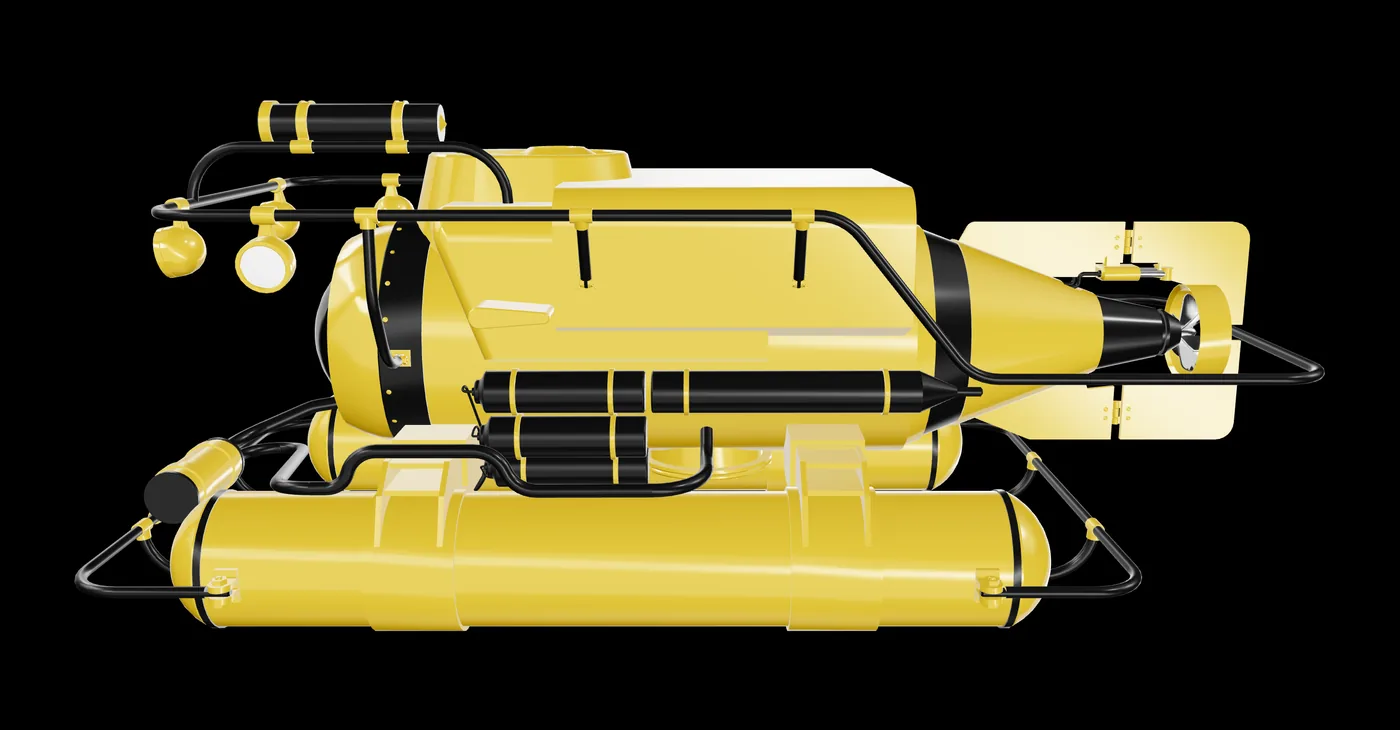 Reference example
A full product assemblyHulls, thrusters and tanks arrive as one STEP file. The viewer shows every part in place, with the designer’s colours. 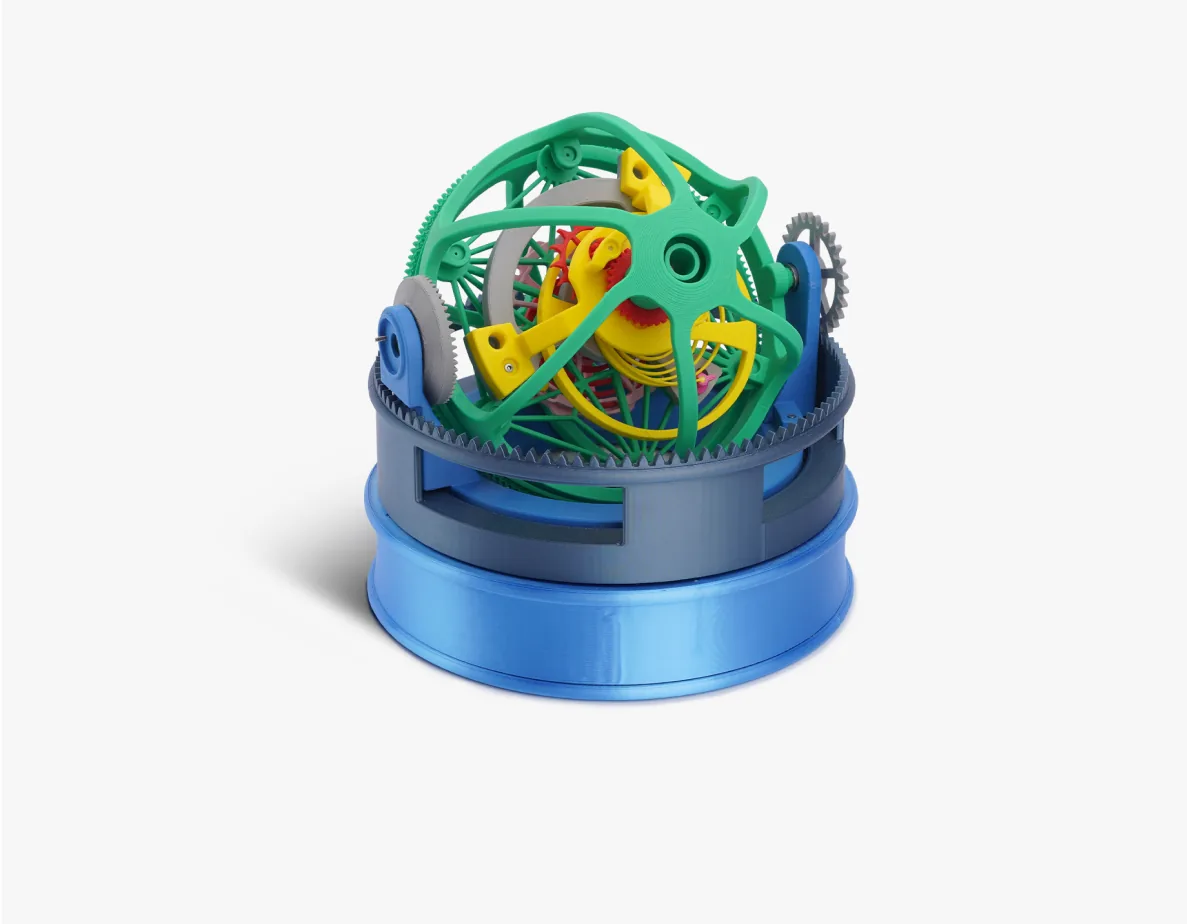 Reference example
Moving mechanismsGears and rings that mesh are easiest to check in 3D. Turn the model and switch to wireframe to see hidden parts. 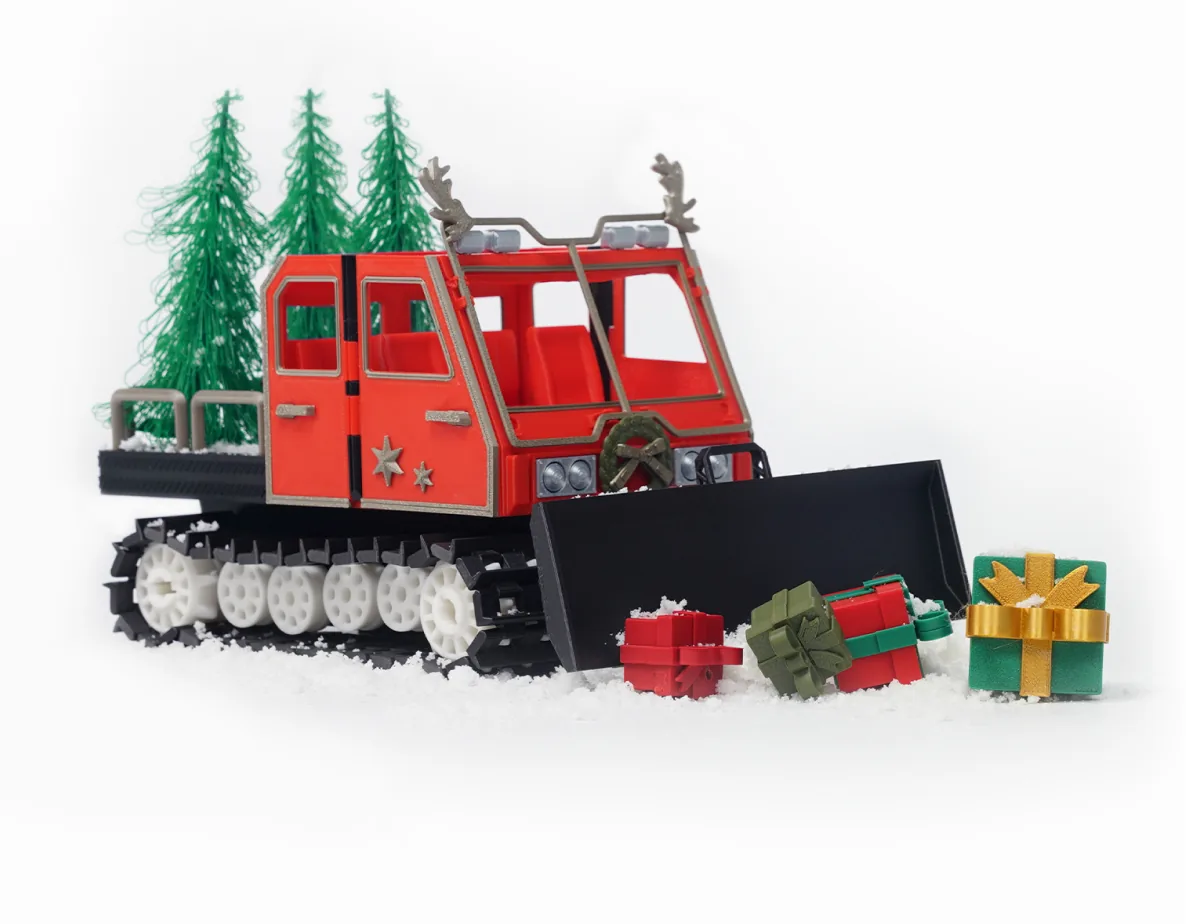 Reference example
Kits with many partsA kit of tracks, cab and blade is many solids in one file. Check that nothing is missing before you print the set.
More 3D models to explore
Reference models from AI 3D generators, live in the same kind of viewer. Kairo3D makes models like these from a photo.
Why use this free STEP file viewer
Quick to open, honest about what it measures, and private.
Opens real CAD geometry
STEP AP203, AP214 and AP242 files are read with OpenCascade, the kernel behind FreeCAD, and meshed at the Standard quality used by our STEP to STL tool.
Assemblies in colour
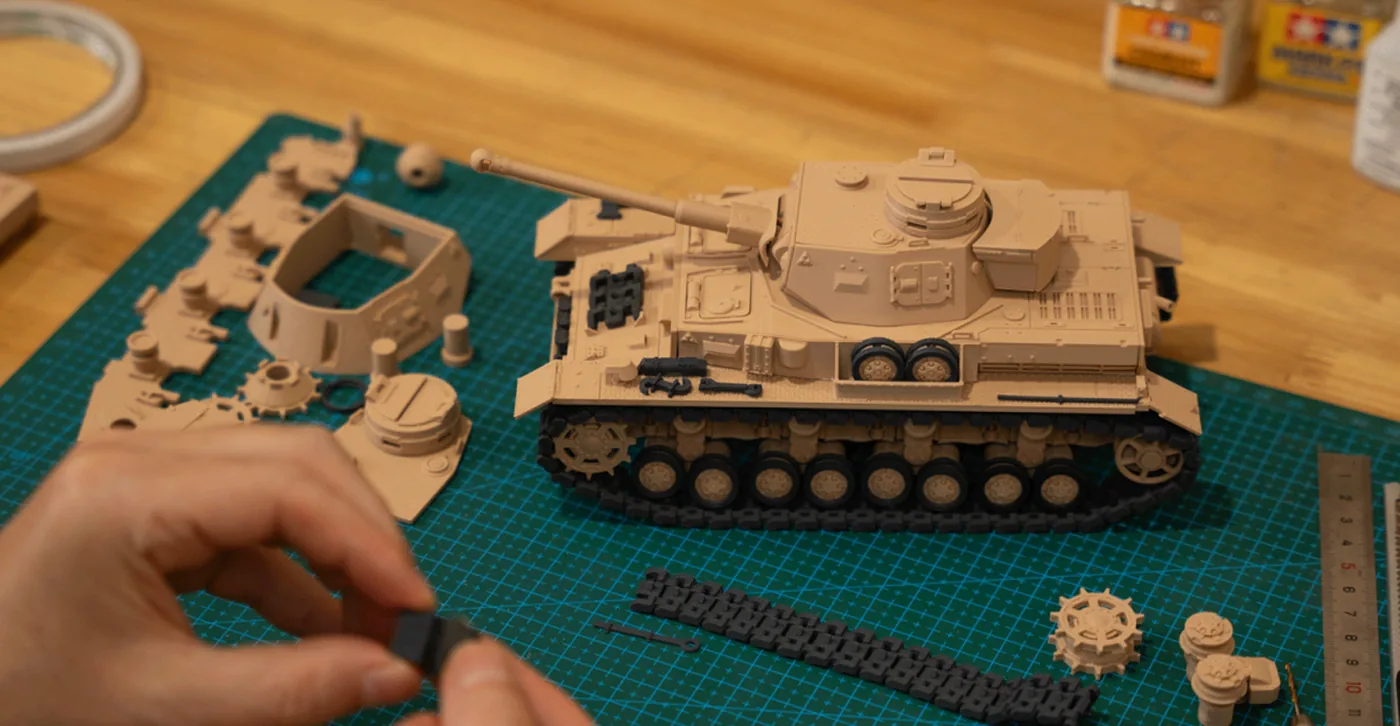
Every solid in an assembly is placed where the STEP file puts it, with the face and part colours the designer assigned.
Measurements you can quote
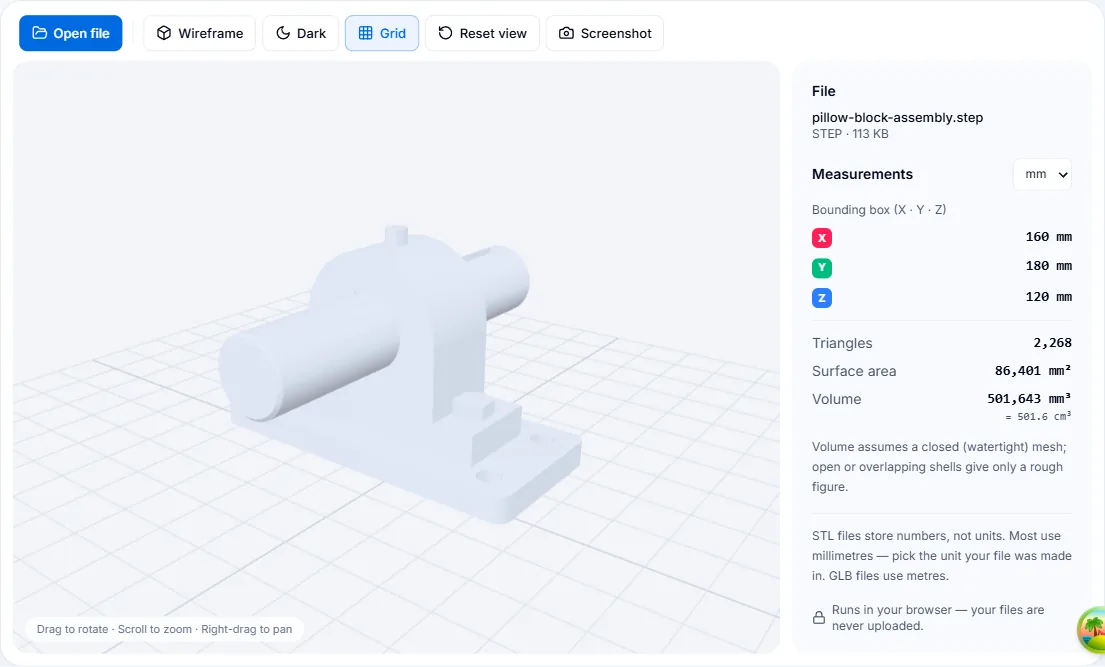
Bounding-box width, depth and height plus surface area and volume — enough to estimate material, a print time or a box size.
Wireframe and backgrounds
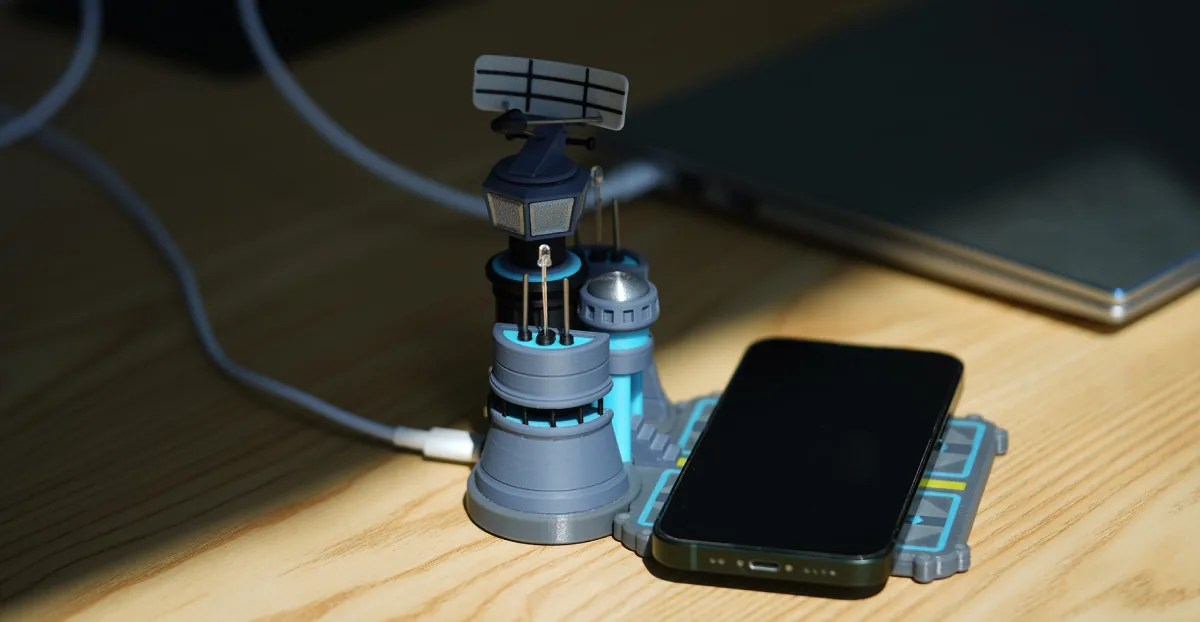
Toggle a wireframe, a grid and a dark background, and reset the camera with one click when you get lost.
No install, any computer
Works in current Chrome, Edge, Firefox and Safari with WebGL. Handy on a work laptop where you cannot install a CAD viewer.
Stays on your device
The file is opened from your disk into browser memory. Kairo3D does not upload, store or see it.
STEP viewer — frequently asked questions
Opening STEP files, what they contain and what the viewer measures.
More ways to work with your 3D files
View, convert, or make a model from scratch.
Make a 3D model from a photo
No CAD needed: Kairo3D turns one image into a 3D model you can view, download and print.