AI Miniature Generator for Tabletop Minis
Printable minis and figurines in 3D
Drag to rotate. Chunky shapes and solid bases print best at small scale.
How to make a tabletop miniature STL with AI
Prompt the AI miniature generator, convert, then scale. Base and supports are up to you.
Describe your hero
Name the creature, pose and gear, and add "on a round base". Or switch to image mode and upload character art.
Generate the 3D mini
Pick an engine and generate. The model is ready in about a minute; failed runs refund their credits.
Download the STL
Choose STL when you download, or drop the GLB into the free GLB to STL converter. Both run in your browser.
Scale it in your slicer
Set the height to match your 28 mm or 32 mm minis, add supports, then print.
What one AI miniature generator run gives you
From a prompt to a file your slicer opens.
- Under 2 minFrom a prompt or character art to a 3D mini
- 6 enginesThird-party engines via fal.ai, for text and image
- STLConverted from the GLB in your browser at no extra cost; OBJ and PLY too
Custom minis for every tabletop game
Heroes, monsters and keepsakes from one AI miniature generator prompt or picture.
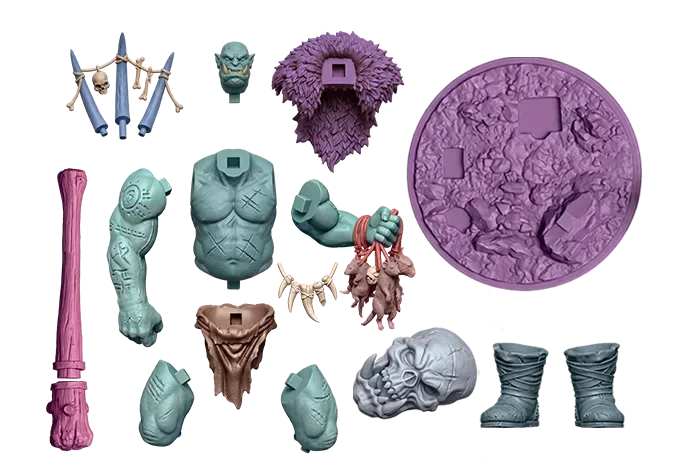
Monsters and bosses
Big creatures print well at mini scale. Cut tall ones into parts in your slicer.
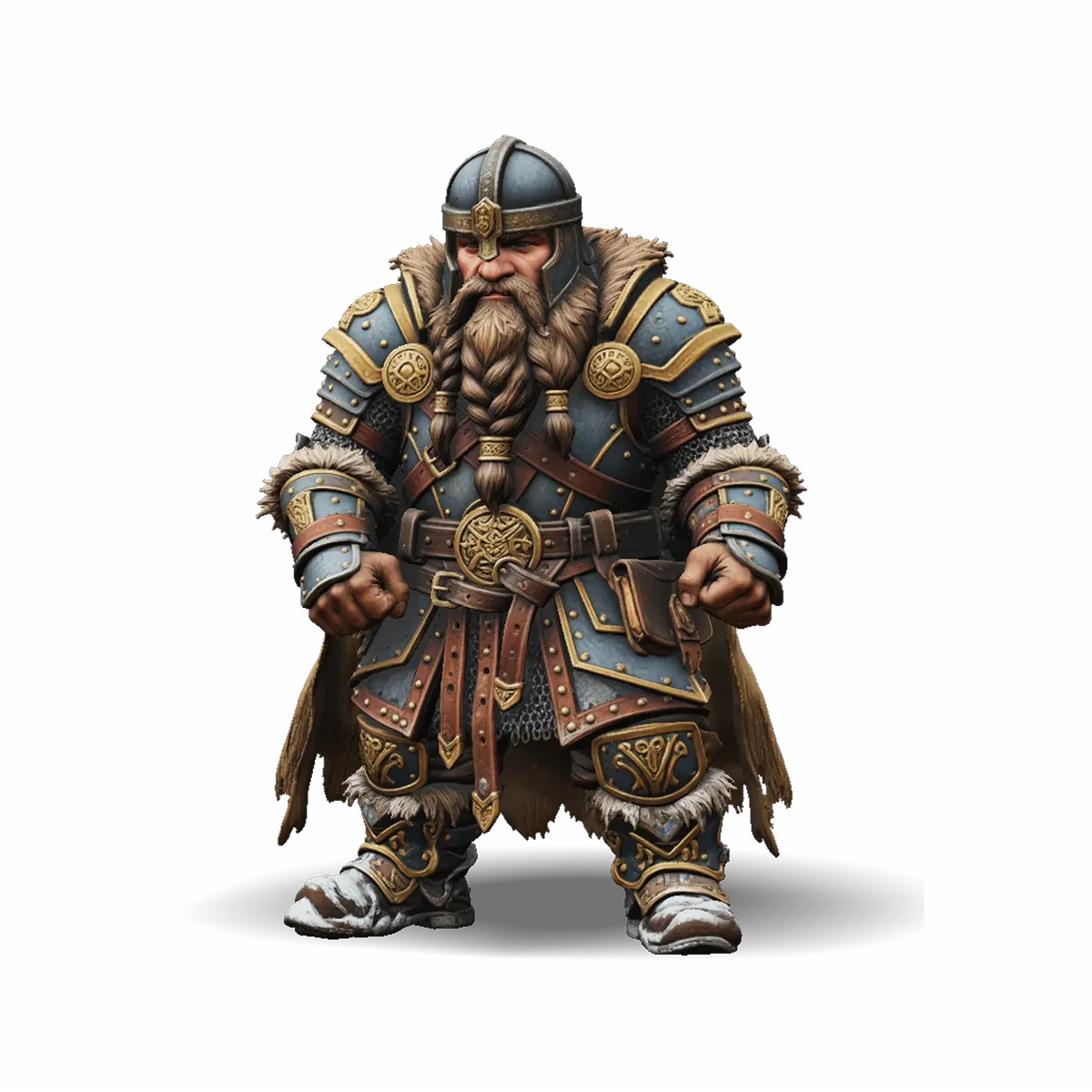
Your party's heroes
Describe race, class and gear for D&D-style games, then print the whole party.
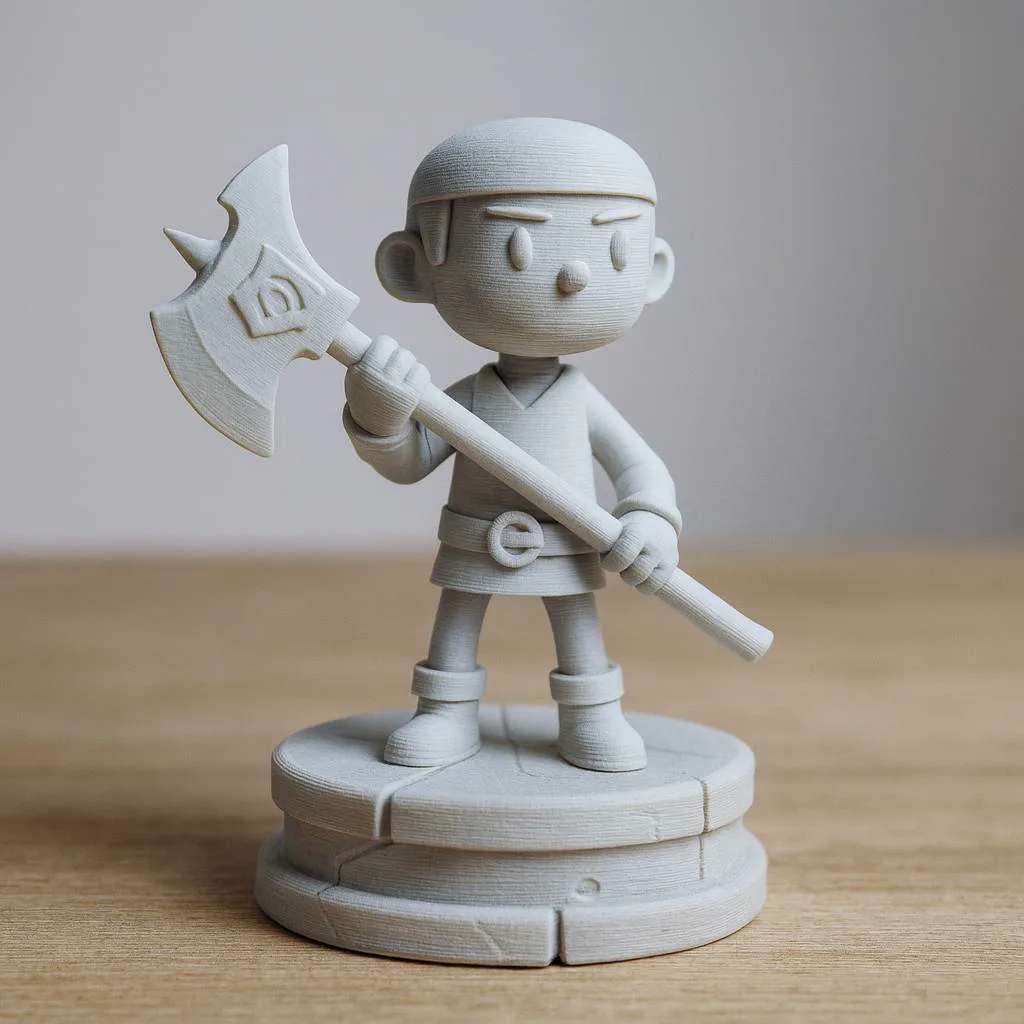
Ready to paint
An STL prints in one colour: prime the mini, then paint it by hand.
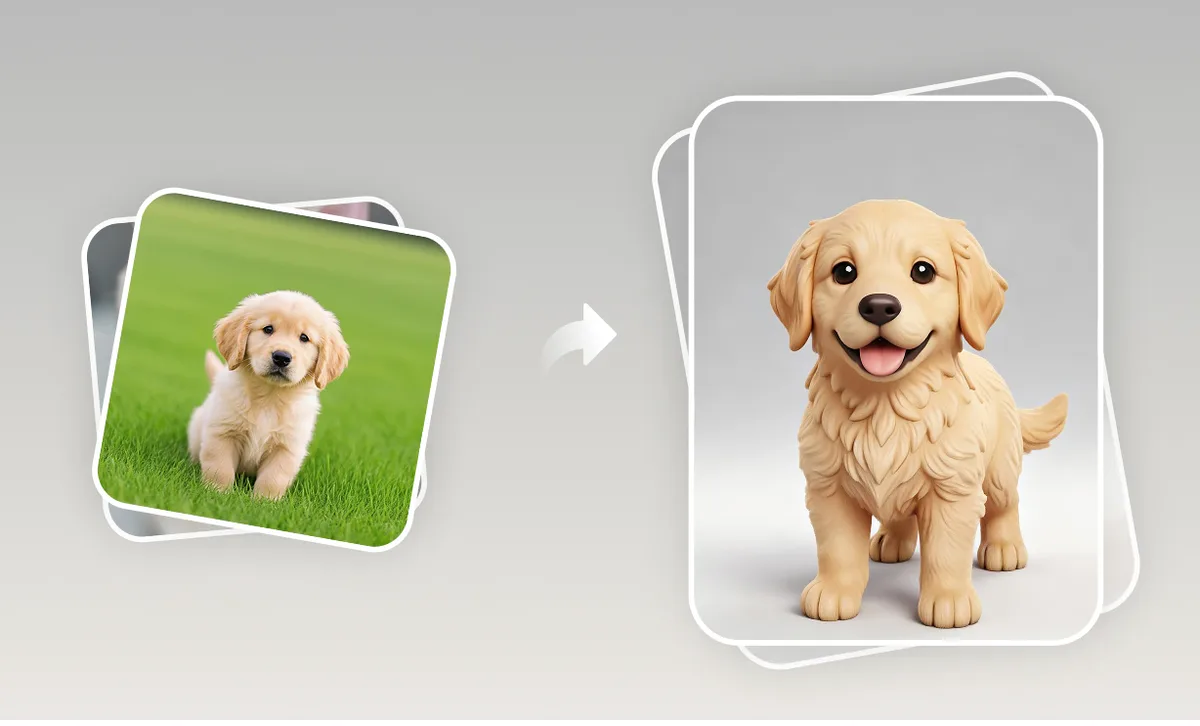
Custom miniature from a photo
Upload a pet or portrait photo for a stylised mini: a likeness, not a scan.
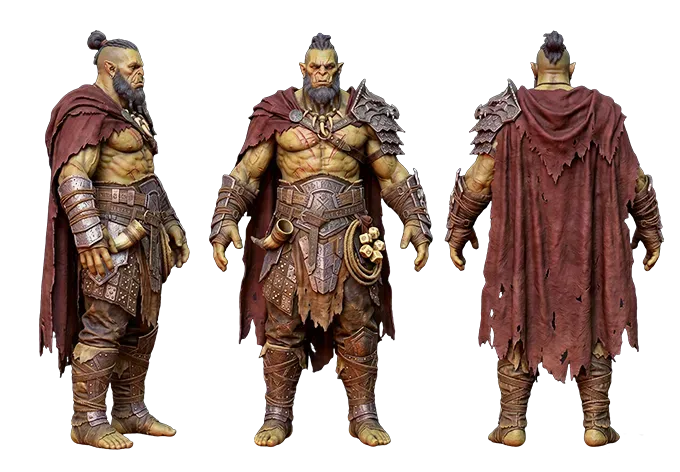
From character art
Already have a portrait of your character? Turn it into a 3D model first.
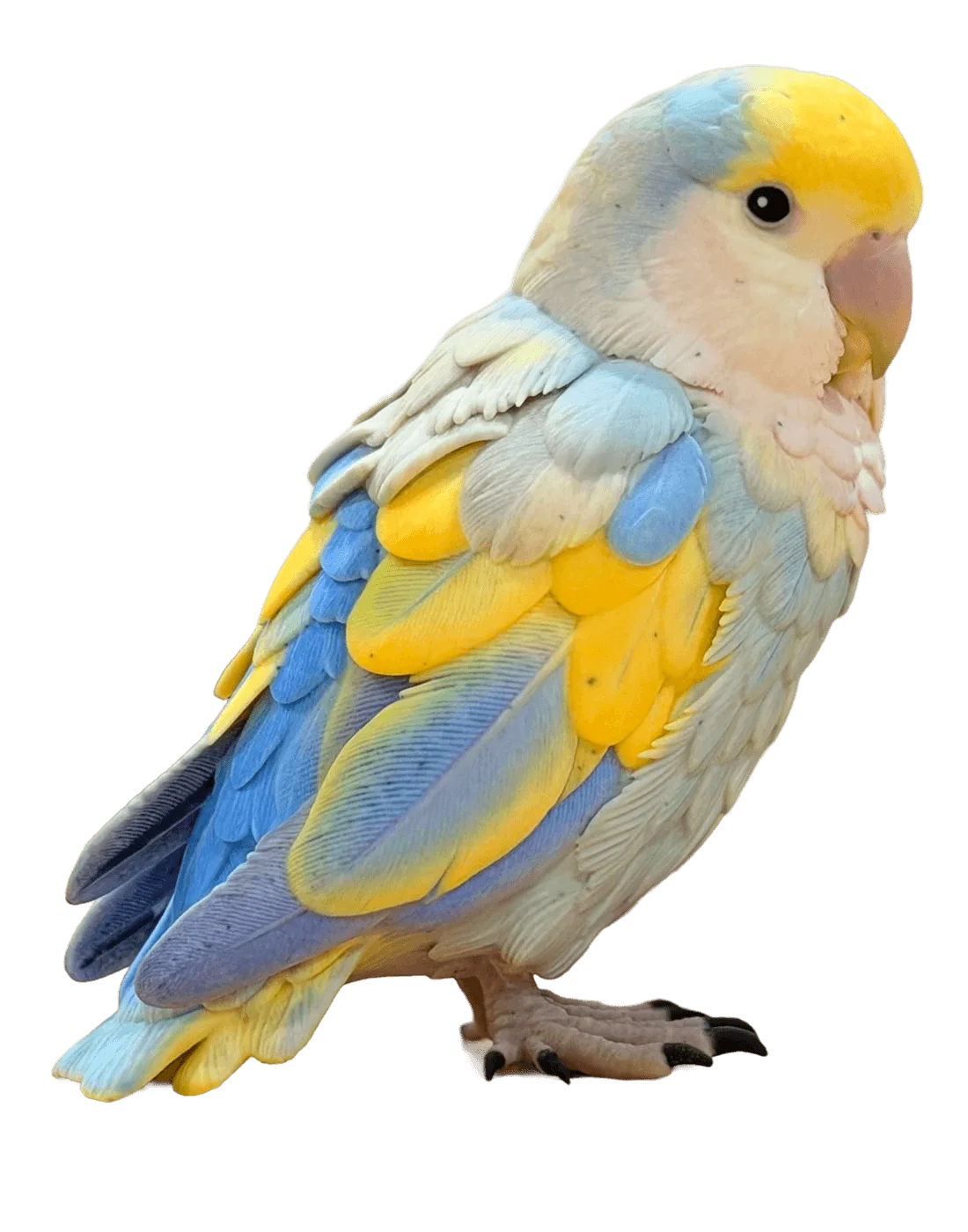
Display pieces
Scale the same model up for a shelf figure or a gift.
Before you print a mini from the AI miniature generator
Honest notes on printing small. Bases, supports and repairs happen in your slicer.
Set the scale yourself
STL has no units. Scale to your 28 mm or 32 mm minis; the STL viewer shows the size.
Resin for fine detail
Faces, hands and weapons soften at mini scale. Resin keeps more detail than FDM.
Bases and supports are yours
Some models come with a base, many don't. Add the base and supports in your slicer.
Check the mesh
AI meshes can have small holes or thin parts. Most slicers fix small issues on import.
One colour per print
STL keeps the shape only. Paint the mini, and keep the textured GLB for screens.
Credits back on failure
A failed generation refunds its credits automatically. The cost is shown before you start.
AI miniature generator FAQ
Scale, bases, printers, photos, formats and licences.
More tools for printing minis
Convert, measure, or start from character art.
Try the AI miniature generator
Describe a hero, let the AI miniature generator build it in about a minute, then download the STL.