
STL to STEP Converter
Drop STL files to convert to STEP
Binary or ASCII .stl (also OBJ, 3MF, GLB) — up to 10 files
STL has no units — most slicers read it as millimetres. Add a file to see its size.
Runs in your browser — your files are never uploaded.
- Nothing uploaded
- No sign-in
- Flat faces merged
- Closed mesh → solid body
STL to STEP at a glance
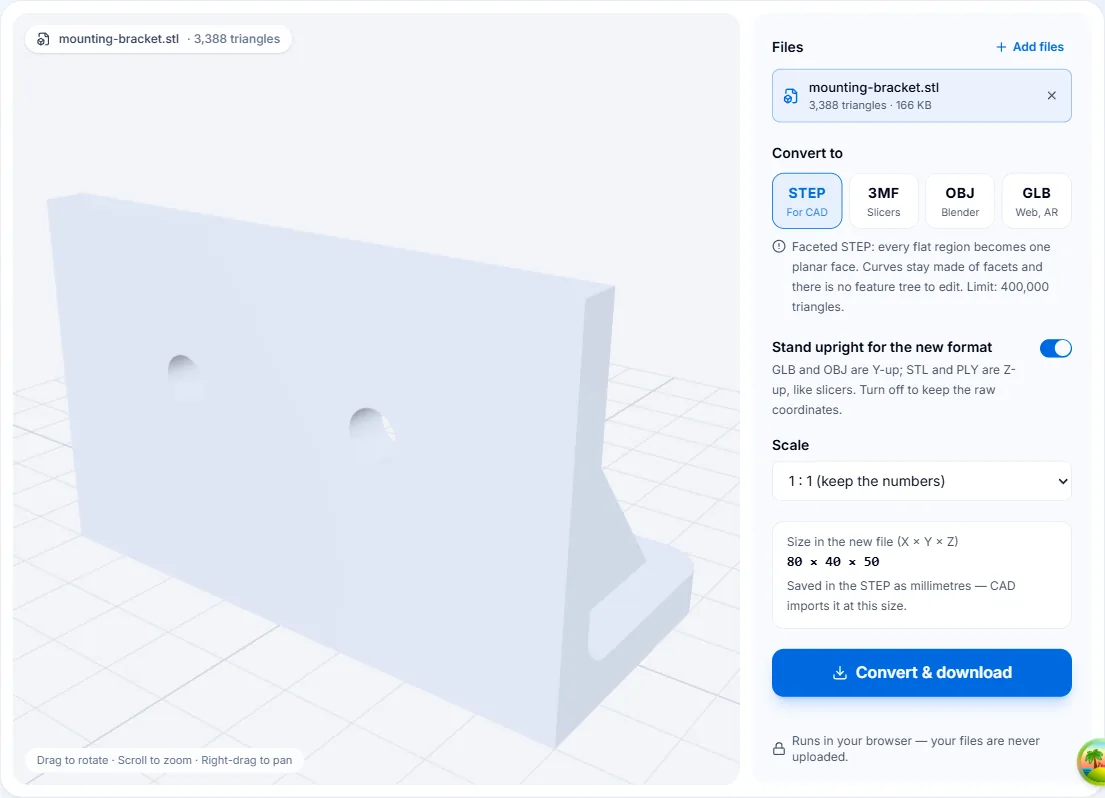
Measured on our own L-bracket sample, a closed STL of 3,388 triangles.
1Triangle mesh
The STL: loose triangles with no faces, edges or units. Our bracket has 3,388 of them.
2Coplanar merge
Triangles lying in one plane are joined into a single planar face: 846 faces on the bracket.
3STEP solid
The faces are stitched into one closed solid in millimetres (AP214) that CAD can measure.
3,388 → 846
Triangles in, planar STEP faces out: coplanar triangles are merged, so flat walls become single faces.
1 solid
A closed, watertight STL is written as one MANIFOLD_SOLID_BREP (AP214) with the same volume to five digits.
0 uploads
The STEP file is generated inside this browser tab. Your mesh never leaves your computer.
How to convert STL to STEP
Three steps, then import the .step into your CAD program.
Drop your STL
Drag a binary or ASCII STL onto the converter. It shows the triangle count and the size in millimetres, so you can catch a wrong scale before CAD does.
Keep STEP selected
STEP is the default target. Leave “Stand upright for the new format” on; STL and STEP are both Z-up, so nothing rotates. Use the scale menu if the STL was modelled in inches or metres.
Download and import
Click “Convert & download” to get a .step file. In your CAD program use Import or Insert Part; the mesh arrives as a body of planar faces you can measure, mate and boolean against.
What an STL to STEP conversion gives you
STEP can hold exact curves, but an STL never had them. The converter keeps your geometry precisely and wraps it in CAD-readable topology — it does not invent cylinders or fillets.
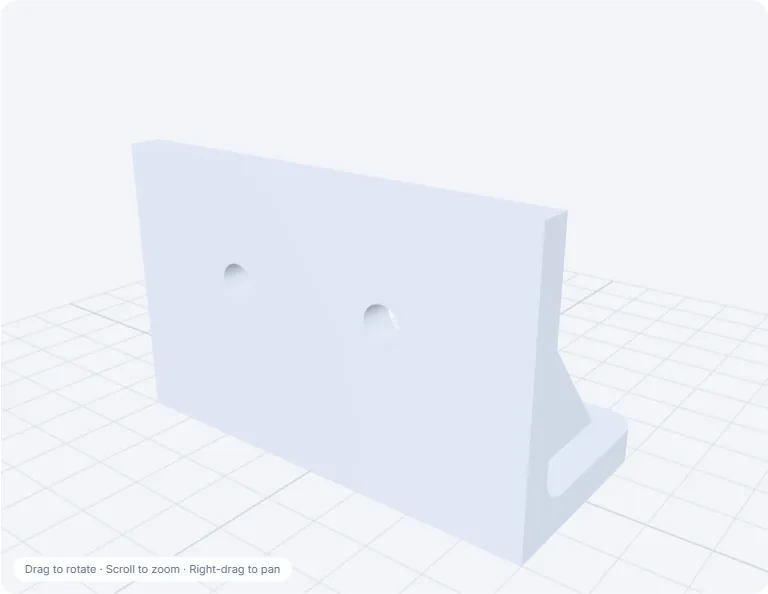
STL: unconnected triangles
STEP: faceted solid with merged flat faces
| What an STL to STEP conversion gives you | STL | STEP |
|---|---|---|
| Shape and size | Yes | Yes |
| Flat walls as single faces | No | Yes |
| Solid body (closed mesh) | No | Yes |
| Units declared in the file | No | mm |
| True cylinders and fillets | No | No |
| Feature history / parameters | No | No |
| Smaller file | Yes | No |
Open or broken meshes are still written, as a surface model instead of a solid. Repair holes first if your CAD program needs a solid.
Meshes that need to go back into CAD
Downloaded parts, scans and printed-part checks: reference pictures of the jobs a faceted STEP body is good for.
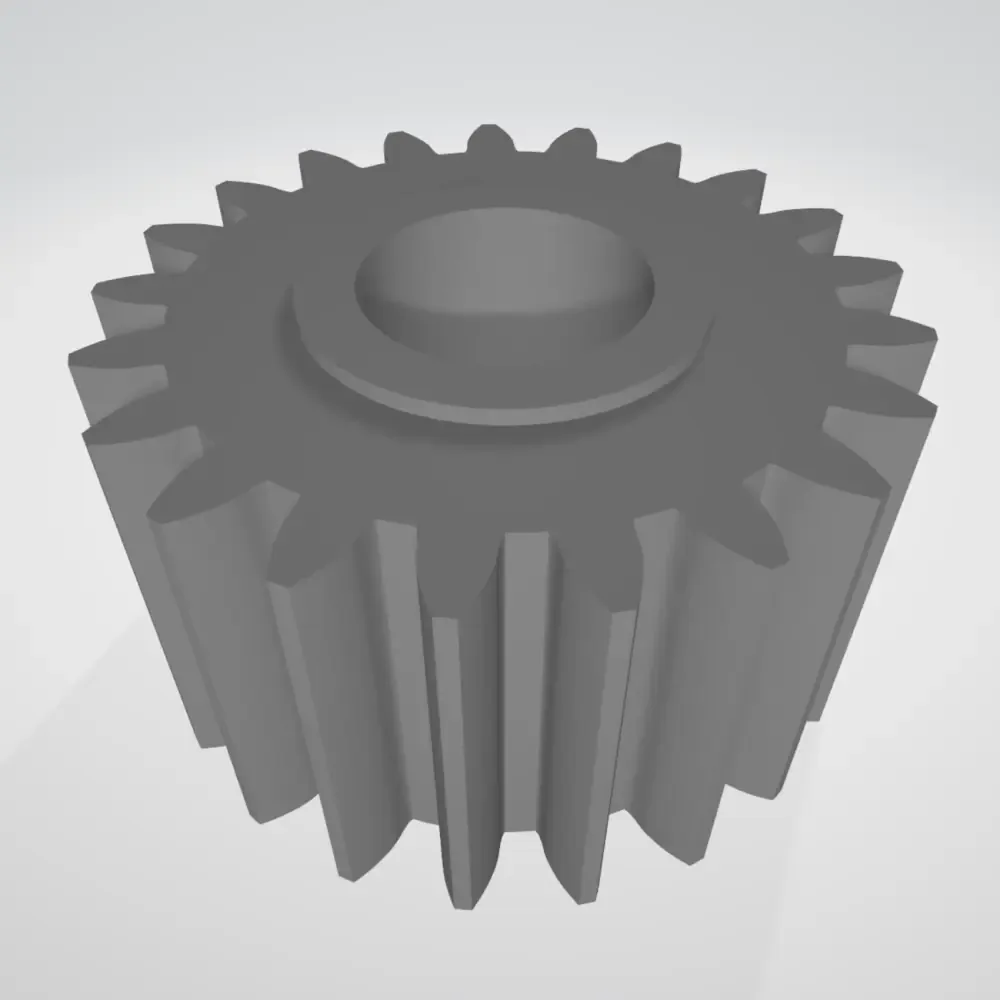 Reference example
A downloaded gear for your assemblyGears, knobs and housings from model sites come as STL. As a STEP body they drop into an assembly next to your own parts. 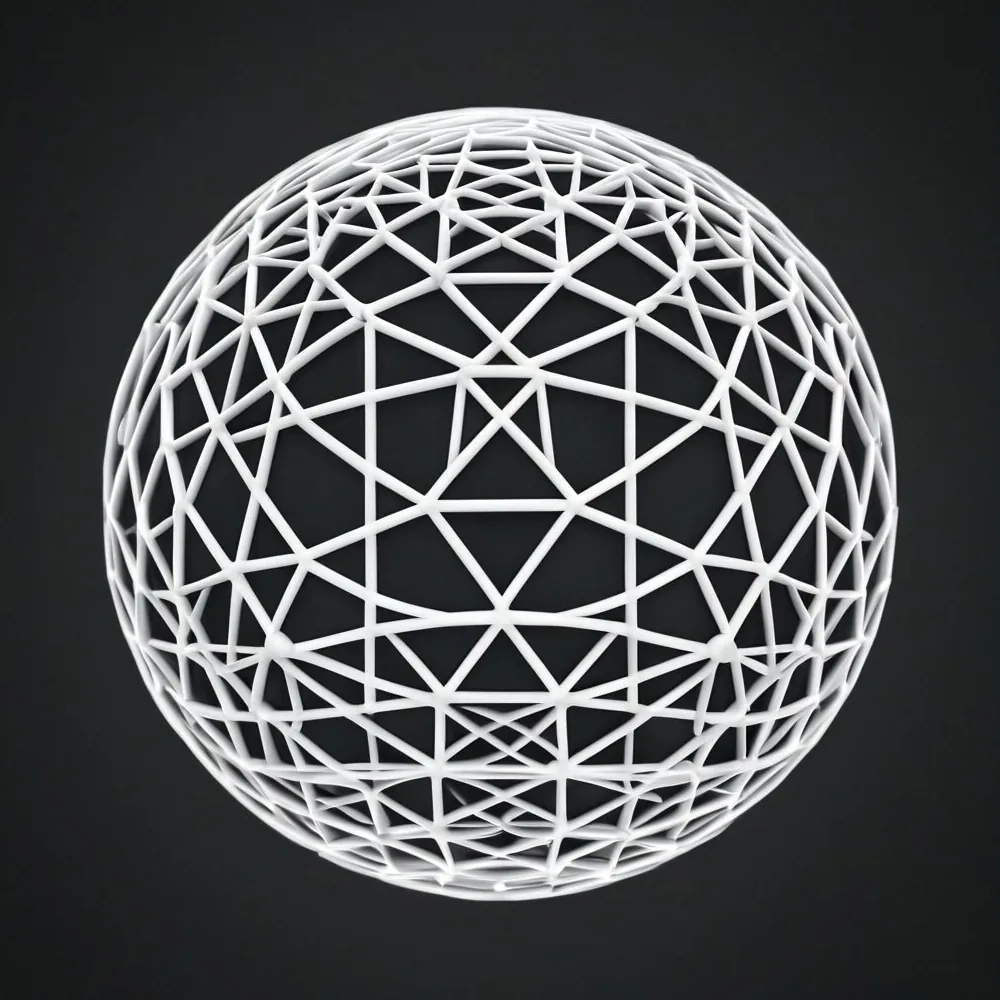 Reference example
Curves stay as facetsA dome like this keeps every triangle in the STEP file. Use it as reference geometry, and remodel curves you need to edit. 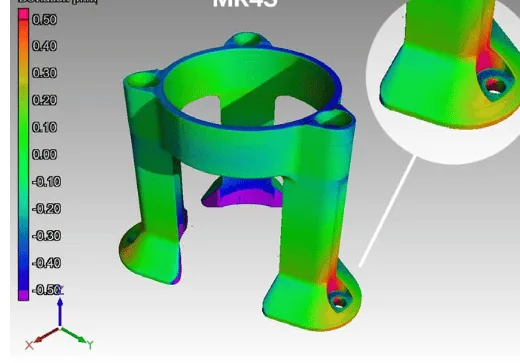 Reference example
Compare a print with the designWith the mesh as a solid, you can line it up against the CAD part and check deviation, like this colour map of a printed part.
Models worth bringing into CAD
Reference models from AI 3D generators. Make your own with Kairo3D, export STL, then convert it to STEP for a fixture or enclosure.
Why convert STL to STEP here
A careful mesh-to-STEP writer that tells you exactly what you get.
Coplanar faces merged
Neighbouring triangles on the same plane become one face with a single outline, so a box comes out as six faces instead of twelve triangles.
Solid when the mesh is closed
Watertight meshes are written as MANIFOLD_SOLID_BREP bodies with outward-facing normals, which most CAD programs import as a solid.
Winding fixed for you
Triangles with inconsistent winding are flipped so every face points outward; degenerate triangles are dropped instead of breaking the import.

AP214 in millimetres
The file uses the AP214 schema read by SolidWorks, Fusion, Onshape, FreeCAD, Inventor and others, with millimetres declared as the length unit.
Local and private
Meshes are converted inside your browser. Nothing is uploaded, which matters for client parts and scans.
Any mesh as the source
Besides STL, the converter accepts OBJ, PLY, 3MF, GLB and FBX, and can also write 3MF, OBJ or GLB from the same file.
STL to STEP — frequently asked questions
What the STEP file contains, what it cannot do and how to use it.
More ways to work with your 3D files
View, convert, or make a model from scratch.
Start from a photo instead
Generate a 3D model from one image with Kairo3D, export it as STL and bring it into CAD with this converter.