
PLA Print Temperature Chart
Variant
Brand
3 Standard PLA datasheets: nozzle 190–230 °C; the window every one of them accepts is 200–220 °C.
Bambu Lab PLA Basic
Standard PLA
- Nozzle
- 190–230 °C
- try first 210 °C
- Bed
- 35–45 °C
- try first 40 °C
- Enclosure / chamber
- 25–45 °C
- Part-cooling fan
- On
- Print speed
- up to 300 mm/s
- Drying
- 50 °C · 8 h
- Density
- 1.24 g/cm³
- Heat resistance
- Tg 60 °C · HDT 57 °C @0.45 MPa / 54 °C @1.8 MPa · Vicat 57 °C
PLA temperature chart by manufacturer
| Filament | Variant | Nozzle | Bed | Enclosure / chamber | Part-cooling fan | Print speed | Drying | Heat resistance | Density |
|---|---|---|---|---|---|---|---|---|---|
| Prusament PLA | Standard PLA | 200–220 °C | 40–60 °C | Not needed | 100 % | — | — | — | — |
| Bambu Lab PLA Basic | Standard PLA | 190–230 °C | 35–45 °C | 25–45 °C | On | up to 300 mm/s | 50 °C · 8 h | Tg 60 °C · HDT 57 °C @0.45 MPa / 54 °C @1.8 MPa · Vicat 57 °C | 1.24 g/cm³ |
| Polymaker PolyLite PLA | Standard PLA | 190–230 °C | 25–60 °C | Not needed | On | 50–200 mm/s | 55 °C · 6 h | Tg 61 °C · HDT 60 °C @0.45 MPa / 58 °C @1.8 MPa · Vicat 63 °C | 1.17 g/cm³ |
| eSUN PLA+ | PLA+ / PLA Plus | 210–230 °C | 45–60 °C | — | 100 % | up to 300 mm/s | 50 °C · 8–12 h | HDT 54 °C (load not stated) | 1.24 g/cm³ |
| Elegoo PLA Plus | PLA+ / PLA Plus | 200–230 °C | 35–65 °C | 20–45 °C | — | up to 280 mm/s | — | HDT 56 °C @0.45 MPa · Vicat 63 °C | 1.3 g/cm³ |
| eSUN eSilk PLA | Silk PLA | 190–230 °C | 45–60 °C | — | 100 % | up to 200 mm/s | — | HDT 50 °C (load not stated) | 1.21 g/cm³ |
| Bambu Lab PLA Matte | Matte PLA | 190–230 °C | 35–45 °C | 25–45 °C | On | up to 300 mm/s | 50 °C · 8 h | Tg 61 °C · HDT 58 °C @0.45 MPa / 52 °C @1.8 MPa · Vicat 63 °C | 1.31 g/cm³ |
Values copied from each manufacturer’s datasheet or product page, checked 2026-11. The label on your spool wins if it differs.
- Every number linked to its source
- PLA, PLA+, Silk and Matte
- Copy or print the table
- Troubleshooting by symptom
PLA temperature at a glance
Across the seven PLA datasheets and product pages in the chart, the published ranges fall inside these limits.
- 190–230 °Cnozzle range across all listed PLA
- 25–65 °Cbed range; Bambu Lab keeps it at 35–45 °C
- 60–61 °Cglass transition on the Bambu Lab and Polymaker TDS
How to set your PLA temperature
Start inside the maker’s range, then let one test print decide. Ten minutes of tuning saves a spool of failed parts.
Find your spool
Pick the variant (standard, PLA+, Silk, Matte) and the brand. The card shows the published range and a first value in the middle of it.
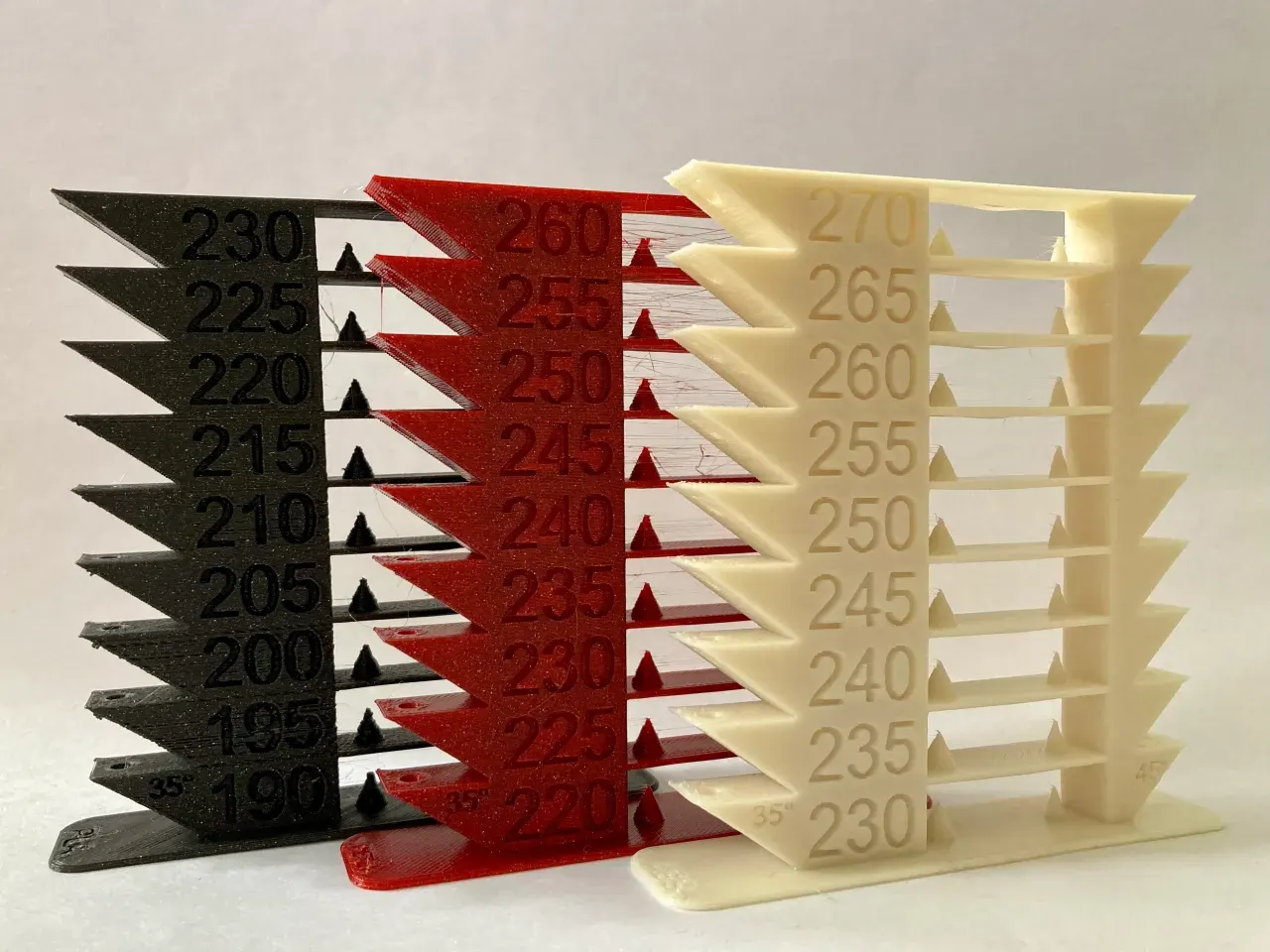
Print a temperature tower
Most slicers include one. Step down 5 °C per block across the range and keep the block with clean overhangs, little stringing and strong layers.
Adjust for speed
Fast printing needs heat at the top of the range so the plastic melts in time; slow, detailed prints look better near the bottom.
What the numbers mean for PLA
PLA is forgiving, but the variants are not interchangeable. These notes come from the same datasheets as the table.
PLA · Nozzle temperature by variant
- Standard PLA190–230 °C
- PLA+ / PLA Plus200–230 °C
- Silk PLA190–230 °C
- Matte PLA190–230 °C
PLA · Bed temperature by variant
- Standard PLA25–60 °C
- PLA+ / PLA Plus35–65 °C
- Silk PLA45–60 °C
- Matte PLA35–45 °C
PLA set-up at a glance
Nozzle: 200–220 °C fits every standard PLA listed
Prusament publishes 210 ± 10 °C, Bambu Lab and Polymaker 190–230 °C, so 200–220 °C sits inside all three. The wider ranges exist for speed: a 300 mm/s printer melts more plastic per second and needs the hotter end.
Bed: warm, not hot
Bambu Lab lists 35–45 °C, Prusament 40–60 °C with the heated bed optional, and Polymaker 25–60 °C. Go too hot and the first layers soften past the glass transition, which shows up as elephant foot.
Heat resistance is low
The glass transition is 60 °C (Bambu PLA Basic) and 61 °C (PolyLite PLA), and Prusa lists heat resistance of 55 °C. A PLA part in a parked car on a sunny day can sag. For anything warm, use PETG, ABS or ASA instead.
Fan on, all the time
Every PLA source in the chart that states a fan setting says on or 100 %. Fast cooling is what gives PLA its crisp overhangs and bridges.
PLA+, Silk and Matte run a little differently
eSUN PLA+ asks for 210–230 °C, so start hotter than plain PLA. eSUN Silk PLA caps speed at 200 mm/s; printing it slowly keeps the shine. Bambu PLA Matte shares the Basic temperatures but is denser (1.31 g/cm³).
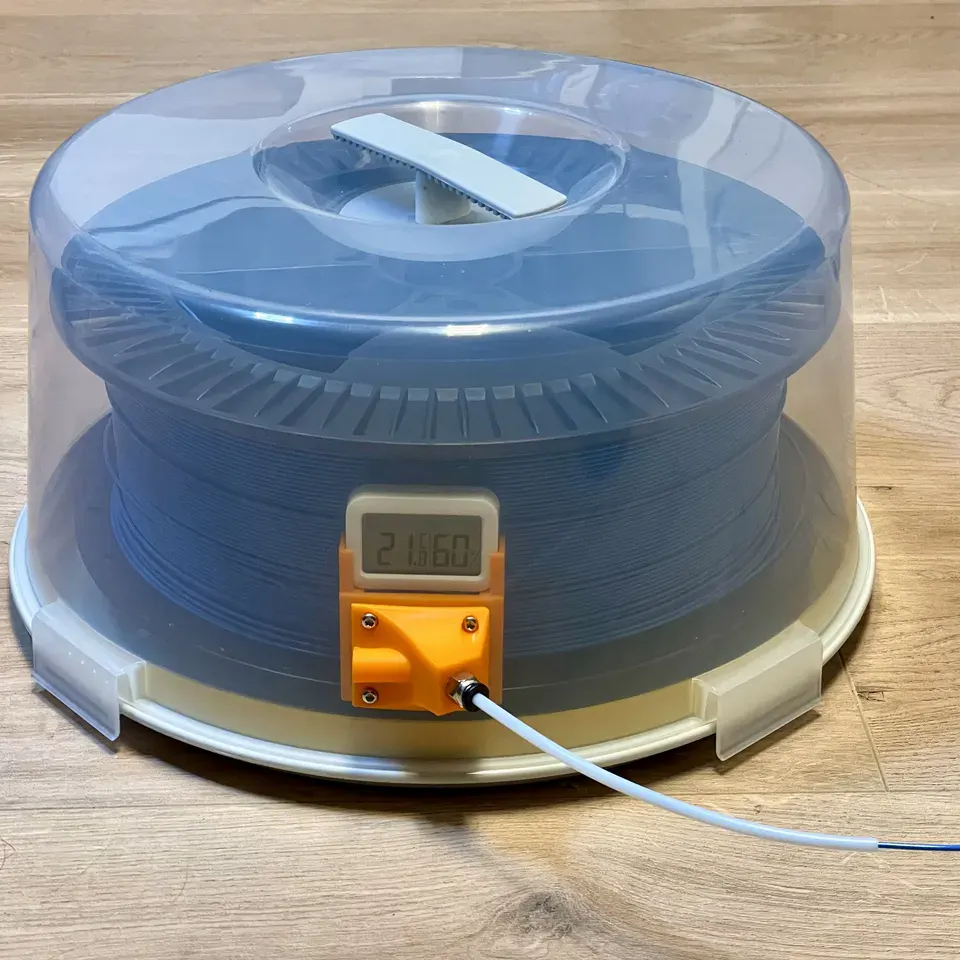
Dry it when it starts to string
Bambu Lab dries PLA at 50 °C for 8 hours, Polymaker at 55 °C for 6 hours. Stay well below the glass transition so the spool does not deform.
PLA problems by symptom
Most PLA defects come from temperature, cooling or moisture. Start with the first fix and change one thing at a time.
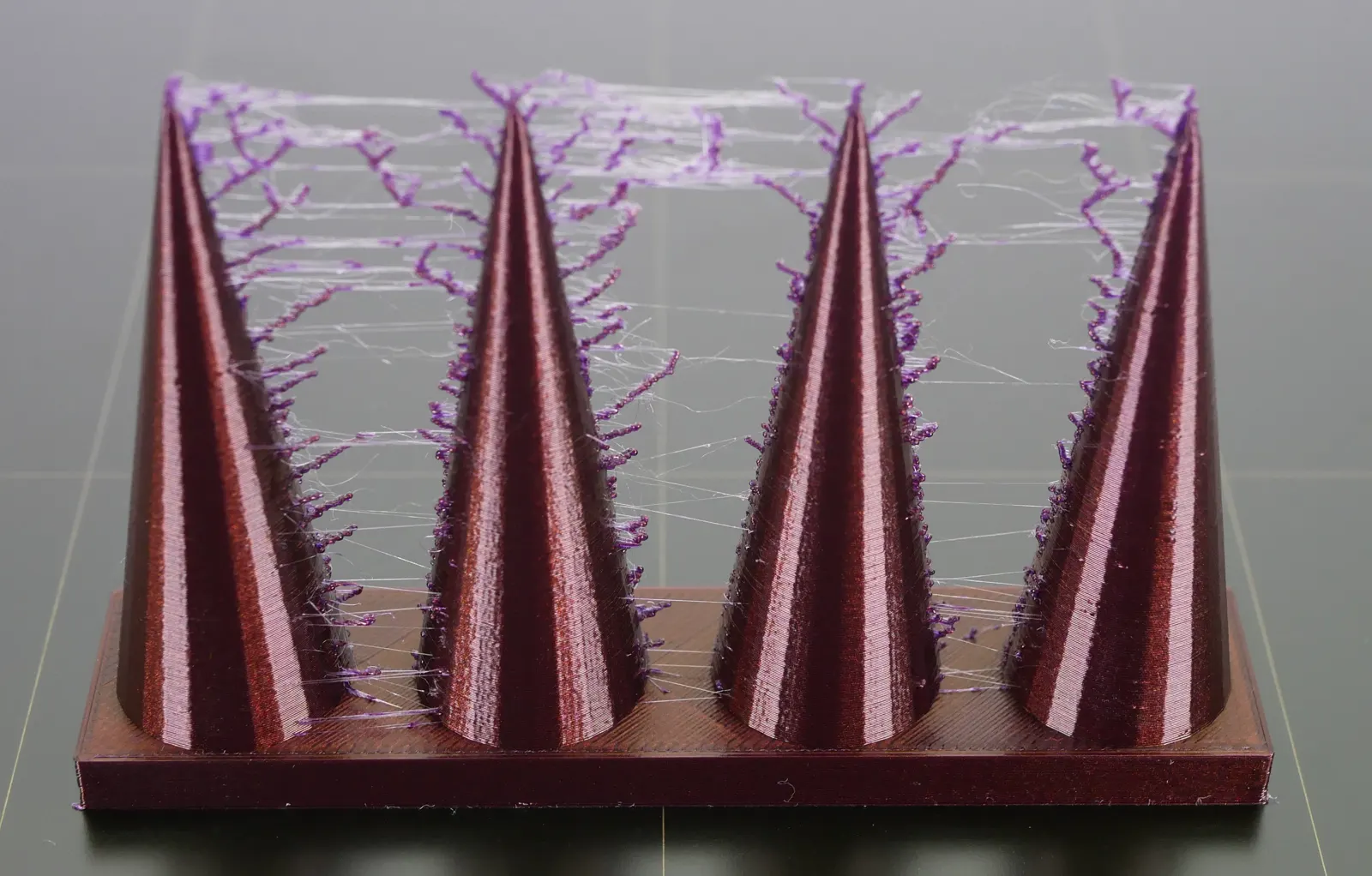 01
Stringing and hairs
Likely cause: Nozzle too hot for the speed, or filament that has absorbed moisture.
Try
- Lower the nozzle 5 °C at a time, staying inside the maker’s range.
- Dry the spool (Bambu: 50 °C, 8 h).
- Re-tune retraction after any temperature change.
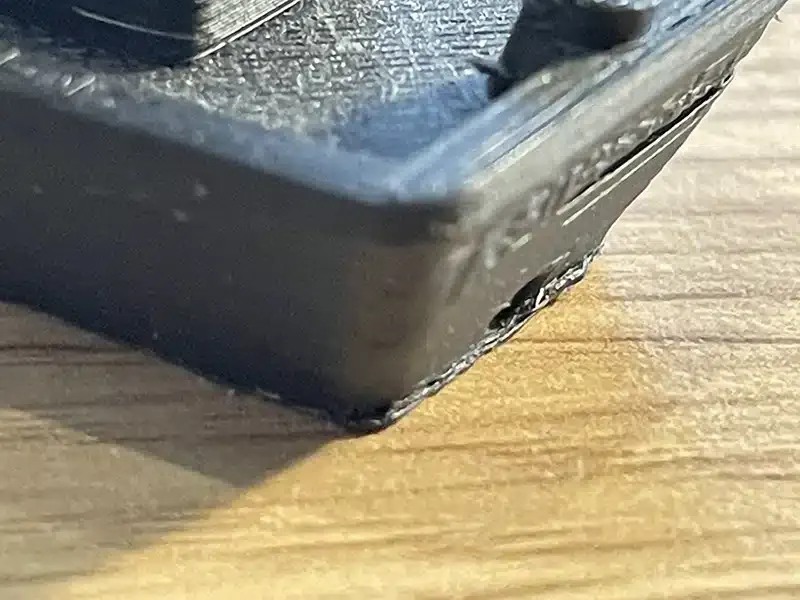 02
Elephant foot
Likely cause: Bed too hot, so the first layers stay soft and get squashed.
Try
- Drop the bed toward the lower end of the range (35–45 °C on Bambu PLA).
- Raise the first-layer Z slightly.
- Use elephant-foot compensation in the slicer.
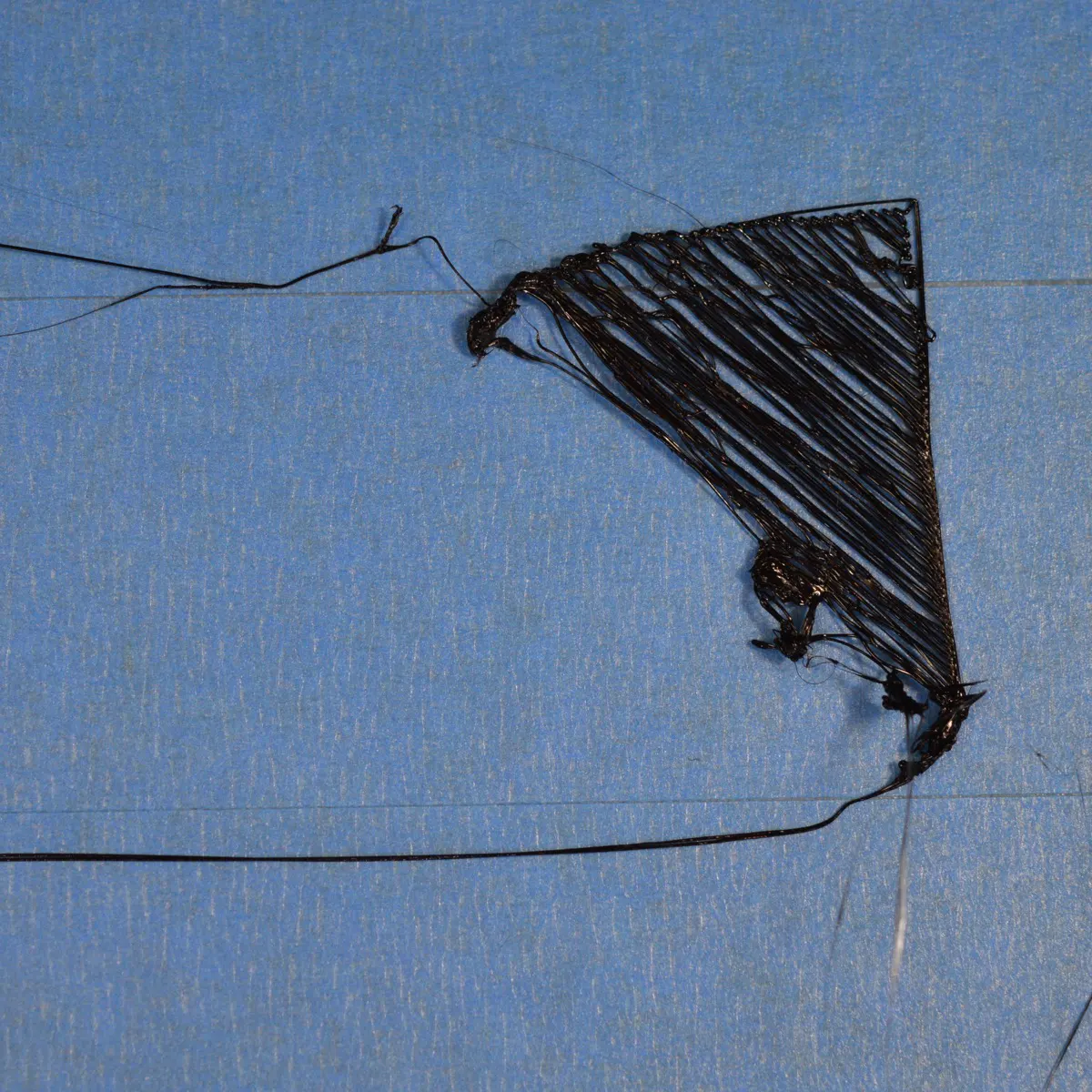 03
First layer will not stick
Likely cause: Dirty or cold plate, nozzle too high, or a smooth plate without adhesive.
Try
- Wash the plate with dish soap and water; fingerprints stop PLA sticking.
- Warm the bed within the listed range and re-level or re-run Z offset.
- Use glue stick where the maker suggests it.
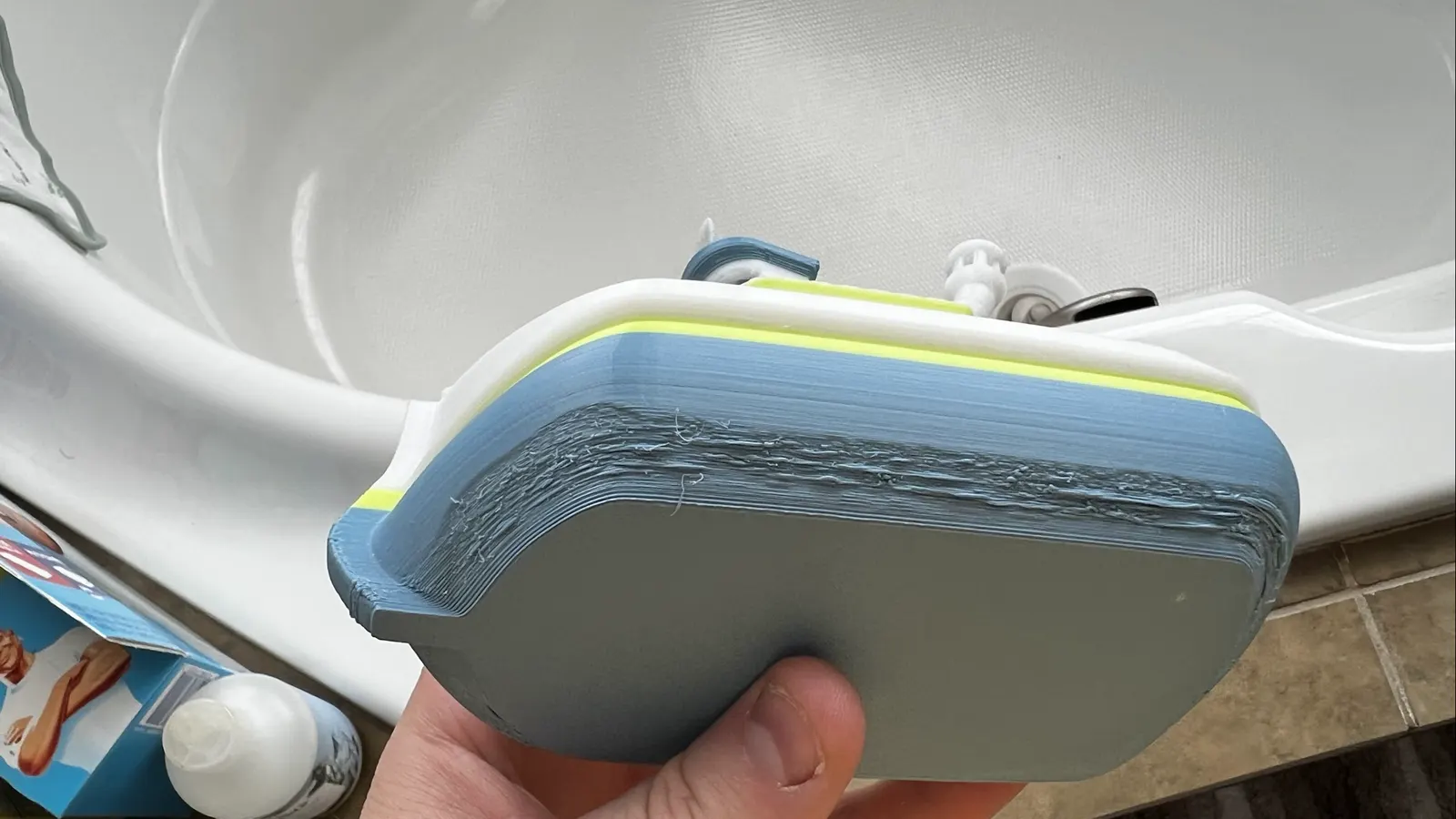 04
Droopy overhangs and blobs
Likely cause: Too little cooling or too much heat for the layer time.
Try
- Make sure the part fan really is at full speed after the first layers.
- Lower the nozzle temperature by 5 °C.
- Print two small parts together so each layer has time to cool.
 05
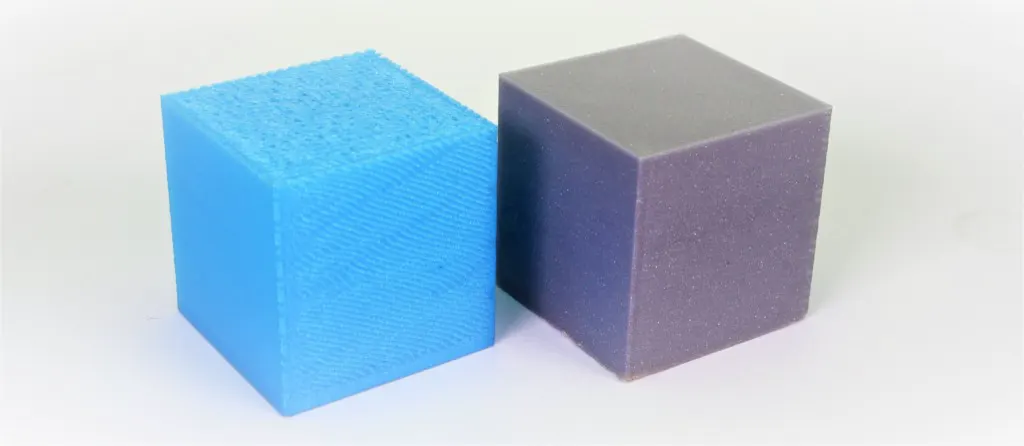
Clogs in an enclosed printer
Likely cause: Heat creep: a warm chamber softens PLA above the melt zone.
Try
- Open the door or lid when printing PLA; Bambu lists a 25–45 °C chamber.
- Check the hotend cooling fan is spinning.
- Avoid long pauses with a hot nozzle.
 06
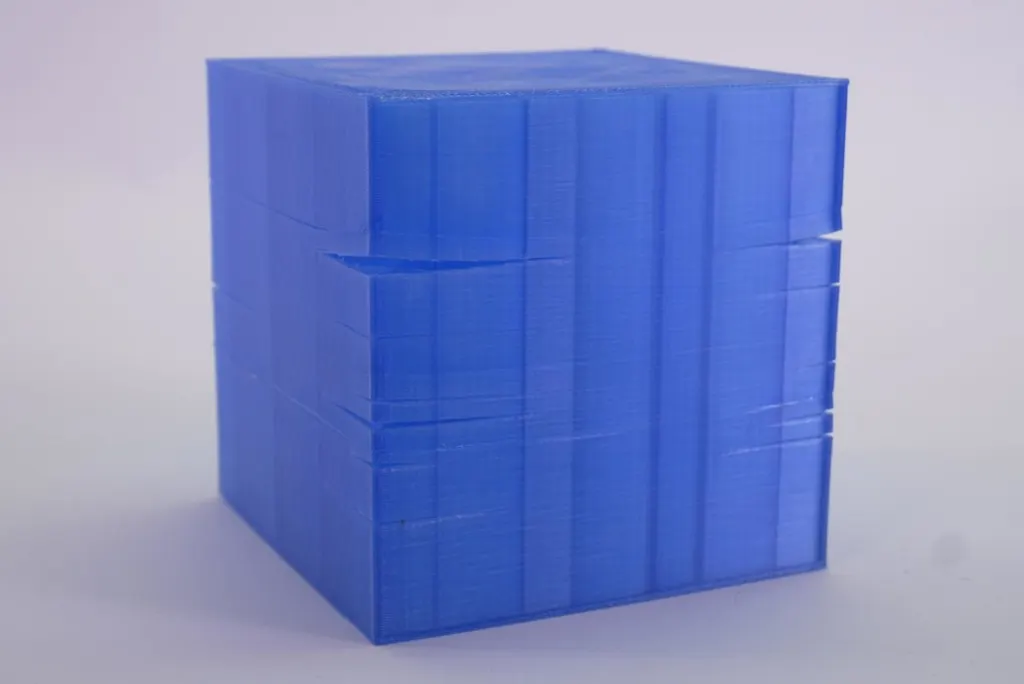
Weak layers that split
Likely cause: Nozzle too cold for the speed, so layers do not fuse.
Try
- Raise the nozzle toward the top of the range when printing fast.
- Slow down, or reduce the fan on parts that need strength.
- Check for under-extrusion or a partial clog.
- manufacturer documents
- 7manufacturer documents
- 5 brands: Prusament · Bambu Lab · Polymaker · eSUN · Elegoo
- 3 technical data sheets · checked 2026-11
Sources for the PLA chart
Each figure above was read from these manufacturer documents on 2026-11-23. Values on a spool label or a newer datasheet take priority.
- Prusament PLA — Official product page
- Bambu Lab PLA Basic — Datasheet (TDS)
- Polymaker PolyLite PLA — Datasheet (TDS)
- eSUN PLA+ — Official product page
- Elegoo PLA Plus — Official product page
- eSUN eSilk PLA — Official product page
- Bambu Lab PLA Matte — Datasheet (TDS)
Why use this PLA temperature chart
Built for the moment you load a new spool and want a number you can trust.
Datasheets, not forum averages
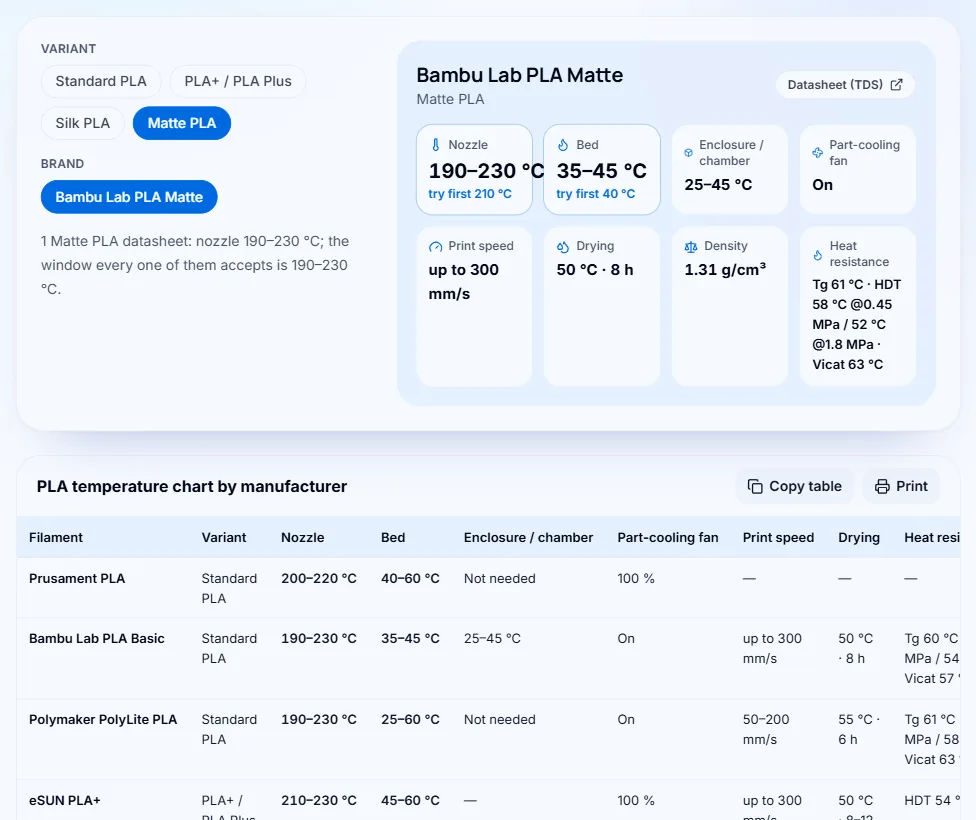
Each row is one manufacturer document, linked. Where a maker does not state a value, the cell says so instead of being filled in.
Variants kept apart
PLA+, Silk and Matte have their own rows, because their recommended temperatures and speeds differ from standard PLA.
A common window, computed
The picker works out the nozzle range every listed brand of a variant accepts, a safe first setting when your spool has no label.
Heat deflection, 0.45 MPa
60 °CPLA78 °CPETG103 °CABS/ASALowest to highest HDT published on the datasheets in the four charts.
Heat resistance included
Glass transition, Vicat and heat deflection (with the test load) are shown, so you know when PLA is the wrong material.
Drying time and temperature
Moisture is a common cause of stringing. Where a maker publishes drying settings they are in the table.
Copy, paste, print
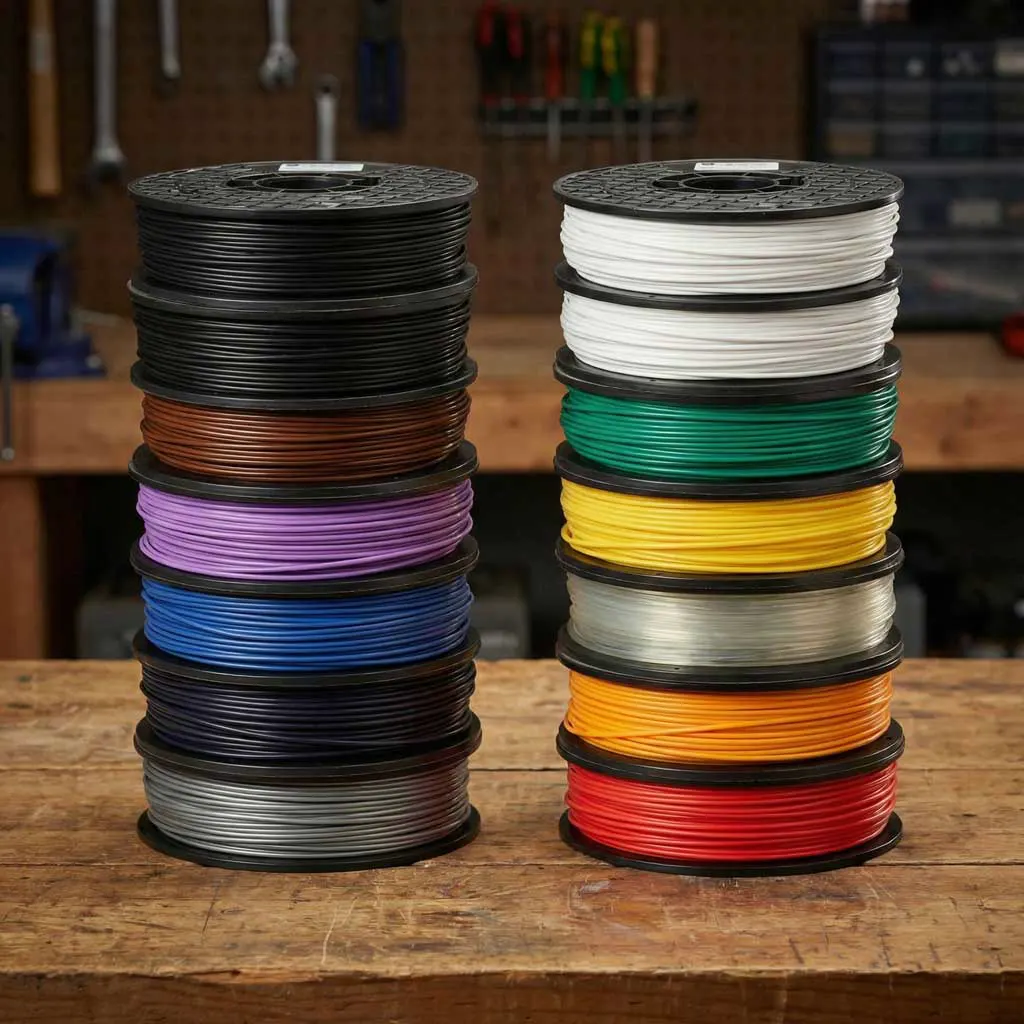
Copy the whole table into a spreadsheet or print it to pin next to the printer, sources included.
PLA print temperature FAQ
Short answers, with the datasheet behind each one.
More ways to work with your 3D files
View, convert, or make a model from scratch.
Got the temperature right? Print something of your own.
Turn a photo into a printable 3D model, download the STL and print it in PLA.