
Custom Figurine from Photo, Ready to 3D Print
What a custom figurine from a photo can look like
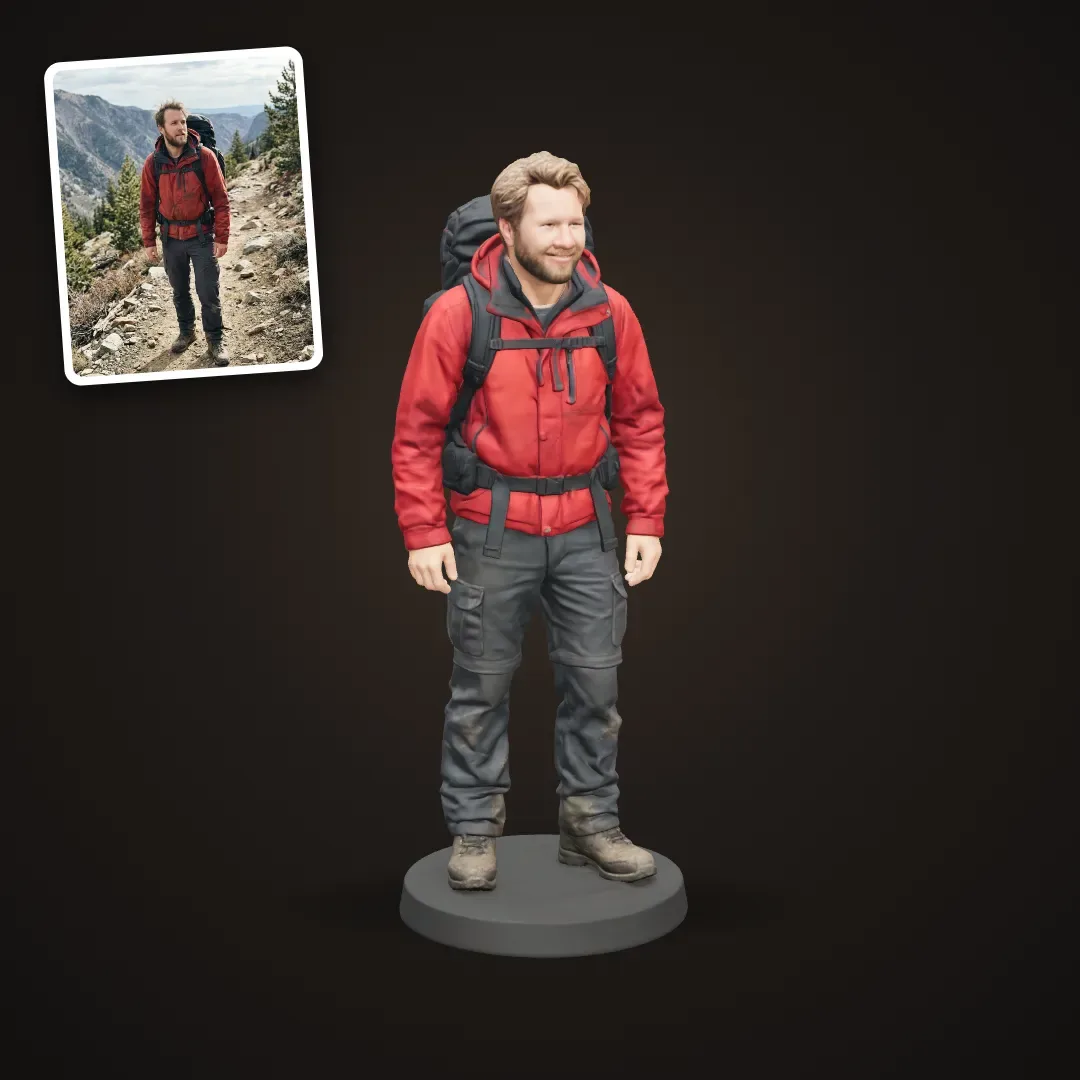
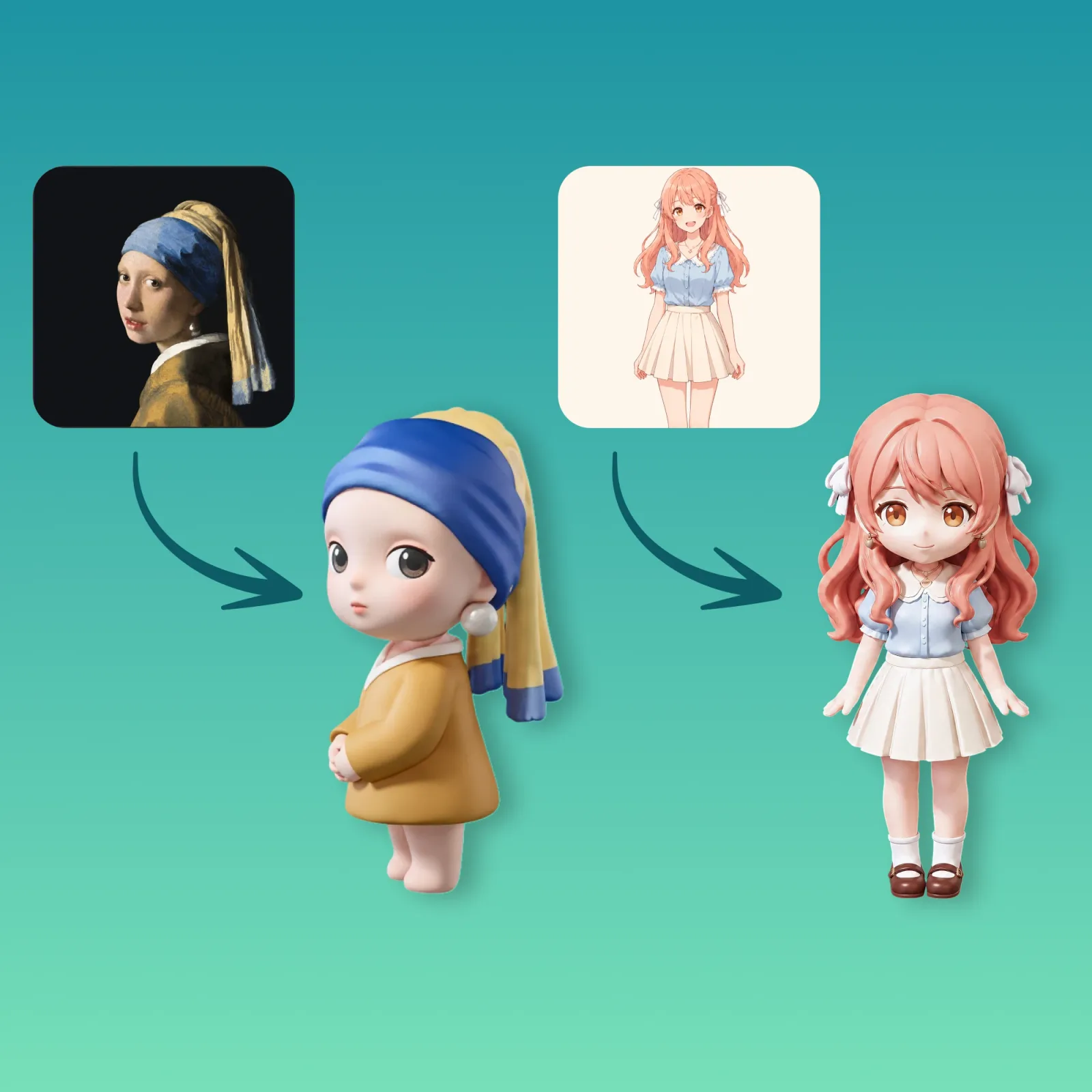
Everyday snapshots on the left, finished figurines on the right. These are third-party reference examples that show the kind of result to aim for.
 Reference example
A trip turned into a keepsakeA full-body travel photo with the backpack and boots in view. Gear that sits close to the body survives as part of the figure. 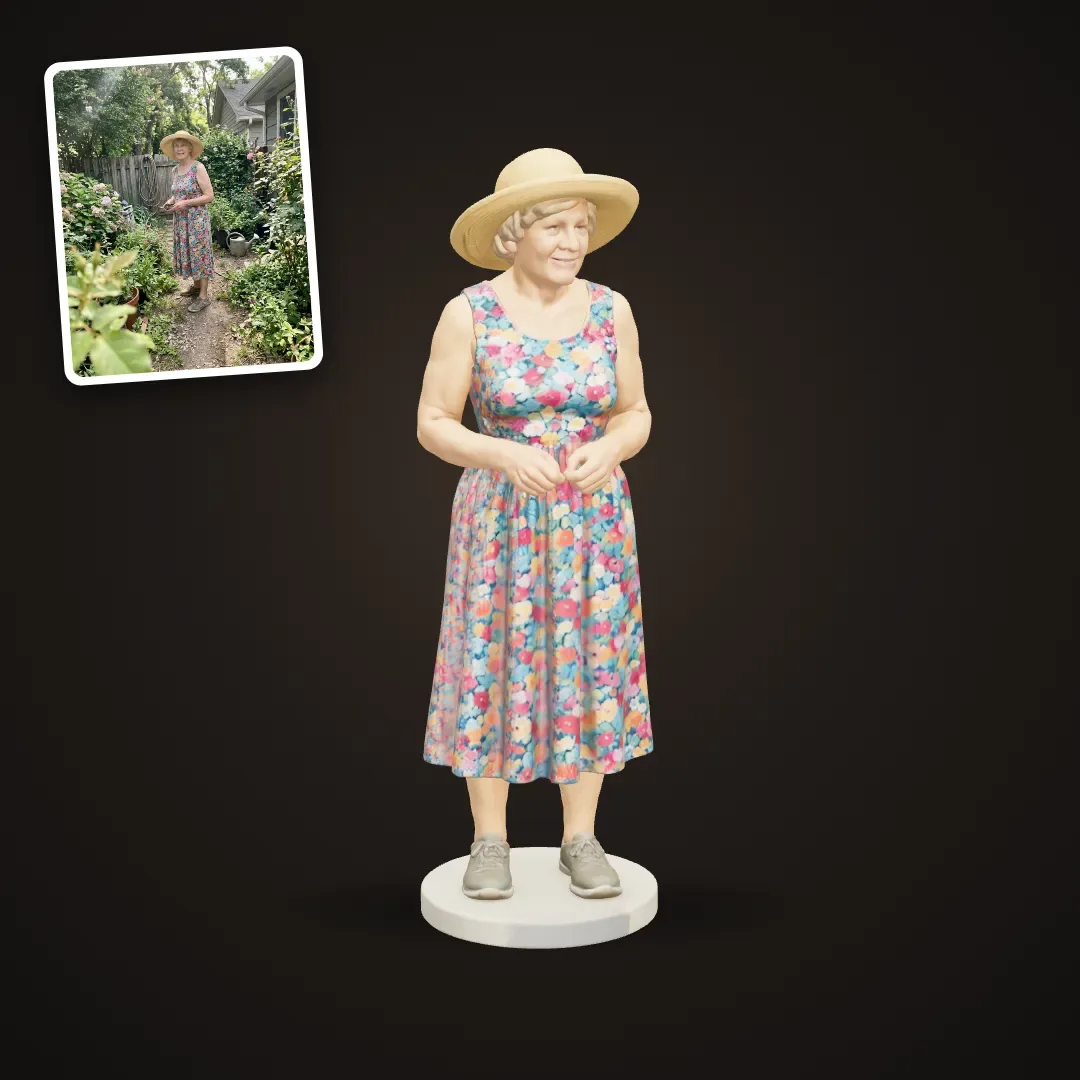 Reference example
A gift for a parent or grandparentPatterned clothes turn into paint guides: print in one colour, then copy the dress pattern by hand. 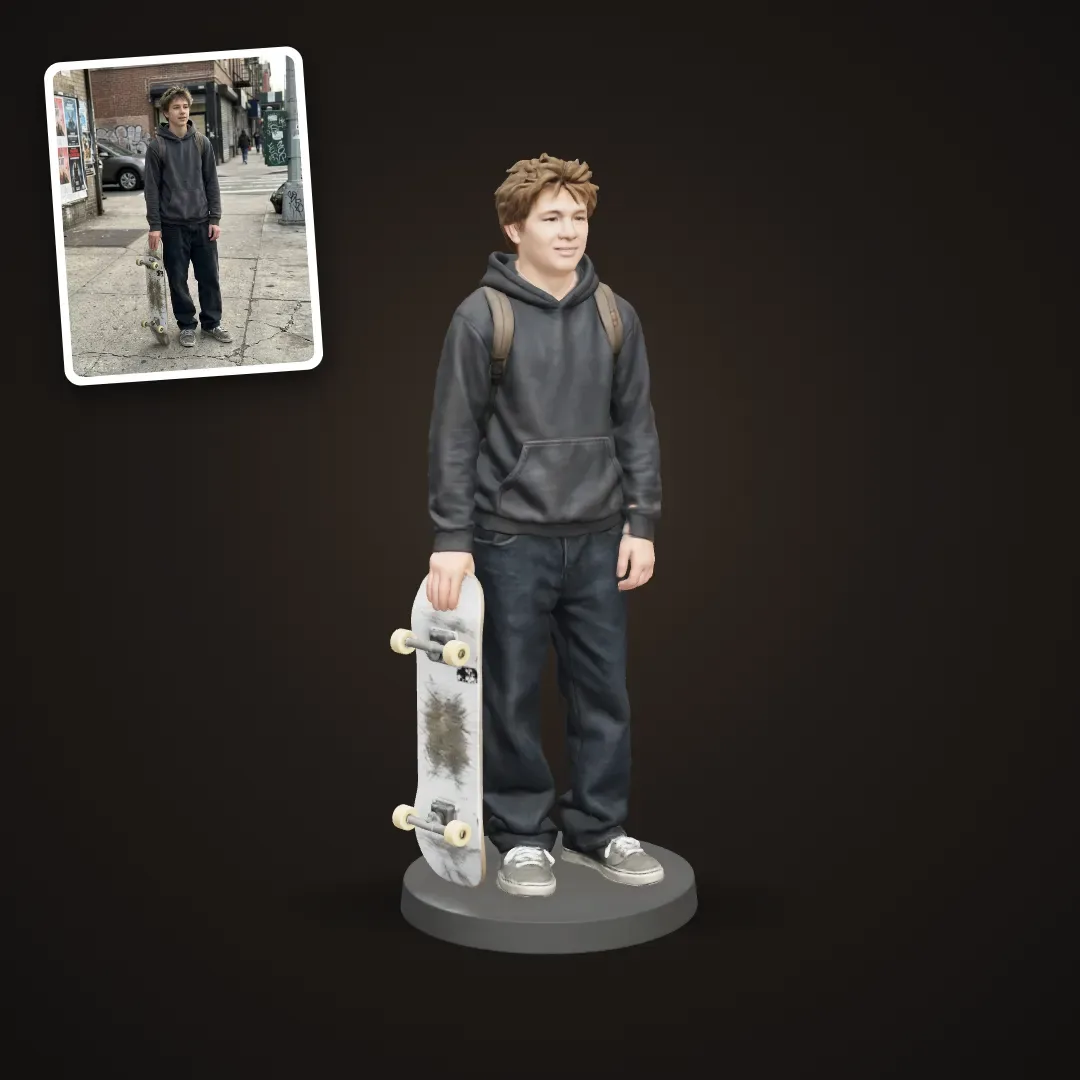 Reference example
Hobbies and propsHold the skateboard, guitar or racket against the body. Props that stick out are the first parts to break off a print. 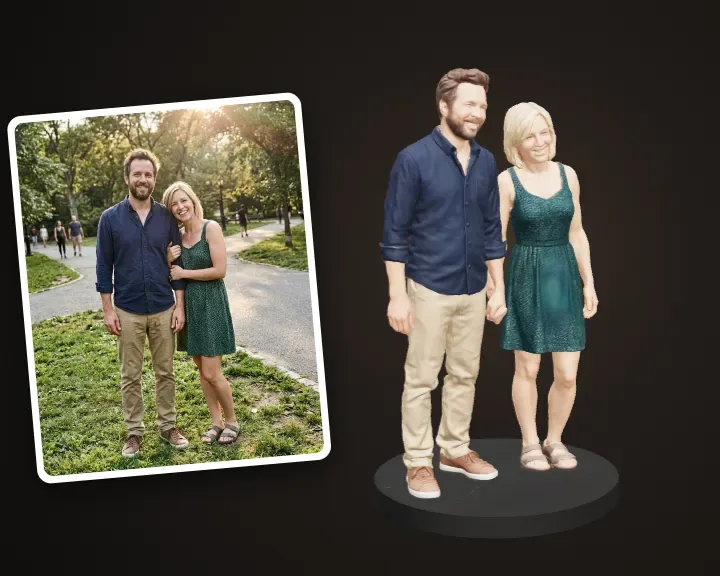 Reference example
Couple figurine for an anniversaryTwo people standing close in one photo give one model on one base, which prints far more reliably than two thin figures. 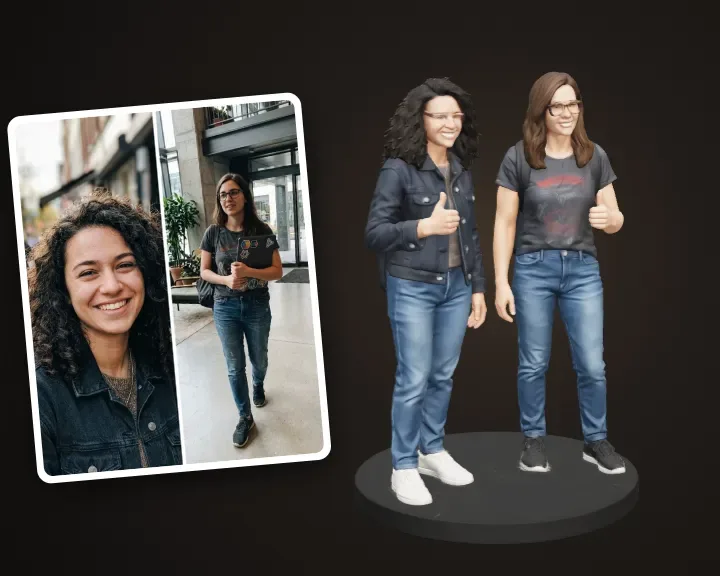 Reference example
Friends from two photosThe engines read one picture per run. Combine people into one image first, or make each figure separately and join them in the STL editor. 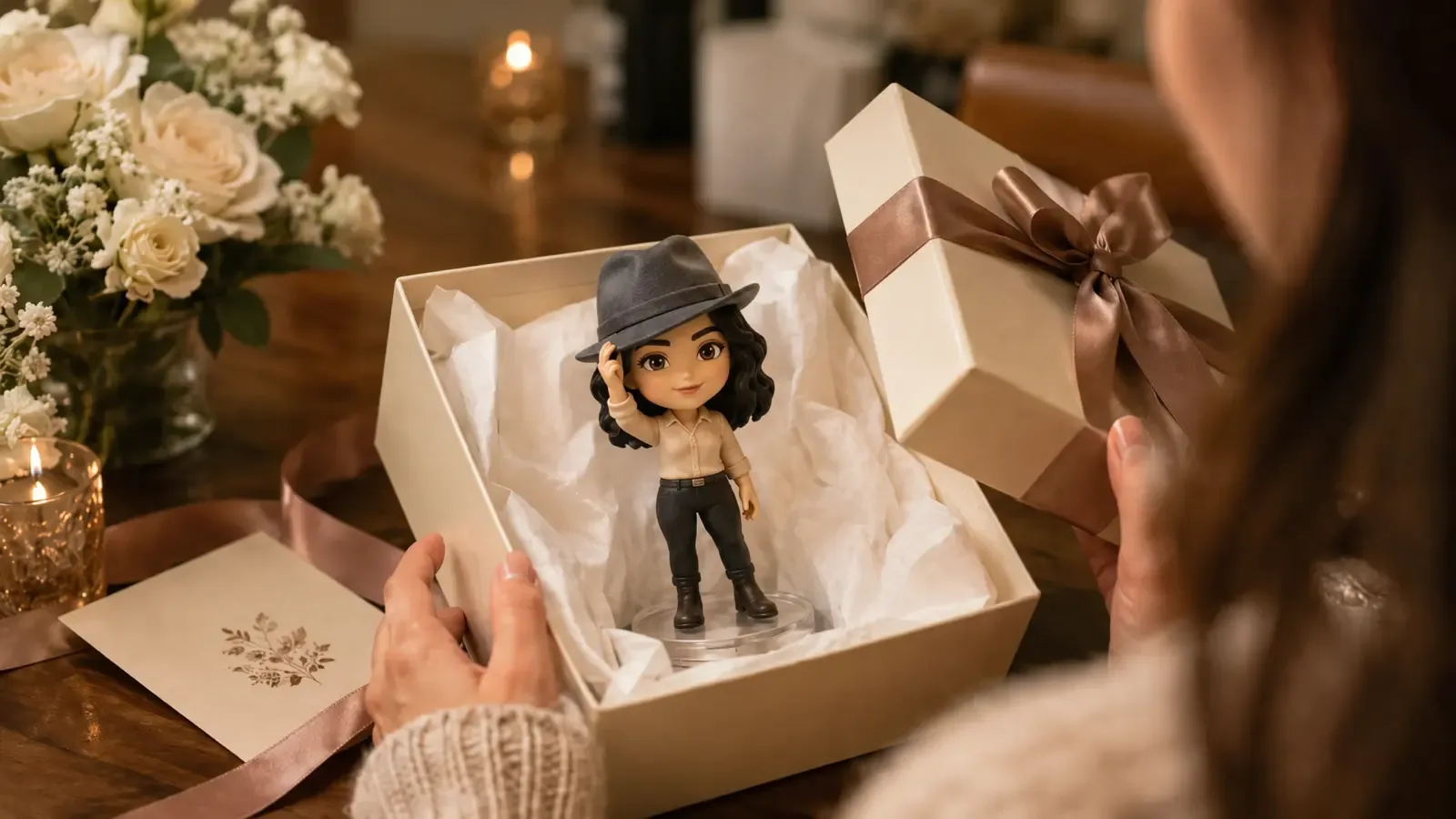 Reference example
Chibi style for giftsA big-head chibi figurine forgives a lot: likeness lives in hair, glasses and clothes rather than fine facial detail.
Reference examples from other services (3D AI Studio, Meshy), shown as placeholders. They were not made with Kairo3D; the people in the input photos are those vendors’ own AI-generated demo portraits.
From photo to printed figure in four stages
What happens between your snapshot and a figure on the shelf. Each stage is shown with a third-party reference picture.
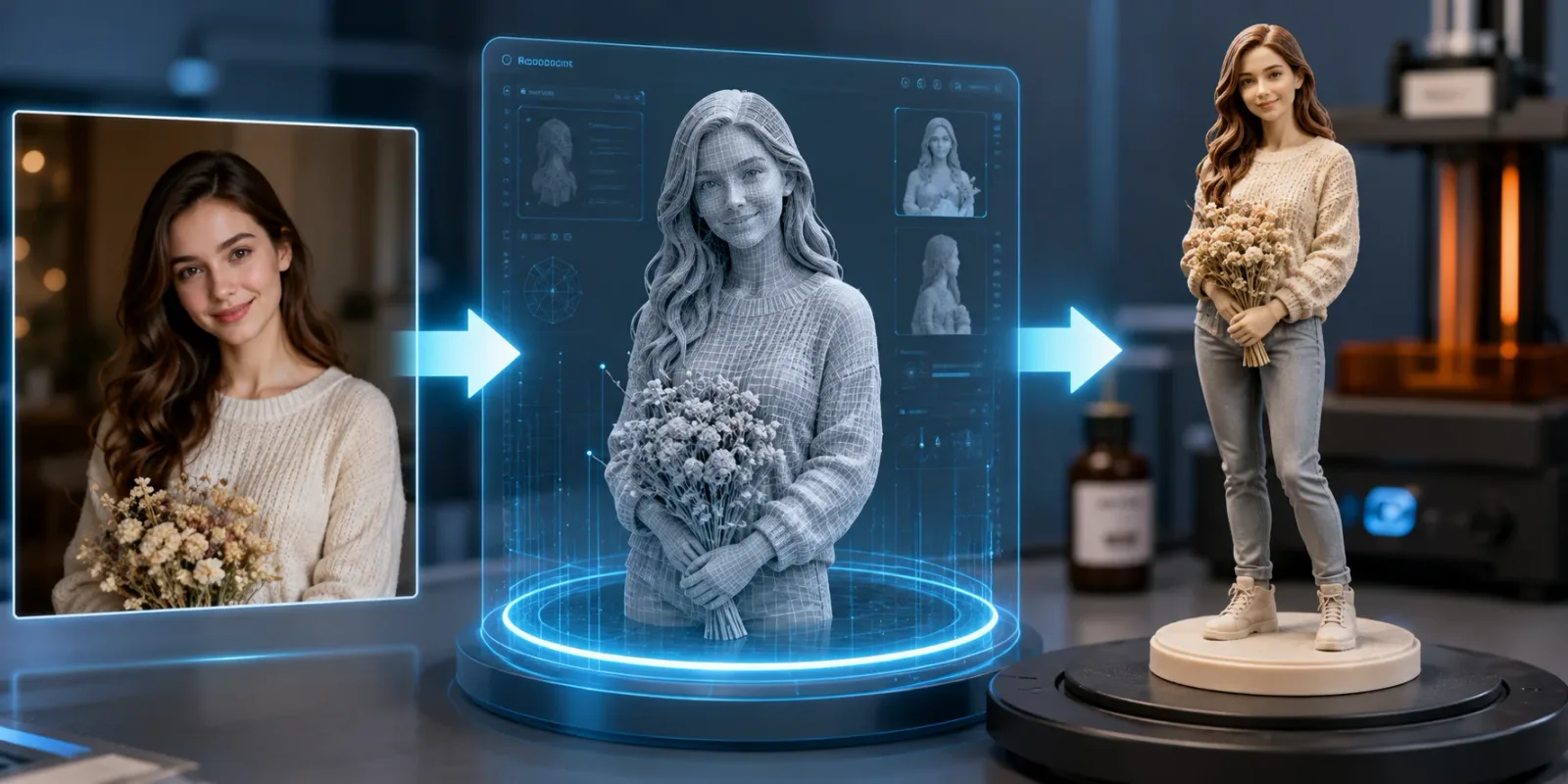 1PhotoReference example
One clear photo becomes a 3D modelThe engine reads the full-body photo and builds a closed 3D model, front and back. On Kairo3D, 6 engines can do this step. 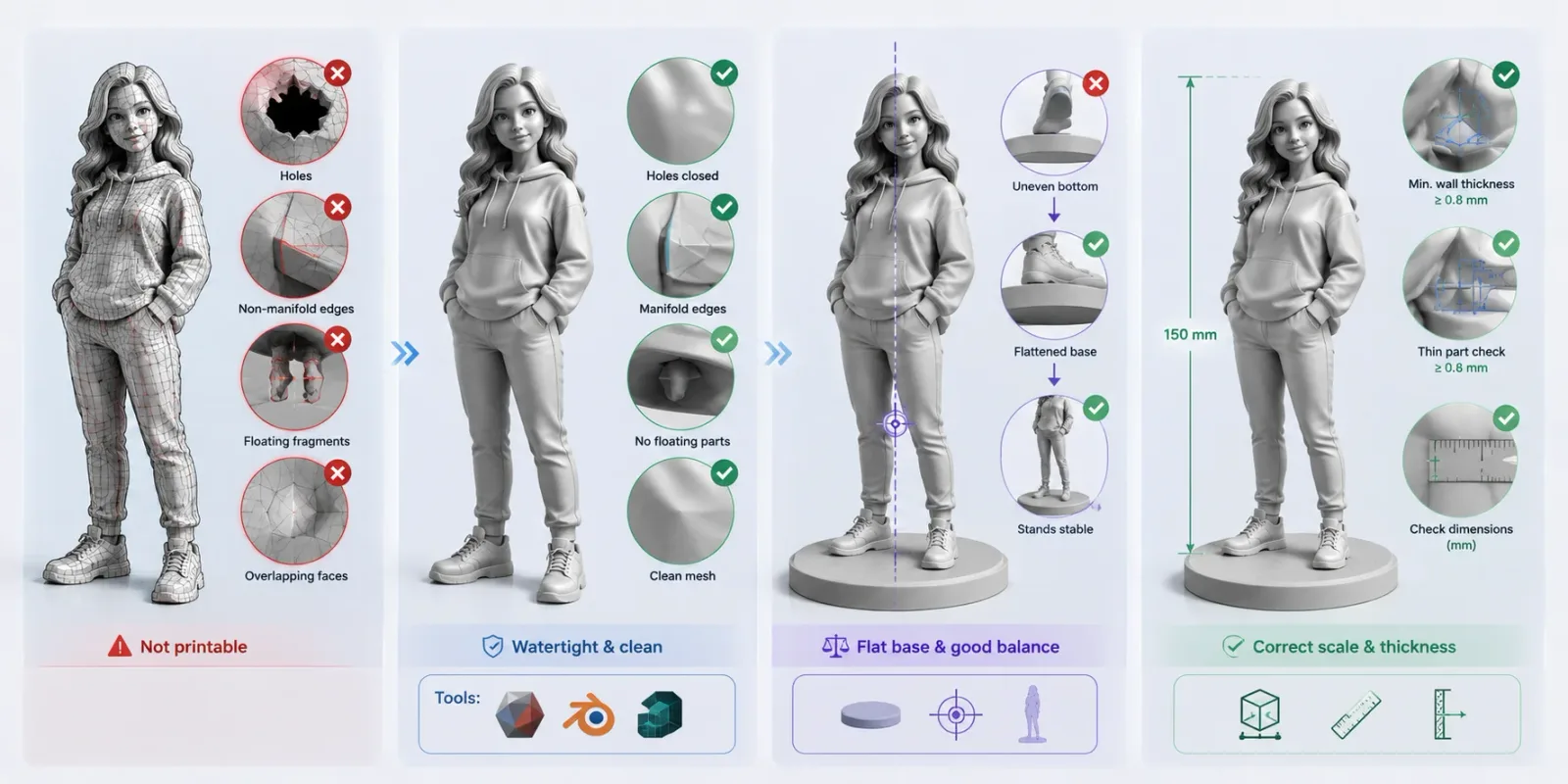 2ModelReference example
Make the model printableClose holes, flatten the base, set the real height in millimetres and thicken thin parts. Our free STL repair and STL editor cover these checks. 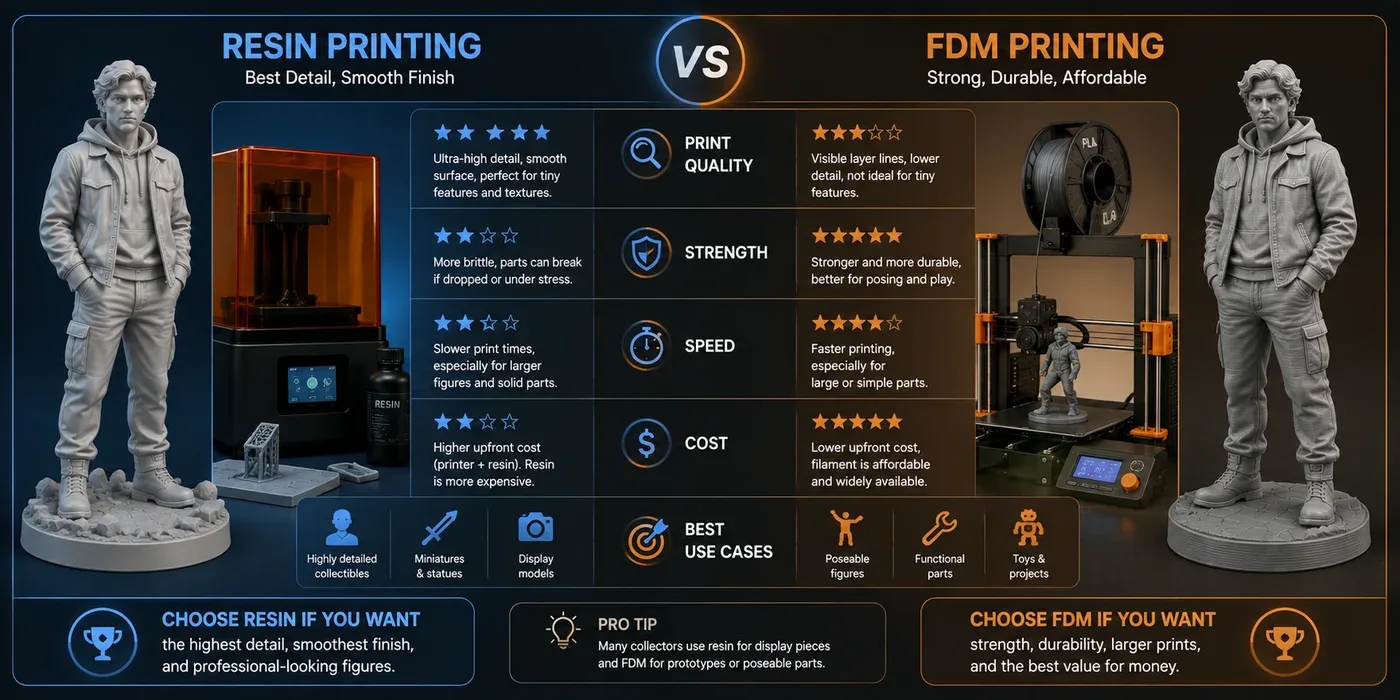 3PrintReference example
Choose resin or filamentResin gives faces and hair the finest detail. Filament (FDM) is cheaper, tougher and better for larger figures. 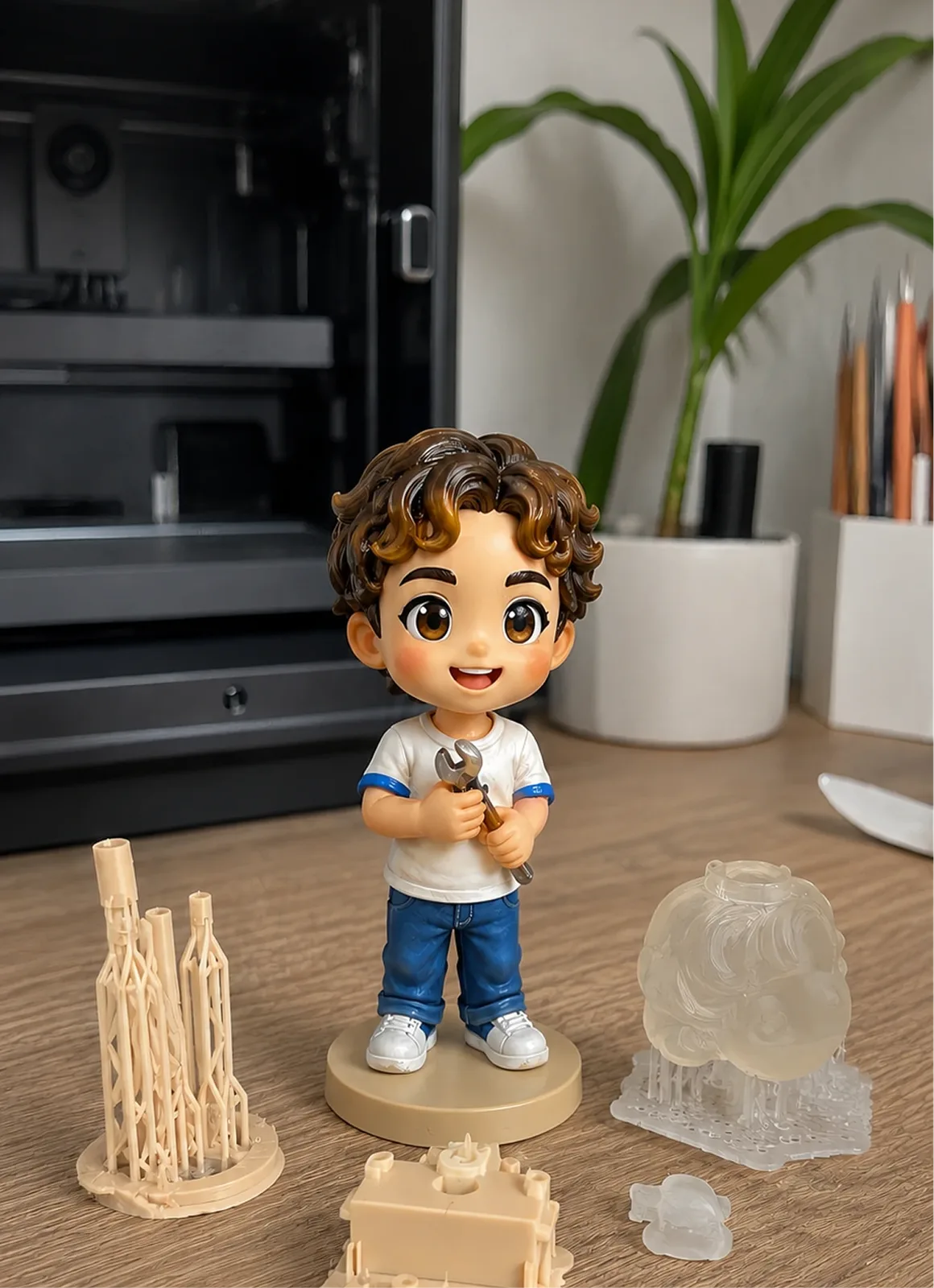 4PaintReference example
Clean up, prime and paintRemove supports, sand the marks, prime, then paint. The grey prints beside the finished figure show where you start.
Reference examples from Tripo and Meshy blog and product pages. Not made with Kairo3D.
The photo decides how good the figurine gets
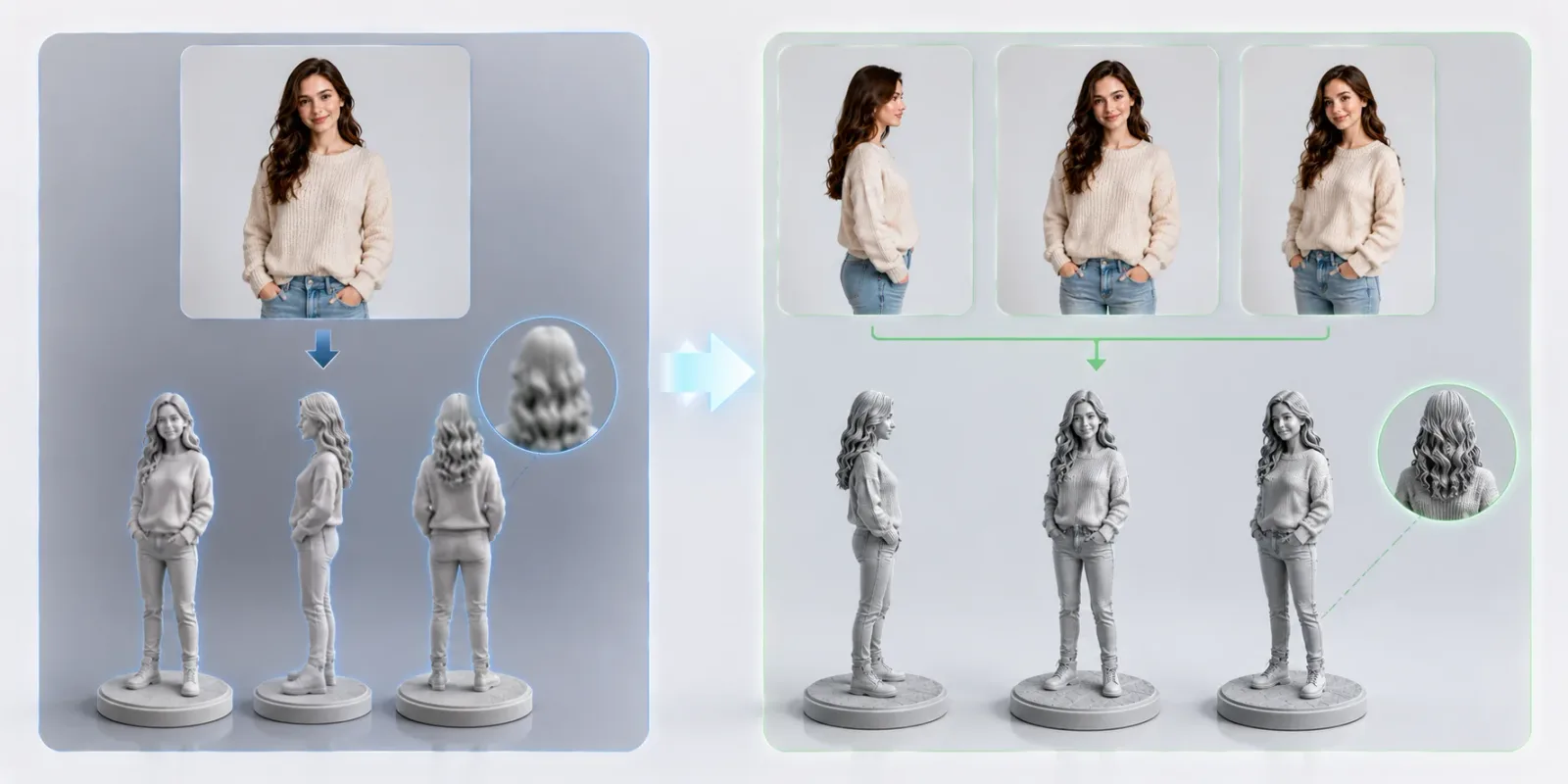
Image-to-3D engines guess the hidden back of a person from one view. A clear, complete photo gives them less to guess.
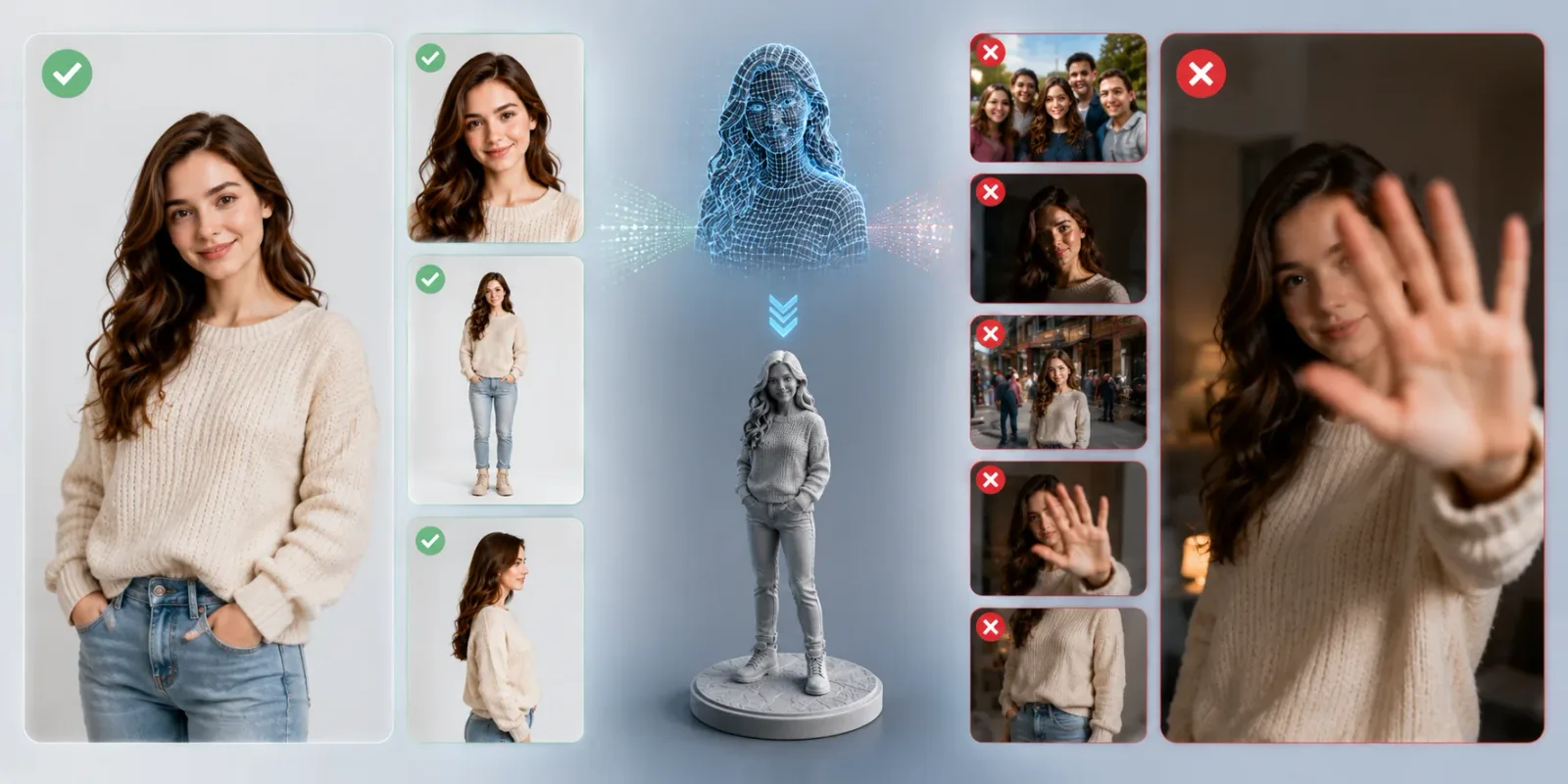
Head to toe, in frame
Shoot the whole body with a little space above the head and below the feet. Cropped feet become a cut-off figure with nothing to stand on.
Soft, even light
Daylight from a window or an overcast sky. Hard shadows across the face are read as shape and end up carved into the model.
Plain background
A wall, a door or a clear sky. Busy streets and crowds can leak into the model as extra blobs around the legs.
Do
- Stand straight, facing the camera or turned slightly (about 3/4)
- Keep arms a little away from the body so they model as arms
- Use the original file, not a screenshot or a chat-app copy
- For a couple, stand shoulder to shoulder in one photo
- Upload only photos of people who agreed to it
Avoid
- Sitting, lying or heavily foreshortened poses
- Group shots with more than two or three people
- Sunglasses, hats pulled low or hair covering the face
- Thin loose items: umbrellas, leashes, selfie sticks
- Heavily filtered, blurred or low-light pictures
How to make a custom figurine from a photo
From snapshot to STL in four steps. The generator above runs in your browser; generation happens on the engine you pick.
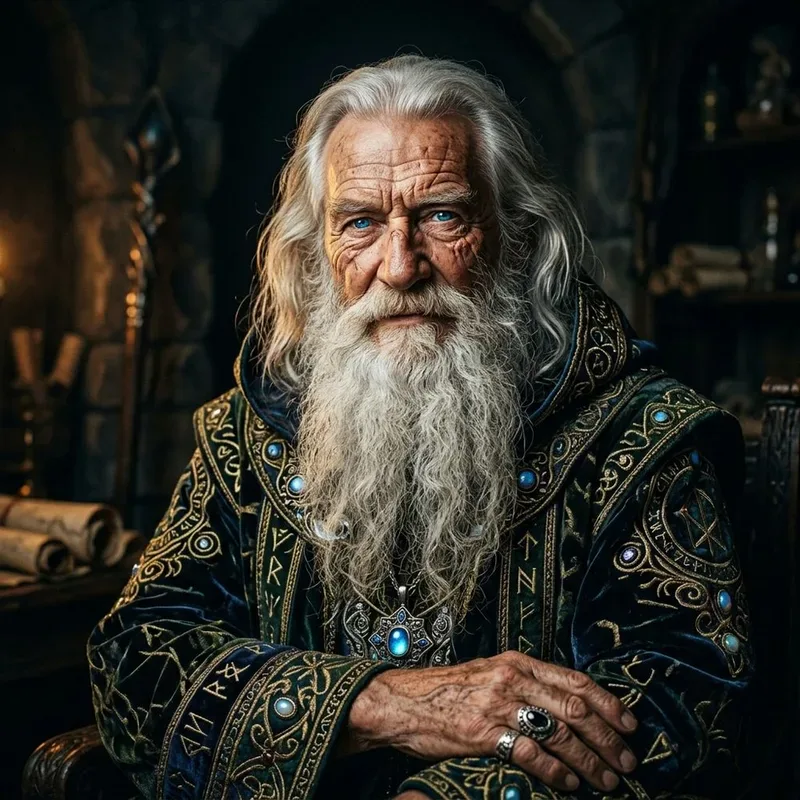
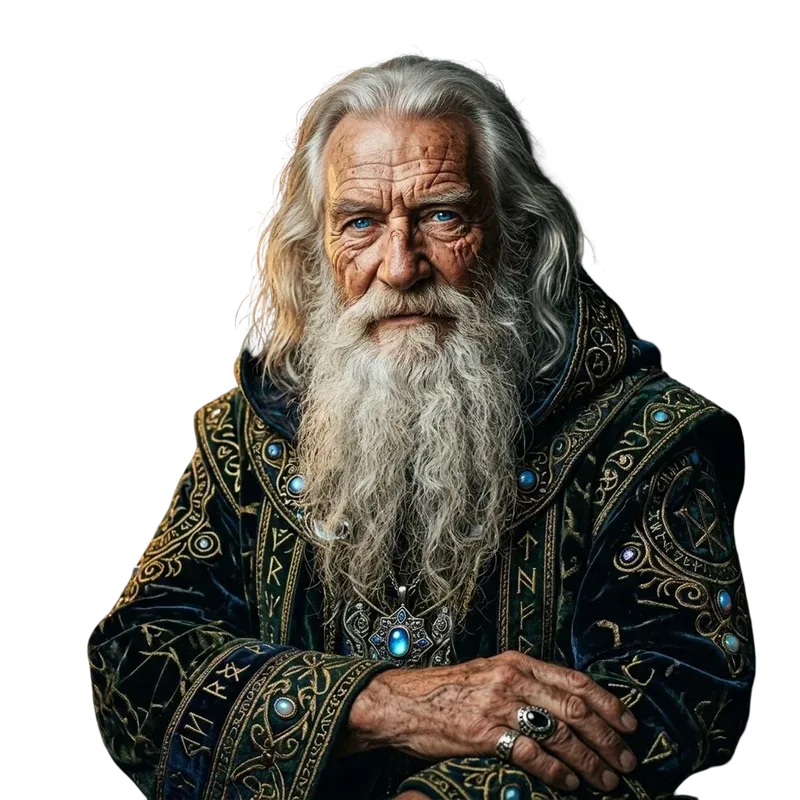
Pick your best full-body photo
Sharp, well lit, the whole person in frame. Crop away other people so the engine sees one subject.
Choose an engine and generate
TRELLIS 2 is selected by default; 6 engines read photos. The credit cost shows before you start, and a failed run is refunded automatically.
Check the model in 3D
Spin it around and look at the back, the hands and the feet. If the likeness misses, try the same photo on a second engine.
Download the STL and print
Choose STL when you download, scale it in your slicer, add supports and print it yourself or upload it to a print service.
Which engine for a figurine of a person?
All 6 engines take a single photo. A run costs between 8 and 150 credits depending on the engine.
| Engine | Typical time | Credits per run | Licence |
|---|---|---|---|
| TRELLISMicrosoft | ~30 s | 8 credits | MIT |
| TRELLIS 2MicrosoftDefault | ~60 s | 120 credits | MIT |
| Tripo H3.1Tripo AI | ~60 s | 120 credits | Commercial API (Tripo AI terms) |
| Hunyuan 3D 3.1 ProTencent | ~2 min | 150 credits | Tencent Hunyuan 3D licence (check territory terms) |
| Rodin Gen-2.5 FastHyper3D (Deemos) | ~30 s | 40 credits | Commercial API (Hyper3D terms) |
| Pixal3DTencentARC | ~90 s | 120 credits | MIT |
Times are typical, not promised. Results differ per photo, so running the same picture on two engines and keeping the better figurine is normal practice.
How to print your custom figurine
The STL is a shape without units or colour. These four decisions turn it into a figure on your shelf.
Set the scale
STL has no units. Pick a height in the slicer: about 1:10 of a 170 cm adult is 17 cm, a 1:20 shelf piece is about 8.5 cm. Check the size first in the free STL viewer.
Supports and a base
Outstretched arms, chins and hems overhang. Use tree or organic supports. Most AI models have no base, so add a disc in the STL editor or the slicer for stability.
Resin or FDM
Resin keeps faces and fingers crisp below 10 cm. FDM is cheaper and fine from about 12 cm up with fine layers (around 0.08–0.12 mm on a 0.4 mm nozzle).
Paint it
Prime in grey or white, block in skin, hair and clothes, then a wash and a highlight. Keep the original photo next to you as the colour reference.
| Size | Height | Best printer | Notes |
|---|---|---|---|
| Tabletop mini | 28–32 mm | Resin | Faces turn into a hint; good for game pieces |
| Shelf figure (1:20) | ~8–9 cm | Resin | Good gift size, short print |
| Desk figure (1:10) | ~17 cm | Resin or FDM | Enough room for painted detail |
| Statue (1:6) | ~28 cm | FDM | Split into parts if it exceeds your build plate |
Heights assume a 170 cm adult. Scale children and couples by the tallest person.
Finished figurines, printed and painted
How custom figurines look once they leave the printer: small chibi figures, desk pieces, gifts and tabletop heroes.
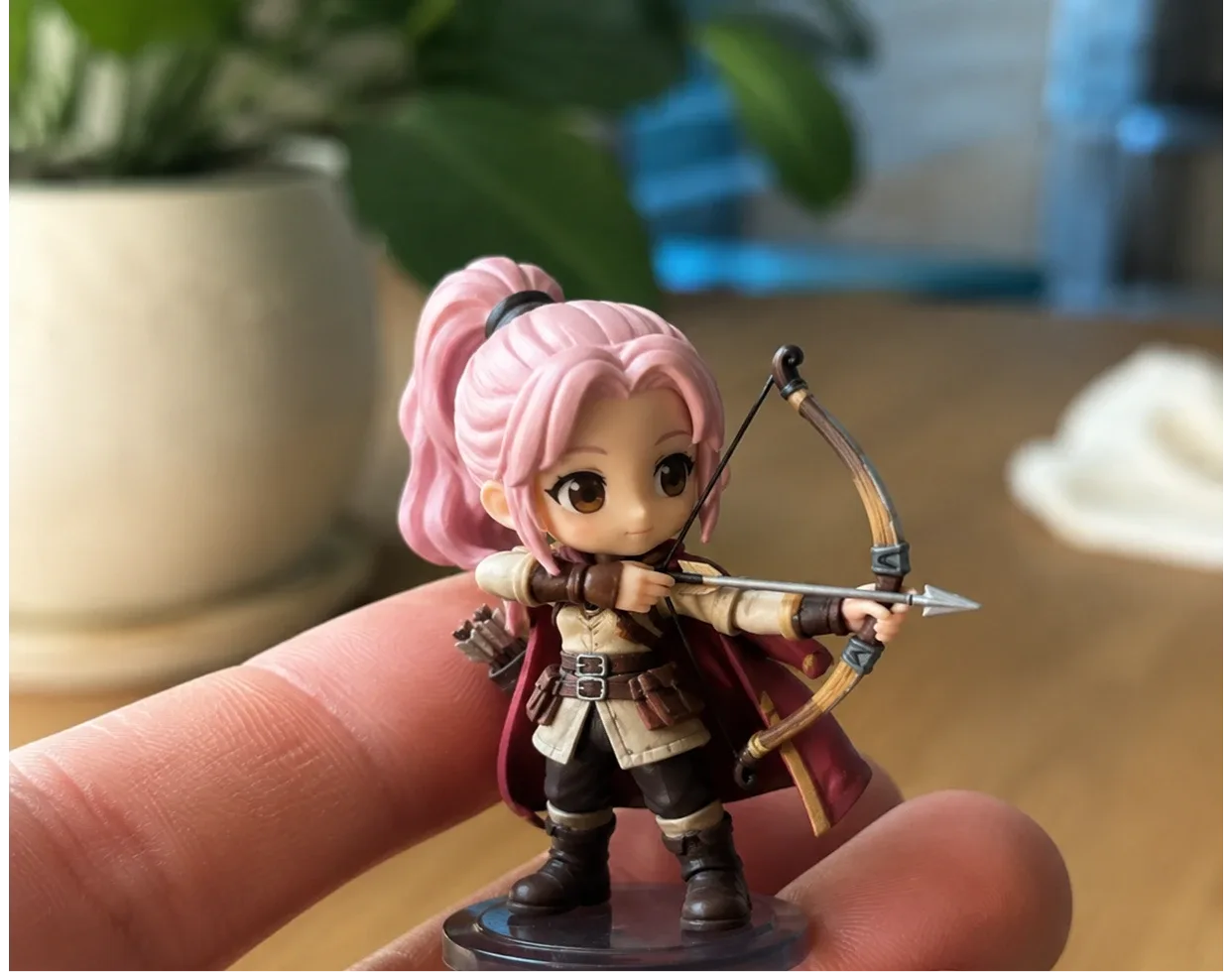 Reference example
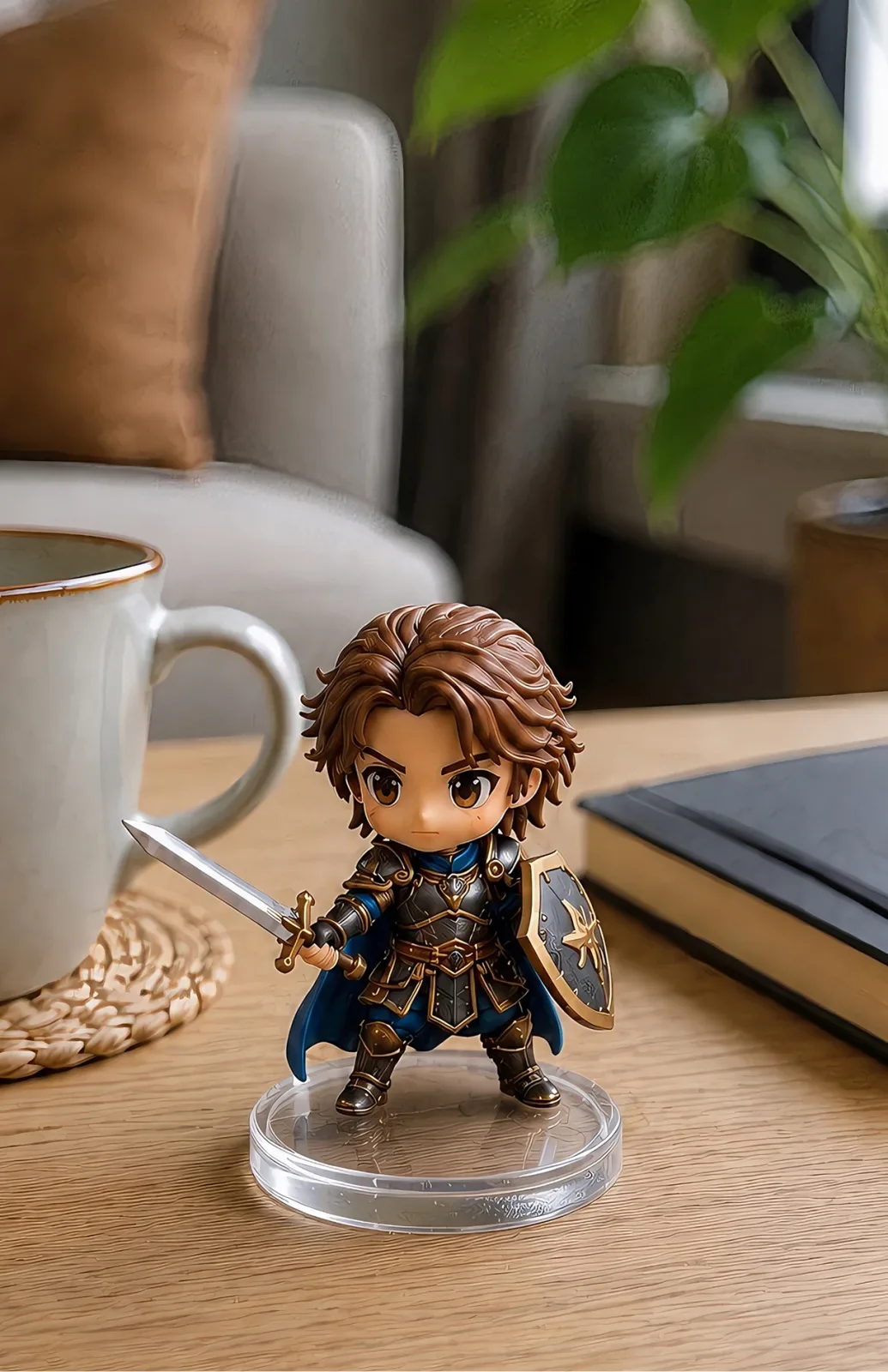 Reference example
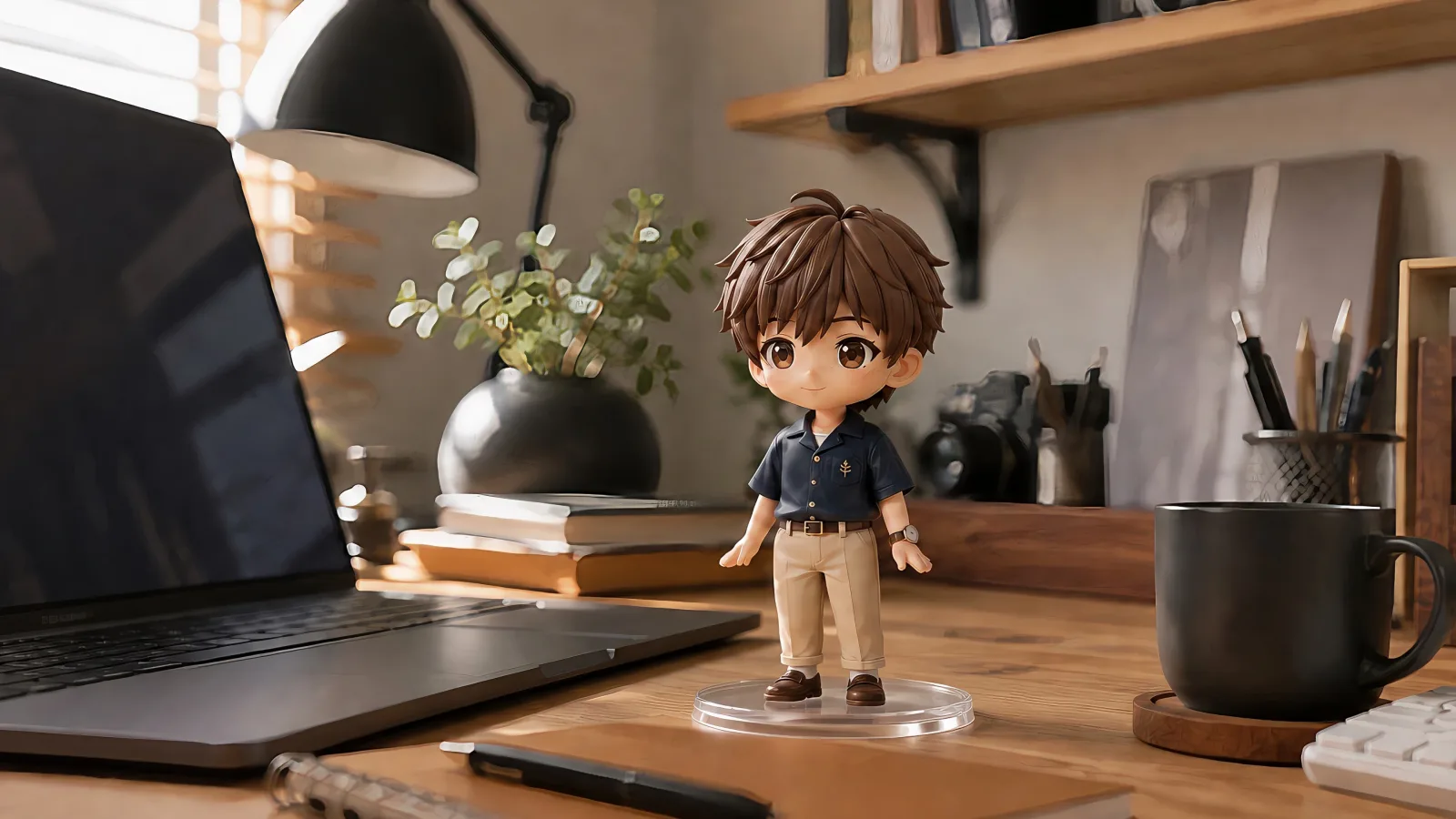 Reference example
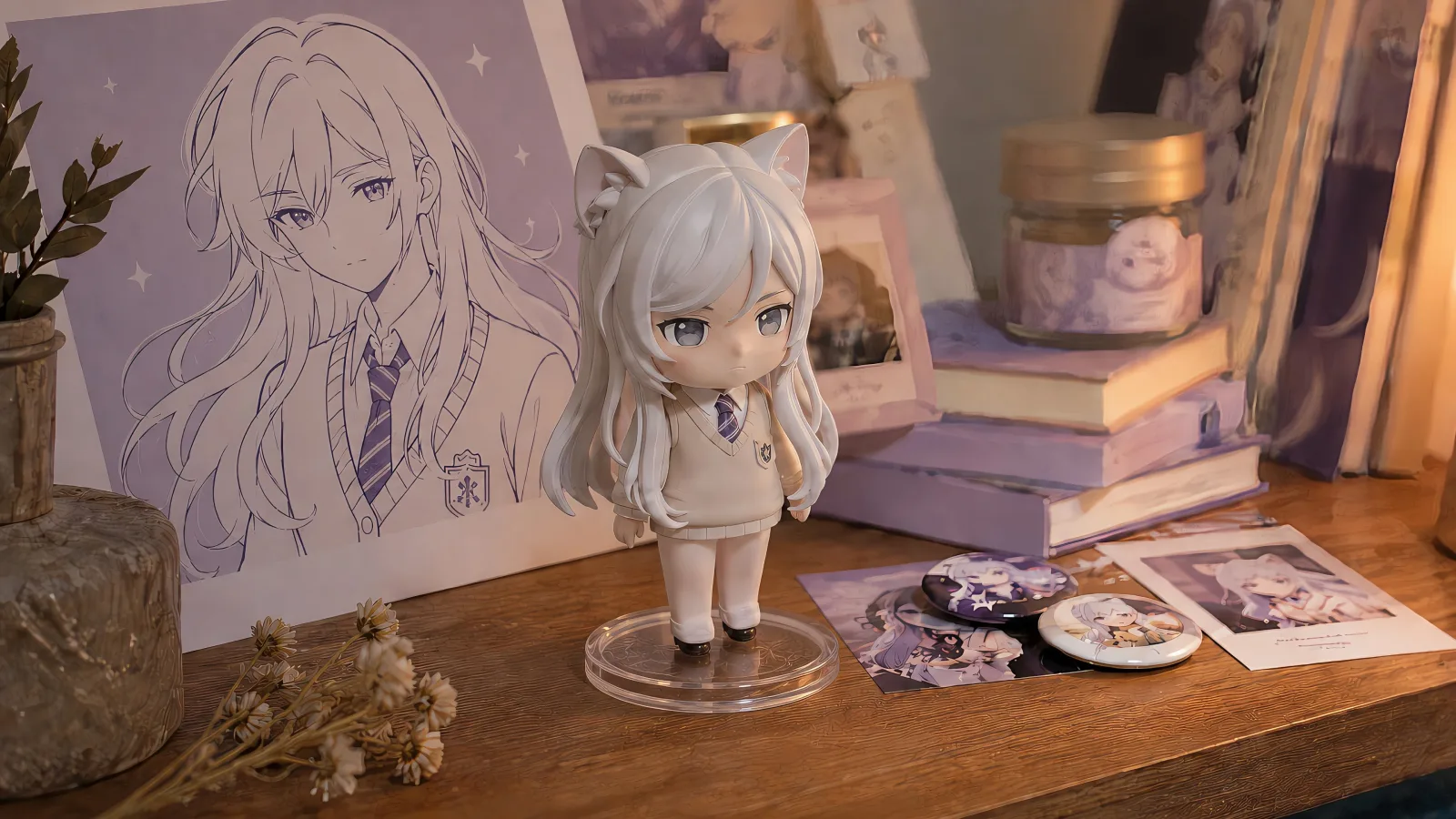 Reference example
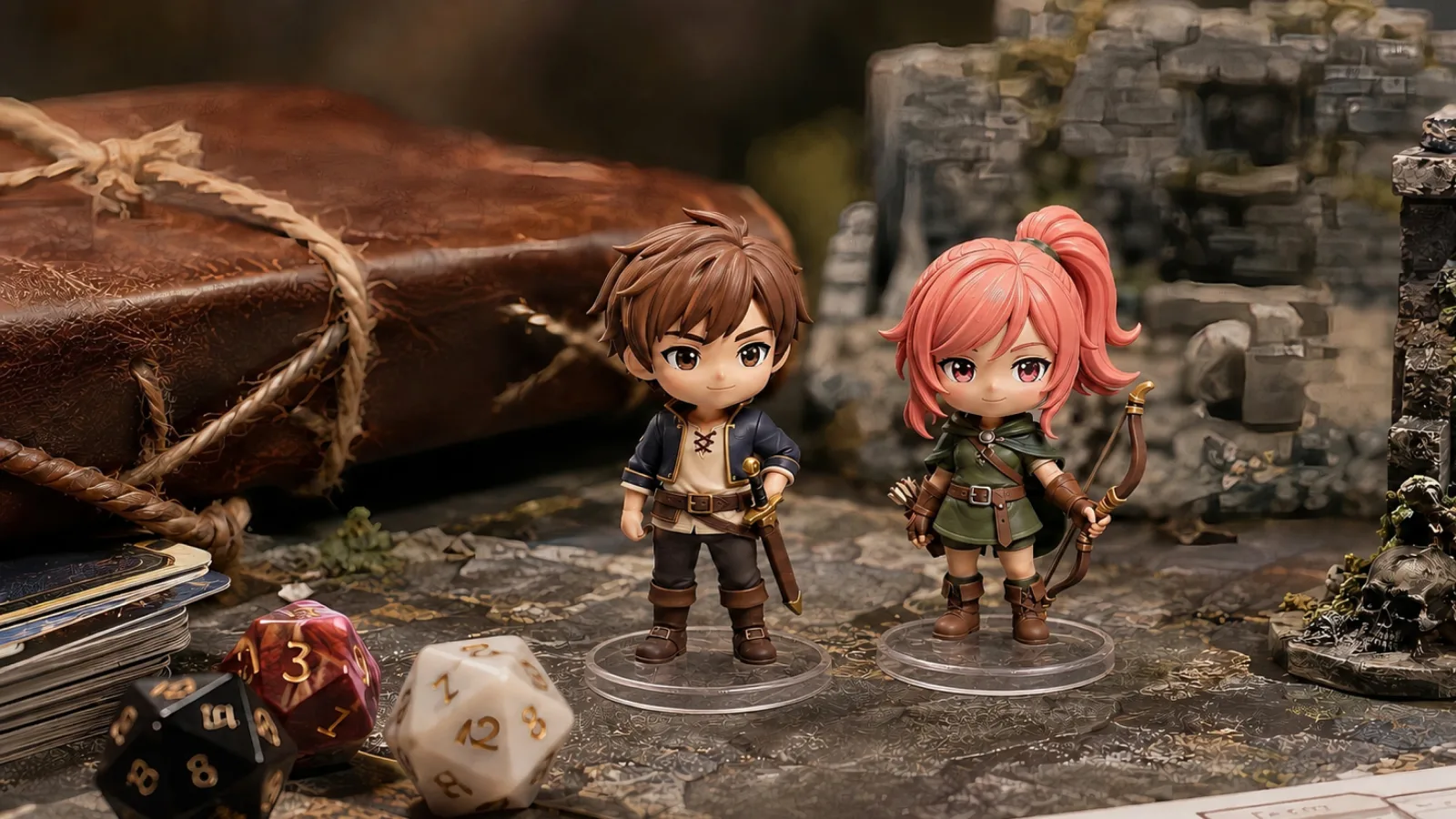 Reference example
 Reference example
s from Meshy (Creative Lab, figurine page). Shown for inspiration only; they were not made with Kairo3D.
Figurines and characters you can inspect in 3D
Third-party reference models, shown for reference only and not made with Kairo3D. Drag one to see how an AI figure looks from every side.
Why make the figurine file yourself
Figurine services sell a finished object. Here you get the file, so you choose the size, the material and who prints it.
One photo is enough
No 3D scan, no turntable session. Any sharp full-body snapshot works as the input.
You keep the STL
Print it today, again next year, or in a bigger size. The file stays in your history.
Print anywhere
Your own FDM or resin printer, a local makerspace or an online print service that accepts STL uploads.
Several engines
6 image-to-3D engines in one place, with the cost of each shown before you run it.
Free mesh tools
Scale, mirror or add a base in the STL editor, fix holes with STL repair. Both run in your browser.
Honest about failures
If an engine fails, the credits come back automatically. You pay for results, not attempts that crashed.
Custom figurine from photo: FAQ
Likeness, printing, rights and files.
More ways to turn photos into prints
Sibling generators and the free tools to finish your STL.
Custom Pet Figurine
Make a 3D figurine of your dog or cat.
Photo to Bust
Turn a portrait into a 3D bust for printing.
AI miniature generator
Turn a hero into a printable tabletop mini.
AI 3D character generator
Turn character art or a prompt into a textured 3D character.
Image to STL
Go from a photo to a 3D-printable STL file.
STL Editor
Scale, rotate, mirror and merge STL files online.
STL Repair
Find and fix holes, flipped normals and bad edges.
STL Dimensions
Get the size, volume and area of an STL file.
Turn your favourite photo into a figurine
Upload one full-body picture, generate the model and download an STL you can print today.