Kairo3D
NewPixal3D is live
Free tool · Runs in your browser

FBX to STL Converter

Take a character, prop or scene from Blender, Maya, Unity or a game asset pack and convert FBX to STL for your 3D printer. Check the pose and size in 3D, choose a scale, download a binary STL. Nothing is uploaded.

Drop FBX files to convert to STL

Binary or ASCII .fbx (FBX 2011 / 7.x and newer), up to 10 files at 200 MB each

Convert to

FBX is usually in centimetres. At 1 : 1 a 180 cm character becomes a 180 mm figure; choose “Centimetres → millimetres” only if you want true life size.

STL has no units — most slicers read it as millimetres. Add a file to see its size.

Runs in your browser — your files are never uploaded.

  • Nothing uploaded
  • No sign-in
  • Skinned meshes in rest pose
  • cm → mm in one click

FBX to STL at a glance

From an animated game file to one solid mesh for the slicer.

FBX

Scene: meshes, rig, clips

STL

One solid for the slicer

  • Meshes2 skinned · 780 tris
    Merged into one mesh
  • Skeleton14 bones
    Baked into the rest pose
  • Animation32 clips
    Not stored in STL
  • Materials“colormap” texture
    No colour in STL
  • Unitcentimetres
    Numbers kept, read as mm
  • Up axisY-up
    Turned to Z-up
KeptConvertedLeft out
  • 1 meshEvery visible mesh in the FBX — body, armour, props — is merged into one binary STL, positioned as in the file.
  • cm → mmFBX stores its unit (usually centimetres) while STL has none. You choose whether the numbers stay 1 : 1 or are multiplied by 10.
  • 0 bonesSkeleton, skin weights and animation clips have no place in STL; the mesh is written in the pose it rests in.

How to convert FBX to STL

Three steps from game asset to sliceable file.

  1. Drop the .fbx

    Drag in a binary or ASCII FBX. It opens in the preview in its rest pose (often a T-pose or A-pose), with triangle count and size.

  2. Pick the scale

    Keep 1 : 1 to turn centimetre numbers into millimetres one-to-one (an 81 cm game knight becomes an 81 mm figure), or choose “Centimetres → millimetres” for real size.

  3. Convert and slice

    Click “Convert & download” to download a binary STL that stands on +Z, then open it in Bambu Studio, PrusaSlicer, Cura or OrcaSlicer.

What carries over

FBX vs STL: what survives the trip to the printer

FBX is a full animation and scene format. STL is a list of triangles. The geometry crosses over; everything that moves, shades or has a name stays behind.

FBX: rig, animation, materials

STL: one printable mesh

FBX vs STL: what survives the trip to the printerFBXSTL
Triangle geometryYesYes
Skeleton and skin weightsYesNo
Animation clipsYesRest pose only
Materials and texturesYesNo
Separate objectsYesMerged
UnitsDeclared (often cm)None (read as mm)

Our test file, a CC0 Kenney knight, has 14 bones and 32 animation clips. Its STL keeps the 780 triangles of the rest pose and nothing else.

Size and orientation

Two things to check before you slice the STL

Most failed FBX to STL prints are not broken meshes — they are the wrong size or lying on their back. Here is what the converter does about both.

FBX81.4 cmcentimetresHeight stored in the game file
1 : 1
STL 1:181.4 mmread as mmDefault — a figure that fits any printer
× 10
STL ×10814 mmread as mmTrue size — taller than most build volumes

Centimetres in, millimetres out

  • The knight is 81.4 units tall and the FBX says those units are centimetres.
  • STL has no unit, so slicers read 81.4 as millimetres: a desk-size figure.
  • Pick “Centimetres → millimetres” only for life size — 814 mm needs splitting into parts.
FBX · Y-upMaya, Unity, Mixamo, Blender’s FBX export
Turned 90° about X
STL · Z-upBambu Studio, PrusaSlicer, Cura, OrcaSlicer

Y-up characters, Z-up build plates

  • Maya, Unity and Mixamo write FBX with Y pointing up.
  • Slicers stand models on +Z, so an unrotated character would lie face-up on the plate.
  • “Stand upright” is on by default and turns the mesh once, on export.
Where it ends up

From game character to tabletop figure

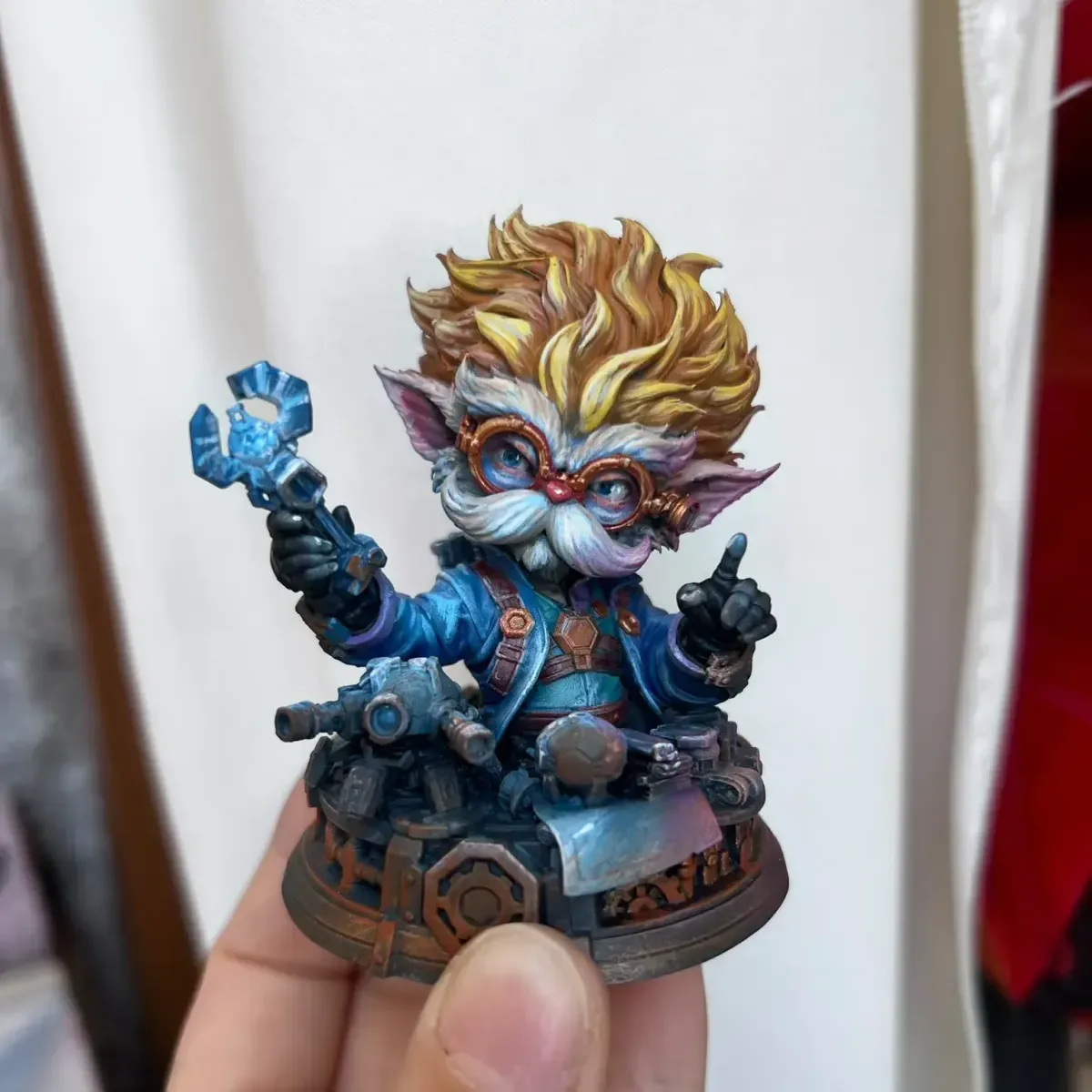
This is what an FBX to STL conversion is usually for: a character from a game or asset pack, printed small and painted by hand.

  • Hand holding a painted goblin tinkerer miniature on a round baseReference example
    Painted at 1 : 1 scaleA game-style goblin printed a few centimetres tall — the size you get when centimetre numbers are read as millimetres.
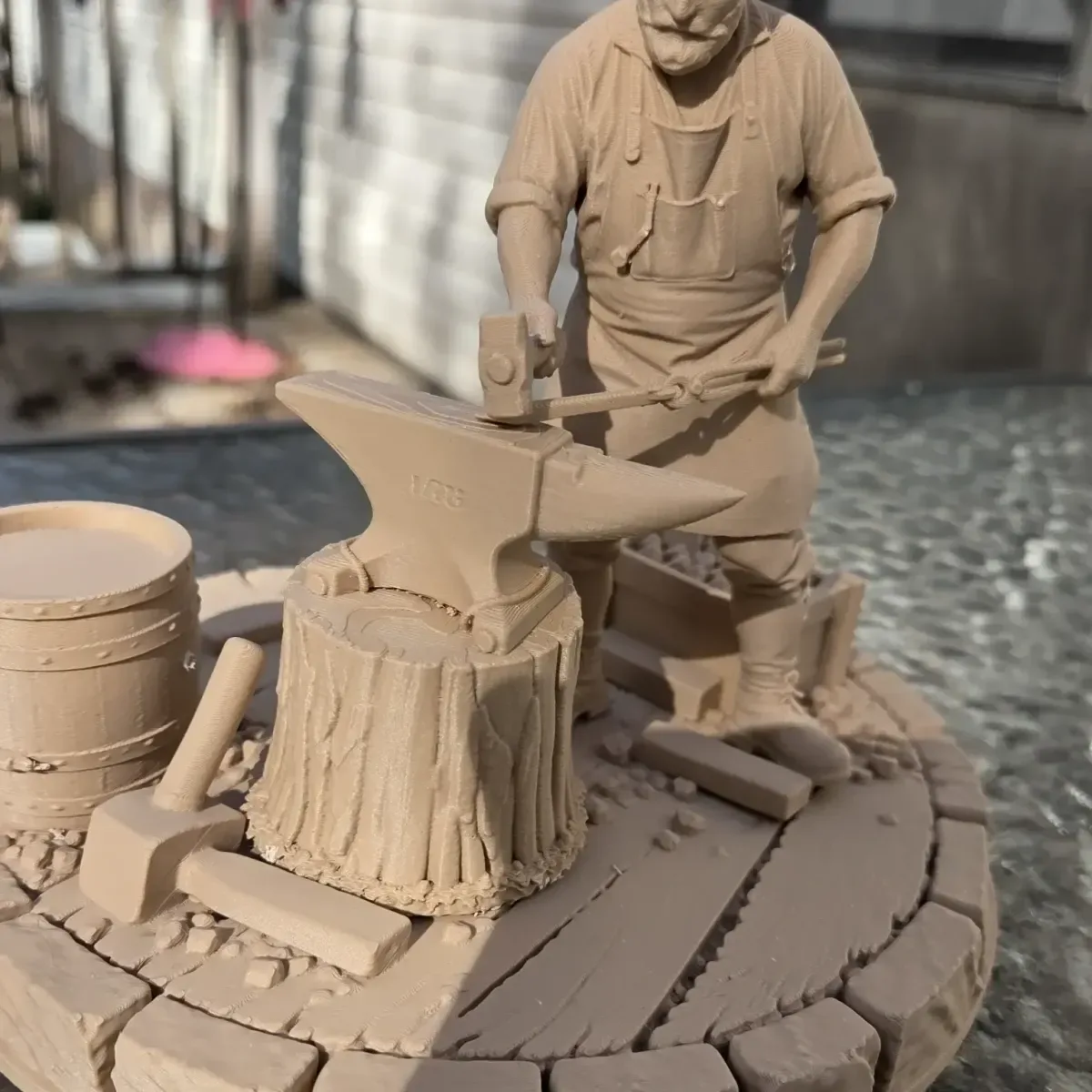
  • Unpainted grey print of a blacksmith at an anvil on a round cobblestone baseReference example
    Straight off the plateAn unpainted diorama print. Merged meshes and the rest pose give the slicer one clean solid to lay down.

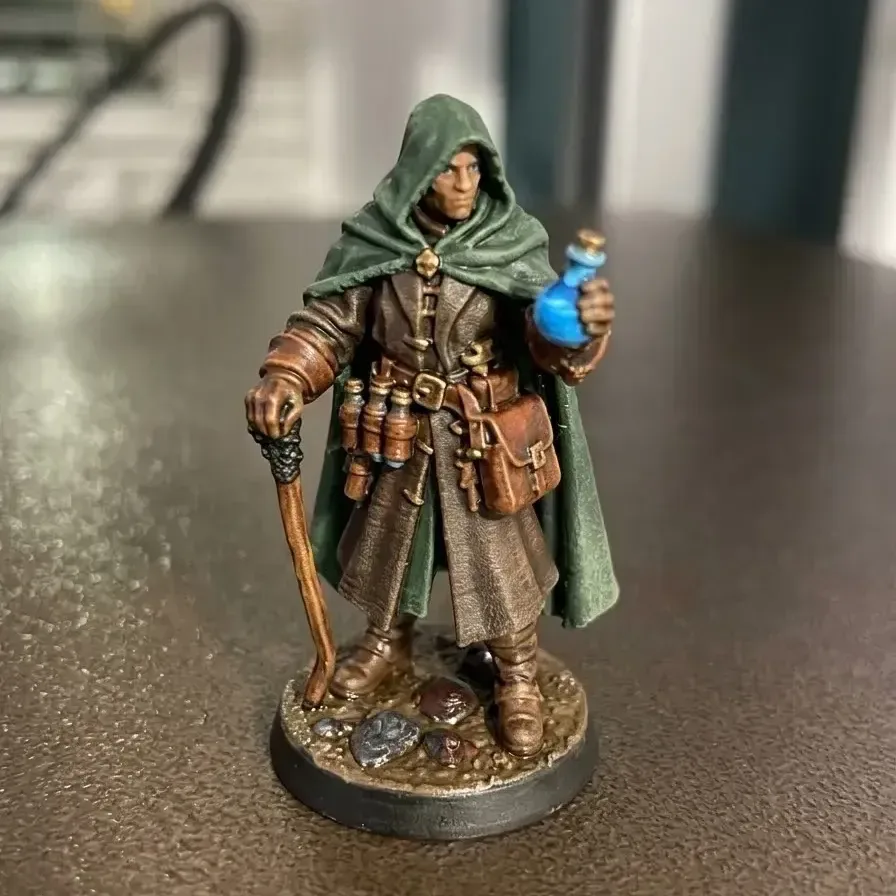
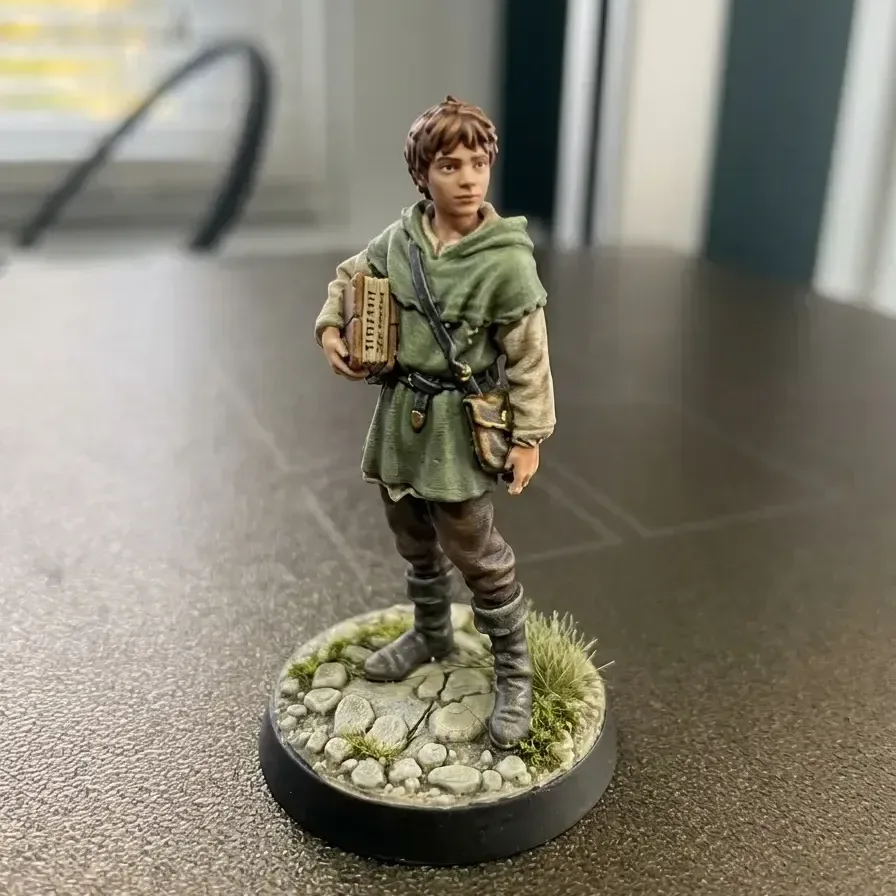
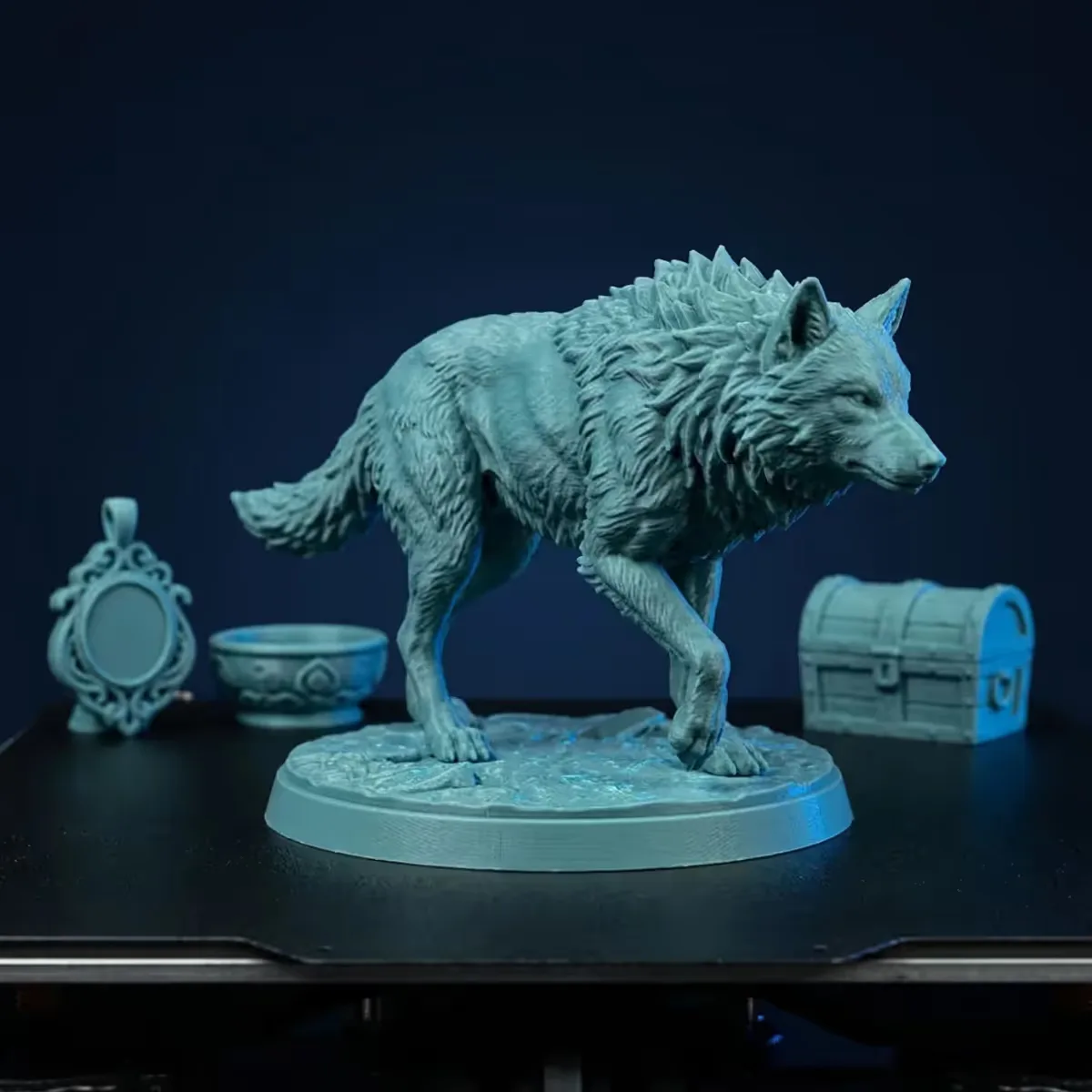
Reference photos of printed game-style figures, not prints made from this page’s sample file.

Characters people print from game files

Figures and creatures from the reference library — the kind of rigged model that usually starts life as an FBX.

Built for printing game and animation assets

The FBX quirks that trip up a 3D print, handled before you slice.

  • Painted hooded ranger miniature holding a blue potion

    Skinned meshes baked in place

    Rigged characters are written at their current bone positions, not at the raw vertex data, so arms and heads land where you see them in the preview.

  • Painted young traveller miniature holding a book, on a grassy base

    Unit-aware scaling

    The converter reads the FBX unit and shows the STL size in millimetres before export. Switch between 1 : 1, cm → mm, or fit-to-100 mm for a desk figure.

  • Teal-grey printed wolf miniature on a base with small chest and bowl props

    Y-up to Z-up

    FBX from most tools is Y-up; slicers are Z-up. The model is turned on export so the character stands on the build plate instead of lying on its back.

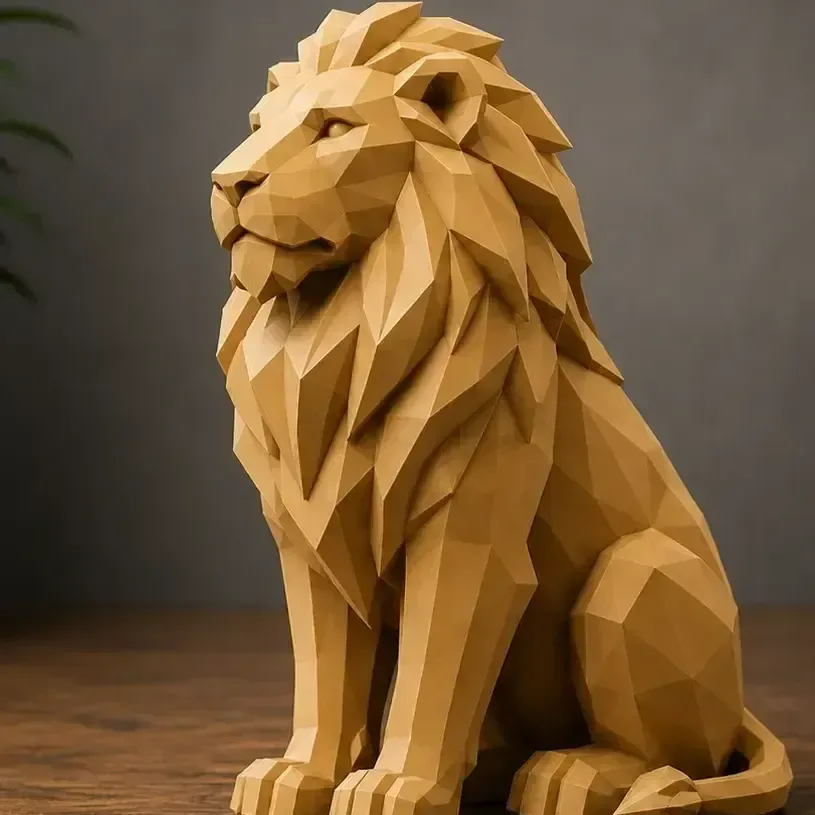
  • Low-poly seated lion printed in tan filament on a wooden table

    Lights and cameras dropped

    Scene lights, cameras and empty helpers in the FBX are ignored, so only real geometry reaches the STL.

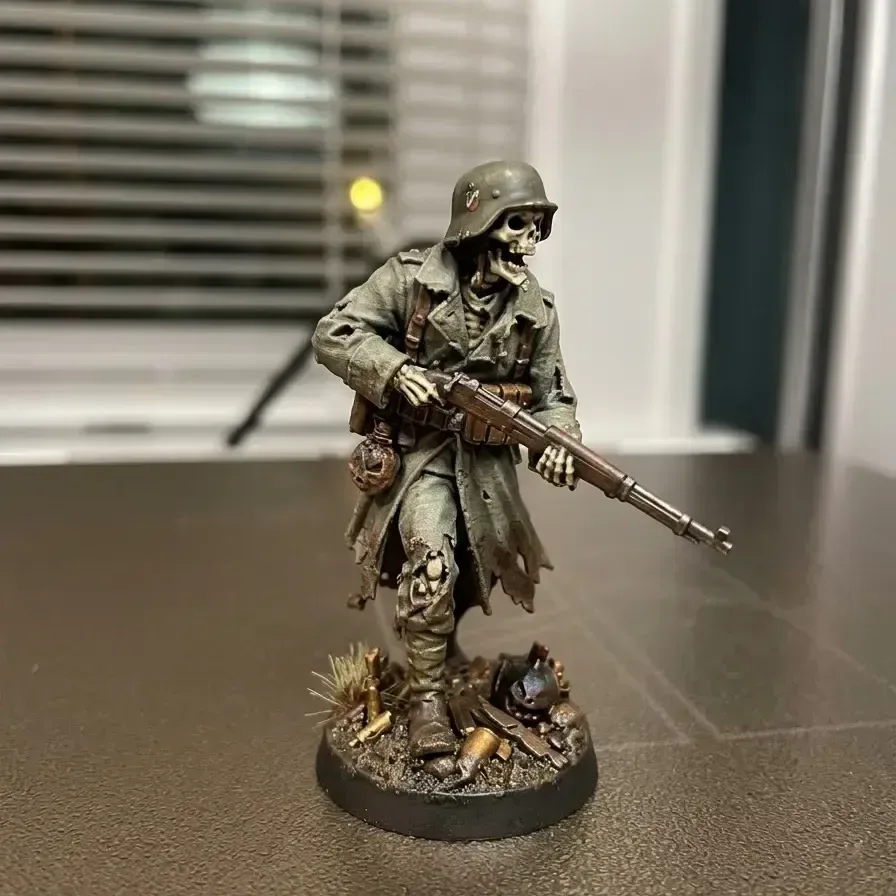
  • Painted undead soldier miniature with a rifle on a scenic base

    Batch convert a whole pack

    Asset packs often ship dozens of FBX files. Add up to 10 at a time and each one downloads as its own STL.

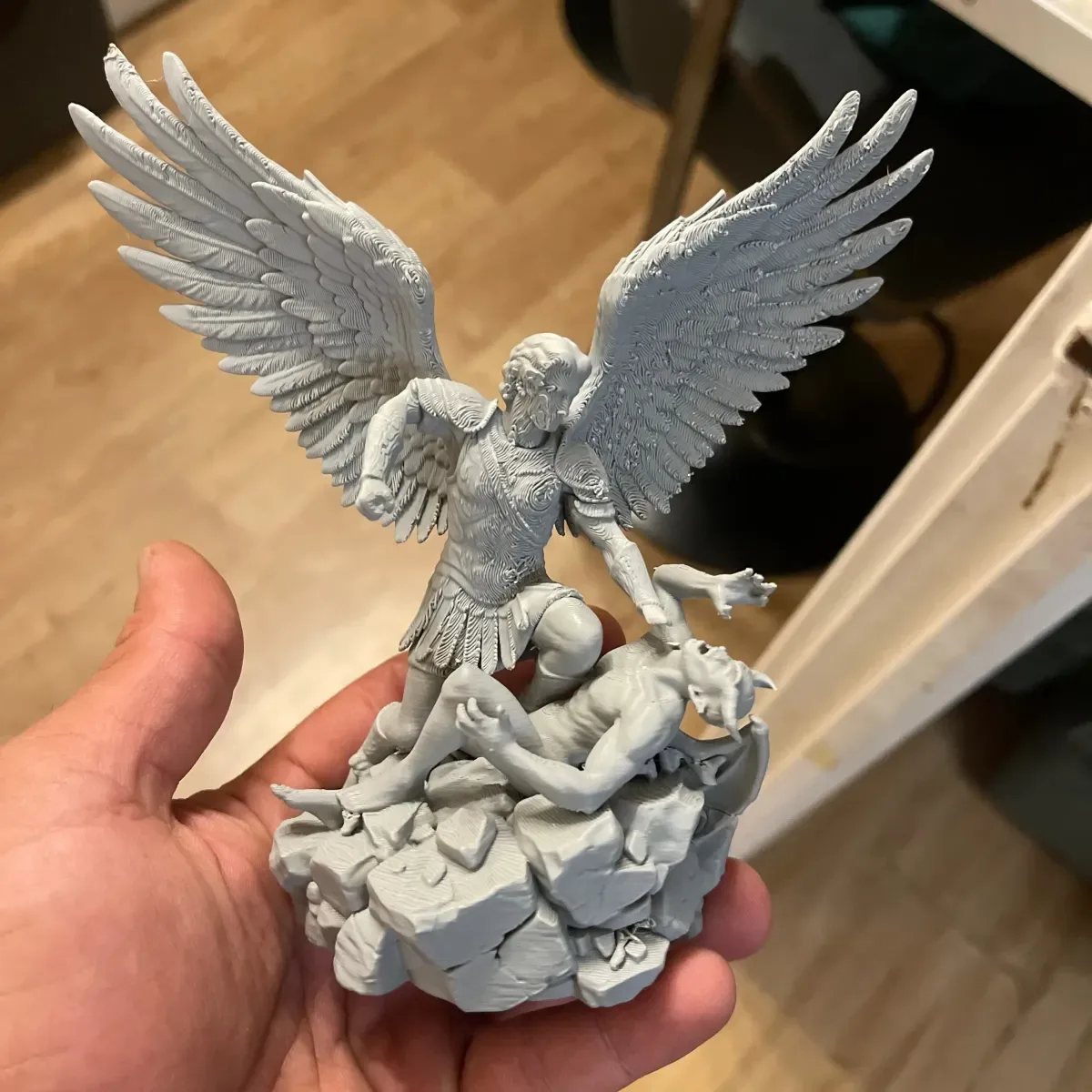
  • Hand holding an unpainted grey resin print of a winged angel statue

    Your files stay local

    Purchased characters and studio assets are parsed and converted in this browser tab. Nothing is uploaded or stored.

FBX to STL FAQ

What to expect when a game or animation file goes to a printer.

Want a printable character without the rig?

Generate a 3D model from a photo or a prompt, then download it as a print-ready STL — no FBX needed.

Try Image to STL