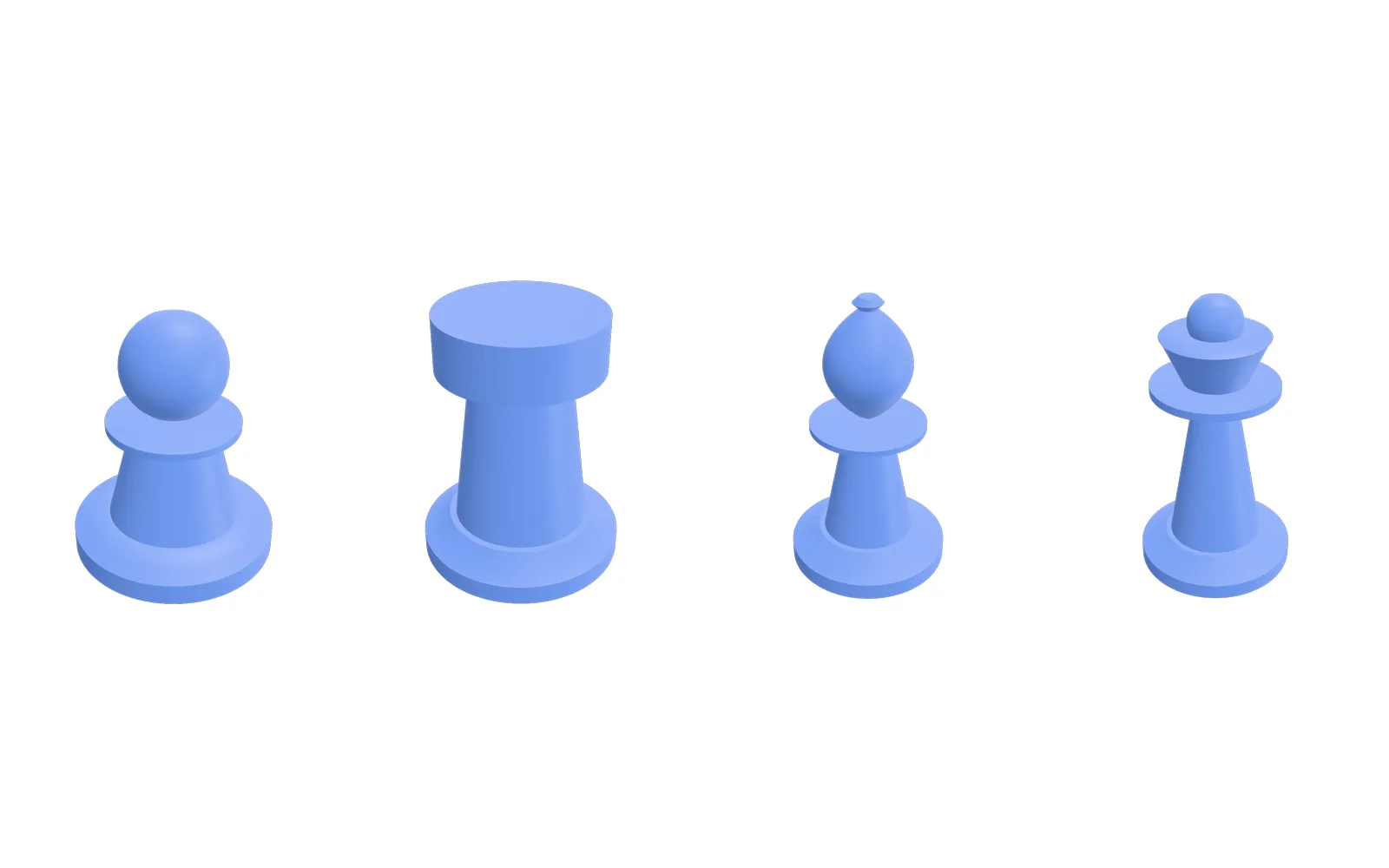


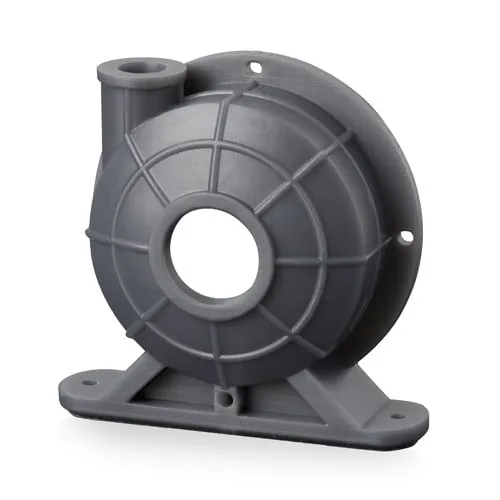
Thumbnails for model listings and shops
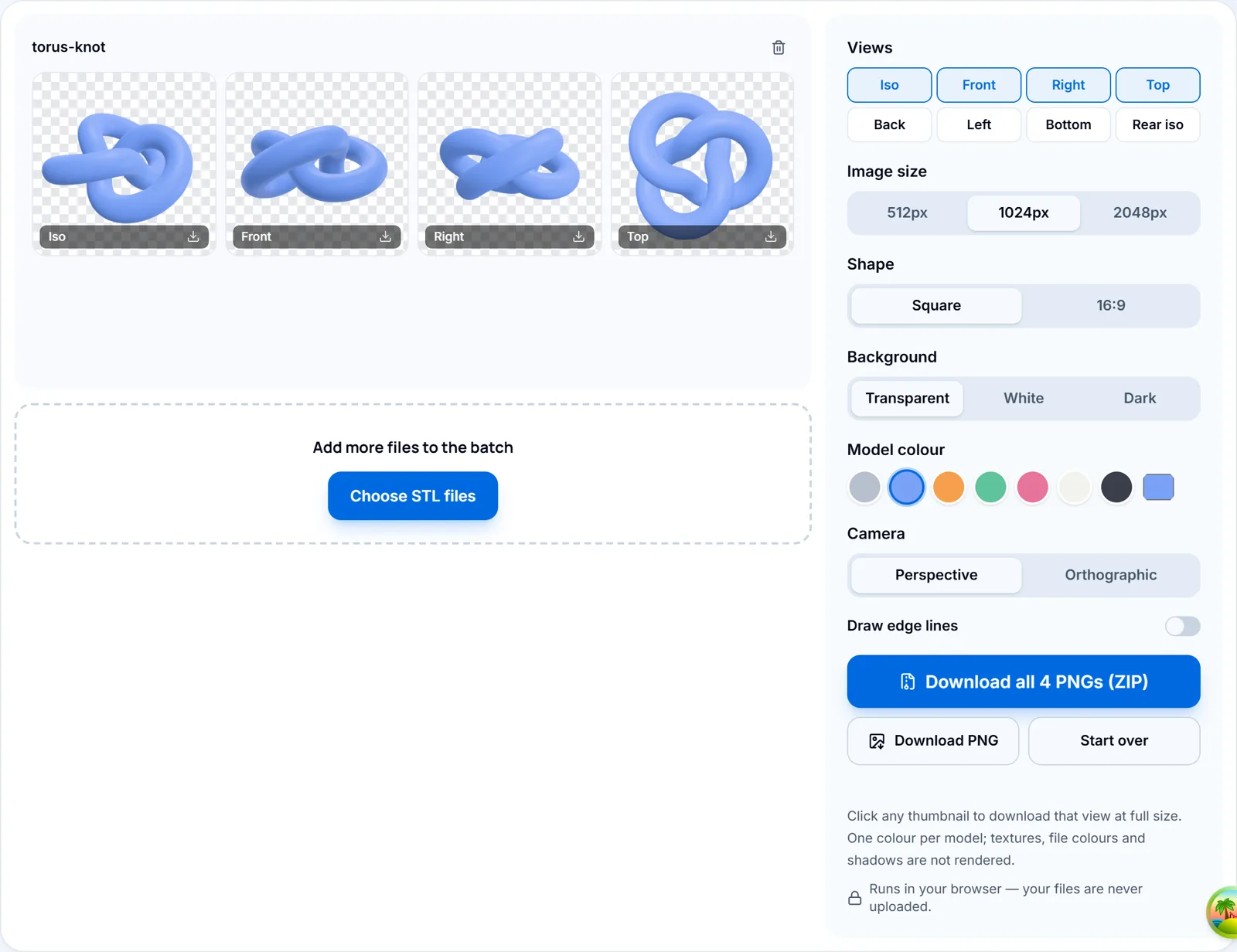
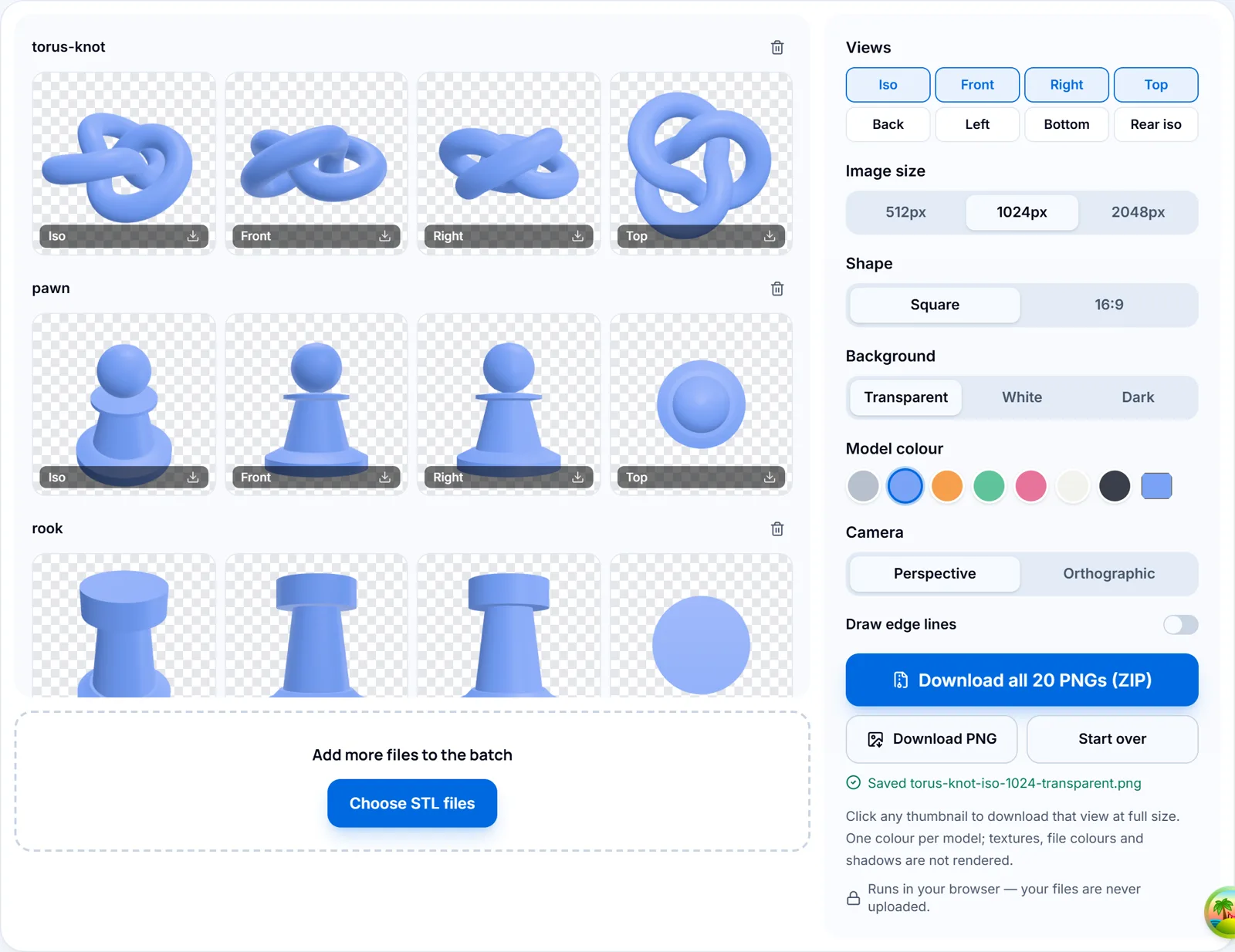
Model sites such as Printables, Thingiverse and Cults, and shops on Etsy, all take image uploads next to the file, and the picture is the first thing a visitor judges. If you have not printed the model yet, an STL thumbnail is the honest way to show what the file contains. Render the iso view at 1024 or 2048 pixels, square, and use it as the cover; add front, side and top views so buyers can see the proportions.
Check each site’s own upload rules for size and shape before you post — they change, and we do not repeat them here. A square image is the safest default for grids of cards; 16:9 suits banners and video thumbnails. For a consistent shop, render every file in one batch with the same colour, background and views, so all listings look like one set.
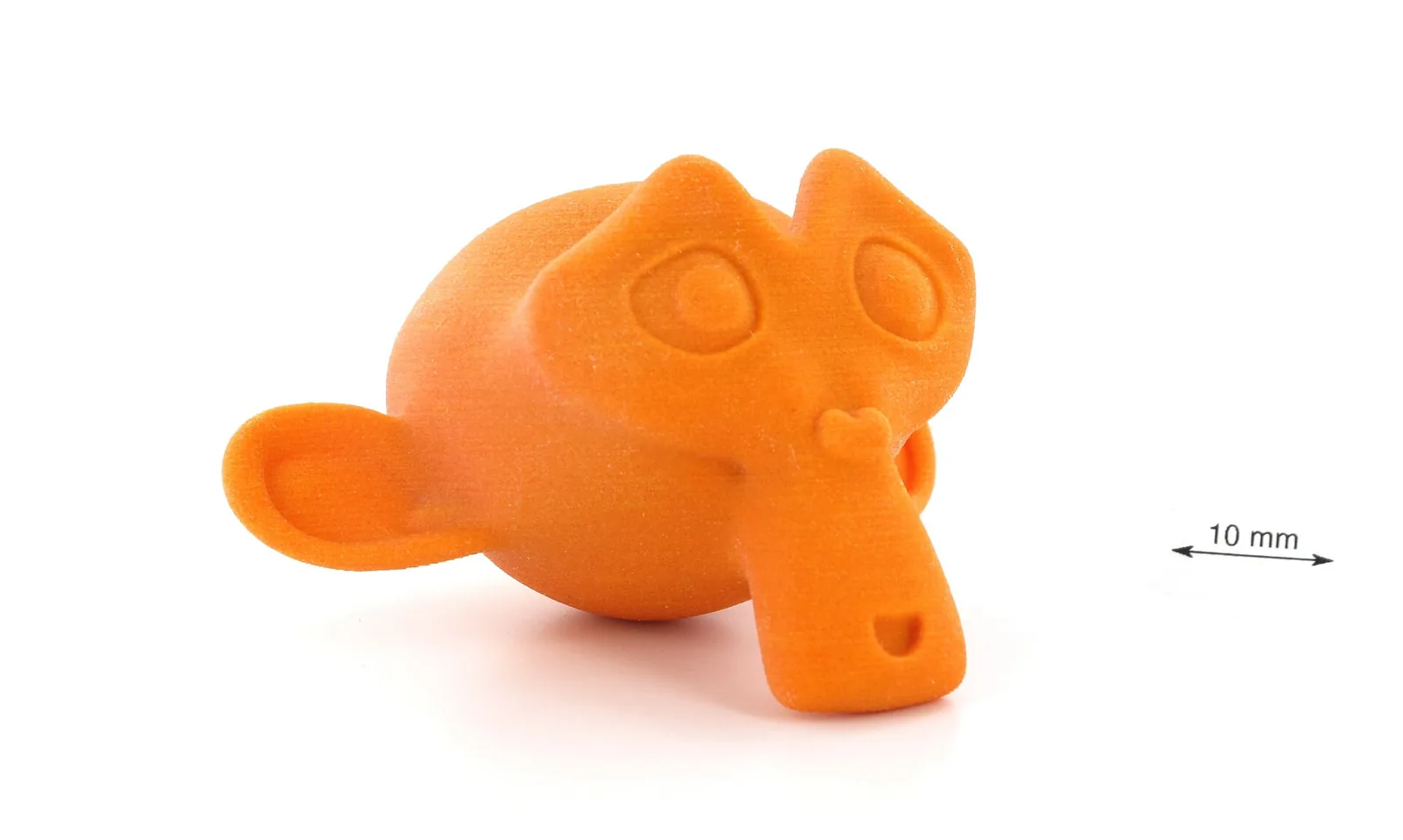
Remember that a render is not a print photo. Label it as a render if the marketplace asks, and replace it with a real print photo when you have one.