What is a GLB file? The binary glTF format explained: what a .glb file stores, how to open it free in a browser or Blender, GLB vs glTF, and how to convert it.
Last updated:
A GLB file is a 3D model saved in the binary version of glTF, the open format the Khronos Group publishes for sending 3D scenes to apps and the web. One .glb file holds the mesh, its materials, its textures and even animation, so you can email it, upload it or drop it into a viewer with nothing else attached. This guide explains what a GLB file stores, how to open it, how GLB compares with glTF, and when to convert it.
What is a GLB file? The short answer
A .glb file is a self-contained 3D model: the binary form of glTF 2.0, with geometry, PBR materials, textures and animation packed into one file. Open it free in your browser with the GLB viewer, or in Blender via File › Import › glTF 2.0. To 3D print it, convert it with the GLB to STL converter.
What is a GLB file?
glTF (GL Transmission Format) is a royalty-free format from the Khronos Group, the body behind OpenGL and Vulkan. Version 2.0 was released in 2017 and is also published as ISO/IEC 12113:2022. glTF has two forms: a readable .gltf JSON file that points to separate buffers and images, and the binary .glb, which packs all of them into one file. Khronos sometimes calls glTF "the JPEG of 3D": compact, quick to load and readable by almost every modern 3D tool.
That is why the GLB file became the default for web 3D, AR previews, online shops and AI 3D generators. Kairo3D's generator, for example, delivers every model as a textured GLB.
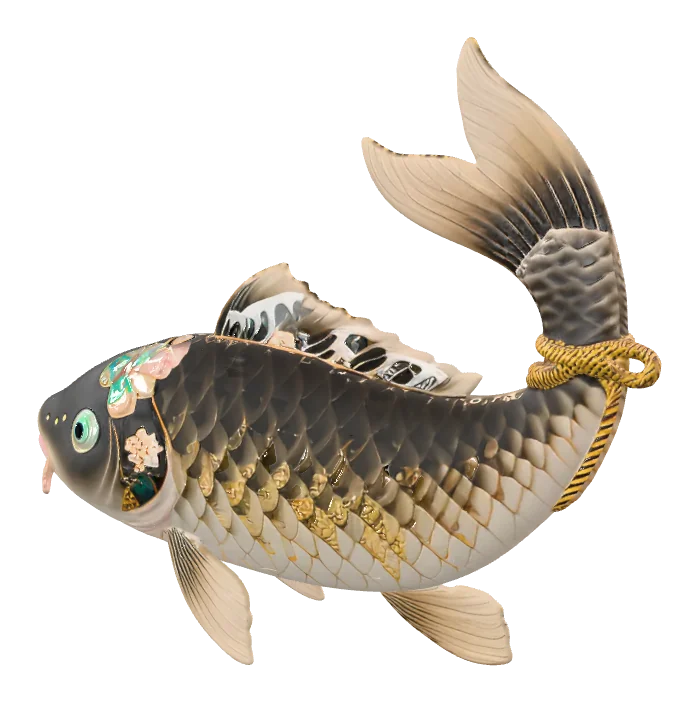
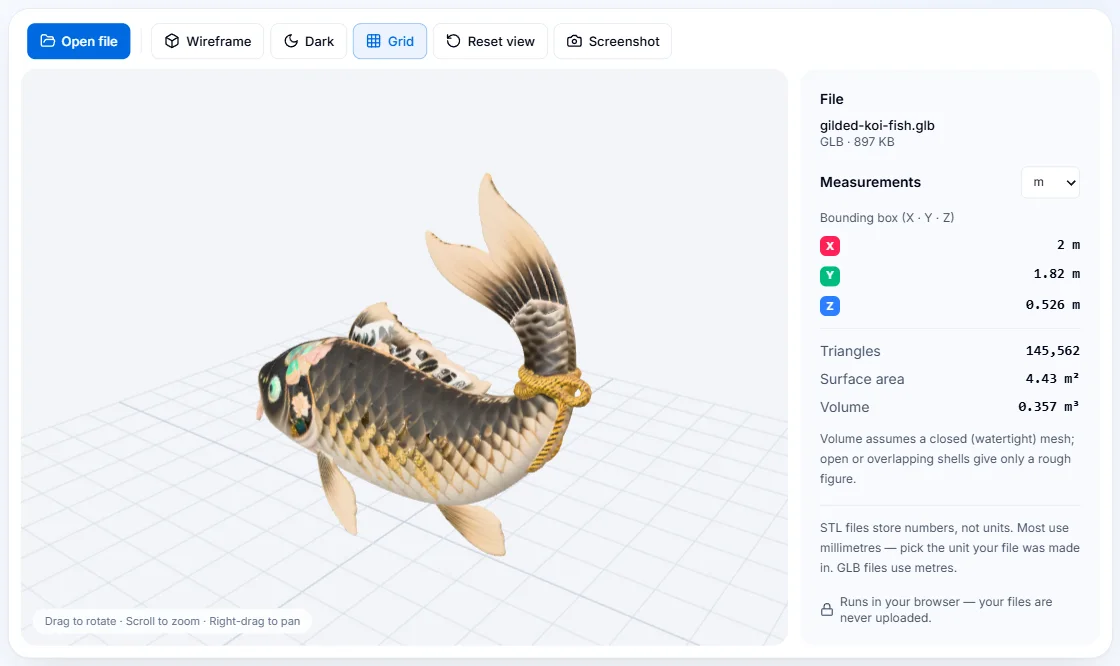
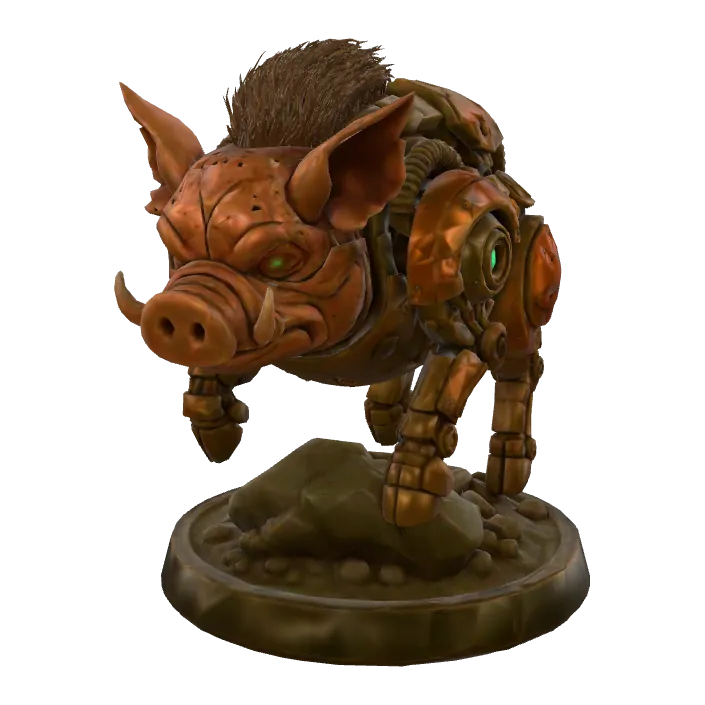
One file, everything includedThis koi is a single .glb. Drag to rotate it: the mesh, the gold material and the colour textures all came from the same file, with nothing else downloaded.
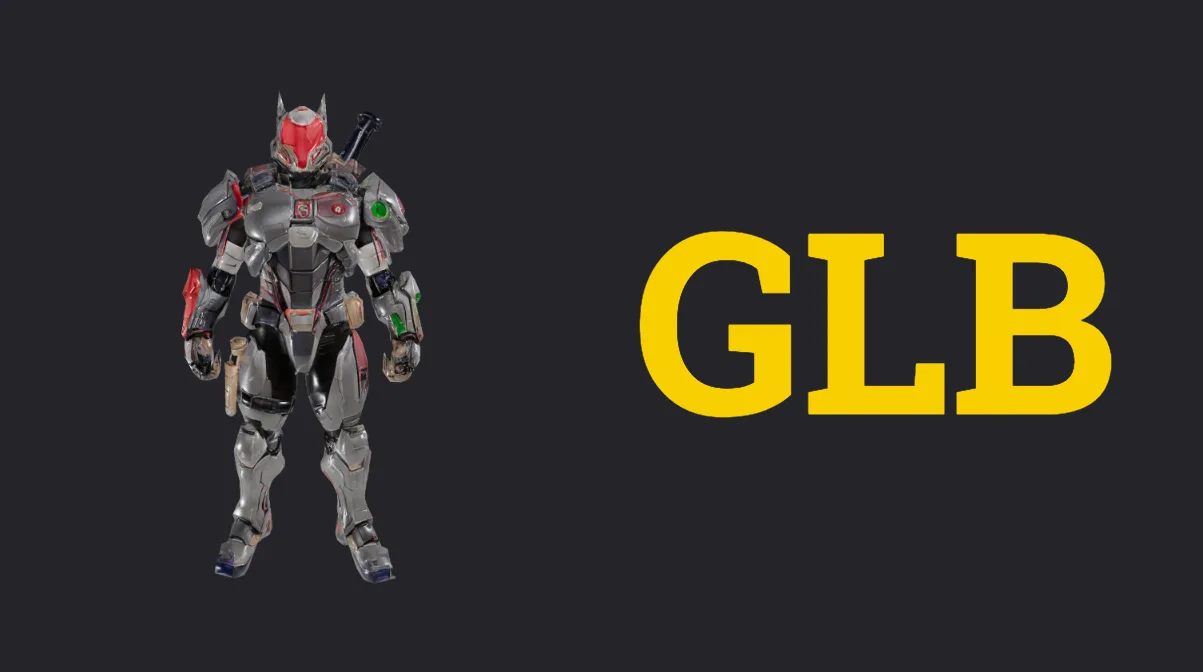
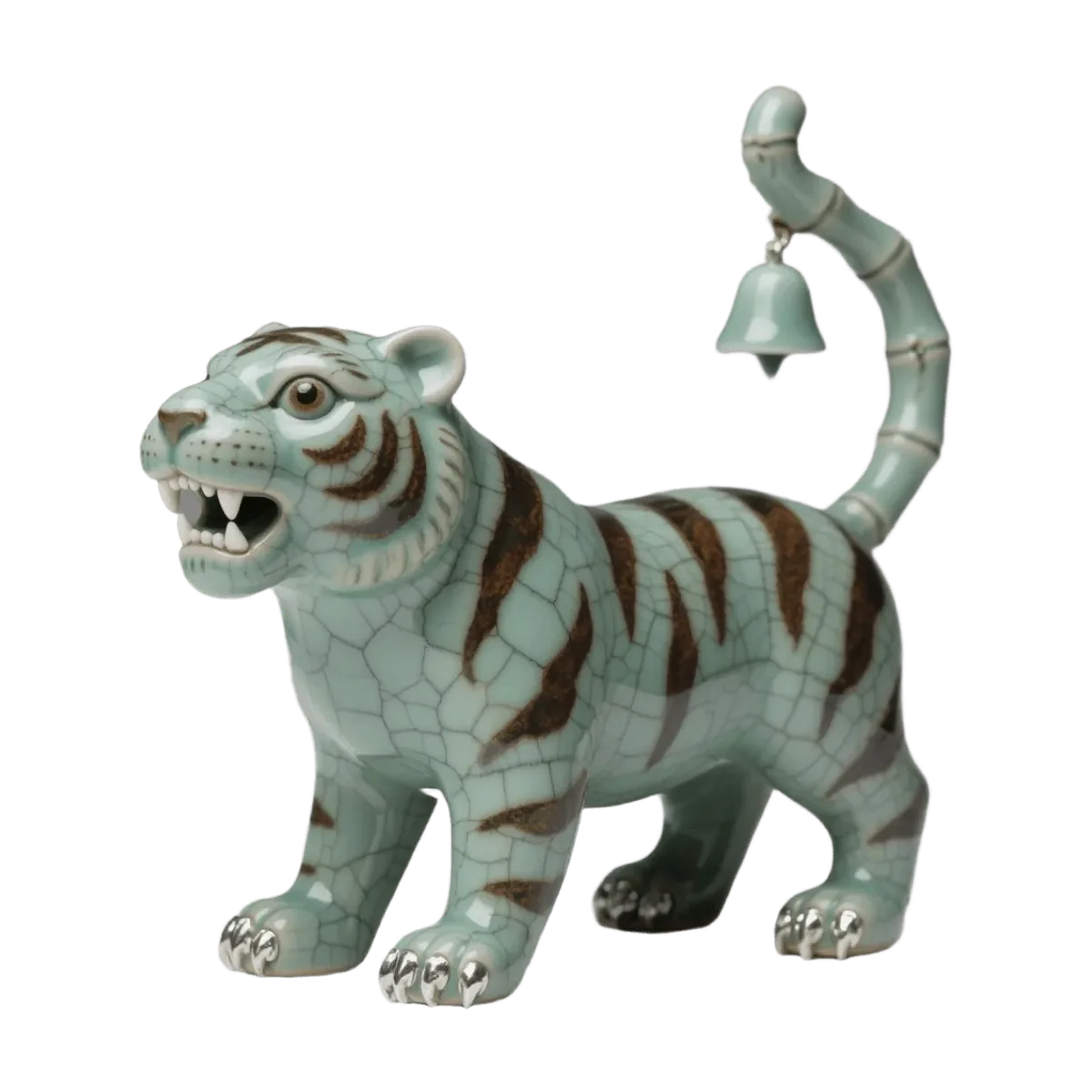
Reference example (Tripo blog): a textured character model of the kind usually delivered as GLB, with its materials packed into the one file.
What's inside a .glb file
A GLB file has a tiny binary header and then up to two chunks. The JSON chunk describes the scene; the BIN chunk carries the heavy data that the JSON points into.
model.glbBinary glTF 2.0
Header12 bytes: magic "glTF", version 2, total length
Embedded imagesPNG or JPEG textures inside the BIN chunk
Units are metres and +Y points up, by definition of the format.
model.gltf (+ files)glTF, separate files
model.gltfthe same JSON, as a readable text file
model.bingeometry buffers
textures/*.pngone image file per texture
Same data, but several files that must travel together.
Inside a GLB file: a 12-byte header, a JSON chunk that describes the scene and a binary chunk with the raw data.
What the JSON can describe:
Meshes made of triangles, with normals and texture coordinates.
PBR materials in the metallic-roughness model: base colour, metalness, roughness, normal, occlusion and emissive maps.
A scene tree of nodes, so a model can have several parts with their own positions.
Animation, skins and morph targets for rigged characters.
Cameras and extensions, such as Draco or meshopt compression and KTX2 textures.
GLB vs glTF: which should you use?
GLB and glTF store the same data; the difference is packaging. The comparison below shows when each is handier.
GLB vs glTF comparison table
Feature
GLB (.glb)
glTF (.gltf)
Files
One binary file
A JSON file plus .bin and image files (or Base64 inside the JSON)
Readable in a text editor
No
Yes, the JSON part
Sharing and uploading
Easiest: nothing can go missing
Every file must be kept together
Size
Compact; binary data is stored as-is
Similar with separate files; about a third larger if embedded as Base64
Editing by hand
Needs a tool
Easy to tweak a material or texture path
Typical use
Web, AR, shops, AI generators, downloads
Pipelines and debugging
Pick GLB when…
You share or upload a model and want one file.
The model goes on a website, into AR or into a game engine.
You download from an AI generator or a 3D store.
Pick glTF when…
You want to read or edit the JSON by hand.
Your pipeline swaps textures without rebuilding the model.
You are debugging an export.
Converting between the two loses nothing. Blender, for example, exports either "glTF Binary (.glb)" or "glTF Separate (.gltf + .bin + textures)" from the same scene.
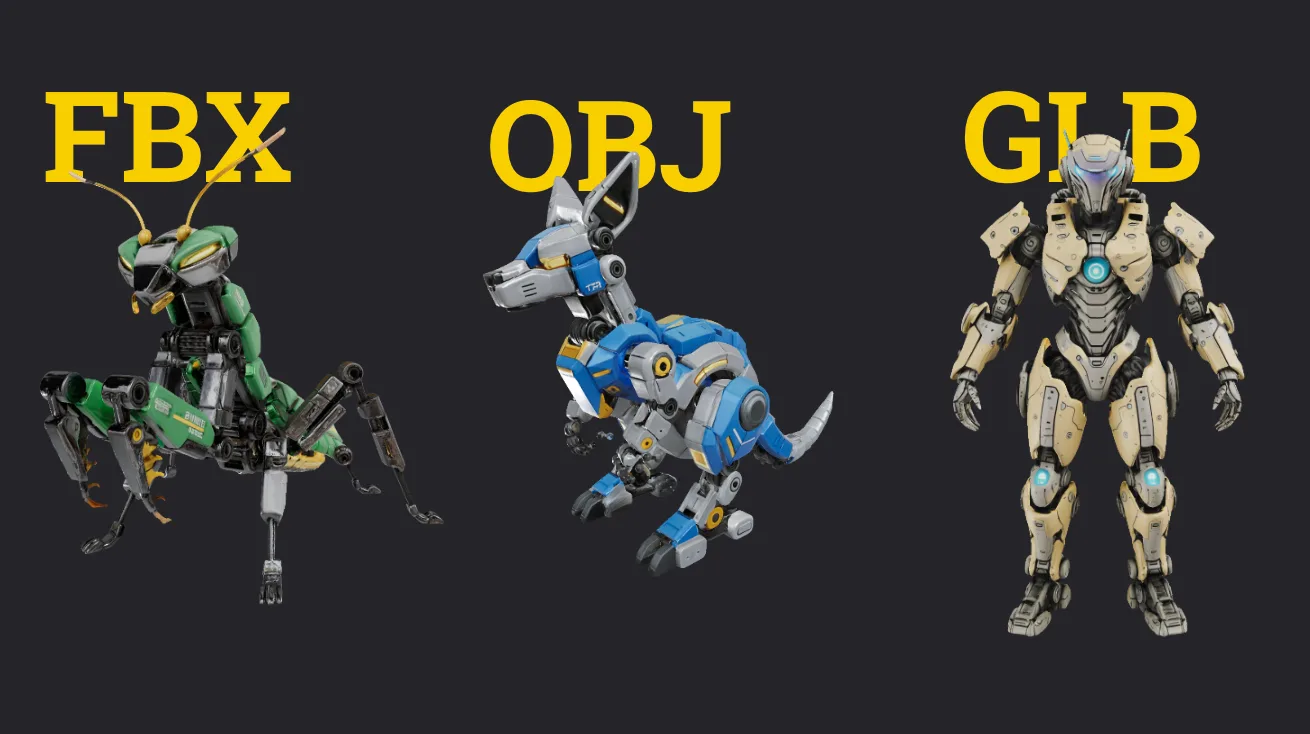
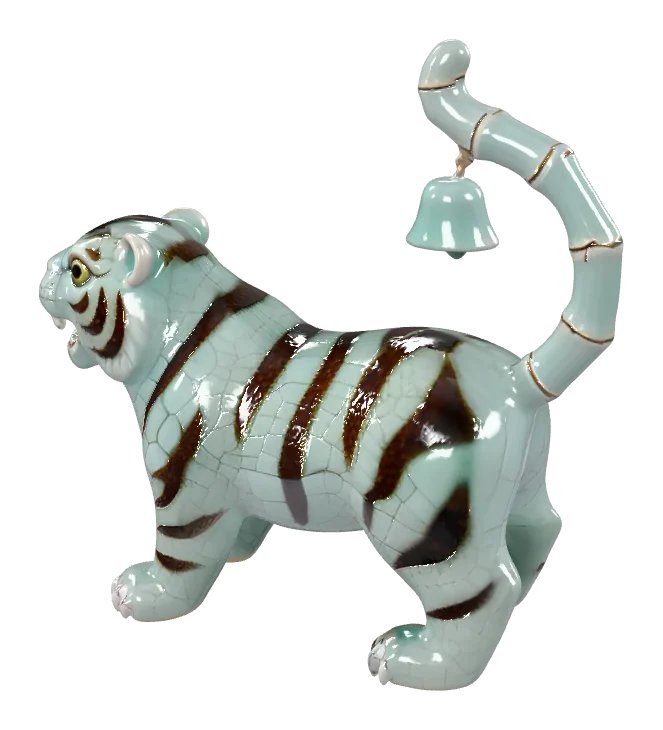
Reference example (Tripo blog): the same kind of textured assets exported as FBX, OBJ and GLB. GLB is the one that travels as a single file.
How to open a GLB file
You don't need paid software to open a GLB file. Pick by what you want to do with it:
GLB → STLFor a 3D printerSlicers want STL or 3MF. Convert in the browser and set a real size, since GLB uses metres.
GLB → OBJFor older 3D appsOBJ keeps geometry and UVs and is read by almost every modelling tool.
GLB → BlenderTo edit itBlender imports GLB natively, with materials, and can export it again.
GLB as isWeb, AR and shopsKeep the GLB for model-viewer, three.js, product pages and game engines.
The path from a picture to a printed object usually runs through a GLB file:
YouPhotoOne clear picture of an object
AI generatorGLBTextured mesh in one file
Browser · freeSTLShape only, for the slicer
A GLB is the hand-off point: keep it for screens, convert it for printing.
When you convert a GLB to STL, the shape survives but the colours, materials and animation don't, because STL only stores triangles. Read 3MF vs STL for what each print format keeps.
Reference example (Tripo blog): a GLB model placed in augmented reality on a phone, one of the most common uses of the format.
Common GLB problems
The model is tiny or huge. glTF counts in metres, while slicers read STL numbers as millimetres. Rescale in the GLB to STL converter or in your slicer.
It lies on its side. glTF is Y-up; many CAD tools and slicers are Z-up. Importers usually rotate it for you; if not, turn it 90° around X.
The textures look grey. In Blender, the solid viewport ignores textures; switch to Material Preview.
The file won't open in an older app. Some apps don't read Draco or meshopt compression. Re-export without compression, or open it in a tool that supports the extension.
GLB file FAQ
GLB is short for "GL Transmission Format Binary": the binary file of glTF 2.0. glTF itself stands for GL Transmission Format, named after OpenGL, because it was designed to load straight into graphics engines with little processing.
A GLB file holds data, not programs: geometry, materials, images and animation described in JSON and binary buffers. Standard viewers do not run code from it. As with any download, use a source you trust and an up-to-date viewer.
Neither is better; they hold the same data. GLB packs it into one binary file, which is easier to share and upload. glTF keeps the JSON readable and the textures as separate files, which helps when you edit or debug. You can convert either way without losing anything.
The simplest way on any computer is a browser: drop the file into the free Kairo3D GLB viewer, which reads it locally without uploading it. For editing, install Blender (free on Windows, macOS and Linux) and use File › Import › glTF 2.0.
Not directly in most slicers, which expect STL, 3MF or OBJ. Convert the GLB to STL first, then scale it: glTF uses metres, so an unscaled model can appear about a millimetre tall. The STL keeps the shape but drops colours and textures.
STL stores only triangles, with no colour, materials or units, and is made for 3D printing. GLB stores triangles plus PBR materials, textures, a scene tree, animation and a defined unit (metres), and is made for screens, the web and AR.
FBX is a proprietary format owned by Autodesk and common in game and film pipelines. GLB is an open Khronos standard designed for fast loading on the web and in apps. Both can carry animation; GLB is easier to view in a browser, while some older tools only accept FBX.
Usually because of the textures: a few 4K images can outweigh the mesh many times. Resize the textures, store them as JPEG or WebP, or use KTX2. Draco or meshopt compression shrinks the geometry, but not every app can read compressed files.