Kairo3D
NewPixal3D is live
Free tool · Runs in your browser

FBX to OBJ Converter

Convert FBX to OBJ when an app cannot read Autodesk’s format: sculpting tools, older renderers, CAD importers, game mod kits. UVs, normals and names come across; the rig and animation are baked down to a static mesh. FBX to OBJ runs locally — your file stays put.

Drop FBX files to convert to OBJ

Binary or ASCII .fbx (7.x and newer), up to 10 files at 200 MB each

Convert to

OBJ is written without an .mtl file. Material names stay in the OBJ (usemtl), so re-link your textures in the next app.

STL has no units — most slicers read it as millimetres. Add a file to see its size.

Runs in your browser — your files are never uploaded.

  • Nothing uploaded
  • No sign-in
  • UVs and normals kept
  • Object names kept

FBX to OBJ at a glance

An open, plain-text file out of a closed, binary one.

FBX

Binary scene from the DCC

OBJ

Plain-text mesh any app reads

  • Meshes870 tris
    Written as v / f lines
  • UVs and normals2,340 UV coords
    Kept as vt / vn
  • Object namesfrom the outliner
    Kept as o names
  • Materials“colormap”
    usemtl name only
  • Skeletonskinned meshes
    Frozen in rest pose
  • Animation and texturesclips · images
    Re-link in the next app
KeptConvertedLeft out
  • Plain textOBJ is human-readable: v, vt, vn and f lines that almost every 3D program since the 1990s can import.
  • UV + namesTexture coordinates, vertex normals, object names and material slot names are written, so textures can be re-applied.
  • Rest poseBones, skin weights and animation curves are not part of OBJ; rigged meshes are frozen in their rest pose.

How to convert FBX to OBJ

No Blender round trip required.

  1. Add your FBX

    Drop one file or a batch. Each FBX is parsed in the browser and shown in the preview with its triangle count.

  2. Choose OBJ, keep 1 : 1

    OBJ is pre-selected. OBJ has no unit, so 1 : 1 keeps the FBX numbers (usually centimetres); most apps then import at the same size as the FBX.

  3. Download and re-link textures

    Click “Convert & download” to save the .obj. In the next app, point the material slots at your texture images — their names match the FBX materials.

What carries over

FBX vs OBJ: what the OBJ keeps

OBJ is the lowest common denominator of 3D. It holds everything a static textured mesh needs — and nothing that moves.

FBX: binary scene, rig, animation

OBJ: text mesh with UVs

FBX vs OBJ: what the OBJ keepsFBXOBJ
Mesh, normals, UVsYesYes
Object namesYesYes
Material namesYesusemtl only
Texture images / .mtlEmbedded or linkedNo
Skeleton and animationYesNo
UnitsDeclaredNone (same numbers)

Tested on a Kenney robot: the OBJ came out with 2,340 UV coordinates and its “colormap” material name, and no skeleton.

Units and axes

Why the OBJ lands where the FBX did

OBJ stores bare numbers and no unit, but it shares FBX’s up axis. Here is what that means when you import the file somewhere else.

FBX84.5 cmcentimetresHeight stored in the game file
1 : 1
OBJ84.5no unitDefault — numbers kept exactly
on import
Blender84.5 mread as metresUse Scale 0.01 in the importer

Same numbers, no unit attached

  • The robot is 84.5 units tall and the FBX says those units are centimetres.
  • The OBJ keeps 84.5 but cannot say “cm”, so the next app decides.
  • Blender imports OBJ numbers as metres — set the importer’s scale to 0.01 to get 0.845 m back.
FBX · Y-upMaya, Unity, Mixamo, 3ds Max export
No rotation
OBJ · Y-upBlender, ZBrush, Substance, Marmoset

Y-up in, Y-up out

  • FBX from Maya, Unity and Mixamo is Y-up, and so is OBJ by convention.
  • No rotation is applied, so the OBJ lines up with the original FBX in your scene.
  • Need a Z-up file for a slicer? Convert to STL instead.
Typical assets

Stylised characters that move as OBJ

Game-ready characters like these often leave a pipeline as FBX and need an OBJ for sculpting, retexturing or an older renderer.

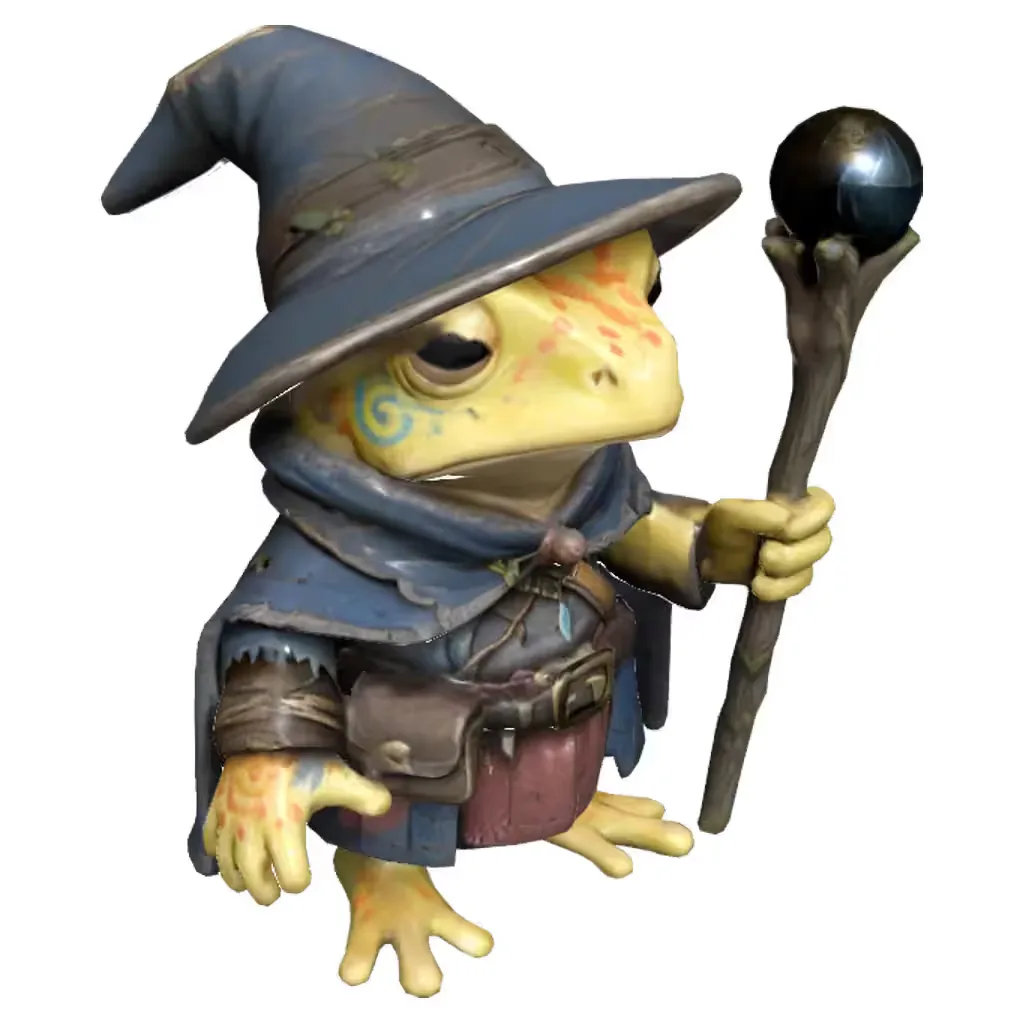
  • Frog wizard character in a pointed hat holding an orb staffReference example
    Retexture in SubstanceUVs come across as vt lines, so a hand-painted character can be repainted without unwrapping it again.
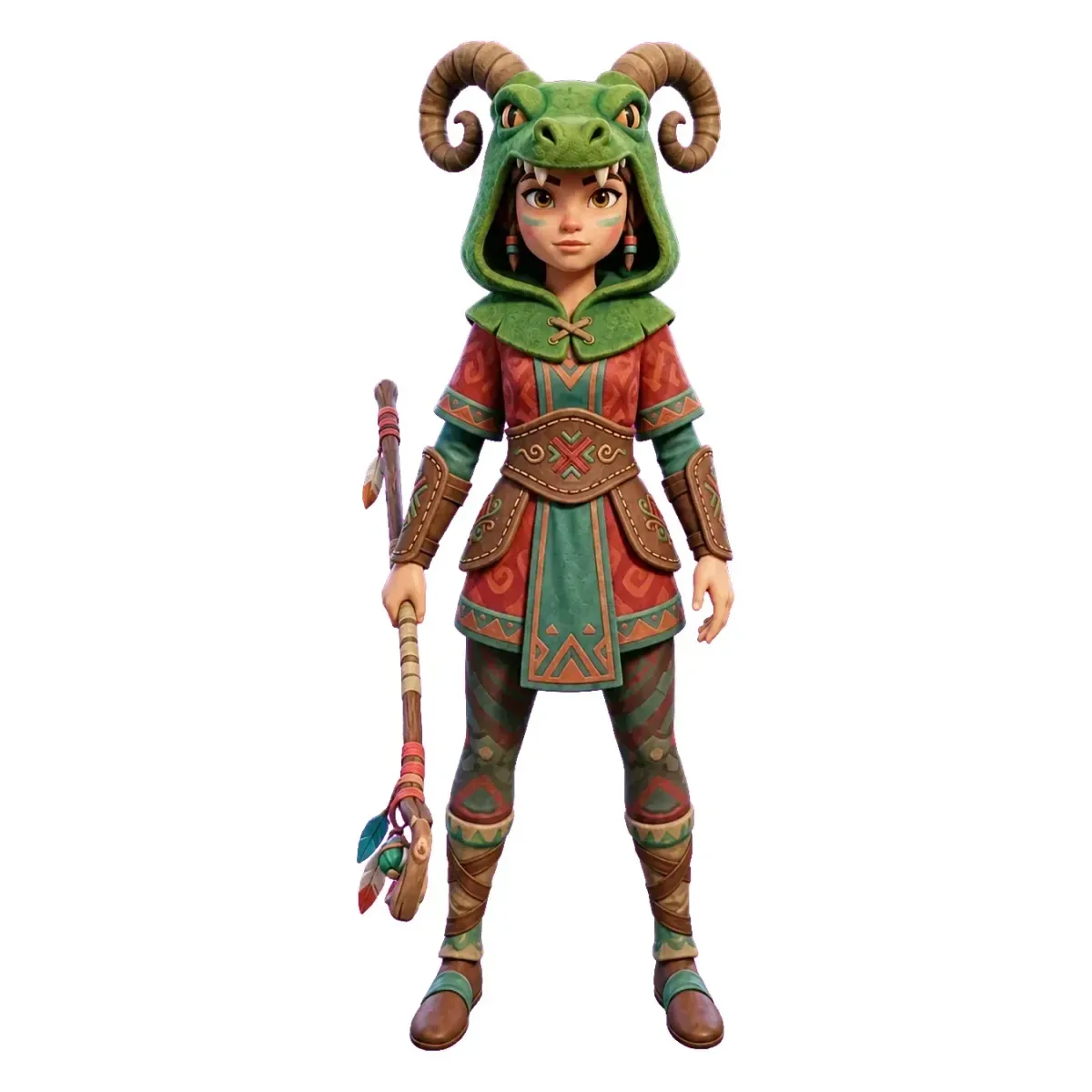
  • Girl character in a horned dragon hood and patterned outfit holding a staffReference example
    Detail pass in ZBrushThe rest-pose mesh imports as one clean subtool per object name, ready for a sculpting pass.

Reference renders of stylised game assets, not files converted on this page.

Models that travel between apps

Characters and props from the reference library — assets that often need to move from an FBX pipeline into a tool that only speaks OBJ.

Why use this FBX to OBJ converter

Made for moving assets between programs, not for printing.

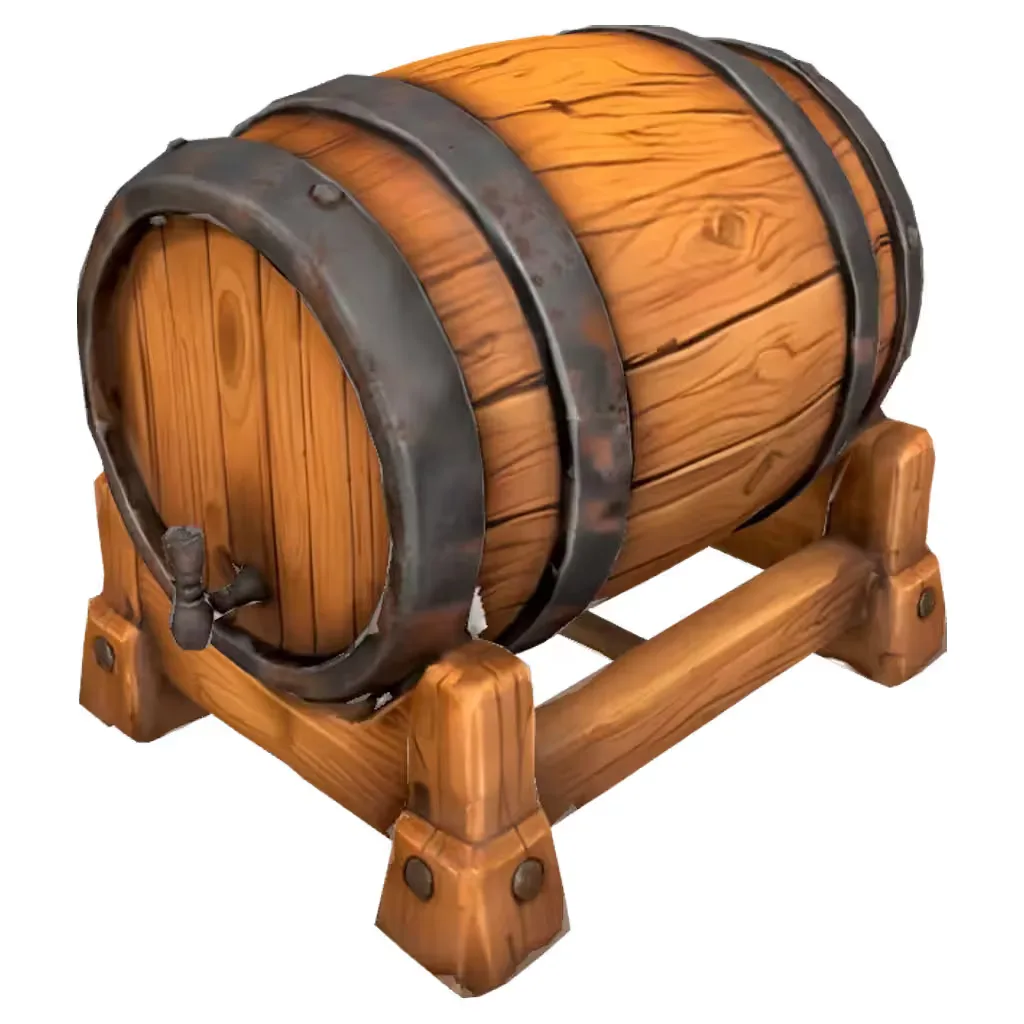
  • Stylised hand-painted wooden barrel on a stand, a game prop

    Texture-ready output

    UV coordinates and normals are written for every vertex, so the OBJ can be textured again in Blender, ZBrush, Substance or Marmoset.

  • Stylised treasure chest with brass trim and ball feet

    Names you can find

    Each mesh keeps its FBX object name and each face its material name, so a 12-part character does not turn into “mesh_0” to “mesh_11”.

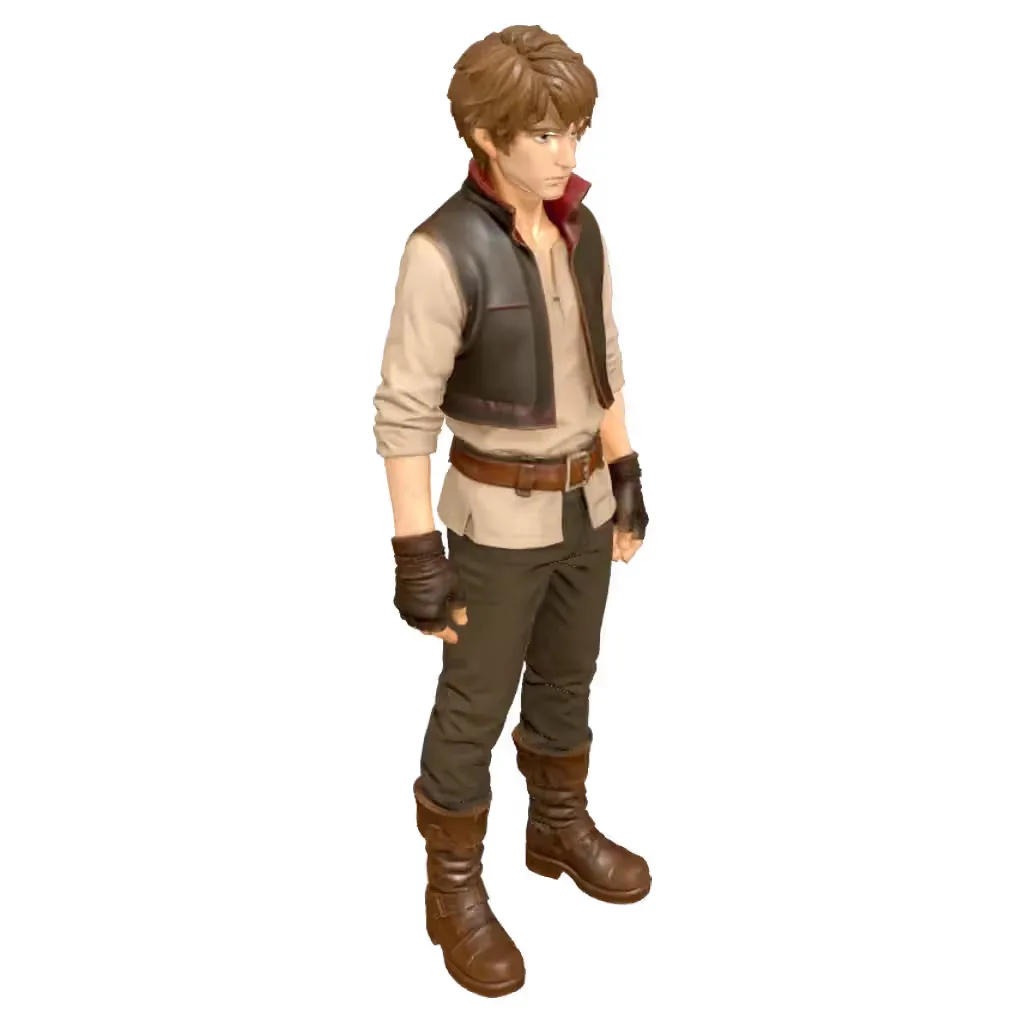
  • Young adventurer character in a vest and boots, standing

    Rigged meshes frozen correctly

    Skinned characters are posed by their skeleton before export, so the OBJ matches what you see rather than an unskinned jumble.

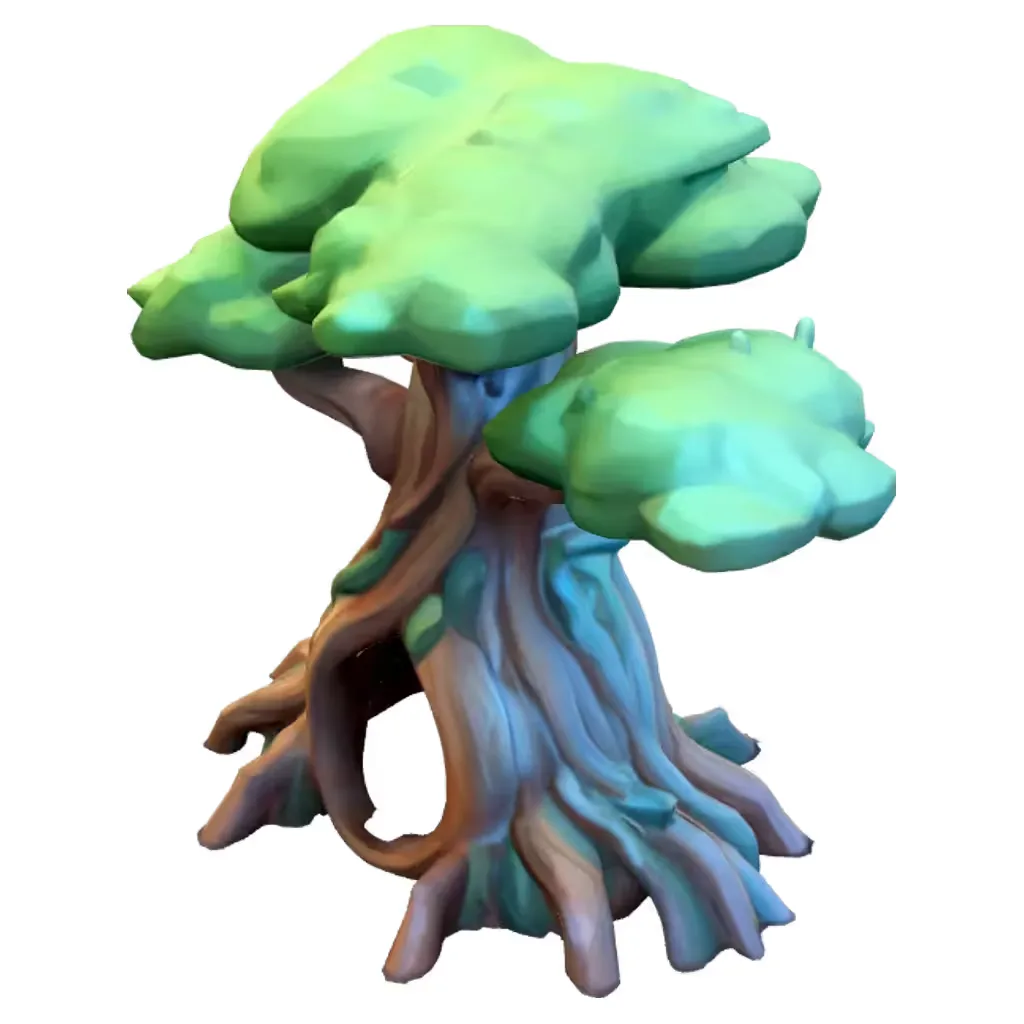
  • Stylised cartoon tree with a twisted blue trunk and green canopy

    Axis kept as-is

    FBX and OBJ are both Y-up by convention, so the mesh is written without any rotation and lines up with the original FBX in your scene.

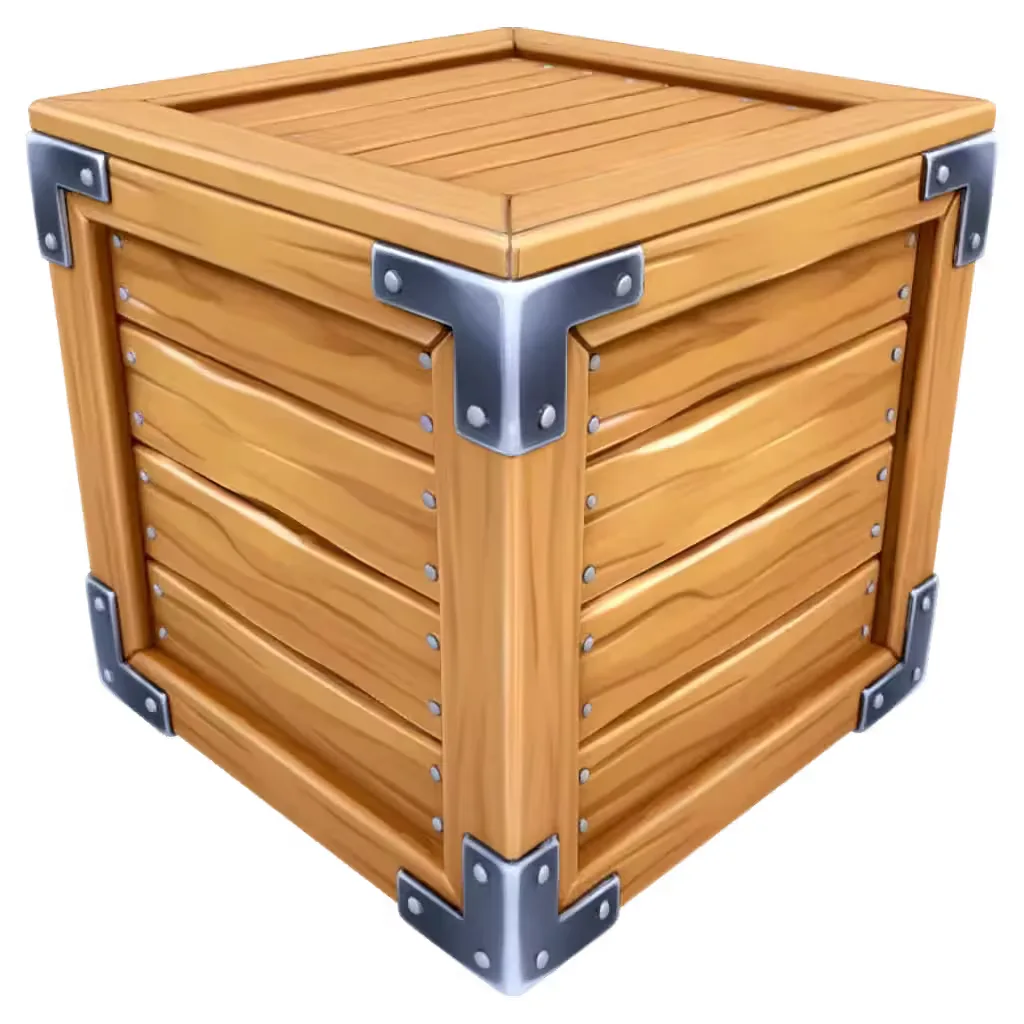
  • Cartoon wooden crate with metal corner brackets

    No install, no licence

    You do not need the Autodesk FBX SDK, FBX Converter or a Blender install. Any modern browser on Windows, macOS, Linux or a Chromebook works.

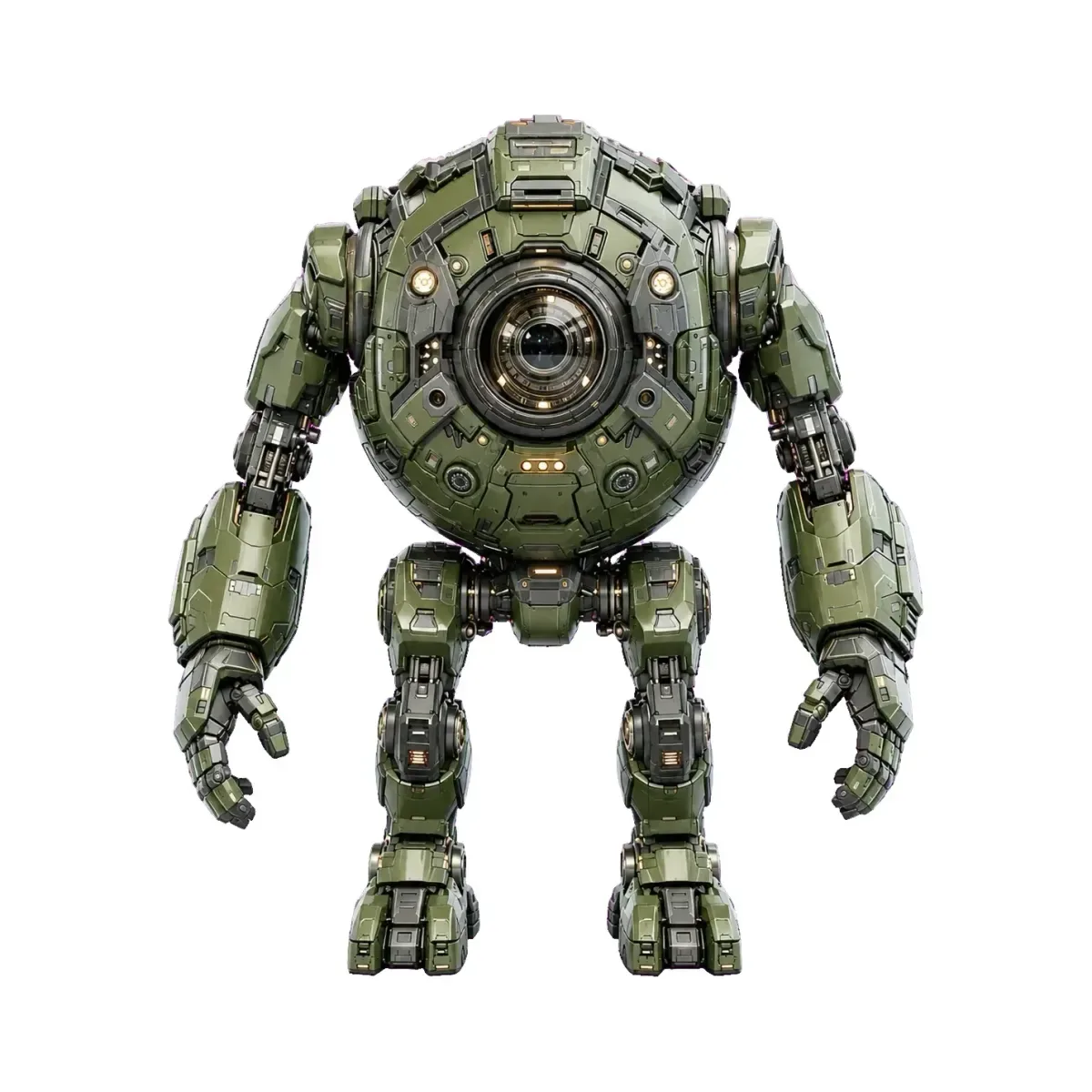
  • Green armoured round-bodied mech robot with heavy arms

    Private conversion

    The FBX never leaves your device. That matters for marketplace assets whose licence forbids uploading them to third-party services.

FBX to OBJ FAQ

Straight answers about textures, rigs and scale.

Need a new model instead of converting an old one?

Describe it or upload a photo and get a textured 3D model in minutes, ready to export as OBJ, GLB or STL.

Try Text to 3D