
STEP to GLB Converter
Drop STEP / STP files to convert to GLB
.step, .stp (also .iges, .igs) — up to 10 files at 200 MB each
STL has no units — most slicers read it as millimetres. Add a file to see its size.
Runs in your browser — your files are never uploaded.
- Nothing uploaded
- No sign-in
- Part colours become materials
- Scale to metres for AR
STEP to GLB at a glance
Our nine-part desk lamp sample, converted and measured in this tool.
- 9 nodes · part names
- 9 materials · base colours
- positions (float32)
- normals
- triangle indices
Colours read from desk-lamp-colored.step
- Base
- Pivot & joints
- Arms
- Shade
- Bulb
- Switch
- STEP40 KB
- GLB121 KB
- STL206 KB
- OBJ442 KB
9 colours
Nine STEP parts with face colours became nine GLB nodes, each with its own PBR material in the CAD colour.
121 KB
GLB size at the Standard budget (4,226 triangles). The same lamp as OBJ is 442 KB, as STL 206 KB.
1,340 → 42,064
Triangles from Draft to Ultra. A 30× range, so you can pick a budget for phones or for desktop close-ups.
How to convert STEP to GLB
Three steps. No account, no plug-in, no CAD licence.
Open the STEP file
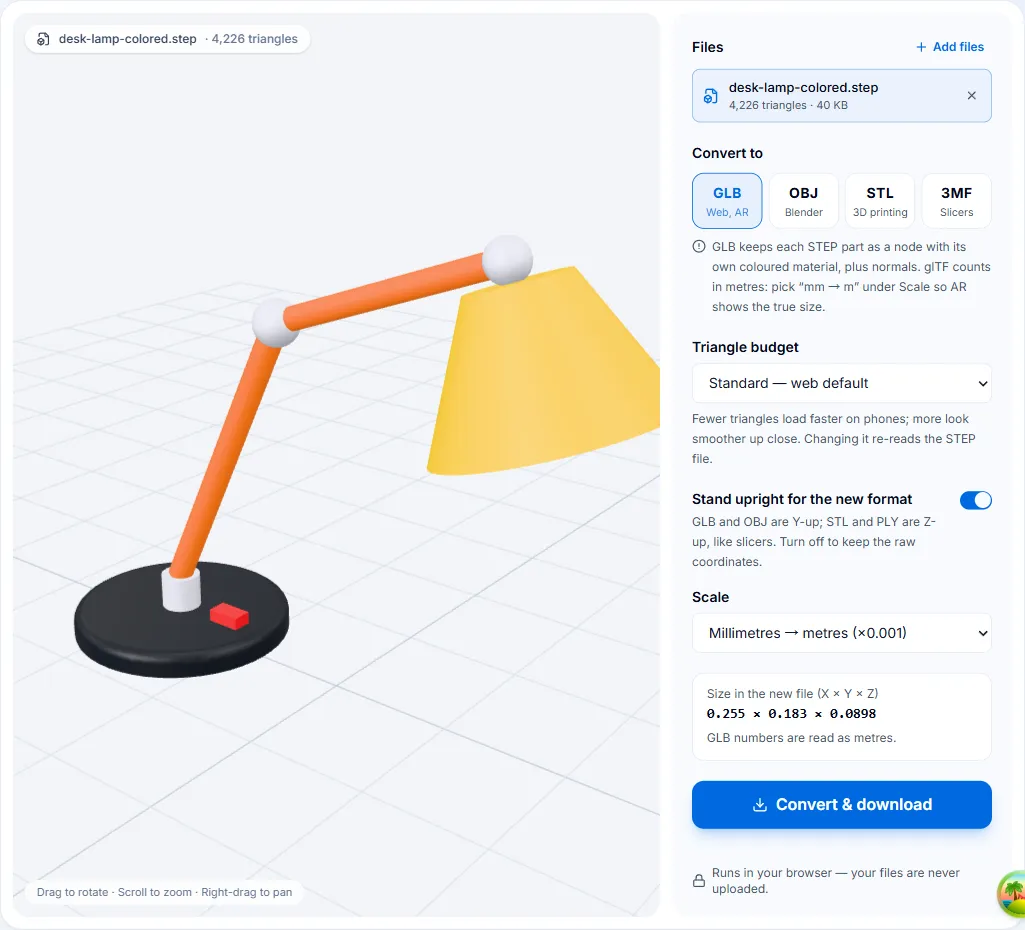
Drop a .step or .stp file on the converter, or load the desk lamp sample. The OpenCascade reader loads once; the model appears in 3D with the colours from the CAD file.
Set the triangle budget and scale
Standard suits most web pages. Use Draft for mobile or AR, Fine for product close-ups. Scale is preset to “Millimetres → metres”, so a 255 mm lamp is 0.255 m in the glTF file; set it to 1 : 1 only if your pipeline expects millimetre numbers.
Download the GLB
Click “Convert & download”. Test it in any glTF viewer, upload it to your web viewer, or open it in Blender with File → Import → glTF 2.0.
What carries over from STEP to GLB
STEP is made for exchanging exact CAD geometry between engineers. GLB is made for showing a model fast on a screen. The look survives the trip; the engineering data does not.
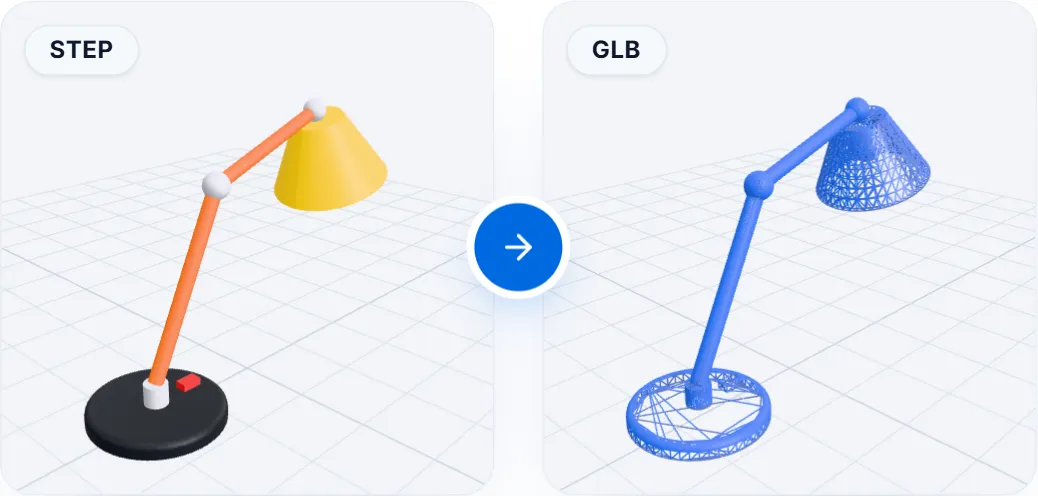
STEP: exact solids with face colours
GLB: one binary file for web and AR
| What carries over from STEP to GLB | STEP | GLB |
|---|---|---|
| Shape and proportions | Yes | Yes |
| Part colours | Yes | Yes |
| Separate parts (nodes) | Yes | Yes |
| Curved faces | Exact | Facets |
| Textures, UV maps | No | No |
| Real-world unit | mm | m (scaled ×0.001) |
| Tolerances, PMI, history | Yes | No |
| Opens in a browser without plug-ins | No | Yes |
GLB is a display format. Keep the STEP file as the master for manufacturing, and convert again whenever the design changes.
The desk lamp at four triangle budgets
Screenshots of the same STEP file converted for the web. Pick the lightest budget that still looks smooth at your viewer size.
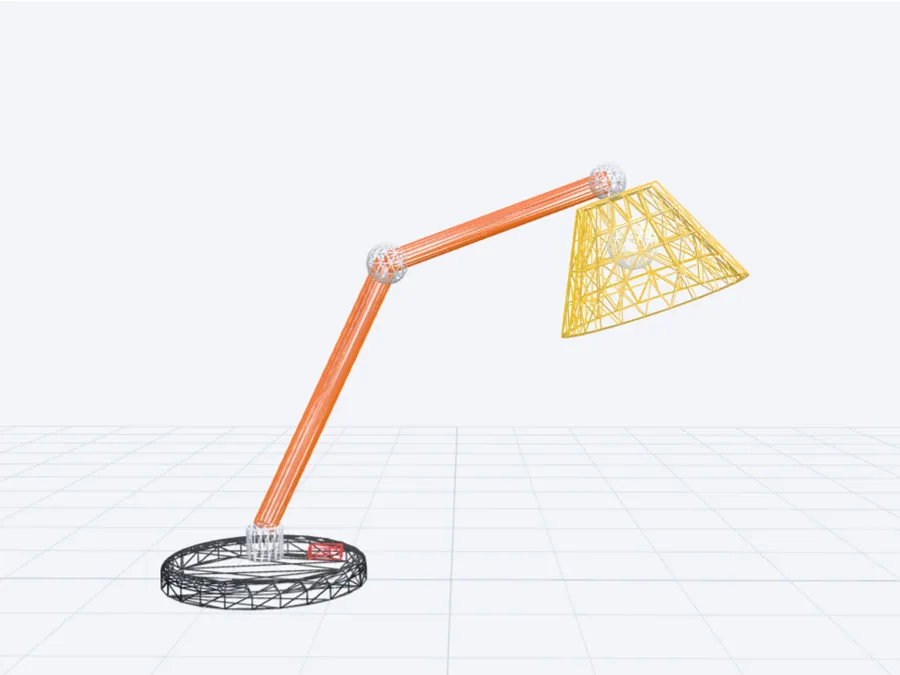 Real output
Draft · 1,340 trianglesThe shade and joints show their facets. Good for thumbnails, mobile AR and long product lists. 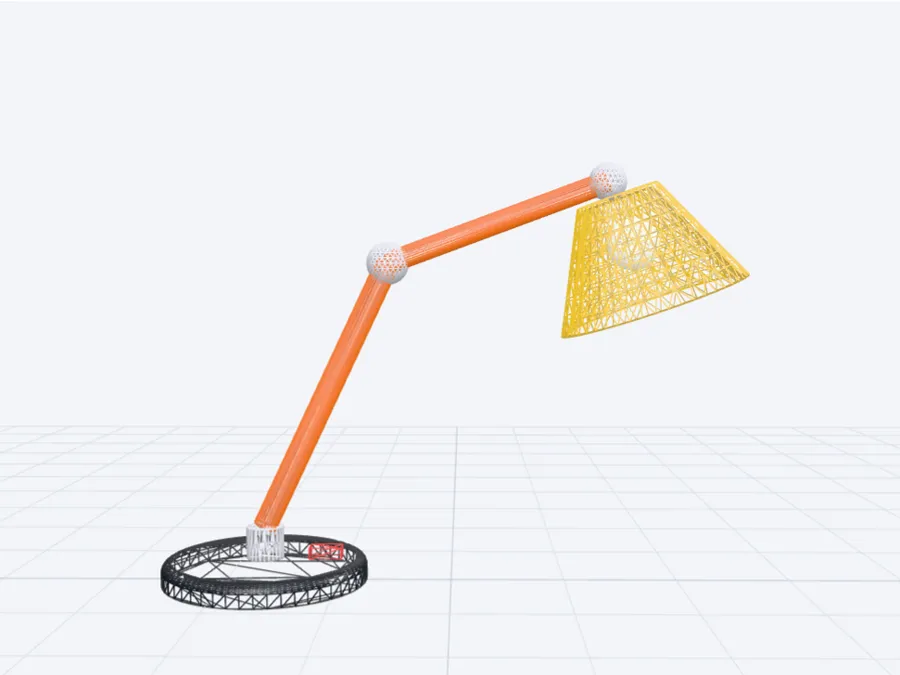 Real output
Standard · 4,226 trianglesThe default web budget: 121 KB, smooth enough for a product card or an embedded viewer. 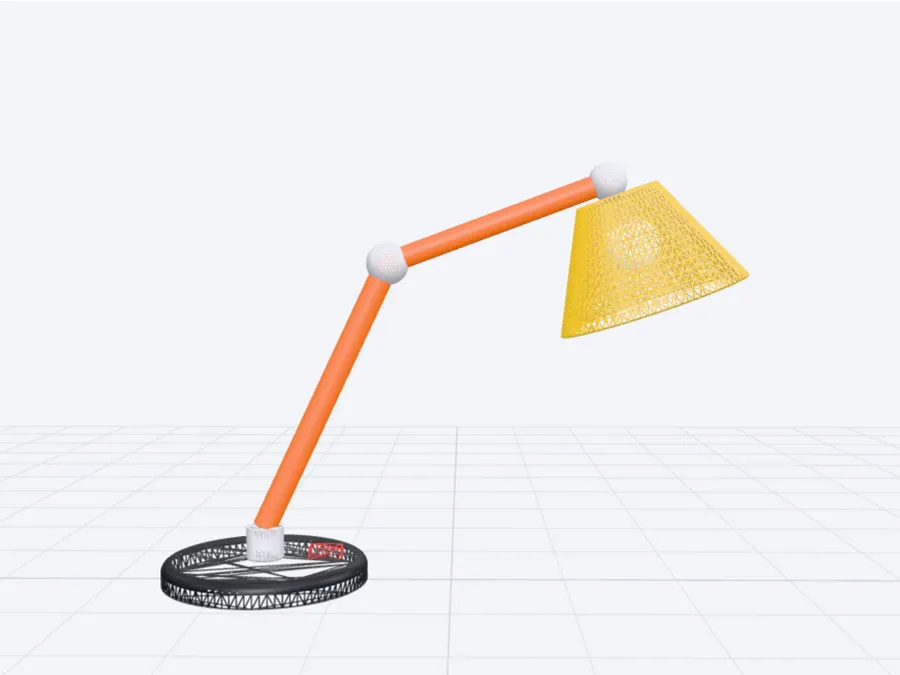 Real output
Fine · 13,182 trianglesRound parts stay round in a full-width viewer. A good choice for a product hero. 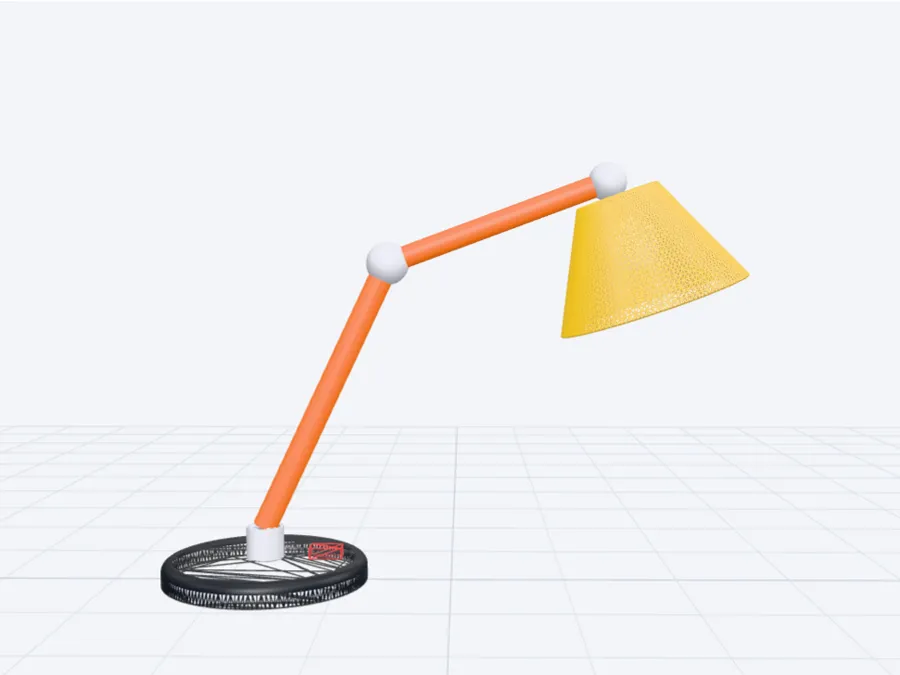 Real output
Ultra · 42,064 trianglesFor desktop close-ups and renders. Over 30× the Draft triangle count for the same nine parts.
What the STEP to GLB converter can and cannot do
Checked on our own STEP files. GLB is great for showing a product; it is not a CAD format.
It can
- Read .step / .stp (AP203, AP214, AP242) and .iges / .igs files
- Keep part names as nodes and part colours as glTF materials
- Write a single binary GLB with normals, ready for three.js or model-viewer
- Rescale millimetres to metres so AR shows the real size
- Batch-convert up to 10 STEP files locally
It cannot
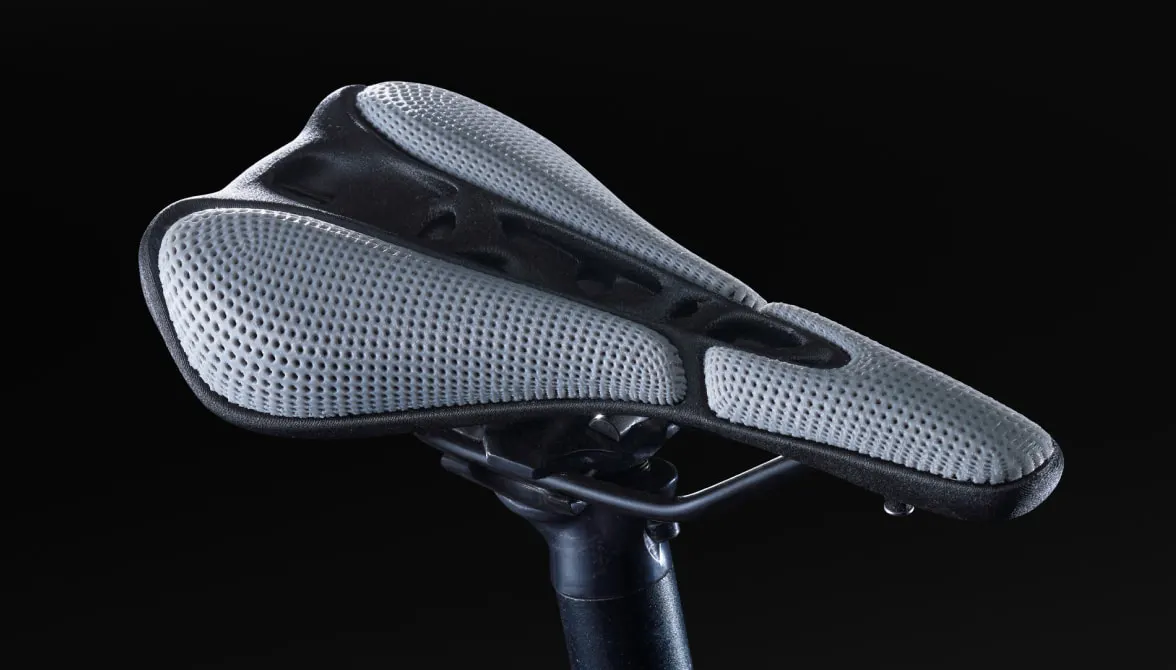
- Add textures, UV maps or photoreal materials — apply those in Blender
- Compress meshes with Draco or Meshopt; run gltf-transform afterwards if you need it
- Keep tolerances, PMI, threads as features or the design history
- Write USDZ directly — convert the GLB with our GLB to USDZ tool for iPhone AR
- Animate joints; the GLB is a static model
| File | Size | Colours | Part names |
|---|---|---|---|
| desk-lamp-colored.step | 40 KB | Yes | Yes |
| GLB | 121 KB | Yes, 9 materials | Yes, 9 nodes |
| STL | 206 KB | No | No |
| OBJ | 442 KB | No | Yes |
Measured 2026-11-24 at 4,226 triangles. STEP is smaller because it stores exact surfaces, not triangles.
Need textured models, not CAD parts?
Reference models from AI 3D generators, shown live as GLB. Kairo3D creates textured GLB models from a single photo.
Why convert STEP to GLB here
A CAD-to-web pipeline that fits in a browser tab.

CAD colours become PBR materials
Face and part colours from the STEP file are read by OpenCascade and written as glTF base colours, one material per part, so the GLB looks like your CAD screen.
A triangle budget for every screen
Four tessellation presets span 1,340 to 42,064 triangles on our sample. Light GLBs load quickly on phones; dense ones hold up in a full-screen viewer.

Part structure kept as nodes
Each STEP part is its own named node, so a configurator can hide the shade, recolour the arm or animate a single part.
One self-contained file
Geometry, normals and materials are packed into one binary .glb. There are no side files to lose when you upload it to a CMS, a CDN or a store.
Upright and scaled for AR
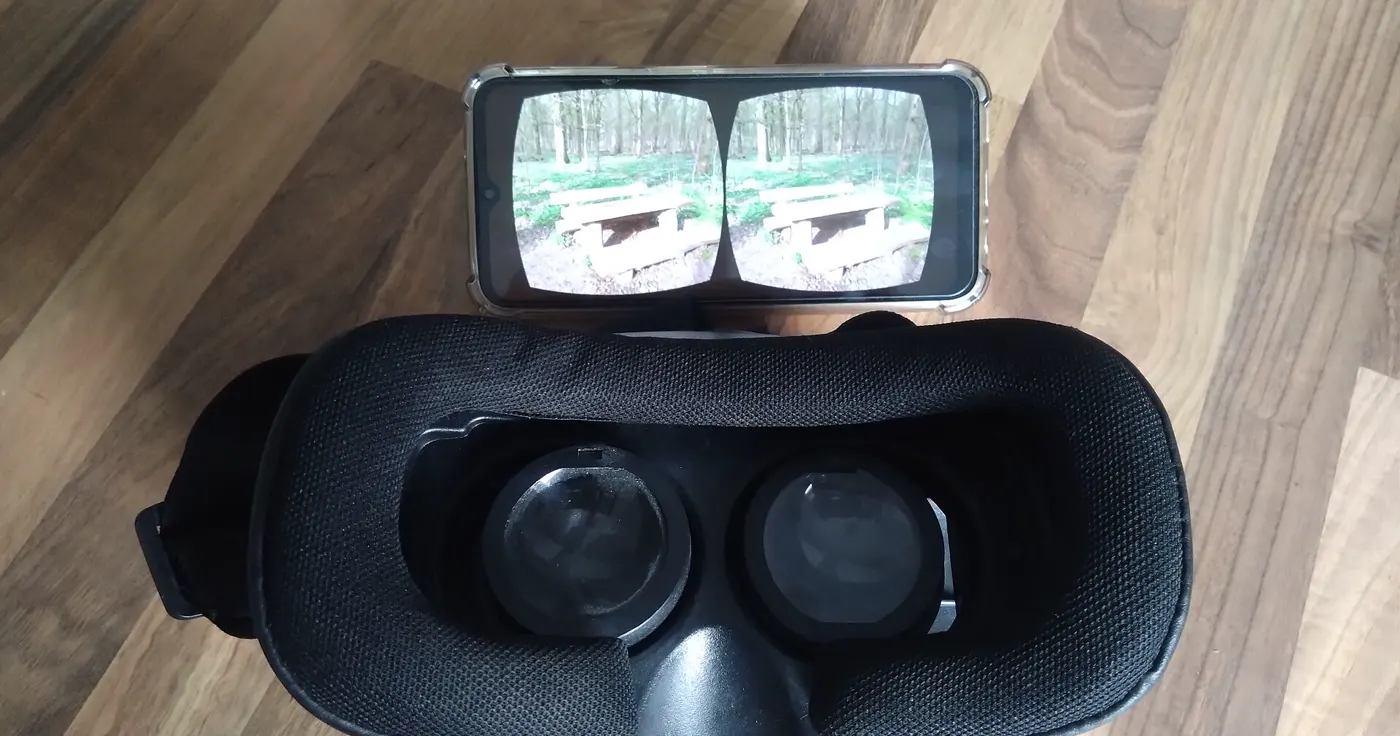
The model is turned Y-up like glTF expects, and the millimetres → metres scale makes AR viewers place it at its real size on a desk or floor.

Unreleased products stay private
Pre-launch CAD never leaves your computer. The conversion runs in WebAssembly in this tab and nothing is uploaded to Kairo3D.
Photo credits via Wikimedia Commons: Lucasbosch (CC BY-SA 3.0), Bert Niehaus (CC BY-SA 4.0), FloppaIngénieur (CC BY 4.0). Other pictures are reference examples.
STEP to GLB — frequently asked questions
Colours, file size, scale, AR and what GLB leaves out.
More ways to work with your 3D files
View, convert, or make a model from scratch.
STEP to OBJ
Convert STEP / STP CAD parts to OBJ meshes in your browser.
IGES Viewer
Open IGES / IGS CAD files online, no CAD software needed.
GLB to USDZ
Make iPhone-ready USDZ AR files from GLB models.
glTF Viewer
Inspect .gltf and .glb scenes, materials and animations online.
STEP Viewer
Open and measure STEP / STP files online.
What Is a GLB File?
GLB vs glTF, and how to open one.
Want a textured GLB, not a CAD part?
Kairo3D turns one product photo into a textured 3D model you can download as GLB for your store or AR.