
GLB to USDZ Converter
Drop GLB / glTF files to convert to USDZ
.glb, .gltf (also OBJ, FBX, STL, 3MF, DAE, 3DS) — up to 10 files at 200 MB each
STL has no units — most slicers read it as millimetres. Add a file to see its size.
Runs in your browser — your files are never uploaded.
- Nothing uploaded
- No sign-in
- AR Quick Look package layout
- Real size in metres
GLB to USDZ at a glance
GLB to USDZ measured on our own CC0 sample models, converted and then read back with a USD reader.
- baseColor texture + factordiffuseColor
- metallic / roughnessmetallic / roughness
- normal mapnormal
- emissiveemissiveColor
- alpha / opacityopacity
- KHR_materials_clearcoatclearcoat
- transmission / sheen / volumenot carried
- doubleSidedfront faces only
- animations / skinsnot carried — current pose baked
- scene units: metres, Y-upmetersPerUnit = 1, upAxis Y
- Carried over
- Partly carried
- Not carried
70 KB → 314 KB
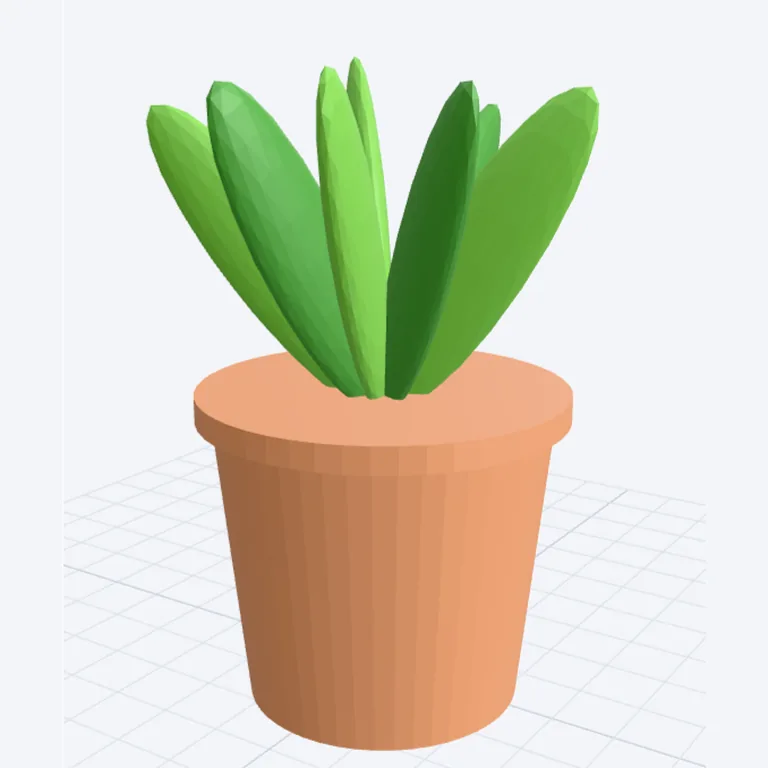
Our potted-plant GLB (11 meshes, 3,456 triangles) as a USDZ. The text USD layers are bigger than binary glTF, but the triangle count read back is identical.
13 entries, 64-byte aligned
One root model.usda, 11 geometry layers and 1 PNG texture, stored uncompressed and aligned the way AR Quick Look expects a USDZ package.
1,000,000 triangles
The upper limit per file. USDZ geometry is written as text, so very dense GLBs should be decimated before the GLB to USDZ step.
How to convert GLB to USDZ
Three steps. No Mac, no Reality Converter, no account.
Open your GLB or glTF file
Drag the .glb onto the GLB to USDZ converter, or pick it with the file button. The model appears in a 3D preview with its triangle count. Draco- and Meshopt-compressed GLBs are decoded first.
Check the size and keep USDZ selected
USDZ is the default target. Read the size box: glTF is in metres, so a GLB keeps its real size. If the model was built in millimetres, choose the mm → m preset, or it will appear 1000× too big in AR.
Download and open it in AR
Click “Convert & download” to finish the GLB to USDZ step. AirDrop the .usdz to an iPhone or iPad, or save it to Files and tap it — AR Quick Look opens it. Up to 10 GLB files convert in one batch.
What carries over from GLB to USDZ
GLB is the web’s binary glTF; USDZ is the zipped USD package Apple uses for AR. Both store PBR materials, but not every glTF feature has a match in USDZ.
GLB: binary glTF for web and game engines
USDZ: USD package for AR Quick Look
| What carries over from GLB to USDZ | GLB | USDZ |
|---|---|---|
| Mesh shape and real size | Yes | Yes |
| Base colour textures | Yes | Yes |
| Metallic, roughness, normal maps | Yes | Yes |
| Emissive and opacity | Yes | Yes |
| Clearcoat | Extension | Partial |
| Transmission, sheen, volume, iridescence | Extensions | No |
| Double-sided materials | Yes | Front faces |
| Animations and skinning | Yes | Pose baked |
| KTX2 / Basis textures | Yes | No |
| Opens in AR Quick Look | No | Yes |
Animated GLB? After GLB to USDZ, the file keeps the pose shown in the preview, without motion. Glass-like materials made with KHR_materials_transmission come out as ordinary surfaces in the USDZ.
Where a USDZ model ends up
Typical uses for a GLB to USDZ file: product previews, in-store and outdoor AR, and real objects placed at true size.
 Reference example
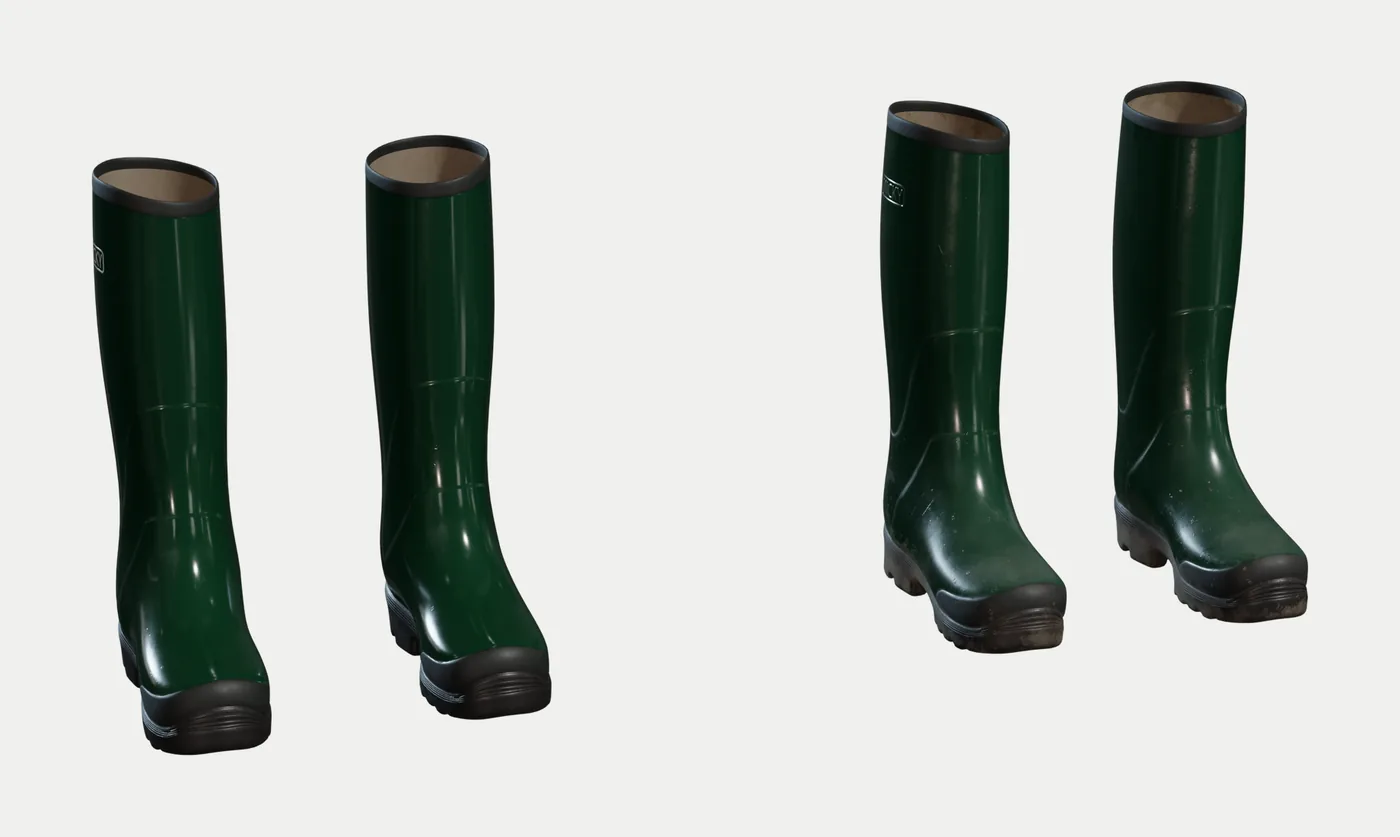
Product pages with “View in AR”Shops show shoes, bags and watches as 3D models, and GLB to USDZ is how many of them get an iPhone version. The same model is served as GLB to most browsers and as USDZ to iPhone and iPad. 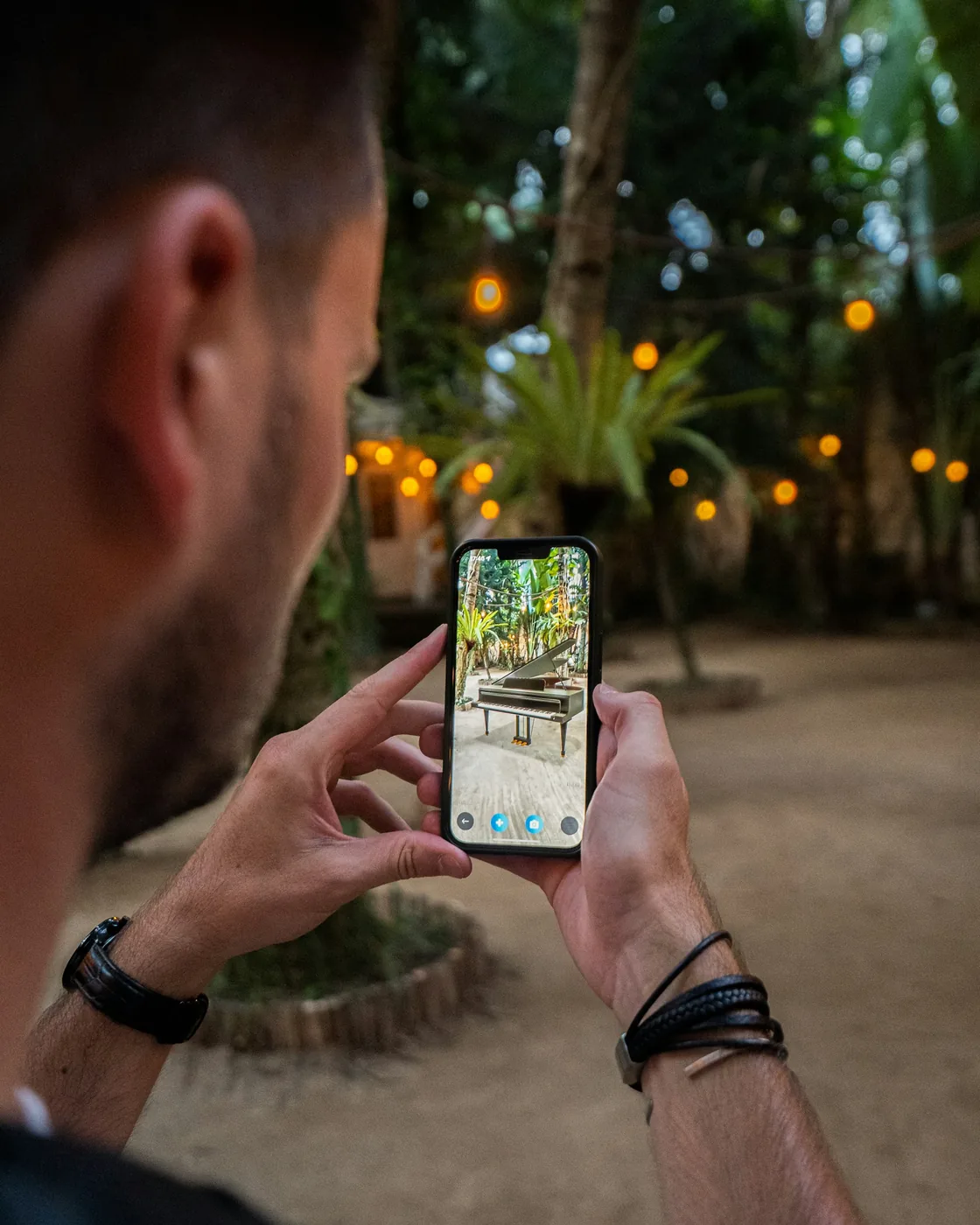 Reference example
AR in the shop or outdoorsCustomers hold up a phone to see a product in place before buying. Real size matters here, so check the size box before you run GLB to USDZ. 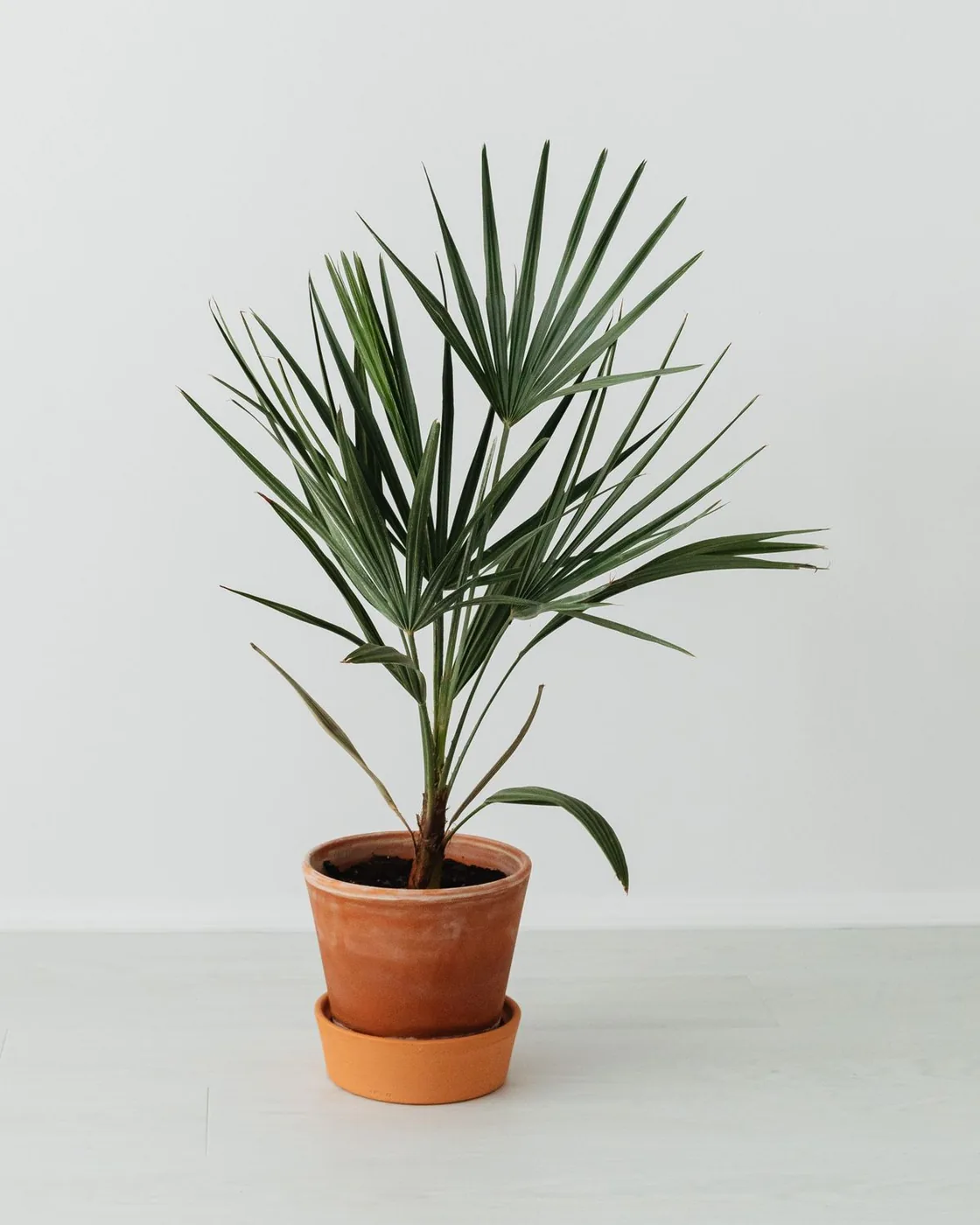 Reference example
Real objects at true scaleA houseplant, lamp or vase scanned or modelled in metres lands in the room at its real height — like our 0.24 m potted-plant sample.
Image credits: boots render from Poly Haven (CC0). Photos: Unsplash, Pexels.
No GLB yet? Generate a model from a photo
Reference models from AI 3D generators, shown live. Kairo3D turns one image into a textured GLB you can then convert to USDZ.
Why convert GLB to USDZ here
A USDZ converter that runs in any browser, including on Windows and Android.
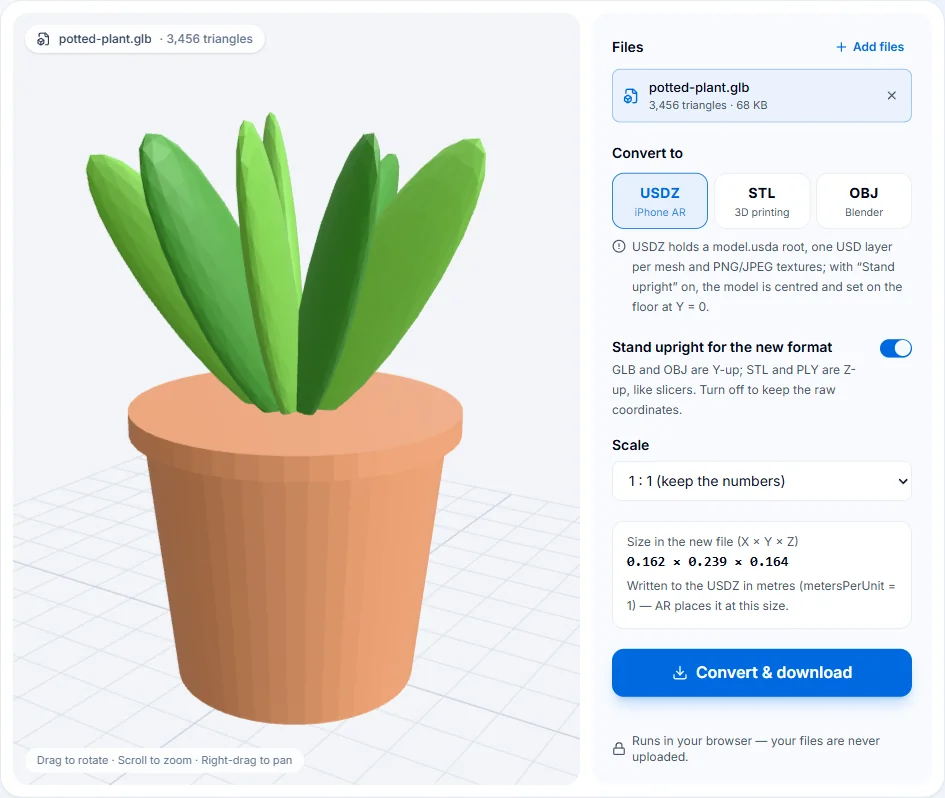
One click from GLB to USDZ
Load a GLB, keep USDZ selected and download — GLB to USDZ in one pass. The writer is the three.js USDZ exporter with its Quick Look compatibility mode on, running in this tab — no Mac and no Xcode tools.
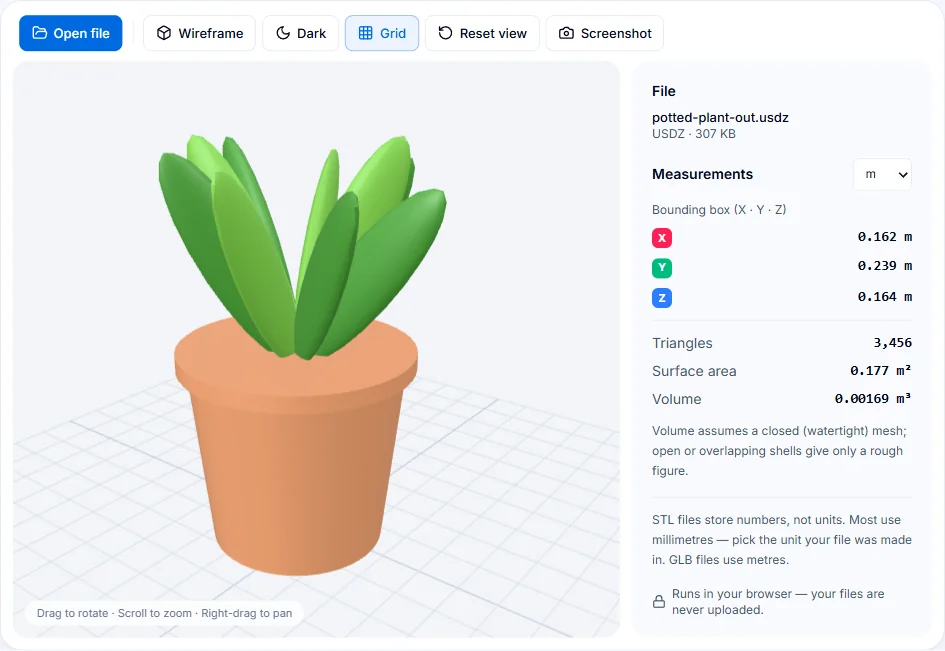
Reads back cleanly
We re-opened our converted samples with a USD reader: the potted plant came back with 3,456 triangles and the toy robot with 8,596, the same as the source GLBs. Open your USDZ in our viewer to check it the same way.
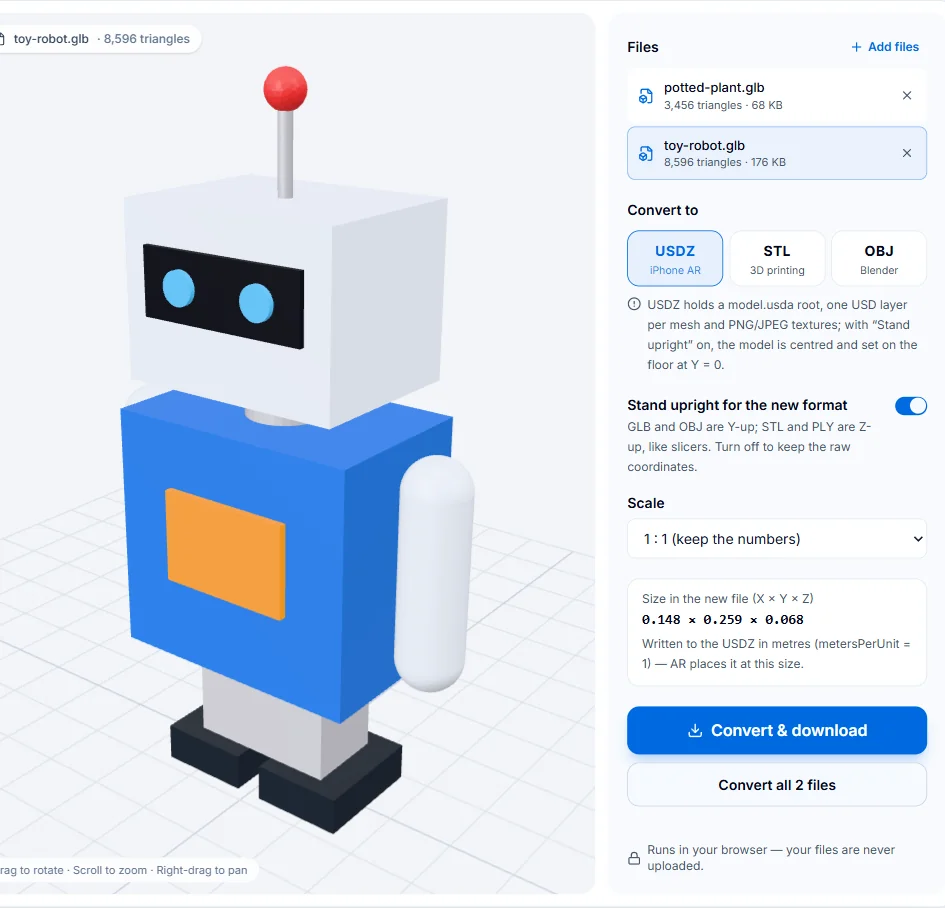
True size, standing on the floor
The USDZ is written with metersPerUnit = 1 and Y up, like glTF. With “Stand upright” on, the model is centred and its lowest point placed at Y = 0, so it sits on the surface in AR instead of floating or sinking.
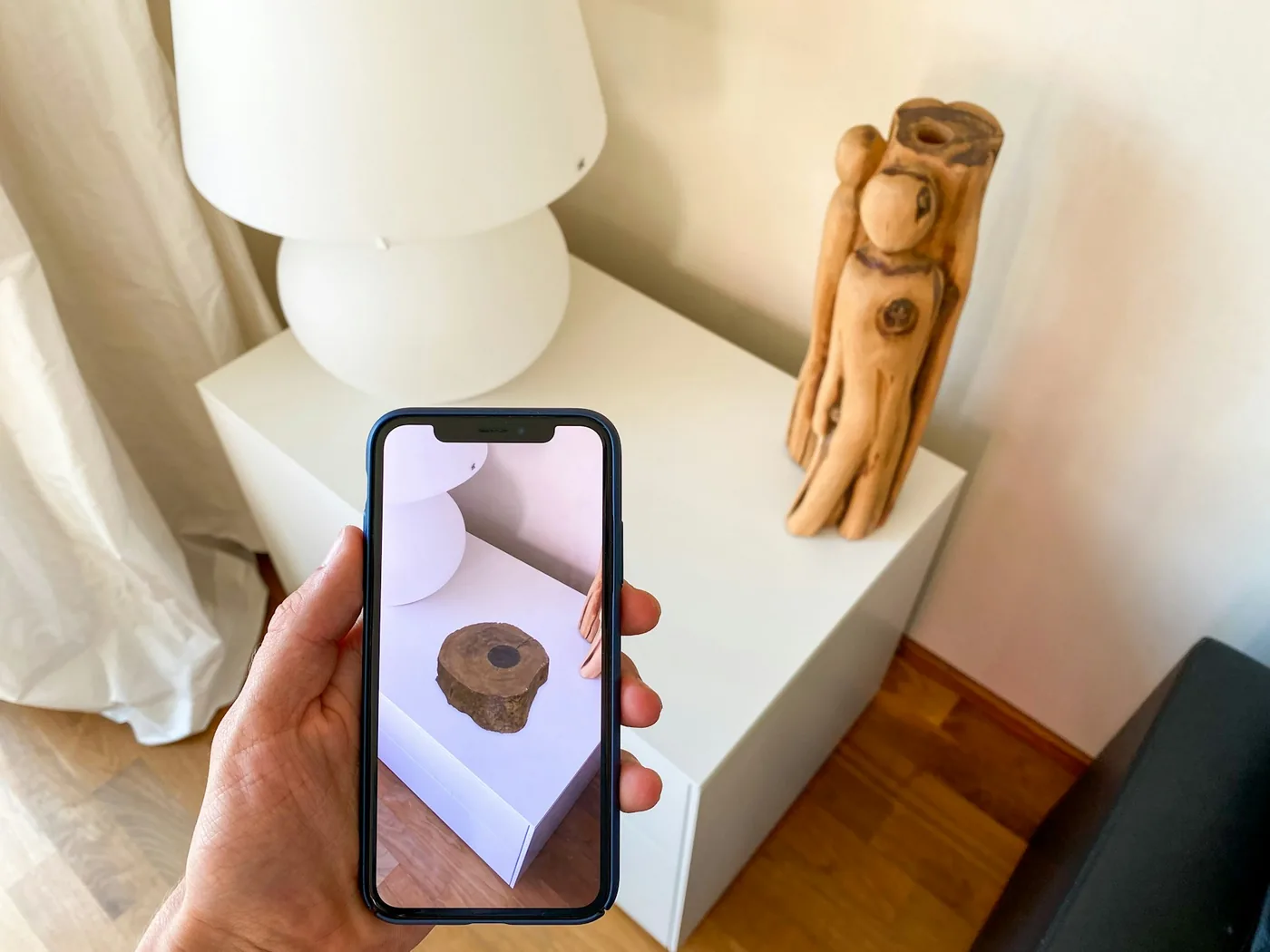
Made for AR Quick Look
Every GLB to USDZ export here follows the AR Quick Look package layout. AR Quick Look on iPhone and iPad opens USDZ files directly from Files, Messages, Mail or Safari. The file is anchored to a horizontal plane, so it is placed on a floor or table.
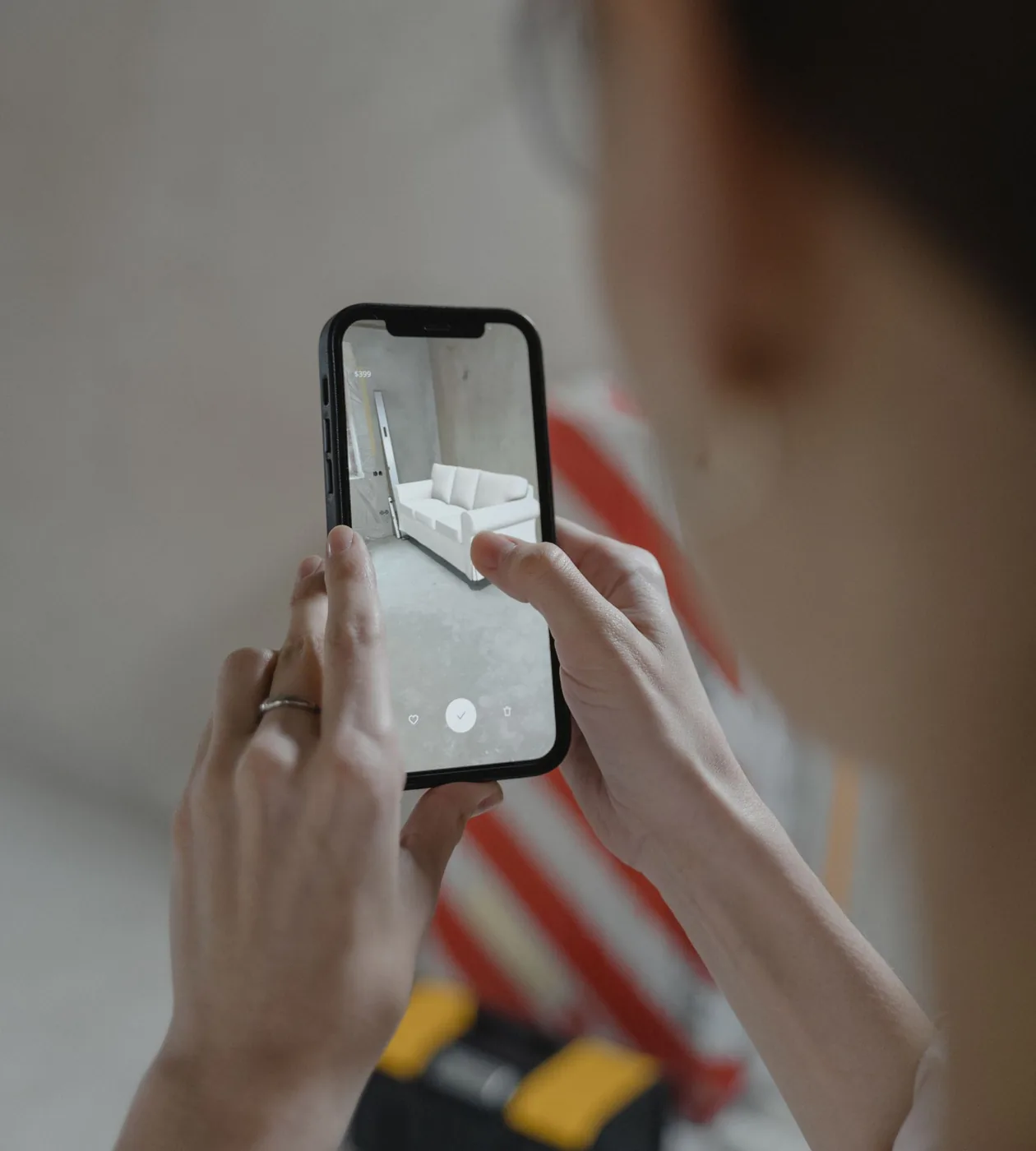
Ready for “View in AR” links
On a product page, wrap an image in <a rel="ar" href="model.usdz"> and iOS Safari opens the USDZ in AR Quick Look. Convert GLB to USDZ once and serve both: GLB for other browsers, USDZ for Apple.
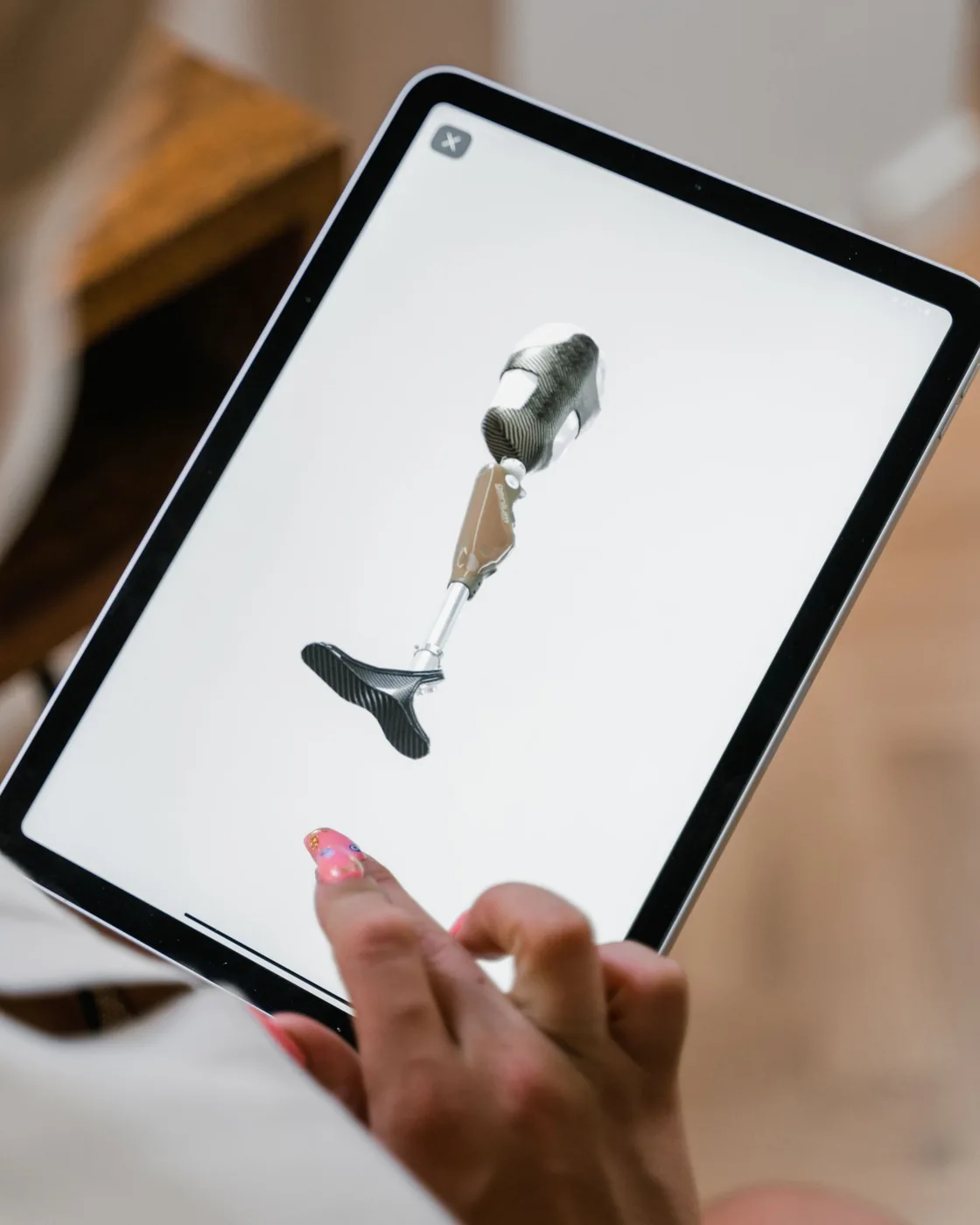
Private, batch, any source
Up to 10 files per GLB to USDZ batch, read only in your browser. Besides GLB and glTF, OBJ, FBX, STL, 3MF, DAE and 3DS models go to USDZ too.
GLB to USDZ — frequently asked questions
AR Quick Look, scale, materials and what a GLB to USDZ conversion cannot carry.
More ways to work with your 3D files
View, convert, or make a model from scratch.
No 3D model to put in AR yet?
Kairo3D turns a single photo into a textured 3D model. Download it as GLB, then convert GLB to USDZ here for AR.