
3D Print Time Calculator
- Files measured in your browser
- Shows its working
- Hands off to the cost calculator
- No account needed
What drives 3D print time
Print time is mostly plastic volume divided by how fast the nozzle can lay it down. These are the three numbers that move it most.
- 2×layers when you halve the layer height
- mm³/shotend flow caps every speed setting
- 3parts of the estimate shown separately
How to estimate 3D print time
Useful when you are choosing settings, comparing two printers, or quoting a job before the file is ready to slice.
Give it the model
Drop the STL to read its volume, surface and height, or type the volume in cm³ and the height in mm.
Match your slicer
Layer height, line width, wall count, top/bottom layers and infill, the same values your slicer profile uses.
Set the printer’s pace
Pick the classic or fast profile, or type your speed and hotend flow. Read the time range, then send the hours and grams to the cost calculator.
What this print time estimator includes, and what it ignores
A time estimate is only as honest as its assumptions. Here they are, so you know when to trust the number and when to slice.
How the estimate is built
Walls
shell volume ÷ wall flow
1 h 9 min
Infill
core volume ÷ infill flow
41 min
Per-layer moves
layers × seconds per layer
10 min
flow = min(speed × layer height × line width, hotend max flow)
Default job2 h 0 min (1 h 30 min – 2 h 42 min)
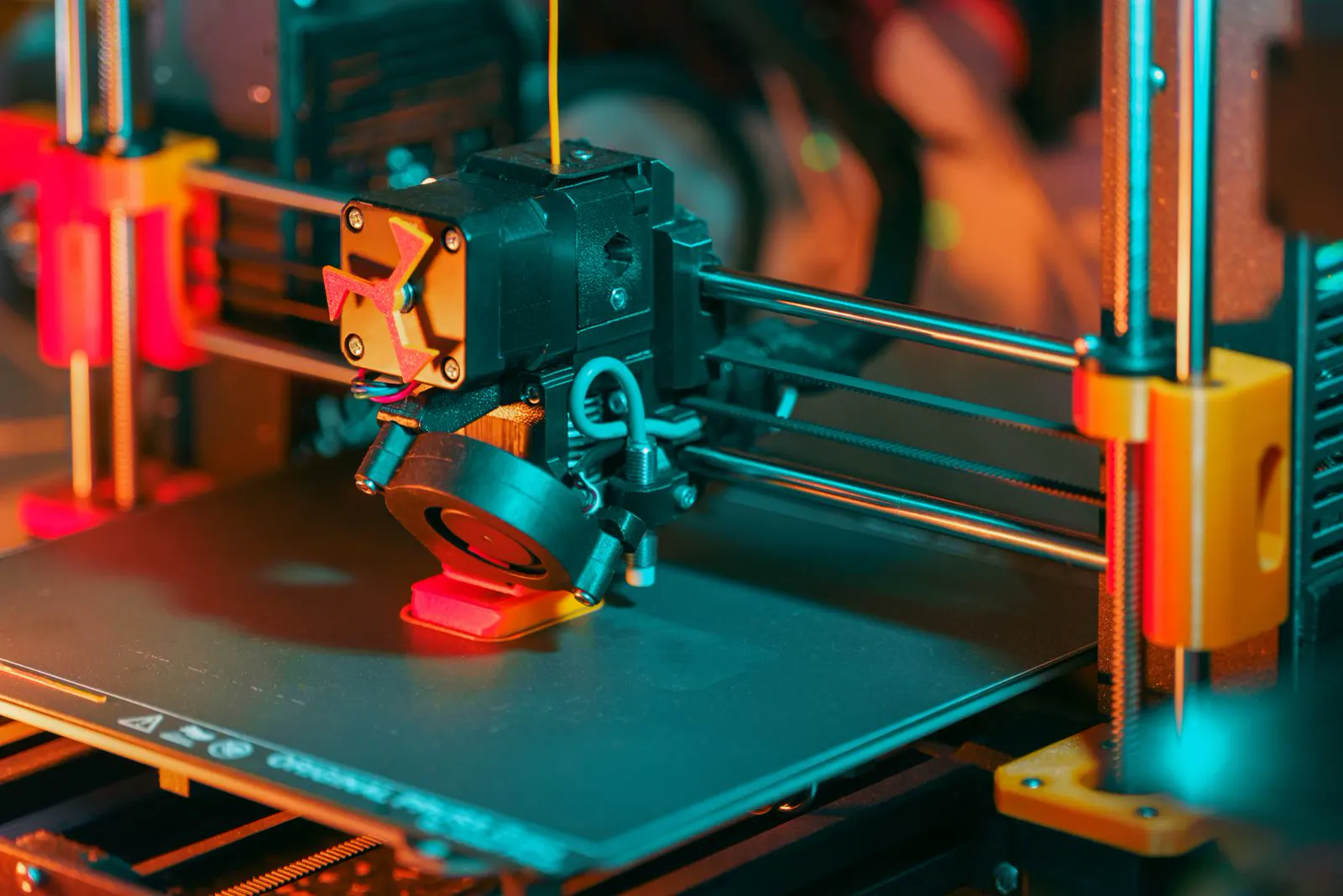
Same part, different layer height
- 0.12 mm3 h 1 min
- 0.16 mm2 h 23 min
- 0.2 mm2 h 0 min
- 0.28 mm1 h 34 min
| Part of the job | How it is estimated | In the estimate? |
|---|---|---|
| Walls and top/bottom skins | Surface area × skin thickness, printed at wall speed | Yes |
| Infill | Remaining volume × infill %, printed at infill speed | Yes |
| Hotend melting limit | Speed × layer height × line width, capped at max flow | Yes |
| Acceleration, travel, retraction | One efficiency factor over all extrusion | Approximately |
| Layer changes | Layers × seconds per layer | Yes |
| Supports and brims | Not modelled | No |
| Minimum layer time (cooling slow-down) | Not modelled; small parts print slower than shown | No |
| Heating, bed levelling, purge, filament swaps | Not modelled; add a few minutes per print | No |
Expect a slicer to land somewhere inside the range shown, but on very small, very tall or support-heavy parts it can fall outside it. When you need the real number, slice the file and open the G-code in the viewer: it reads the time the slicer wrote.
Six settings that change 3D print time the most
Try them in the calculator above and watch which line of the estimate moves.
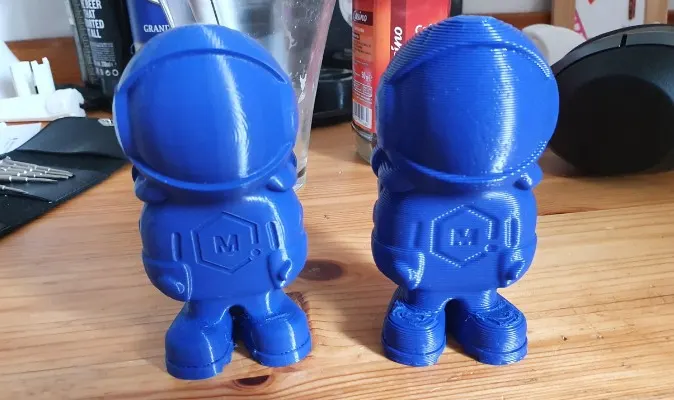
Layer height
Going from 0.2 mm to 0.1 mm doubles the number of layers and halves the plastic laid per second at the same speed, so the print takes roughly twice as long. 0.28 mm "draft" layers save time on parts where layer lines do not matter.
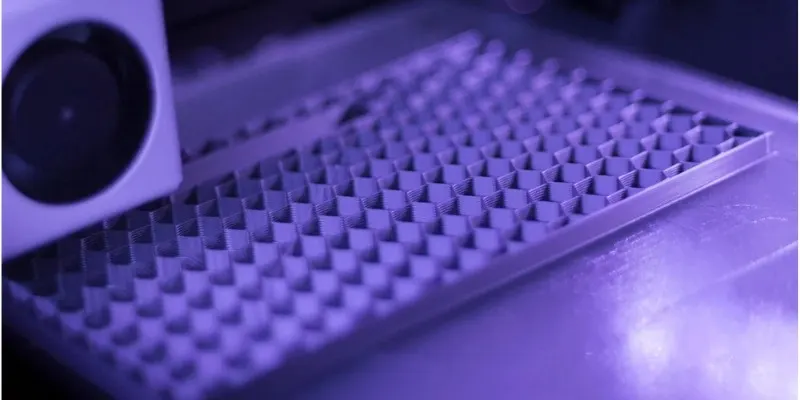
Infill percentage
On a chunky part, infill is most of the volume. Dropping from 40 % to 15 % can cut hours; on a thin-walled part it barely changes anything, because the walls dominate.
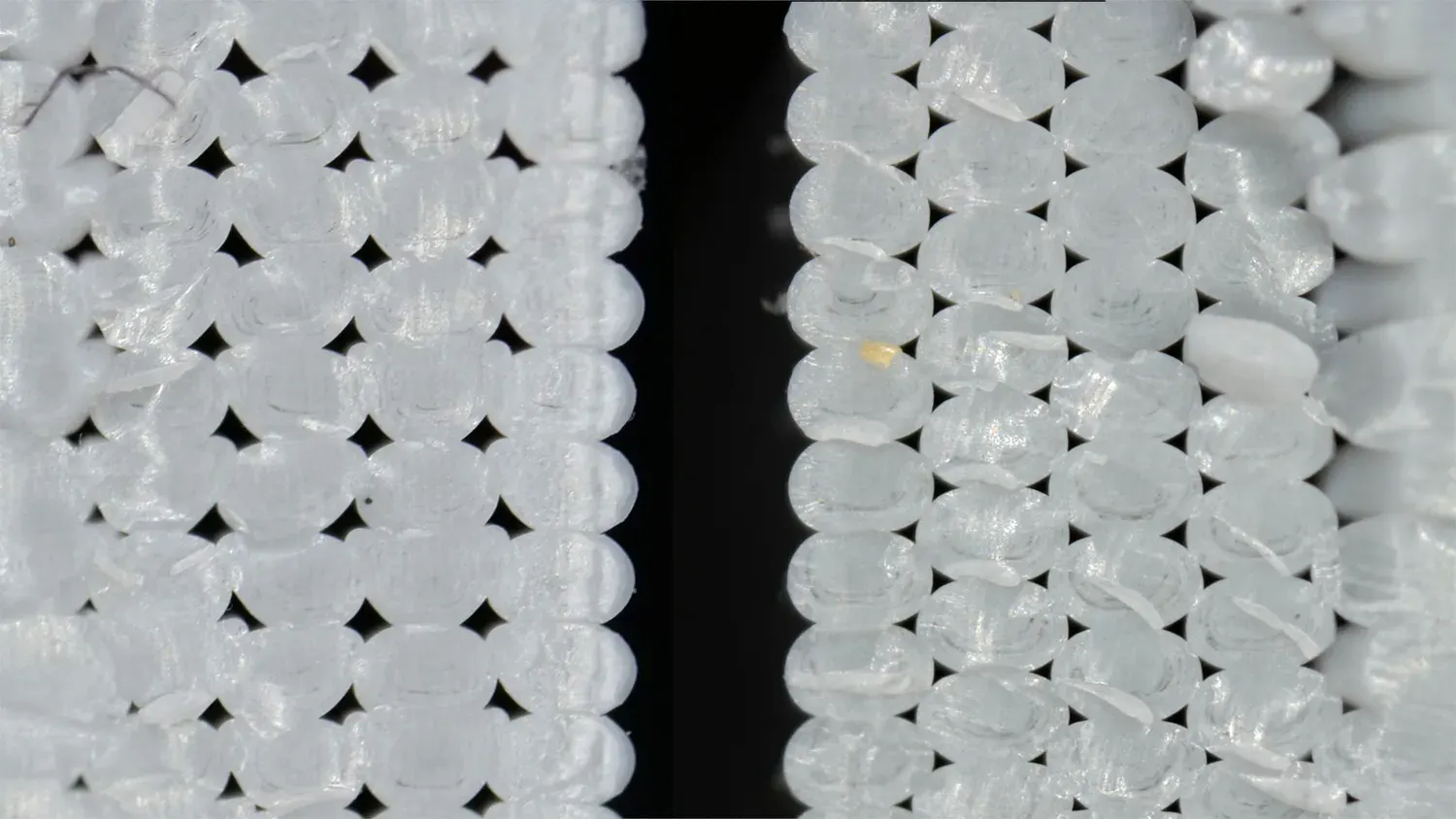
Wall count
Each extra wall adds a line of plastic around every layer at the slower wall speed. Two walls are normal for display parts, three or four for strength.
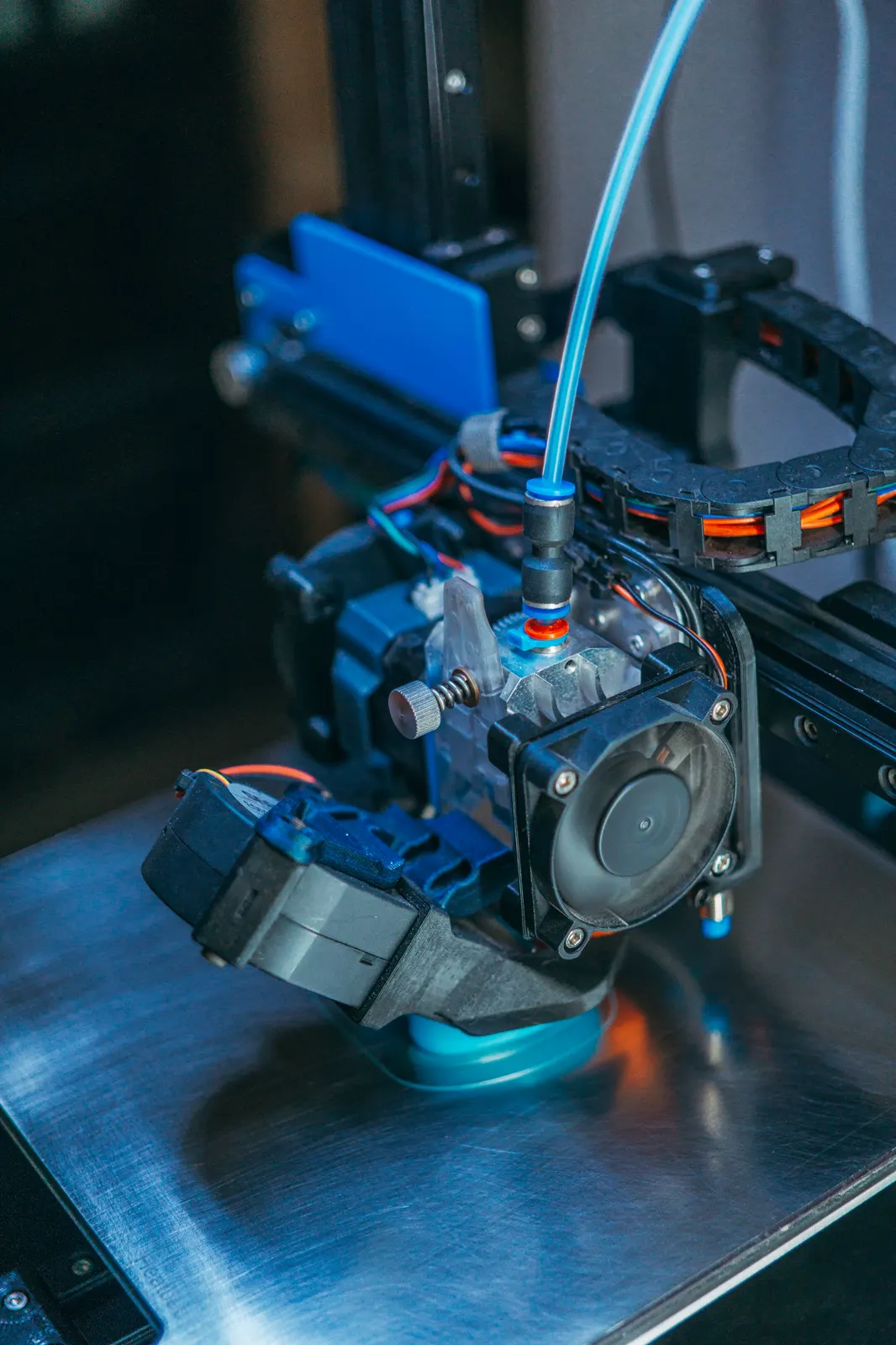
Speed versus flow
Above a certain speed the hotend cannot melt plastic fast enough. The calculator flags this: once you are flow-limited, a wider nozzle or thicker layers help, a higher speed number does not.
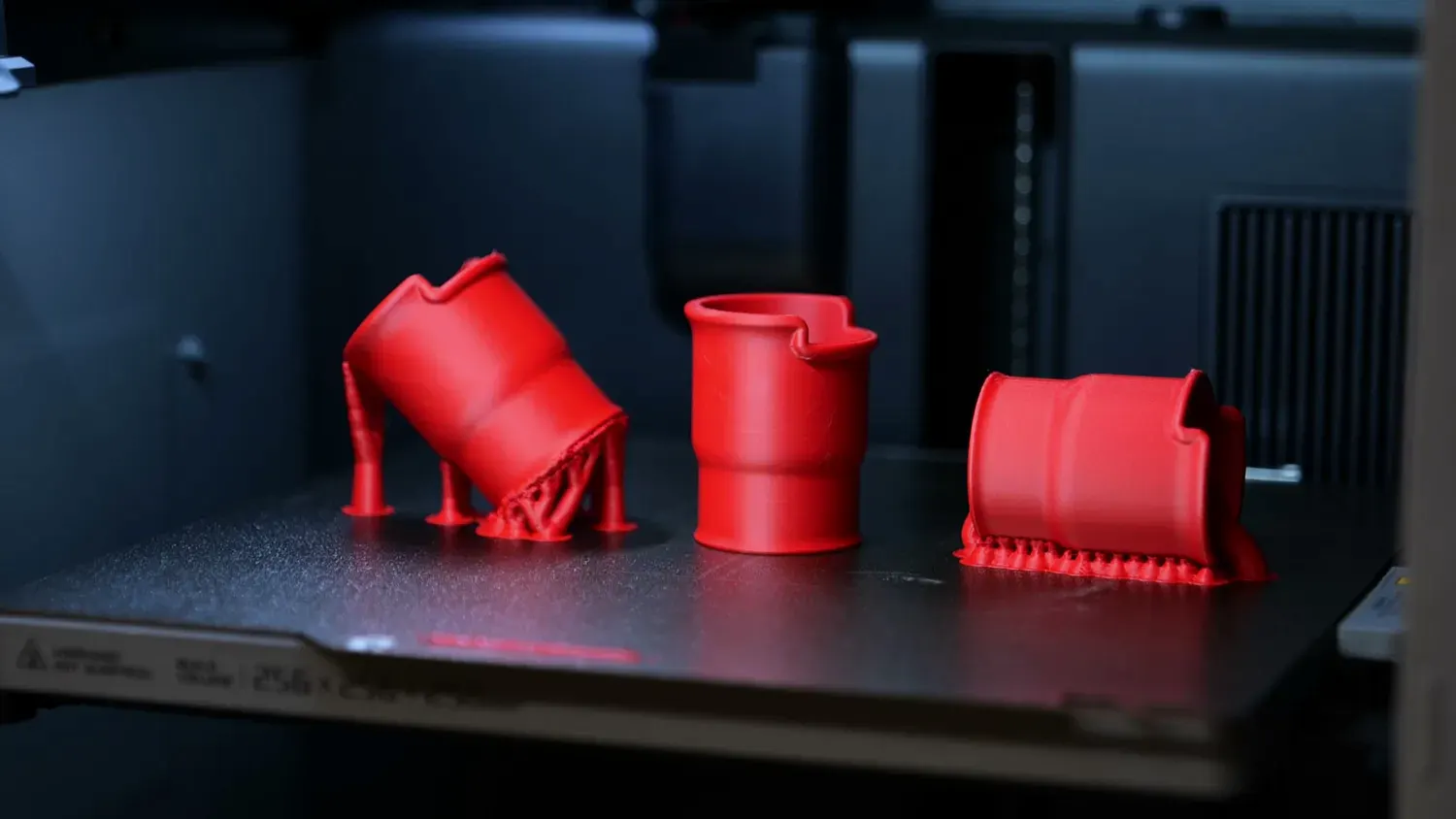
Orientation and height
Every layer costs a Z move and a travel. Laying a tall part on its side can cut the layer count a lot. That only helps if the part is still strong and printable in that orientation.
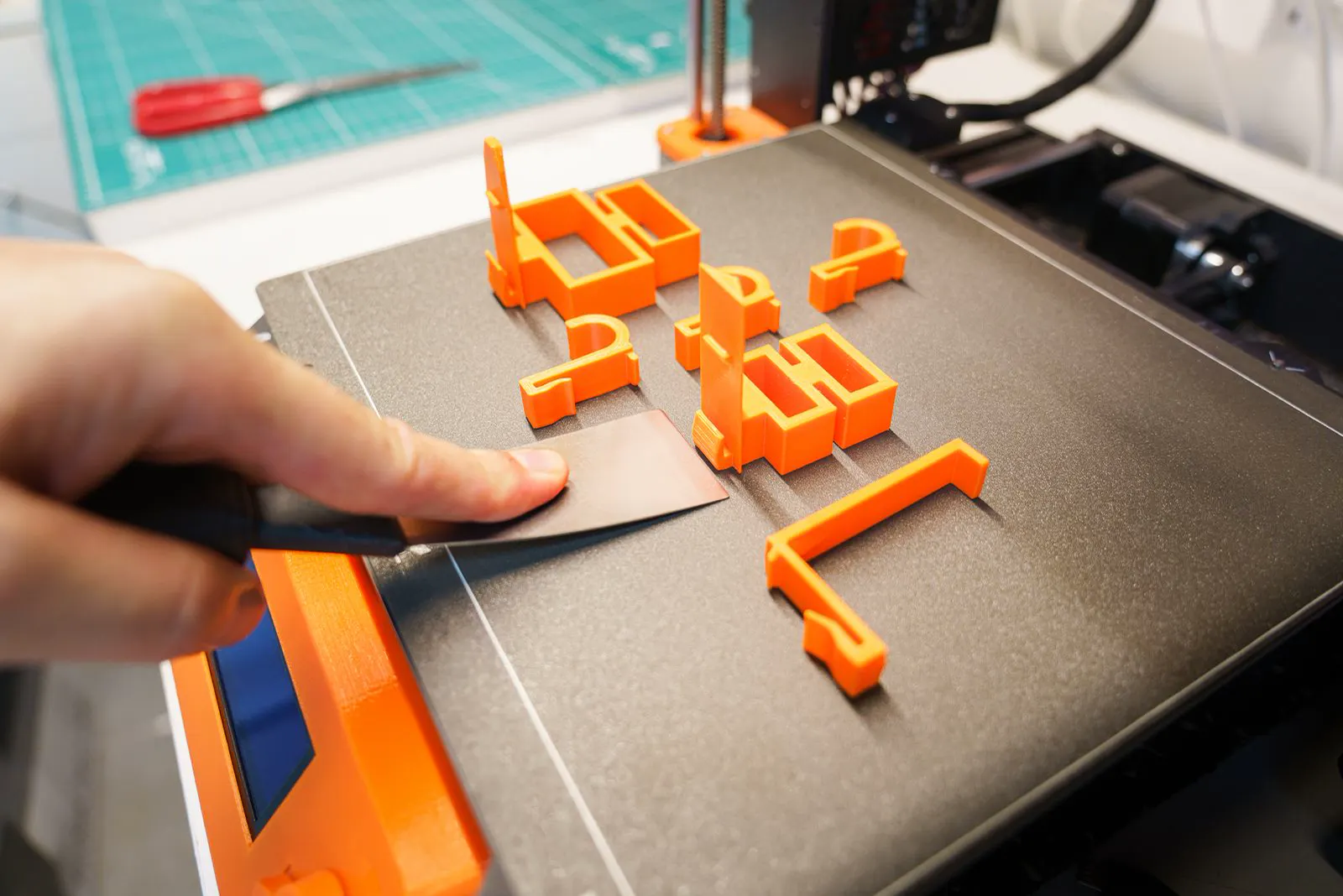
Several parts on one plate
Printing ten parts together shares one heat-up and one levelling. Total time grows, but time per part usually drops, which is what the cost calculator’s "parts in this job" field is for.
Why use this 3D print time calculator
A quick, transparent estimate that knows its limits.
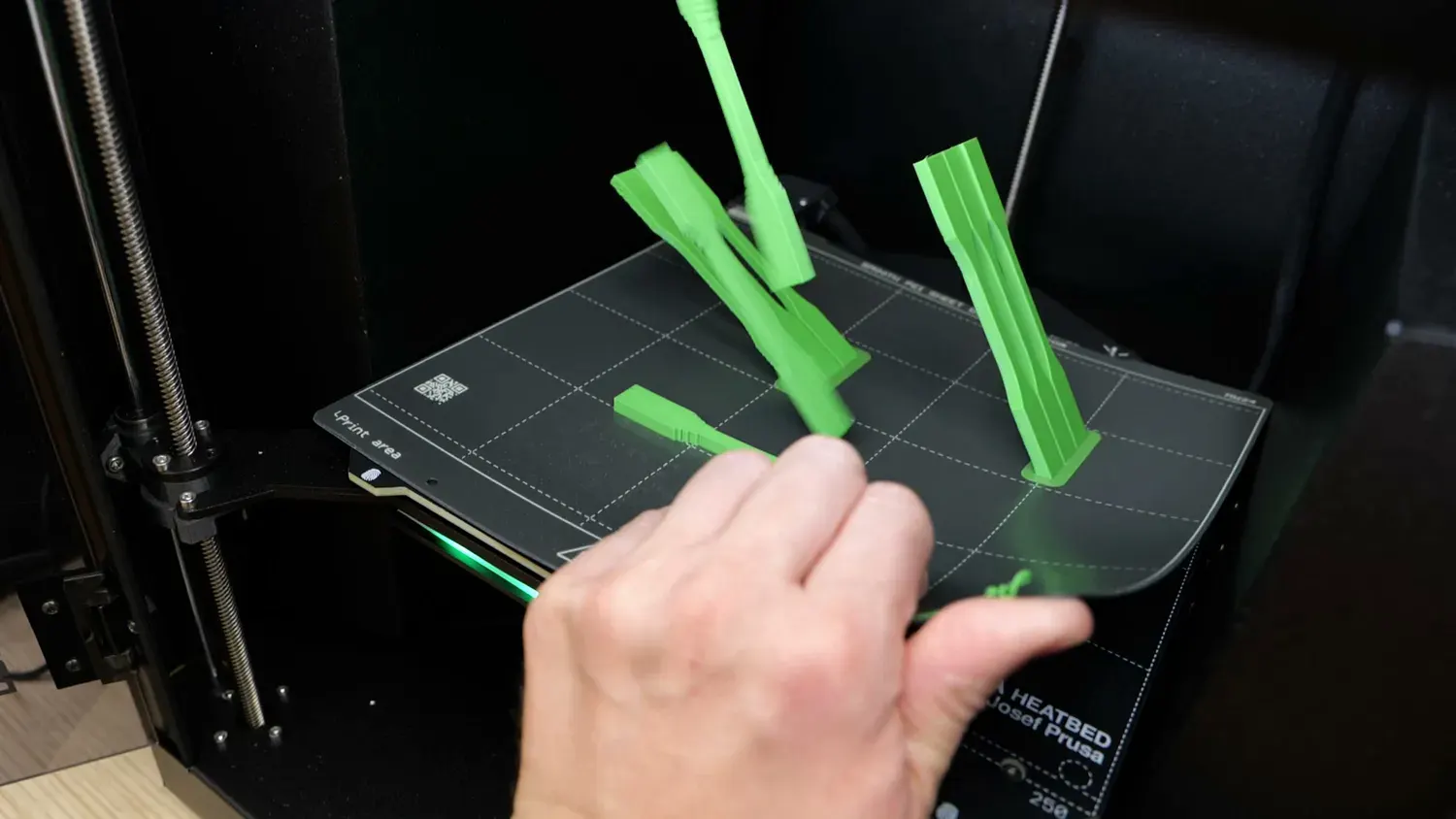
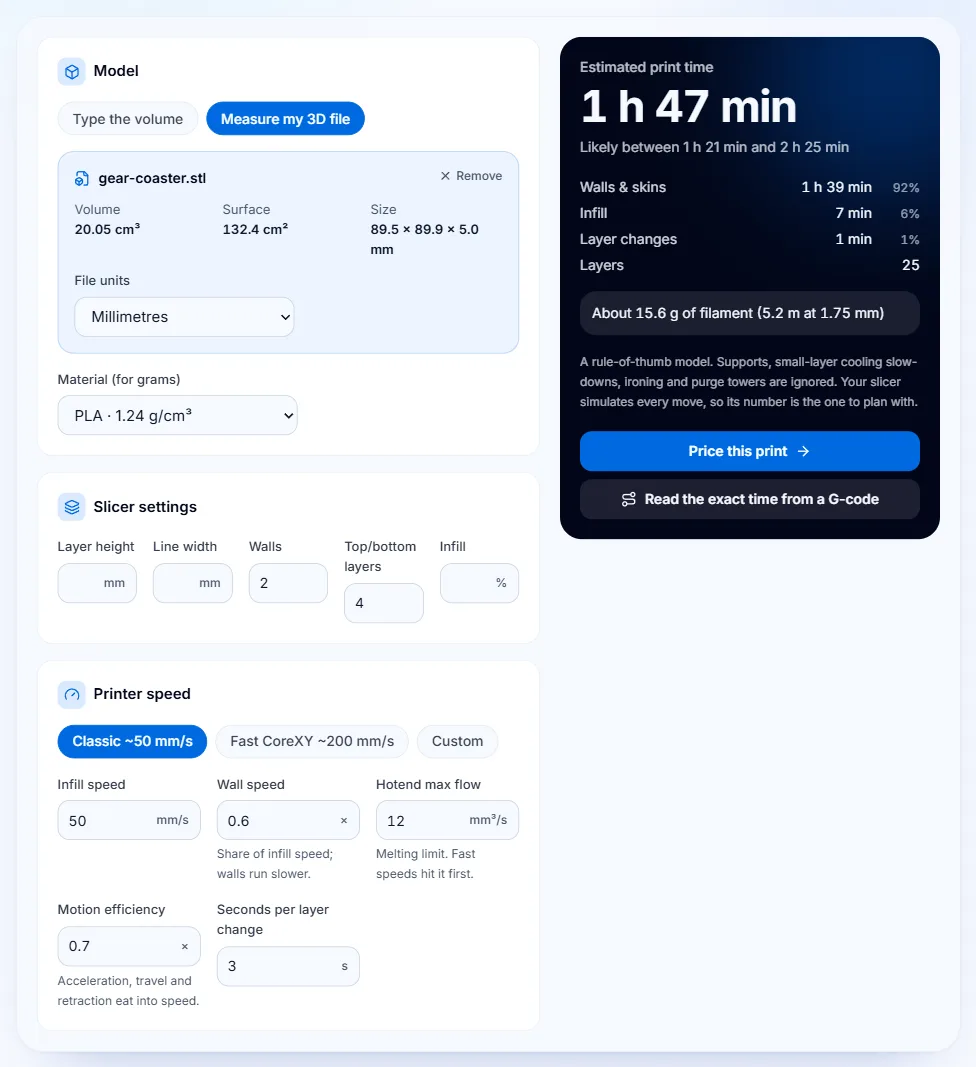
Reads the STL for you
Volume, surface area and height come straight from the mesh, so walls and infill are estimated from the real shape rather than a guess.
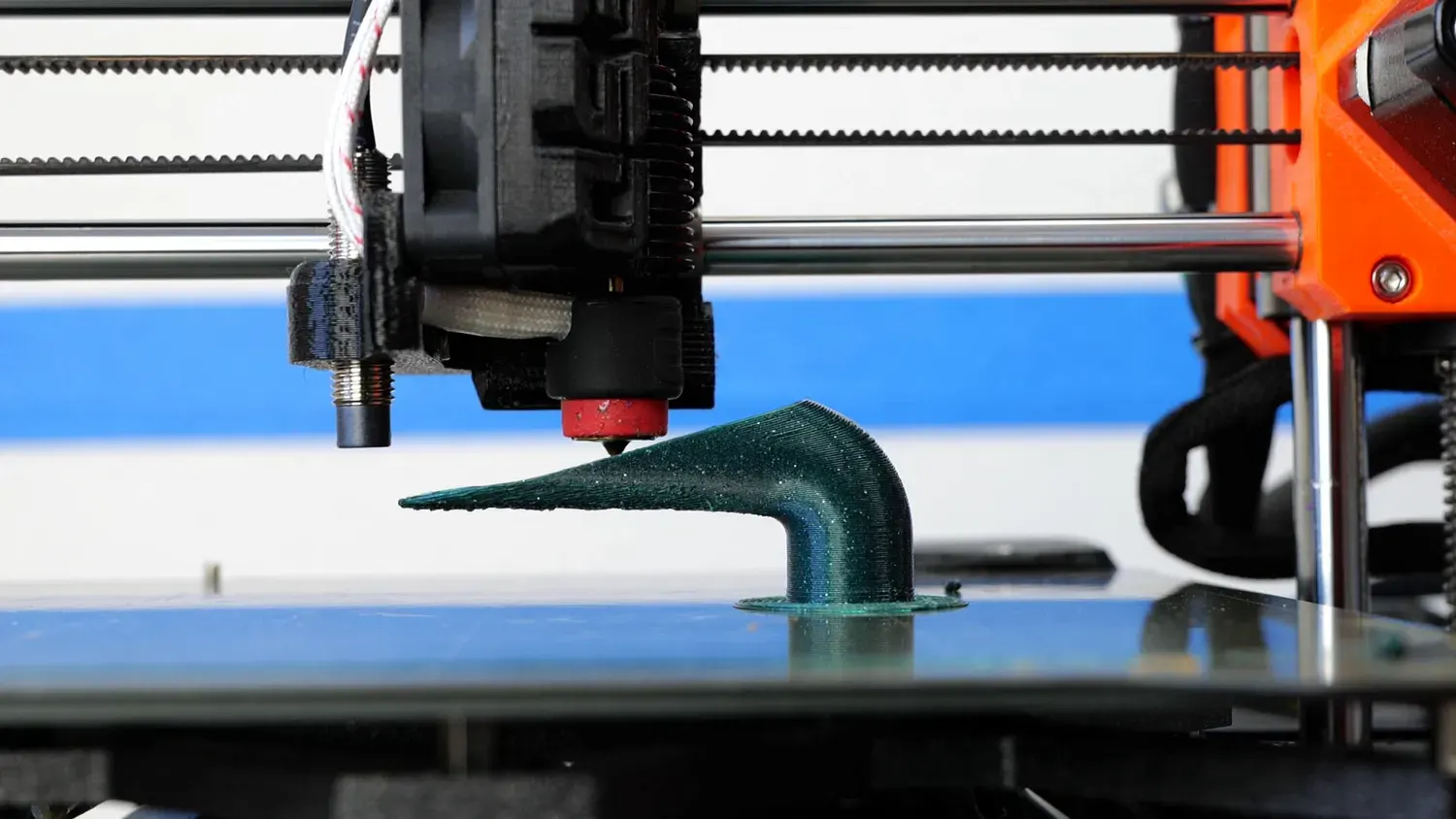
Shows where the time goes
Walls, infill and layer changes are listed separately with their share, so you can see which setting is worth changing.
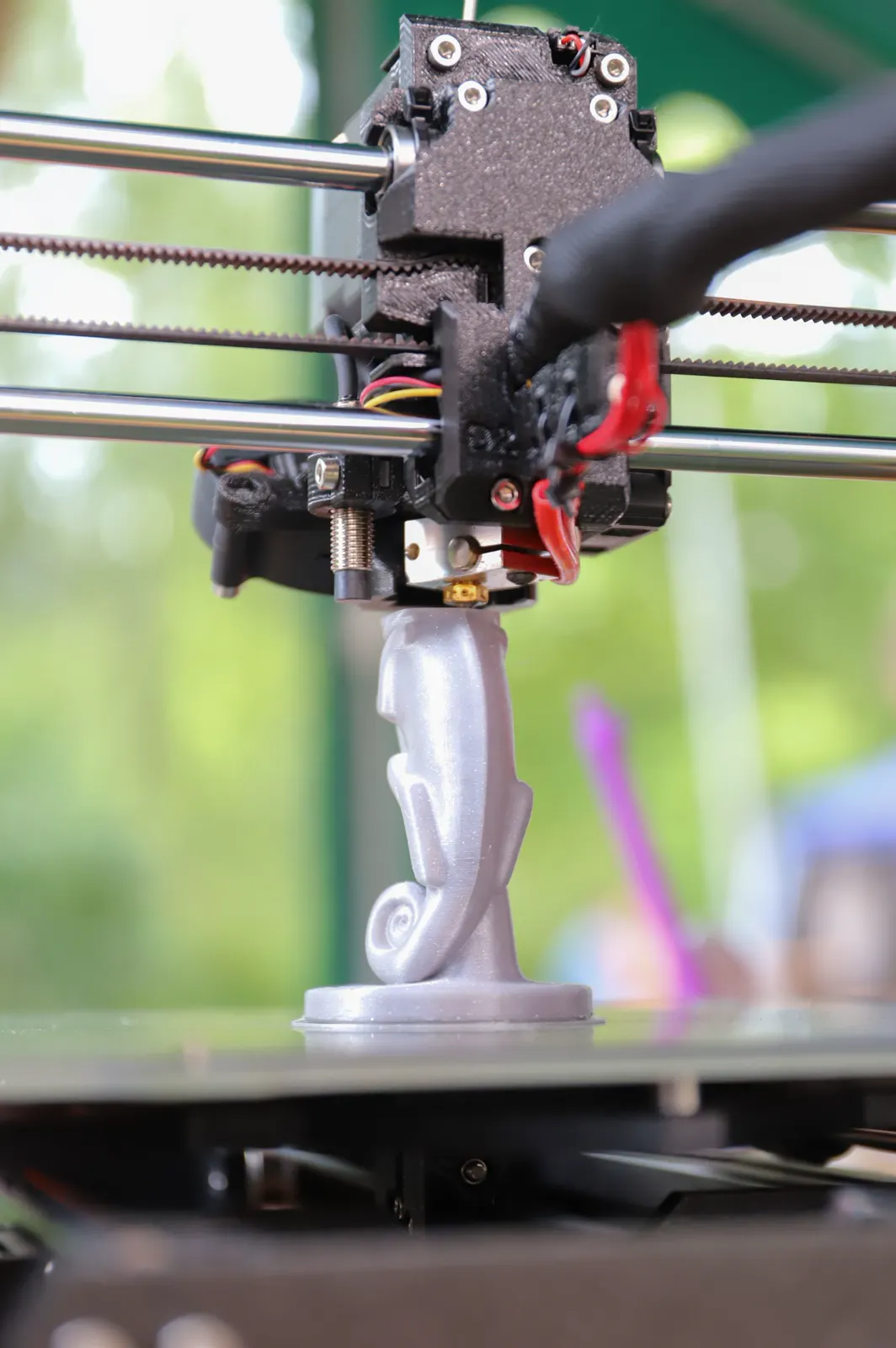
Knows about hotend flow
Speed is capped by the volumetric flow your hotend can melt, which is why doubling the speed on a stock hotend rarely halves the time.
A range, not false precision
The result is a central estimate with a wide band around it, because supports, cooling and travel vary from part to part.
Straight into a price
One click sends the hours, the grams and the material to the 3D print cost calculator, pre-filled.
Private by design
The model is measured inside your browser tab and never uploaded, so unreleased designs stay on your machine.
3D print time calculator FAQ
How long will it take? The questions behind it.
More ways to work with your 3D files
View, convert, or make a model from scratch.
Need a model to print first?
Generate a printable 3D model from a photo or a sentence, then bring the STL back to see how long it will take.