
STEP to STL Converter
Drop STEP / STP files to convert to STL
.step, .stp (also .iges) — up to 10 files at 200 MB each
STL has no units — most slicers read it as millimetres. Add a file to see its size.
Runs in your browser — your files are never uploaded.
- Nothing uploaded
- No sign-in
- 4 mesh quality presets
- Assemblies merged into one STL
STEP to STL at a glance
What happens to your CAD file, measured on our own sample part.
Draft
912 triangles
Standard
1,948 triangles
Fine
4,304 triangles
Ultra
9,960 triangles
- True circle in the STEP file
- Facets written to the STL
- Deviation from the true surface
912 → 9,960
Triangles in our DN50 flange sample from Draft to Ultra: one STEP file, four mesh densities.
0 uploads
The STEP reader (OpenCascade compiled to WebAssembly) runs inside this tab and loads only when you open a CAD file.
1 STL
Every solid in an assembly is merged into one binary STL in millimetres, Z-up, as slicers expect.
How to convert STEP to STL
Three steps. No account, no CAD licence, no install.
Open your STEP or STP file
Drag the .step or .stp file onto the converter. The first time, the browser downloads the 7.6 MB STEP reader; after that it is cached. The part appears in 3D with its triangle count.
Choose a mesh quality
Standard suits most prints. Pick Fine or Ultra when holes and fillets look faceted, Draft when the STL only needs to be small. Check the size box: STEP is read in millimetres.
Download the STL
Keep STL selected and click “Convert & download”. The binary STL opens in Cura, PrusaSlicer, Bambu Studio or OrcaSlicer. Several STEP files convert in one batch.
What carries over from STEP to STL
A STEP file describes exact surfaces — a hole is a true cylinder. STL approximates them with flat triangles, so the conversion is one-way.
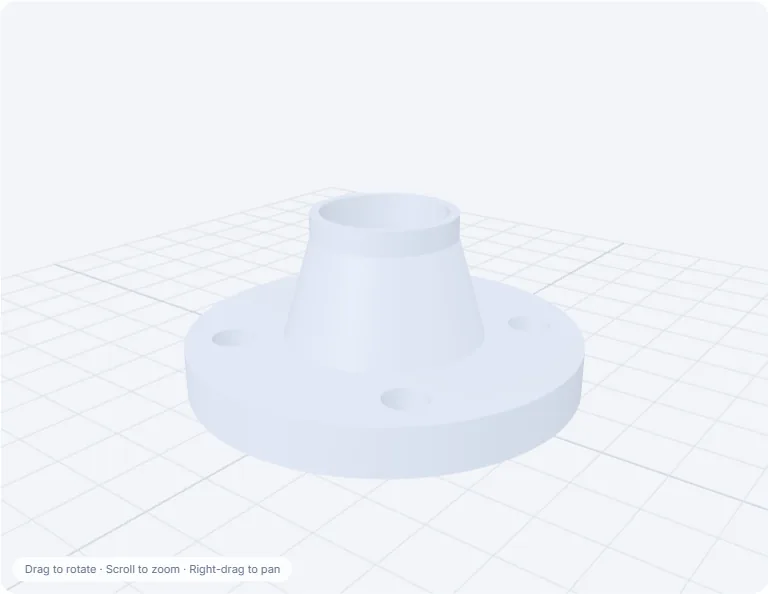
STEP: exact B-rep solid
STL: triangle mesh for slicing
| What carries over from STEP to STL | STEP | STL |
|---|---|---|
| Curved surfaces | Exact | Facets |
| Shape and size (mm) | Yes | Yes |
| Separate parts of an assembly | Yes | Merged |
| Part names | Yes | No |
| Face colours | Yes | No |
| Feature history, sketches | No | No |
| Opens in every slicer | No | Yes |
Need part names or colours after the conversion? Pick OBJ (named parts) or GLB (colours) as the target instead of STL.
STEP surfaces vs STL triangles
One toy cloud part, saved both ways. These reference renders show what tessellation does to a curved CAD part.
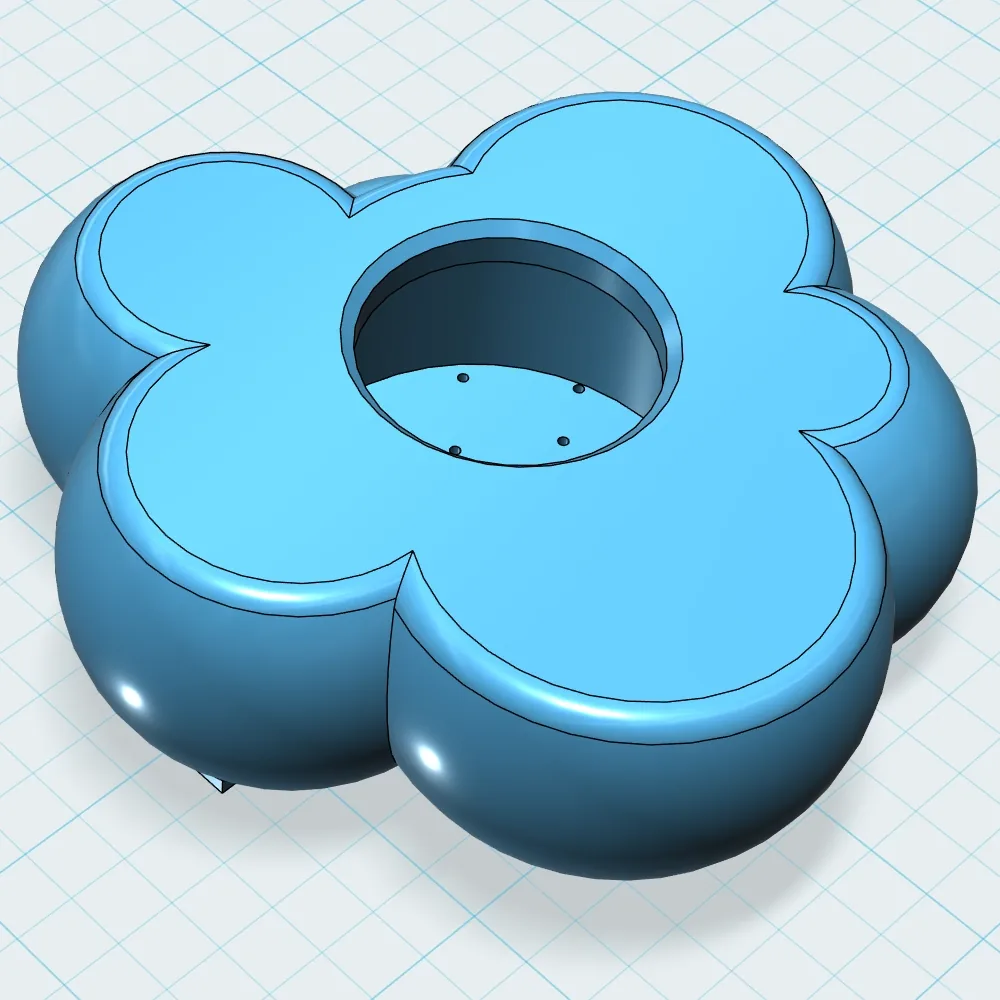 Reference example
STEP: smooth, exact surfacesIn CAD the cloud is a set of exact curved faces. Its edges are true arcs, so the outline stays smooth at any zoom. 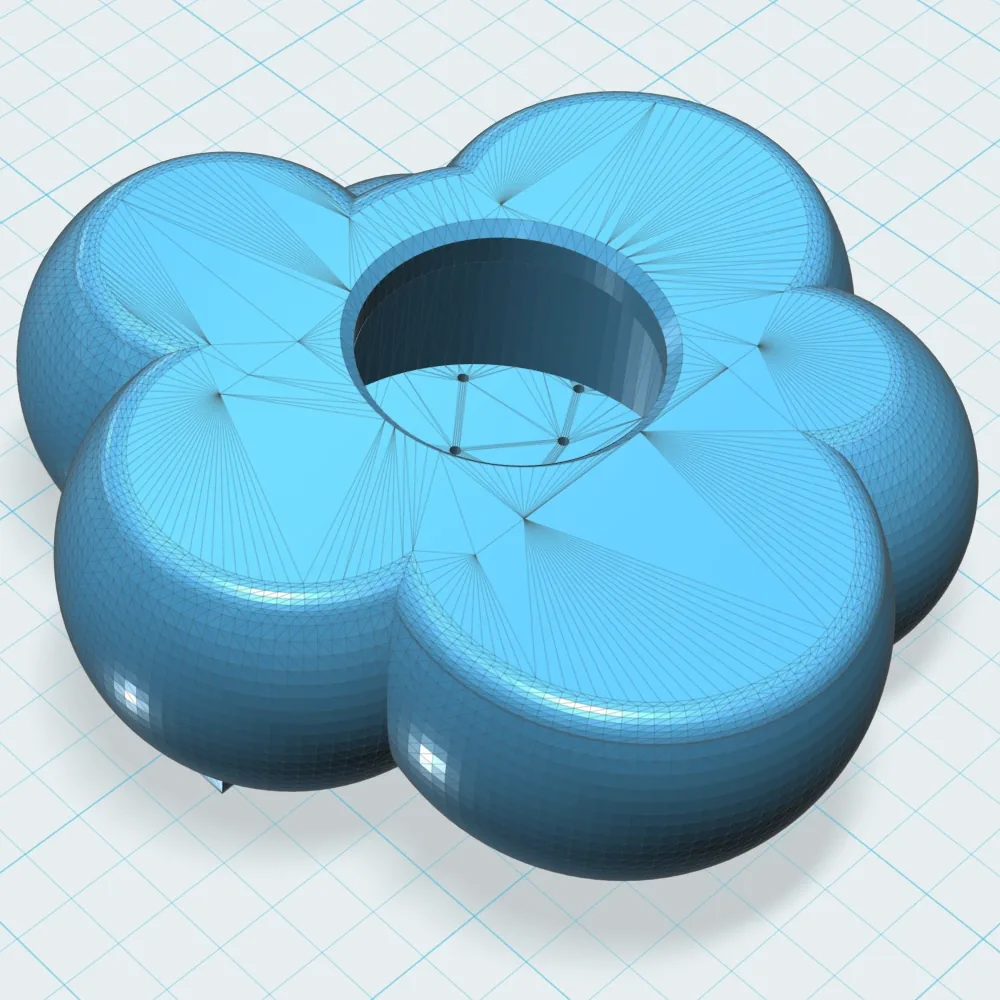 Reference example
STL: the same part as trianglesAfter export every curve is a run of flat facets. At normal size it still looks round, and that is all a slicer needs. 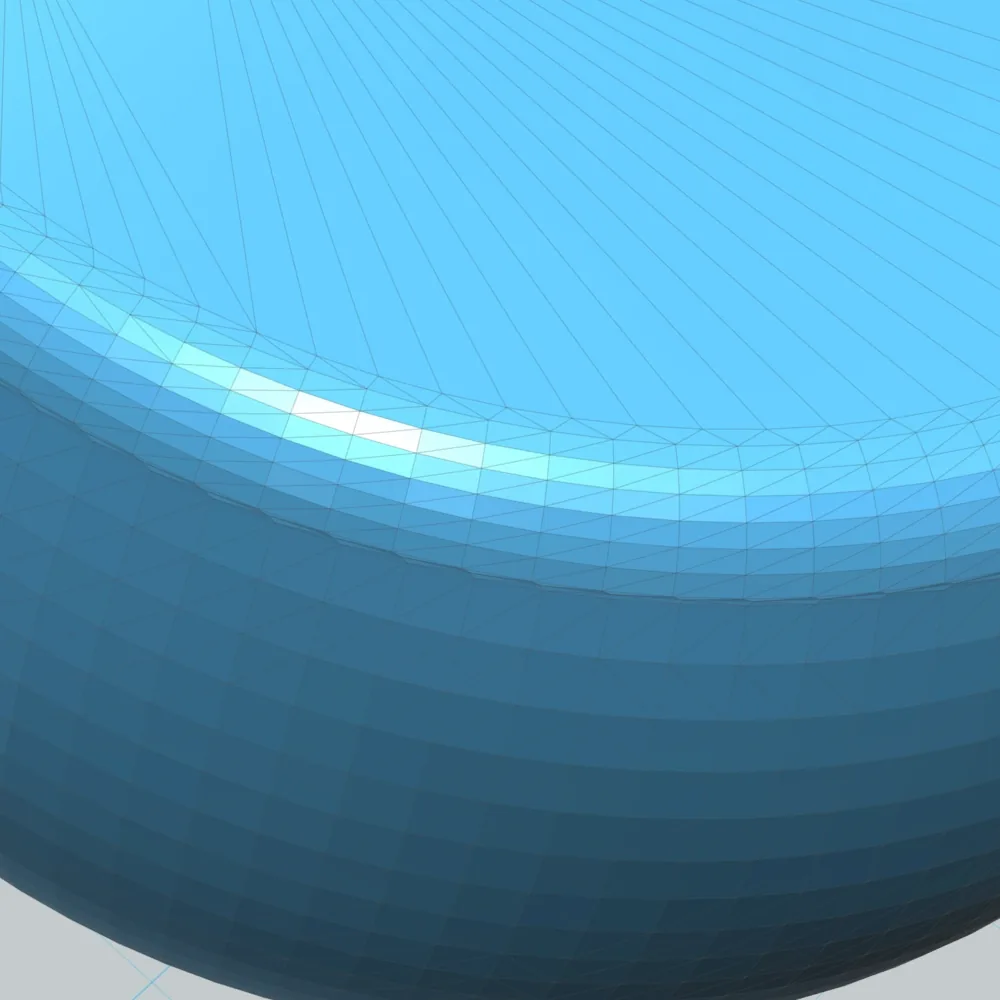 Reference example
Close-up: where facets showZoom in on a fillet and the flats appear. If you can see them on the print, convert again with Fine or Ultra.
No CAD file yet? Generate a printable model
Reference models from AI 3D generators, shown live. Kairo3D turns a photo into a mesh you can export as STL.
Why convert STEP to STL here
A desktop CAD exporter, minus the install and the licence.
Real STEP reader, not a guess
Files are read with OpenCascade, the open-source CAD kernel behind FreeCAD, compiled to WebAssembly. AP203, AP214 and AP242 STEP files open the same way.
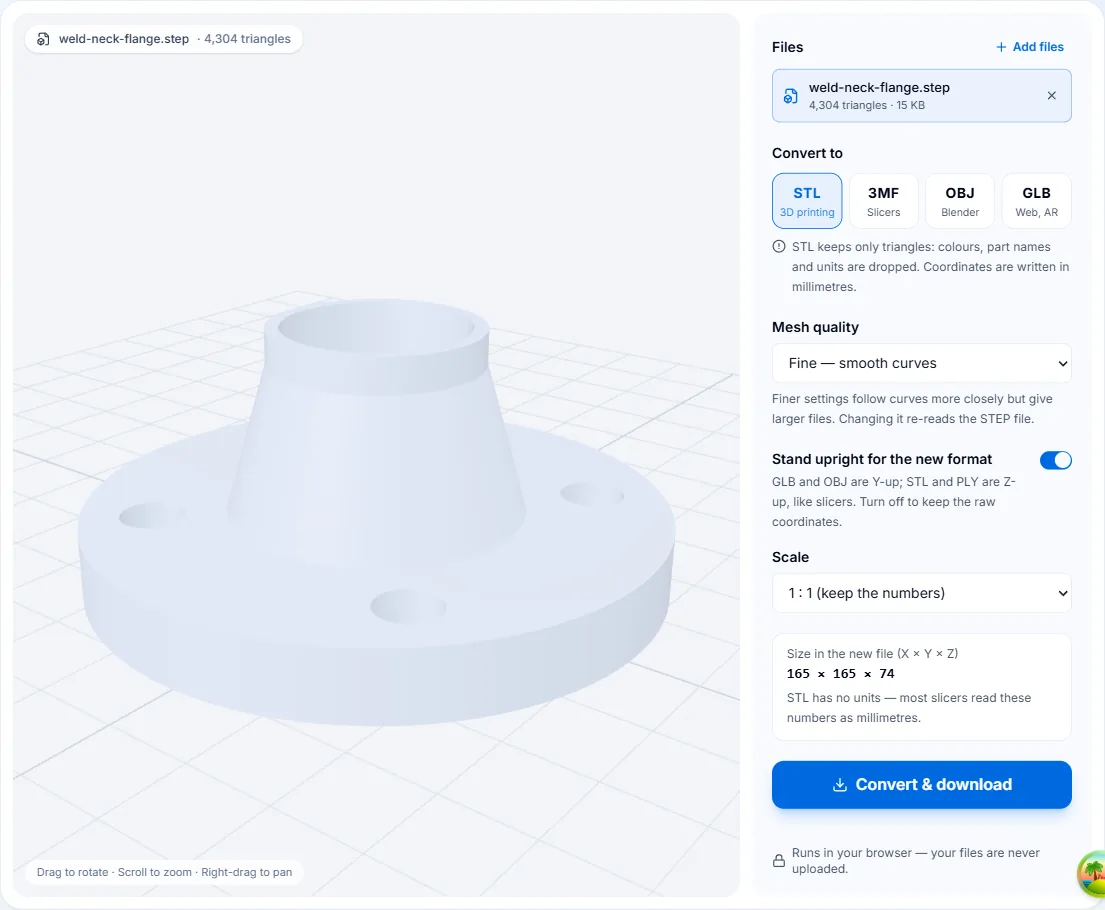
Four tessellation presets
Draft, Standard, Fine and Ultra set how far a facet may stray from the true surface (0.4 % down to 0.01 % of the part size) and the angle between facets.
Assemblies stay in place
Bolts, nuts and housings keep their positions from the STEP file and are written into one STL, ready to print as a set or to split in your slicer.
Millimetres, upright
STEP coordinates are read in millimetres and the STL keeps Z as up, so the part lands on the build plate at its true size.
Private by design
Product CAD is often confidential. The STEP file is read and converted locally; nothing is sent to a server, and closing the tab clears it.
Other targets too
The same STEP file can go to 3MF for slicer projects, OBJ with named parts, or GLB with colours for a web preview.
STEP to STL — frequently asked questions
Quality, units, assemblies and what a STEP to STL conversion cannot do.
More ways to work with your 3D files
View, convert, or make a model from scratch.
Have a photo instead of a CAD file?
Kairo3D turns a single image into a 3D model you can download as STL and print.