
STL to 3MF Converter
Drop STL files to convert to 3MF
Binary or ASCII .stl (also OBJ, PLY, GLB, STEP) — up to 10 files
STL has no units — most slicers read it as millimetres. Add a file to see its size.
Runs in your browser — your files are never uploaded.
- Nothing uploaded
- No sign-in
- Units saved as millimetres
- Often 5× smaller than STL
STL to 3MF at a glance
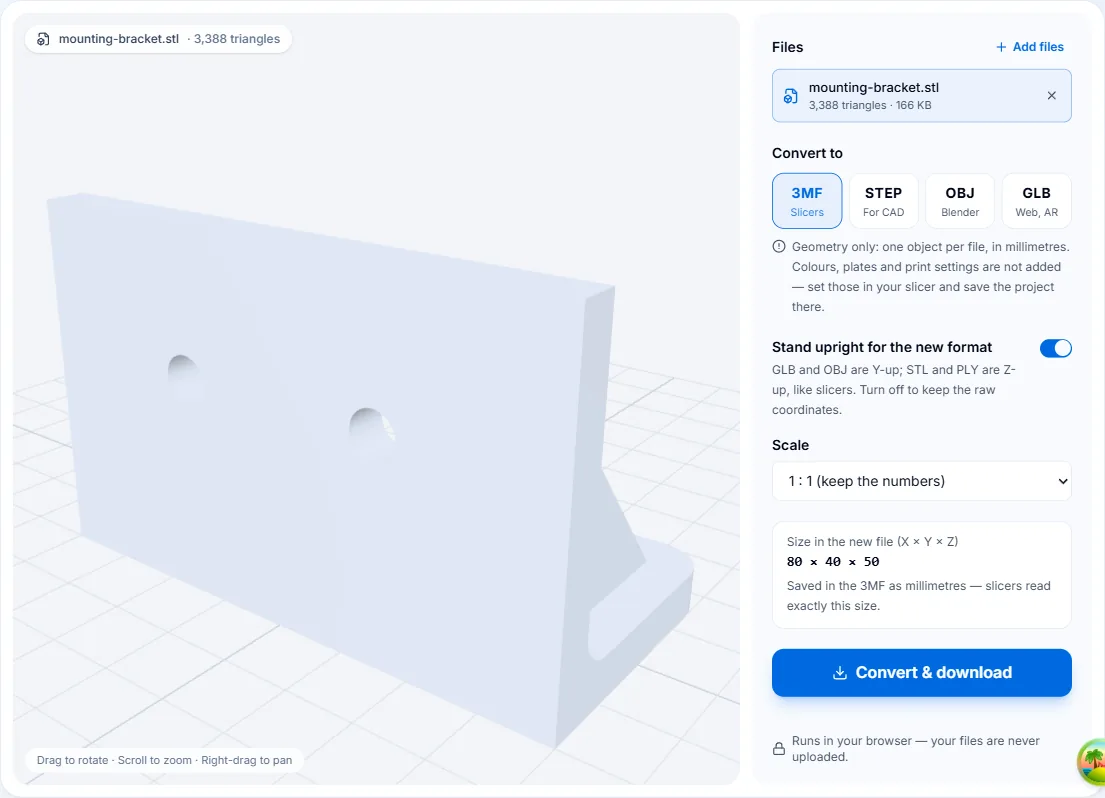
Measured on our own bracket sample: a 3,388-triangle binary STL.
mounting-bracket.stl
- · Triangles only; every corner is stored again for each triangle
- · No unit: “50” could be millimetres or inches
- · 166 KB for our bracket sample
mounting-bracket.3mf · a ZIP package, 30 KB
├─ [Content_Types].xml
Tells the slicer which kinds of file are inside the package.
├─ _rels/.rels
Points the slicer to the 3D model part.
└─ 3D/3dmodel.model
The mesh as XML: shared vertices, triangles and unit="millimeter".
When you save a project, the slicer adds its own Metadata/ files: plates, colours and print settings.
166 → 30 KB
The binary STL becomes a 30 KB 3MF: corners are shared instead of repeated, and the package is zip-compressed.
mm
The 3MF declares millimetres, so the slicer never has to guess whether the part is 50 mm or 50 inches.
0 uploads
Reading the STL and packing the 3MF both happen in this browser tab.
How to convert STL to 3MF
Three steps, no account and no install.
Drop your STL
Drag one or more .stl files onto the converter. Each opens in the 3D preview with its triangle count and its size in millimetres.
Check the size
STL has no units. If the part looks 25× too small it was modelled in inches — pick “Inches → millimetres” in the scale menu so the 3MF is written at the right size.
Download the 3MF
Keep 3MF selected and click “Convert & download”. Open the file in Bambu Studio, OrcaSlicer, PrusaSlicer or Cura and save your print settings into it.
What changes from STL to 3MF
STL stores every triangle with its own three corners and no units. 3MF stores each corner once, names the unit and zips it all up.
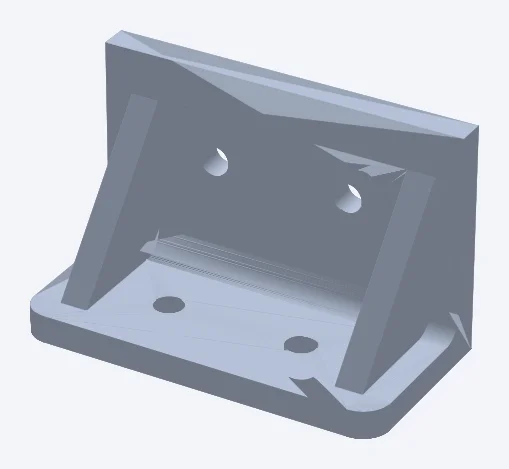
STL: loose triangles, no units
3MF: one mesh object in millimetres
| What changes from STL to 3MF | STL | 3MF |
|---|---|---|
| Shape and size | Yes | Yes |
| Units in the file | No | mm |
| Shared vertices | No | Yes |
| Compressed | No | ZIP |
| Colours / materials | No | No |
| Plates and print settings | No | Add in slicer |
| Opens in every slicer | Yes | Yes |
Degenerate triangles (with two identical corners) are left out, because the 3MF specification does not allow them.
What a 3MF lets your slicer do
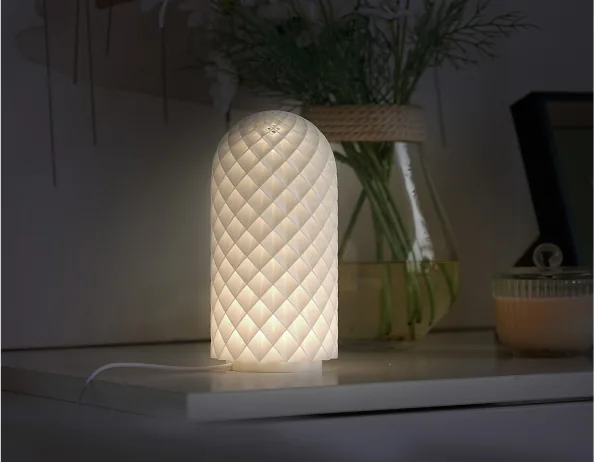
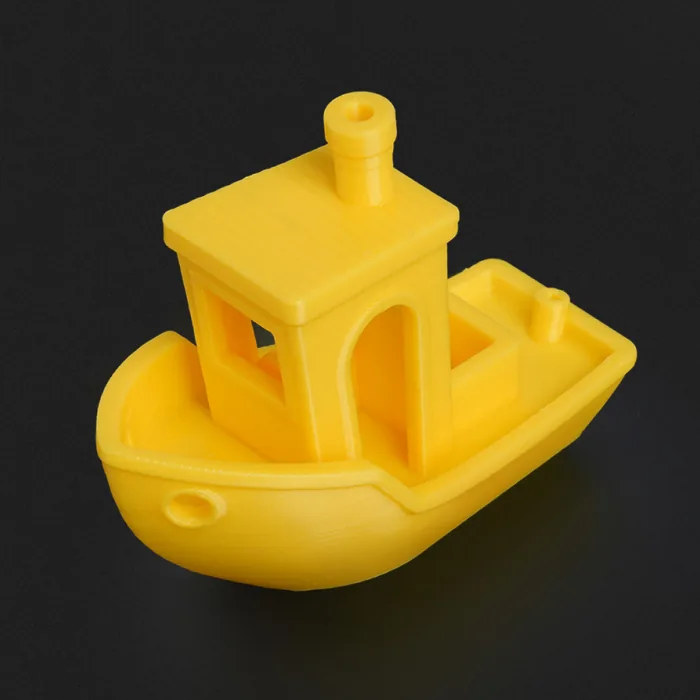
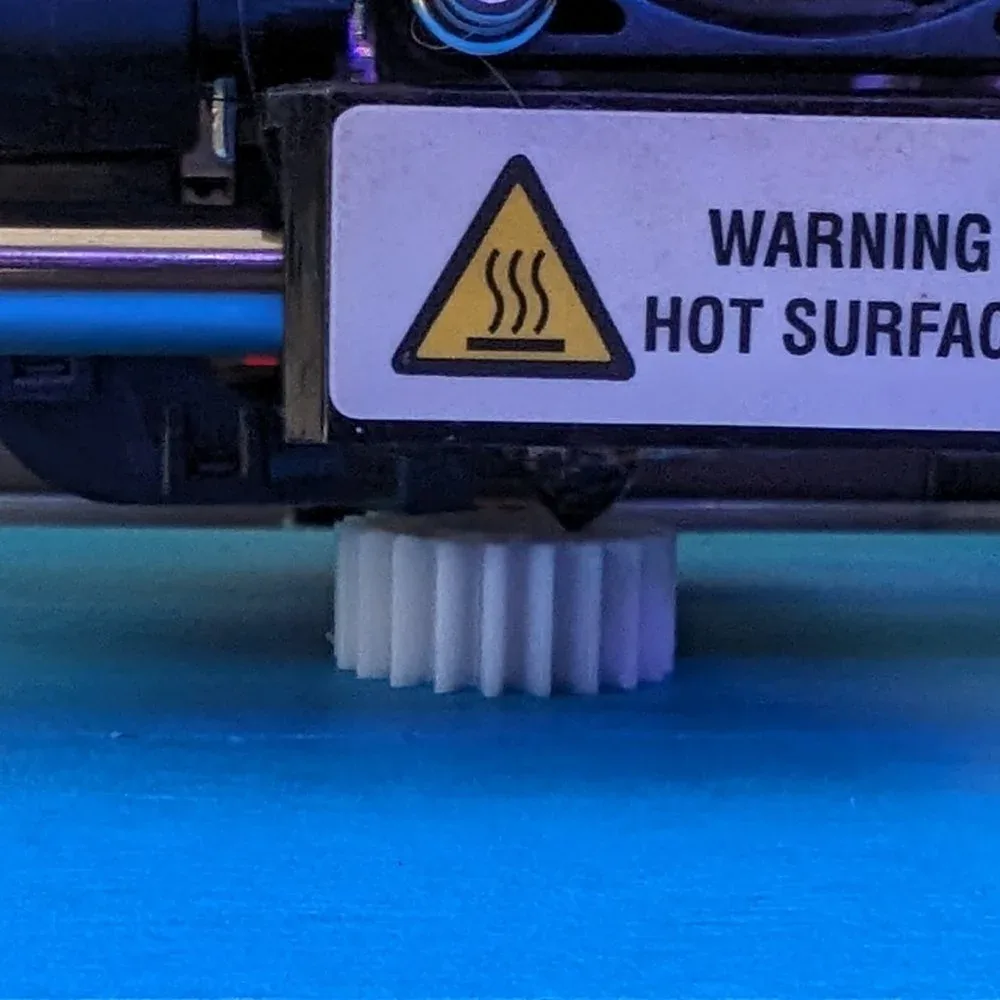
Our 3MF holds clean geometry in millimetres. In the slicer you can then add colours, plates and settings, like these reference prints.
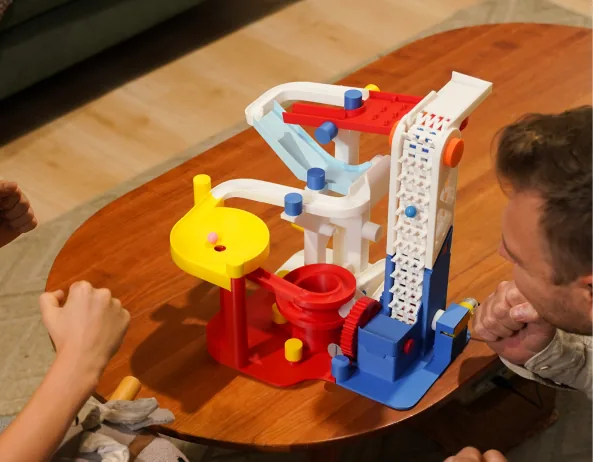 Reference example
Paint parts in several coloursAssign a filament to each part or face in the slicer, then save the project 3MF so the colours stay with the model.  Reference example
Layered colour signsColour changes by layer height are stored in the project 3MF, not in an STL. Convert first, then set the swaps. 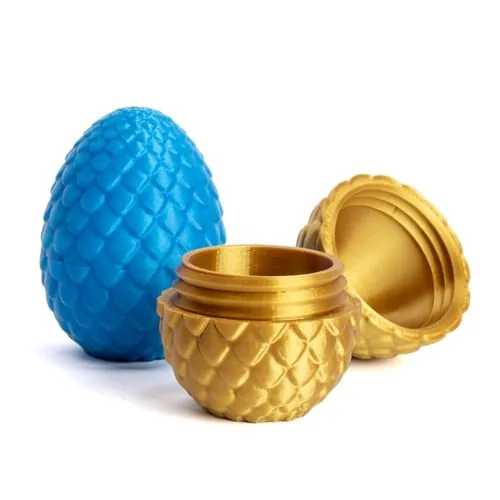 Reference example
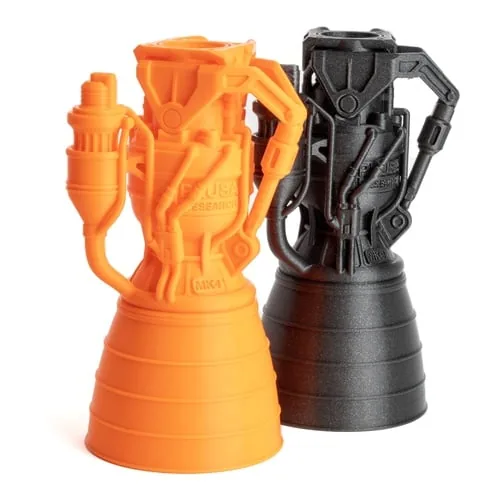
Two-tone prints in one fileBody and lid, egg and stand: keep the set in one 3MF project and print it with the right filament for each part. 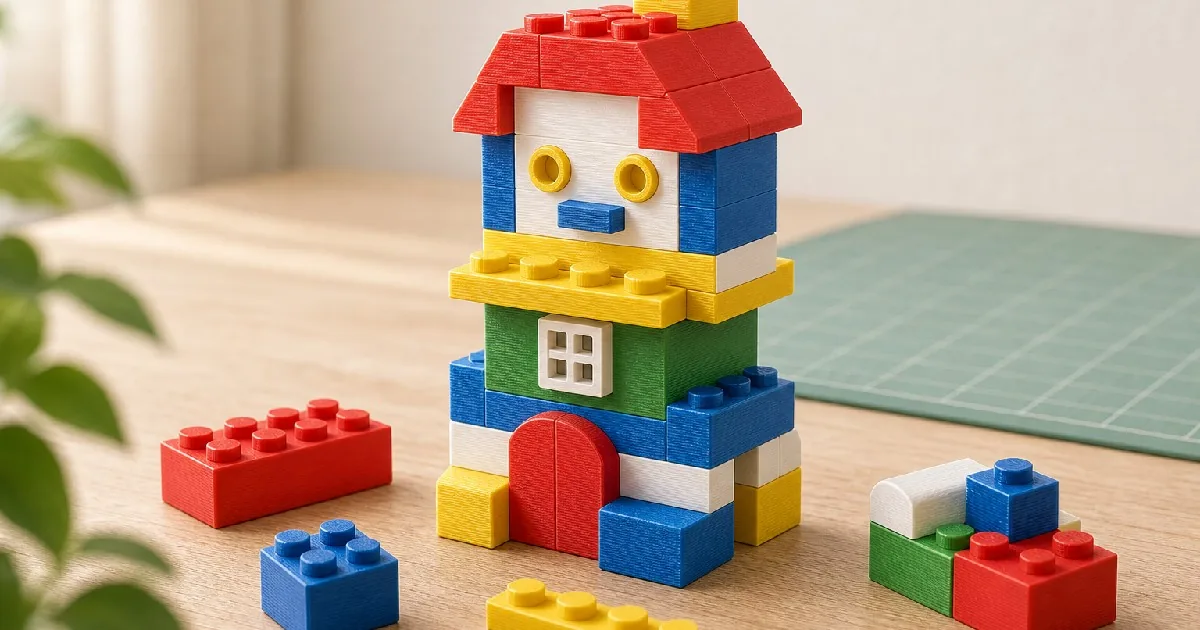 Reference example
Kits for multi-material printersToy bricks and small kits print well as one 3MF plate, with each colour mapped to a spool in the AMS or MMU.
Printable models to try
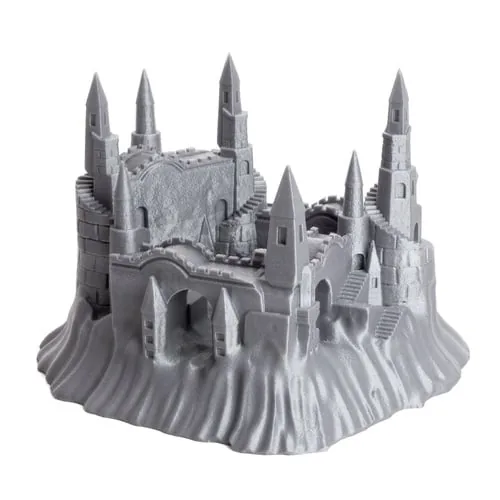
Reference models from AI 3D generators. Make your own with Kairo3D, download STL, then pack it as 3MF here.
Why convert STL to 3MF here
A smaller, unit-aware file for your slicer, made without leaving the browser.
Standard 3MF package
The file follows the 3MF Core specification: [Content_Types].xml, a relationships part and 3D/3dmodel.model inside a ZIP.
Welded mesh
Identical corners are merged into shared vertices, which is how 3MF describes a closed, printable surface.
Real units
Written with unit="millimeter". Use the scale menu to convert inch or metre STLs on the way.
Z stays up
STL and 3MF are both Z-up, so the part lands on the build plate exactly as it was oriented in the STL.
Batch conversion
Drop up to 10 STL files and convert them all at once; each becomes its own .3mf file.
Private and free
No sign-up, no watermark and no upload. Closing the tab clears the files from memory.
STL to 3MF — frequently asked questions
Why 3MF, what the file contains and what it leaves for your slicer.
More ways to work with your 3D files
View, convert, or make a model from scratch.
Want a model from a photo?
Kairo3D turns one image into a 3D model you can download as STL and print.