
DAE Viewer — Open Collada Files Online
Drop a .dae file to view it
Collada 1.4 / 1.5 (.dae), one file at a time, up to 200 MB
- Nothing uploaded
- No sign-in
- Reads the file’s unit and up axis
- Lists missing texture files
The DAE viewer at a glance
Measured on garden-cabin.dae, our own CC0 sample exported SketchUp-style in inches.
<COLLADA>Root element, version 1.4.1 or 1.5<asset>unit meter="0.0254" (inch), up_axis Z_UP — read and applied<library_geometries>triangles, polylist, polygons — read as the mesh<library_effects> / <library_materials>phong and lambert colours — used as base colours<library_images>paths to texture files outside the .dae — not loaded; data URIs do load<library_visual_scenes>node tree and transforms — every named part placed<node name="Roof">one of 8 named parts in the sample cabin<library_animations> / <library_controllers>animation and skins — not played, model shown in its stored pose<library_cameras> / <library_lights>removed from the view; the DAE viewer uses its own lighting
Texture files outside the .dae
- wood_floor.jpg
- roof_tiles.png
SketchUp writes textures into a folder next to the .dae. They are not inside the file, so a single upload cannot bring them; the DAE viewer names them and shows base colours.
- Shown
- Partly shown
- Not shown
92 triangles · 8 parts
Foundation, walls, roof, door, two windows, chimney and porch: every named node of the Collada scene shows up in the view.
1 in = 0.0254 m
The unit is read from the file’s <unit> tag and Z-up is turned upright, so the cabin measures 4.57 × 4.22 × 4.17 m.
0 uploads
The DAE viewer parses the Collada file with JavaScript in this tab. Nothing is sent to a server, and closing the tab clears it.
How to open a DAE file online
Three steps. No account, no SketchUp, no plug-in.
Open the .dae file
Drag the Collada file onto the DAE viewer or click to pick it. The model appears centred on the grid, upright, at the size stored in the file.
Look around the model
Drag to orbit, scroll to zoom, right-drag to pan. Turn on wireframe to see the triangles, use the dark background for pale models, and reset the view when you get lost.
Check size, then save or convert
Read width, height and depth in mm, cm, m or in, plus triangles, surface area and volume. Save a PNG screenshot, or convert the model to STL for printing.
What a DAE file holds vs what this DAE viewer shows
Collada is an XML scene format: it can carry geometry, materials, cameras, lights, skins and animation. A DAE viewer for checking a model shows the parts that matter for that, and is honest about the rest.
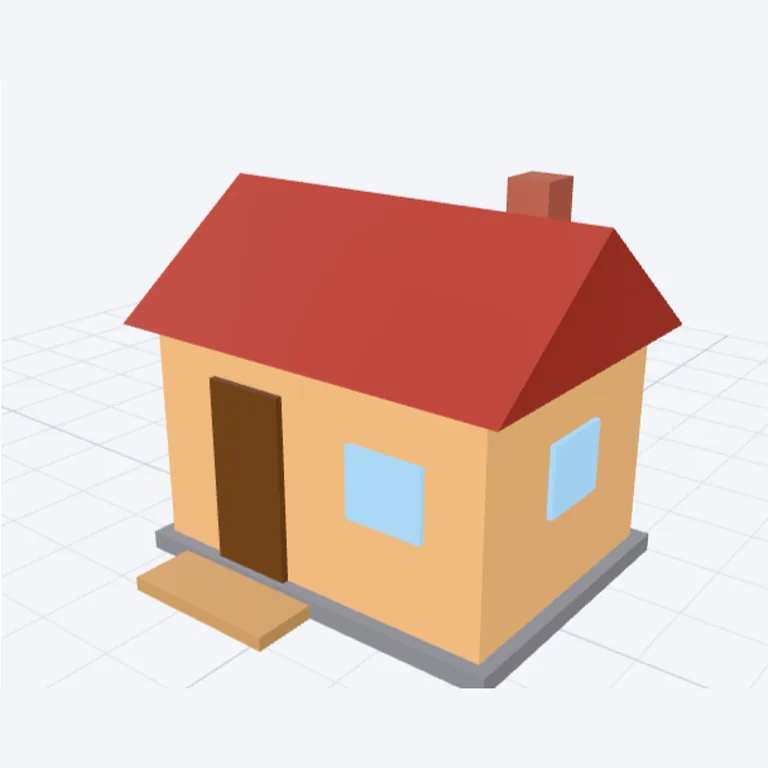
DAE: XML scene description
Viewer: the model, measured
| What a DAE file holds vs what this DAE viewer shows | DAE file | In this viewer |
|---|---|---|
| Triangles, polylists, polygons | Yes | Yes |
| Named nodes and their transforms | Yes | Yes |
| Unit (inch, metre, cm…) | Yes | Applied |
| Up axis (Z_UP / Y_UP) | Yes | Turned upright |
| Phong / Lambert colours | Yes | Yes |
| Embedded textures (data URI) | Yes | Yes |
| Texture image files next to the .dae | Linked | Base colour |
| Animations and skins | Yes | Not played |
| Cameras and lights | Yes | No |
| Editing the model | No | No |
Texture paths in a .dae point to separate image files. Because only one file is opened, the DAE viewer names the missing images and shows the material’s base colour instead.
Typical Collada models: buildings, rooms and scenes
DAE is a common export from SketchUp, Google Earth and Blender, so most files you will open look like these. Reference pictures, not files made in this DAE viewer.
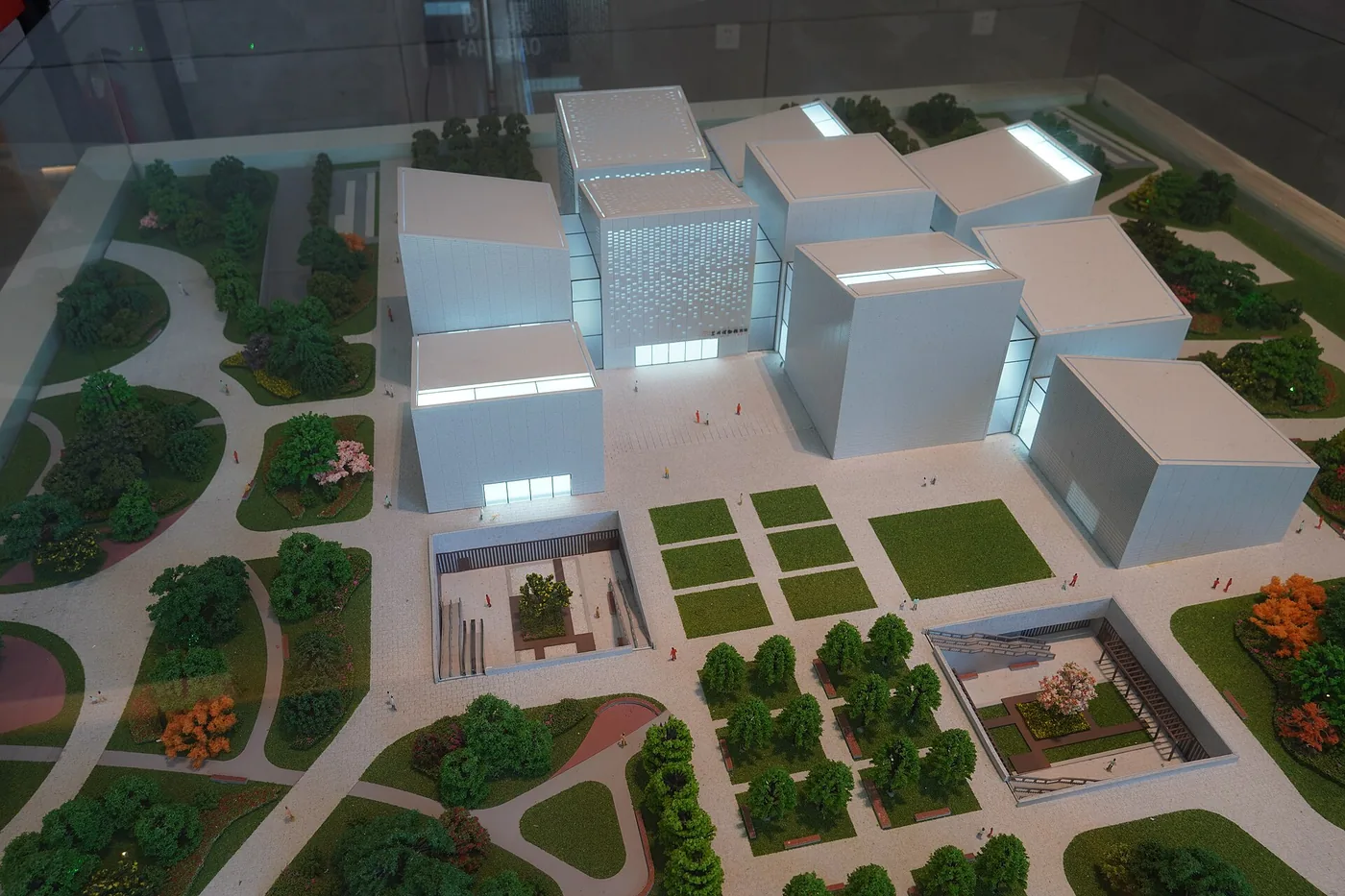 Reference example
Larger buildings and city blocksArchitects and students export whole blocks from SketchUp as Collada. The DAE viewer keeps every group in place, and the size readout in metres confirms the model was drawn at real scale. 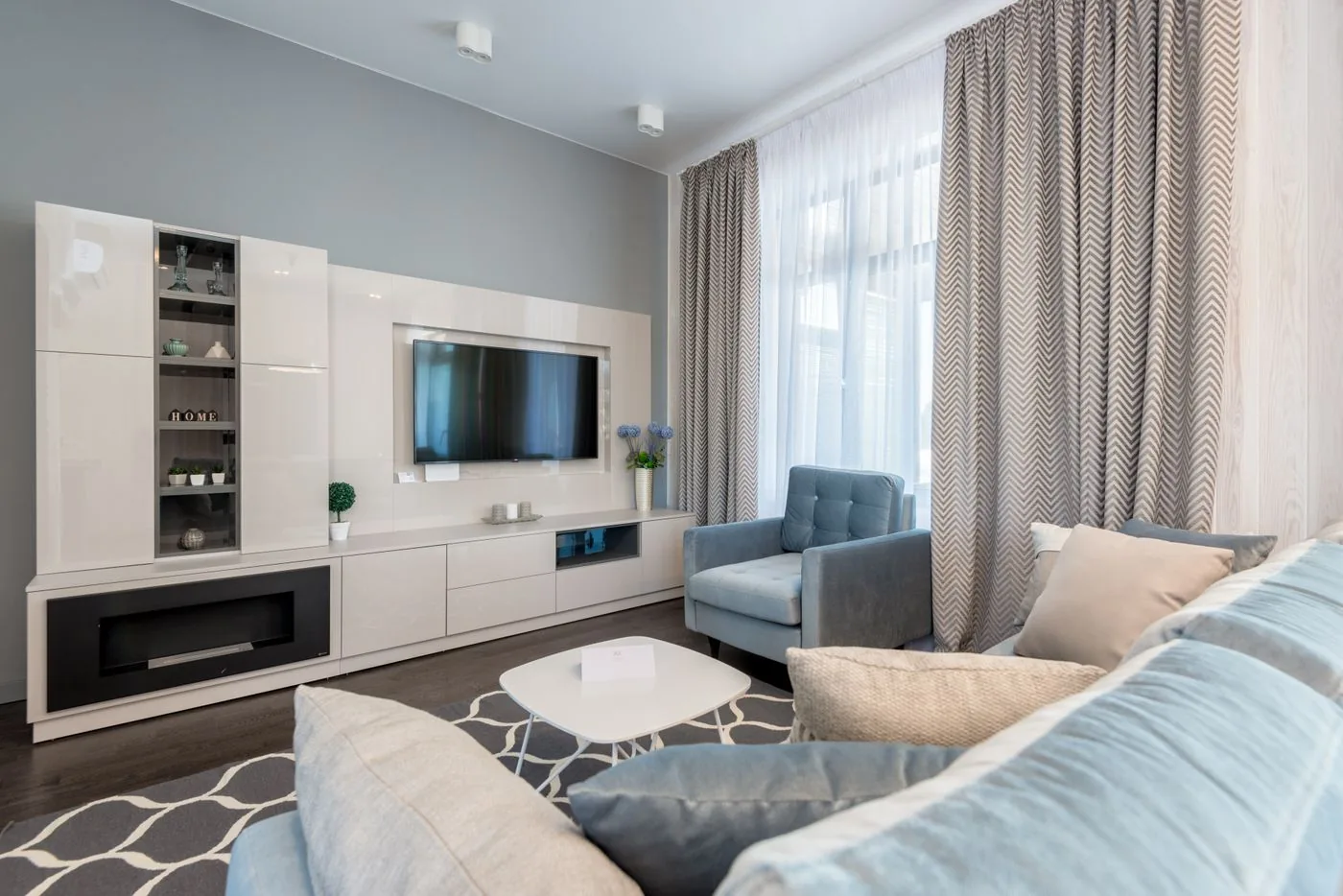 Reference example
Interior rooms and furniture layoutsRoom designs carry many small parts — sofas, lamps, shelves. Wireframe shows how heavy the scene is; pale walls read better on the dark background. 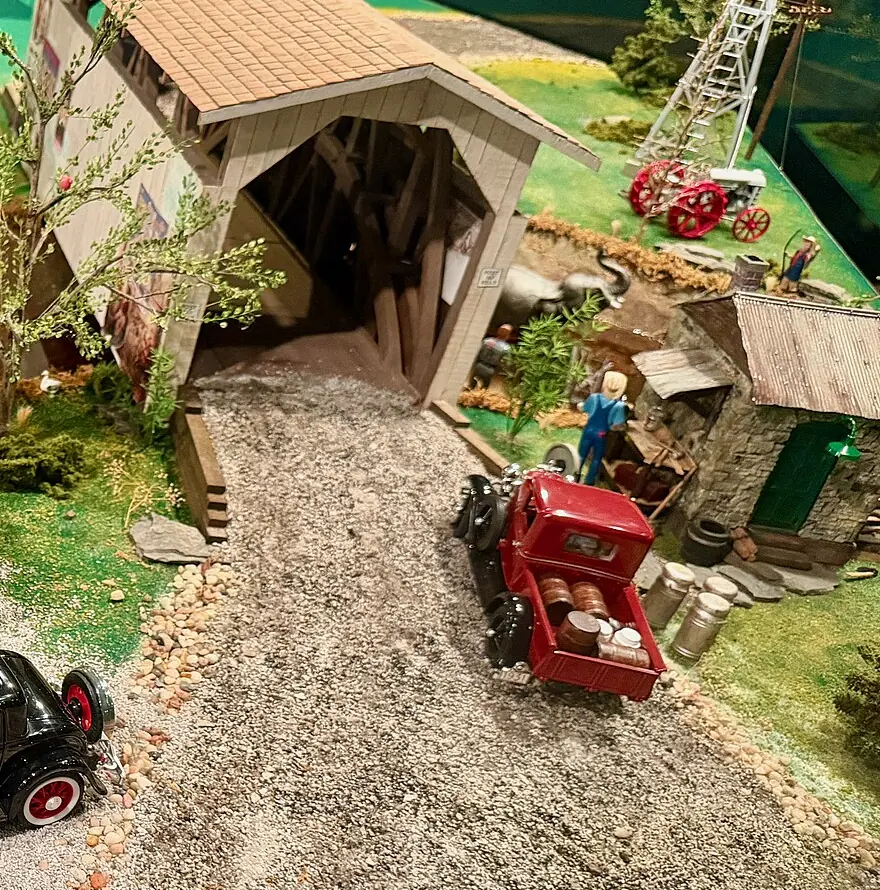 Reference example
Landscapes and miniature scenesTerrain, trees and small towns from Google Earth or Blender often come as DAE. If they arrive as KMZ, unzip them first and open the .dae inside.
Photo credits: house model by Till Niermann (CC BY 3.0); museum model by Henrysz (CC BY 4.0); diorama by Oleg Yunakov (CC BY-SA 4.0), via Wikimedia Commons. Other photos: Unsplash, Pexels.
No Collada file yet? Generate a 3D model
Reference models from AI 3D generators, shown live. Kairo3D turns a photo into a 3D model you can download and open in this DAE viewer or any other.
Why use this DAE viewer
Everything you need to view a DAE file and check it with a Collada viewer, without installing a 3D package.
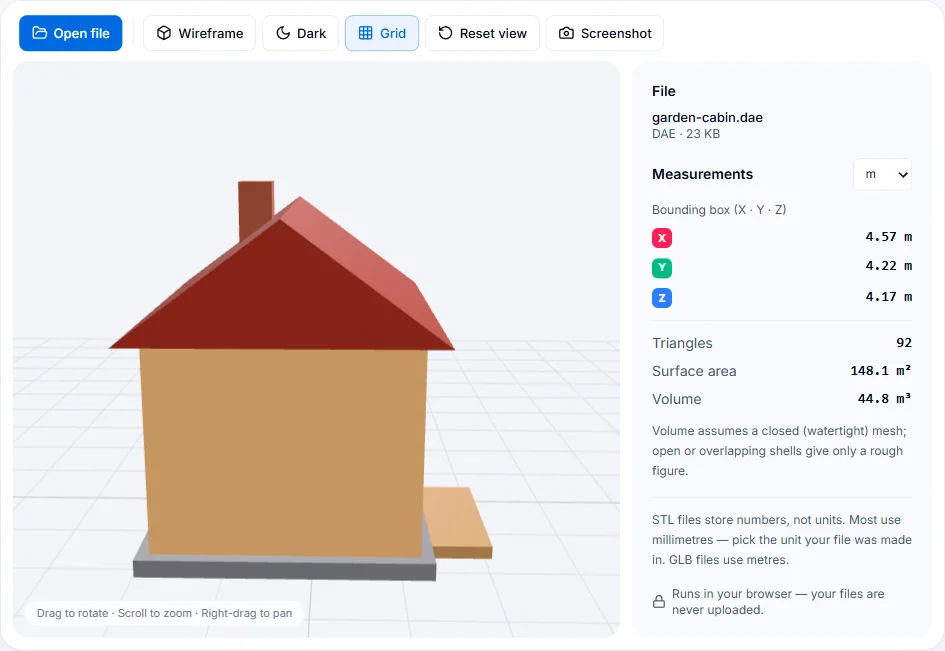
Real size, from the DAE file’s own unit
SketchUp writes Collada in inches; Blender usually in metres. The DAE viewer reads the <unit> tag and turns the Z-up scene upright, so the dimensions panel shows the true size. Switch the readout between mm, cm, m and in.
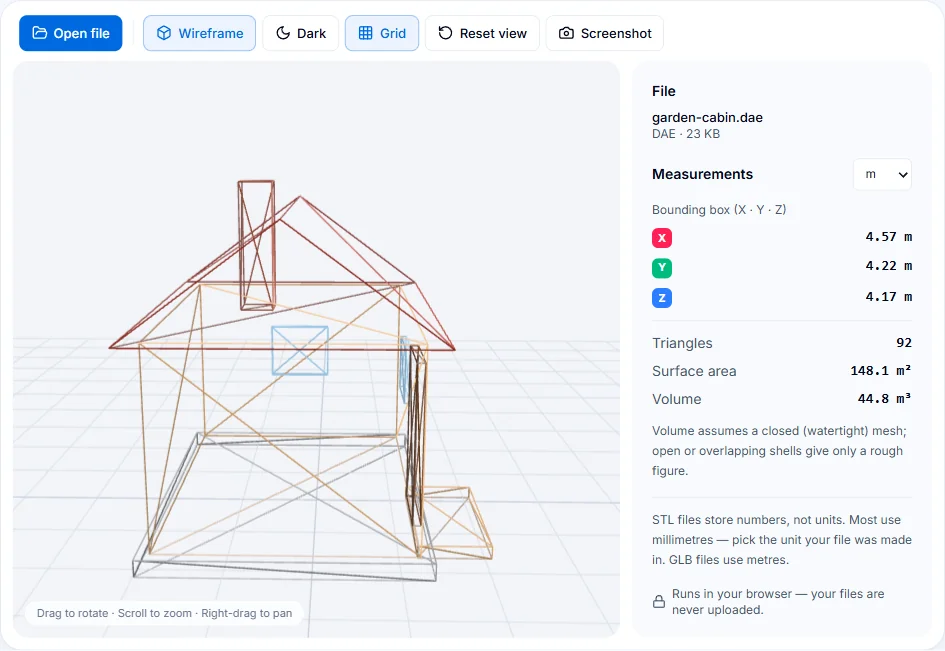
Wireframe to judge the mesh
One toggle draws every triangle. It shows at a glance whether a SketchUp export is a tidy low-poly model or a heavy one, before you send it to a game engine, a renderer or a slicer.
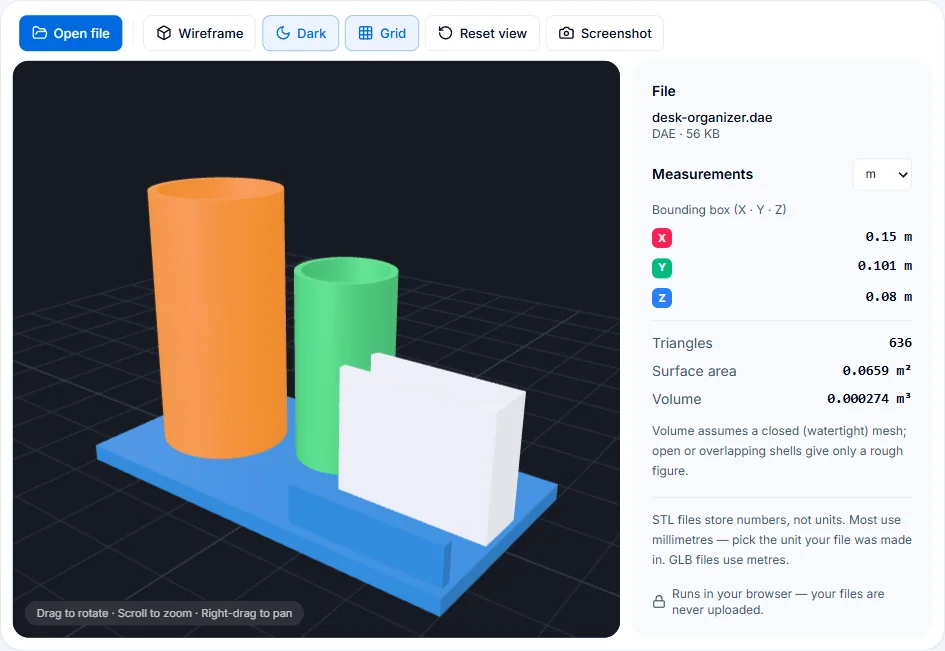
Dark background, grid and screenshots
White walls and pale furniture are easier to read on the dark background. The grid gives scale, and the screenshot button saves the current view as a PNG for a chat, ticket or client email.
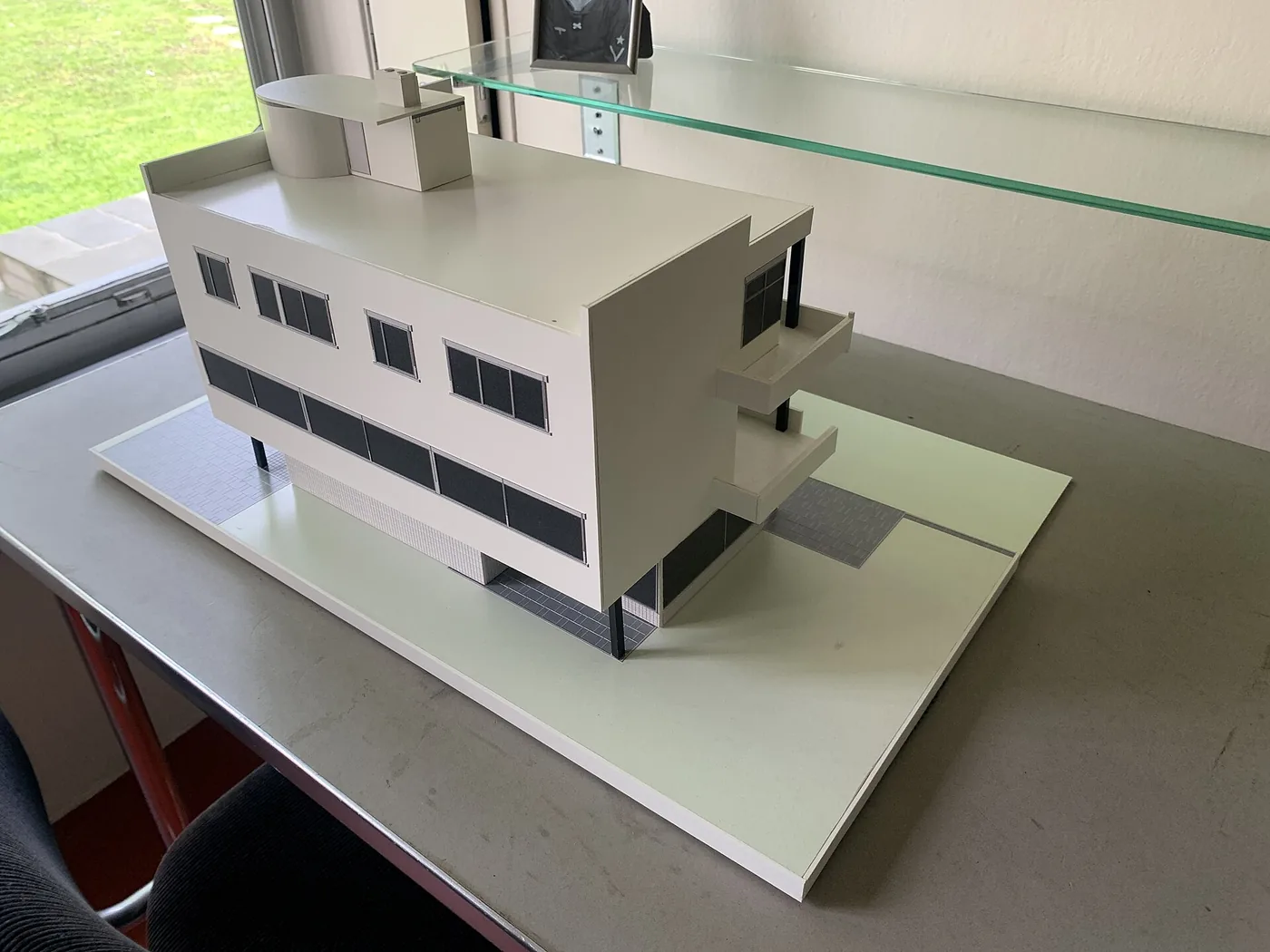
A Collada viewer for architecture and SketchUp
House models, extensions and site plans are among the most common reasons people need to open a DAE file. The named groups keep their placement, so a building appears exactly as it was laid out.
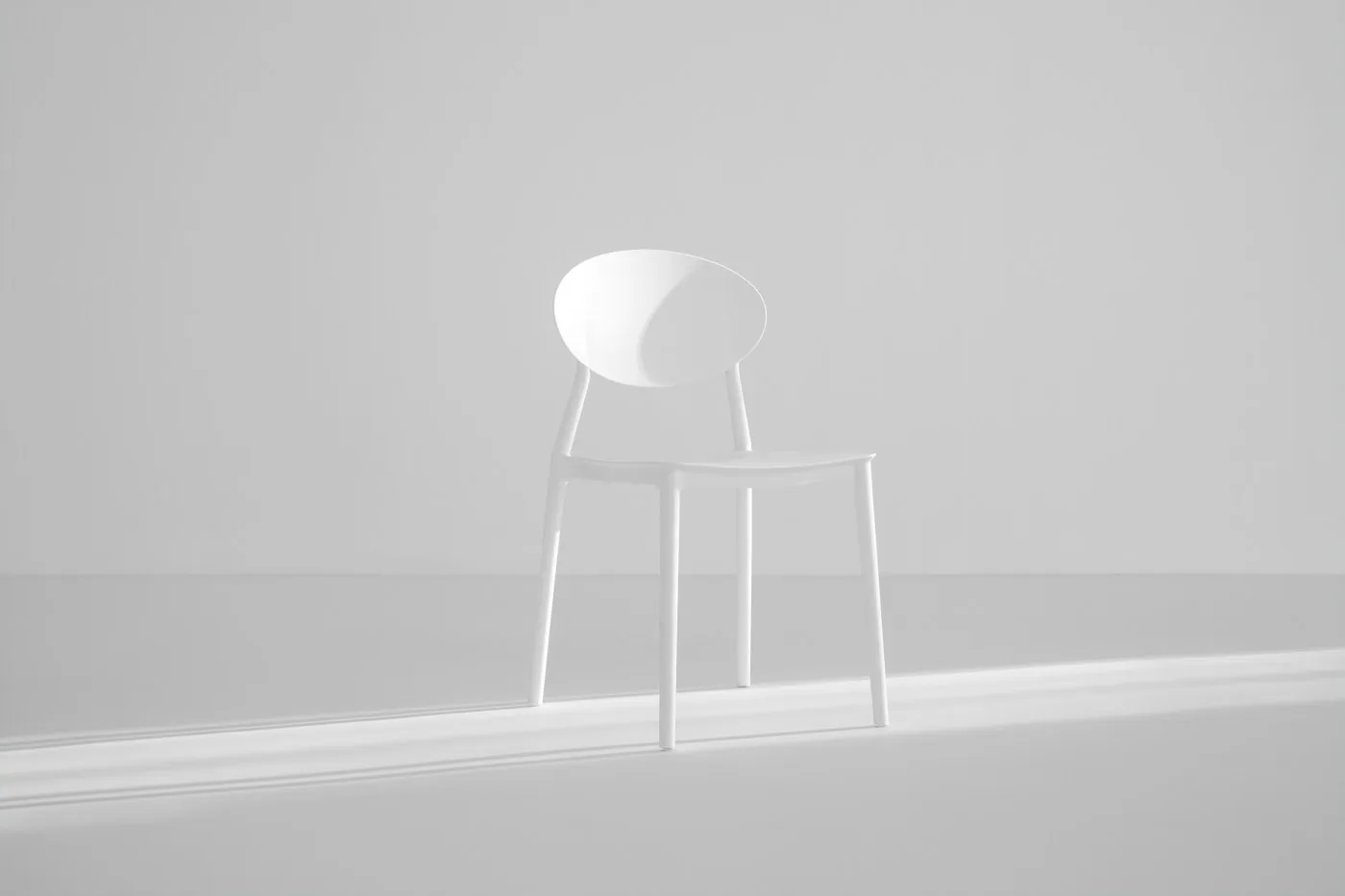
View DAE files of furniture and products
Chairs, shelves and fixtures from 3D Warehouse or a furniture catalogue often come as Collada. Check the proportions and the real size in centimetres before you place one in a room design.
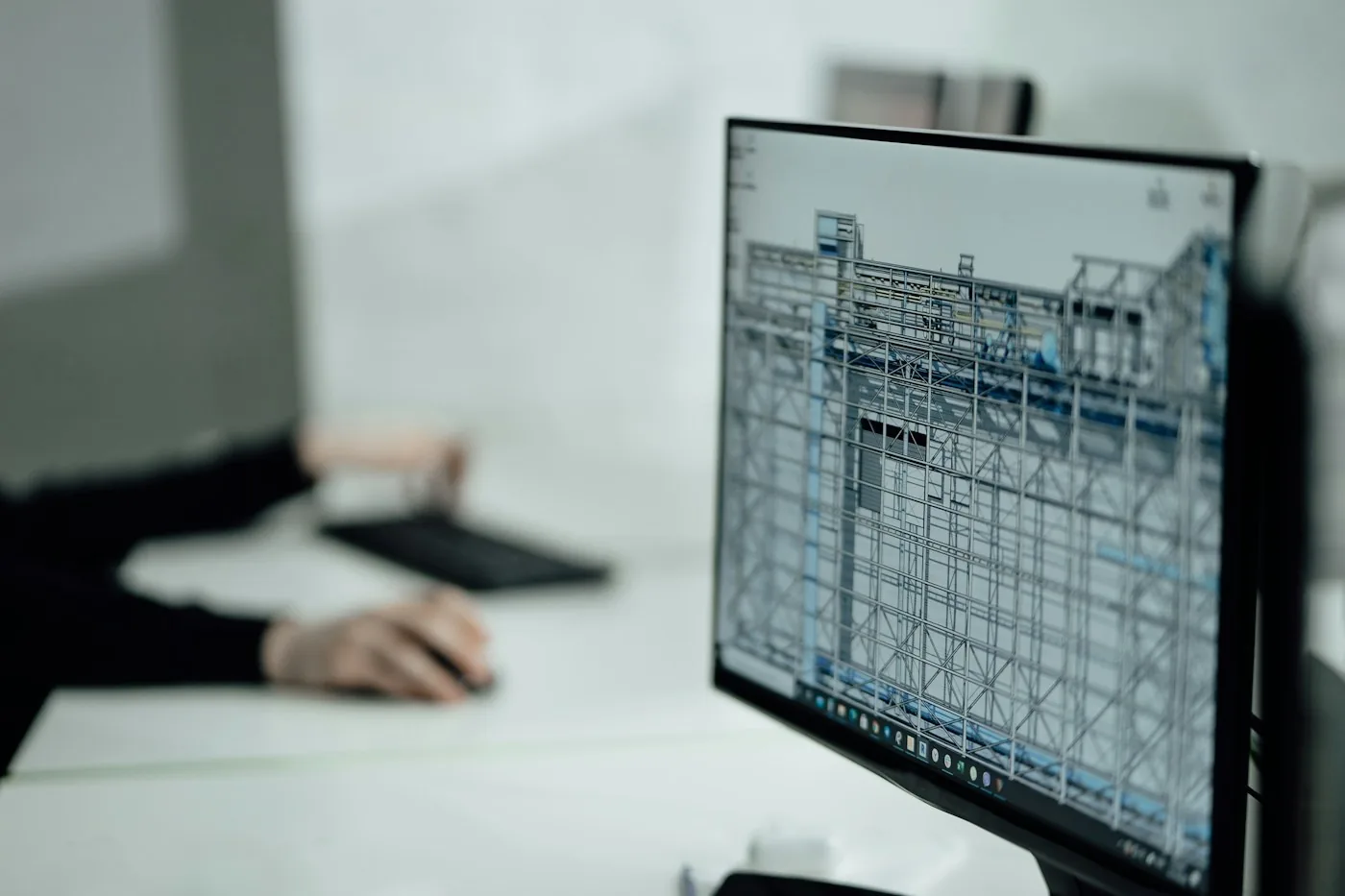
Private, and works on any computer
This Collada viewer runs in Chrome, Edge, Firefox and Safari on Windows, macOS, Linux and ChromeOS. The file is parsed on your device, which suits client drawings and unreleased designs.
DAE viewer — frequently asked questions
Opening Collada files, missing textures, units, KMZ and what this DAE viewer cannot do.
More ways to work with your 3D files
View, convert, or make a model from scratch.
Want a 3D model from a photo?
Kairo3D turns a single photo into a 3D model. Download it as GLB, OBJ or STL and open it in any 3D viewer.