Photo to 3D Model AI for Any Picture
Photo to 3D model examples
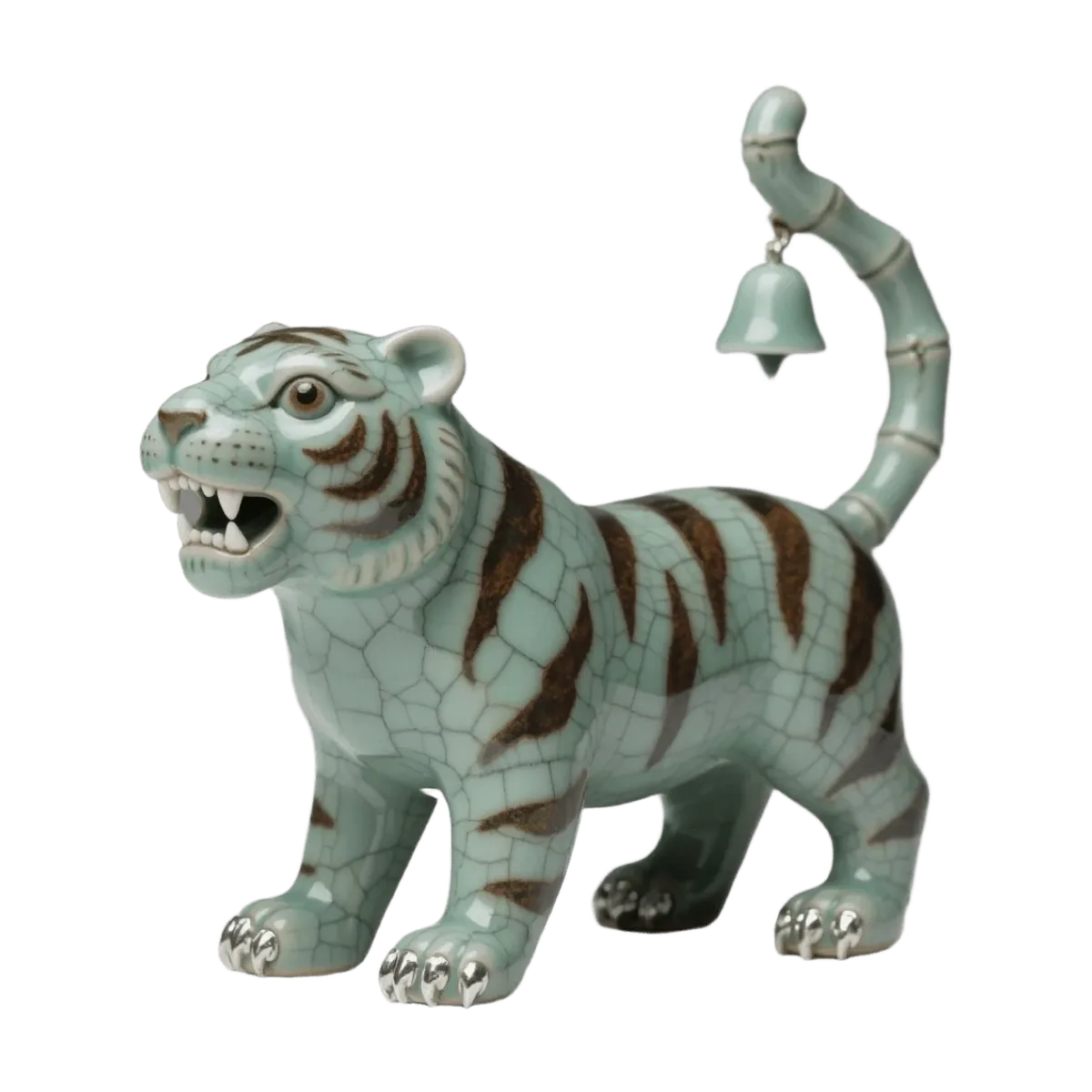
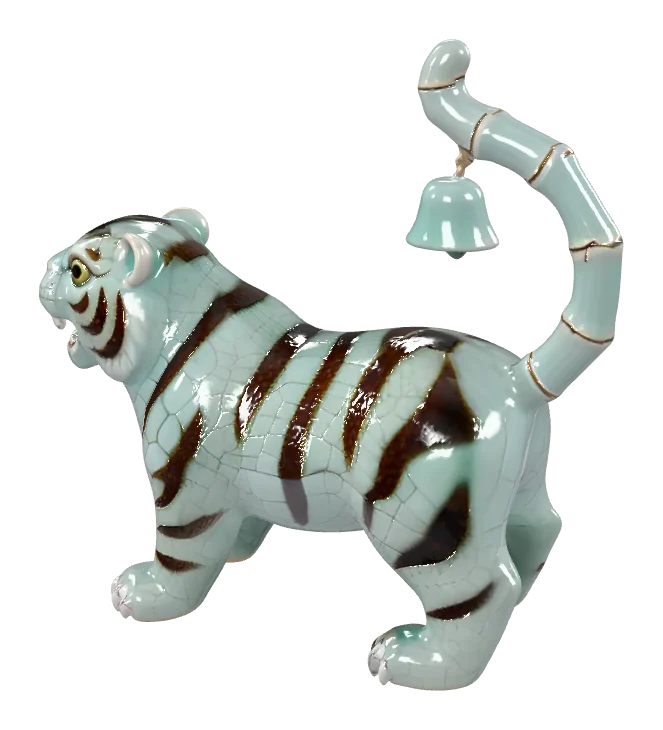
Each example started as one picture. Open one to see the input photo beside the 3D model.
How to turn a photo into a 3D model
Three steps from photo to 3D model, ending in a file you can open, print or drop into a game.
Upload a picture
Add one JPG, PNG or WebP up to 10 MB. A single object on a plain background gives the cleanest result.
Pick an engine and generate
TRELLIS 2 is selected by default. Switch to Hunyuan 3D, Tripo, Rodin or Pixal3D for a different take; credits depend on the engine you choose.
Preview and download
Turn the 3D model around in the viewer, then download the GLB or convert it to STL, OBJ or PLY in your browser.
What each photo to 3D model run gives you
Plain numbers about the wait, the engines and the files, before you spend a credit.
- Under 2 minTypical photo to 3D model time, depending on the engine
- 6 enginesPhoto to 3D model engines from Microsoft, Tencent, Tripo AI and Hyper3D, run via fal.ai
- GLB + STLA textured GLB to download, plus STL, OBJ or PLY converted in your browser
What to make with a 3D model from a photo
Picture to 3D model ideas, from a desk figurine to a product shoppers can spin on a web page.
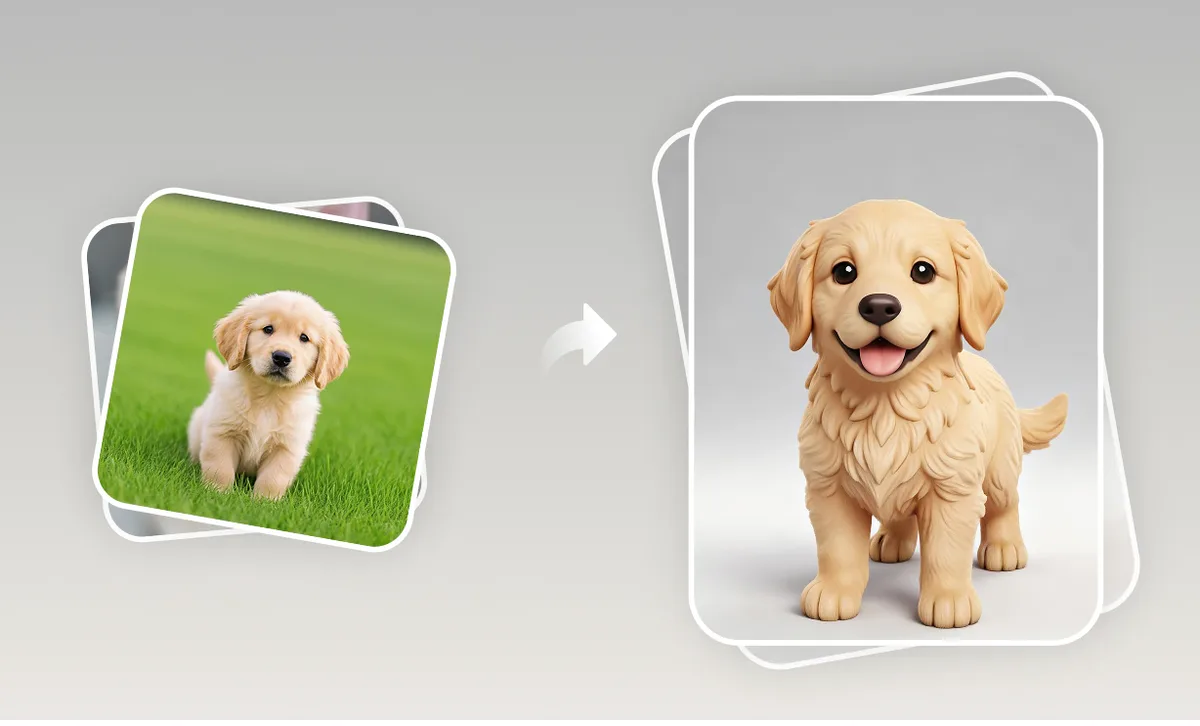
Pet figurine from a photo
Upload a clear photo of your dog or cat, generate the 3D model, then export an STL and print a small figurine for the desk.
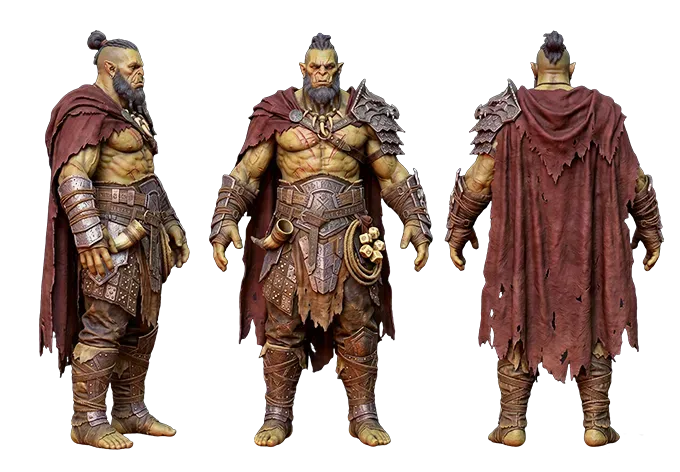
Game props and assets
Turn concept art or a reference picture into a textured GLB prop, a quick starting point for Blender, Unity or Godot.
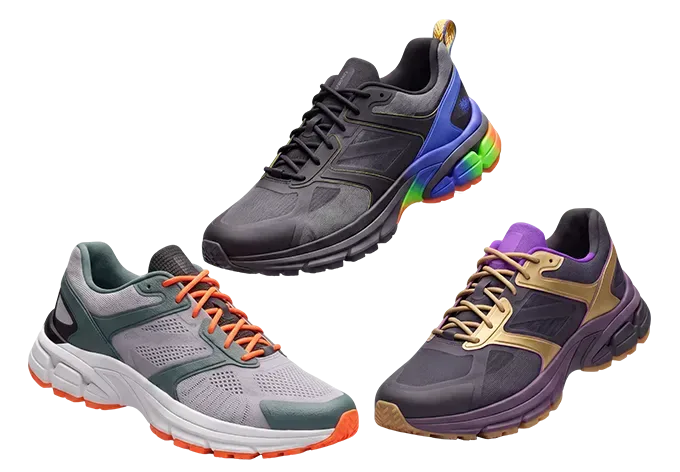
Product mock-ups
Make a rough 3D model of a bottle, shoe or gadget from a product photo to review the shape before a proper CAD pass.
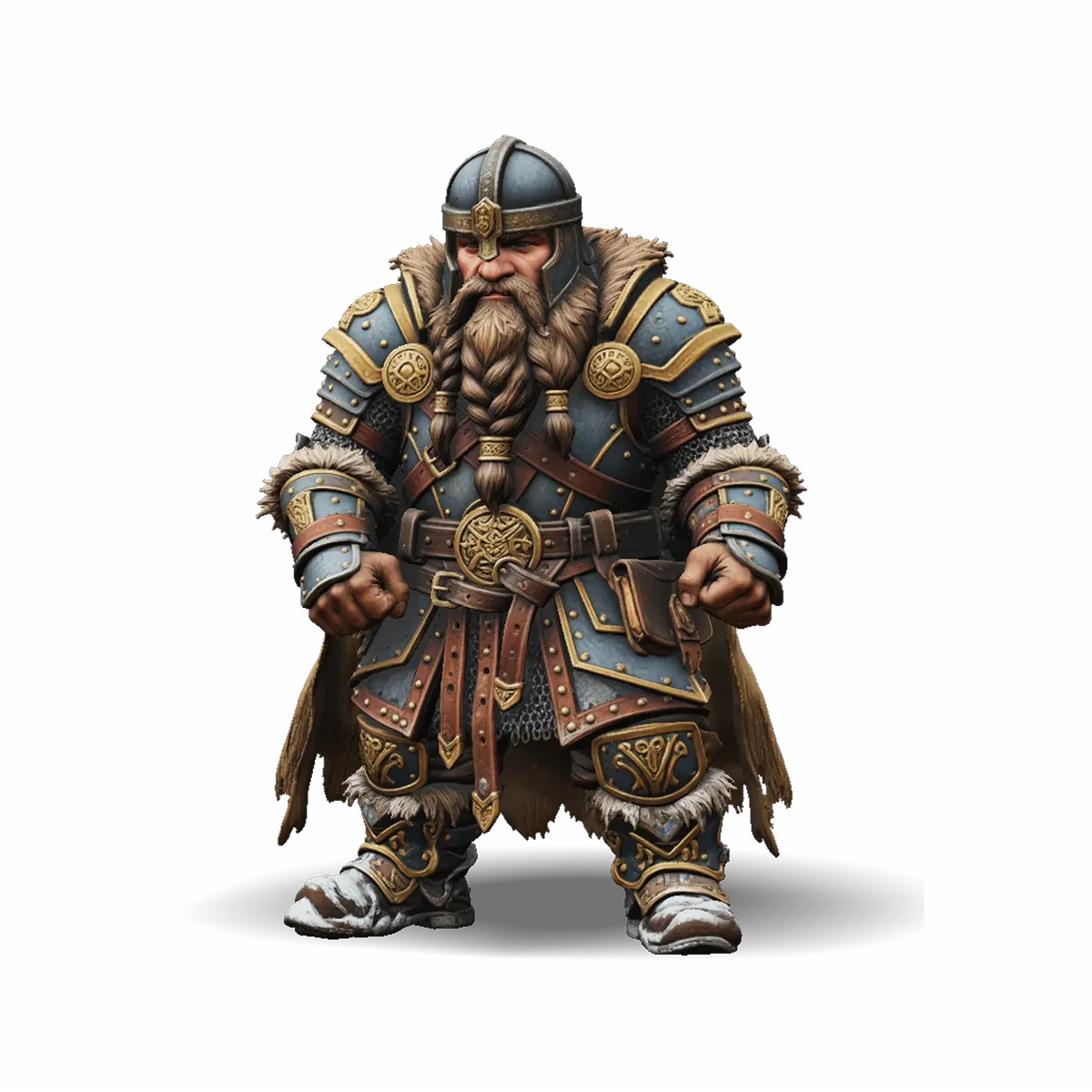
Characters from drawings
A clean character sketch becomes a 3D model you can turn around, refine in Blender or print as a mini.
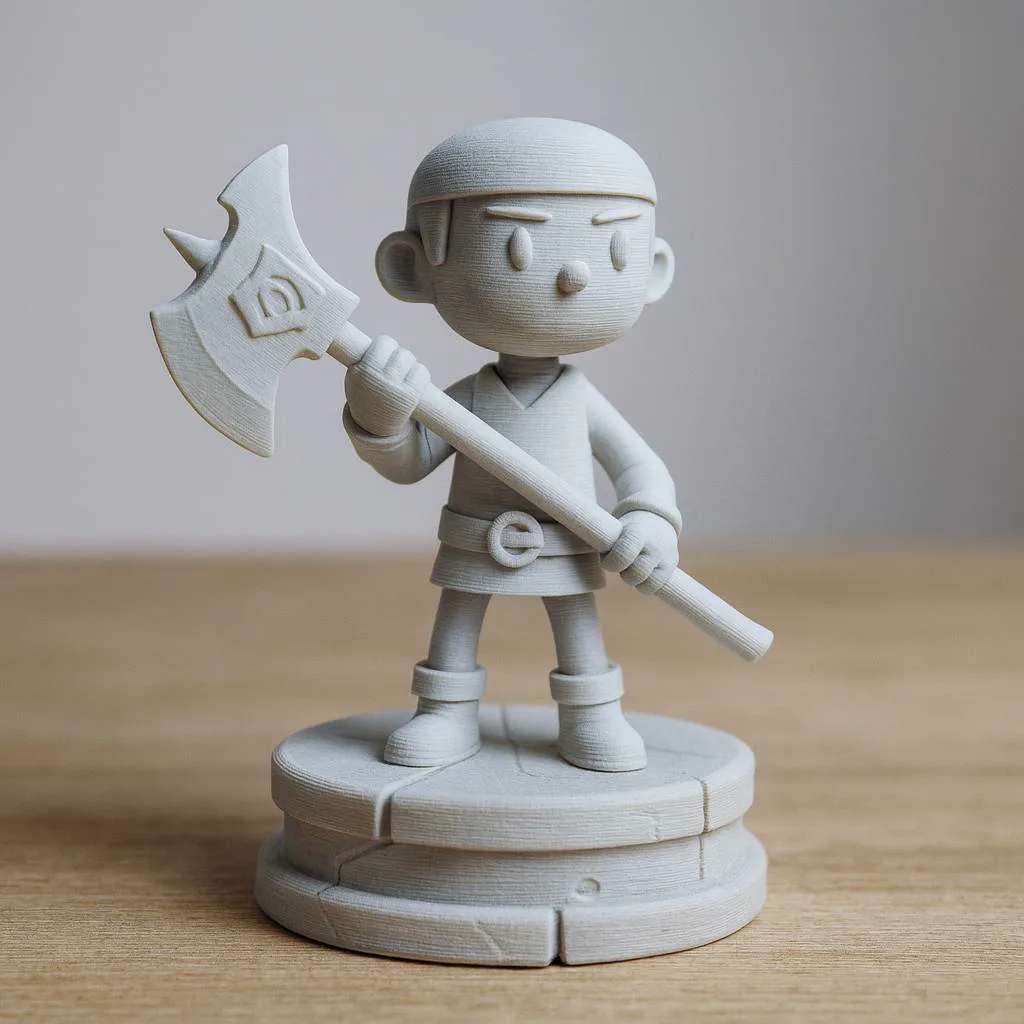
Ready for the 3D printer
Convert the result to STL and open it in Bambu Studio, PrusaSlicer or Cura. The image to STL page has tips for cleaner prints.
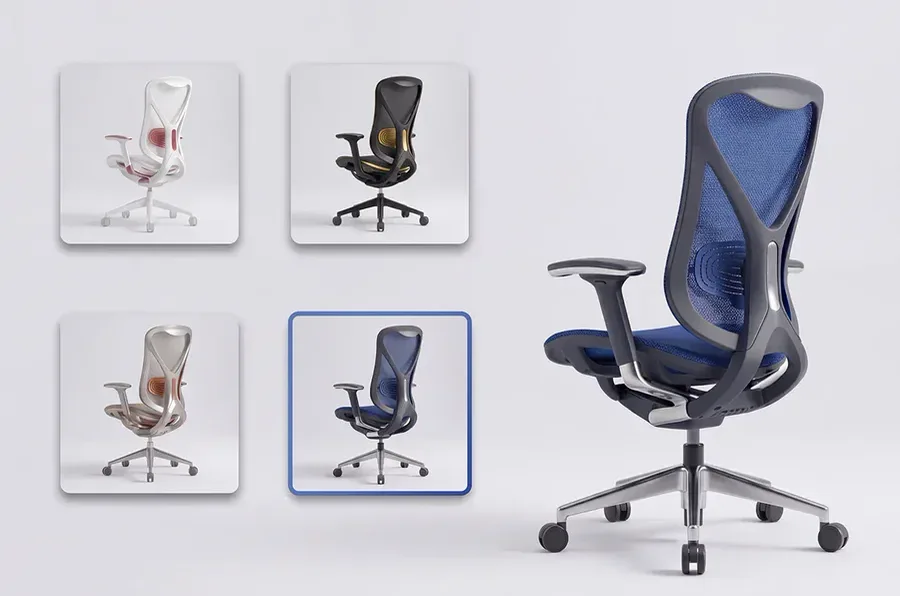
3D views for online stores
GLB is what web 3D viewers use, so one photo to 3D model run gives a product page something shoppers can rotate.
Why use this photo to 3D model generator
Several engines for every photo to 3D model job, honest timing and files that open in the tools you use.
Several engines, one upload
Run the same photo through TRELLIS 2, Hunyuan 3D, Tripo, Rodin or Pixal3D and keep the 3D model you like best. All are third-party models called via fal.ai.
Textured, not grey
Every engine returns a textured GLB with colour and materials, so the photo to 3D model result still looks like your picture.
GLB, STL, OBJ and PLY
Download the GLB as it is, or convert it to STL, OBJ or PLY in your browser at no extra credit cost.
Refunds on failed runs
If a photo to 3D model run fails, its credits return to your balance automatically, so you only pay for results.
Private by default
Uploads and results live in My creations, visible only to you, and stay there until you delete them.
About a minute
Most photo to 3D model runs finish in about a minute; heavier engines such as Hunyuan 3D 3.1 Pro can take up to two.
Photo to 3D model FAQ
Answers about photos, engines, file formats, printing and privacy.
More ways to make 3D models
Start from words instead of a photo, go straight to a printable file, or convert one you already have.
Turn your photo into a 3D model now
Photo to 3D model in about a minute: upload a picture, pick an engine and download a textured GLB. Failed runs refund their credits.