
SVG to STL Converter
Drop an SVG file here
Logos, icons, signs and drawings. Filled paths are extruded; holes are kept.
Runs in your browser — your files are never uploaded.
- Nothing uploaded
- No sign-in
- Holes kept (fill-rule)
- Size in mm
An SVG to 3D model in one pass
The paths are read as geometry, not as a picture, so edges stay as sharp as the file.
- 0files uploaded — parsing and extrusion run on your device
- 2modes: exact paths, or trace for stroke-only line art
- 0.4–20 mmextrusion depth, plus an optional base plate
How to convert SVG to STL
Three steps from a vector file to something your slicer opens.
Add the SVG
Drop a .svg exported from Illustrator, Inkscape, Figma or an icon set — or press "Try a sample" to load a badge logo.
Set depth and size
Width is the artwork in mm; depth is how tall each shape stands. Turn on the base plate to hold loose pieces together.
Download the STL
Check the size readout, then save a binary STL in millimetres. It opens in Bambu Studio, PrusaSlicer, Cura and Orca without scaling.
How an SVG becomes an STL
Vector files already describe exact outlines, so they turn into clean solids without any guessing.
Filled paths are the outline
Each closed, filled path in the SVG is read exactly as drawn — no tracing, no lost detail.
Depth pushes them up
The outlines are extruded straight up by the depth you set, in millimetres.
Holes stay holes
Inner shapes such as the middle of an O or a ring are cut out, not filled in.
A plate holds loose parts
Turn on the base plate to join separate shapes into one printable piece.
What an SVG keeps — and loses — as an STL
STL stores only a closed surface of triangles. Here is how each part of an SVG is handled when you convert SVG to STL.
| SVG feature | In the STL | Notes |
|---|---|---|
| Filled paths, circles, rects, polygons | Extruded | Curves are sampled into short straight segments (16 per curve). |
| Holes (letter counters, cut-outs) | Kept | Both nonzero and evenodd fill-rule are honoured. |
| Transforms, groups, viewBox | Applied | Rotated or scaled groups land where they look in the file. |
| Stroke-only lines | Trace mode | Path mode skips them; Trace renders the SVG and outlines what you see. |
| <text> elements | Trace mode | Convert text to outlines in your editor for exact letter shapes. |
| Colours, gradients, opacity | Dropped | STL has no colour; one depth for every shape. |
| White / background fills | Skipped (option) | Stops a white backdrop from becoming a solid slab. |
Overlapping shapes are exported as overlapping bodies; slicers merge them when slicing. White shapes drawn on top of dark ones are not subtracted in path mode — use Trace for that look.
References:MDN — fill-rulethree.js SVGLoader
What a printed SVG looks like
Flat vector art is the classic case for extrusion: signs, badges and layered wall art. These prints by other makers show the kind of result to expect.
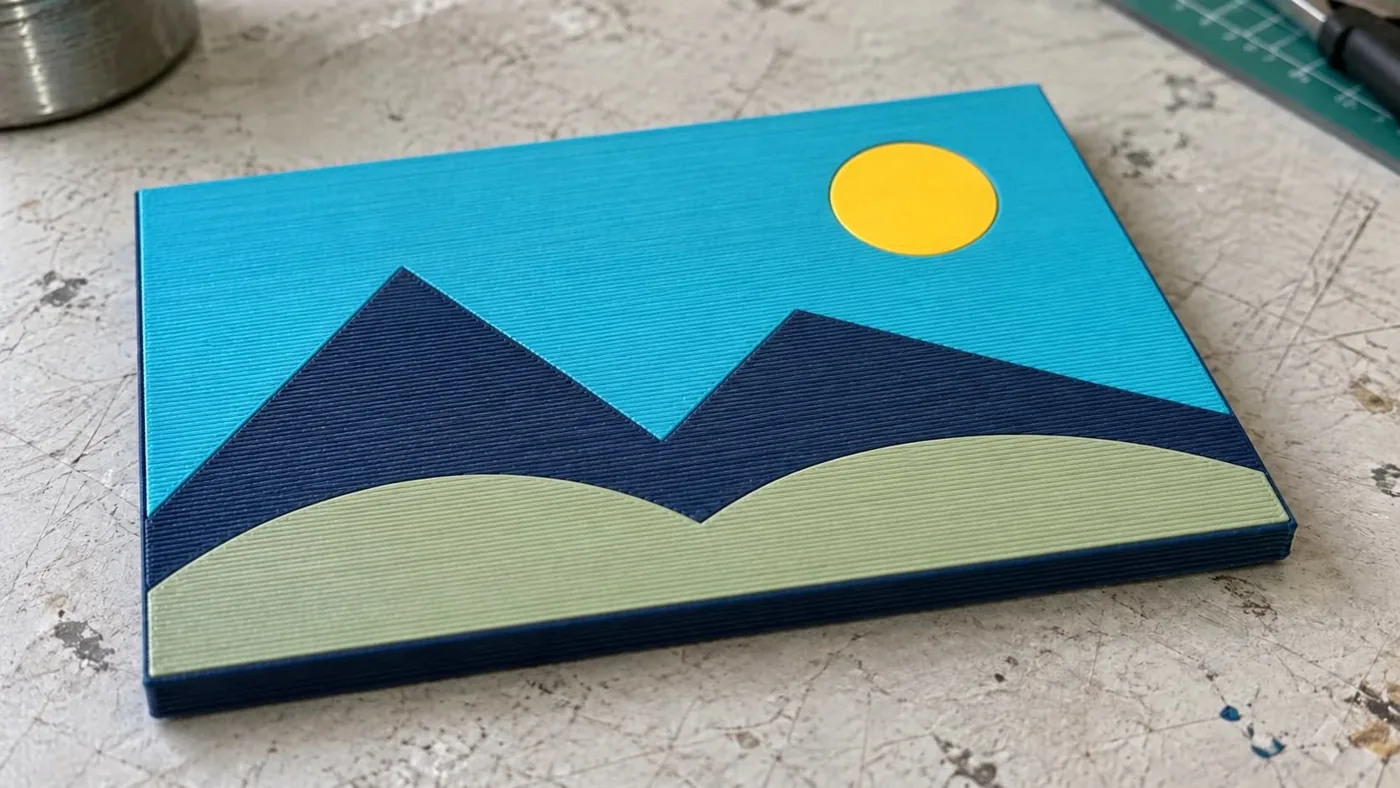 Reference example
Layered landscape in four coloursvia craftgineer.com 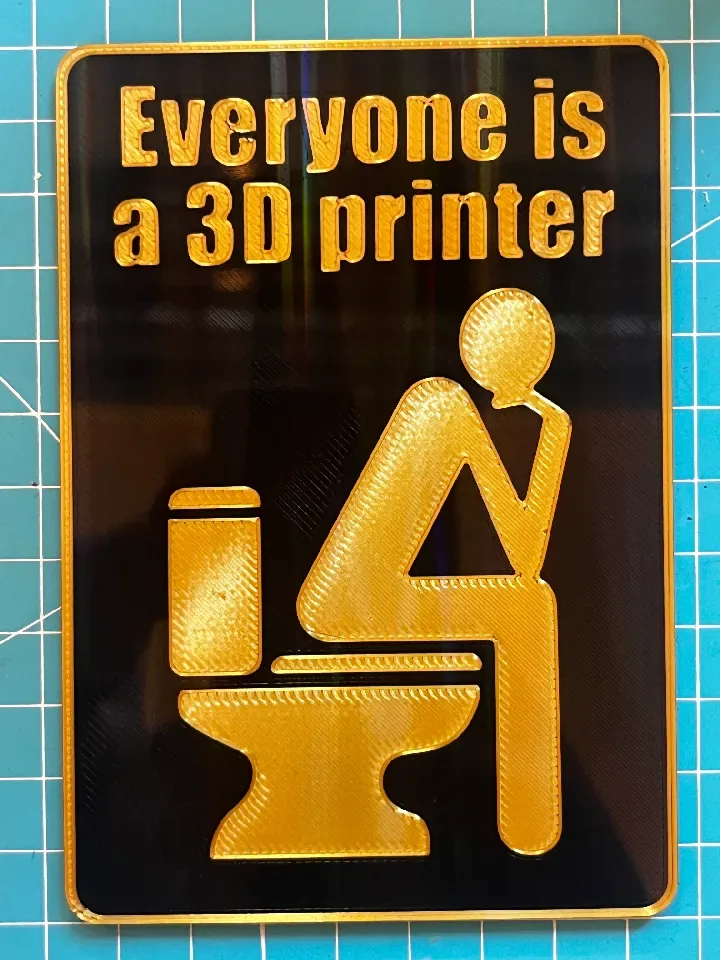 Reference example
Two-colour sign: raised art on a platevia printables.com 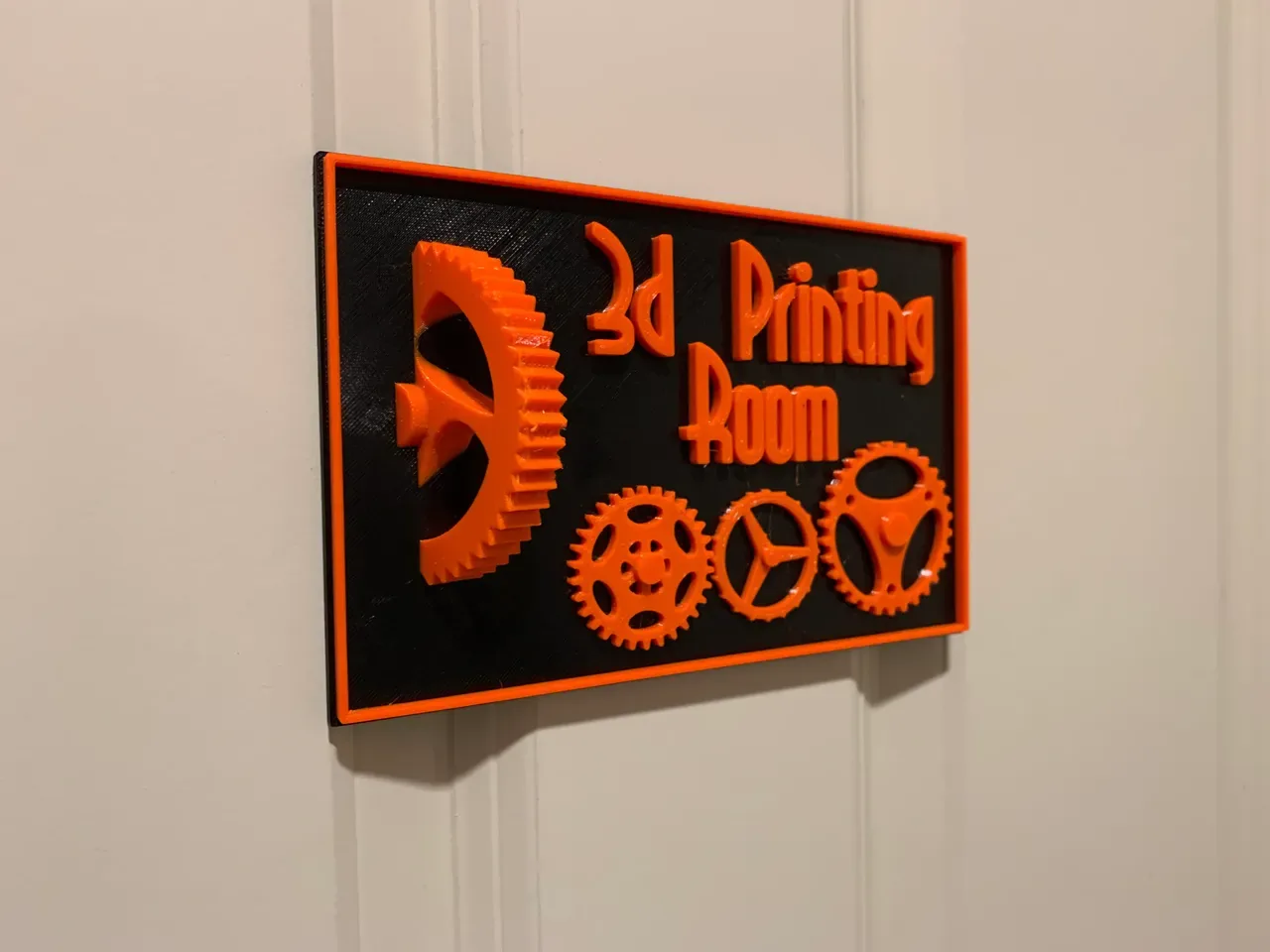 Reference example
Wall sign with raised vector artvia printables.com 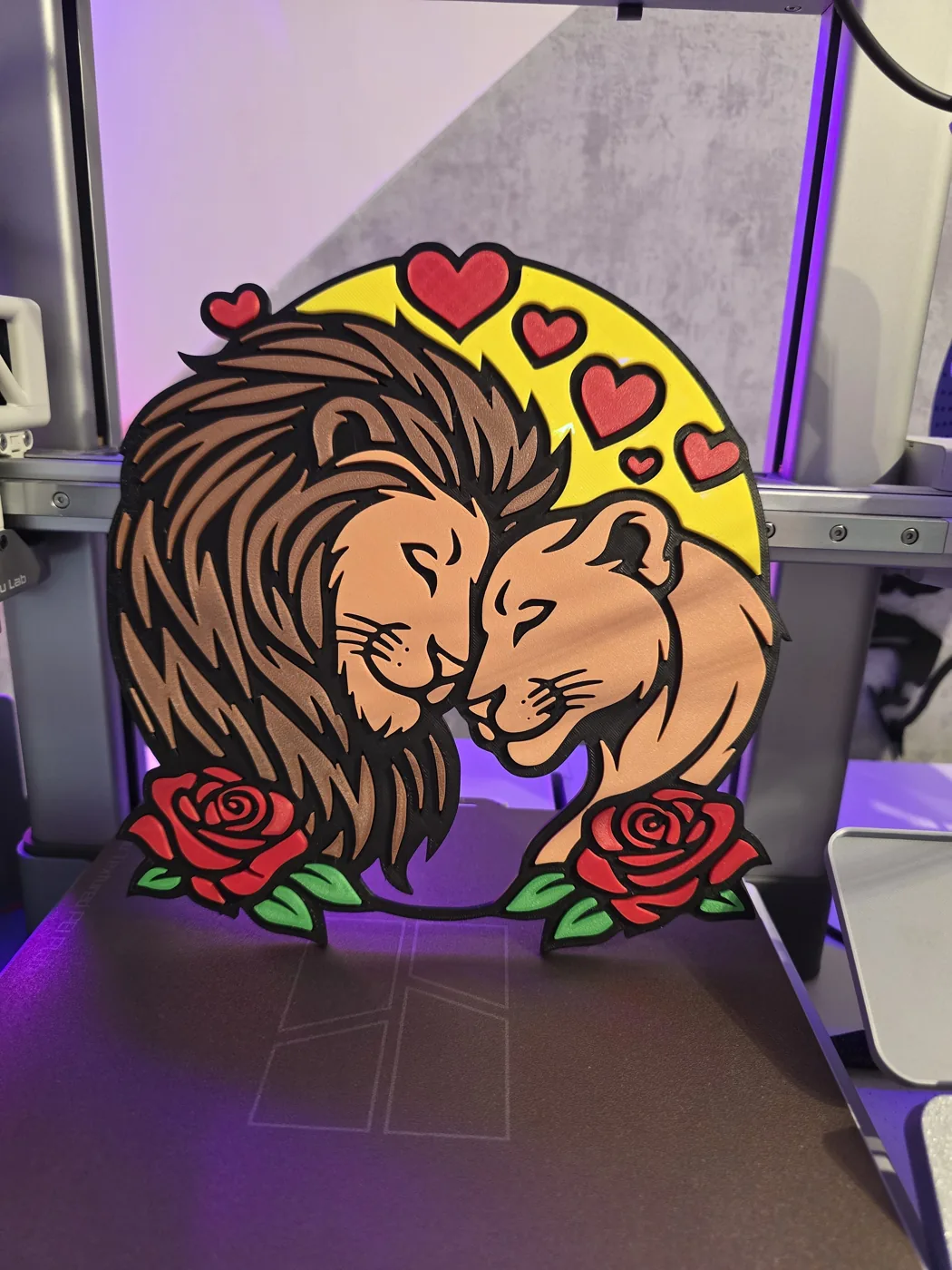 Reference example
Multicolour flat wall artvia cults3d.com
Reference examples by other makers and sites, shown to illustrate the printed result. They were not made with this tool.
Made with this SVG to STL converter
Real outputs from the tool on this page — screenshots of the 3D preview before download.
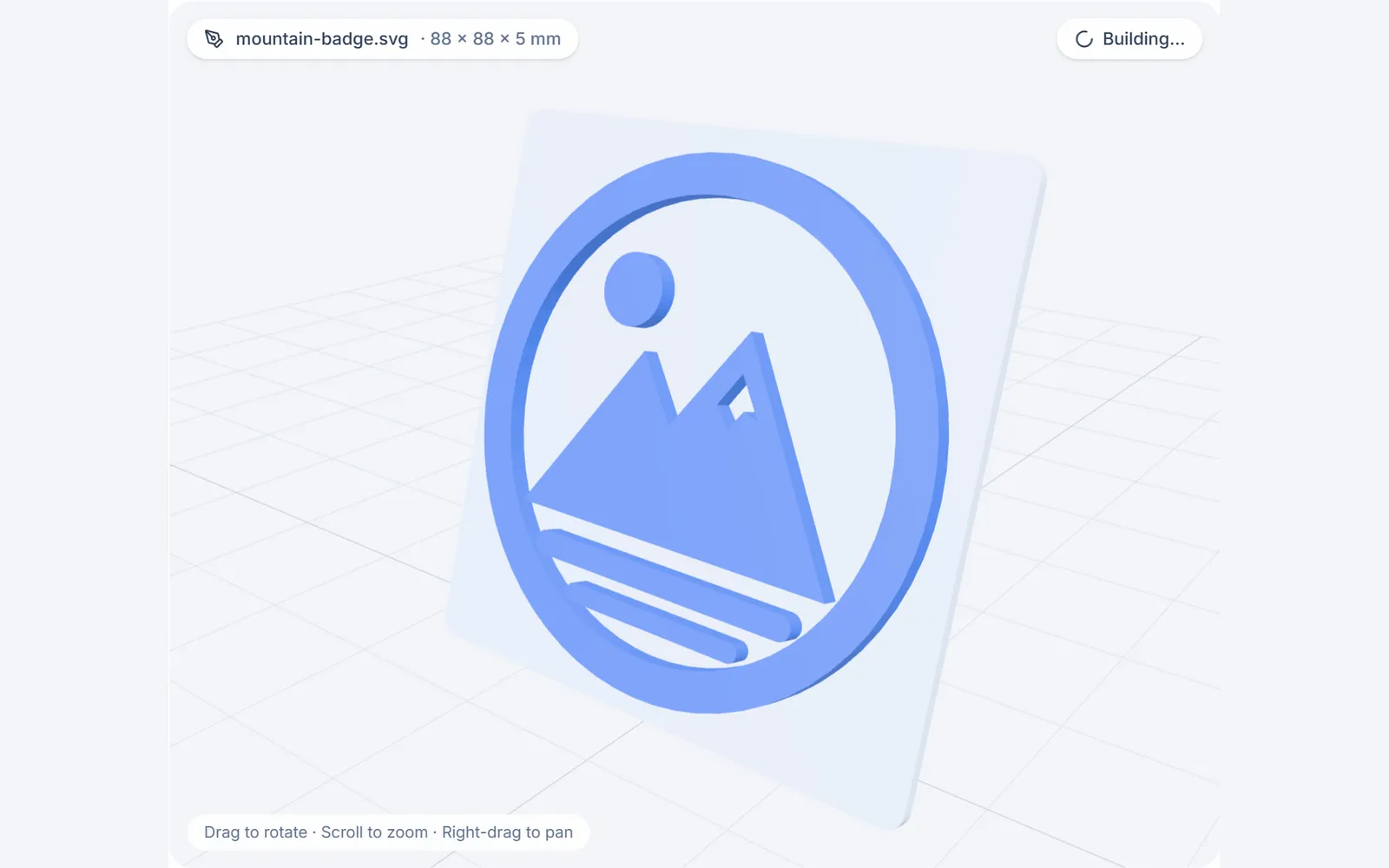
Badge on a base plate
Mountain badge, 80 mm wide, 3 mm shapes on a 2 mm plate with a 4 mm margin.
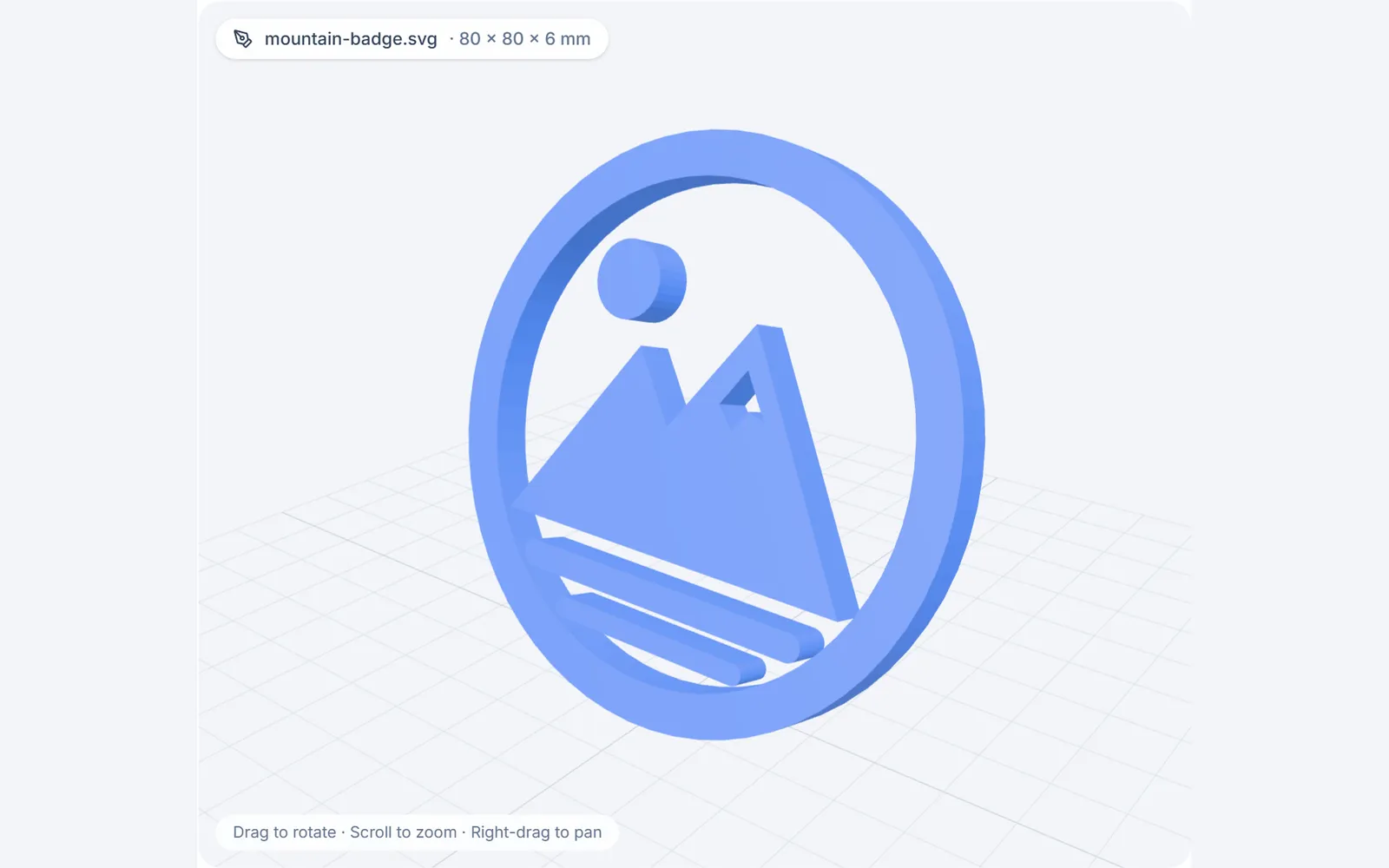
Loose shapes, no plate
The ring, peaks, sun and bars as separate bodies — for inlays or multi-colour swaps.

Line art through Trace
A stroke-only gingerbread drawing: Trace mode outlines the visible lines and extrudes them.
Why use this SVG to STL converter
Built for logos, signs, stencils and inlays that need crisp vector edges.

Real vector extrusion
Each filled path becomes geometry, so straight edges stay straight and curves stay smooth — no pixel stair-steps.

Holes that stay holes
Counters in letters like A, O and R, and cut-outs inside icons, follow the SVG fill-rule instead of filling in.

Millimetre sizing
Type the width you want on the bed; height follows the artwork, and the readout shows the final box.

Optional base plate
A rounded plate under the artwork turns scattered shapes into one sign, coaster or plaque.

Trace fallback
Stroke-only drawings and live text are rendered and outlined, so line art still becomes printable.
Private by design
The SVG is parsed in your browser tab. Nothing is sent to a server and no account is needed.
SVG to STL — questions
Straight answers about converting SVG files to STL.
More ways to work with your 3D files
View, convert, or make a model from scratch.
Need a real 3D object, not a flat extrusion?
Kairo3D’s AI turns a picture into a full 3D model with depth on every side.