OBJ to STL Converter That Runs in Your Browser
Drop your OBJ files here
OBJ up to 200 MB each, several at once. PLY, GLB and 3MF open too.
STL has no units — most slicers read it as millimetres. Add a file to see its size.
Runs in your browser — your files are never uploaded.
- Nothing uploaded
- No sign-in
- Auto upright (Z-up)
- PLY to STL too
What the converter gives you
Plain facts about how this OBJ to STL tool works.
- 0 uploadsYour OBJ is read and converted on this device; no server ever sees it.
- 1 clickOrientation and scale are applied as the binary STL is written.
- 10 filesPer batch, each up to 200 MB.
How to convert OBJ to STL
Three steps from OBJ to STL, all in this browser tab.
Add the OBJ
Drag one or more .obj files onto the converter. The .mtl and textures aren't needed.
Check size and orientation
Rotate the preview, pick a scale preset if the model looks tiny, and leave “stand upright” on.
Download the STL
Click Convert & download for a binary STL, then open it in Cura, PrusaSlicer or Bambu Studio.
OBJ to STL: what changes in the file
Both are polygon meshes. STL keeps only what a printer needs.
Polygons, UVs, normals
Plain triangles, Z-up
| OBJ to STL: what changes in the file | OBJ | STL |
|---|---|---|
| Mesh geometry | Yes | Yes |
| UV coordinates | Yes | No |
| Colours, textures | Via .mtl | No |
| Up axis | Usually Y | Z |
| Made for | 3D apps | Printing |
From mesh to printable part
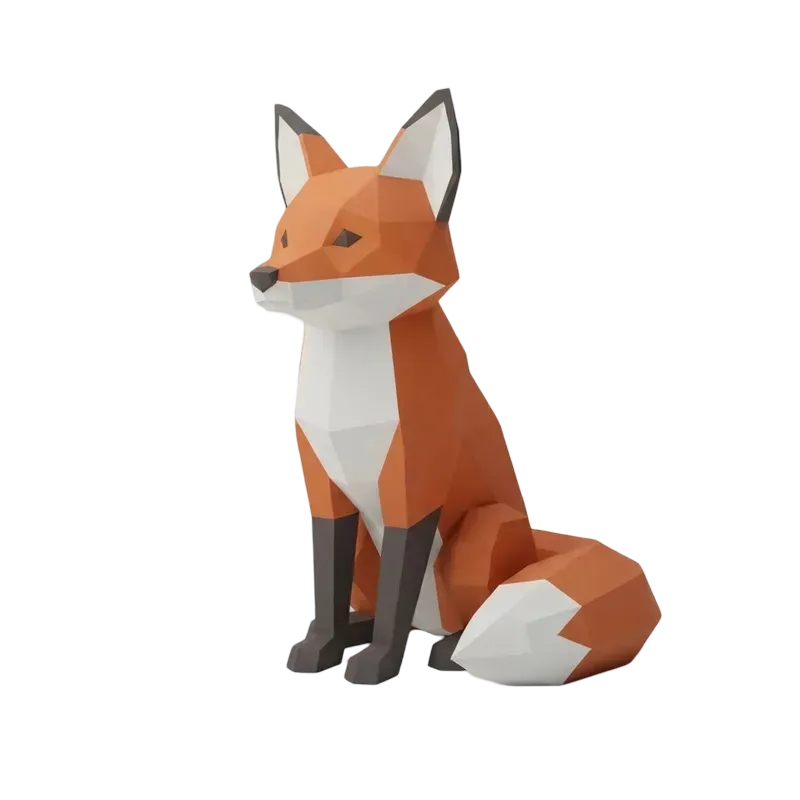
Placeholder examples of models people print. Drag any card to orbit it.
Why use this OBJ to STL converter
Small details that save a failed print.
Stands upright
OBJ files are usually Y-up and slicers are Z-up. The model is rotated to sit on the bed.
Real-world size
Fit the longest side to 100 mm, or turn metres, centimetres or inches into millimetres.
Batch OBJ to STL
Convert up to 10 OBJ files in one go; each STL keeps its original name.
PLY to STL as well
Scans saved as PLY meshes convert the same way, straight to a binary STL.
Nothing uploaded
OBJ to STL conversion runs in this tab, so client and private files stay on your machine.
Preview first
Orbit the model and check its triangle count and size before you download.
OBJ to STL FAQ
Materials, scale, orientation and privacy.
More ways to work with your 3D files
View, convert, or make a model from scratch.
Want something new to print?
Turn a single photo into a printable STL with AI.