
Get Dimensions of an STL File
Drop an STL to get its dimensions
Also reads OBJ, 3MF, PLY, GLB and FBX — up to 200 MB
Filament weight
| 15% infill | 100% solid | |
|---|---|---|
| PLA1.24 g/cm³ | — | — |
| PETG1.27 g/cm³ | — | — |
| ABS1.05 g/cm³ | — | — |
| TPU1.22 g/cm³ | — | — |
Estimate: a 1.2 mm shell plus infill, densities from maker data sheets. Supports, brim and purge are extra — your slicer has the final number.
Fits on the bed?
- Bambu Lab A1 mini180×180×180 mm—
- Prusa MINI+180×180×180 mm—
- Creality Ender-3 V3 SE220×220×250 mm—
- Prusa MK4S250×210×220 mm—
- Bambu Lab A1256×256×256 mm—
- Bambu Lab P1S256×256×256 mm—
- Creality K1 Max300×300×300 mm—
Build volumes from each maker’s spec page, checked 23 Nov 2026. Leave a few mm of margin for brim and skirt.
- Nothing uploaded
- No sign-in
- mm · cm · inch
- Fits-my-printer check
- Filament weight
What you get from one STL
Measured from the triangles in the file, not from a thumbnail.
- 180×180
- 220×220
- 250×210
- 256×256
- 300×300
Example part 230 × 150 × 120 mm, drawn to scale on each bed
- Too big
Bambu Lab A1 mini
Build 180×180×180
- Too big
Prusa MINI+
Build 180×180×180
- Too big
Creality Ender-3 V3 SE
Build 220×220×250
- Fits
Prusa MK4S
Build 250×210×220
- Fits
Bambu Lab A1
Build 256×256×256
- Fits
Bambu Lab P1S
Build 256×256×256
- Fits
Creality K1 Max
Build 300×300×300
3 axes
Bounding-box width (X), depth (Y) and height (Z), switchable between millimetres, centimetres and inches.
4 materials
Estimated weight in PLA, PETG, ABS and TPU at the infill you pick, using each maker’s published density.
7 printers
Instant fit check against common beds from Bambu Lab, Prusa and Creality, with the scale needed if it is too big.
How to get the dimensions of an STL file
No slicer, no CAD program, no account.
Drop the STL
Drag the .stl onto the tool or click Open file. The model appears with a blue bounding box drawn around it.
Read the size and switch units
Width, depth and height show at the top of the panel. Tap mm, cm or in to switch; if the file was exported in inches, tell the tool under "Numbers in the file are".
Check weight and printer fit
Pick an infill to see grams of filament, and scan the printer list. Copy the dimensions into a quote, a listing or a message with one click.
STL Viewer vs STL Dimensions: which page do you need?
Our STL viewer is for looking around a model. This page is for numbers: how big is it, how much will it weigh, will it fit.
Viewer: look, rotate, screenshot
Dimensions: size, weight, fit
| STL Viewer vs STL Dimensions: which page do you need? | STL Viewer | This tool |
|---|---|---|
| Width × depth × height | Yes | Yes |
| Units | mm, cm, m, in | mm, cm, in + file unit |
| Volume and surface area | Yes | Yes |
| Filament weight by material | No | Yes |
| Printer bed fit + scale to fit | No | Yes |
| Wireframe, dark mode, PNG screenshot | Yes | No |
Both run in the browser with the same mesh reader, so the numbers match.
From compact to large-format printers
The same STL can be easy on one machine and too big for another. Reference photos of the bed sizes the fit check covers.
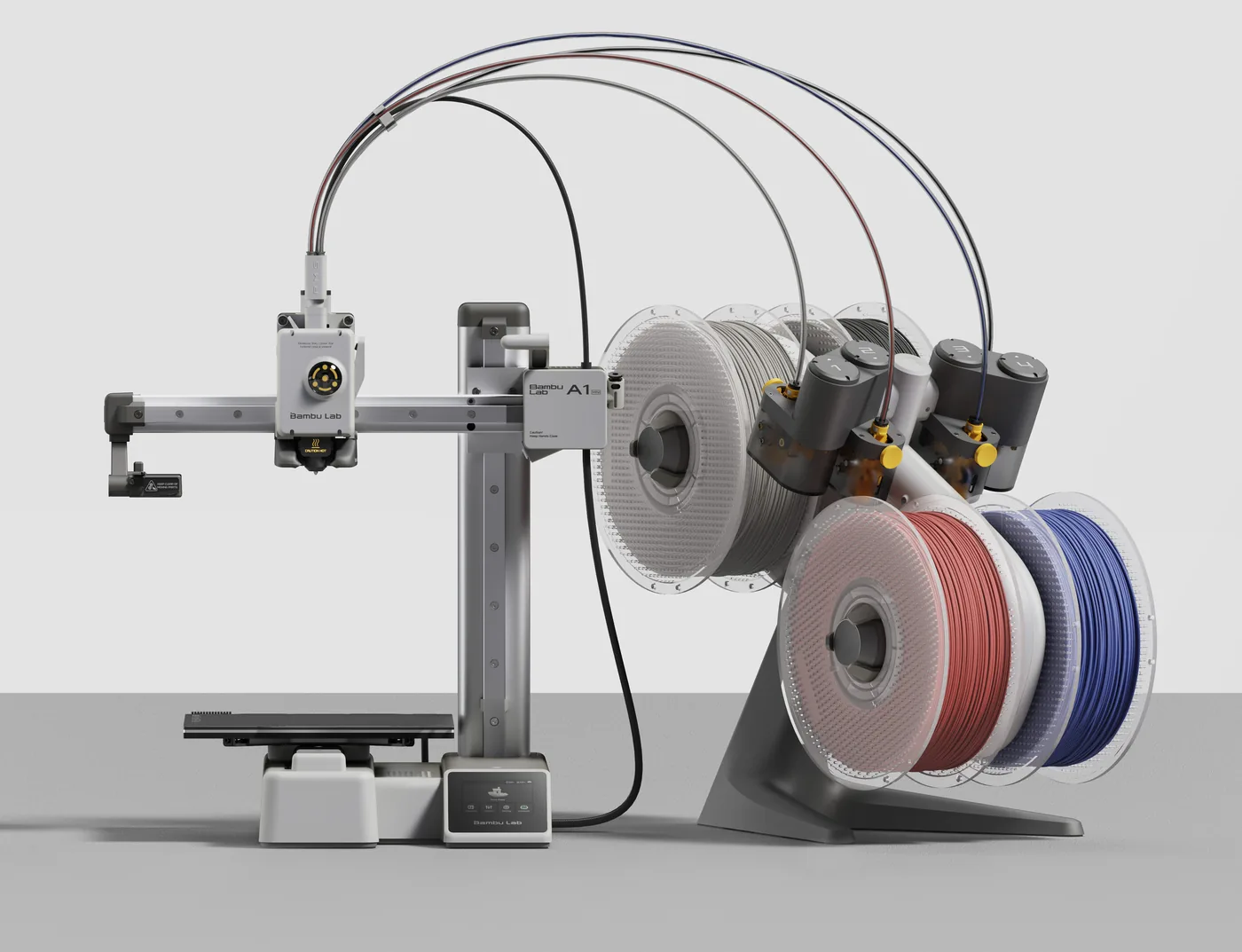 Reference example
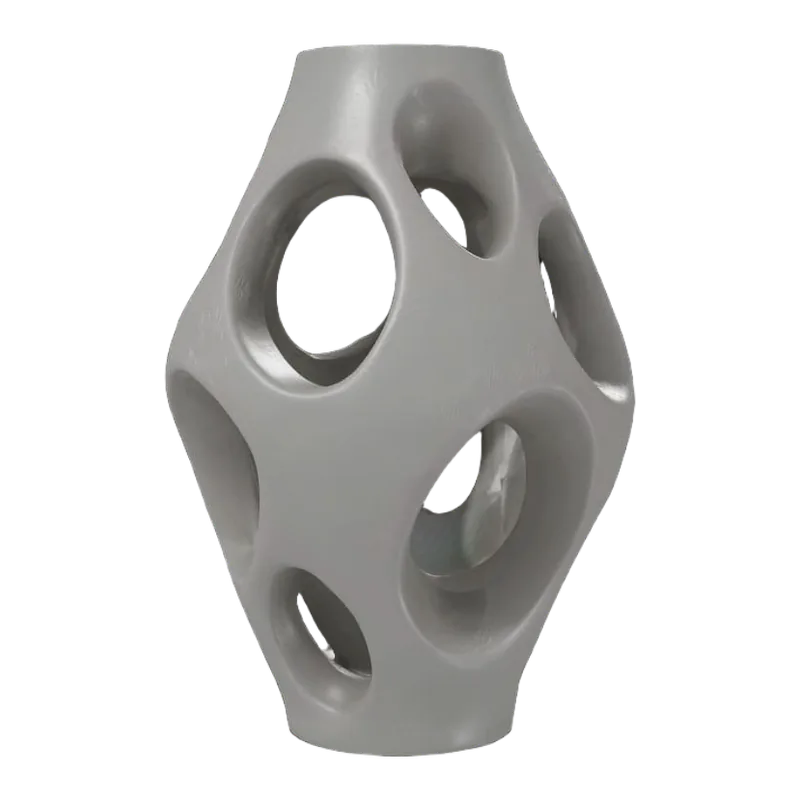
Compact: 180 mm cubeSmall bed-slingers such as the Bambu Lab A1 mini print up to 180 × 180 × 180 mm. Most figures and parts fit; helmets and big vases do not. 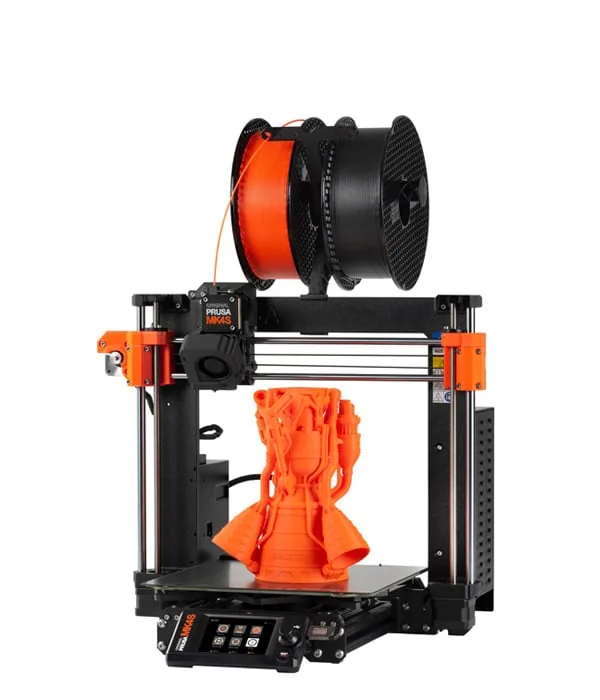 Reference example
Mid-size: about 250 mmThe Prusa MK4S builds 250 × 210 × 220 mm. Note the bed is not square, so turning a long part can make it fit. 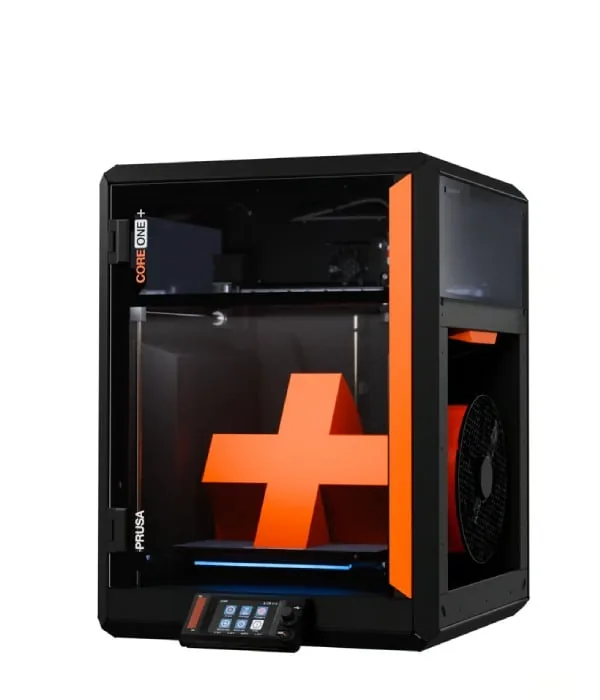 Reference example
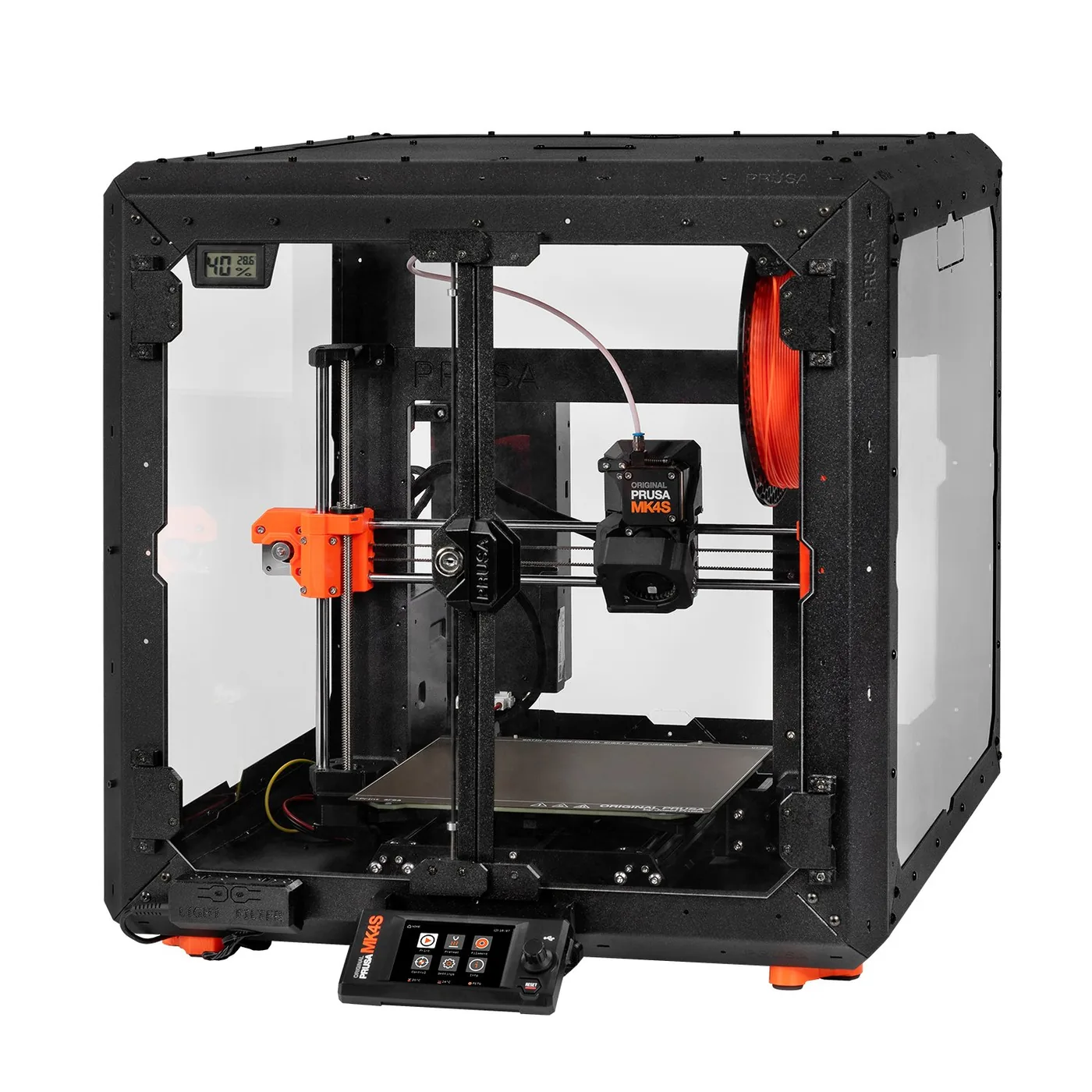
Enclosed CoreXYEnclosed machines keep the heat in for ABS and ASA. Check the height too: the Z axis is often the limit. 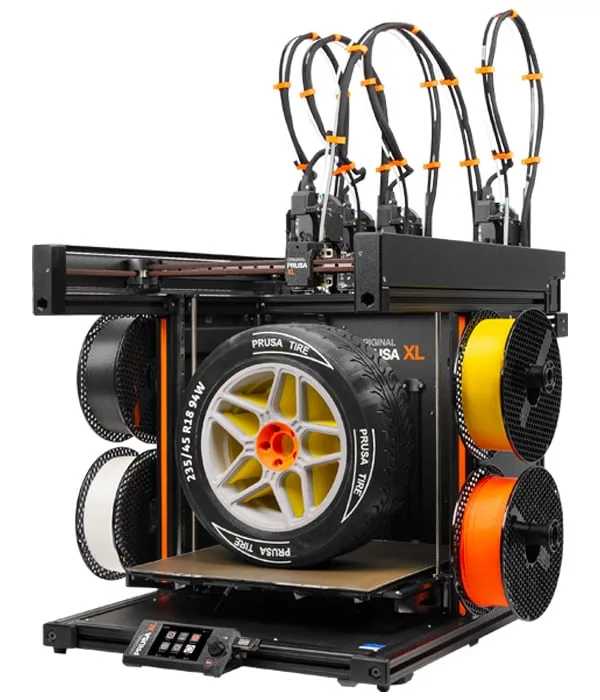 Reference example
Large format, several headsBig multi-tool printers take whole helmets and large enclosures in one piece, at the cost of longer prints.
Printable models to size up
Vases, statues and figures from the reference library — exactly the kind of model you want to measure before you hit Print.
Everything you need to know before slicing
The questions people open a slicer for, answered in one panel.
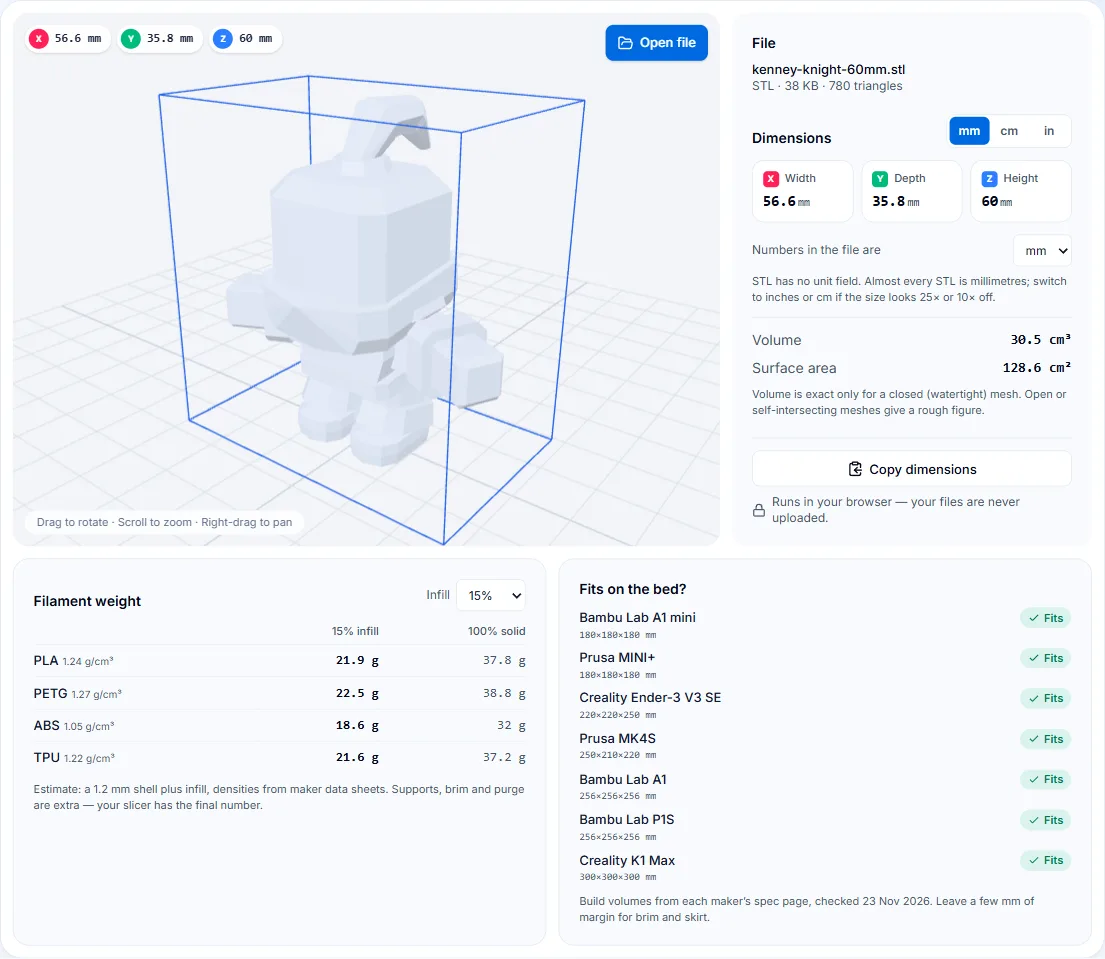
Exact bounding box
Width, depth and height come from the outermost vertices of every triangle, so a 63.4 mm figure reads 63.4 mm — not a rounded preview.
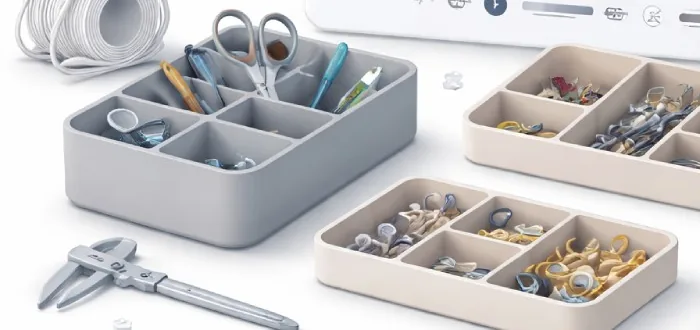
Unit switch that makes sense
Show the result in mm, cm or inches, and separately tell the tool what unit the file was made in. That fixes the classic "25.4 times too small" inch STL.
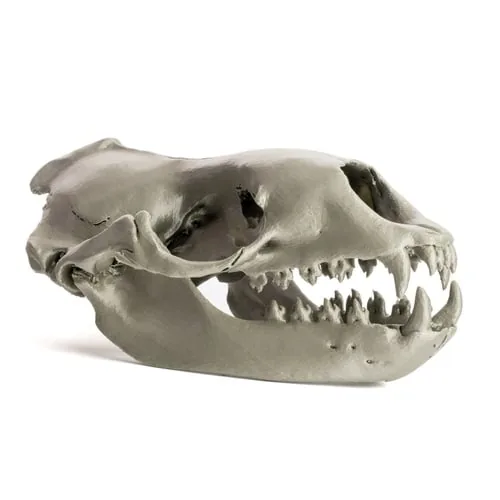
Volume and surface area
Volume in cm³ uses the signed-tetrahedron method on the closed mesh; surface area in cm² sums every triangle. Handy for resin, paint and plating quotes.
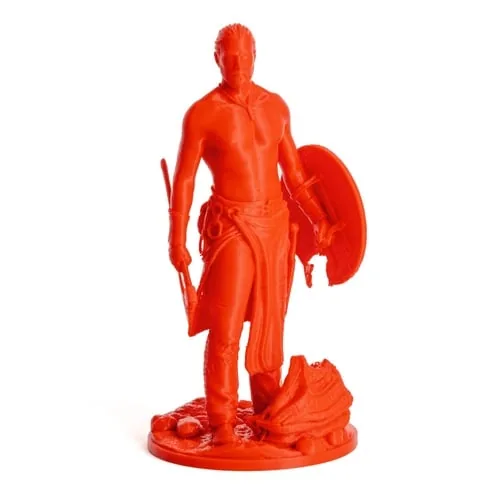
Filament weight in grams
A shell-plus-infill estimate for PLA, PETG, ABS and TPU at 10–100% infill, using densities from Prusament and Bambu Lab data sheets.
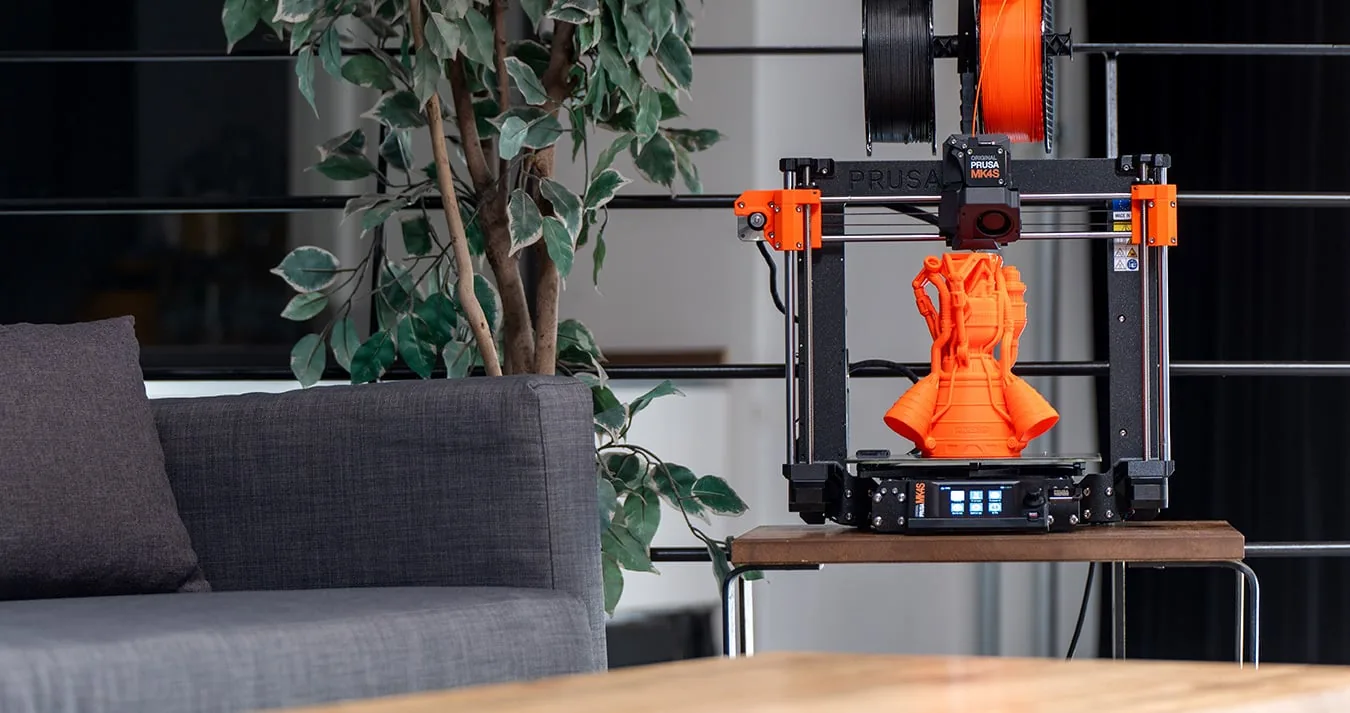
Will it fit my printer?
Each of seven popular beds gets a fits / fits turned 90° / scale-to-N% verdict, so you know before slicing whether to split the model.
Private and instant
The STL is read in your browser tab. Nothing is uploaded, so you can measure client parts and paid models without sharing them.
STL dimensions FAQ
How STL size, units and volume really work.
More ways to work with your 3D files
View, convert, or make a model from scratch.
No STL yet? Make one from a photo
Generate a 3D model from an image with AI, download it as STL, then come back and size it for your printer.