
USDZ to GLB Converter
Drop USDZ files to convert to GLB
.usdz, .usda, .usdc, .usd — up to 10 files at 200 MB each
STL has no units — most slicers read it as millimetres. Add a file to see its size.
Runs in your browser — your files are never uploaded.
- Nothing uploaded
- No sign-in
- Textures embedded in the GLB
- Metres, Y-up glTF output
USDZ to GLB at a glance
Measured on our own CC0 toy robot sample, converted in this tool.
USDZ package
ZIP, stored
Root USD layer first, then geometry layers and textures.
unzip in the tabUSD reader
USDA / USDC
metersPerUnit and upAxis applied.
composethree.js scene
metres, Y-up
Meshes, names and PBR materials.
glTF exporterGLB
1 binary file
JSON + BIN chunk, textures embedded.
Not carried by this converter: animations, Reality Composer behaviours and anchors, audio, physics and USD variants other than the default.
16 entries → 1 file
Before USDZ to GLB, the sample is a ZIP with a root USDA layer, 14 geometry layers and one PNG texture. The GLB holds all of it in a single binary file.
8,596 triangles kept
All 14 meshes of the robot came through the USDZ to GLB conversion with the same triangle count and the palette texture embedded.
0 uploads
The USDZ package is unzipped and read inside your browser tab. Closing the tab clears it; no copy is kept on a server.
How to convert USDZ to GLB
USDZ to GLB in three steps. No Mac, no Reality Composer, no account.
Open your USDZ file
Drag the .usdz file onto the USDZ to GLB converter, or pick it with the file button. Loose .usda and .usdc layers open too. The model appears in a 3D preview you can orbit and zoom, with its triangle count.
Keep GLB as the target
GLB is selected by default. Scale ×1 is right, because both USDZ and glTF use metres. Check the size box: our toy robot reads about 26 cm tall, the same as in AR Quick Look.
Download the GLB
Click “Convert & download”. You get one .glb with geometry, materials and textures inside, the full USDZ to GLB result. Drop several USDZ files at once to convert a whole batch of up to 10.
What carries over from USDZ to GLB
USDZ is a ZIP of USD layers and images, built around Apple AR. GLB is one binary glTF file read almost everywhere. Here is what this USDZ to GLB converter keeps and what it does not.
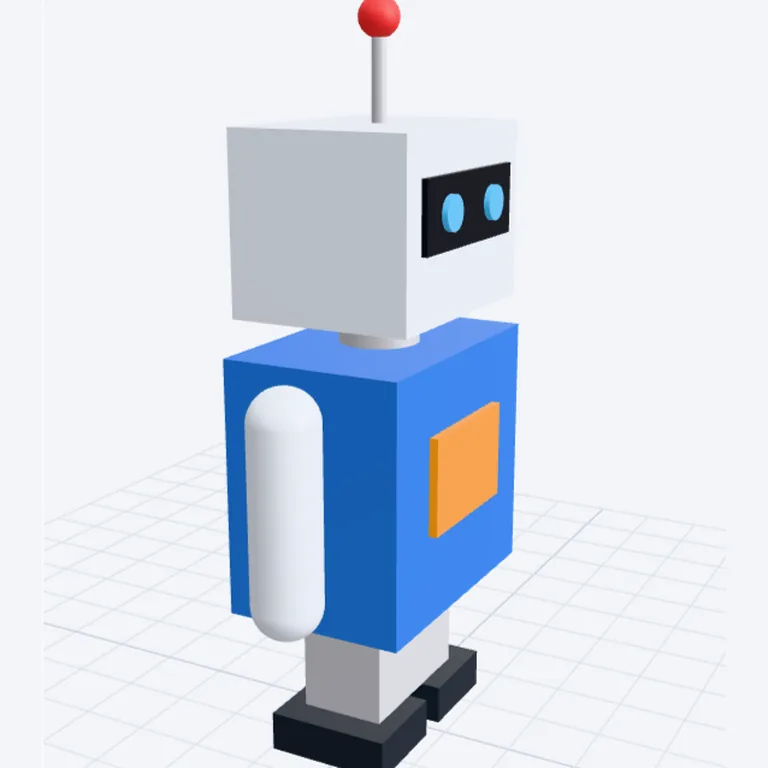
USDZ: zipped USD layers + images
GLB: one binary glTF file
| What carries over from USDZ to GLB | USDZ | GLB |
|---|---|---|
| Meshes and triangle count | Yes | Yes |
| Object names and hierarchy | Yes | Yes |
| PBR materials (colour, metal, roughness) | UsdPreviewSurface | glTF PBR |
| Textures from the package | Yes | Embedded |
| Real-world size | metersPerUnit | Metres |
| Up axis | Y or Z | Y-up |
| Animations and rigs | Yes | Not carried |
| Variants other than the default | Yes | No |
| Reality Composer behaviours, anchors, audio | Yes | No |
| Opens on Android and the web | No | Yes |
Animated or rigged characters come through in their current pose as static geometry. If you need the animation, export glTF from the original source app instead.
What people do after USDZ to GLB
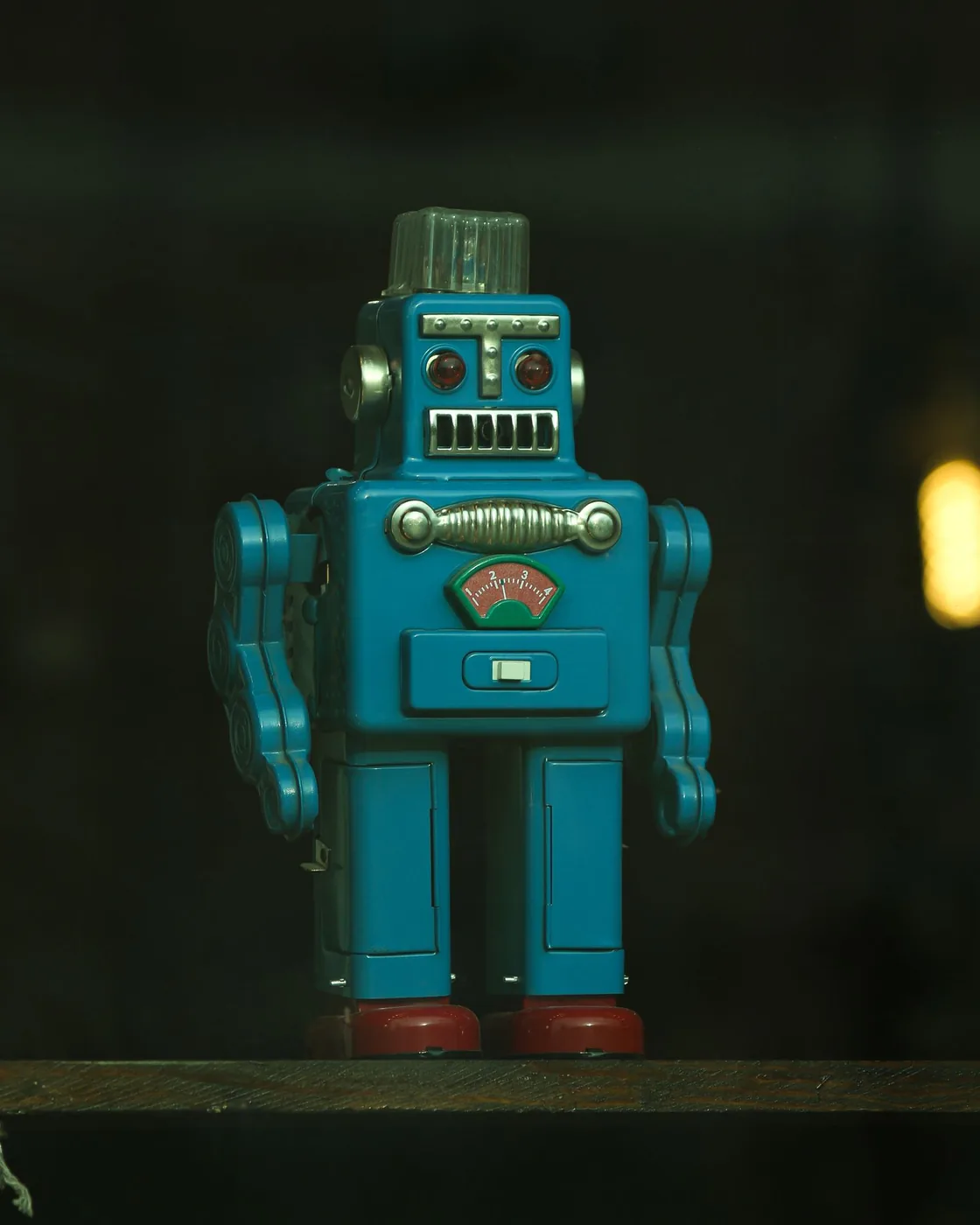
Once a model is a GLB it can go to a web page, an Android AR view or a 3D scene. These reference pictures show the kinds of models that make the trip.
 Reference example
Collectibles and toysAfter USDZ to GLB, a figure scanned or modelled for iPhone AR can sit on a shop page as a GLB that any visitor can spin around, on any phone or desktop. 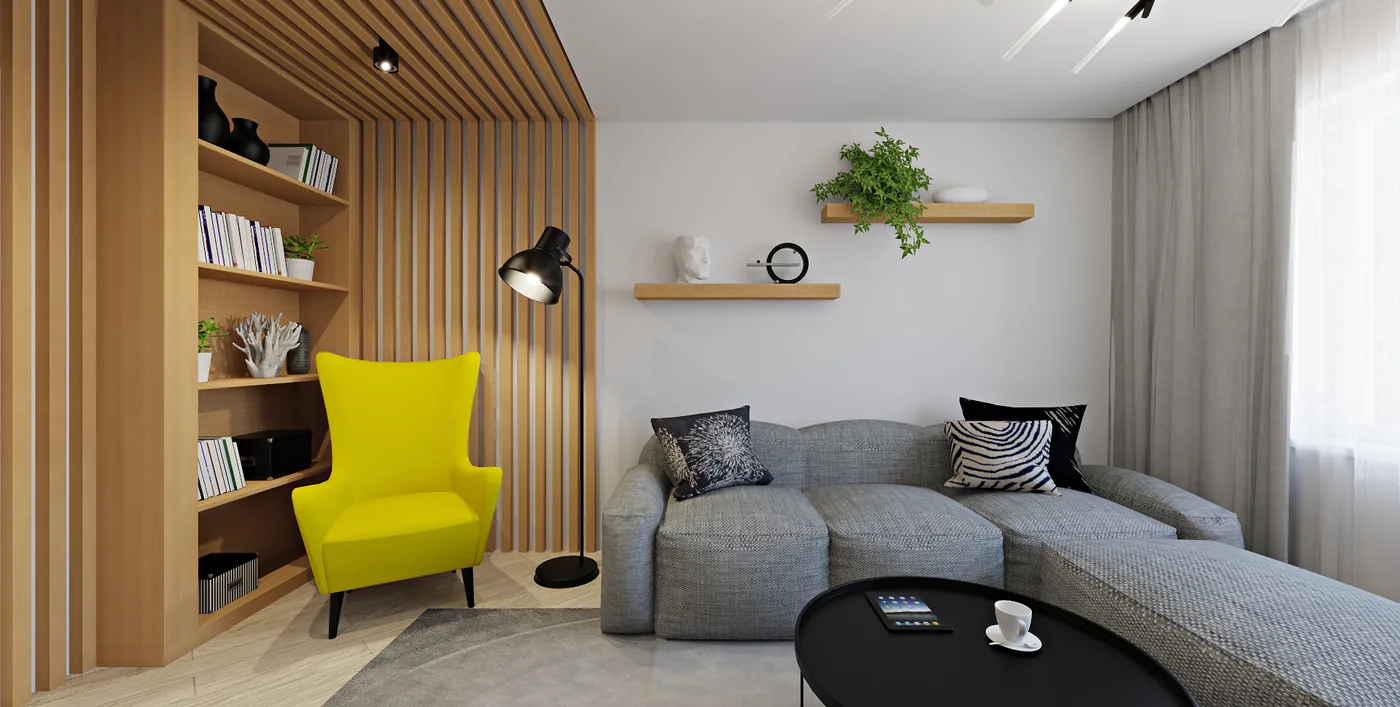 Reference example
Furniture in a real roomFurniture models are often shared as USDZ for AR Quick Look. After USDZ to GLB, the same chair or sofa can be placed in a room with Android and web AR viewers. 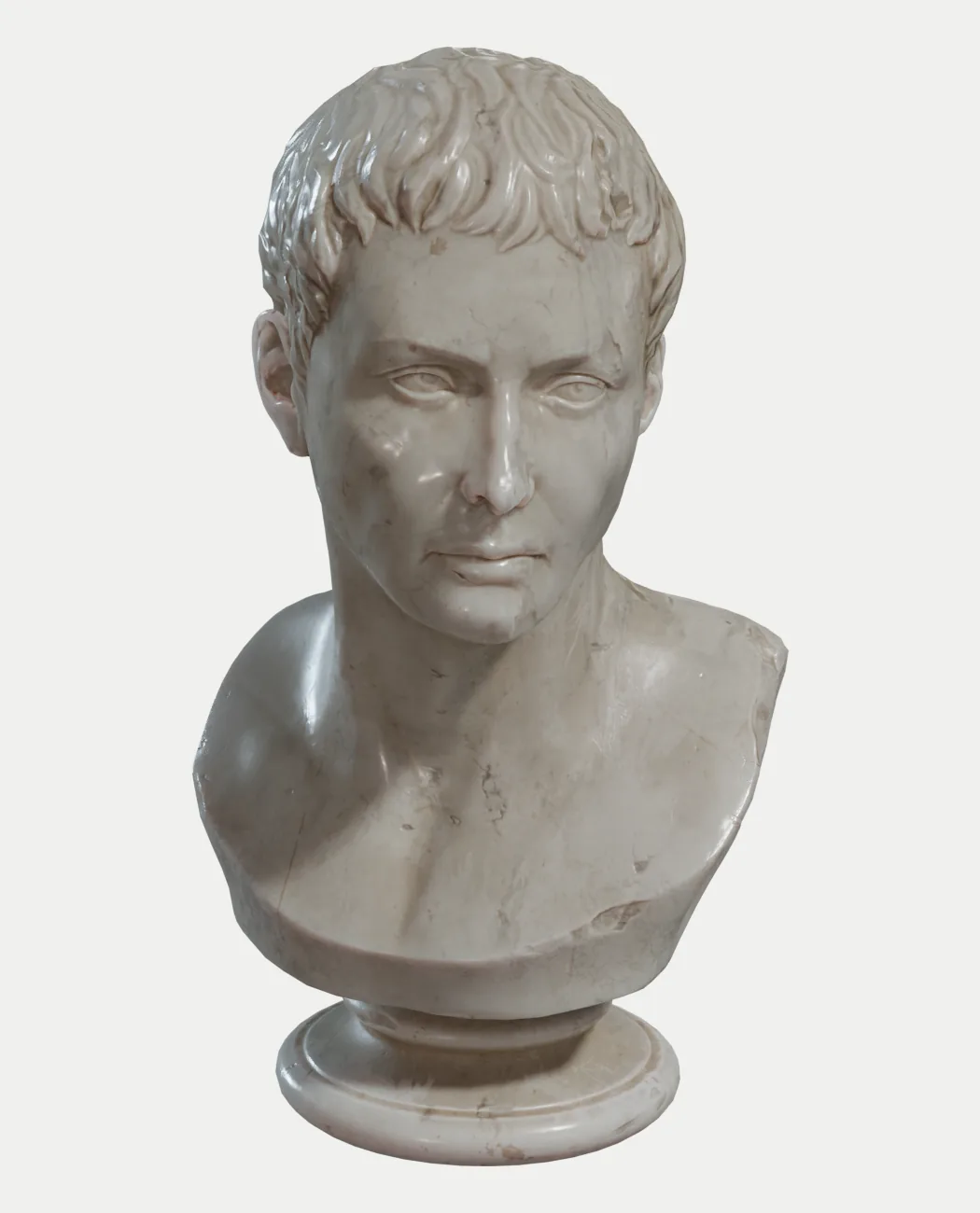 Reference example
Textured assets for scenesDetailed textured props move into Blender, Unity or Unreal through their glTF importers, keeping their PBR materials and texture maps.
Image credits: living-room render by Dely25897 (CC BY-SA 4.0), via Wikimedia Commons; watch and bust renders from Poly Haven (CC0). Other photos: Pexels.
No 3D model yet? Make one from a photo
Reference models from AI 3D generators, shown live. Kairo3D turns a single image into a textured model you can download as GLB, no USDZ to GLB step needed.
Why convert USDZ to GLB here
A USDZ converter that reads Apple AR files on any computer, without a Mac.
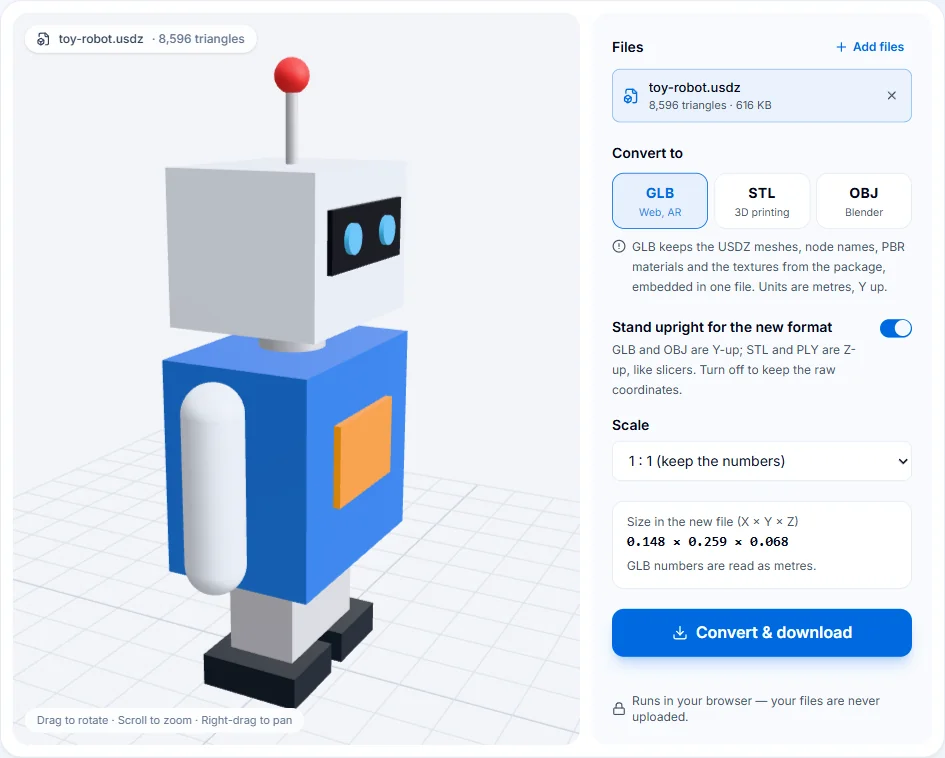
Open a USDZ file on any computer
Windows and Linux have no built-in USDZ viewer. Drop the file here to open a USDZ file in 3D, check its size and triangle count, and convert USDZ to GLB in the same view.
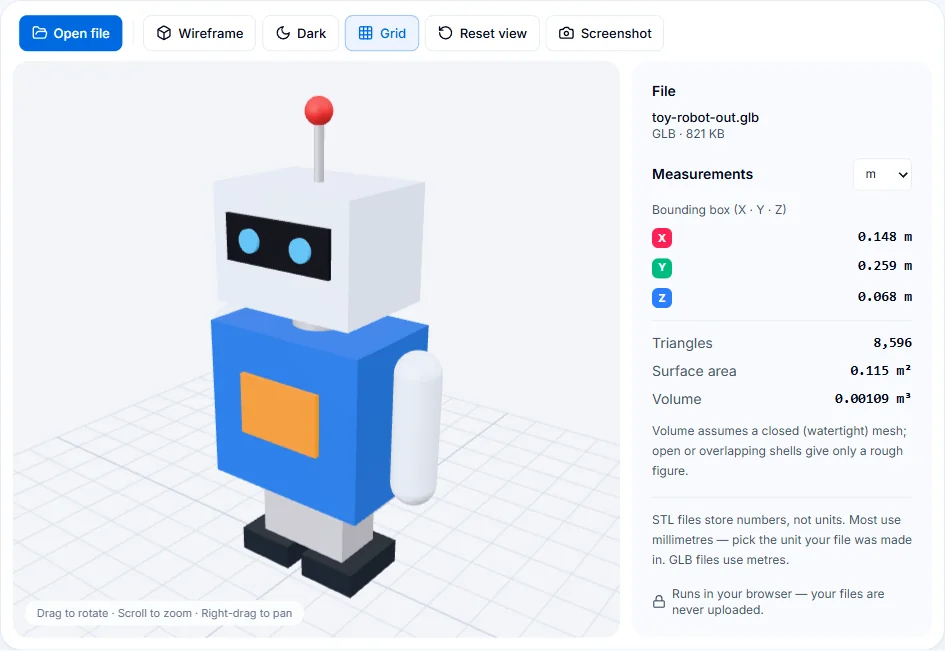
Textures travel with the model
During USDZ to GLB, images inside the package are read and embedded in the GLB. Reopen the result in our 3D viewer and the robot keeps its colours, with nothing missing.
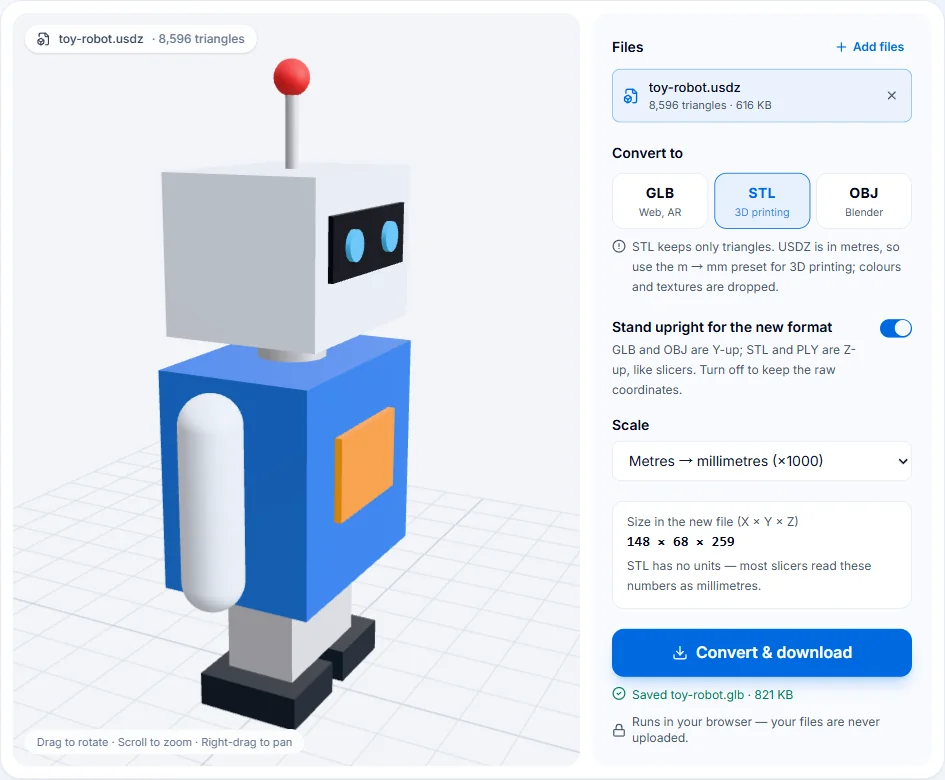
STL for 3D printing too
Switch the target to STL and pick the m → mm preset. The robot becomes about 26 cm tall in your slicer instead of 0.26 mm, and the size box shows the result before you download.
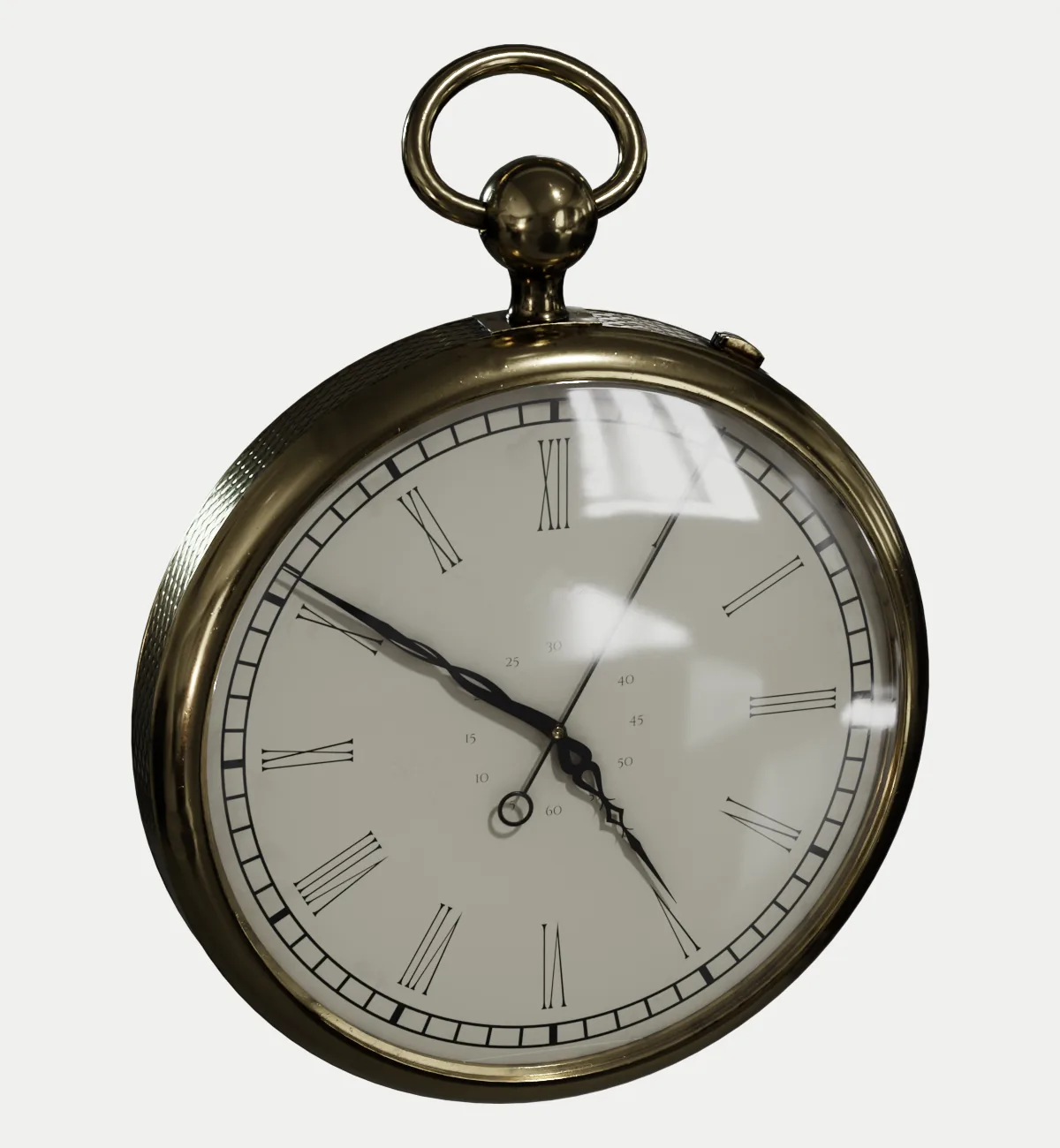
PBR materials mapped to glTF
In a USDZ to GLB conversion, UsdPreviewSurface materials turn into glTF PBR: base colour, metallic, roughness, normal, opacity and emissive maps are carried when the file has them.
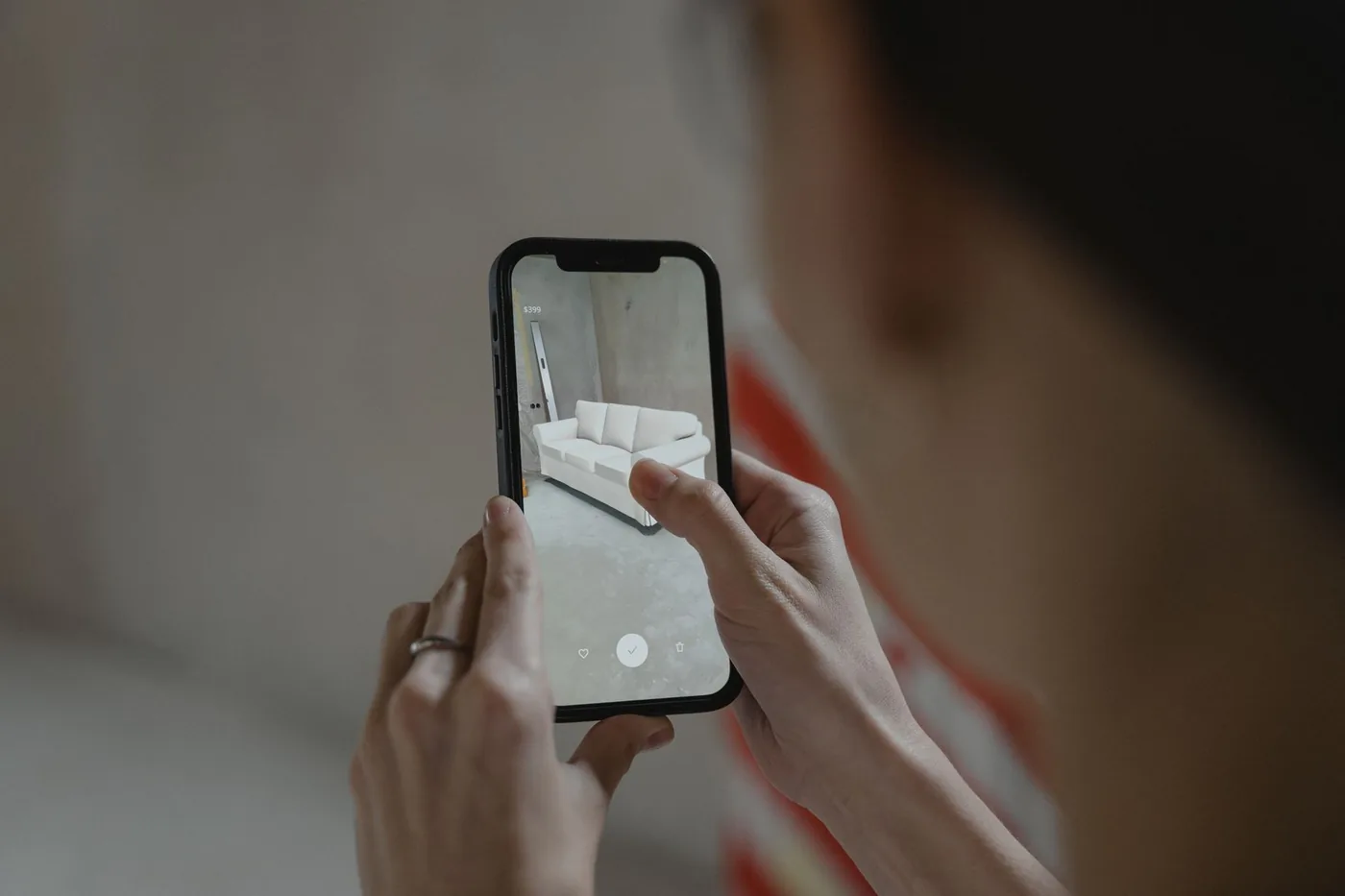
From iPhone AR to Android AR
USDZ is the format of AR Quick Look on iPhone and iPad. GLB is what Android Scene Viewer and most web AR viewers load, so one USDZ to GLB conversion covers both platforms.

Ready for web and game engines
A GLB drops straight into <model-viewer>, three.js, Babylon.js, Blender and the glTF importers of Unity and Unreal, so the USDZ to GLB step is usually the only one.
USDZ to GLB — frequently asked questions
Opening USDZ files, USDZ to glTF, textures, units and what the conversion cannot carry.
More ways to work with your 3D files
View, convert, or make a model from scratch.
Want a 3D model of your own product?
Kairo3D turns one photo into a textured 3D model you can download as GLB, ready for the web and AR.