
IGES to STL Converter
Drop IGES / IGS files to convert to STL
.iges, .igs (also .step, .stp) — up to 10 files at 200 MB each
STL has no units — most slicers read it as millimetres. Add a file to see its size.
Runs in your browser — your files are never uploaded.
- Nothing uploaded
- No sign-in
- 4 mesh resolutions
- Millimetres, Z-up for slicers
IGES to STL at a glance
Our fluted control knob sample, converted and measured here.
IGES surface patches
Separate entities; gaps are possible
STL triangle mesh
One shell — closed only if the patches meet
A gap in the IGES stays a gap in the STL. Repair it before slicing.
Knob sample, triangles per resolution
- Draft3,466
- Standard12,818
- Fine39,077
- Ultra93,928
25 surfaces
Trimmed surfaces in the 331 KB knob IGES file, meshed into one STL.
3,466 → 93,928
Triangles from Draft to Ultra. Standard gives 12,818 triangles and a 626 KB STL.
41.9 × 42.2 × 25
Size in millimetres, the same in the IGES file and the STL, so the knob prints at its true size.
How to convert IGES to STL
Three steps. No CAD software, no account.
Open the IGES or IGS file
Drop the .iges or .igs file on the converter, or load the knob sample. The OpenCascade reader loads once and the part appears in 3D with its triangle count.
Choose a mesh resolution
Standard suits FDM printing. If flutes, fillets or round holes look faceted, try Fine; pick Ultra for resin printers or large curved parts. Check the size box — it is in millimetres.
Download and slice
Keep STL selected and click “Convert & download”. Open the STL in your slicer. If it reports open edges, run it through our STL Repair tool first.
What changes from IGES to STL
An IGES file is a set of exact surfaces, often not joined into a solid. An STL is a list of flat triangles. The shape and size carry over; the surface maths and the structure do not.
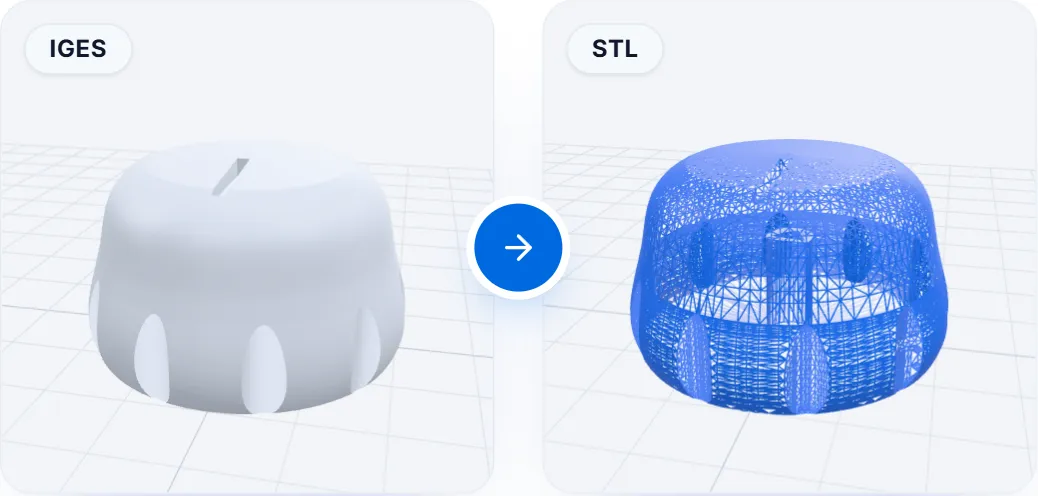
IGES: trimmed surfaces
STL: triangles for slicing
| What changes from IGES to STL | IGES | STL |
|---|---|---|
| Shape and size (mm) | Yes | Yes |
| Curved surfaces | Exact | Facets |
| Surfaces as separate entities | Yes | Merged |
| Closed, watertight solid | Sometimes | Only if the IGES is |
| Colours, levels | Yes | No |
| 2D drawing entities | Yes | No |
| Read by every slicer | No | Yes |
The STL can only be as closed as the IGES surfaces are. For a clean print, export IGES as a solid (or use STEP) from your CAD tool when you can.
One IGES knob, four STL resolutions
Screenshots of the knob sample at each preset. Look at the grip flutes: that is where low resolutions show.
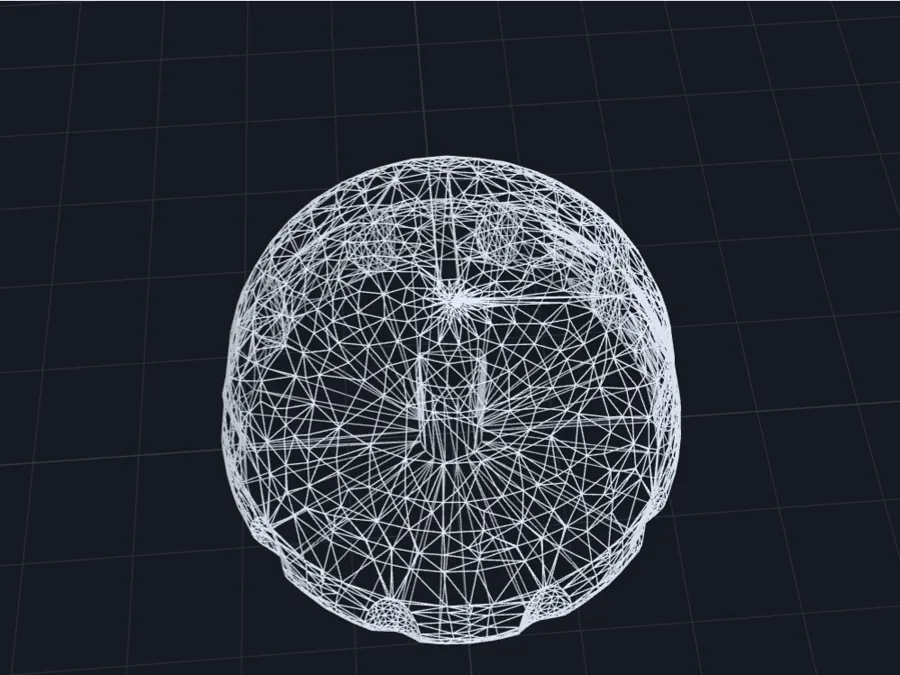 Real output
Draft · 3,466 trianglesFlutes and the domed top turn into flat bands. Good enough for a fit check. 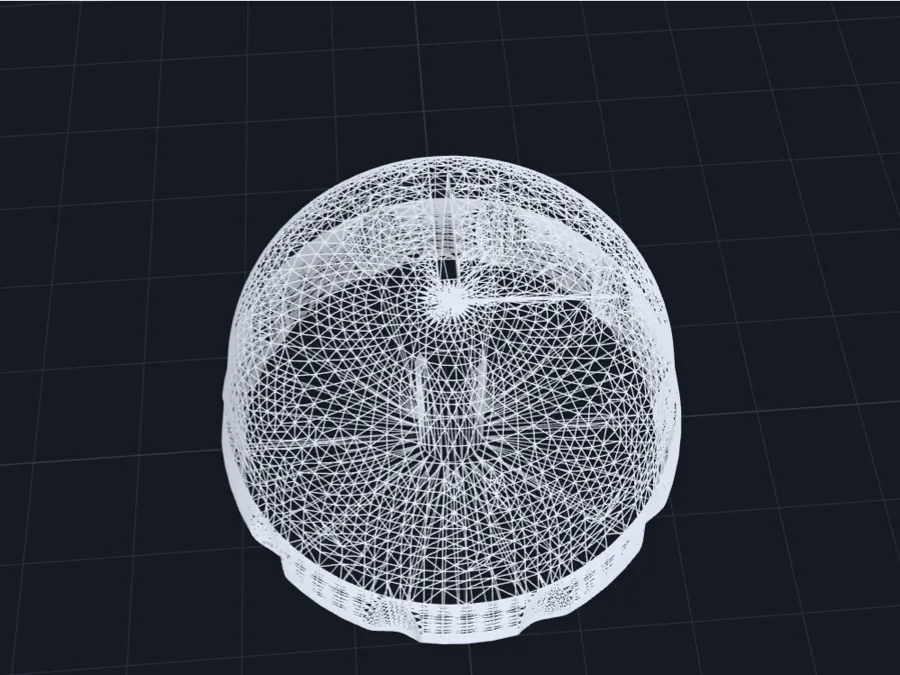 Real output
Standard · 12,818 trianglesThe flutes read as round at print size; the default for FDM. 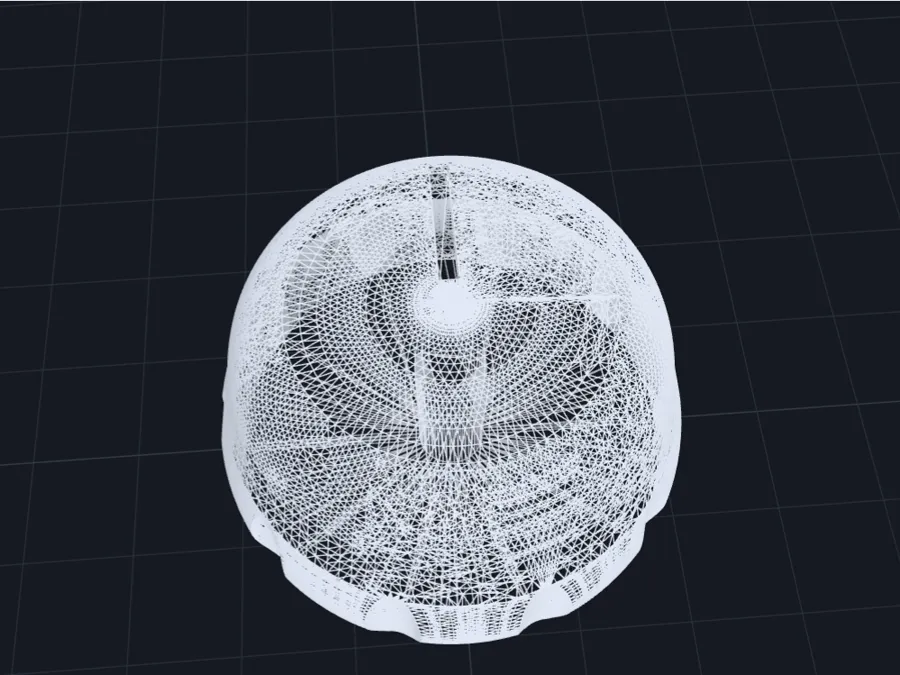 Real output
Fine · 39,077 trianglesSmooth flutes and dome, about 1.9 MB. Worth it for a visible part. 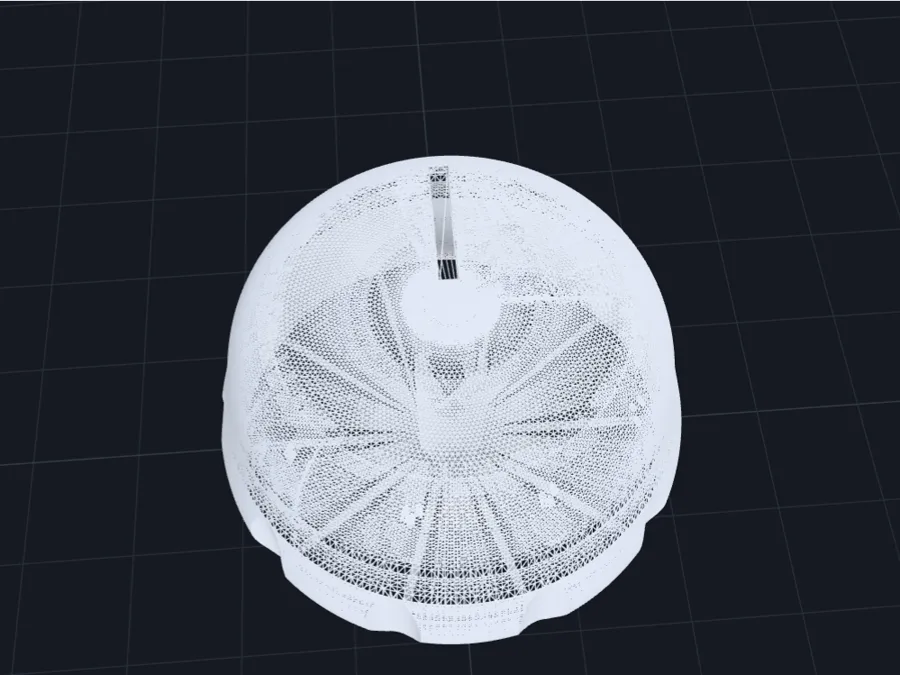 Real output
Ultra · 93,928 trianglesResin-ready. Twenty-seven times the Draft triangles for a 42 mm part.
What the IGES to STL converter can and cannot do
Tested with our own IGES files. Surface models need a little care before printing.
It can
- Read .iges and .igs surface and solid models up to 200 MB
- Tessellate at four resolutions and show the triangle count
- Write binary STL in millimetres, or 3MF, OBJ and GLB from the same file
- Keep several bodies in their positions in one STL
- Convert up to 10 files per batch, locally
It cannot
- Close gaps between IGES surfaces — sew or thicken them in CAD, or repair the STL
- Give thickness to a single open surface such as a car-panel skin
- Convert 2D-only IGES drawings into 3D parts
- Keep colours or levels; STL has no fields for them
- Turn the STL back into exact IGES surfaces
| Preset | Triangles | STL size | Use it for |
|---|---|---|---|
| Draft | 3,466 | 169 KB | Fit checks, previews |
| Standard | 12,818 | 626 KB | Most FDM prints |
| Fine | 39,077 | 1.9 MB | Visible curves, small nozzles |
| Ultra | 93,928 | 4.5 MB | Resin printing, large smooth parts |
Measured 2026-11-24 on public/samples/iges/fluted-control-knob.iges (41.9 × 42.2 × 25 mm). Binary STL is 50 bytes per triangle.
No CAD file? Generate a printable model
Reference models from AI 3D generators, shown live. Kairo3D turns a photo into a mesh you can download as STL.
Why convert IGES to STL here
The mesh export of a CAD package, without the install.
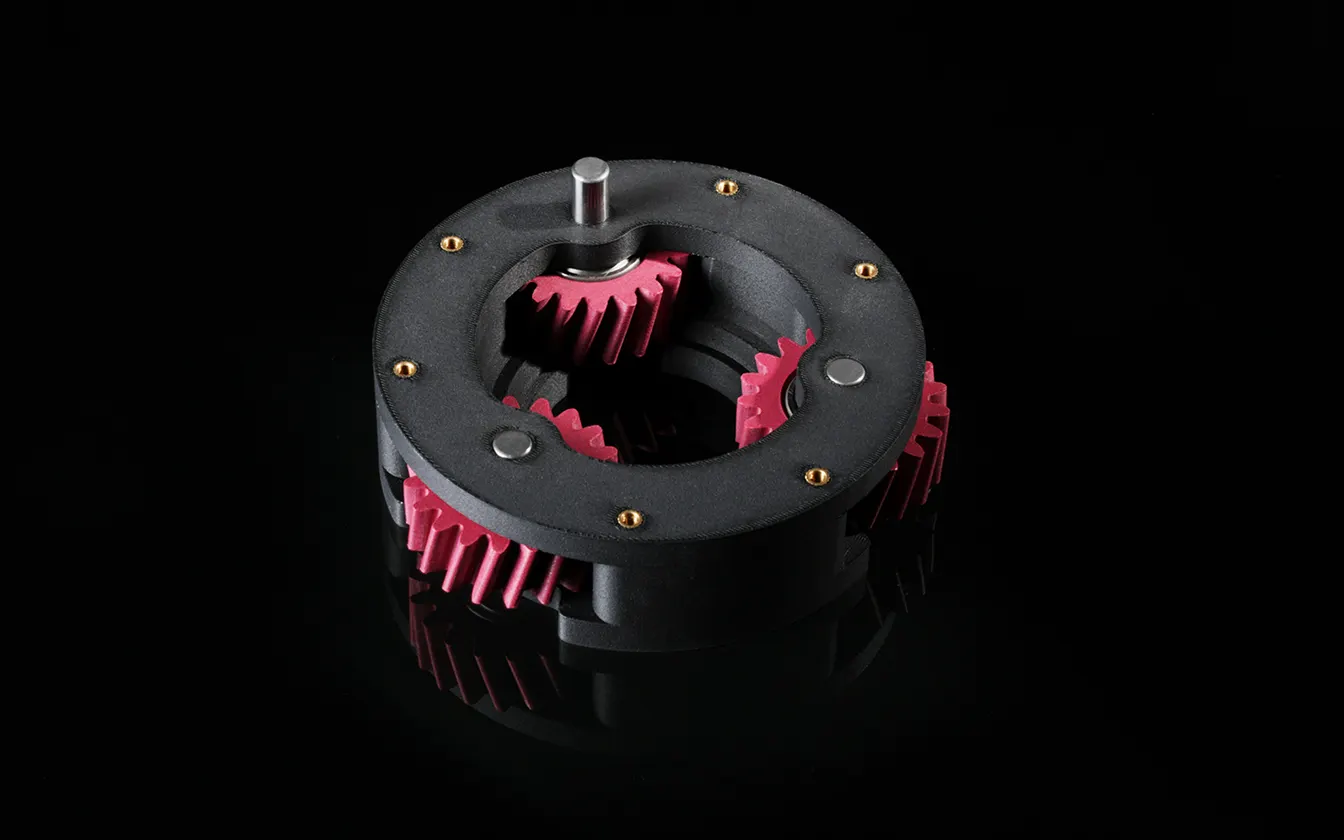
Real IGES reader
OpenCascade — the kernel behind FreeCAD — reads trimmed NURBS surfaces, planes, surfaces of revolution and IGES solids (entity 186) in WebAssembly.
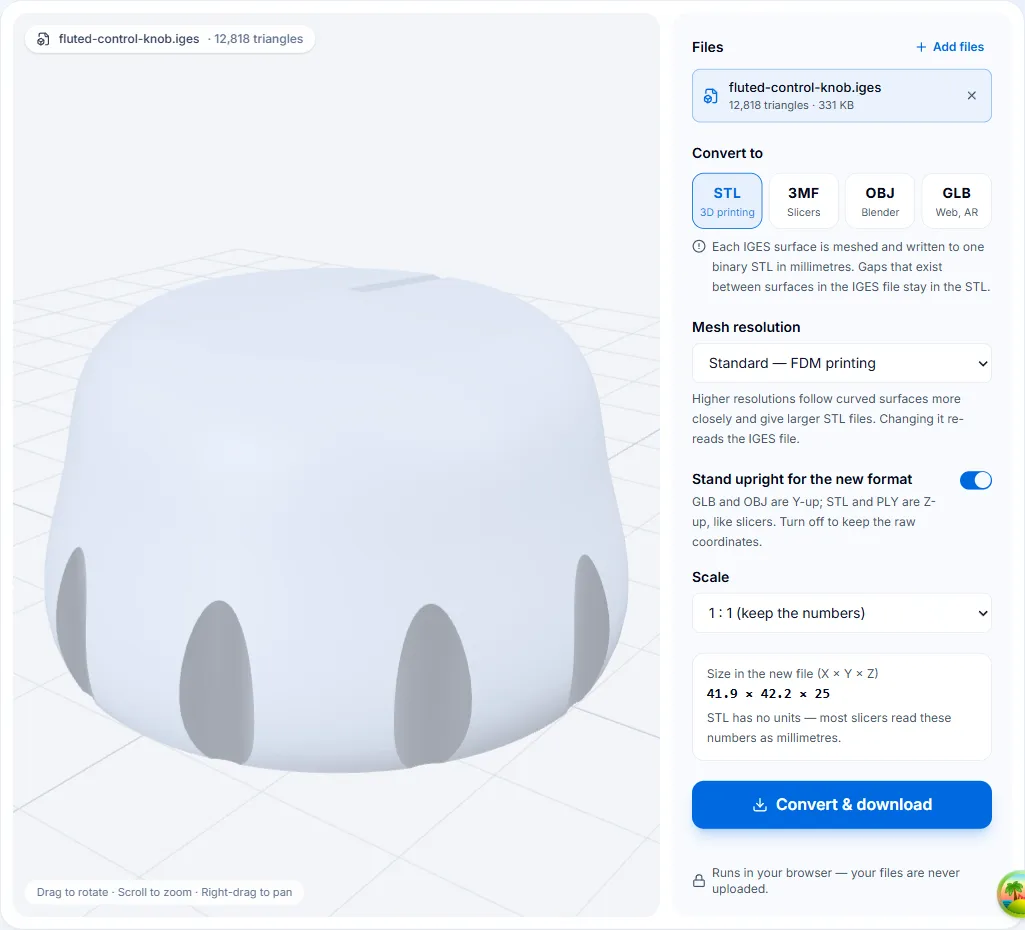
Resolution you can see
Four presets from 3,466 to 93,928 triangles on our knob. The preview updates with each one, so you see the facets before you print them.
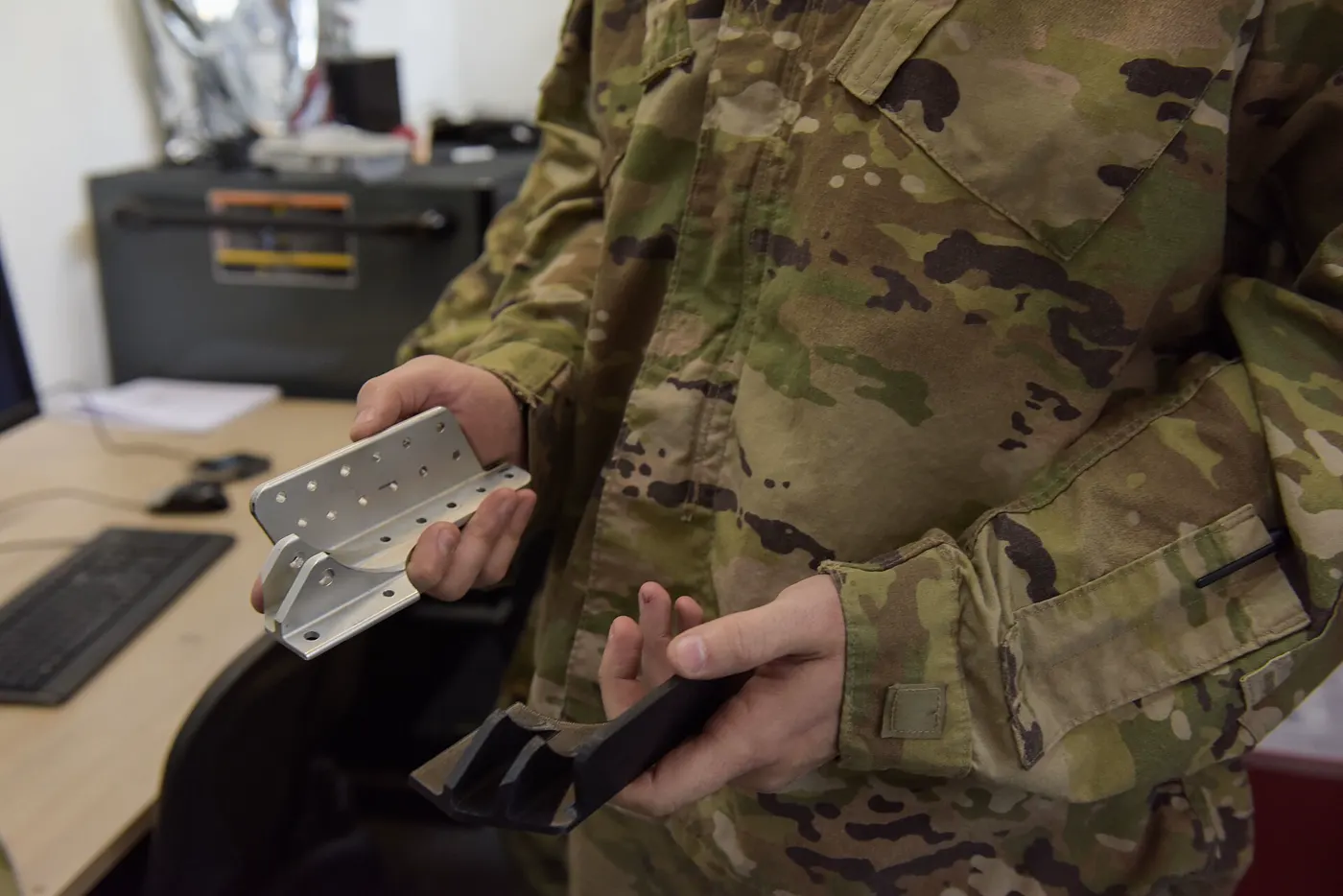
Print-ready units and axis
IGES global units are honoured and written as millimetres, with Z up, so the part lands on the bed at its real size and orientation.
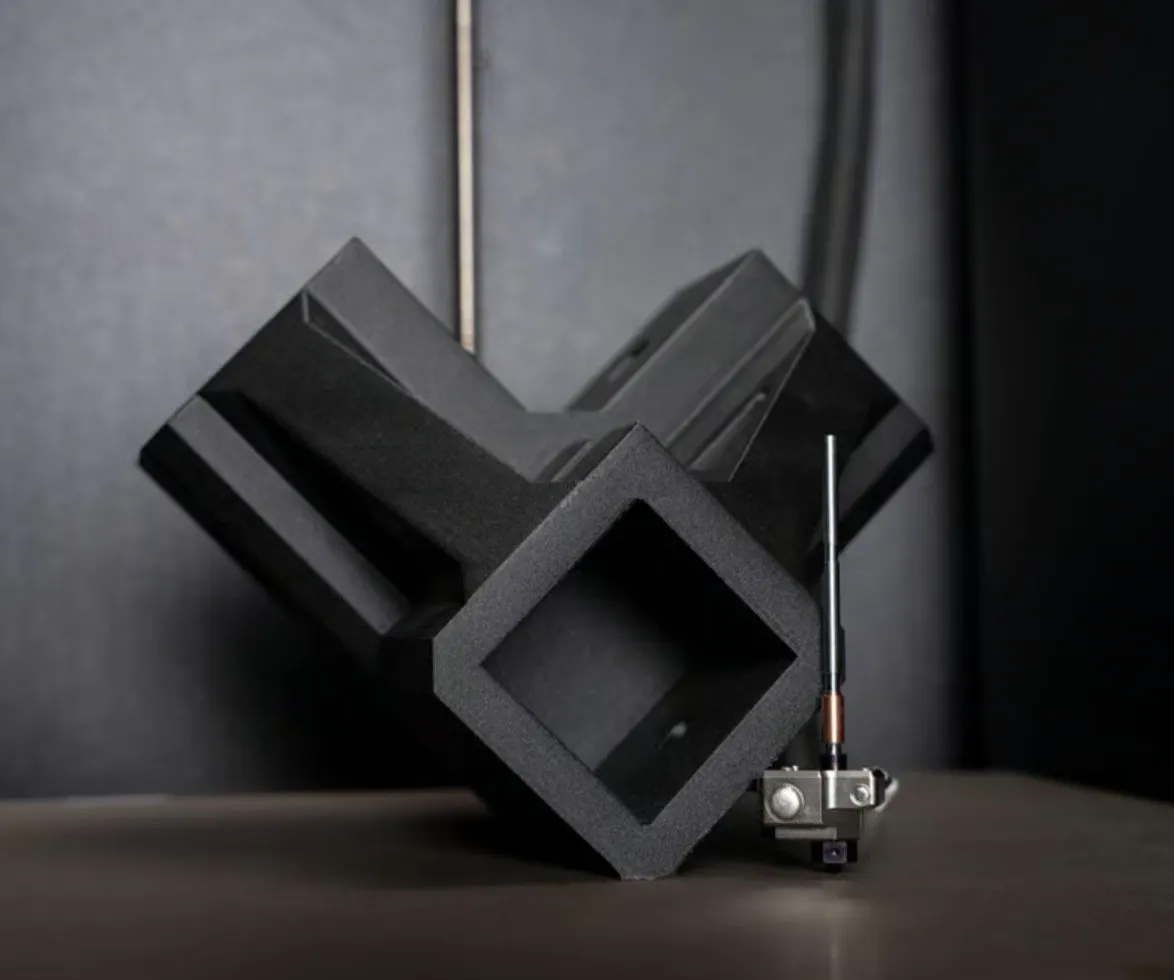
All surfaces into one STL
Multi-body and multi-surface IGES files are merged into a single STL. Bodies keep their relative positions, ready to print together.
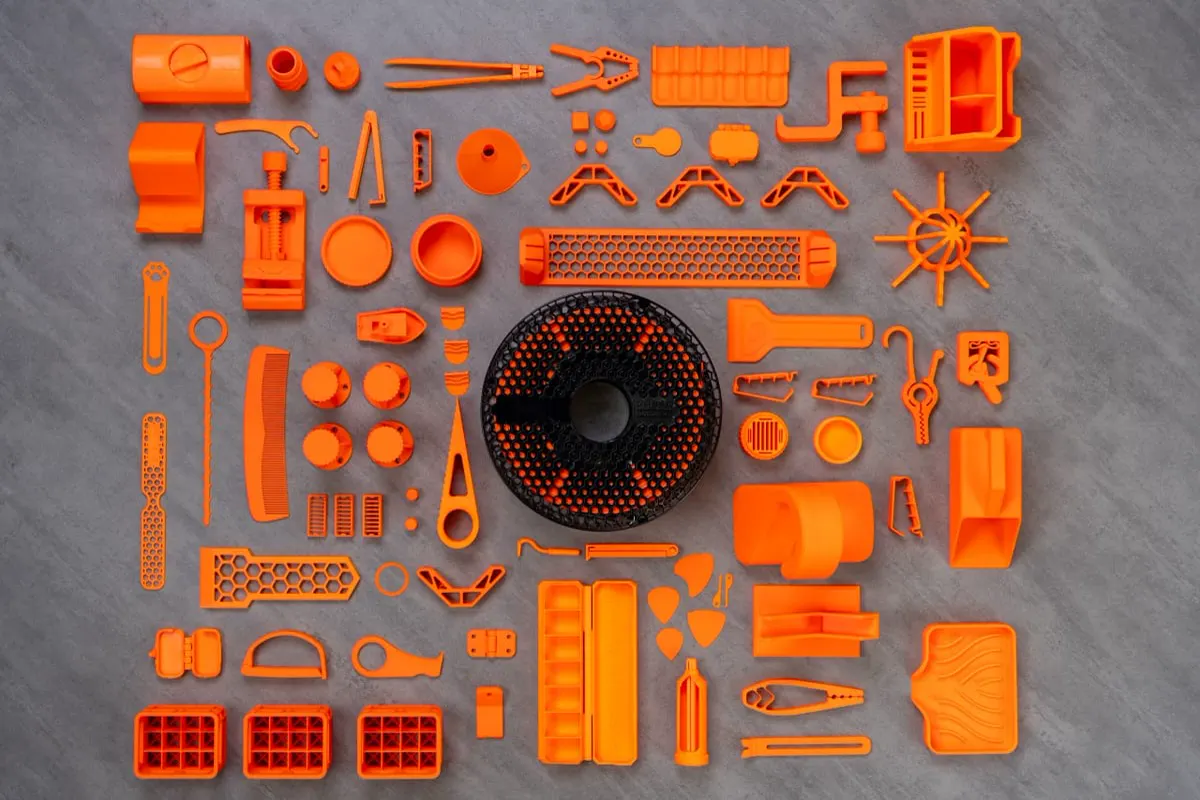
Batch conversion
Drop up to ten IGES files at once — a set of mould inserts or spare parts — and convert them in one go.
No upload, no account
Tooling and supplier data often fall under NDA. The IGES file is processed on your device and never sent to Kairo3D.
Photo credits: U.S. Air Force (public domain). Other pictures are reference examples.
IGES to STL — frequently asked questions
Resolution, gaps, units and when to use STEP instead.
More ways to work with your 3D files
View, convert, or make a model from scratch.
IGES Viewer
Open IGES / IGS CAD files online, no CAD software needed.
STEP to OBJ
Convert STEP / STP CAD parts to OBJ meshes in your browser.
STEP to STL
Convert STEP / STP CAD files to STL for printing.
STL Repair
Find and fix holes, flipped normals and bad edges.
STL Reducer
Cut STL polygon count and file size while keeping the shape.
STL Dimensions
Get the size, volume and area of an STL file.
Only have a photo of the part?
Kairo3D turns a single image into a 3D model you can download as STL and print.