TRELLIS 2 vs Hunyuan 3D compared on maker, release, licence, text or image input, speed and self-hosting, plus when to pick which and how to test both online.
Last updated:
Microsoft's TRELLIS 2 and Tencent's Hunyuan 3D are two of the best-known AI models for turning an image into a 3D model. This TRELLIS 2 vs Hunyuan 3D comparison sticks to published facts (maker, licence, inputs and how to run each), then explains when to pick which. Results depend heavily on the input, so the fair test is your own photo on both.
TRELLIS 2 vs Hunyuan 3D: the short answer
Pick TRELLIS 2 for a clear photo of one object, PBR materials and a permissive MIT licence. Pick Hunyuan 3D 3.1 Pro when you start from text or need fine detail on characters, and Tencent's licence suits your territory. Kairo3D runs both with one credit balance.
TRELLIS 2Microsoft Research
Made from one picture
Hunyuan 3D 3.1 ProTencent
Made from one picture
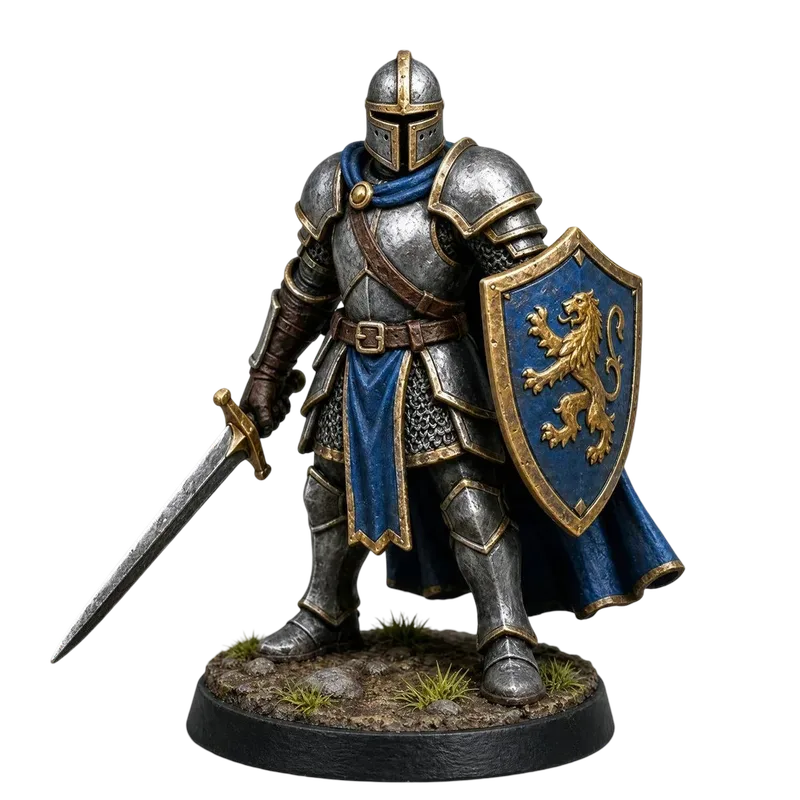
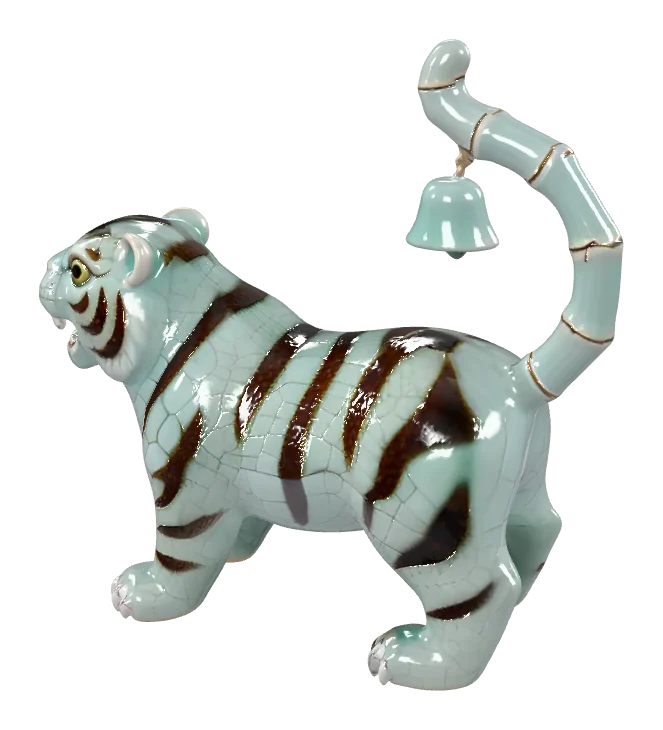
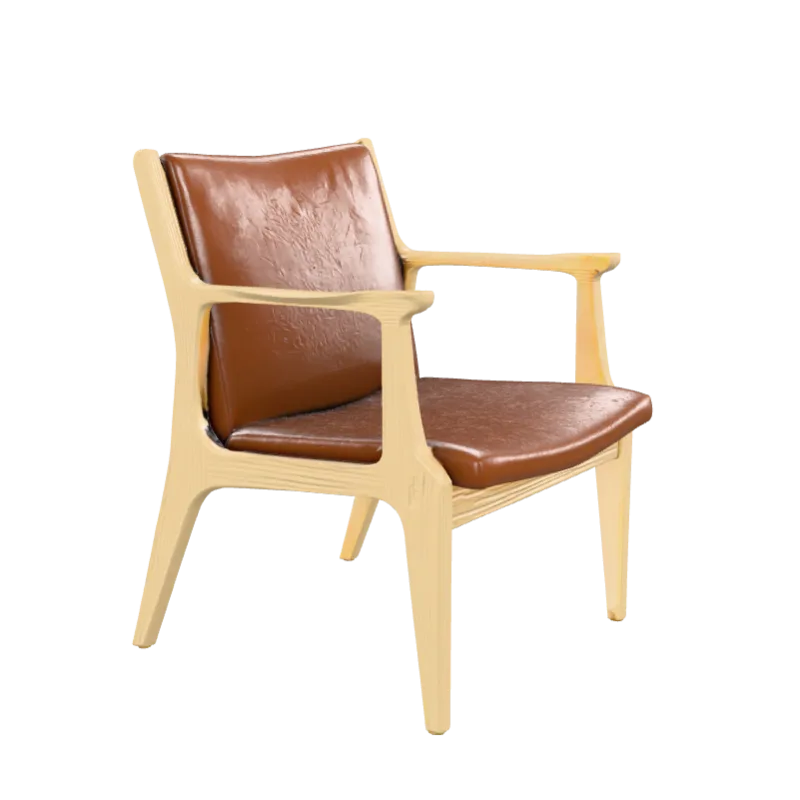
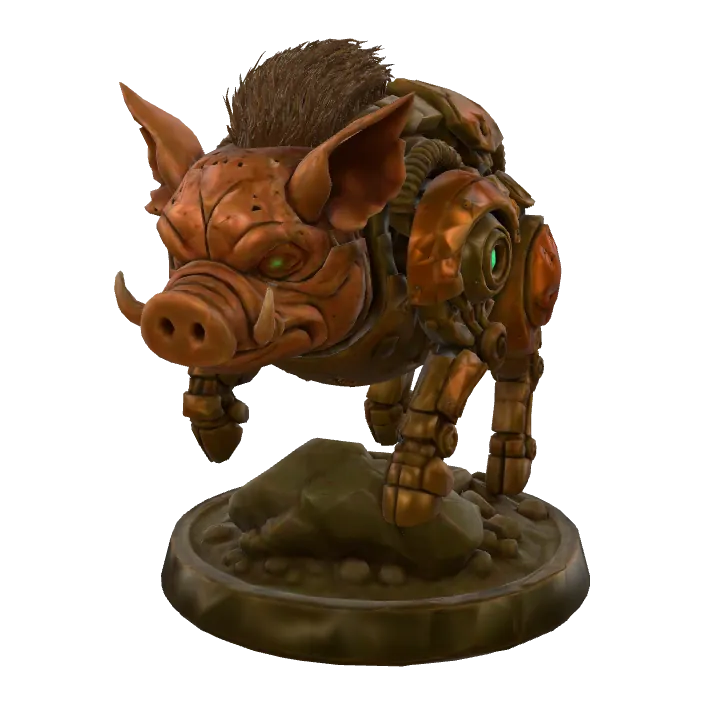
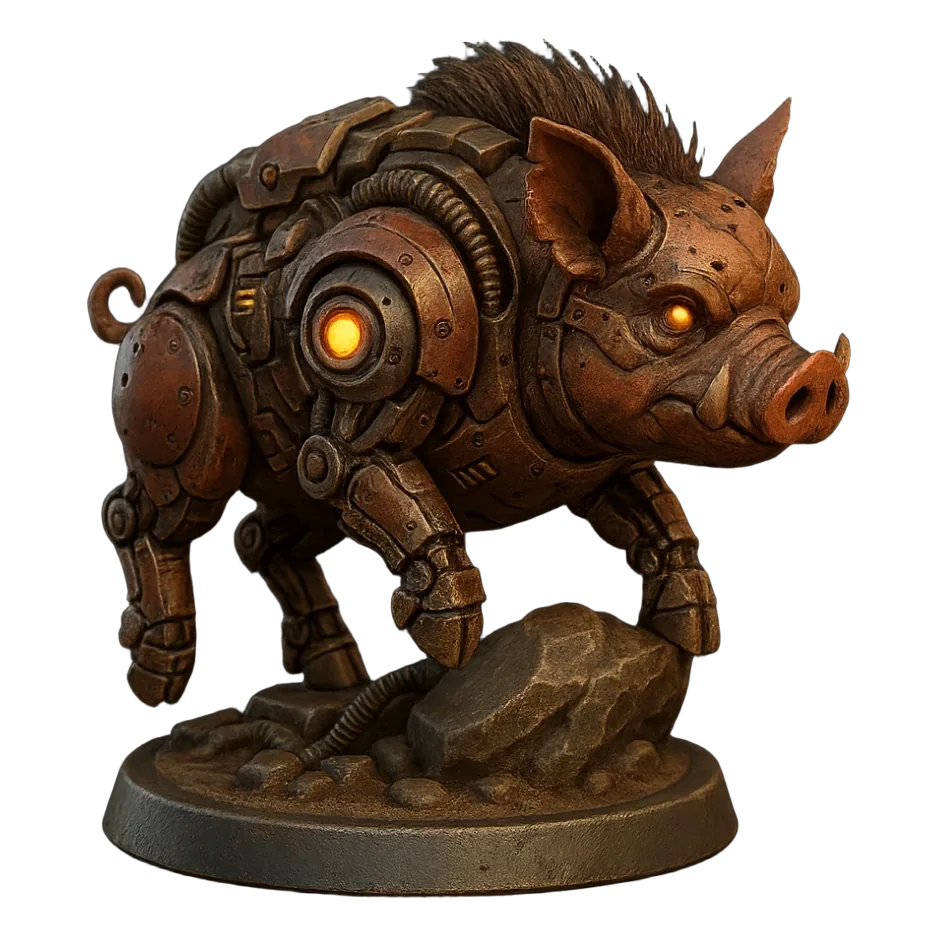
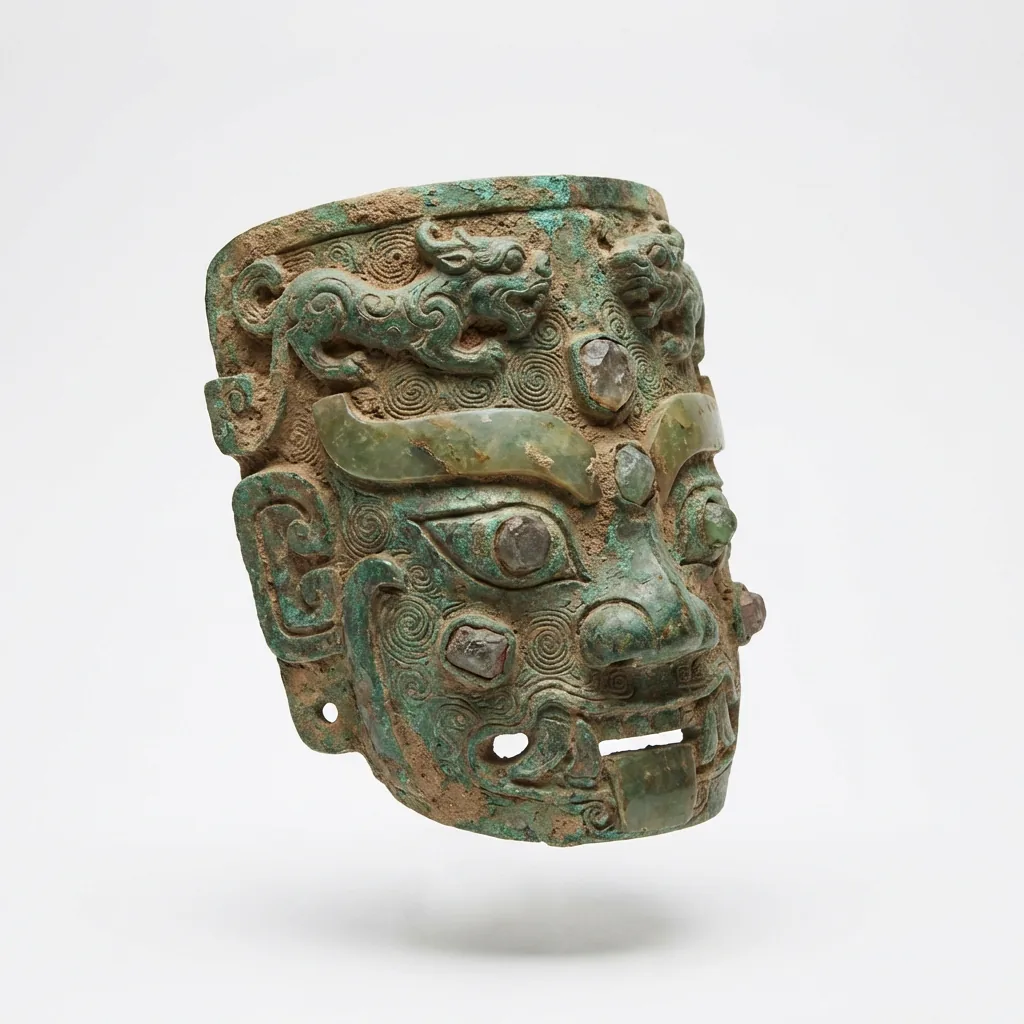
TRELLIS 2 vs Hunyuan 3D samples: TRELLIS 2 from Microsoft's project page, Hunyuan 3D 3.1 Pro from its fal.ai model page. Drag to rotate, tap a thumbnail to switch.
TRELLIS 2 vs Hunyuan 3D at a glance
TRELLIS 2 vs Hunyuan 3D comparison table
Feature
TRELLIS 2
Hunyuan 3D 3.1 Pro
Made by
Microsoft Research
Tencent (Hunyuan team)
Released
December 2025
3.0 worldwide on 26 Nov 2025; 3.1 in early 2026
Licence
MIT (code and weights on GitHub)
Tencent's own terms, with territory restrictions
Input
One image
One image or a text prompt
Output on Kairo3D
Textured GLB with PBR materials
Textured GLB
Self-hosting
Yes, on an NVIDIA GPU with 24 GB+ VRAM
Open weights only for the older 2.0 and 2.1
Typical time on Kairo3D
About a minute
Longer, up to about two minutes
What is TRELLIS 2?
TRELLIS 2 (written TRELLIS.2 by its authors) is Microsoft Research's second-generation image-to-3D model, released in December 2025 (GitHub). It has 4 billion parameters and builds objects in a sparse voxel structure called O-Voxel, at 512³ to 1536³ (project page). From one picture it predicts the full shape plus PBR materials and outputs a textured GLB.
PBR materials, channel by channelMicrosoft's turntable of a TRELLIS 2 result, followed by a sweep through its normals, base colour and bare geometry.
Code and weights are MIT-licensed. Run it on an NVIDIA GPU with at least 24 GB of VRAM, try Microsoft's demo on Hugging Face, use community ComfyUI nodes or call a hosted endpoint such as fal.ai. Image input only. More on our TRELLIS 2 page.
What is Hunyuan 3D?
Hunyuan 3D is a family of 3D generation models from Tencent's Hunyuan team. The 3.x models are offered mainly through Tencent's Hunyuan 3D studio, Tencent Cloud's API and partners such as fal.ai and Replicate.
2025Hunyuan3D 2.0 and 2.1Open weights on GitHub.
26 Nov 2025Hunyuan 3D 3.0Launches worldwide.
Dec 2025TRELLIS 2Microsoft releases code and weights under MIT.
Early 2026Hunyuan 3D 3.1Pro tier: an image or a text prompt in, a textured model out.
TRELLIS 2 vs Hunyuan 3D: release timeline of both model families.
Tencent's own studio also takes sketches and several views of an object; on Kairo3D you use one image or a prompt. The licence is Tencent's own, not an open-source one, and it includes territory restrictions. More on our Hunyuan 3D page.
TRELLIS 2 vs Hunyuan 3D: key differences
Input
TRELLIS 2A photo or a renderHunyuan 3DA photo, a render or a written descriptionText input helps when you have no reference picture.
Licence
TRELLIS 2MIT: short, permissive, allows commercial useHunyuan 3DTencent's terms, with territory restrictions and other conditionsOften the deciding factor. Read the current terms before commercial use.
Materials and detail
TRELLIS 2PBR materials that look right in Blender, game engines and web viewersHunyuan 3DStrong on fine surface detail for characters, creatures and bustsChoose by where the model is going next.
Running it yourself
TRELLIS 2Fully open: clone the repo, download the weights, run it on your GPU or in ComfyUIHunyuan 3DOpen weights only for 2.0 and 2.1; the 3.x models run through Tencent or partnersNo big GPU? Both run online, on Kairo3D or elsewhere.
In both cases, you also need the rights to the image you upload.
When to pick TRELLIS 2 or Hunyuan 3D
Pick TRELLIS 2 when…
You have a clear photo of one object: a product, shoe, toy, chair or game prop.
You want PBR materials for Blender, Unity, Unreal or a web viewer.
You need a simple, permissive licence, or might self-host later.
You want the faster of the two.
Pick Hunyuan 3D when…
You have no photo and want to start from a text prompt.
You're making characters, creatures or busts with fine surface detail.
You can wait a little longer per model.
Tencent's licence terms work for your territory and your use.
Open the image to 3D generator and upload a clear three-quarter photo.
Generate with TRELLIS 2.
Switch the engine to Hunyuan 3D 3.1 Pro and generate again with the same photo.
Rotate both results, check the back, thin parts and textures, and keep the one you prefer.
Each engine shows its credit cost before you generate (plans are on the pricing page), and failed runs are refunded automatically. Also worth a try: Pixal3D when the model must stay faithful to the photo, and Rodin Gen-2.5 Fast for quick tests. Photo tips: how to turn a photo into a 3D model.
TRELLIS 2 vs Hunyuan 3D FAQ
Neither wins every time. TRELLIS 2 vs Hunyuan 3D results vary with the subject, the photo and what you need: PBR materials and an MIT licence, or text input and fine detail on characters. Run both on the same image and keep the model you prefer.
TRELLIS 2. On Kairo3D a TRELLIS 2 run usually takes about a minute, while Hunyuan 3D 3.1 Pro takes longer, up to about two minutes. Times vary from run to run, each engine shows its credit cost before you generate, and failed runs are refunded automatically.
No, it's image-only: one photo or render in, a textured GLB out. On Kairo3D, Hunyuan 3D 3.1 Pro, Tripo H3.1 and Rodin Gen-2.5 Fast accept text prompts. If you start from a written description, Hunyuan 3D is the one of the two that can take it.
Hunyuan 3D 3.1 is the newer release: 3.0 launched worldwide on 26 Nov 2025 and 3.1 followed in early 2026. TRELLIS 2 came out in December 2025. Both are current-generation models, so choose by input, licence and subject rather than by release date.
Either works, because both convert to STL the same way and STL drops the textures. Judge the bare geometry: rotate both models and check the back, the base and thin parts. TRELLIS 2 suits products and props; Hunyuan 3D 3.1 Pro suits characters and busts.
TRELLIS 2 is often the easier fit, since its PBR materials look right in Blender and game engines such as Unity and Unreal. Hunyuan 3D 3.1 Pro suits characters and creatures where surface detail matters. Both output dense textured GLB meshes, so simplify them before real-time use.
TRELLIS 2's code and weights are MIT-licensed, a short permissive licence that allows commercial use. Hunyuan 3D follows Tencent's own terms, with territory restrictions and other conditions. Read the current terms of the engine you used before selling anything, and make sure you own the rights to your input image.
TRELLIS 2, yes: code and weights are on GitHub under MIT, and it needs an NVIDIA GPU with at least 24 GB of VRAM. For Hunyuan 3D, only the older 2.0 and 2.1 have open weights; the 3.x models run through Tencent's services or partners such as fal.ai.
Microsoft hosts a TRELLIS 2 demo on Hugging Face (it needs an account and can queue), and Tencent’s studio offers a free daily quota. On Kairo3D, new accounts may get free credits to start, each engine shows its cost before you generate, and failed runs are refunded.
No. Kairo3D is an independent tool, not affiliated with Microsoft or Tencent. It runs both models through fal.ai, alongside Pixal3D, Tripo H3.1 and Rodin Gen-2.5 Fast, and names each by its real name. One credit balance covers every engine.
 Made from one picture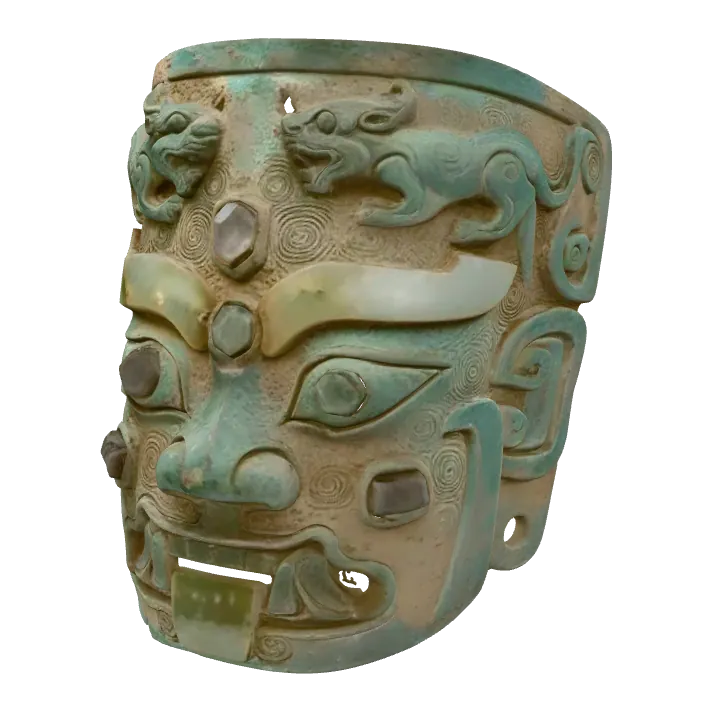
 Made from one picture