
Custom Pet Figurine from Your Photo
Custom pet figurine ideas, from sofa snapshot to shelf
Pet photos on the left, figurines on the right. These are third-party reference examples, there to show which poses and styles turn out well.
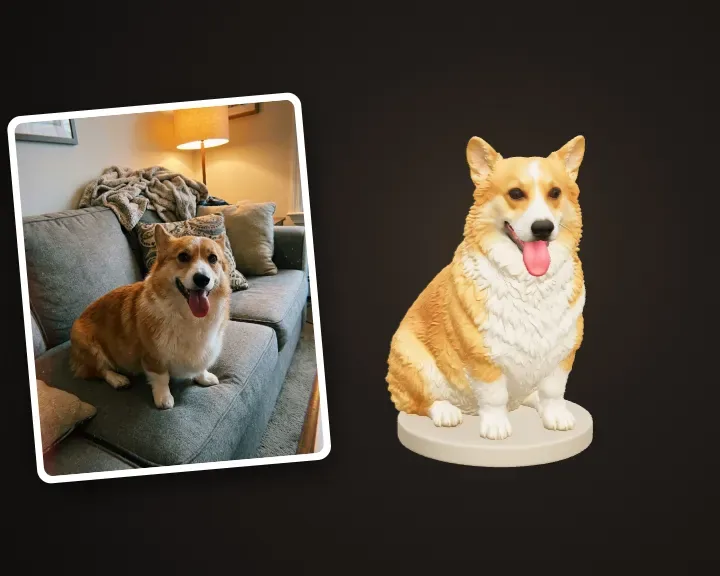 Reference example
The classic sitA dog sitting upright is the easiest pose to model and print: compact, stable, with all four paws on the ground. 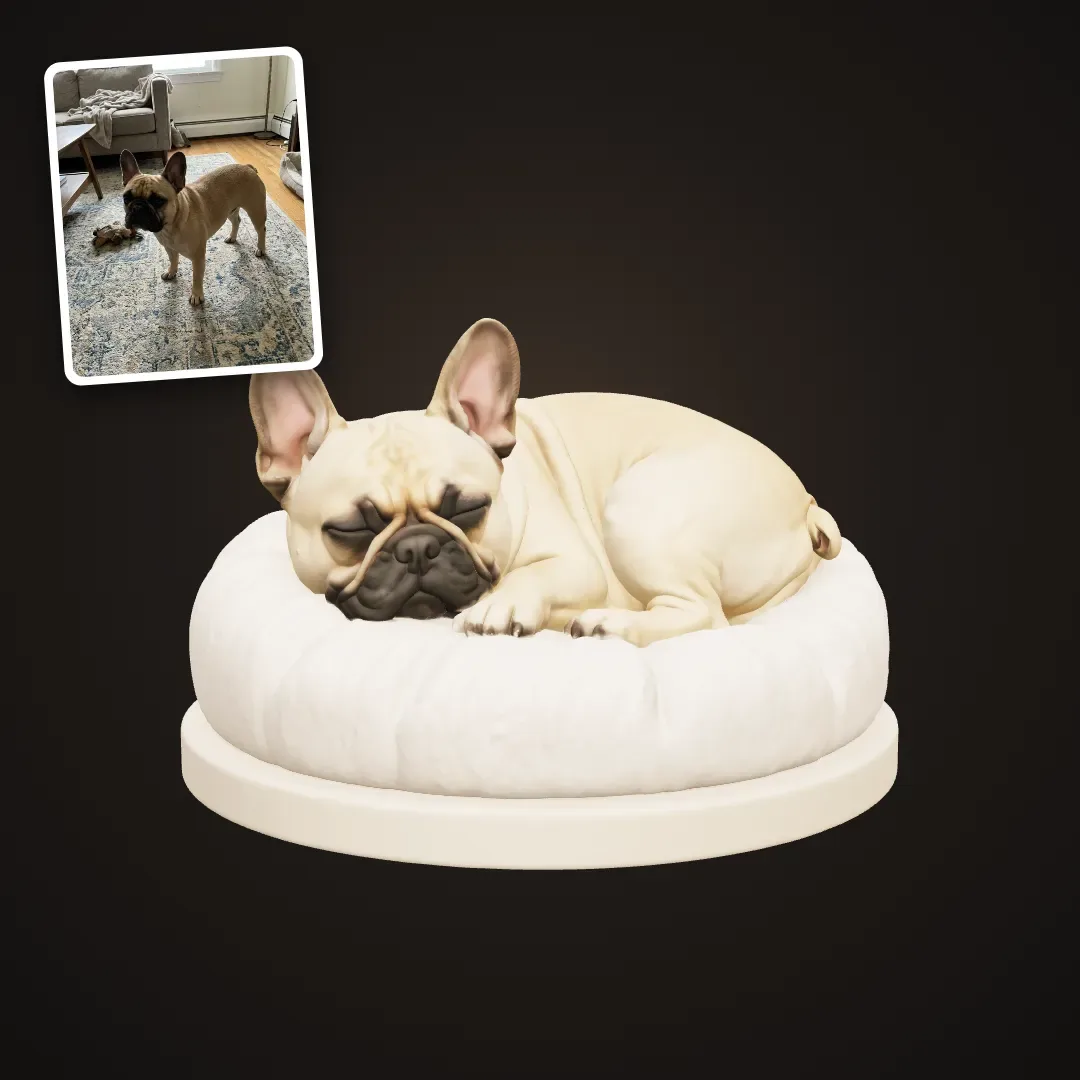 Reference example
Asleep on a cushionCurled-up sleeping poses have almost no overhangs, so they print with few supports and look calm on a shelf. 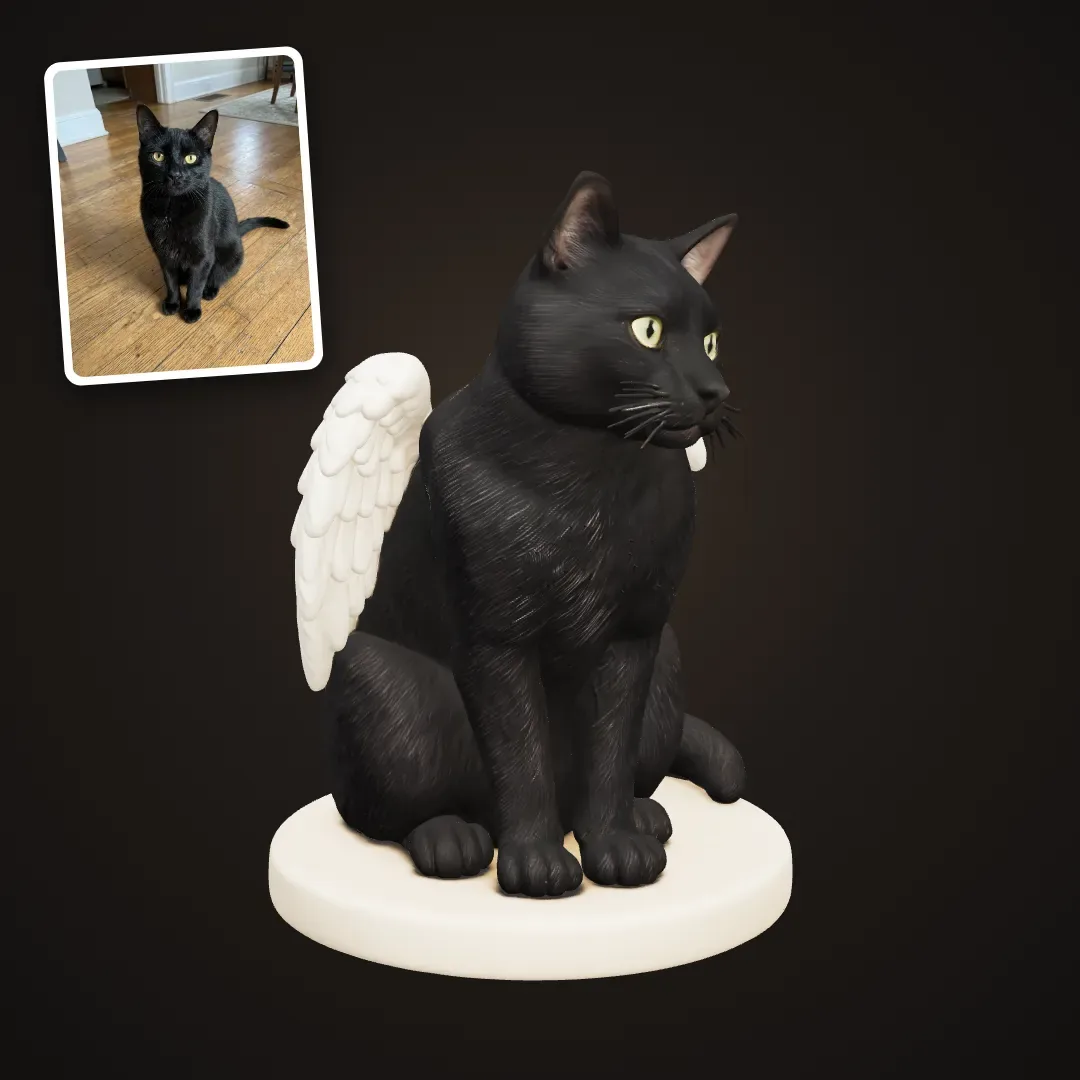 Reference example
A memorial for a catDark fur hides shape in photos. Shoot a black cat in bright, soft light so the ears, eyes and paws stay readable. 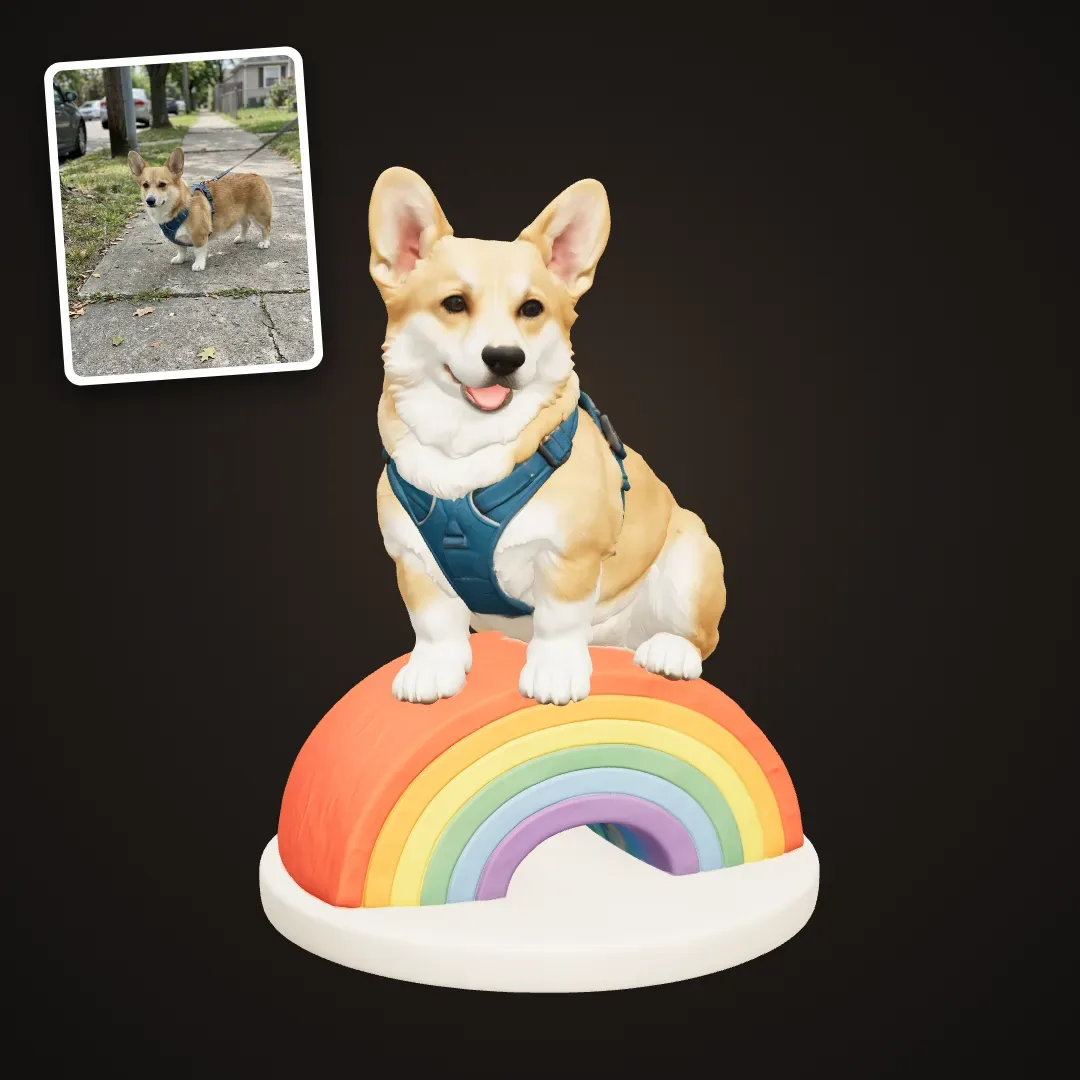 Reference example
Rainbow bridge keepsakeWings, rainbows and hearts are best added as a separate base in the STL editor, then joined to the figure. 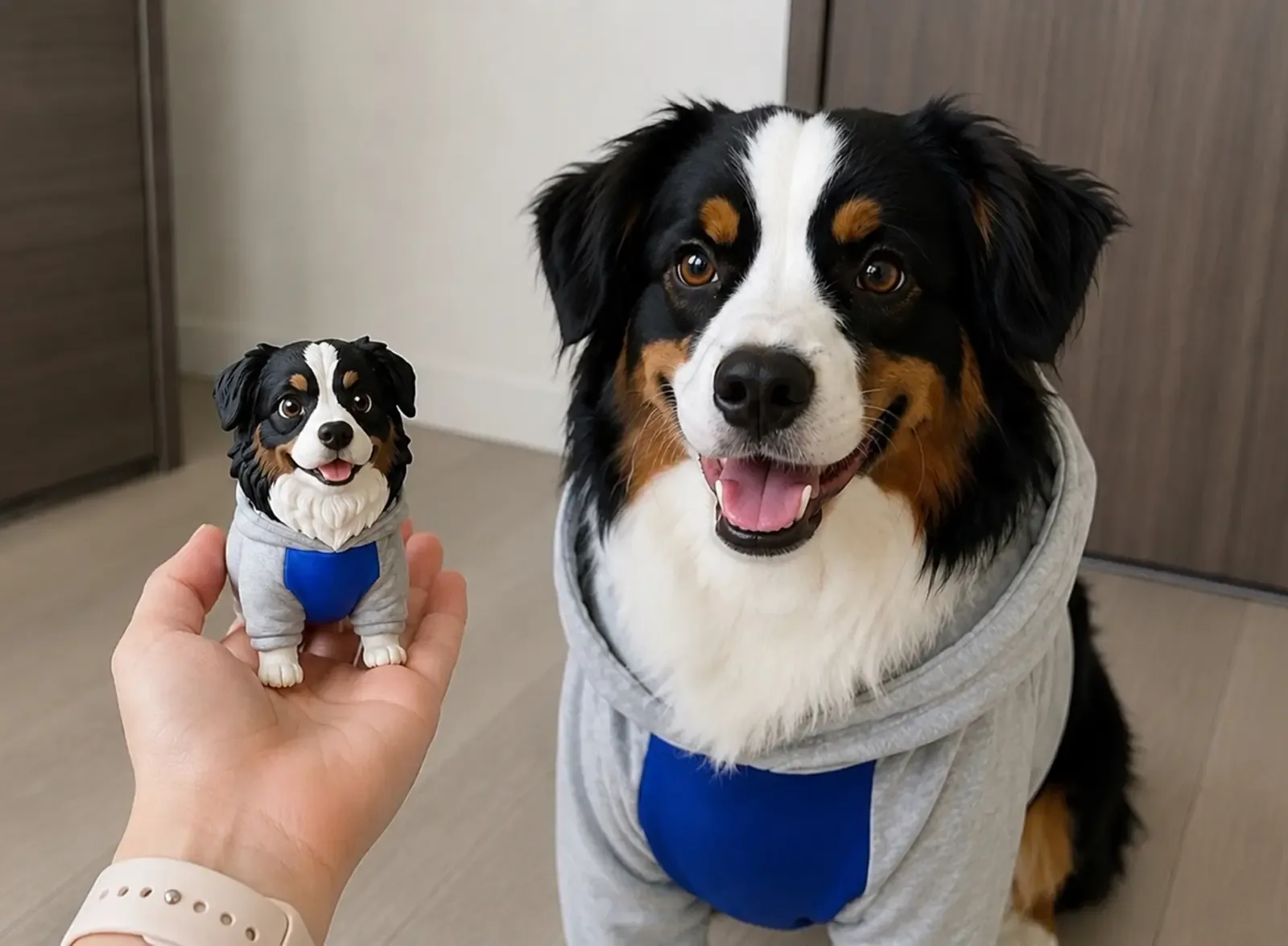 Reference example
Palm-sized portraitSmall figurines carry likeness through markings and colour more than shape, so plan to paint the patches. 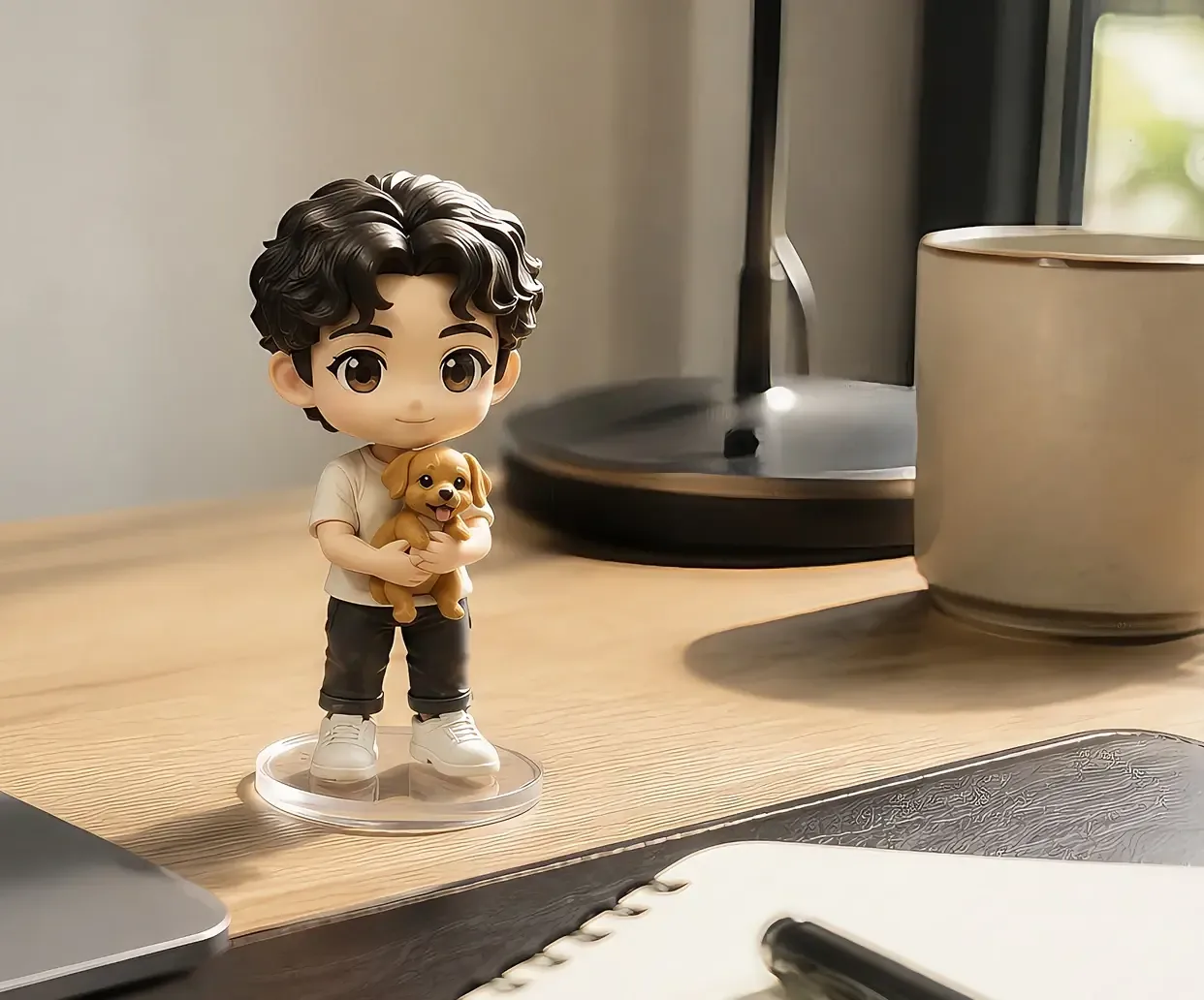 Reference example
You and your pet togetherFor an owner-with-pet piece, use one photo of both. For a pet-only figurine, crop the owner out first.
Reference examples from other services (3D AI Studio, Meshy), shown as placeholders until we publish our own. They were not made with Kairo3D.
From pet photo to printed figurine
Four stages from a snapshot of your dog or cat to a figurine you can hold, each shown with a third-party reference picture.
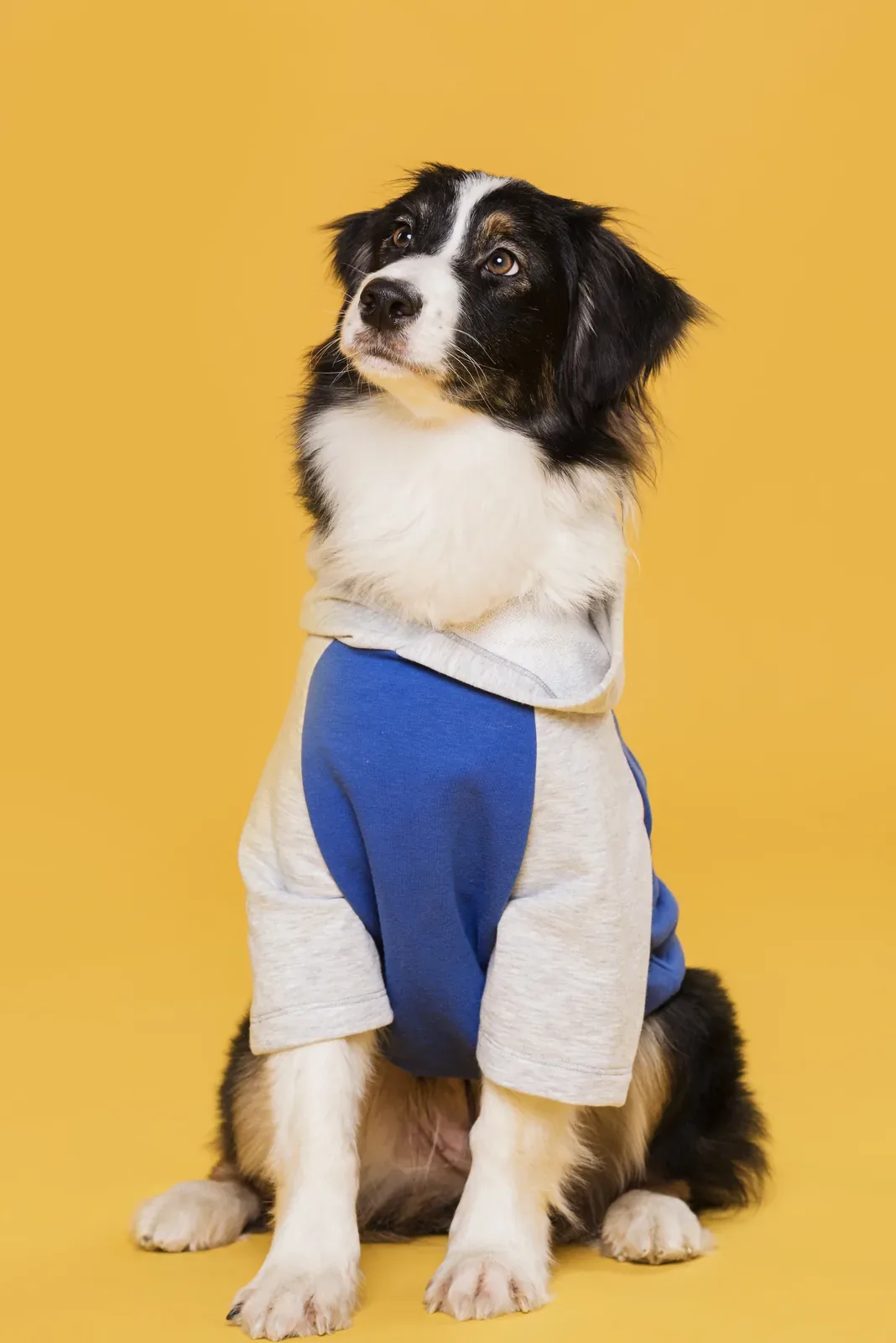 1PhotoReference example
Start with one sharp, full-body photoEye level, whole pet in frame, plain background. A sitting or standing pose prints better than a curled-up one. 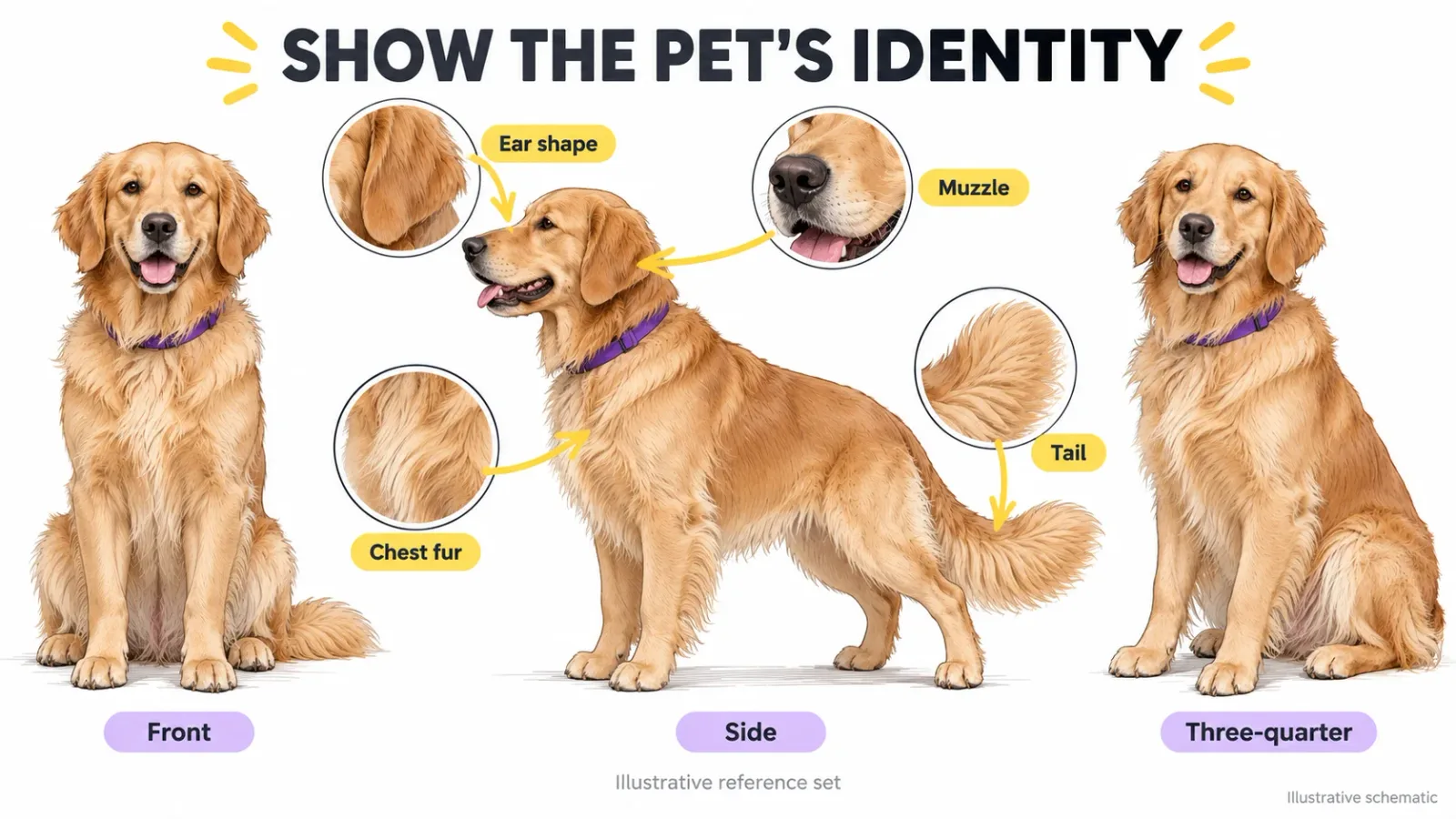 2IdentityReference example
Check what makes your pet recognisableEar shape, muzzle, chest fur and tail carry the likeness. Make sure they are visible in the photo you upload. 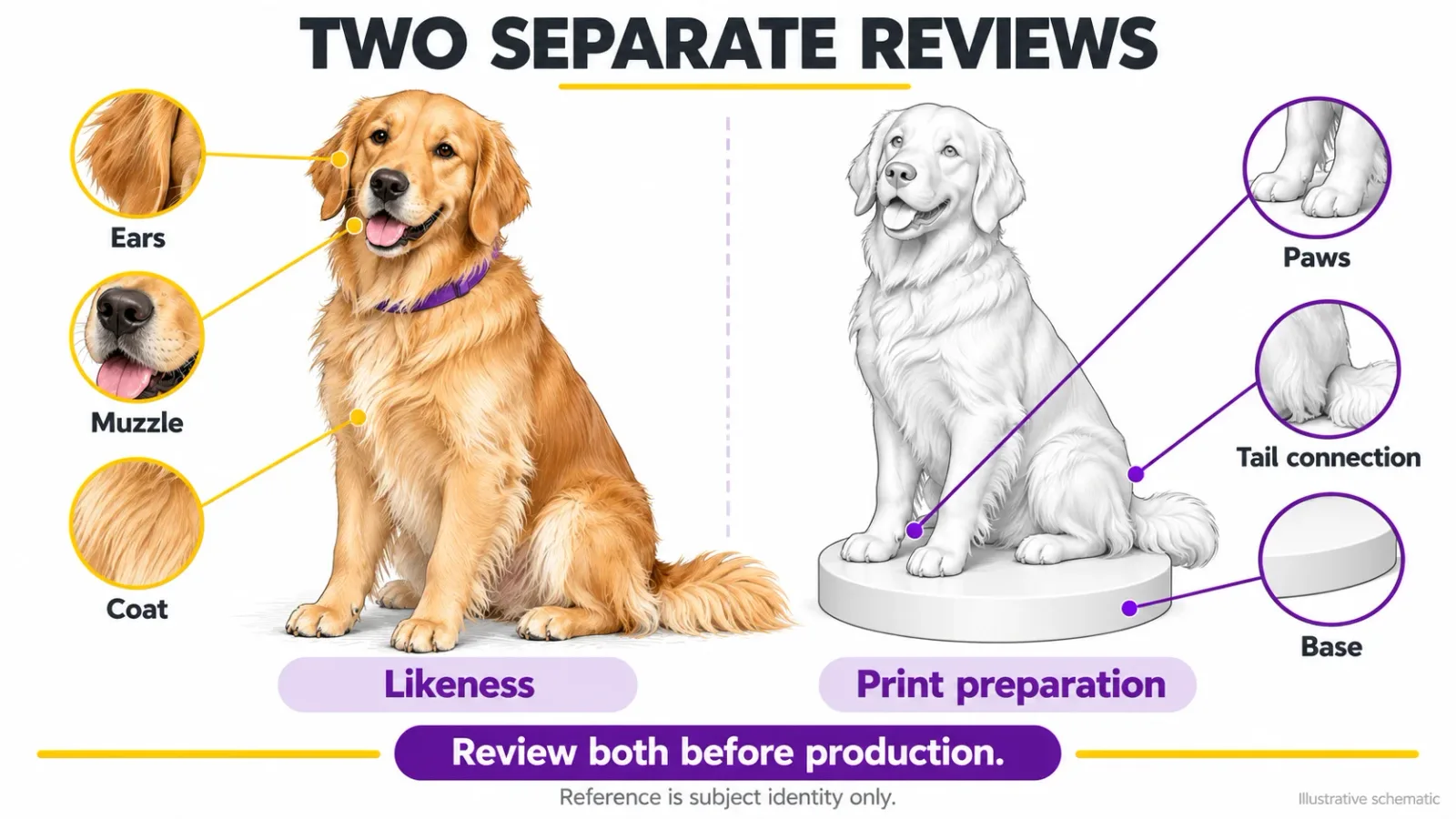 3ModelReference example
Review likeness and printability separatelyFirst: does it look like your pet? Then: are the paws, tail joint and base solid enough to print? 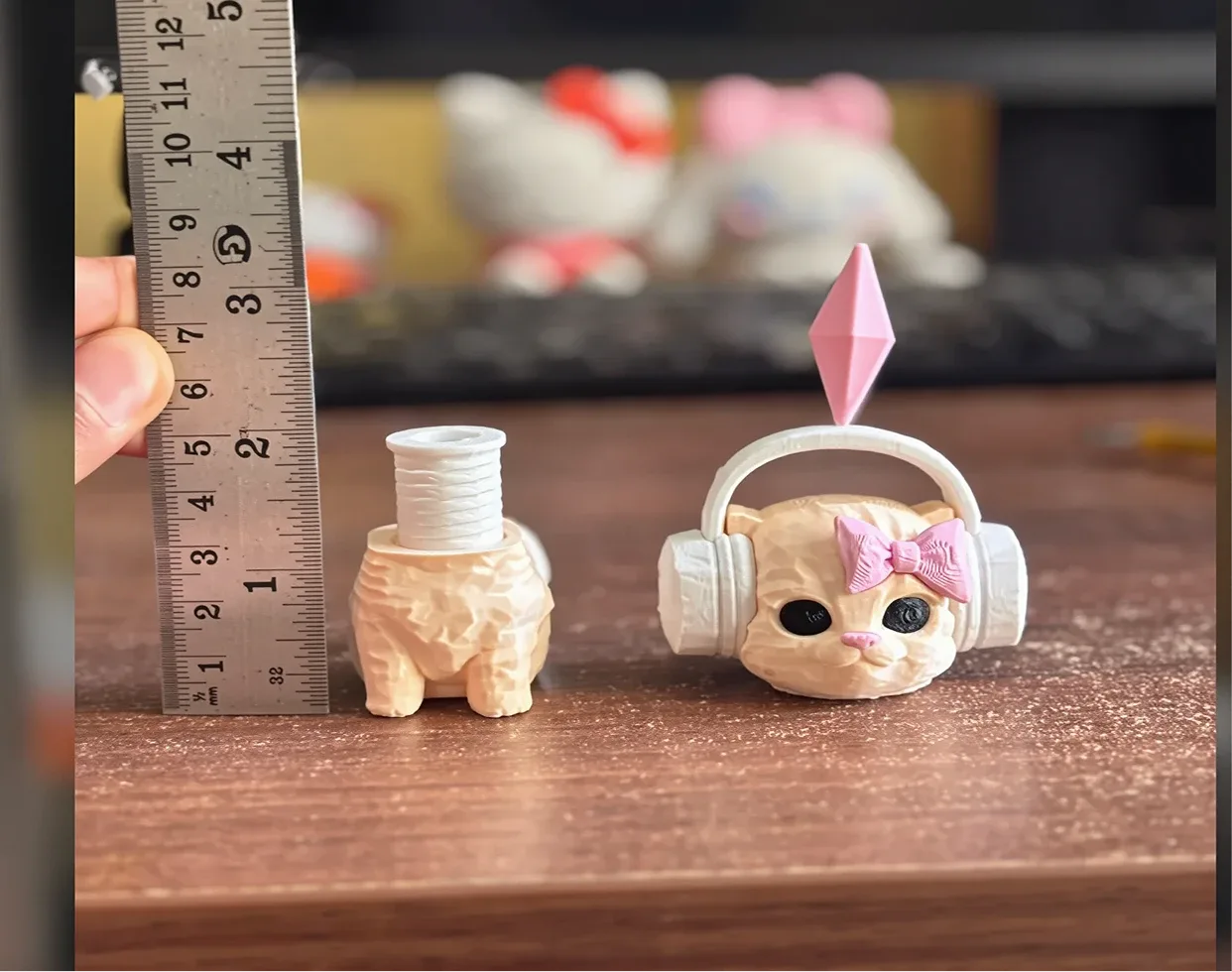 4PrintReference example
Print small first, then scale upA test print at 3 to 5 cm shows weak spots cheaply. Then print the keepsake at full size and paint it.
Reference examples from Meshy and Tripo product and blog pages. Not made with Kairo3D.
Photographing pets for a 3D figurine
Pets rarely pose on cue. A few minutes of setup gives the engine a much clearer animal to work from.
Get down to their level
Shoot from the pet’s eye height, not from above. Top-down photos squash the legs and stretch the head.
Keep them still
Wait until they sit or lie down, hold a treat just above the lens and use burst mode, then pick the sharpest frame.
Contrast with the fur
Light pet, darker background; dark pet, lighter background. Fur that blends into the sofa blends into the model.
Do
- Show the whole animal, including the tail and all four paws
- Use a side or 3/4 view so the body length is visible
- Shoot in daylight so fur colour and markings are true
- Take off bulky harnesses unless you want them in the figurine
- Use the sharpest original photo, not a messaging-app copy
Avoid
- Pets mid-jump or running (motion blur, tangled legs)
- Two pets overlapping each other in one frame
- Blankets or toys covering the paws
- Flash photos with glowing eyes
- Heavy zoom from far away
How to make a custom pet figurine
Four steps from a pet photo to a printable STL. The model stays in your history so you can re-download it later.
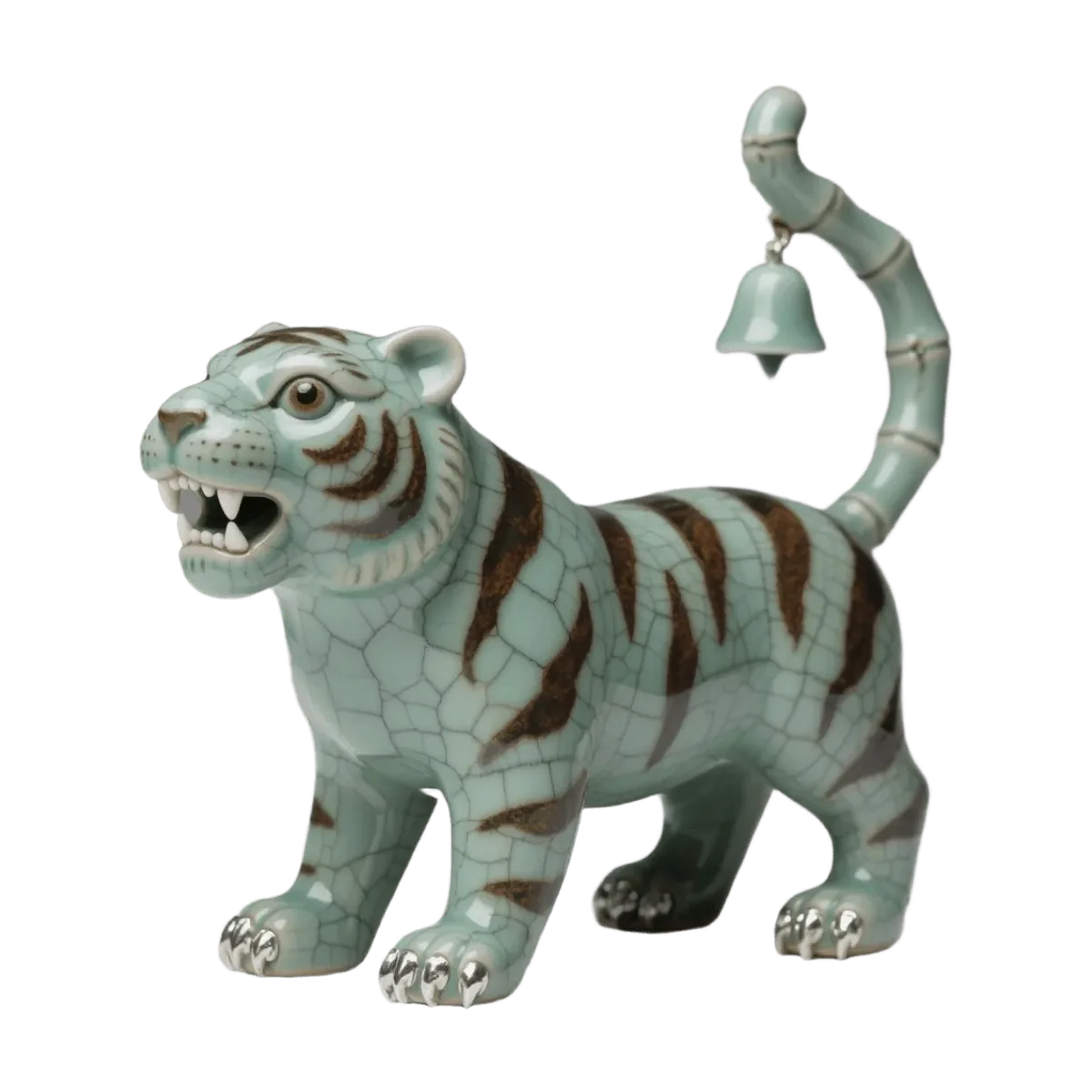
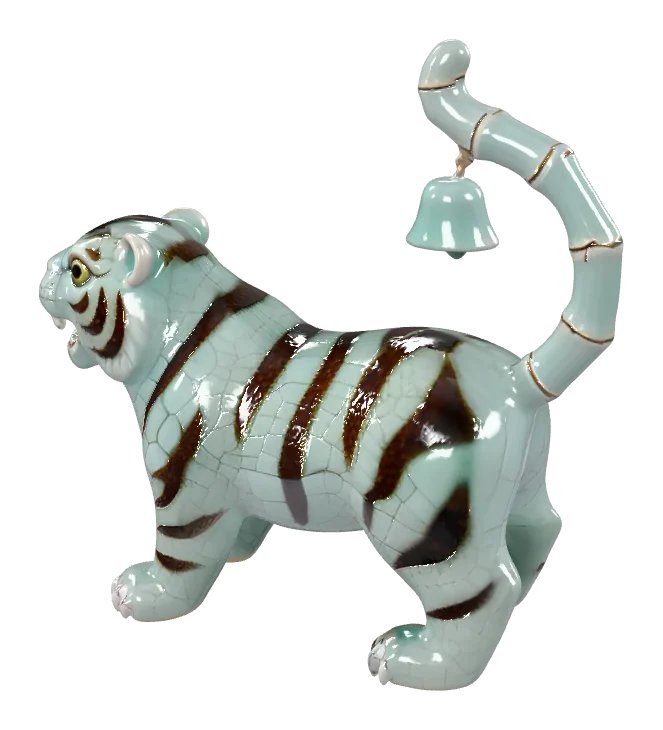
Choose a clear pet photo
Whole animal in frame, sharp eyes, good light. Crop out people and other pets.
Generate the 3D pet
TRELLIS 2 is preselected; 6 engines accept photos. You see the credits before you start, and failed runs are refunded.
Inspect ears, tail and paws
These are where AI guesses most. If the tail is missing or the ears merge, try another photo or engine.
Download the STL and print
Pick STL at download, scale it in the slicer and print at home, or send the file to a print service.
Which engine for a dog or cat?
Each of the 6 engines reads one pet photo. A run costs 8 to 150 credits, depending on the engine.
| Engine | Typical time | Credits per run | Licence |
|---|---|---|---|
| TRELLISMicrosoft | ~30 s | 8 credits | MIT |
| TRELLIS 2MicrosoftDefault | ~60 s | 120 credits | MIT |
| Tripo H3.1Tripo AI | ~60 s | 120 credits | Commercial API (Tripo AI terms) |
| Hunyuan 3D 3.1 ProTencent | ~2 min | 150 credits | Tencent Hunyuan 3D licence (check territory terms) |
| Rodin Gen-2.5 FastHyper3D (Deemos) | ~30 s | 40 credits | Commercial API (Hyper3D terms) |
| Pixal3DTencentARC | ~90 s | 120 credits | MIT |
Fur, whiskers and fluffy tails are hard for every engine. Try the cheaper fast engines first to check the pose, then rerun your favourite photo on a higher-detail engine.
Printing and painting a pet figurine
Most pet figurines are small. Choose the process with that in mind, and let paint do the work that fine fur detail can’t.
Pick a size
A keychain is about 4–5 cm, a desk figure 8–10 cm, a shelf memorial 12–15 cm. STL has no units, so set the height in your slicer and confirm it in the STL viewer.
Supports for ears and tails
Upright ears, lifted paws and tails overhang. Tree supports touch less of the surface. Sitting and sleeping poses need the fewest.
Resin or FDM
Under 8 cm, resin keeps eyes, nose and paw pads crisp. FDM suits bigger pieces; fine layers make fur look like fur instead of steps.
Paint the markings
Prime white for light pets and black for dark ones, paint the patches from your photo, then a brown wash brings out the fur texture.
| Use | Height | Best printer | Notes |
|---|---|---|---|
| Keychain or charm | 4–5 cm | Resin | Add a loop in the STL editor; thicken the ears |
| Desk figure | 8–10 cm | Resin or FDM | Good balance of detail and print time |
| Shelf memorial | 12–15 cm | FDM or resin | Room for painted markings and a name plate |
| Garden statue | 20 cm + | FDM | Use PETG or ASA outdoors; split into parts if needed |
Sizes are suggestions, not limits. Measure your print volume before you scale up.
Pet figurines, reliefs and memorial pieces
A pet photo can become more than a standing figure: cartoon figurines, keychains, relief plaques and memorial keepsakes.
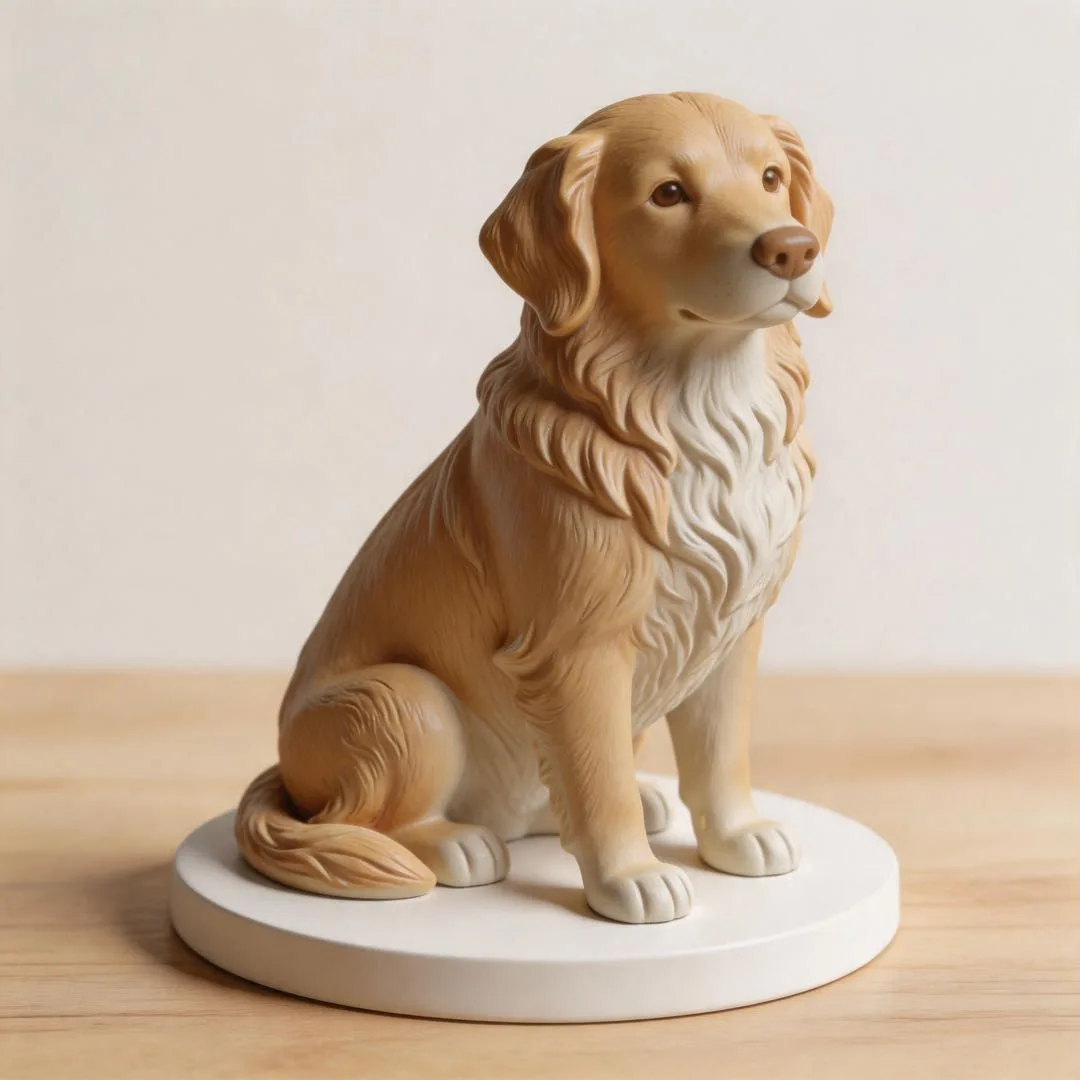 Reference example
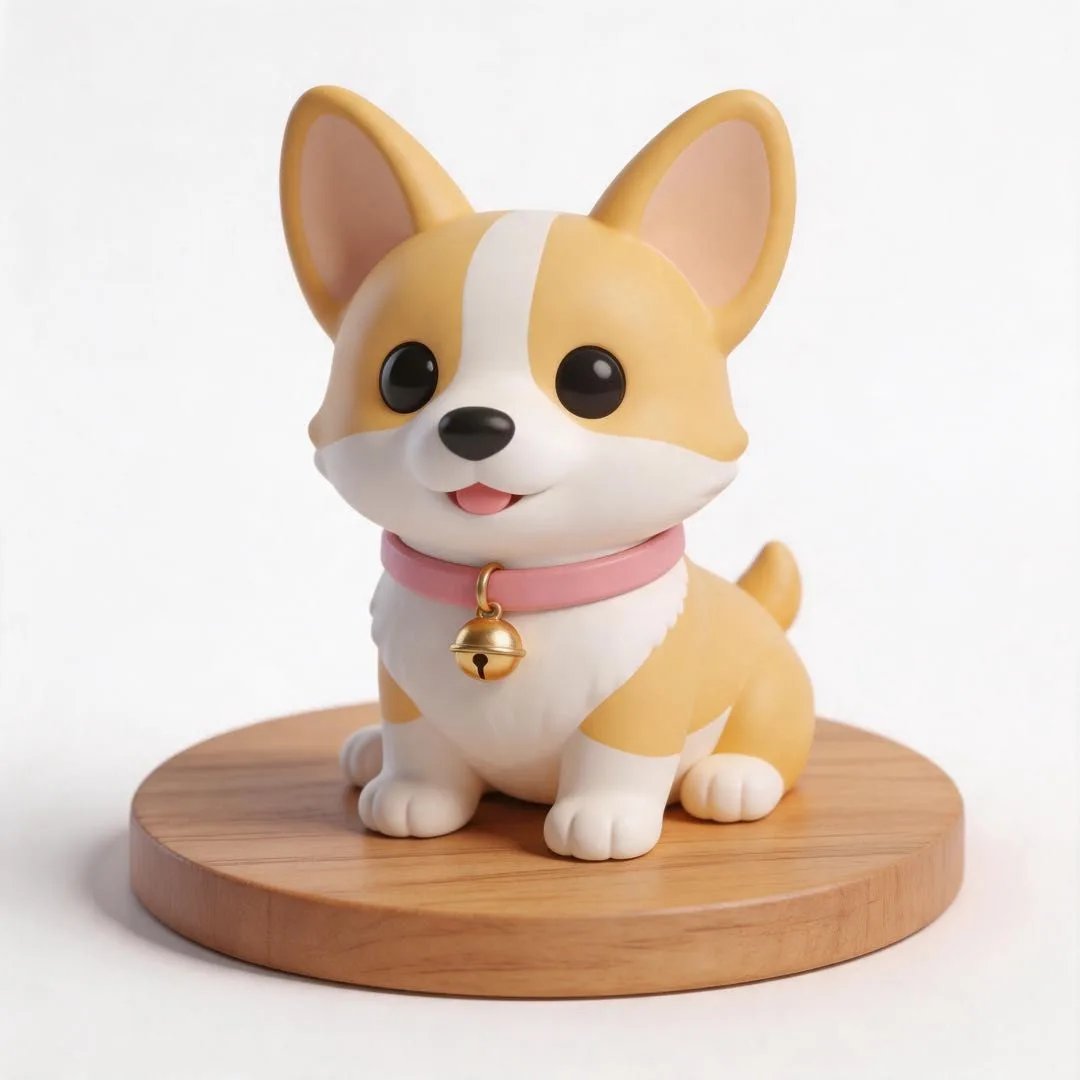 Reference example
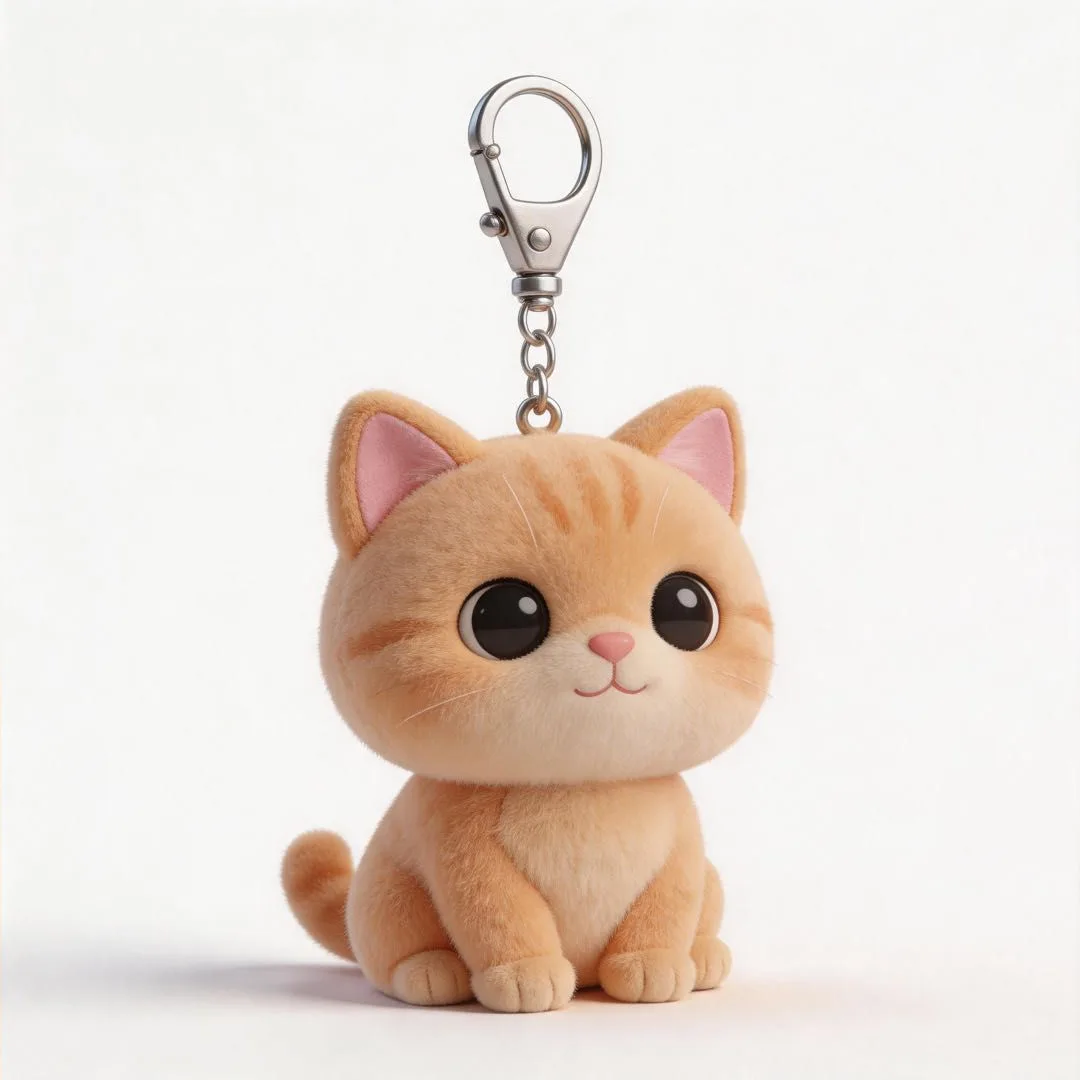 Reference example
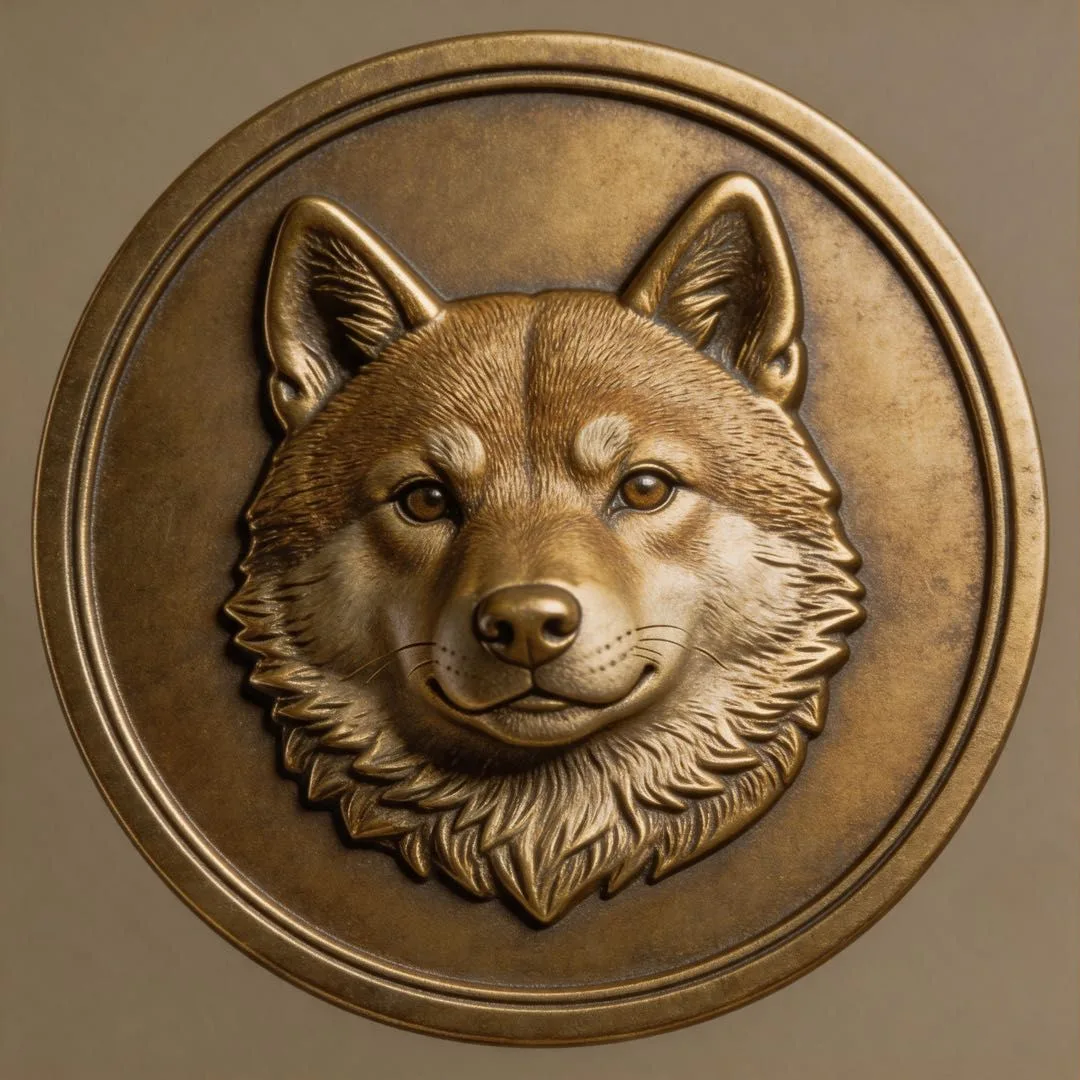 Reference example
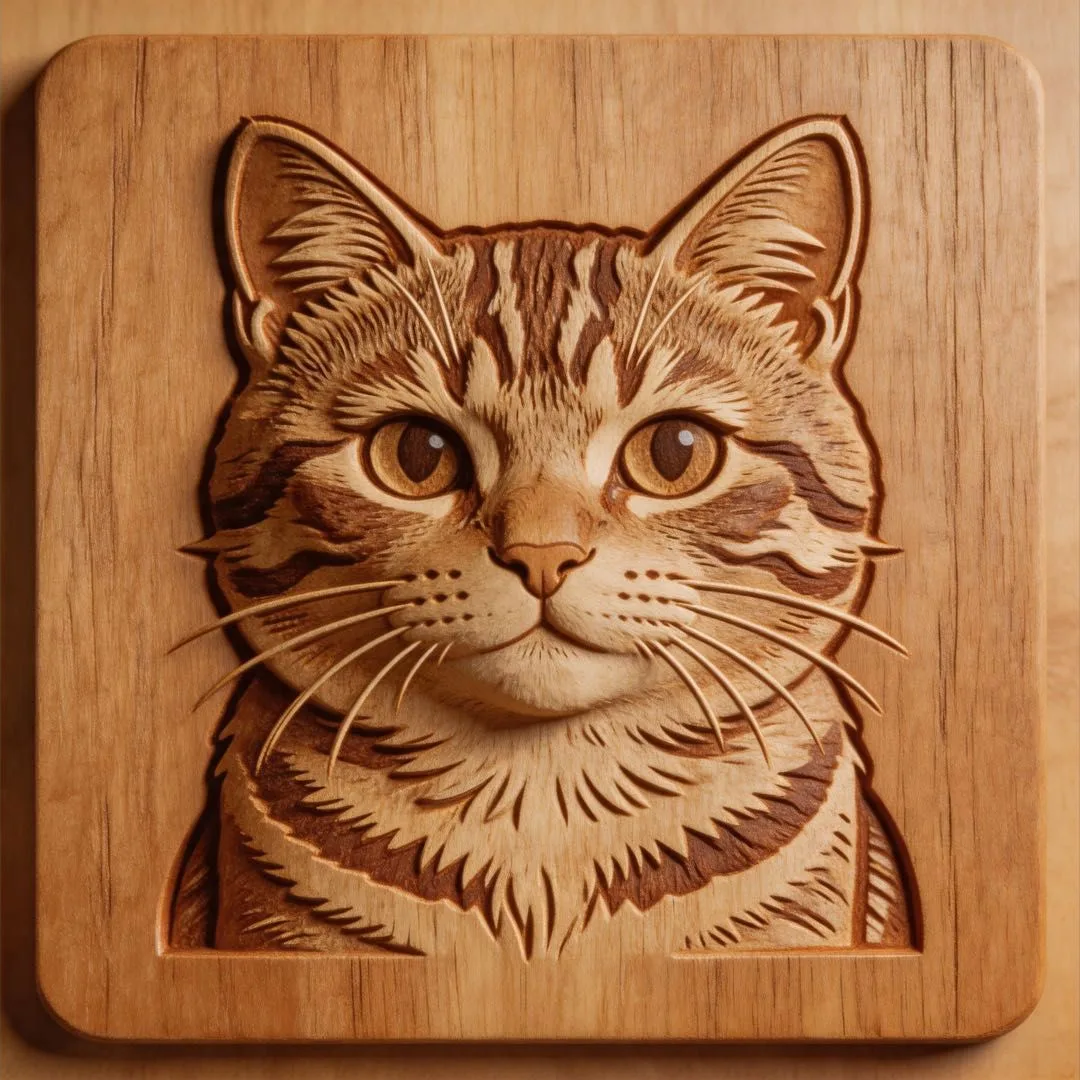 Reference example
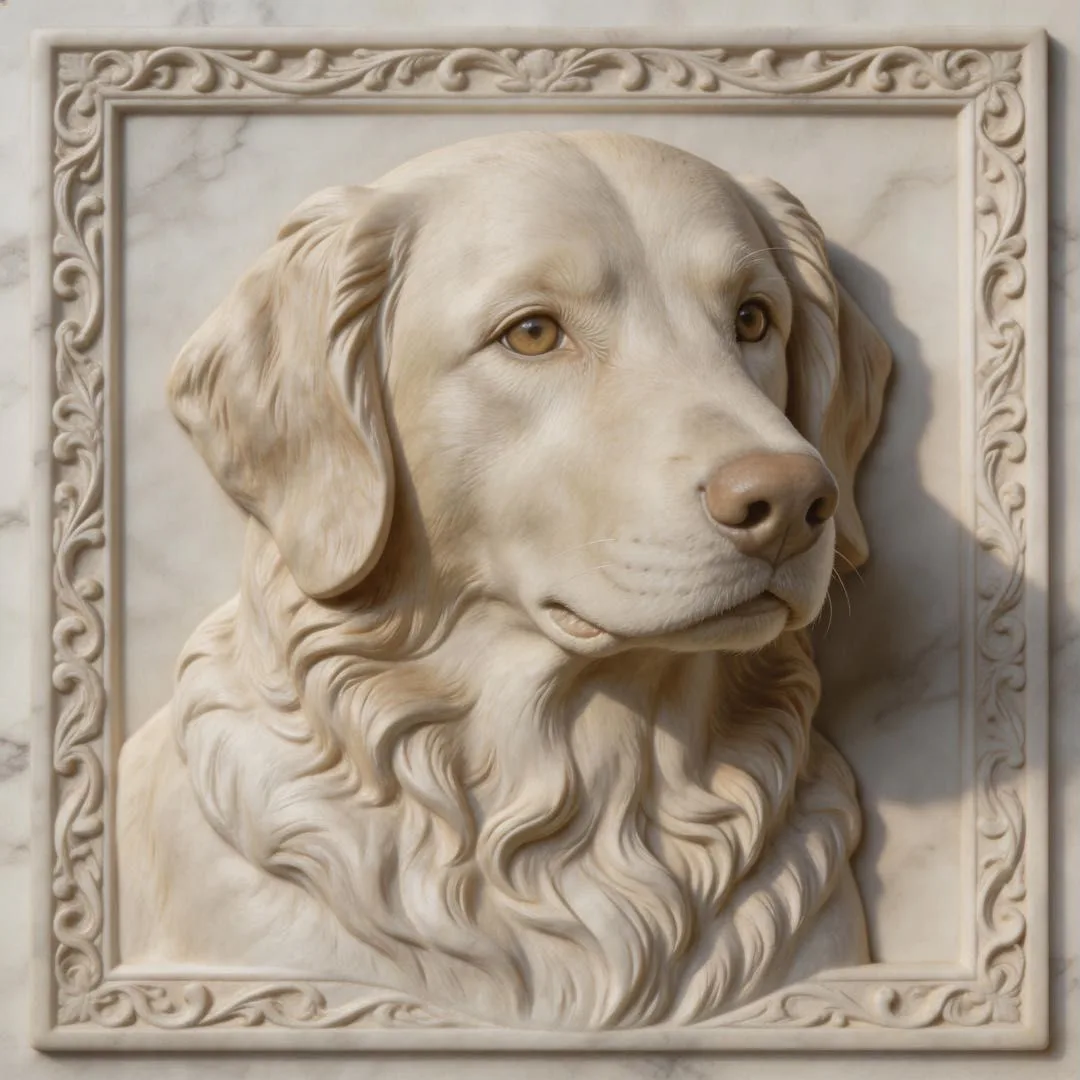 Reference example
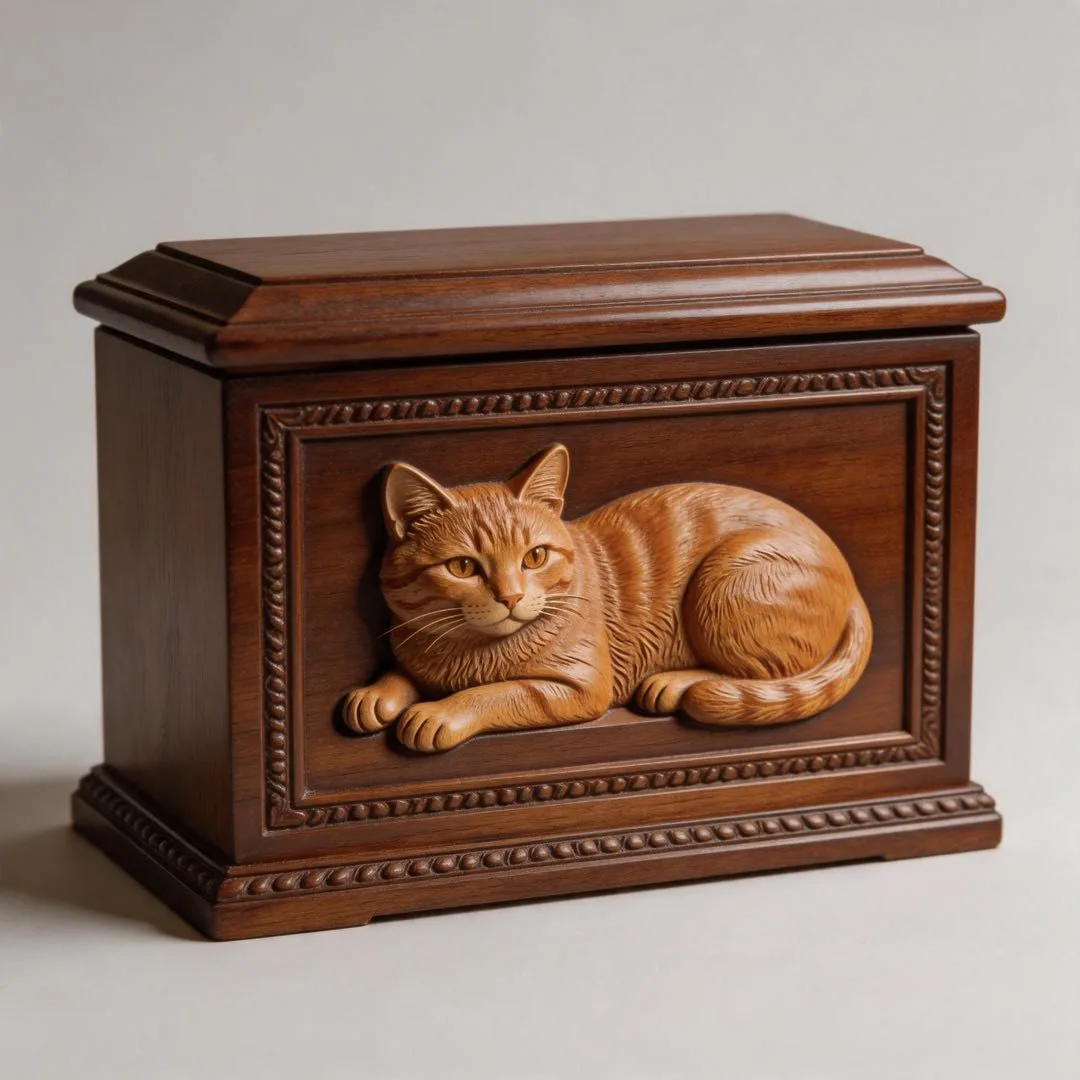 Reference example
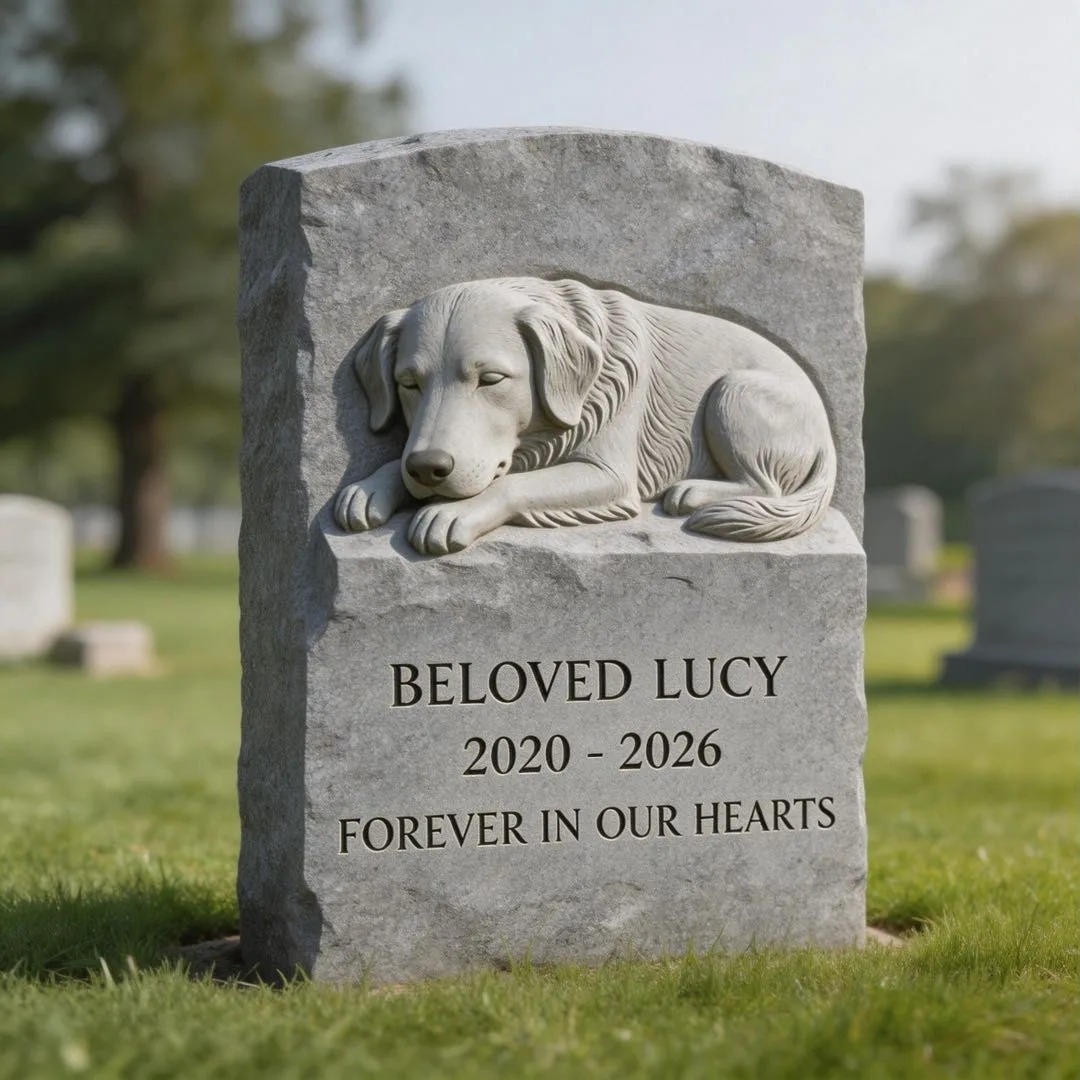 Reference example
s from the Hi3D blog (AI pet 3D printing). Shown for inspiration only; they were not made with Kairo3D.
Animal figurines to inspect in 3D
Third-party reference models, not made with Kairo3D. Rotate them to see how fur, tails and bases look on AI-made animals.
A pet figurine you control
Order services make one figure and ship it. With the file in hand you can print several, in any size, whenever you want.
Any pet, one photo
Dogs, cats, rabbits, birds or lizards: any animal with a clear full-body photo can be a figurine.
Print copies for the family
The STL is yours, so a figurine for each family member costs only filament or resin.
Memorial pieces
Add a name plate or a base in the free STL editor to make a keepsake for a pet that has passed.
Compare engines
6 engines read photos. Running two gives you two takes on the same pet to choose from.
Fix before you print
STL repair closes small holes and flipped faces, so the slicer doesn’t trip over thin ears or whiskers.
Pay only for results
Credits are shown up front; if a generation fails, they go back to your balance automatically.
Custom pet figurine: FAQ
Likeness, breeds, memorials and printing.
Related generators and tools
Make figurines of people too, or finish your pet STL.
Custom Figurine from Photo
Turn a photo into a printable figurine STL.
Photo to Bust
Turn a portrait into a 3D bust for printing.
AI 3D character generator
Turn character art or a prompt into a textured 3D character.
AI miniature generator
Turn a hero into a printable tabletop mini.
Image to STL
Go from a photo to a 3D-printable STL file.
STL Editor
Scale, rotate, mirror and merge STL files online.
STL Repair
Find and fix holes, flipped normals and bad edges.
Nameplate Generator
Design a printable name plate and download STL.
Give your pet a spot on the shelf
Upload one clear photo of your dog or cat and download a printable STL in minutes.