
OBJ to 3MF Converter
Drop OBJ files to convert to 3MF
.obj (also STL, PLY, GLB, FBX) — up to 10 files at 200 MB each
STL has no units — most slicers read it as millimetres. Add a file to see its size.
Runs in your browser — your files are never uploaded.
- Nothing uploaded
- No sign-in
- Size in millimetres, Z-up
- Opens in Bambu Studio & PrusaSlicer
OBJ to 3MF at a glance
Measured on the robot figure sample built into the page.
2.35 MB → 884 KB
Our 84,664-triangle OBJ becomes a 3MF less than half its size: 3MF is a ZIP package, and shared vertices are stored once.
unit="millimeter"
OBJ has no unit, so slicers guess. The 3MF states millimetres, so Bambu Studio and PrusaSlicer open the robot at exactly 120 mm tall.
0.5 s
Time to write the 3MF for the sample on a laptop. Larger meshes take a few seconds; nothing waits in a server queue.
How to convert OBJ to 3MF
Three steps. No account, no install.
Open the OBJ
Drag the .obj onto the converter (the .mtl and textures are not needed). The model appears in 3D with its triangle count and bounding-box size.
Check the size and orientation
Read the size box: if a 12 cm figure shows as 12 mm, pick “cm → mm”; if it shows as 0.12, pick “m → mm”. Leave “Upright” on so a Y-up OBJ stands on the build plate.
Download the 3MF
Keep 3MF selected and click “Convert & download”. Open the file in Bambu Studio, OrcaSlicer, PrusaSlicer, Cura or Windows 3D Builder and slice as usual.
What carries over from OBJ to 3MF
OBJ describes a mesh for 3D software; 3MF describes a part for a printer. The shape transfers fully — appearance data does not.
OBJ: mesh for 3D software
3MF: part for the slicer
| What carries over from OBJ to 3MF | OBJ | 3MF |
|---|---|---|
| Shape (every triangle) | Yes | Yes |
| Unit | None | Millimetres |
| Up axis | Y-up | Z-up |
| Materials (.mtl) and textures | Yes | No |
| Vertex colors | Sometimes | No |
| Several objects / groups | Yes | Merged |
| Compressed file | No | ZIP |
Need colors for a multi-color print? Import the 3MF, then paint it with the slicer’s color painting tool or split it into parts and assign filaments.
The unit problem, and how the 3MF fixes it
An OBJ stores bare numbers. Here is what one model 12 units tall becomes depending on how those numbers are read.
▏256 mm build height (Bambu Lab X1 / P1 series)
Why OBJ files open at the wrong size
The OBJ format was designed for rendering, where only proportions matter. Blender defaults to metres, ZBrush to its own units, scanners often to millimetres, game assets to centimetres — and none of it is written into the file. Slicers assume millimetres, so the same OBJ can open 10× too small or 1000× too big.
Pick the reading once
The converter shows the bounding box as it would print in millimetres. If the height is not what you expect, choose the scale that fixes it (cm → mm, m → mm, inch → mm) or fit the longest side to 100 mm. The size box updates before you download.
The 3MF remembers
The 3MF model file starts with unit="millimeter". Every slicer that reads 3MF honours it, so the part keeps its size when it is shared, re-sliced or opened on another printer. That alone is a good reason to hand a printer a 3MF instead of the original OBJ.
| Source | Usual unit in the OBJ | Scale to choose |
|---|---|---|
| Blender (default scene) | metres | m → mm |
| Maya (default) | centimetres | cm → mm |
| Scans, AI models, unknown sources | varies | check the size box, or fit to 100 mm |
Why slicers prefer 3MF
Vendor material and printed parts that show what the 3MF format brings to a print workflow.
 Reference example
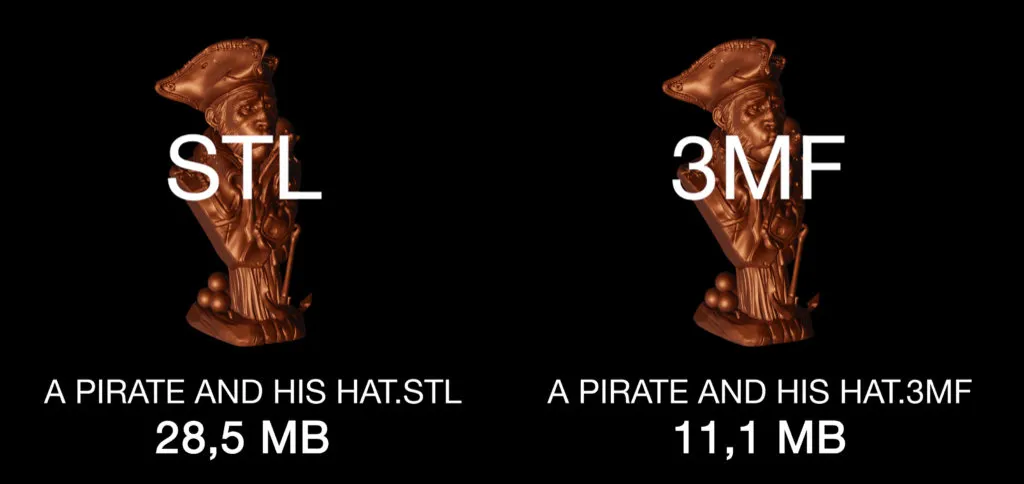
Smaller filesPrusa’s comparison of the same model as STL (28.5 MB) and 3MF (11.1 MB). 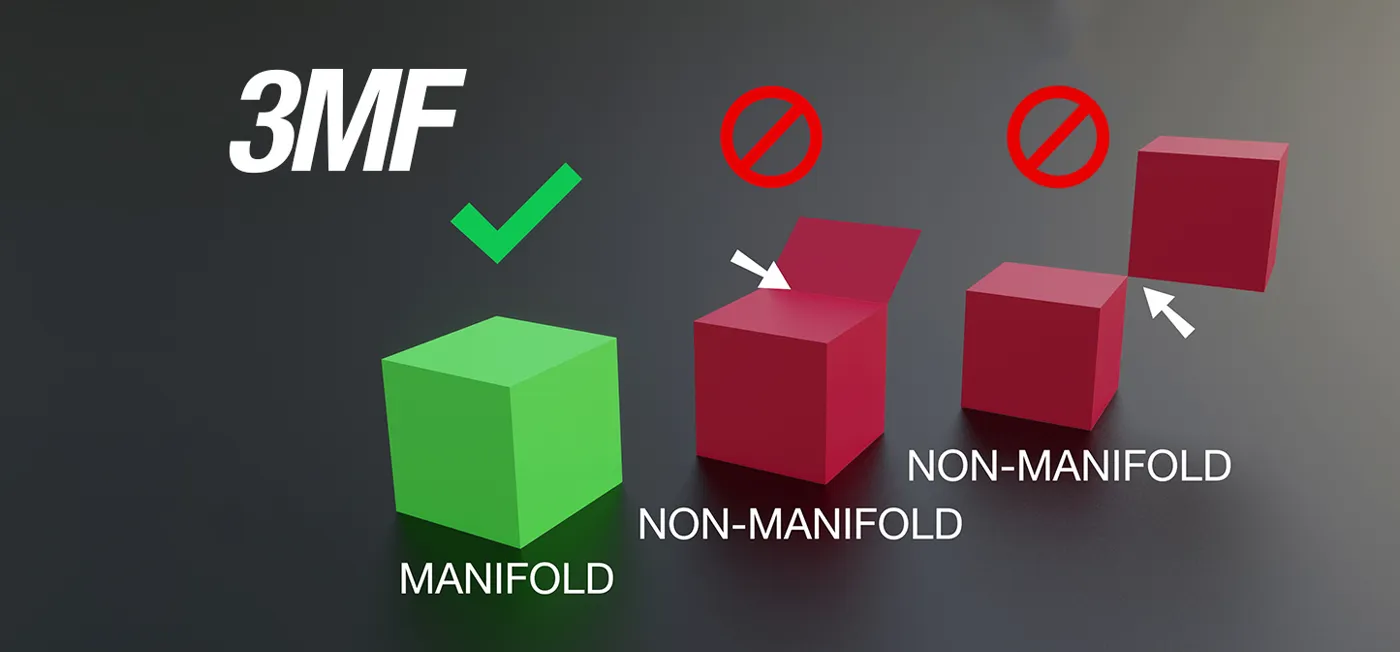 Reference example
Manifold meshesThe 3MF specification requires closed, manifold meshes — what a slicer needs to print. 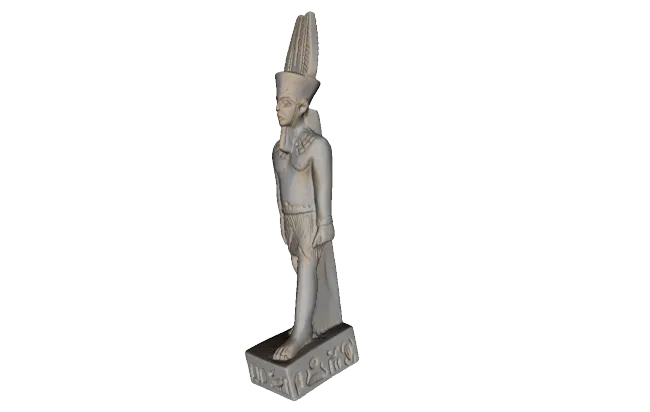 Reference example
Printed partsA small figure printed from a mesh model — the end point of every OBJ to 3MF conversion.
Images from the Prusa Research blog and Wikimedia Commons (public domain / CC0). Not made with Kairo3D.
Printable models made with Kairo3D
Generate a figure from a photo and download it as STL or 3MF, ready for the slicer.
An OBJ to 3MF converter made for printing
The three things that go wrong when an OBJ reaches a slicer — size, orientation and file weight — are handled before you download.
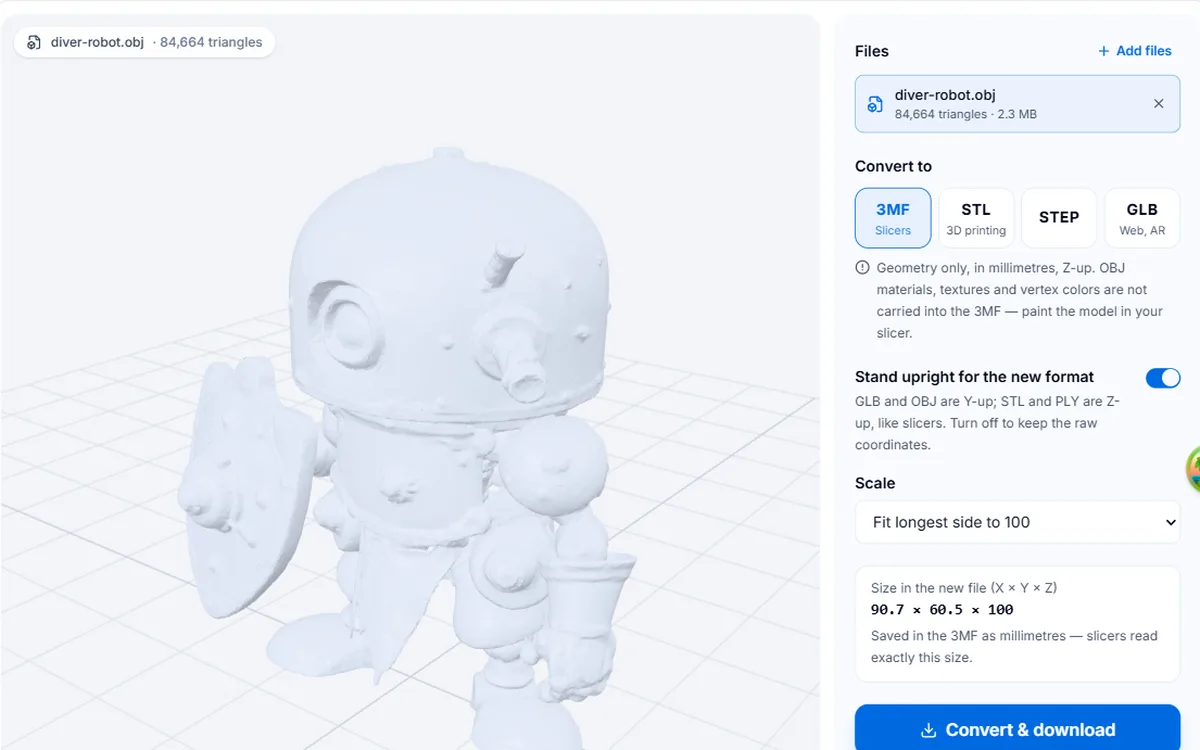
Size you can trust
The bounding box is shown in millimetres before conversion. Rescale centimetres, metres or inches to millimetres, or fit the longest side to 100 mm.
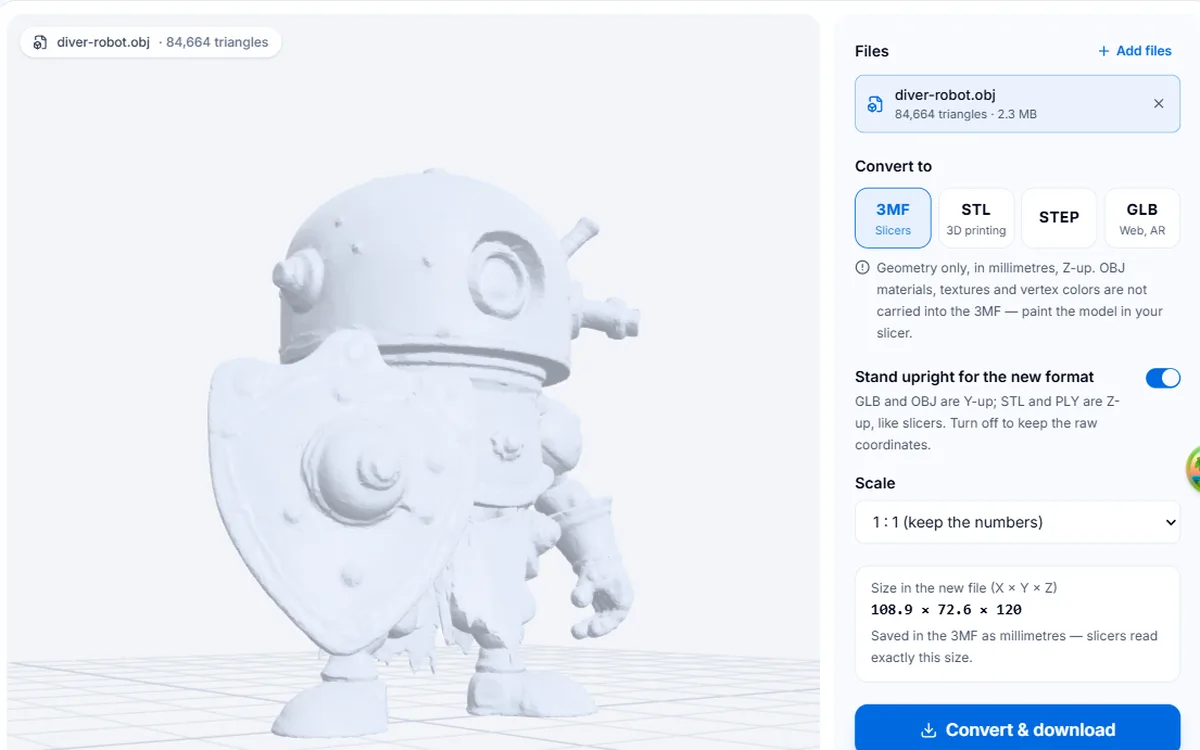
Stands on the plate
OBJ files are Y-up, 3MF is Z-up. Upright mode turns the model so it stands on the build plate instead of lying on its back.
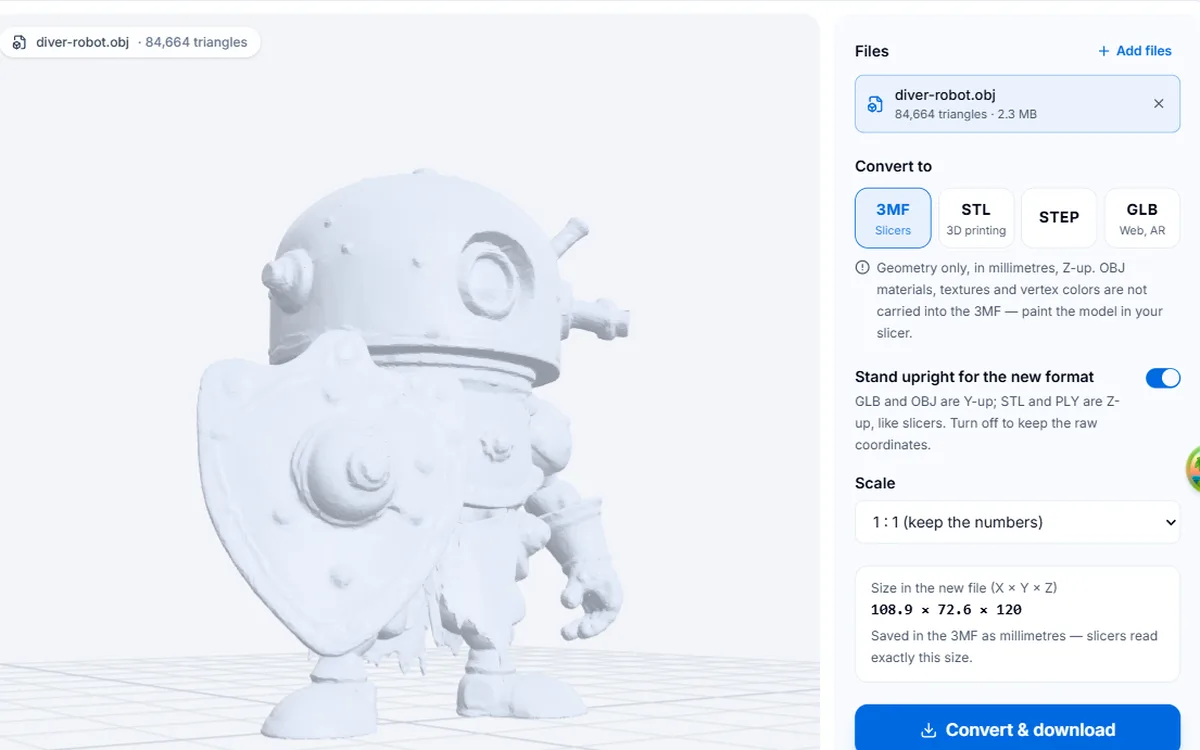
Smaller than the OBJ
3MF is zipped and stores each shared vertex once, so the file is usually less than half the OBJ — quicker to send to a printer over Wi-Fi.
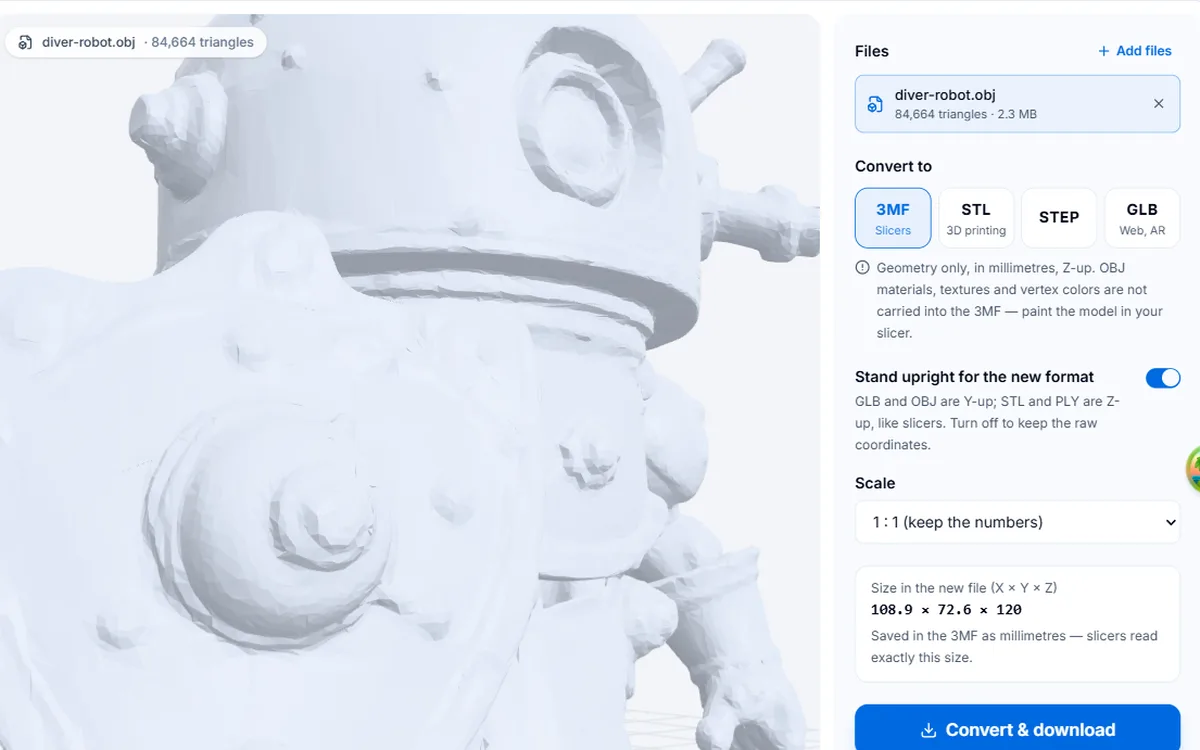
One clean object
All groups and parts of the OBJ are merged into one mesh object and degenerate triangles, which 3MF forbids, are left out.
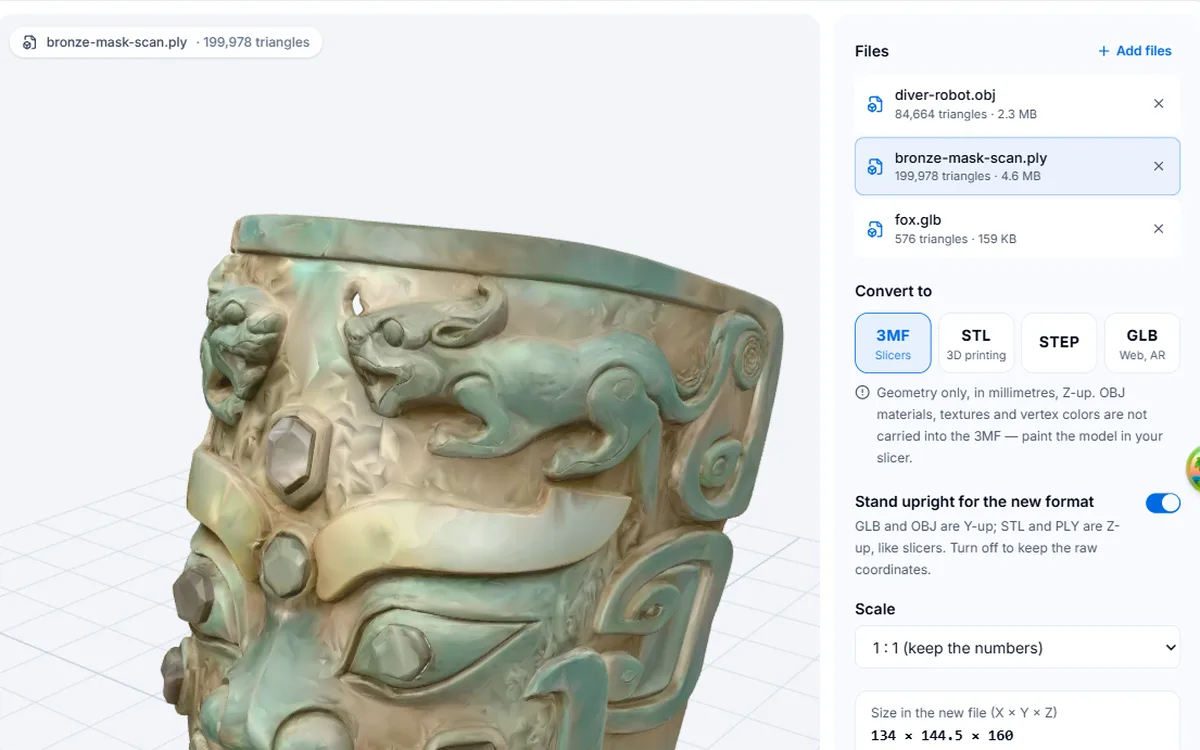
Batch conversion
Drop up to ten OBJ files and convert them in one go — handy for a set of miniatures or a kit of parts.
Private
The OBJ is read by three.js inside the tab and the 3MF is zipped in the browser. Client models never touch a server.
OBJ to 3MF FAQ
Units, colors, slicers and why 3MF is worth it.
More ways to work with your 3D files
View, convert, or make a model from scratch.
STL to 3MF
Pack STL files into a 3MF for your slicer.
3MF to OBJ converter
Pull the mesh out of a 3MF print project as an OBJ for Blender.
PLY to OBJ
Convert PLY scans and meshes to OBJ, keeping vertex colors.
OBJ to STL converter
Make a slicer-ready STL from any OBJ, upright and to scale.
3MF vs STL guide
What each format stores, and when to print from which.
Online 3D Viewer
Open STL, OBJ, GLB, 3MF, STEP, FBX and more in one viewer.
Print a figure from a photo
Upload a picture and Kairo3D generates a 3D model you can download as STL or 3MF.