
One STL or one 3MF: what your slicer sees
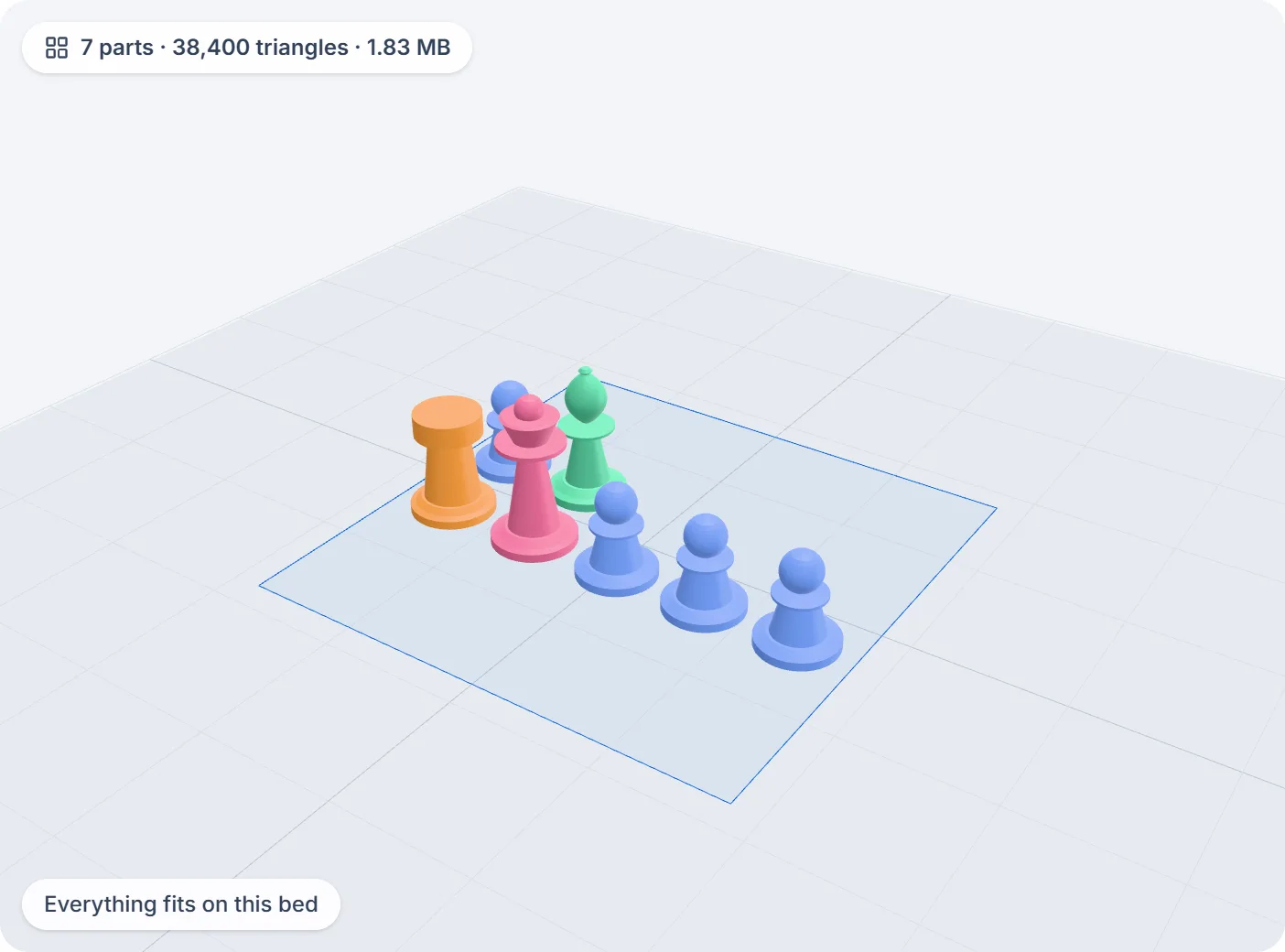
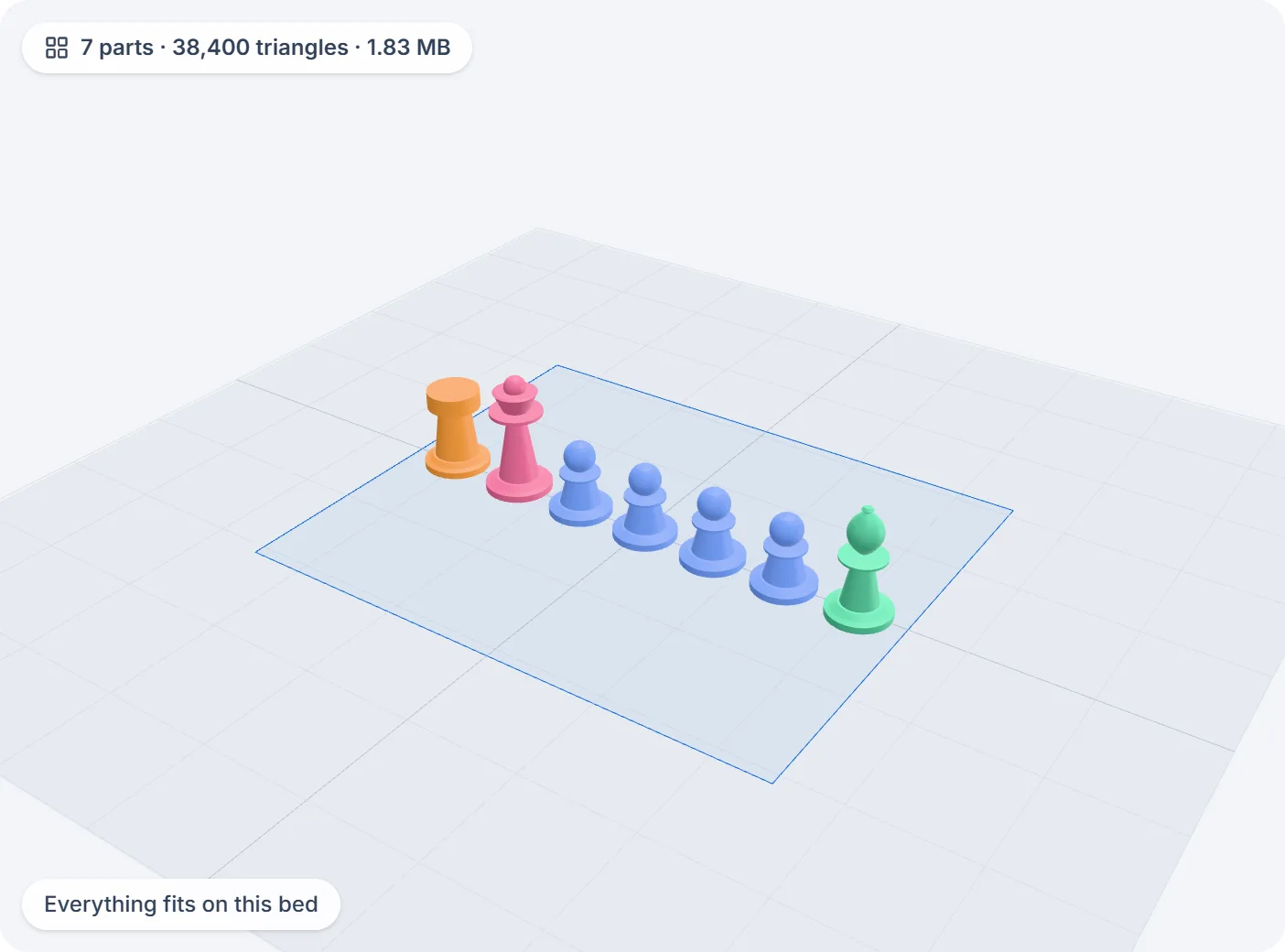
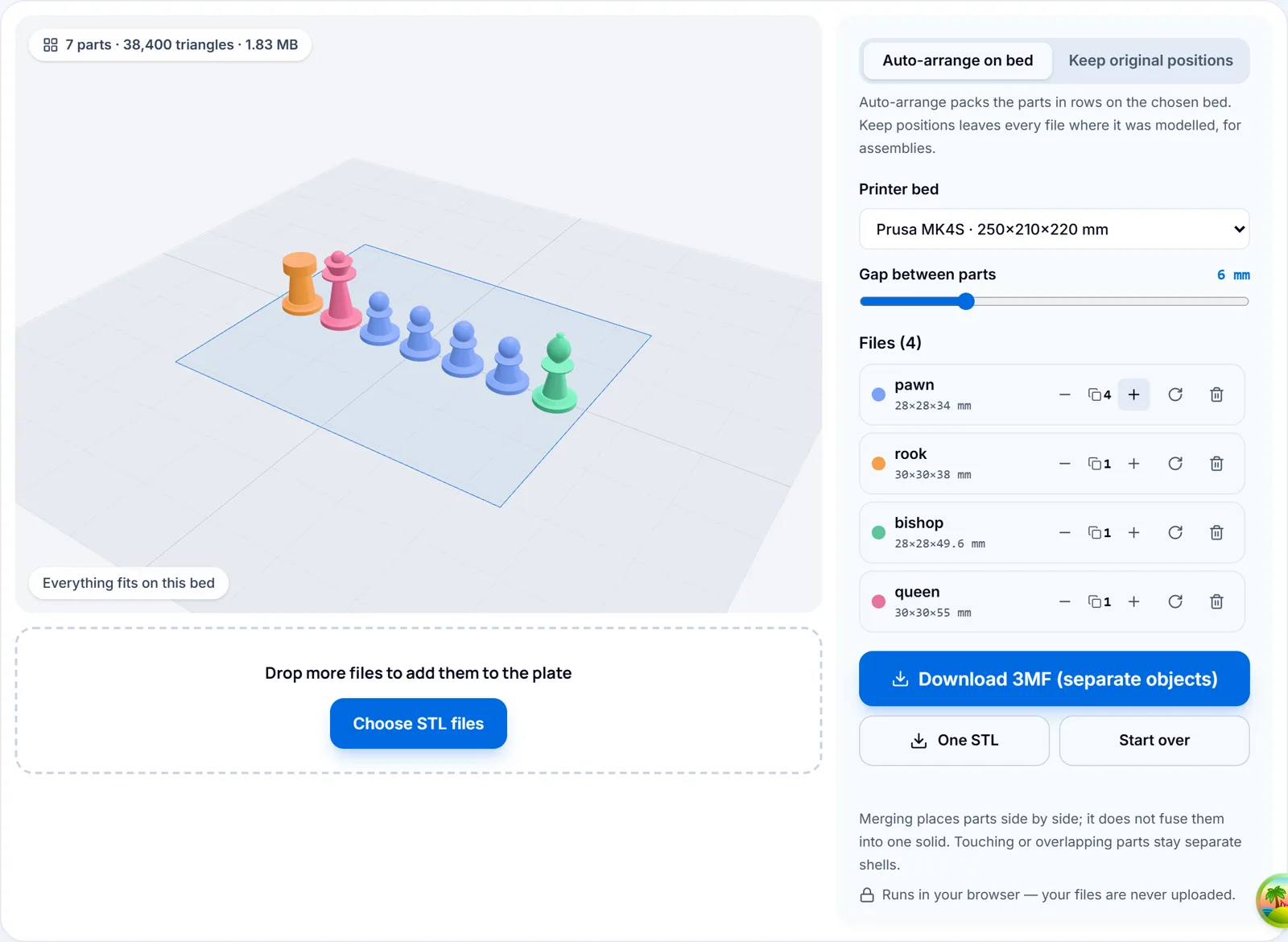
An STL file is a single list of triangles. It has no idea where one part ends and the next begins, so when you merge STL files into one STL, a slicer opens the result as one object. You can still move the whole plate, but you cannot pick a single pawn, give it a different filament or delete it without splitting the object first.
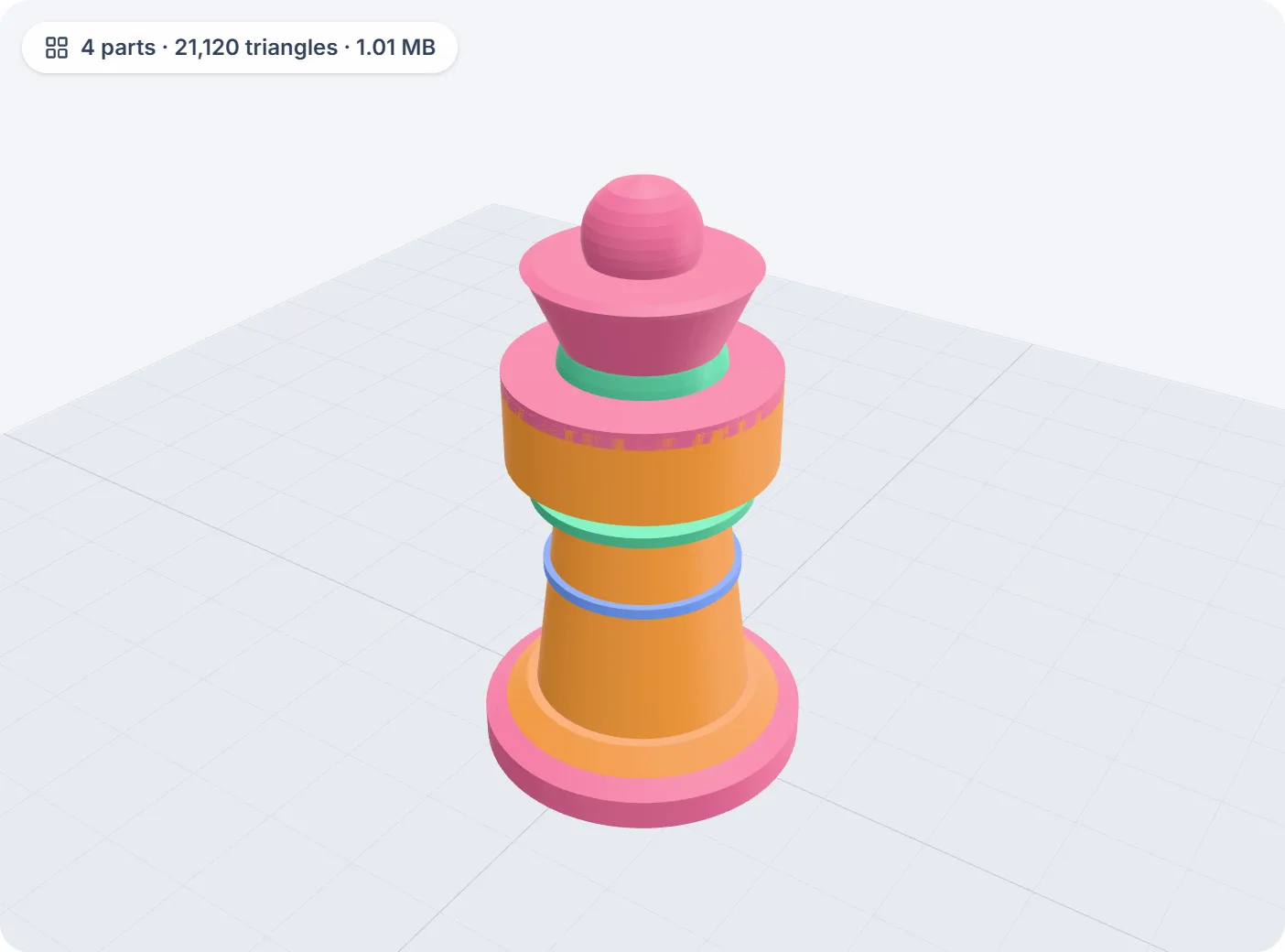
Most slicers can recover the parts. In Bambu Studio and OrcaSlicer, right-click the object and choose Split to objects; in PrusaSlicer, use Split to objects or Split to parts. These commands look for separate shells — groups of triangles that are not connected — so they work as long as the parts in your merged STL do not touch or overlap.
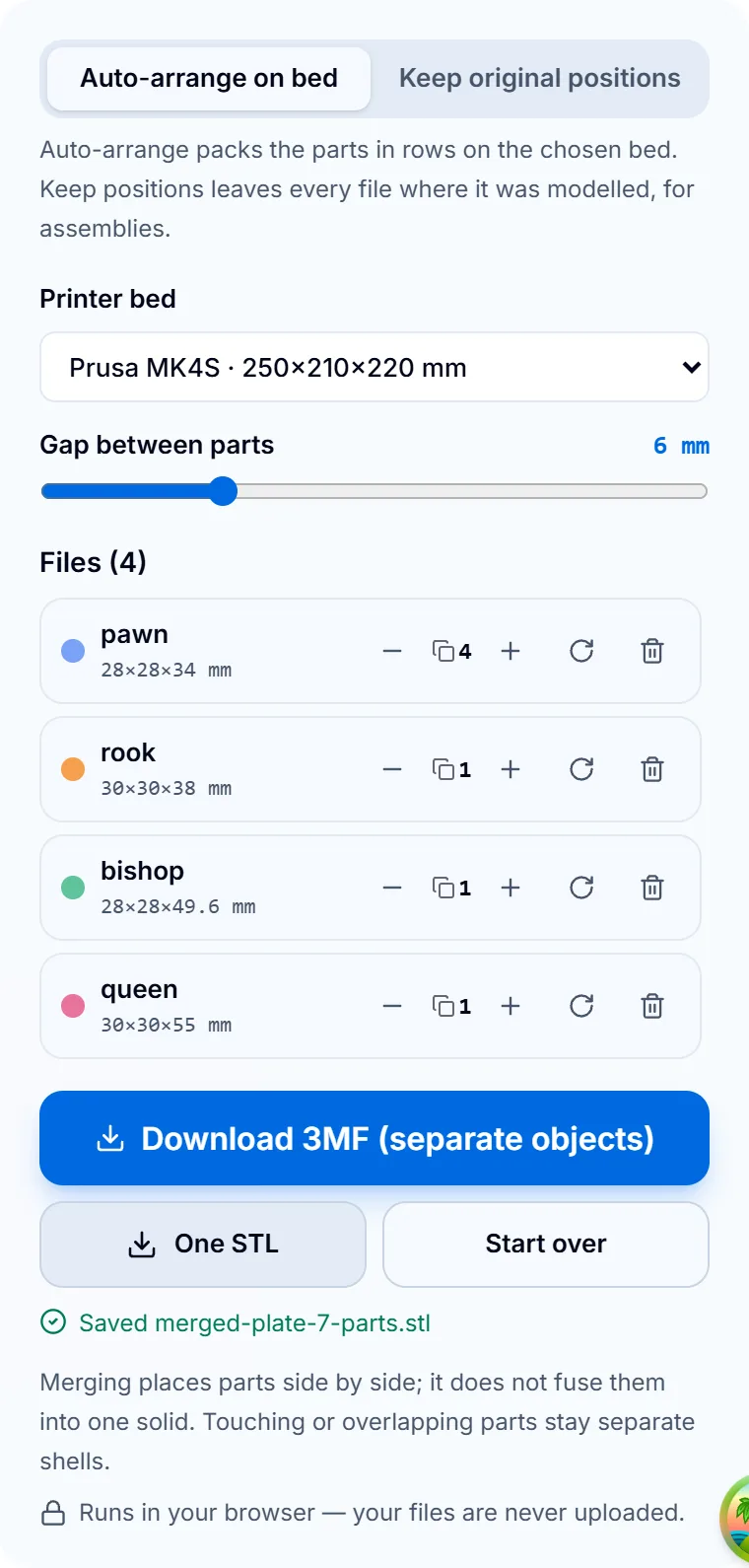
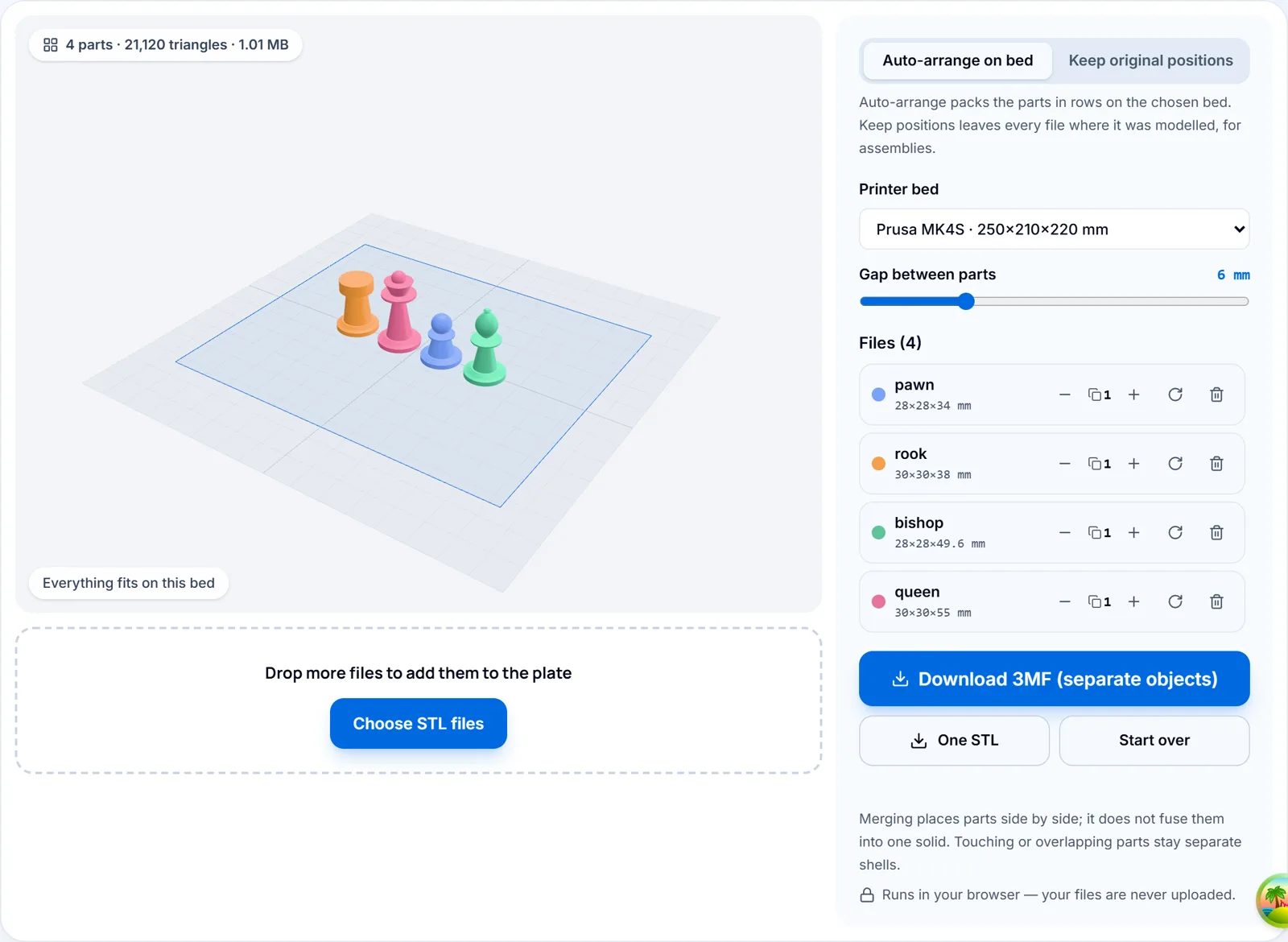
A 3MF avoids the extra step. Our 3MF download writes one object per part, named after its file, all in millimetres. The slicer lists every piece in its object panel straight away, which is why 3MF is the default button here and one STL is the fallback for older tools.