
E-steps Calculator
- Marlin M92 / M500
- Klipper rotation_distance
- Steps ↔ rotation converter
- One-click copy
What the e-steps calculator does
One formula per firmware, the converter between them, and the commands that make it stick.
- 120 / 100 / 20mm: mark, extrude, what should be left
- 2firmwares: Marlin steps/mm and Klipper rotation_distance
- 3200microsteps per motor turn at 200 × 1/16
How to calibrate e-steps
About ten minutes with a ruler or calipers and a marker. The video shows the calculator half.
Heat the nozzle and read the current value
Heat to your normal printing temperature for that filament. In Marlin send M503 and note the E number on the M92 line; in Klipper read rotation_distance under [extruder].
Mark the filament 120 mm above the extruder
Measure from the top of the extruder housing or the inlet fitting and make a thin mark at exactly 120 mm. Enter that as the mark distance.
Extrude 100 mm slowly
Copy the test commands: relative extrusion and a slow feed (F100 in Marlin, F60 in Klipper). Fast extrusion builds pressure and gives a wrong reading, so don’t use the screen’s extrude button.
Measure, enter, save
Measure inlet-to-mark again and type it in. Copy the save commands (M92 + M500, or the rotation_distance line) and repeat the test once to confirm you land at 20 mm.
Getting a reliable 100 mm extrusion test
The arithmetic is trivial; the measurement is where most bad e-steps come from. These four habits remove most of the error.
The 120 mm mark test
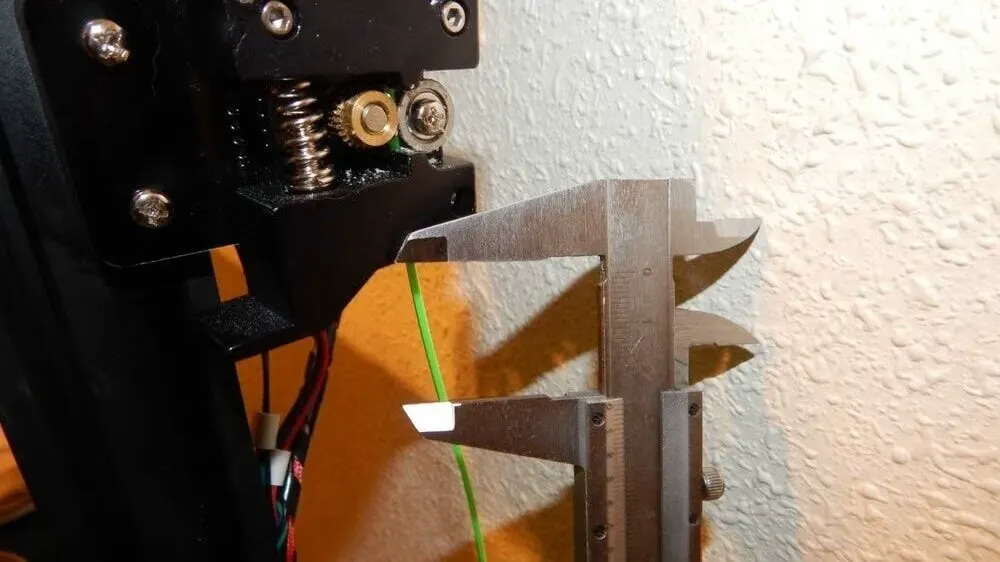
Extrude through a hot nozzle
Test at printing temperature with the hotend attached. Some guides remove the Bowden tube or nozzle to test “unloaded”; that measures the motor and gears only, which is useful when diagnosing, but your prints run with back-pressure.
Go slow
F100 is 100 mm per minute, so the move takes a minute. Klipper’s own guide uses 60 mm/min. At high speed the nozzle cannot melt fast enough, the gears slip and you would “correct” a problem that isn’t e-steps.
Measure to a fixed edge
Pick one reference — the top of the housing or the PTFE coupler — and use it for both measurements. Calipers with a depth rod give 0.1 mm readings; a steel ruler is fine to about 0.5 mm.
Repeat once
Save the new value and run the test again. If the second run lands within about 0.5 mm of the target, you are done. If it moves around between runs, look for slipping or a partial clog rather than adjusting again.
Marlin M92 / M500 and Klipper rotation_distance
The commands the e-steps calculator copies for you, and what each one does.
Same test, two firmware formulas
Marlin: steps go UP when it under-extrudes
new = current × requested ÷ actual
M92 E95.38 → M500
Klipper: rotation_distance goes DOWN when it under-extrudes
new = old × actual ÷ requested
rotation_distance: 33.546
Remaining distance → new e-steps (from 93)
| Firmware | Command | What it does |
|---|---|---|
| Marlin | M503 | Reports current settings; the E value on the M92 line is your current e-steps. |
| Marlin | M83 | Switches the extruder to relative mode so E100 means “100 mm more”. |
| Marlin | G1 E100 F100 | Extrudes 100 mm at 100 mm/min. |
| Marlin | M92 E95.38 | Sets e-steps to 95.38 steps/mm until the next reset. |
| Marlin | M500 | Saves the settings to EEPROM so they survive a power cycle (EEPROM must be enabled). |
| Klipper | G91 then G1 E100 F60 | Relative moves, then a slow 100 mm extrusion. |
| Klipper | SET_EXTRUDER_ROTATION_DISTANCE EXTRUDER=extruder DISTANCE=33.546 | Applies the new value immediately, for a re-test. |
| Klipper | rotation_distance: 33.546 | The permanent setting in the [extruder] section of printer.cfg; restart firmware after editing. |
Klipper formula from the official Rotation Distance guide (klipper3d.org); Marlin commands from marlinfw.org G-code reference. Checked 24 November 2026.
Stock e-steps of common extruders
If your value was lost or you fitted a new extruder, start from the stock number, then calibrate. The figures below come straight from firmware and vendor pages.
Where the stock number comes from
Sources
- Marlin example config, Creality/Ender-3
- Prusa-Firmware variants/MK3S.h
- Bondtech knowledge base
- Klipper config printer-creality-ender3-v2-2020.cfg
- Klipper documentation: Rotation distance
- Marlin G-code reference: M92 Set Axis Steps-per-unit
- Marlin G-code reference: M500 Save Settings
Checked 24 November 2026.
| Printer / extruder | Stock value | Source |
|---|---|---|
| Creality Ender-3 (stock Bowden extruder) | 93 | Marlin example config, Creality/Ender-3 |
| Original Prusa i3 MK3S (Bondtech gears, 1/32 µsteps) | 280 | Prusa-Firmware variants/MK3S.h |
| Bondtech BMG (3:1 geared) | 415 | Bondtech knowledge base |
| Creality Ender-3 V2 on Klipper | rotation_distance 34.406 | Klipper config printer-creality-ender3-v2-2020.cfg |
Values assume 1.8° motors at 1/16 microstepping unless the row says otherwise. Bambu Lab printers do not expose an e-steps setting; they calibrate flow in their own firmware.
E-steps, flow rate and pressure advance are different fixes
Calibrate in this order. Changing the wrong one hides a problem instead of fixing it.
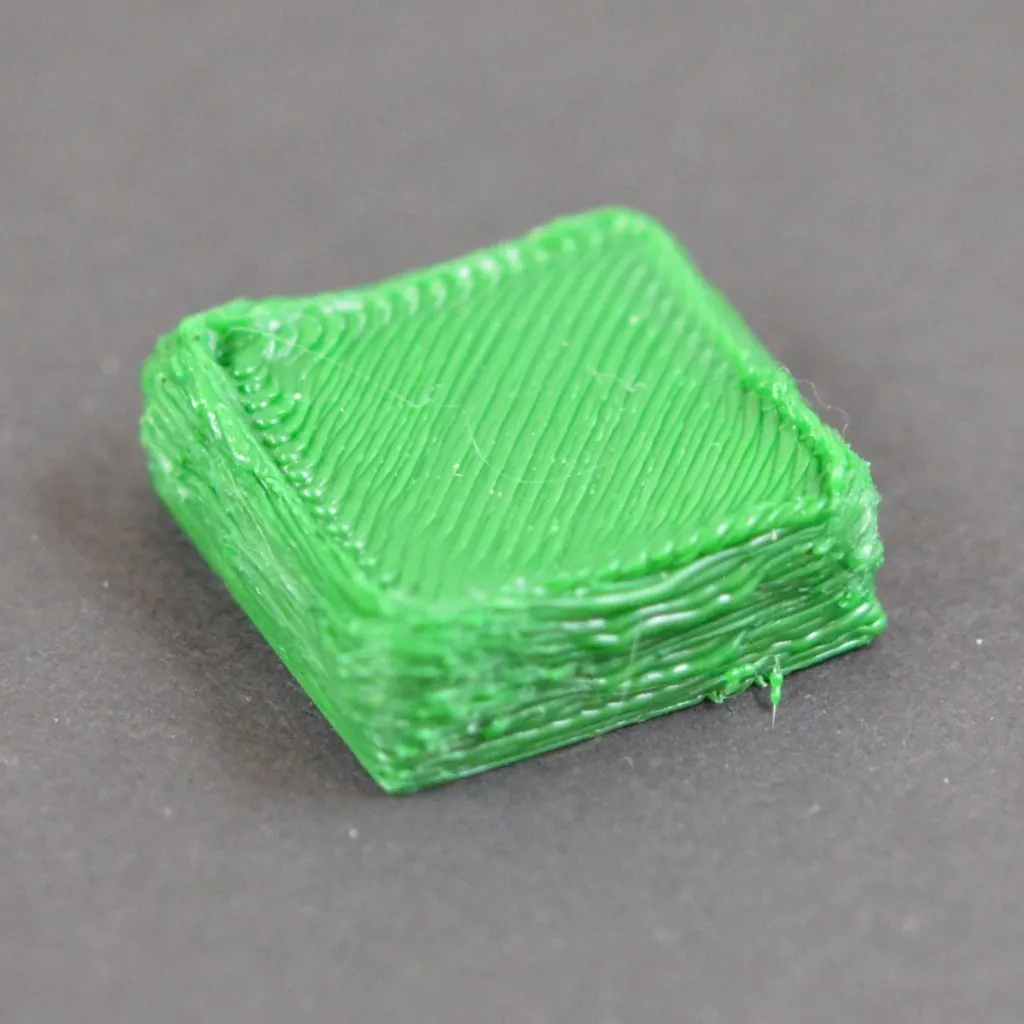
1. E-steps (this page)
A machine setting: how far the extruder motor moves the filament per commanded millimetre. Set once per extruder, not per filament.
2. Flow rate / extrusion multiplier
A slicer setting per filament that corrects for diameter and how the material melts. Tune it with a single-wall cube after e-steps are right.
3. Pressure advance / linear advance
Firmware compensation for pressure in the nozzle at speed changes. It fixes bulging corners and thin starts, not overall under-extrusion.
When it isn’t e-steps
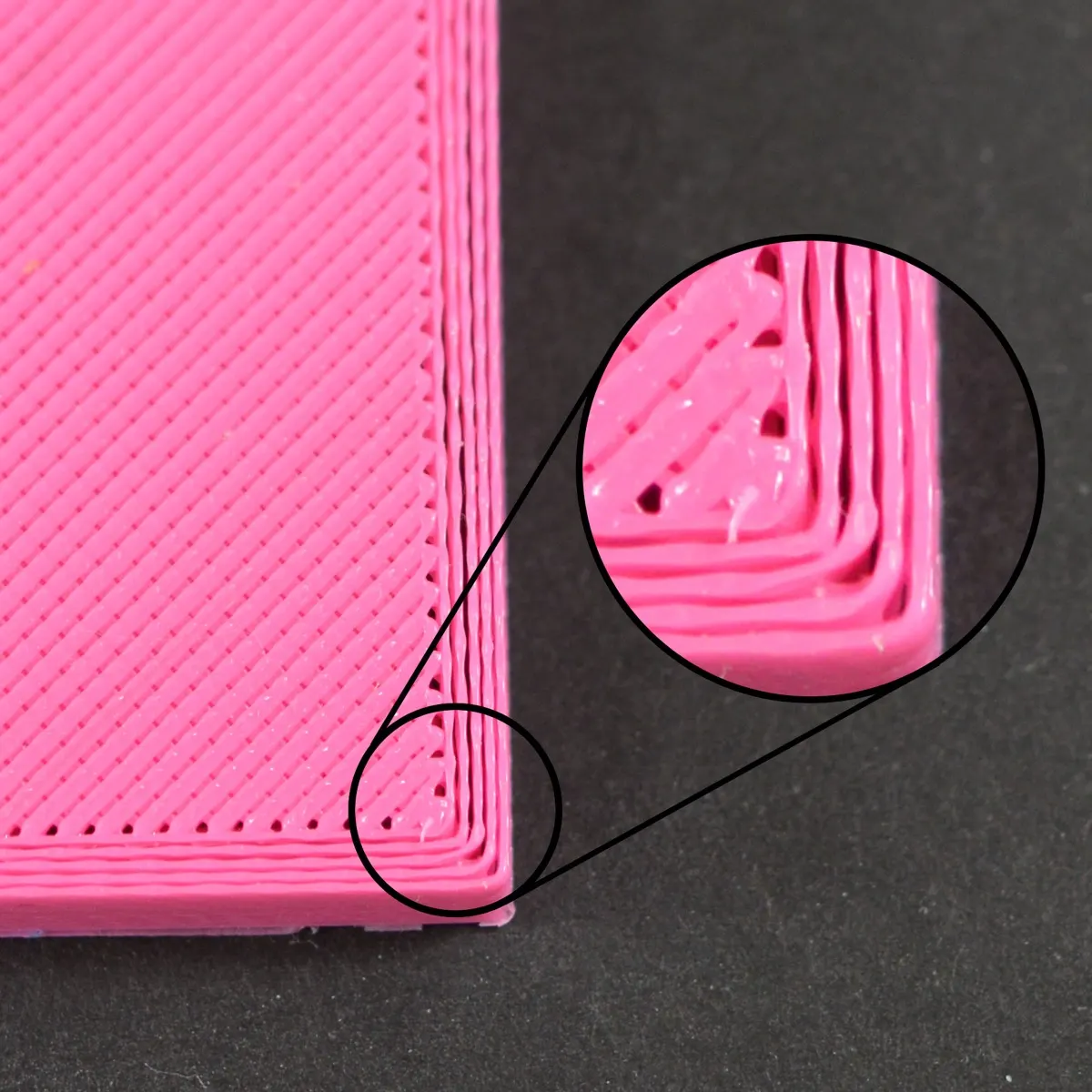
Gaps between perimeters with a correct 100 mm test point to temperature, a partial clog or wet filament. Bulging walls with correct e-steps point to flow rate or a filament thicker than its label.
What this e-steps calculator can and can’t do
It does the maths and writes the commands. The measurement is yours.
It can
- Compute new Marlin steps/mm or Klipper rotation_distance from any mark and extrusion length.
- Convert steps/mm to rotation_distance and back for any motor, microstepping and gear ratio.
- Flag a test that is more than 2 mm off (repeat) or more than 10 % off (check hardware).
- Give copy-ready test and save commands for both firmwares.
It can’t
- Send commands to your printer. Paste them into the printer’s terminal (OctoPrint, Pronterface, Mainsail, Fluidd).
- Save on printers without EEPROM support. Some stock boards need EEPROM enabled in firmware first.
- Change e-steps on printers that hide them, such as Bambu Lab models.
- Replace flow-rate tuning. After e-steps are right, still tune flow for each filament.
An extruder calibration tool for both firmwares
Six details that save a trip to a forum thread.
Marlin and Klipper
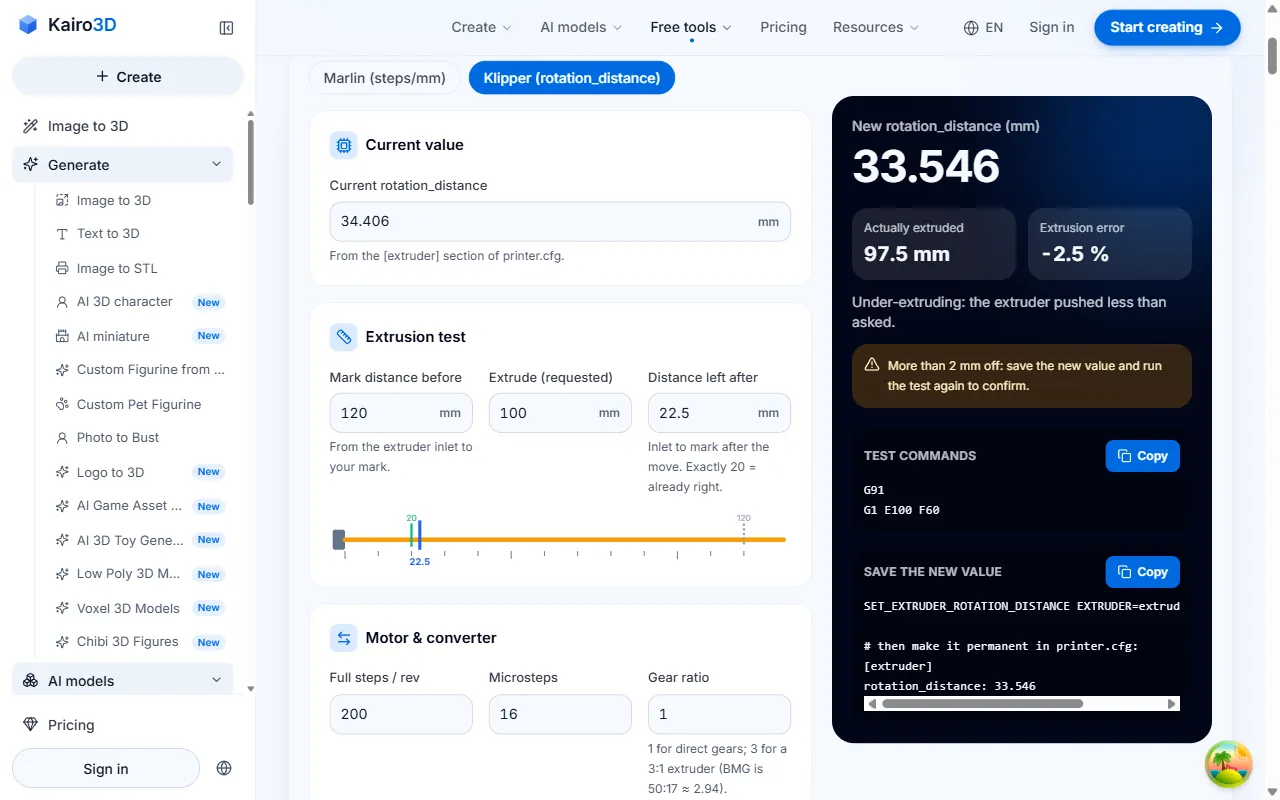
Marlin needs steps/mm, Klipper needs rotation_distance, and the correction runs in opposite directions. Pick the firmware and the formula follows.
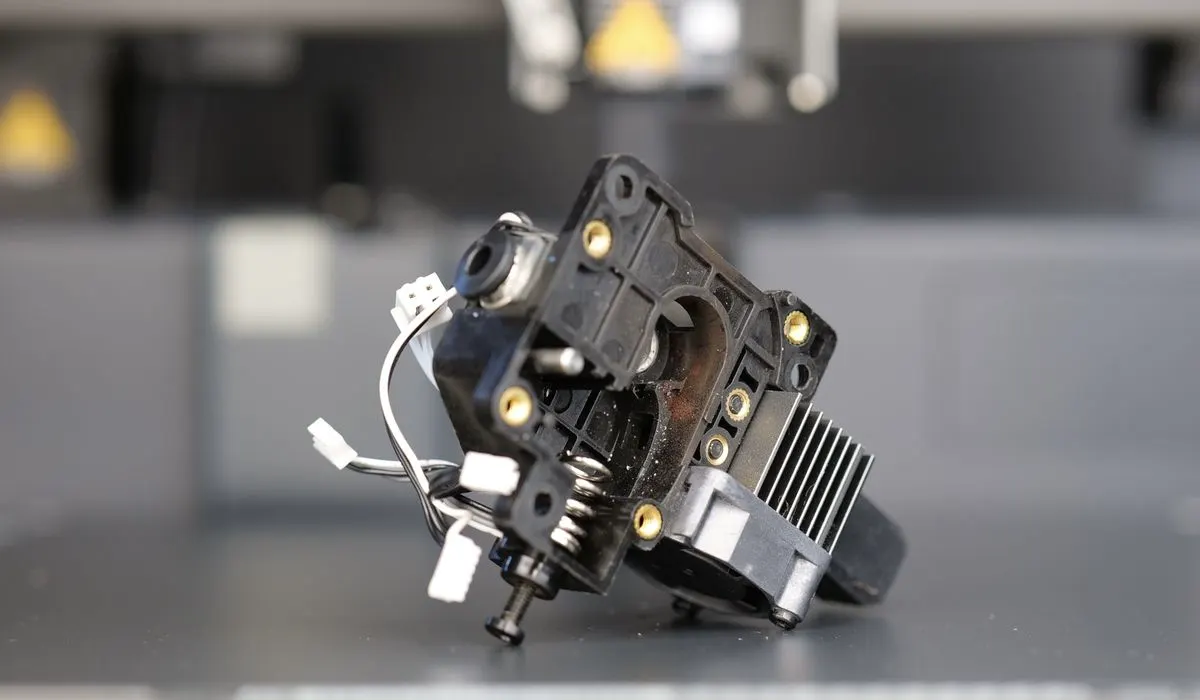
Any test length
The classic is 120 / 100 mm, Klipper suggests 70 / 50 mm. Type whatever mark and extrusion you used and the result stays correct.
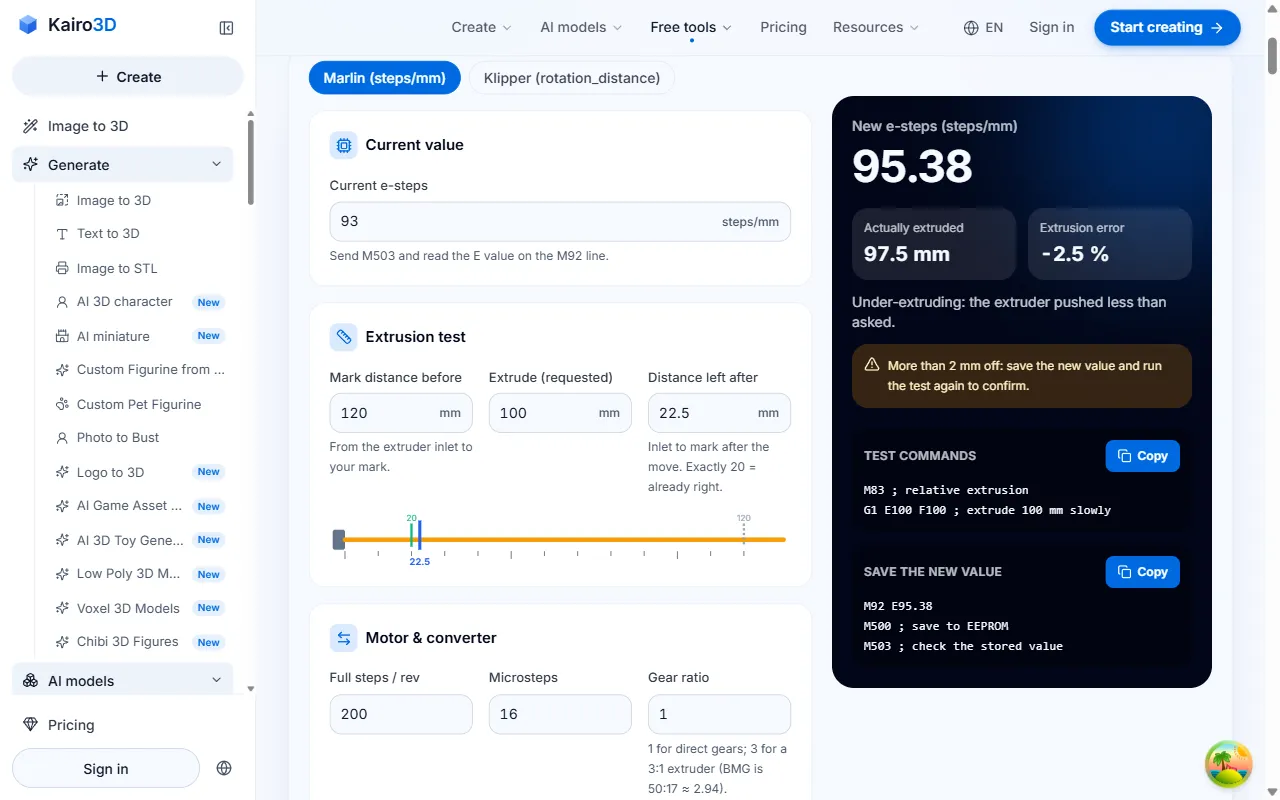
Live ruler
A small gauge under the inputs shows the mark before, the 20 mm target and where your mark ended up, so a typo is obvious.
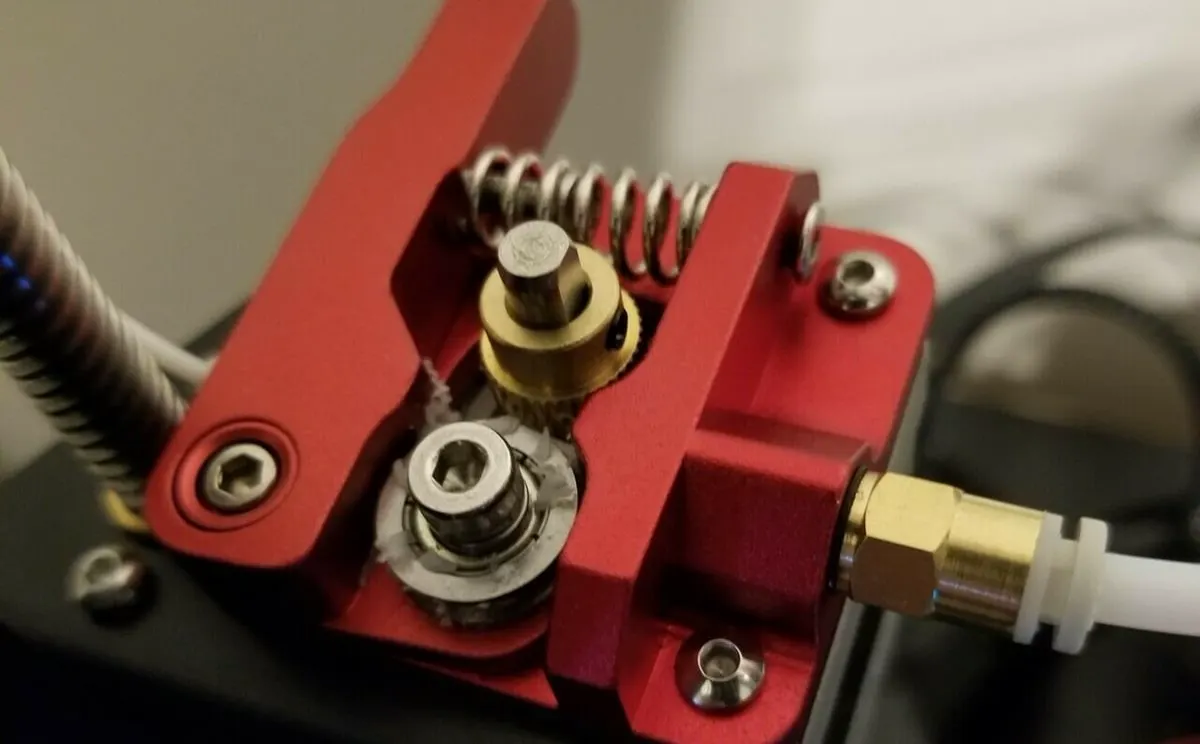
Steps ↔ rotation_distance
Moving from Marlin to Klipper? The converter uses full steps, microsteps and gear ratio exactly as in the Klipper documentation.
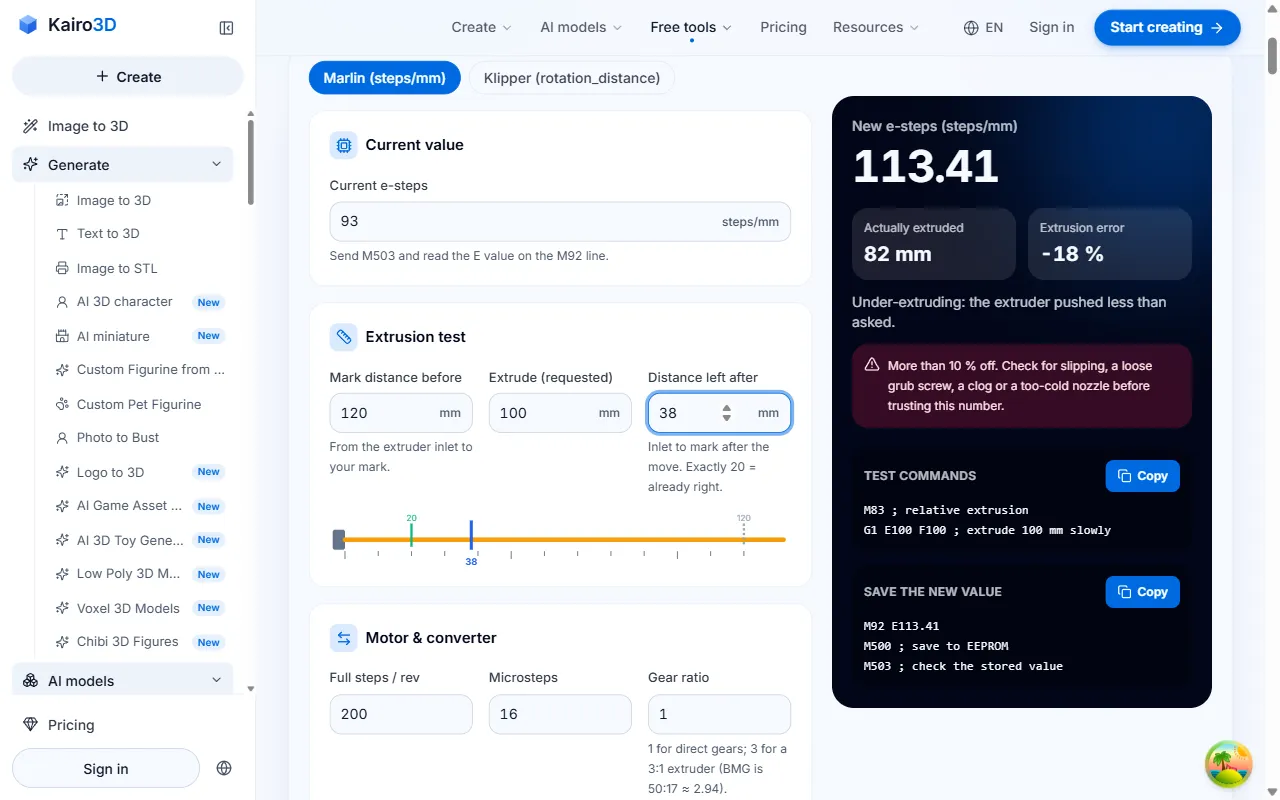
Sanity checks
More than 2 mm off asks for a second run; more than 10 % off tells you to check hardware first, because e-steps rarely drift that far.
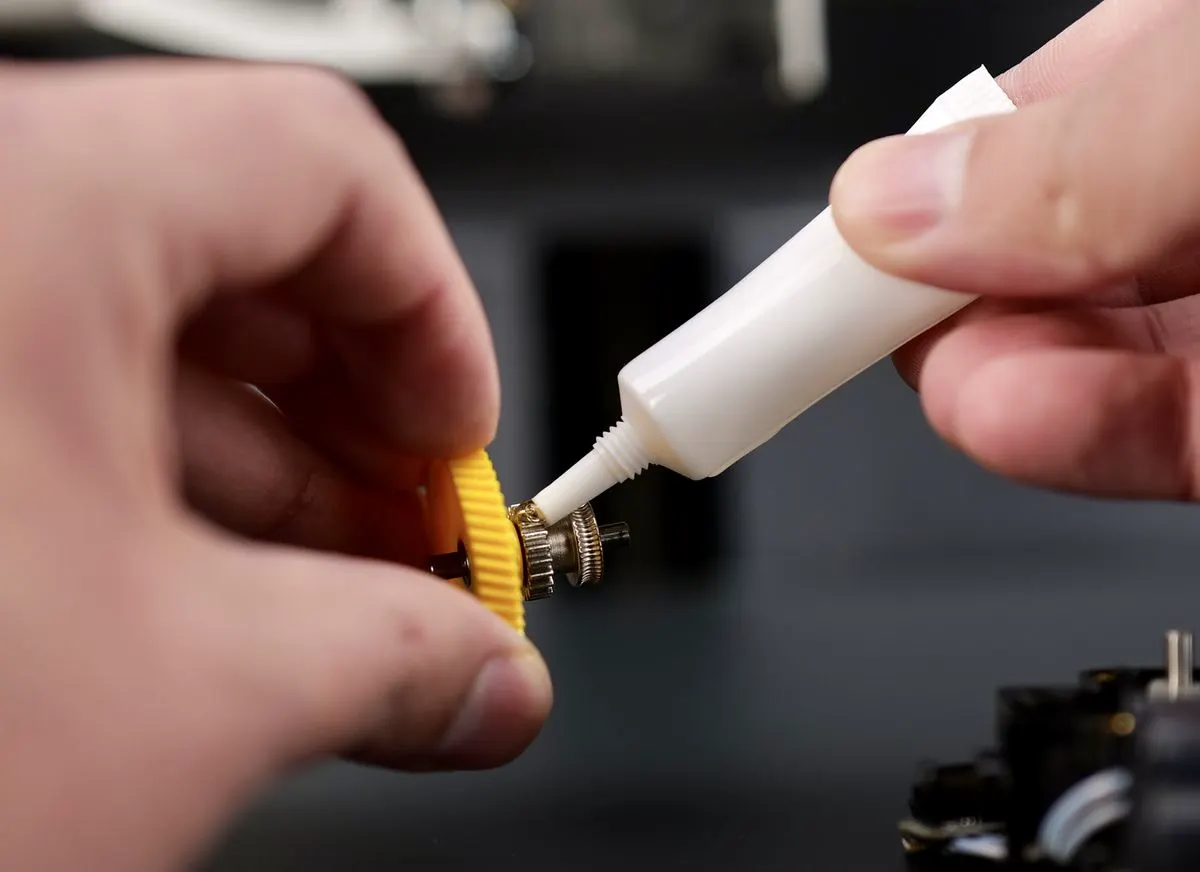
Copy, paste, done
Test and save commands are filled with your numbers. One click copies them for the printer terminal or printer.cfg.
E-steps calculator FAQ
Questions people search when the extruder isn’t pushing the right amount.
More ways to work with your 3D files
View, convert, or make a model from scratch.
Extruder calibrated? Print something new
Describe a part or upload a photo and let AI make a printable 3D model for your freshly tuned printer.