
TPU Print Temperature Chart
Variant
Brand
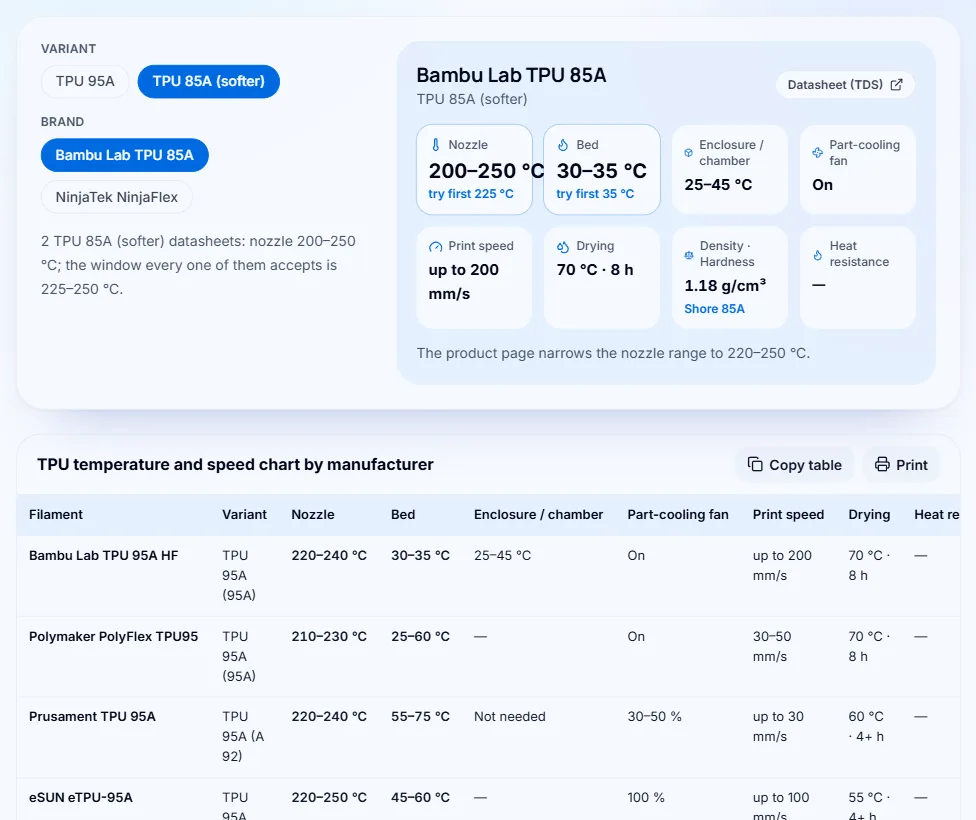
4 TPU 95A datasheets: nozzle 210–250 °C; the window every one of them accepts is 220–230 °C.
Prusament TPU 95A
TPU 95A
- Nozzle
- 220–240 °C
- try first 230 °C
- Bed
- 55–75 °C
- try first 65 °C
- Enclosure / chamber
- Not needed
- Part-cooling fan
- 30–50 %
- Print speed
- up to 30 mm/s
- Drying
- 60 °C · 4+ h
- Density · Hardness
- 1.25 g/cm³
- Shore A 92
- Heat resistance
- —
Sold as 95A; the TDS measures Shore A 92. Smooth PEI is not recommended.
TPU temperature and speed chart by manufacturer
| Filament | Variant | Nozzle | Bed | Enclosure / chamber | Part-cooling fan | Print speed | Drying | Heat resistance | Density |
|---|---|---|---|---|---|---|---|---|---|
| Bambu Lab TPU 95A HF | TPU 95A (95A) | 220–240 °C | 30–35 °C | 25–45 °C | On | up to 200 mm/s | 70 °C · 8 h | — | 1.22 g/cm³ |
| Polymaker PolyFlex TPU95 | TPU 95A (95A) | 210–230 °C | 25–60 °C | — | On | 30–50 mm/s | 70 °C · 8 h | — | 1.2 g/cm³ |
| Prusament TPU 95A | TPU 95A (A 92) | 220–240 °C | 55–75 °C | Not needed | 30–50 % | up to 30 mm/s | 60 °C · 4+ h | — | 1.25 g/cm³ |
| eSUN eTPU-95A | TPU 95A (95A) | 220–250 °C | 45–60 °C | — | 100 % | up to 100 mm/s | 55 °C · 4+ h | — | — |
| Bambu Lab TPU 85A | TPU 85A (softer) (85A) | 200–250 °C | 30–35 °C | 25–45 °C | On | up to 200 mm/s | 70 °C · 8 h | — | 1.18 g/cm³ |
| NinjaTek NinjaFlex | TPU 85A (softer) (85A) | 225–250 °C | 25–50 °C | — | On | 10–35 mm/s | — | Tg -35 °C | 1.19 g/cm³ |
Values copied from each manufacturer’s datasheet or product page, checked 2026-11. The label on your spool wins if it differs.
- Speed limits per brand
- TPU 95A and 85A
- Copy or print the table
- Fixes for jams and stringing
Flexible filament, by the numbers
Six TPU sources agree on temperature more than on speed. Speed is what makes or breaks a TPU print.
- 200–250 °Cnozzle range across all listed TPU
- 10–200 mm/sspeed limits, from NinjaFlex to Bambu HF
- 70 °C · 8 hdrying on the Bambu Lab and Polymaker TDS
Printing TPU without a tangle
Soft filament buckles if it is pushed too fast. Get the speed right and the temperature is easy.
Know the hardness
95A is the common, easier grade; 85A is softer and harder to feed. Pick the grade and brand to see the maker’s numbers.
Set the speed first
Use the brand’s own limit: 30 mm/s for Prusament TPU 95A, 30–50 mm/s for PolyFlex TPU95, 10–35 mm/s for NinjaFlex. HF grades go faster.
Then temperature and fan
Start in the middle of the nozzle range. Keep the fan on, but follow the brand’s value. Dry the spool before you start: TPU absorbs moisture.
Why TPU settings vary so much
TPU covers several hardnesses and two very different generations of filament: slow classic grades and newer high-flow (HF) ones.
TPU · Nozzle temperature by variant
- TPU 95A210–250 °C
- TPU 85A (softer)200–250 °C
TPU · Bed temperature by variant
- TPU 95A25–75 °C
- TPU 85A (softer)25–50 °C
TPU set-up at a glance
Nozzle: 220–230 °C fits every 95A listed
Bambu TPU 95A HF lists 220–240 °C, PolyFlex TPU95 210–230 °C, Prusament TPU 95A 230 ± 10 °C and eSUN eTPU-95A 220–250 °C. The overlap is 220–230 °C.
Speed: the setting that matters most
Prusament caps its TPU 95A at 30 mm/s and Polymaker suggests 30–50 mm/s. eSUN allows up to 100 mm/s, and Bambu Lab’s HF and 85A grades up to 200 mm/s on its own printers. Speed past what your extruder can grip and the filament buckles.
Bed: cool, with a release layer
Bambu Lab lists just 30–35 °C, eSUN 45–60 °C and Prusament 65 ± 10 °C. TPU can bond hard to smooth PEI. Prusament does not recommend smooth PEI at all, and NinjaTek uses glue.
85A is softer and fussier
NinjaFlex (85A) runs at 225–250 °C and 10–35 mm/s with a bed from room temperature to 50 °C. Bambu TPU 85A lists 200–250 °C. Softer filament needs a constrained filament path, ideally direct drive.
Hardness on the label vs the datasheet
Prusament sells its TPU as 95A, but its own datasheet measures Shore A 92. Small differences in hardness change how a part flexes, so test before printing a batch of gaskets.
Always dry it
Bambu Lab and Polymaker dry TPU at 70 °C for 8 hours, Prusament at 60 °C for at least 4 hours, eSUN at 55 °C for 4+ hours. Wet TPU strings badly and hisses at the nozzle.
TPU problems by symptom
Flexible filament fails in its own ways. Speed, moisture and the filament path cause most of them.
 01
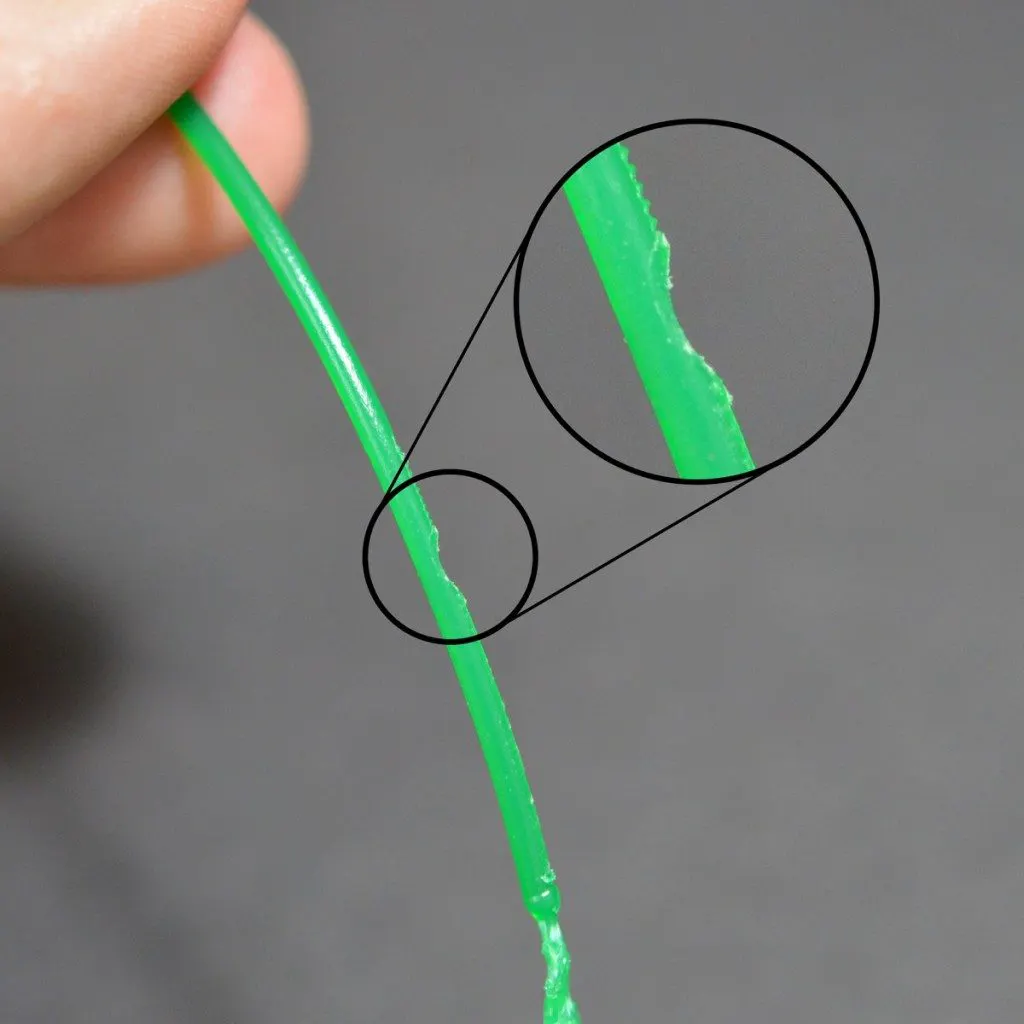
Filament buckles in the extruder
What is happening: The soft filament is pushed faster than it can be fed, and it folds.
Fix it
- Slow down to the brand’s limit (e.g. 30 mm/s for Prusament).
- Use a direct-drive extruder; eSUN recommends it.
- Loosen extruder tension slightly so it does not crush the filament.
 02
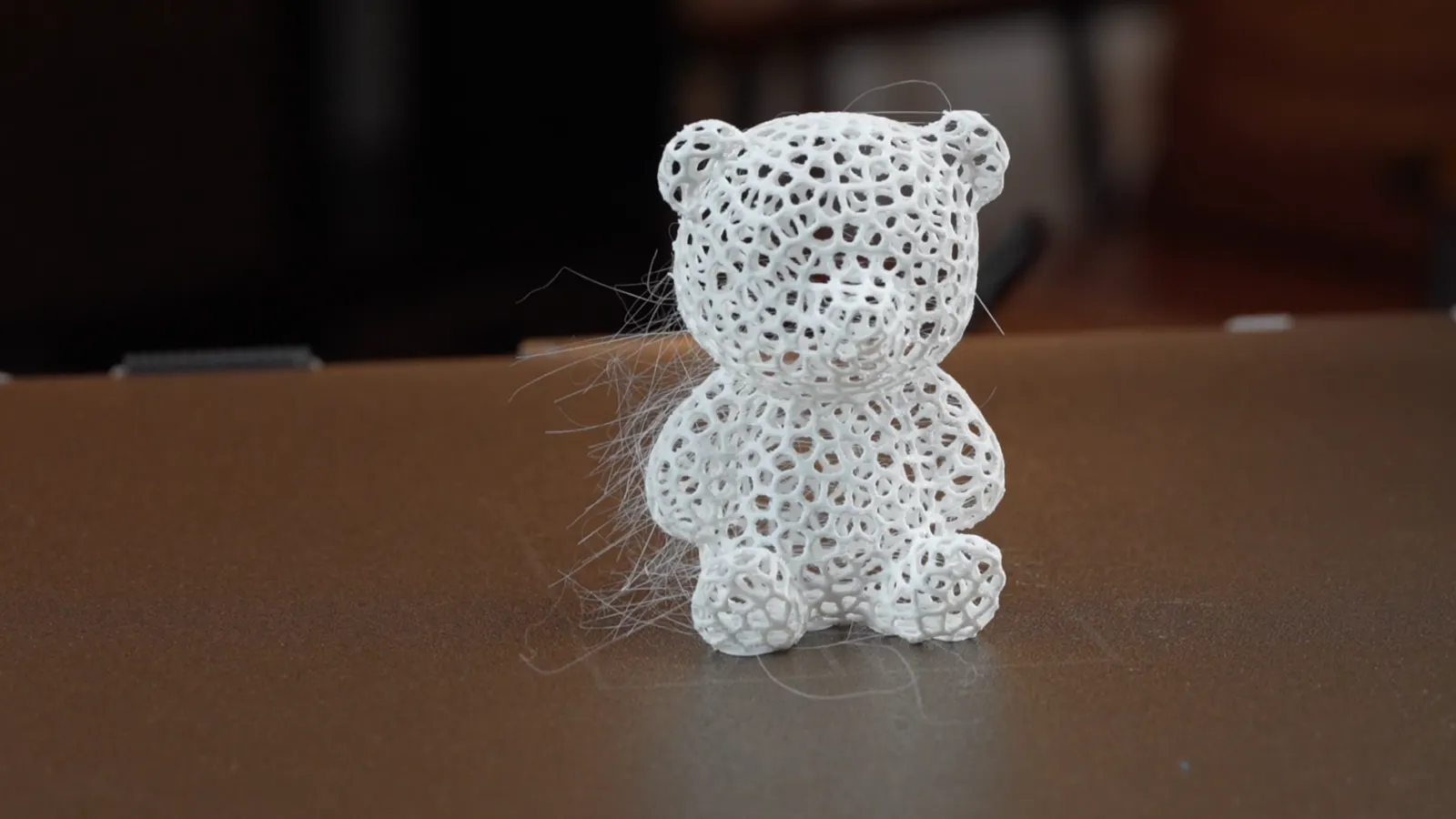
Stringing everywhere
What is happening: TPU oozes, and moisture makes it worse.
Fix it
- Dry the spool (70 °C, 8 h on Bambu Lab and Polymaker).
- Lower the nozzle 5 °C within the range.
- Use short, slow retraction; long retraction can jam soft filament.
 03
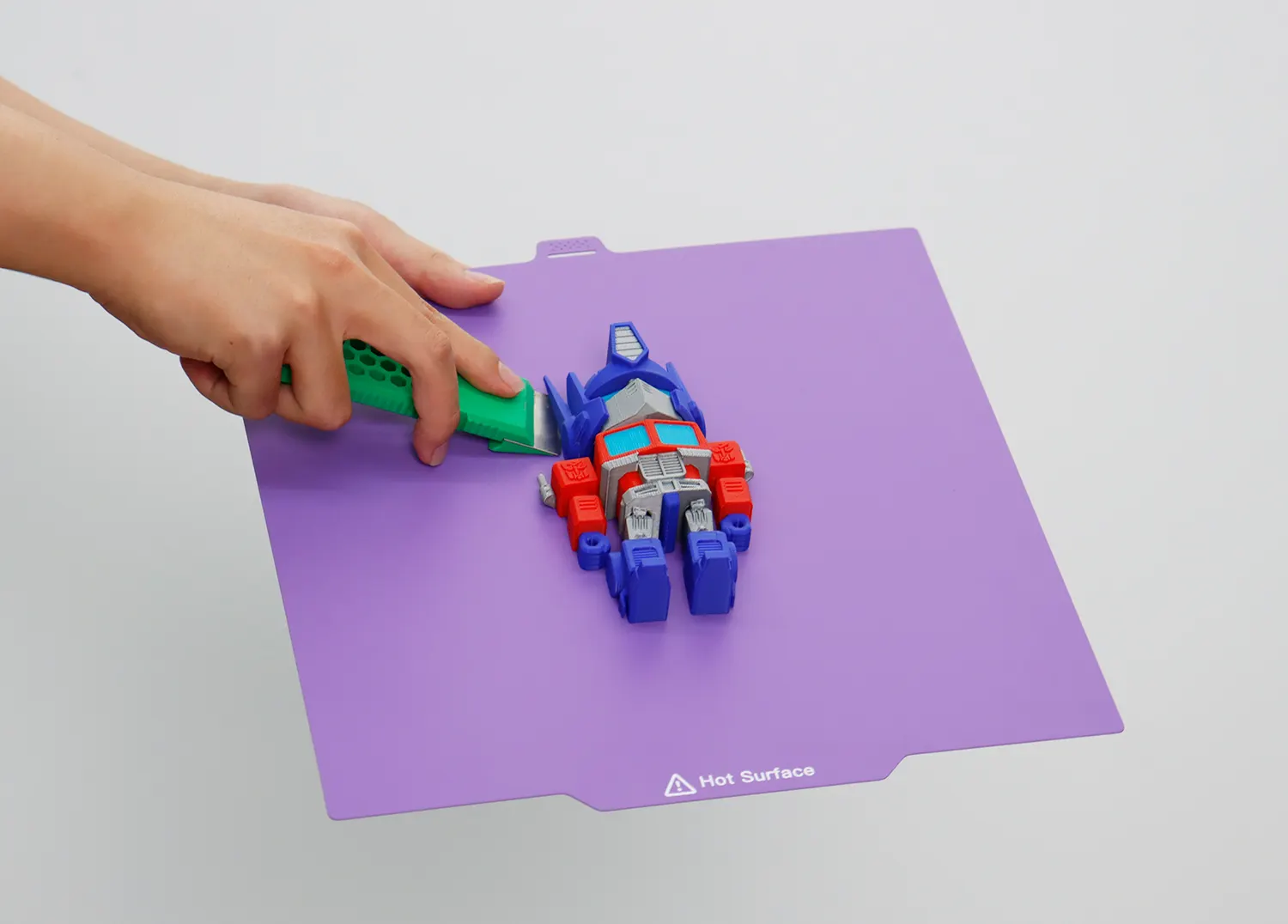
Part fused to the bed
What is happening: TPU bonds very strongly to smooth PEI.
Fix it
- Use glue stick as a release layer.
- Print on a textured plate; Prusament advises against smooth PEI.
- Keep the bed at the cool end of the range.
 04
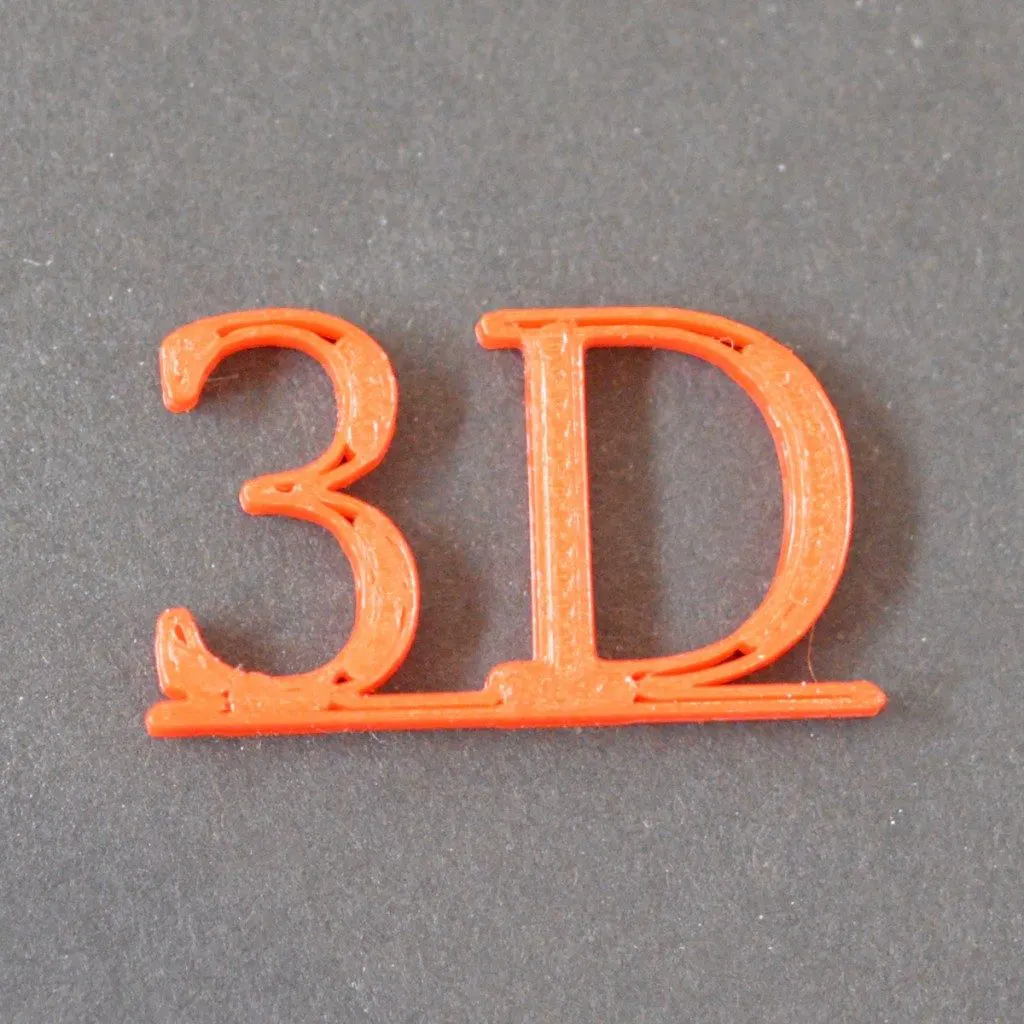
Gaps and thin walls
What is happening: Under-extrusion from slipping or a speed too high for the melt.
Fix it
- Reduce speed before touching temperature.
- Check the filament path for gaps where TPU can escape.
- Raise the nozzle 5 °C if it still under-extrudes at low speed.
 05
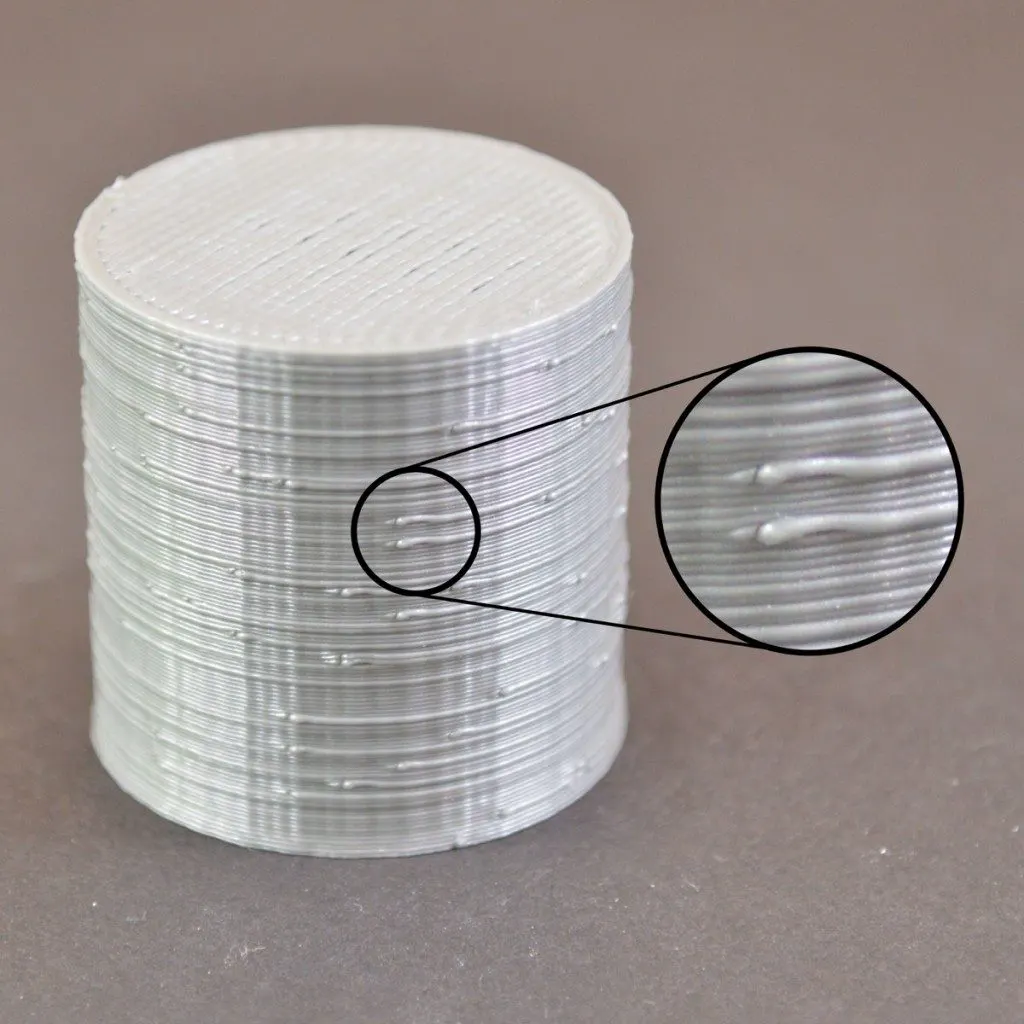
Blobs and zits on the surface
What is happening: Pressure in the nozzle keeps oozing at travel moves.
Fix it
- Turn on wipe and coasting in the slicer.
- Avoid travel across open space (combing / avoid crossing walls).
- Dry the filament.
 06
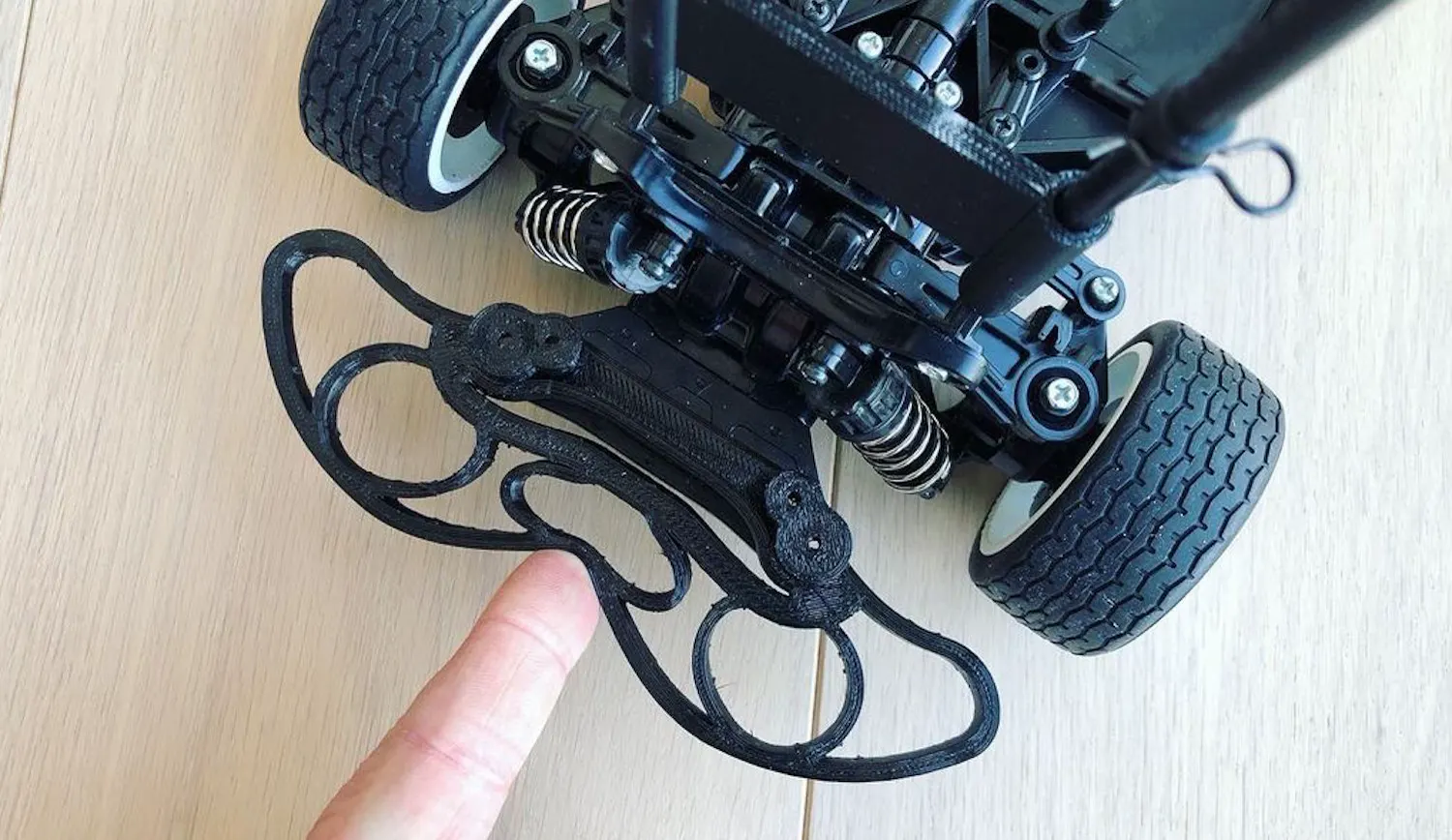
Part is stiffer than expected
What is happening: High infill and many walls make even soft TPU rigid.
Fix it
- Lower infill and use a gyroid pattern for squishy parts.
- Use fewer walls.
- Switch from 95A to an 85A grade.
- manufacturer documents
- 6manufacturer documents
- 5 brands: Bambu Lab · Polymaker · Prusament · eSUN · NinjaTek
- 4 technical data sheets · checked 2026-11
Sources for the TPU chart
Read from these manufacturer documents on 2026-11-23. Where a product page and its TDS disagree, the note in the picker says so.
- Bambu Lab TPU 95A HF — Datasheet (TDS)
- Polymaker PolyFlex TPU95 — Datasheet (TDS)
- Prusament TPU 95A — Datasheet (TDS)
- eSUN eTPU-95A — Official product page
- Bambu Lab TPU 85A — Datasheet (TDS)
- NinjaTek NinjaFlex — Official product page
What makes this TPU chart useful
Flexible filament has the widest spread of settings. Here they are side by side.
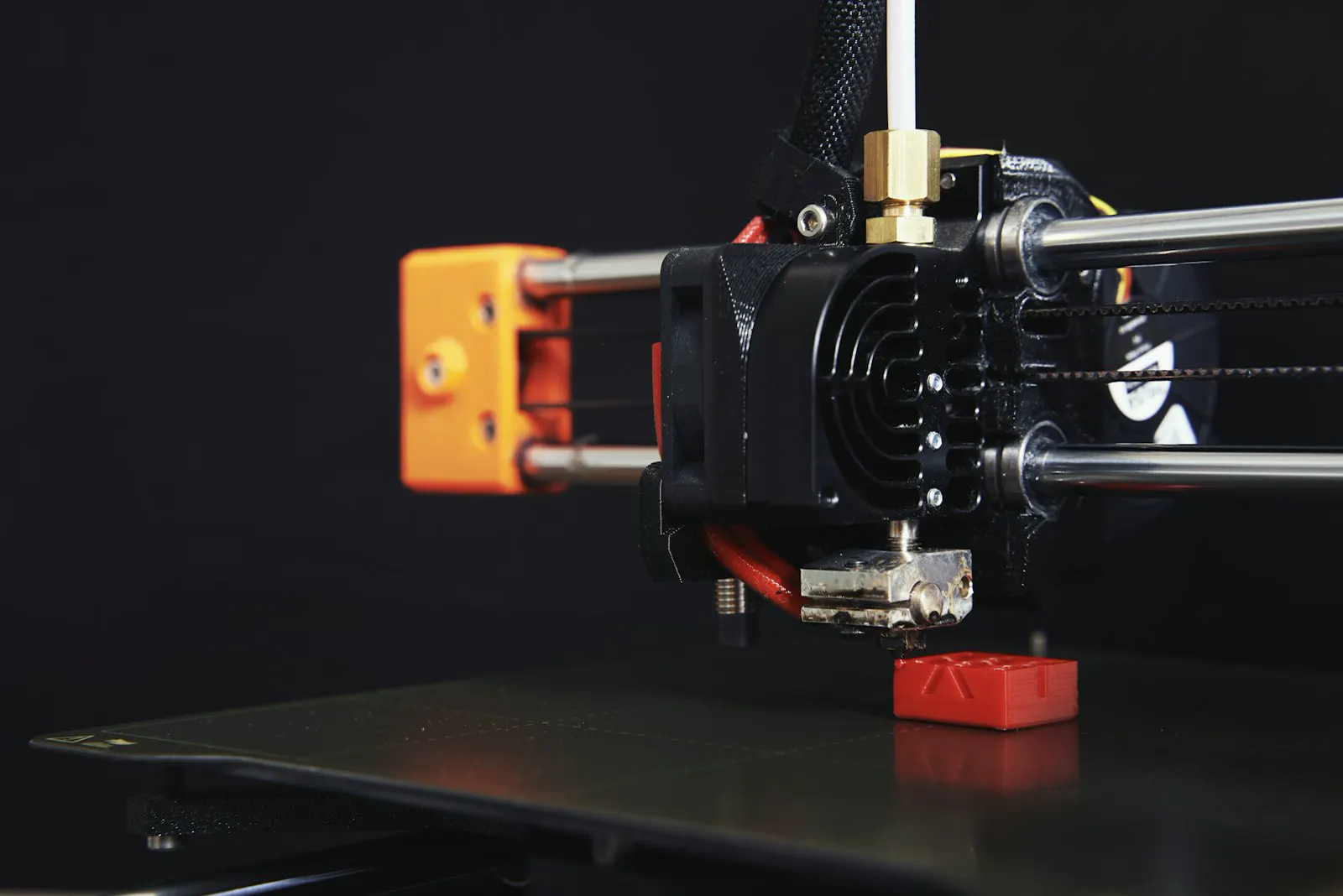
Speed limits, not just temperatures
For TPU the speed decides success. Each brand’s published speed sits next to its temperatures.
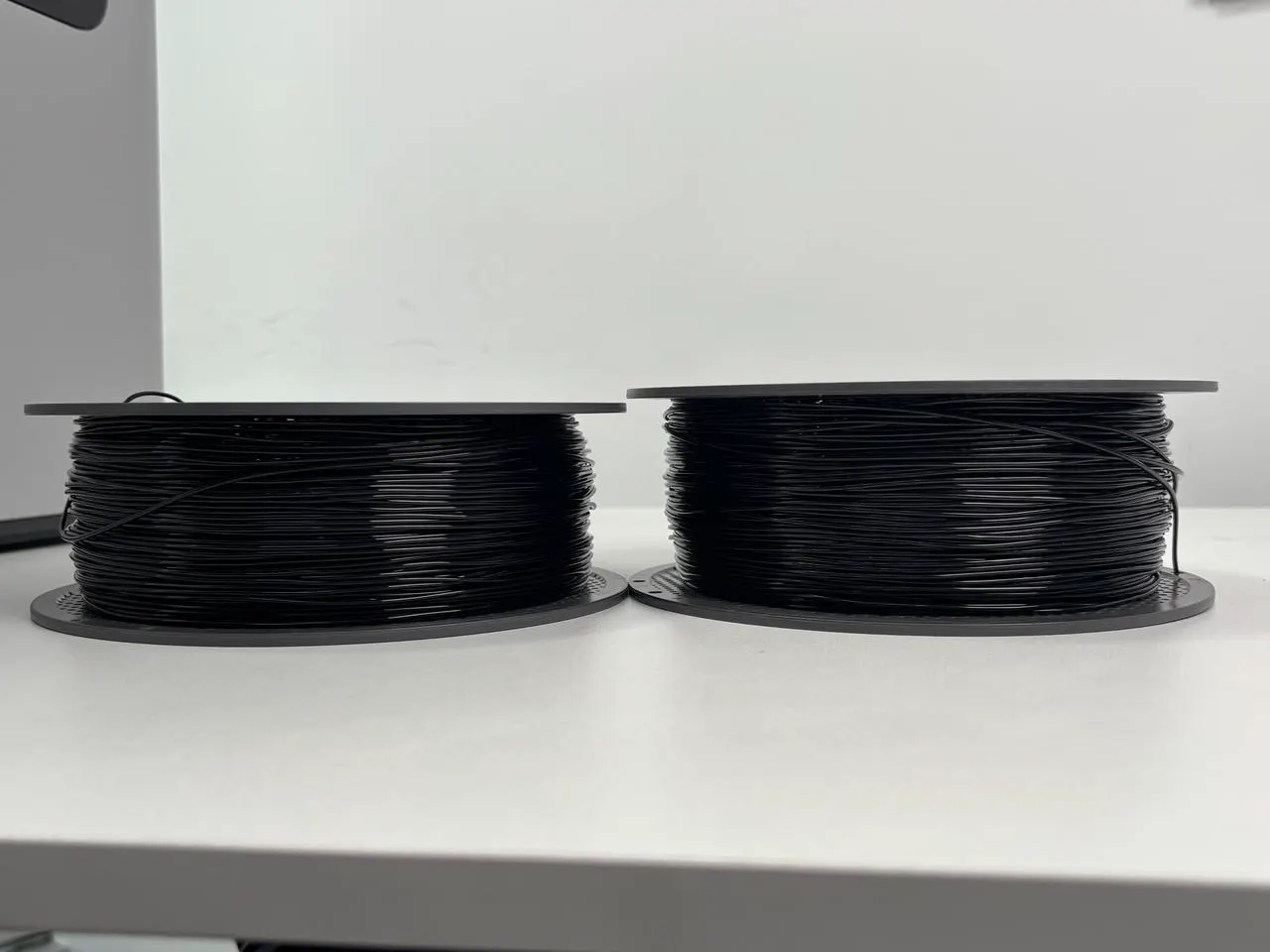
95A and 85A kept apart
Softer grades feed and print differently, so they get their own variant in the picker.
Shore A on the datasheets
85A92A95ASofter · 80A100A · FirmerShore hardness from the datasheet
Where a maker measured it, the hardness is shown, including the case where the measured value differs from the name.
Bed and plate warnings
Notes like “smooth PEI not recommended” are kept with the brand they come from.
Drying settings
TPU is one of the most moisture-sensitive common filaments. Each maker’s drying temperature and time is listed.
Copy and print
Export the full table to a spreadsheet or print it, with links back to every source.
TPU print temperature FAQ
Flexible filament questions, answered from the makers’ data.
More ways to work with your 3D files
View, convert, or make a model from scratch.
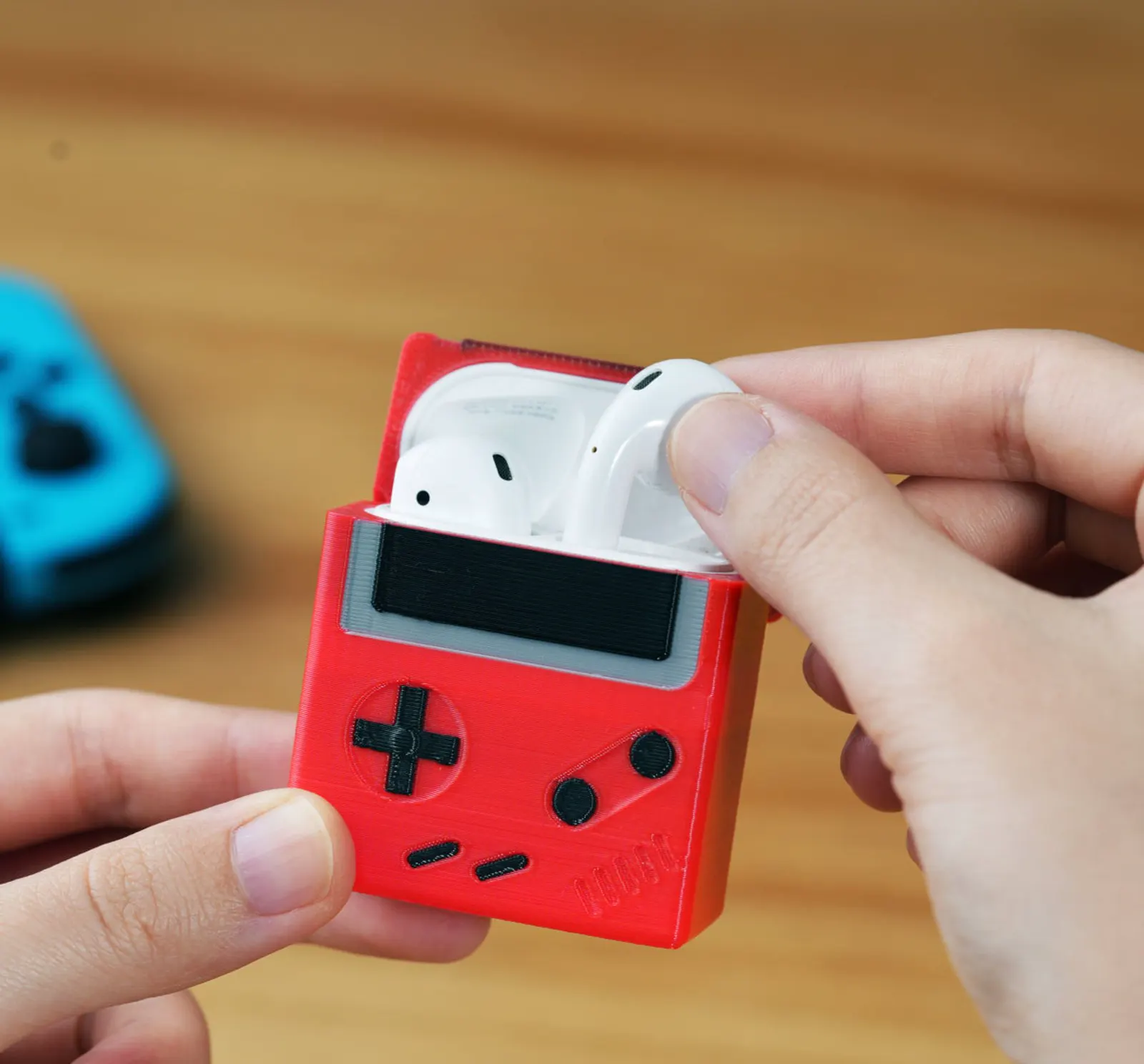
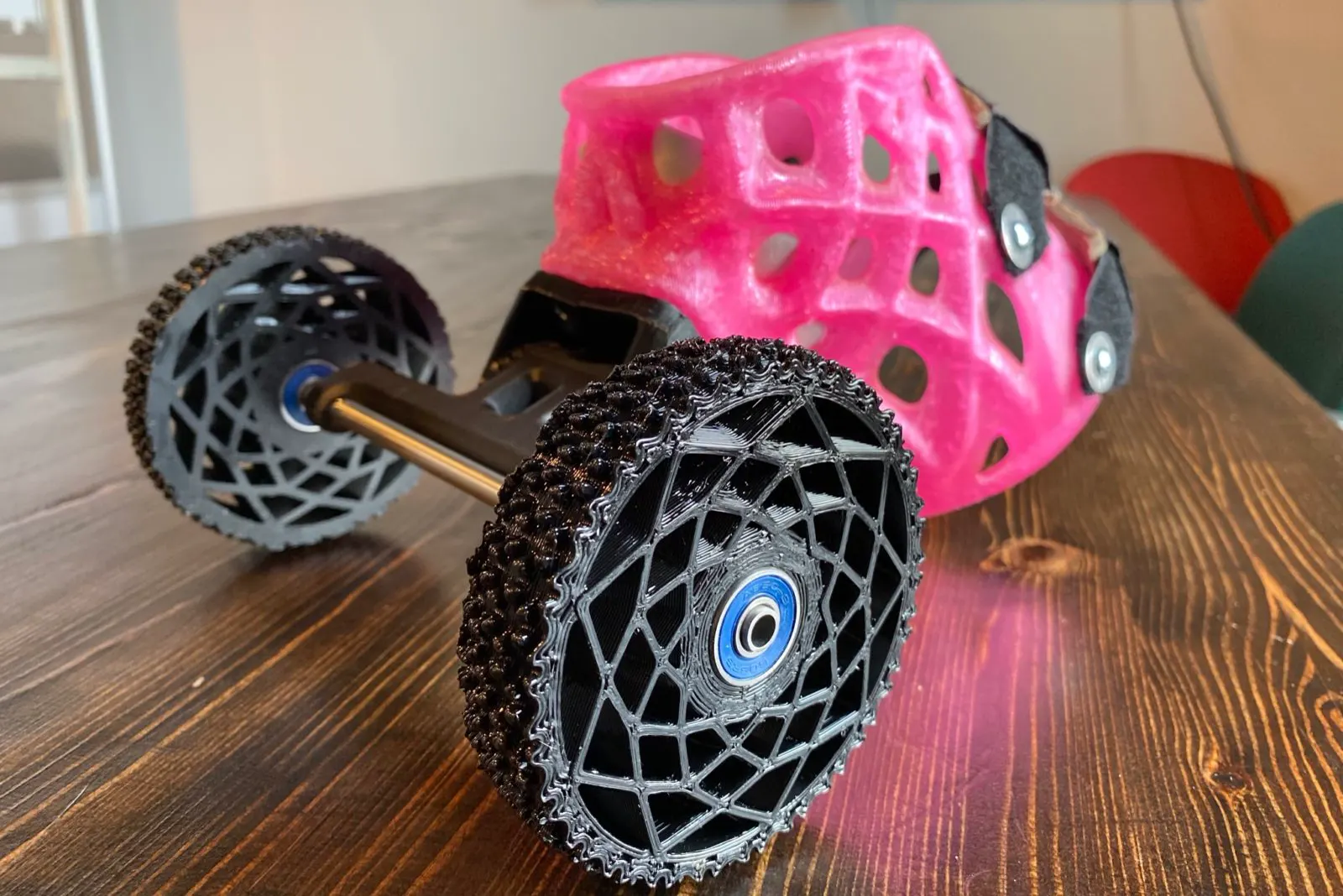
Something squishy to print?
Generate a printable 3D model from a photo, download the STL and print it in TPU for grips, bumpers and toys.