Millimetres to metres
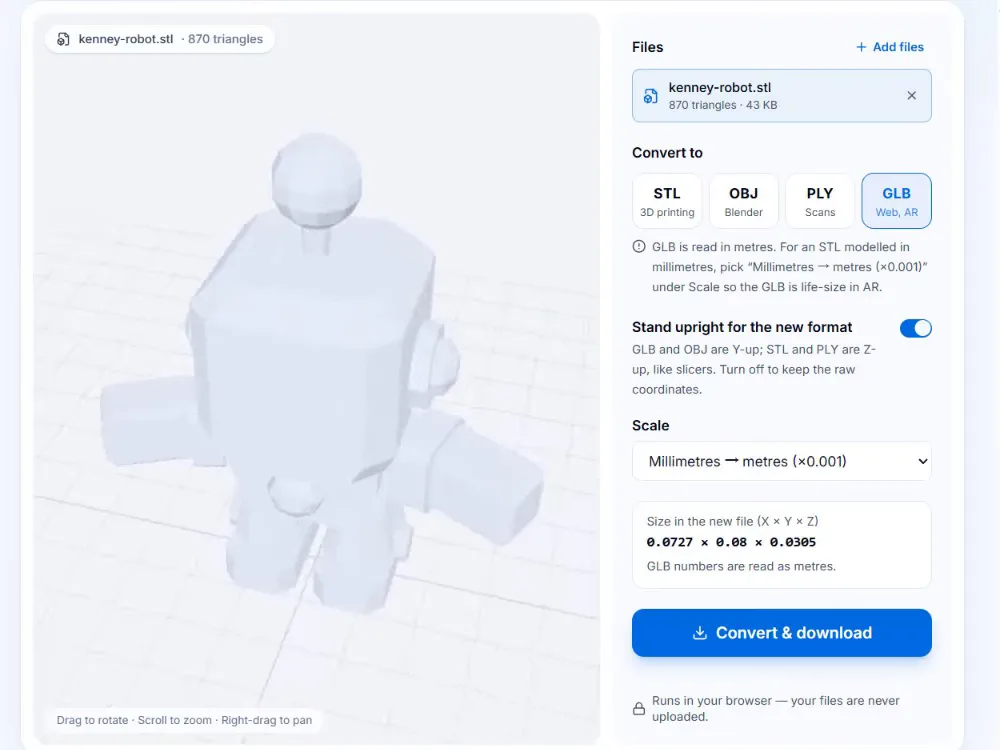
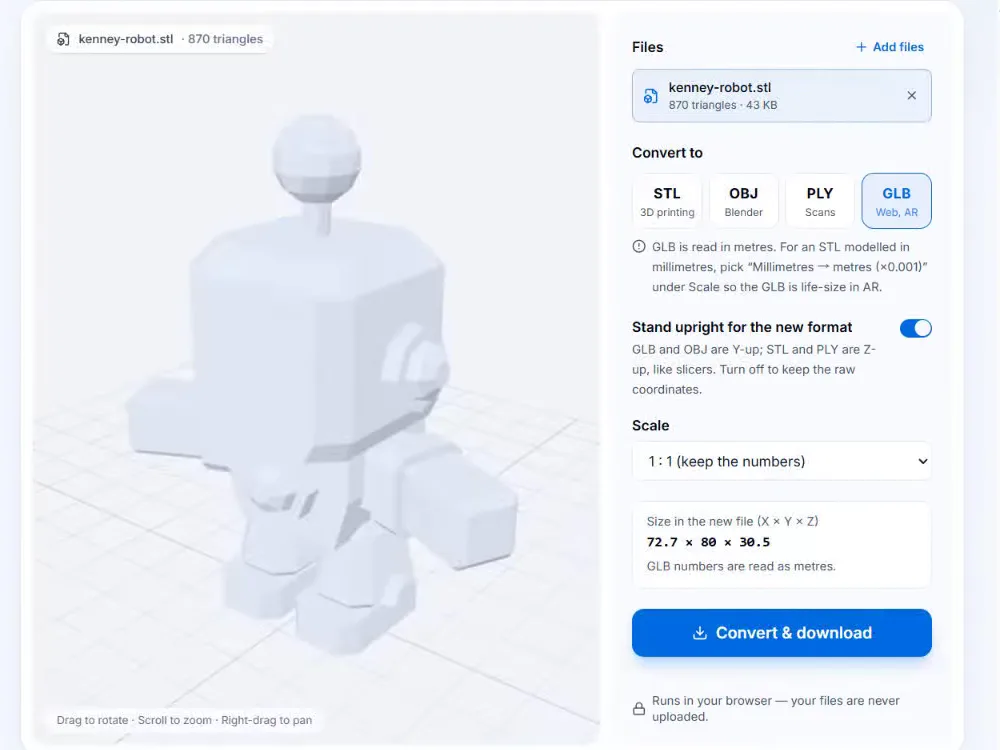
- The sample robot is 80 mm tall — the numbers in the STL are millimetres.
- glTF reads 80 as 80 metres, so at 1 : 1 the robot towers over the room in AR.
- “Millimetres → metres (×0.001)” makes it 0.08 m, the size of the real print.
Drop STL files to convert to GLB
Binary or ASCII .stl, up to 10 files at 200 MB each
STL has no units — most slicers read it as millimetres. Add a file to see its size.
Runs in your browser — your files are never uploaded.
What the converter reads, what it writes and where it runs.
Bare triangles for a printer
One glTF file for screens
Three steps, no account and no install.
Drag one or more .stl files (binary or ASCII) onto the converter. Each one opens in the 3D preview with its triangle count and size.
GLB is already selected. Leave "Stand upright" on so the Z-up STL stands on the glTF floor. Under Scale, pick “Millimetres → metres (×0.001)” so a print-sized STL is life-size in the GLB.
Click “Convert & download”. The browser saves a single .glb you can load in three.js, Babylon.js, <model-viewer>, Blender or a game engine.
STL is bare geometry for printers. GLB is a scene format for screens. Here is what moves across and what has to be added later.
STL: triangles only
GLB: same mesh, one file
| STL vs GLB: what the conversion keeps | STL | GLB |
|---|---|---|
| Triangle mesh | Yes | Yes |
| Units | None (read as mm) | Metres |
| Up axis | +Z | +Y |
| Normals | Per face | Per vertex |
| Colour, UVs, textures | No | Can hold, none added |
| Scene nodes and names | No | 1 node |
STL never stores colour or UVs, so the GLB uses a neutral material. Paint or texture it in Blender if the web version needs colour.
An STL made for a printer is in millimetres and stands on Z. A GLB is read in metres and stands on Y. Get both right and the model appears life-size and upright.
Two frames from the screen recording above: the same 80 mm robot, first at 1 : 1, then with “Millimetres → metres” picked.
Kairo3D screenshot
Kairo3D screenshotScreenshots of this page’s converter with the sample STL loaded.
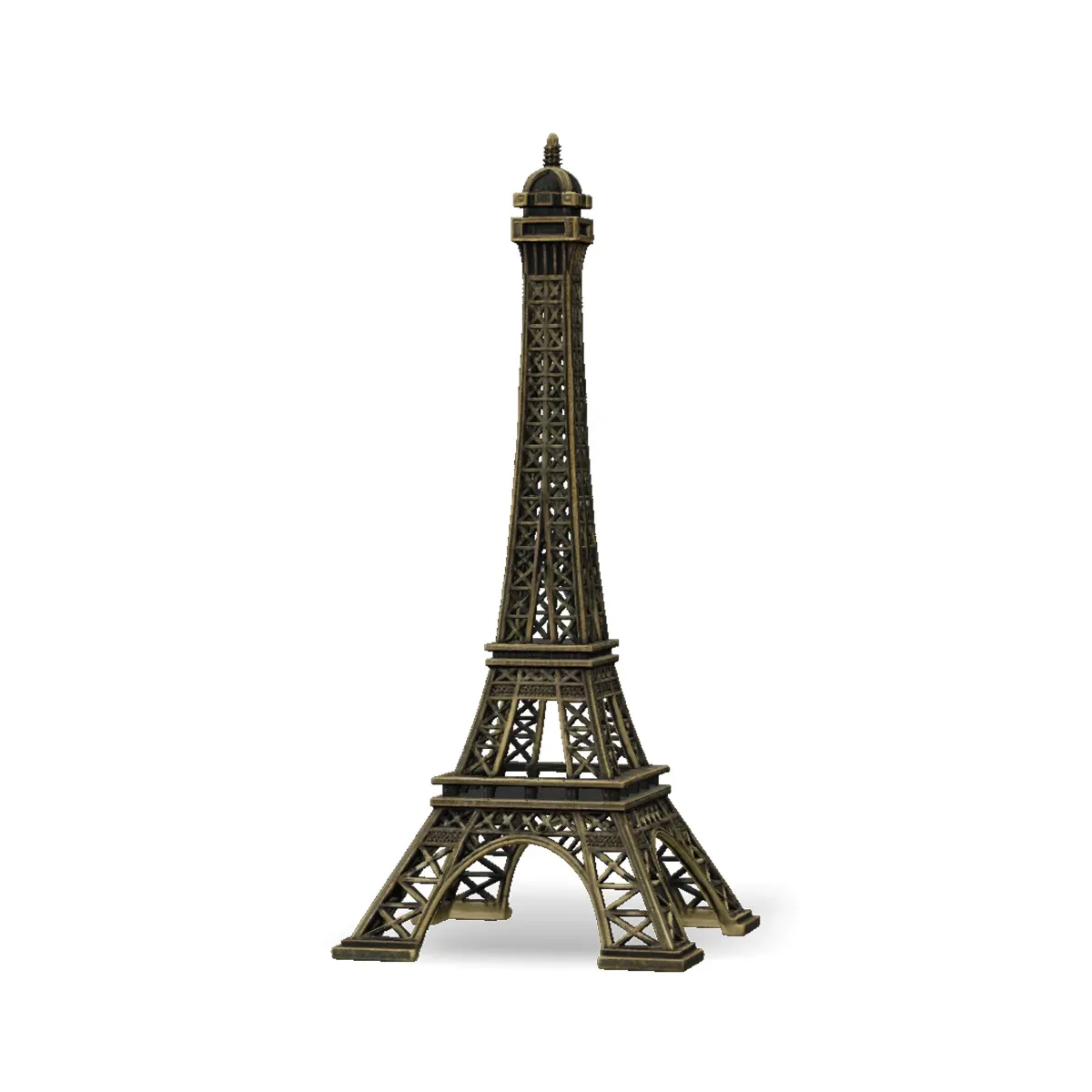
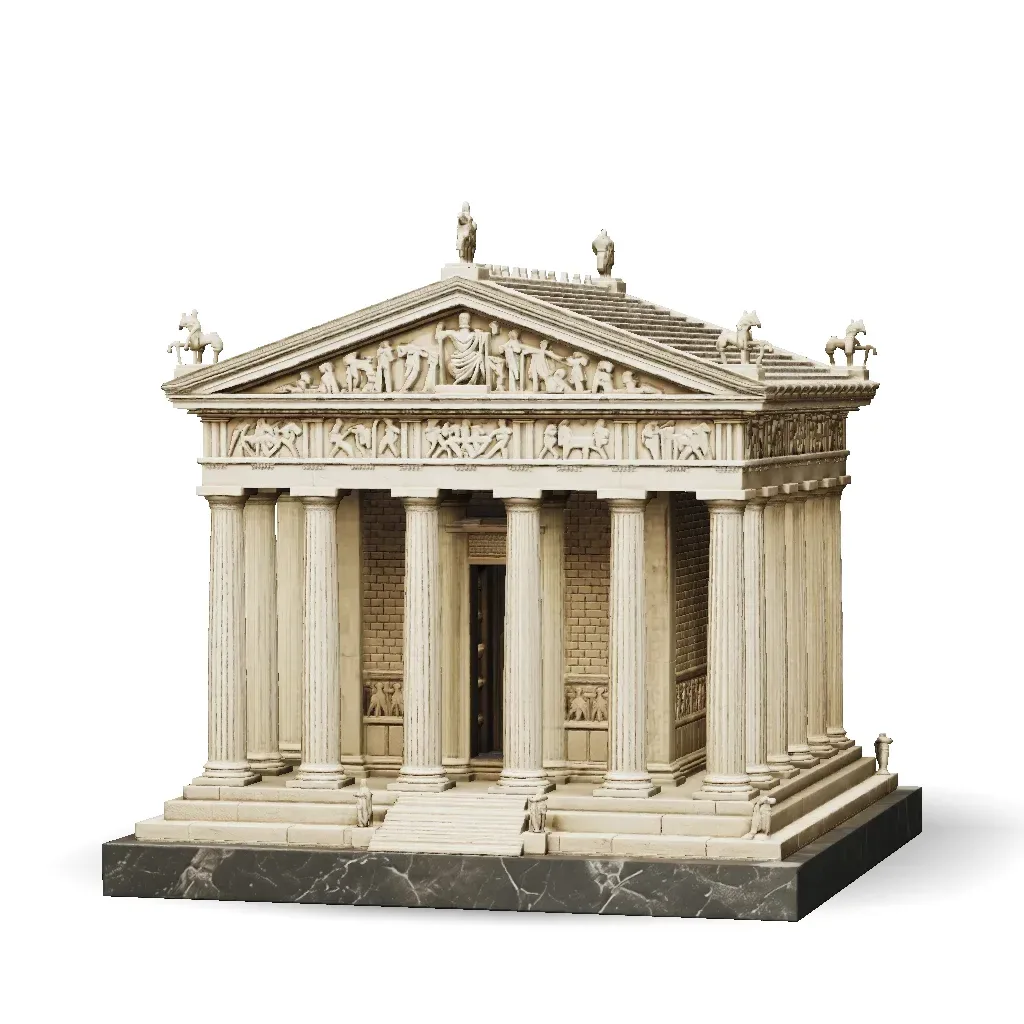
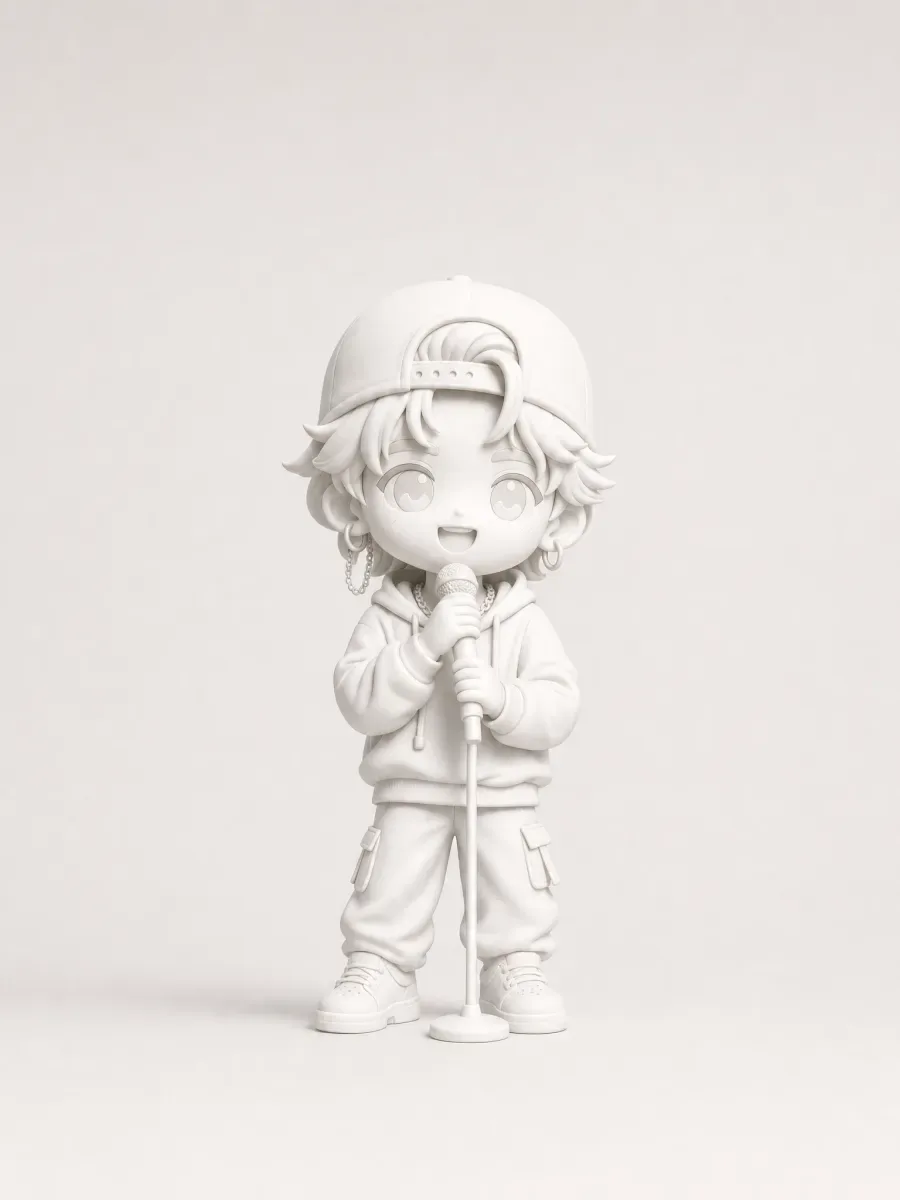
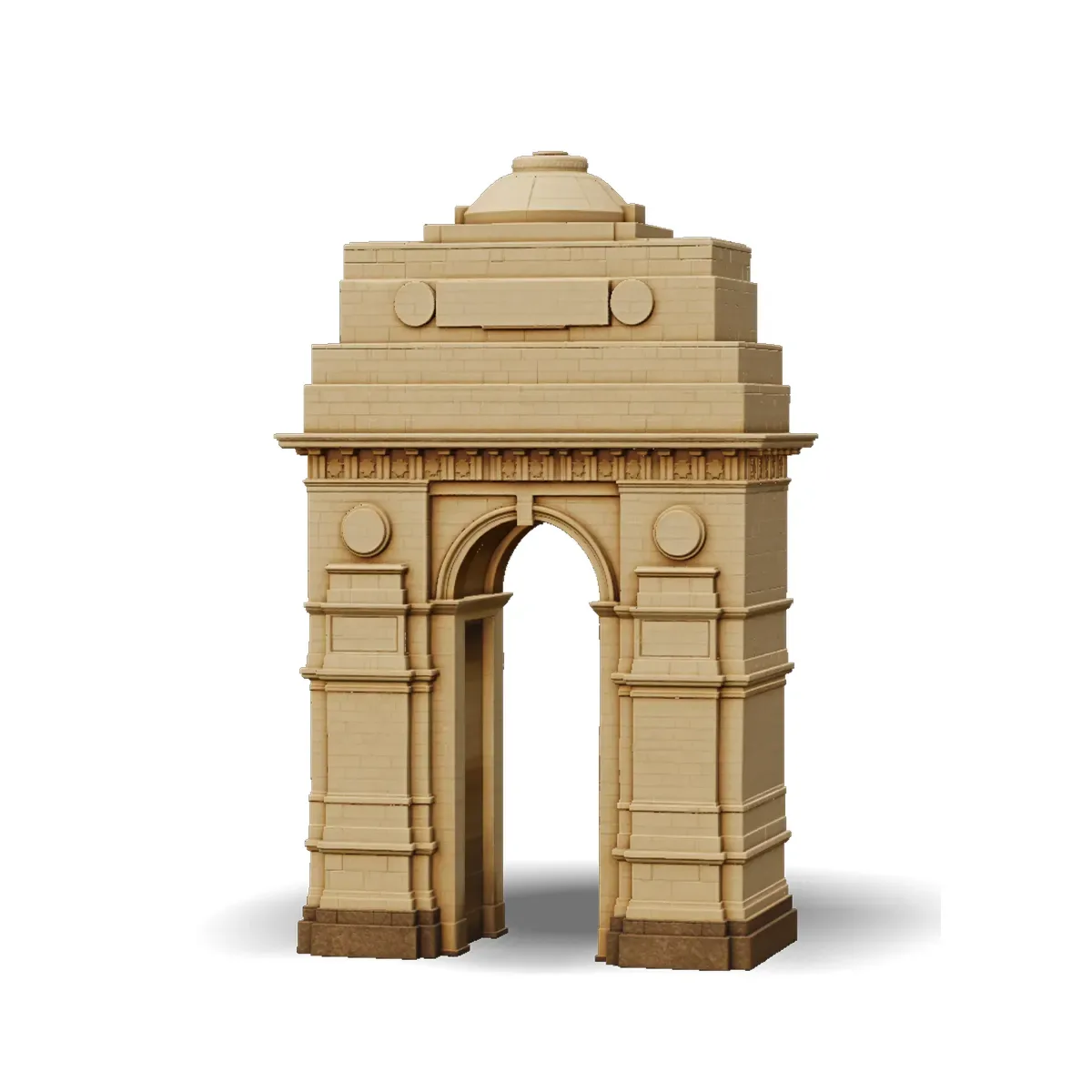
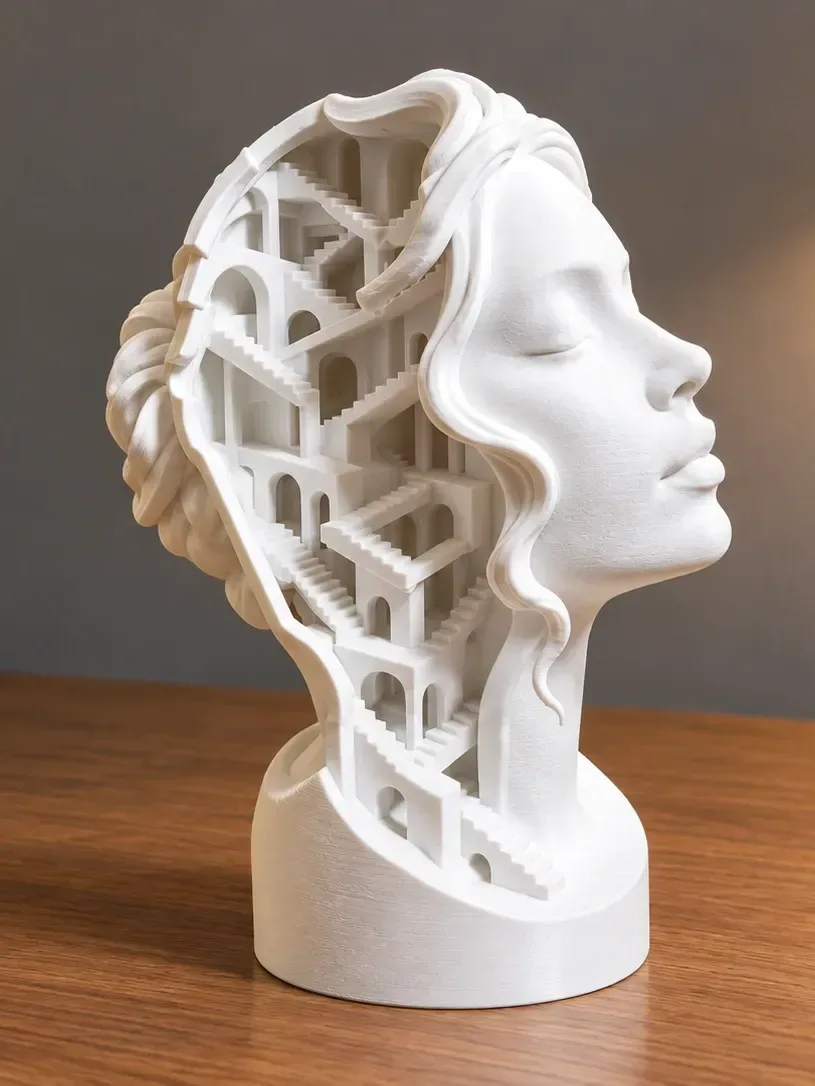
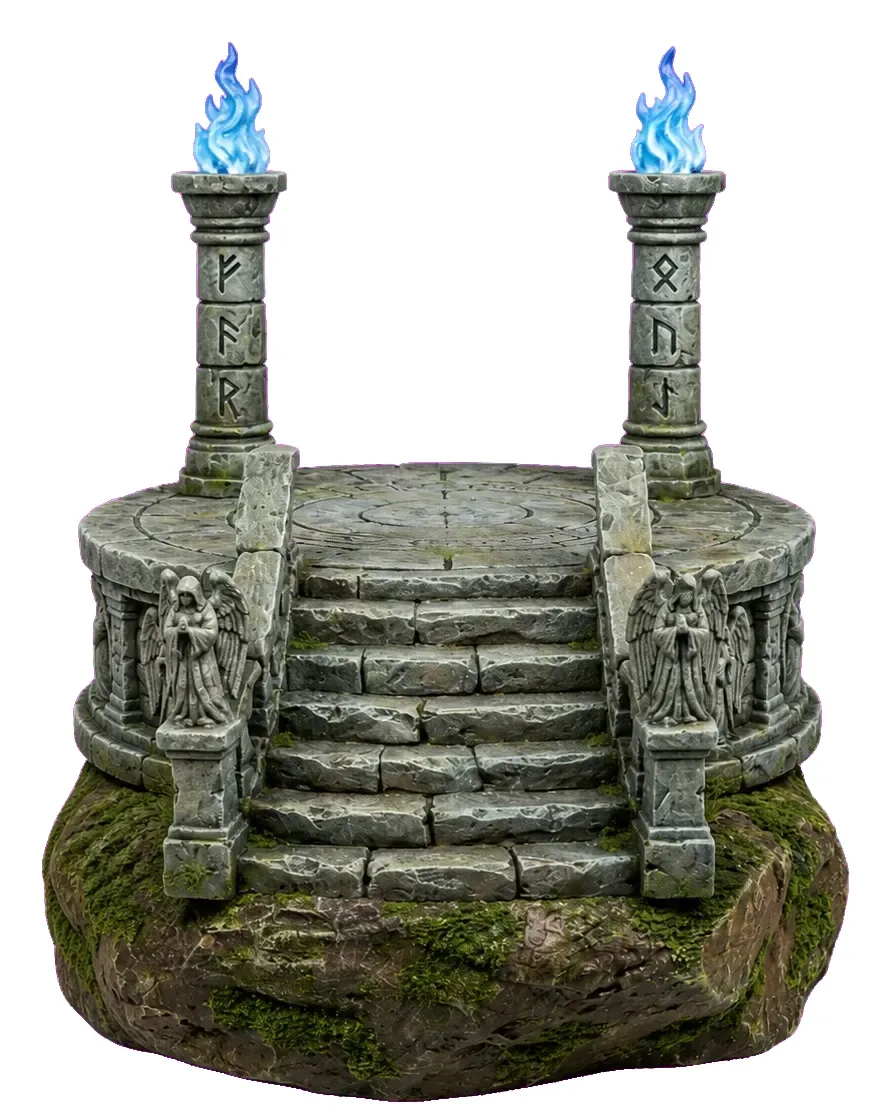
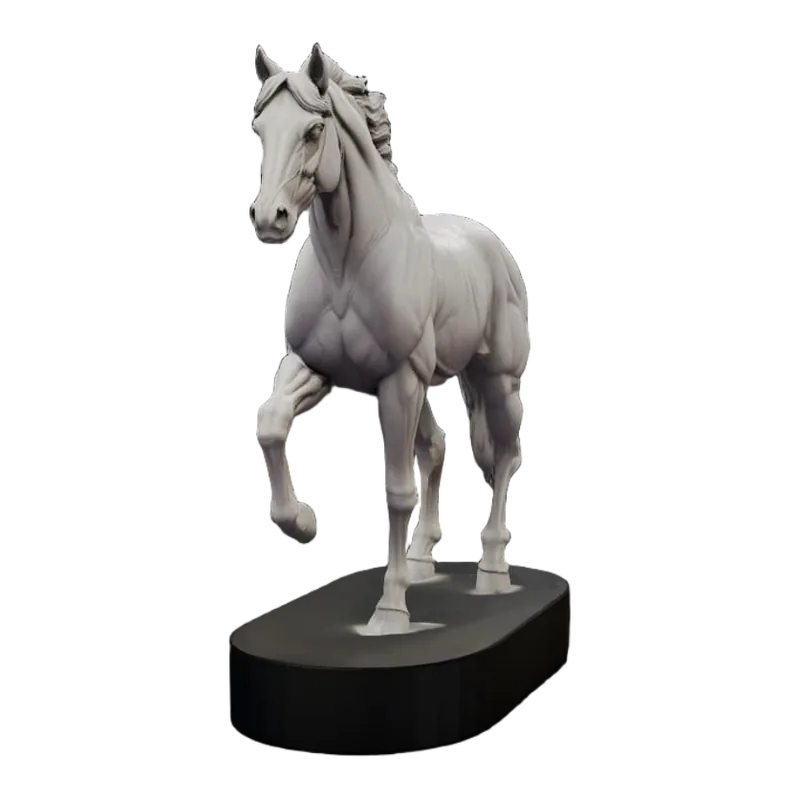
Statues, vases and figures from the reference library — the kind of STL that people put on a product page or in AR.
Small details that save a round trip through Blender.

Slicers are Z-up and glTF is Y-up. The converter rotates the mesh 90° on export so the model stands up in three.js instead of lying on its back.

Both STL flavours are read. ASCII files from older CAD exports often shrink a lot once they are packed as binary GLB.

The panel shows the GLB bounding box in metres, so you know whether a 120 mm print will appear as 120 m in AR before you ship it.

Add a whole set of parts and convert them in one go. Each STL becomes its own GLB with the same base name.

There is no server step. The STL is read, converted and saved inside your browser, so client parts and unreleased designs stay with you.

The same tool writes OBJ and PLY, or a clean binary STL again, if a different app on the other end needs another format.
Common questions about turning print files into web 3D.
View, convert, or make a model from scratch.
Generate a 3D model from a photo with AI, then export it as STL for printing or GLB for the web.